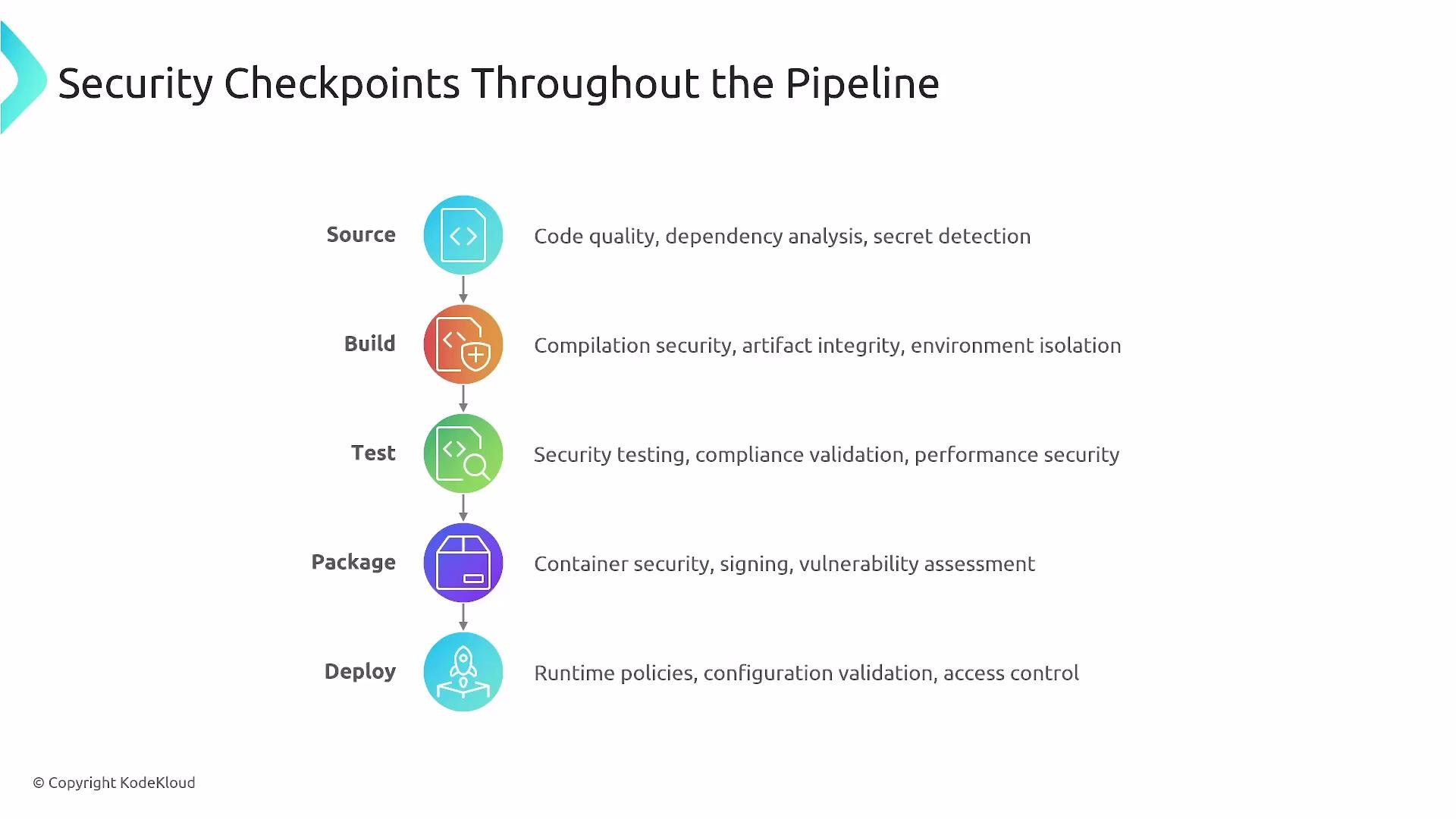
- “Source to package” is Continuous Integration (CI): build, unit tests, static analysis, dependency checks, and artifact creation.
- CI/CD extends to Continuous Delivery/Deployment (CD): repeatable deployments across environments (dev → QA → staging → UAT → pre-prod → prod).
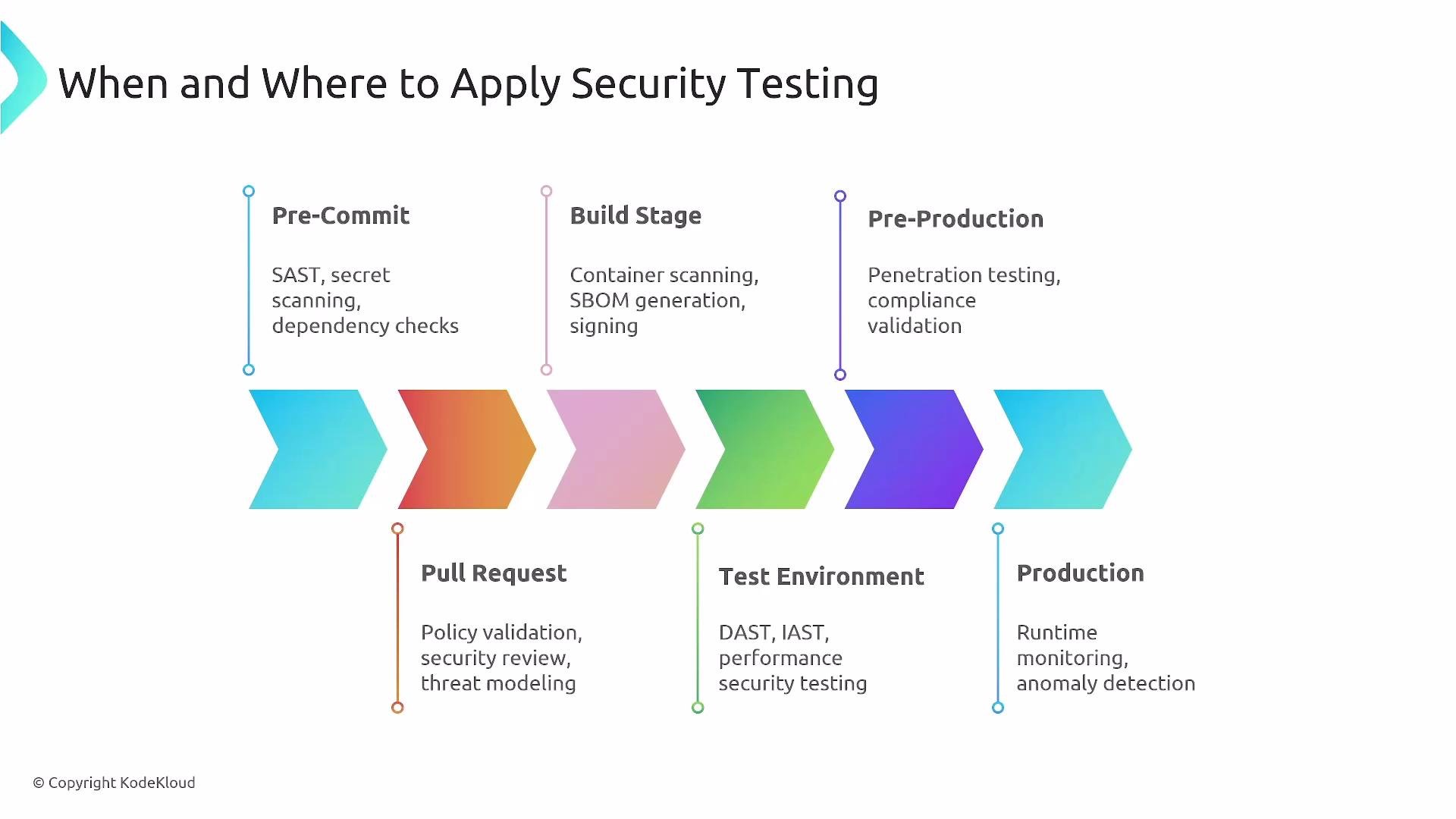
- Apply Static Application Security Testing (SAST) early (source/PR), and Dynamic Application Security Testing (DAST) against running services in test/staging. Treat security as a first-class concern so decisions are consistent across teams and environments.
SAST (Static Application Security Testing)
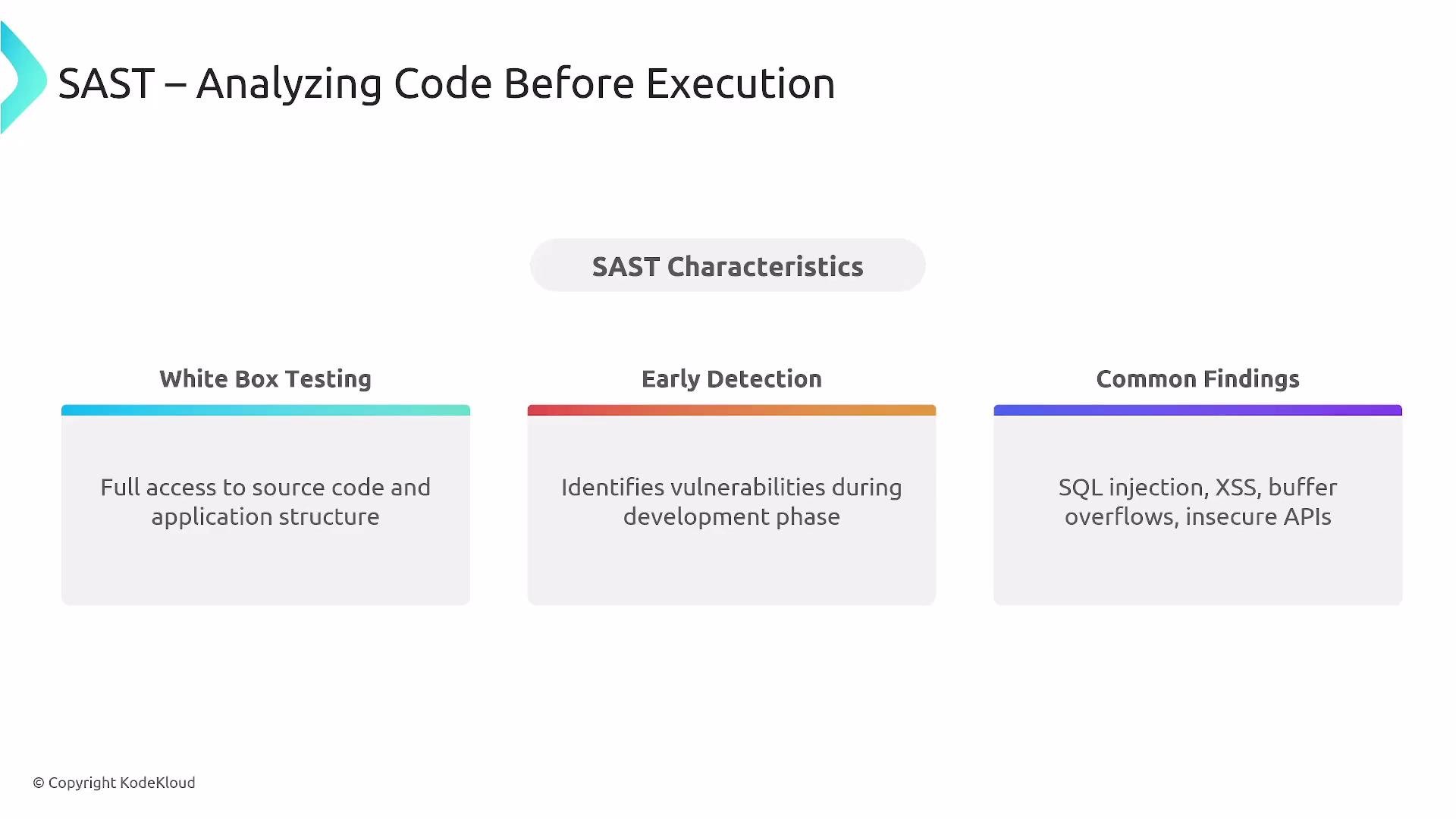
SAST inspects source code or compiled artifacts without executing them (white-box analysis). It helps detect coding issues like SQL injection patterns, cross-site scripting, insecure API usage, buffer overflows, and other code-level defects.- Run SAST on every commit and pull request to give developers immediate feedback and prevent long review cycles.
- Integrate SAST into pre-commit hooks or PR CI pipelines so developers receive fast, actionable findings.
- Typical tools: SonarQube, Checkmarx, Veracode, GitHub CodeQL, Quality Checker.
Run SAST as part of pre-commit or pull-request CI checks so findings are surfaced early and cheaply.
DAST (Dynamic Application Security Testing)
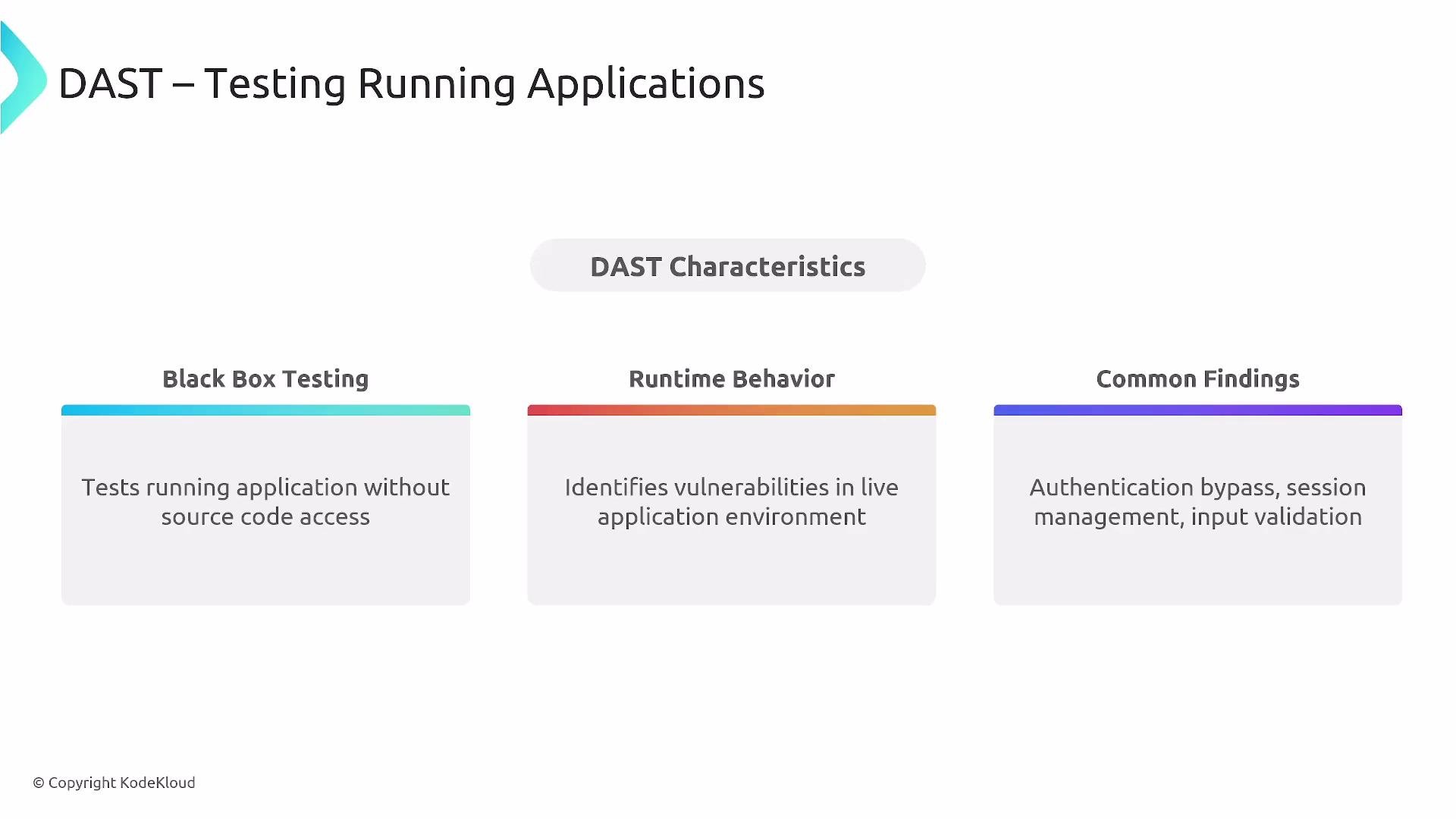
DAST treats the application like an external attacker would: it performs black-box testing against the running system to uncover authentication bypasses, session-management issues, input validation problems, and more.- Execute DAST in environments that replicate production (QA or staging) after deployment.
- Use DAST to validate runtime behaviors and to find issues SAST cannot see (e.g., runtime misconfiguration).
- Common tools: OWASP ZAP, Burp Suite, Rapid7, Acunetix.
IAST (Interactive Application Security Testing)
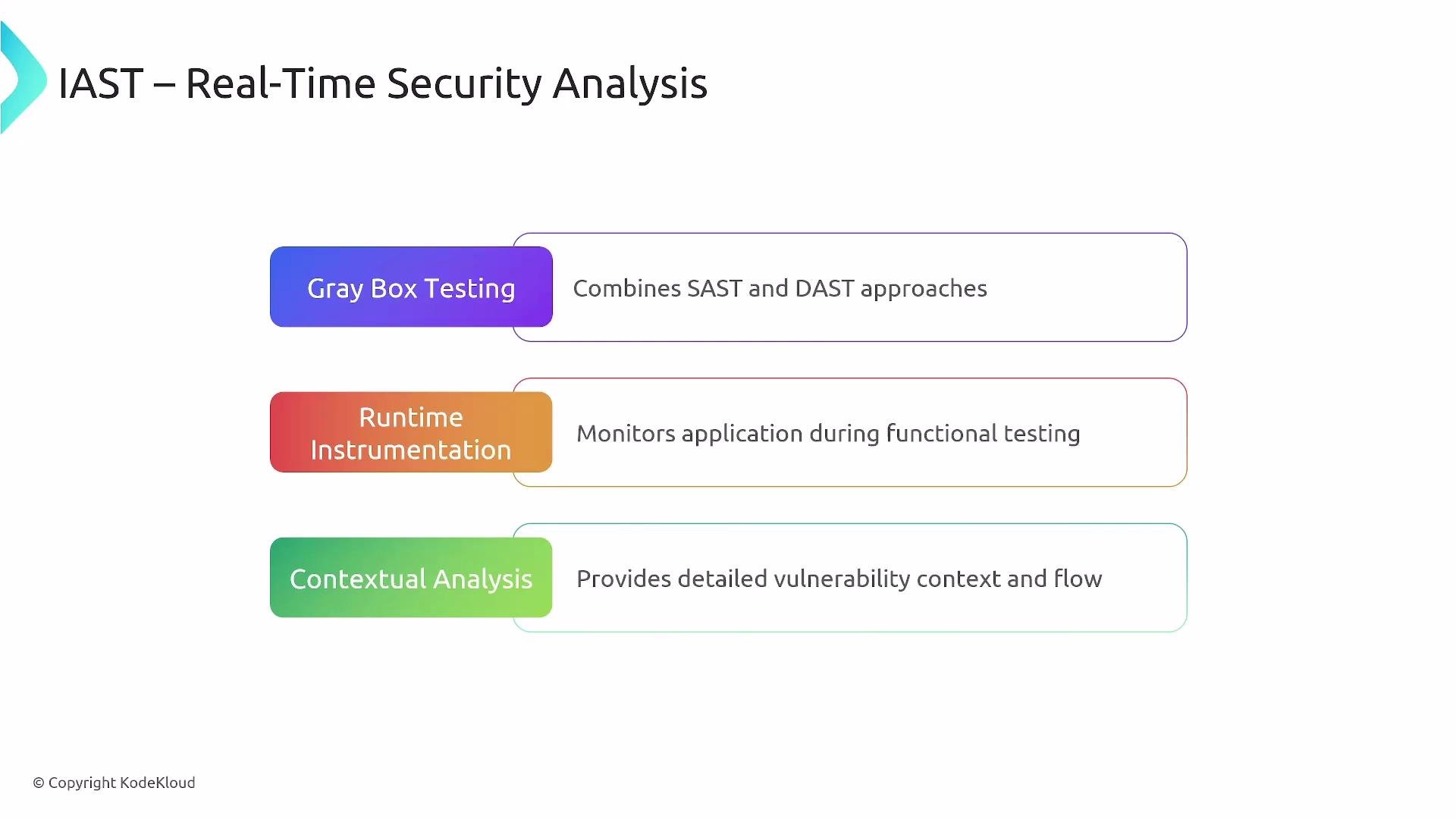
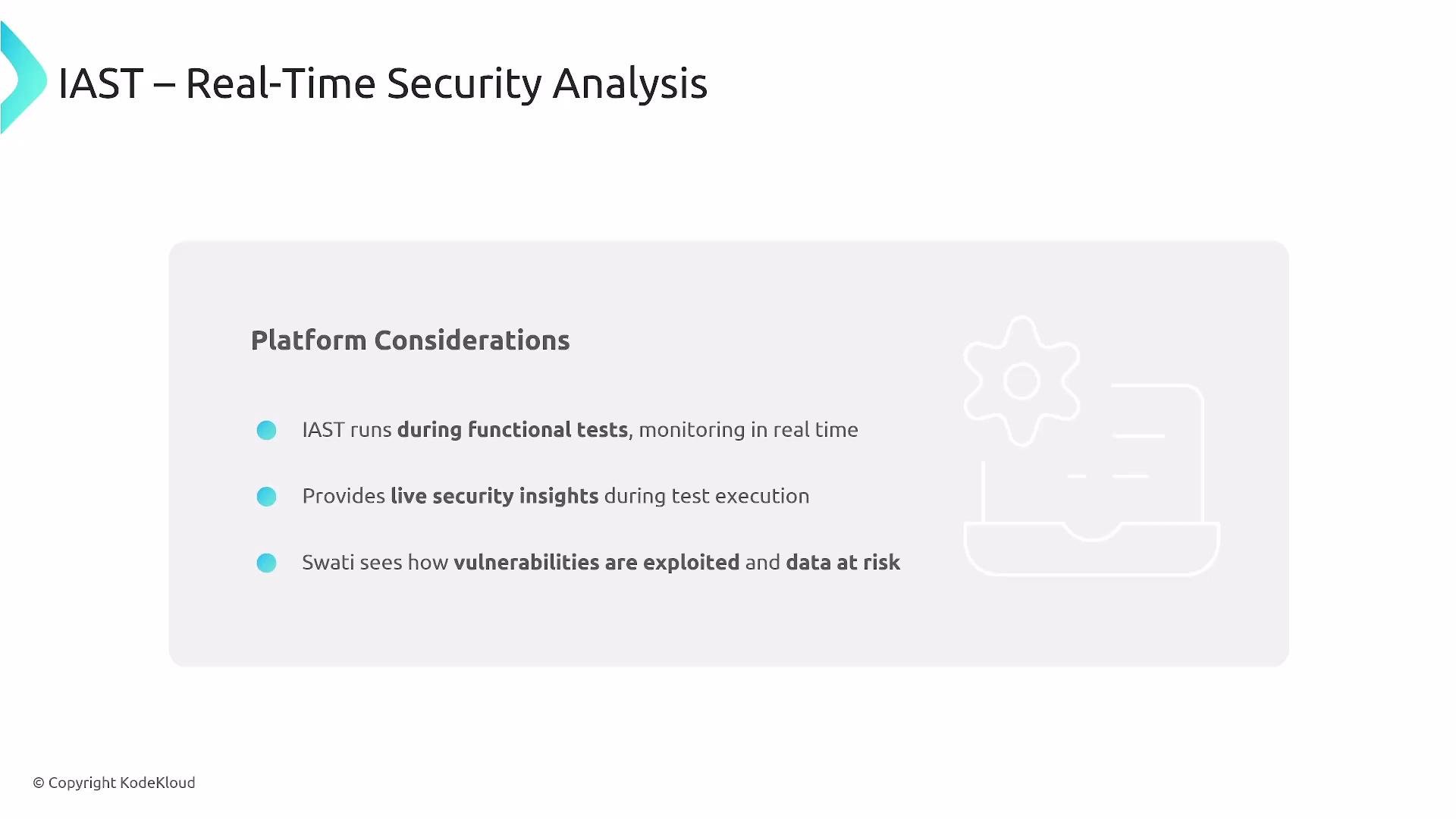
IAST combines SAST and DAST by instrumenting the application during functional tests to provide runtime context tied to source code—an effective gray-box approach.- IAST helps pinpoint root causes and data flows that neither SAST nor DAST alone always reveal.
- Adopt IAST when you already have SAST and DAST and want richer, contextual runtime analysis.
- Examples: Contrast Security, Seeker (Synopsys), and IAST-capable products from major SAST vendors.
Overview: Testing Types & Tooling
Use the right mix of techniques across the pipeline to achieve coverage and reduce blind spots.Example CI snippets
- Basic GitHub Actions step for running Trivy container scan:
- GitHub CodeQL analysis step:
Performance and Load-related Security
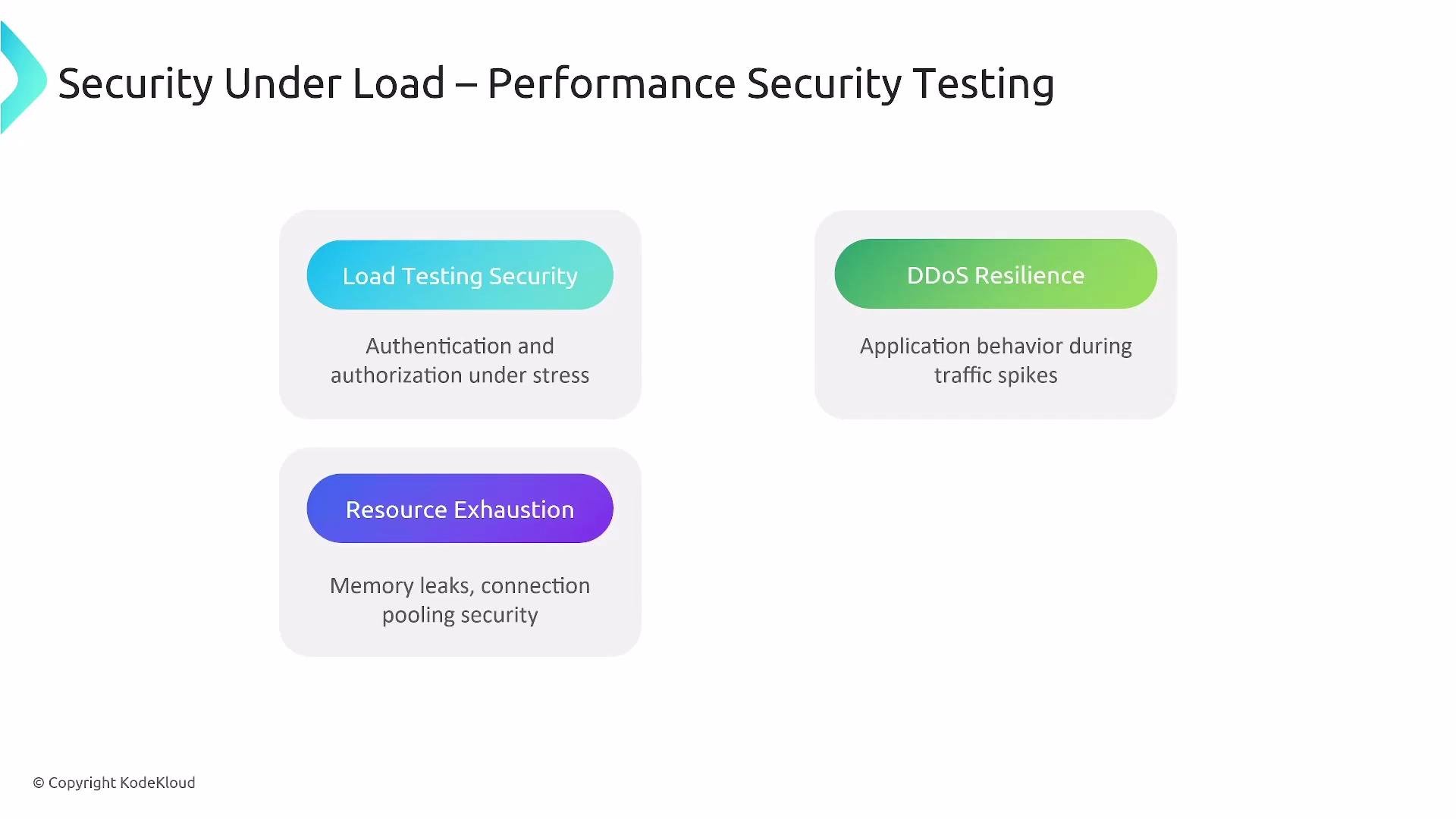
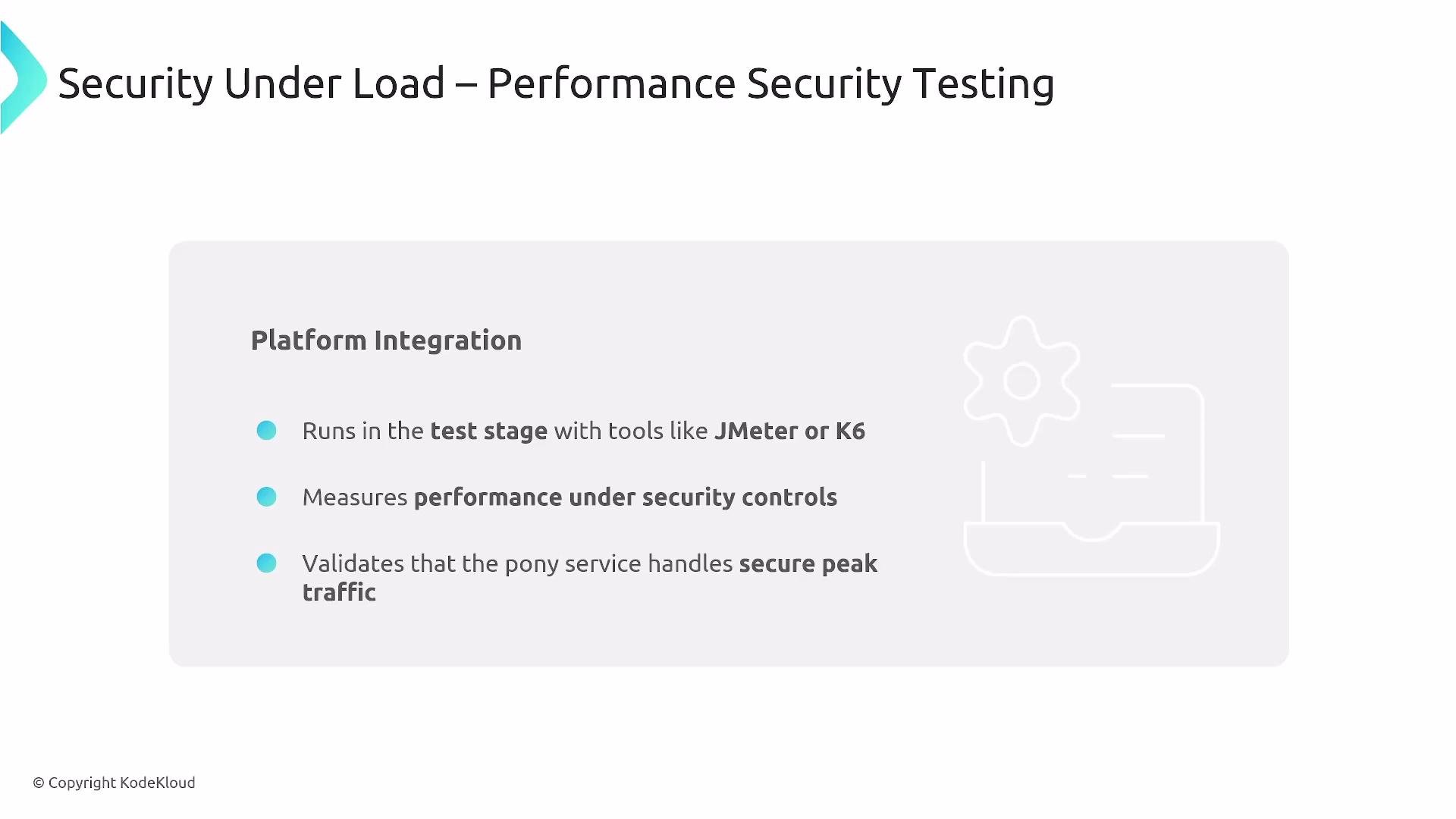
Systems can fail under load—this is where DoS and resource-exhaustion vulnerabilities manifest.- Validate API throttling, rate limiting, and metering.
- Use load testing tools (JMeter, k6) to confirm resilience, detect failure modes, and evaluate mitigation strategies (e.g., autoscaling, throttles).
Third-Party Component Analysis and SBOM
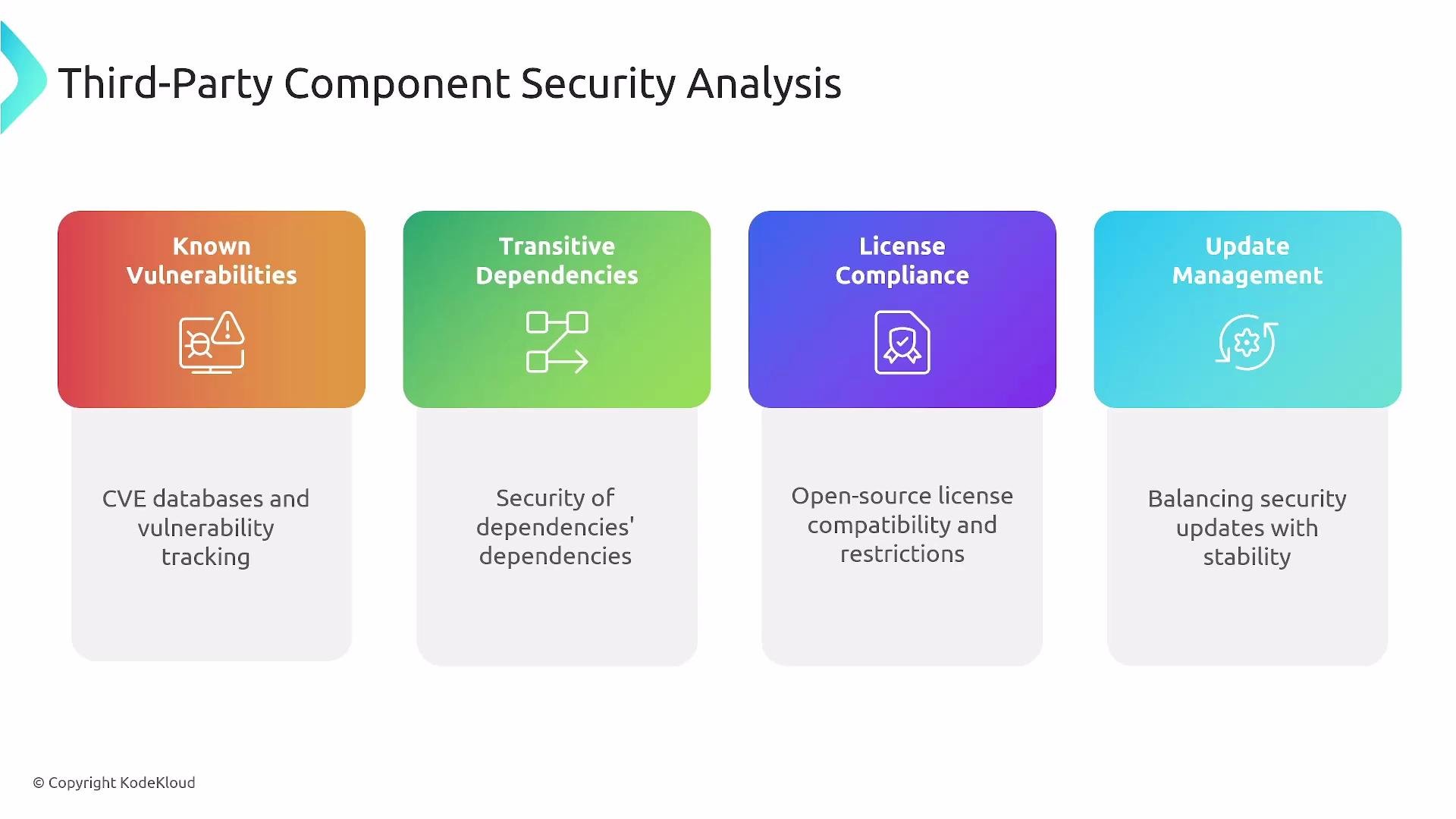
Third-party dependencies are a major source of risk.- Scan direct and transitive dependencies for CVEs and license issues.
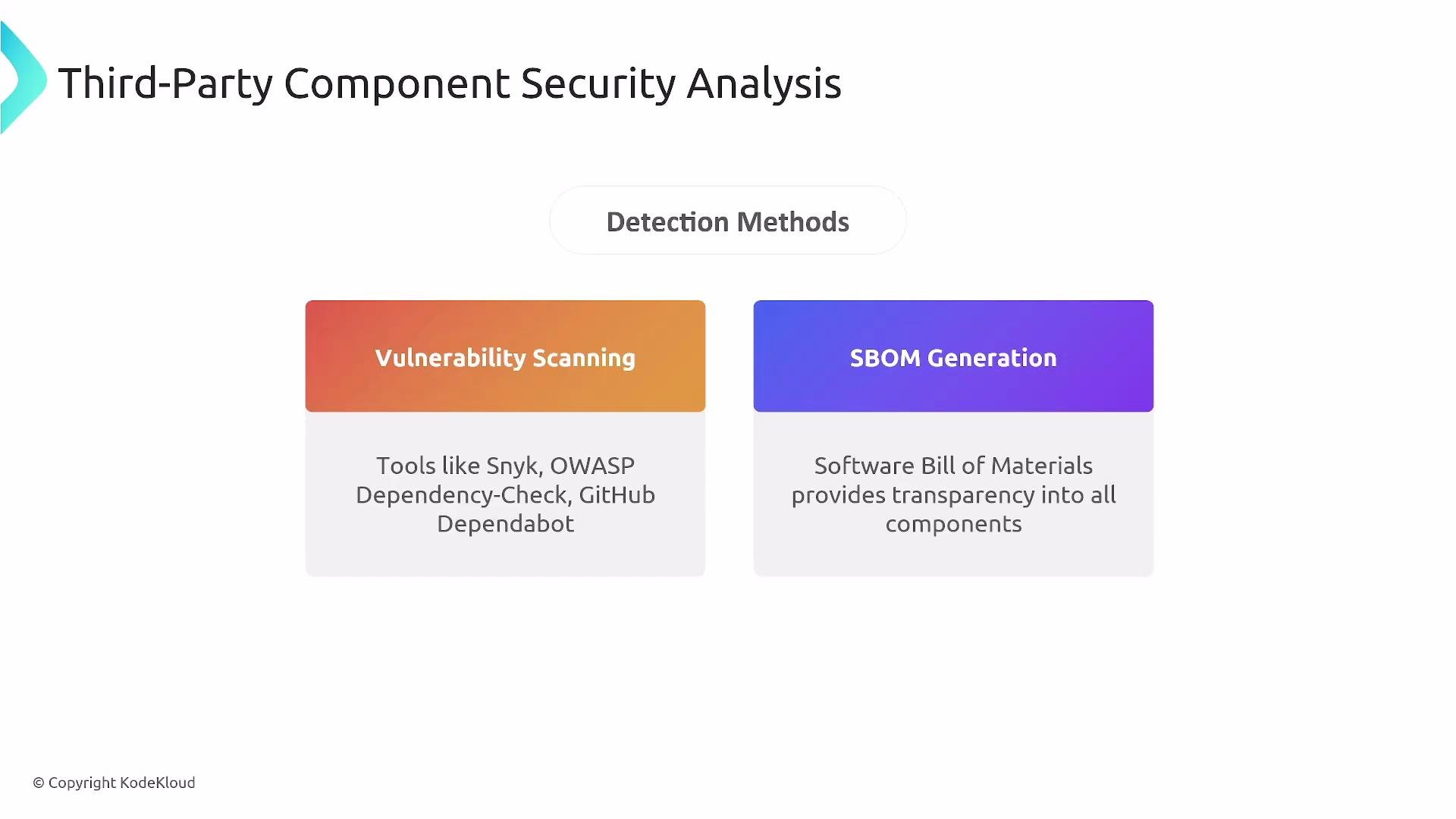
- Produce a Software Bill of Materials (SBOM) to catalog components in each build—useful for rapid remediation and compliance.
- Tools: Snyk, OWASP Dependency-Check, GitHub Dependabot, and SBOM generators.
Container and Artifact Security
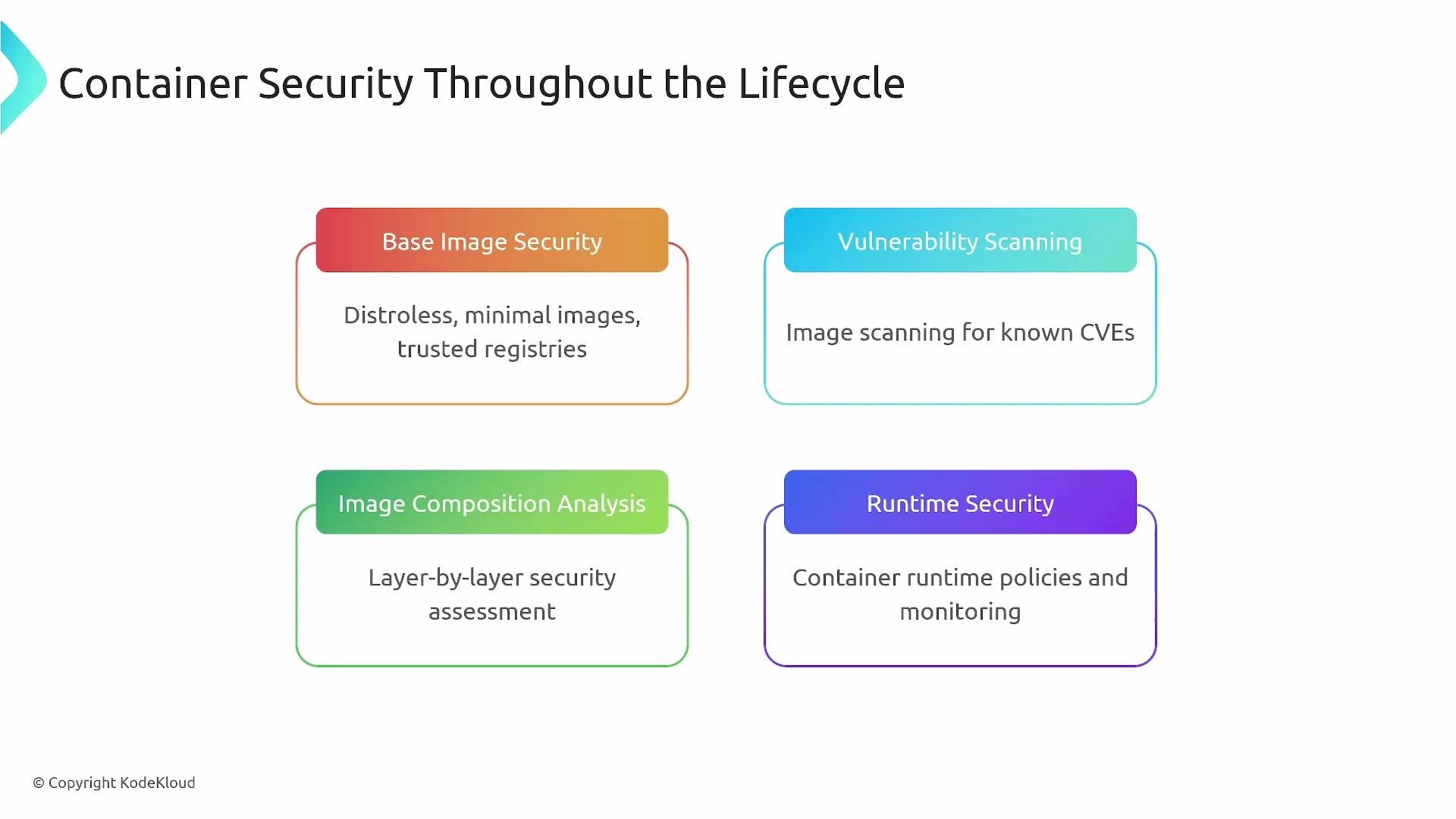
Protect images and artifacts from build-time through runtime.- Use minimal base images (e.g., distroless) to reduce attack surface.
- Scan images for CVEs and analyze layer composition.
- Enforce runtime security and policy (admission controllers, OPA/Gatekeeper, Kyverno).
- Runtime monitoring solutions (e.g., StackRox/Red Hat) detect suspicious behavior and policy violations.
Secrets Management (Do not embed secrets)
- Never embed secrets in source code or bake them into images. Kubernetes Secrets are base64-encoded, not encrypted by default—use a dedicated secrets manager.
- Prefer short-lived credentials, certificate-based auth, and automated rotation. Inject secrets at runtime and enforce least privilege.
Do not store secrets in source, container images, or plaintext configuration. Use managed secret stores (HashiCorp Vault, AWS Secrets Manager, Azure Key Vault) and rotate credentials automatically.
Supply-Chain Security and Attestations
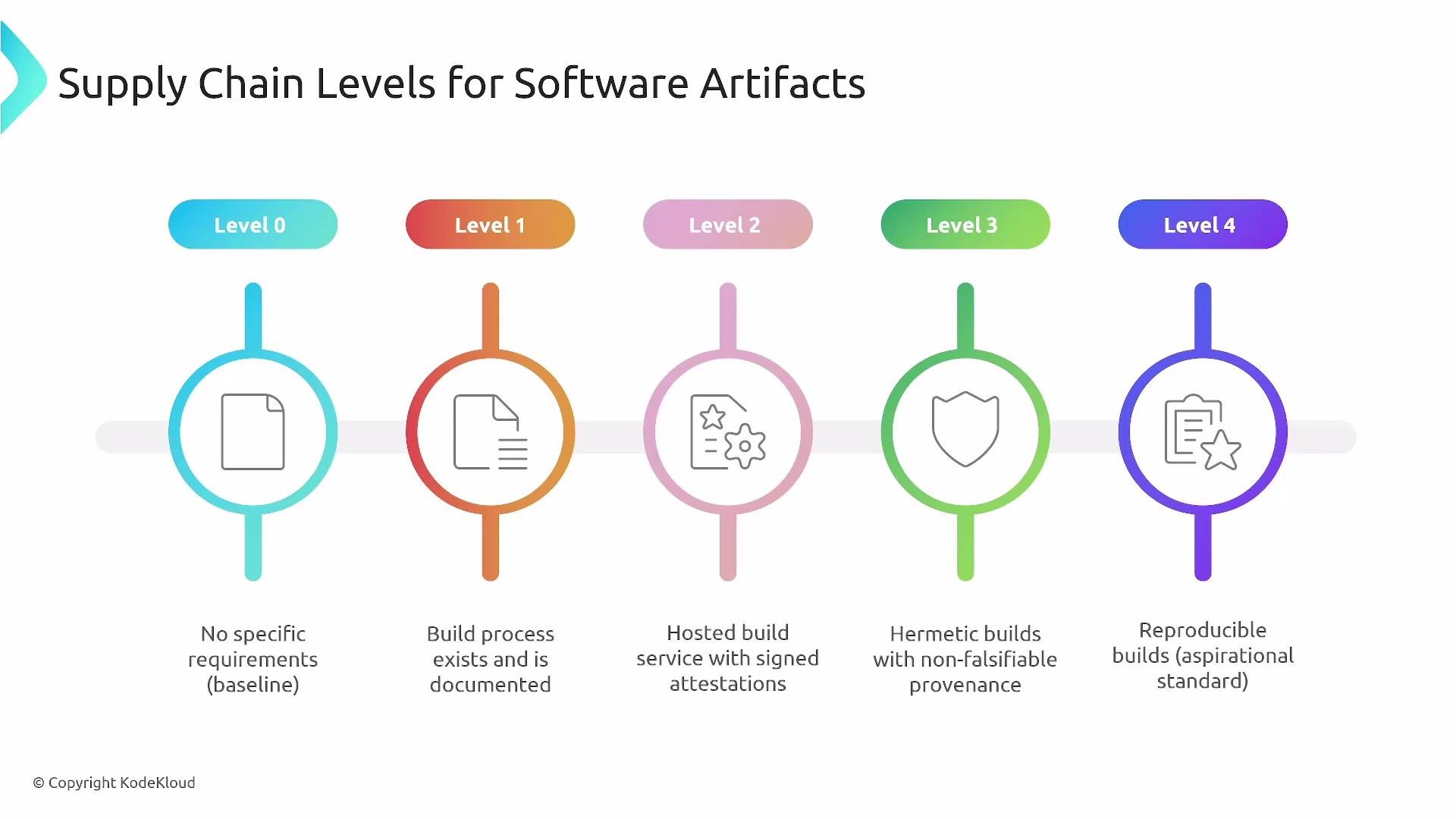
- Use SLSA (Supply-chain Levels for Software Artifacts) to measure and improve build integrity.
- Aim for reproducible builds, signed artifacts, and signed attestations where practical; SLSA Level 2 is a practical starting point.
- Maintain transparency logs and validate signatures at deploy time to block tampered artifacts.
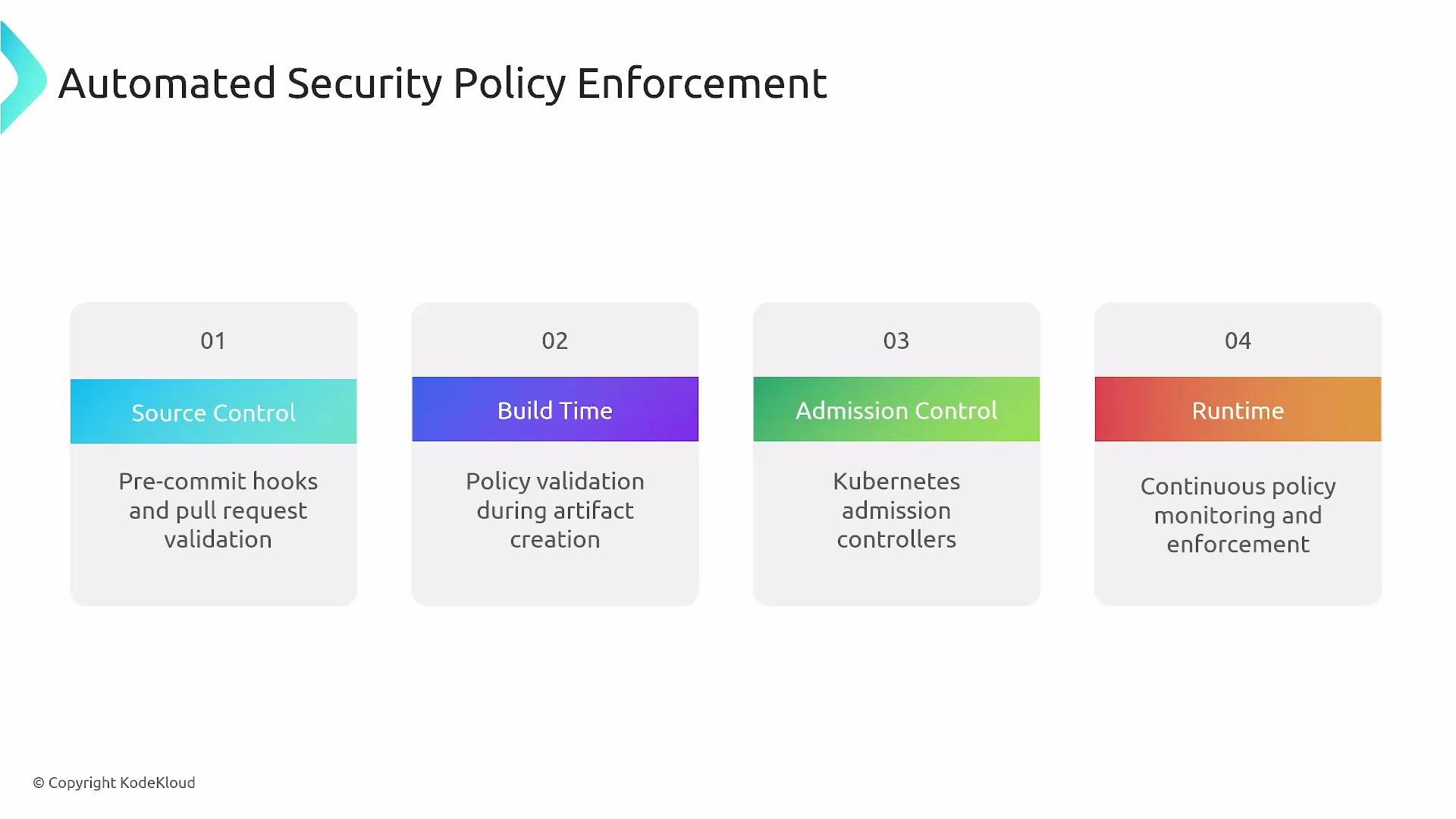
Automated Policy Enforcement
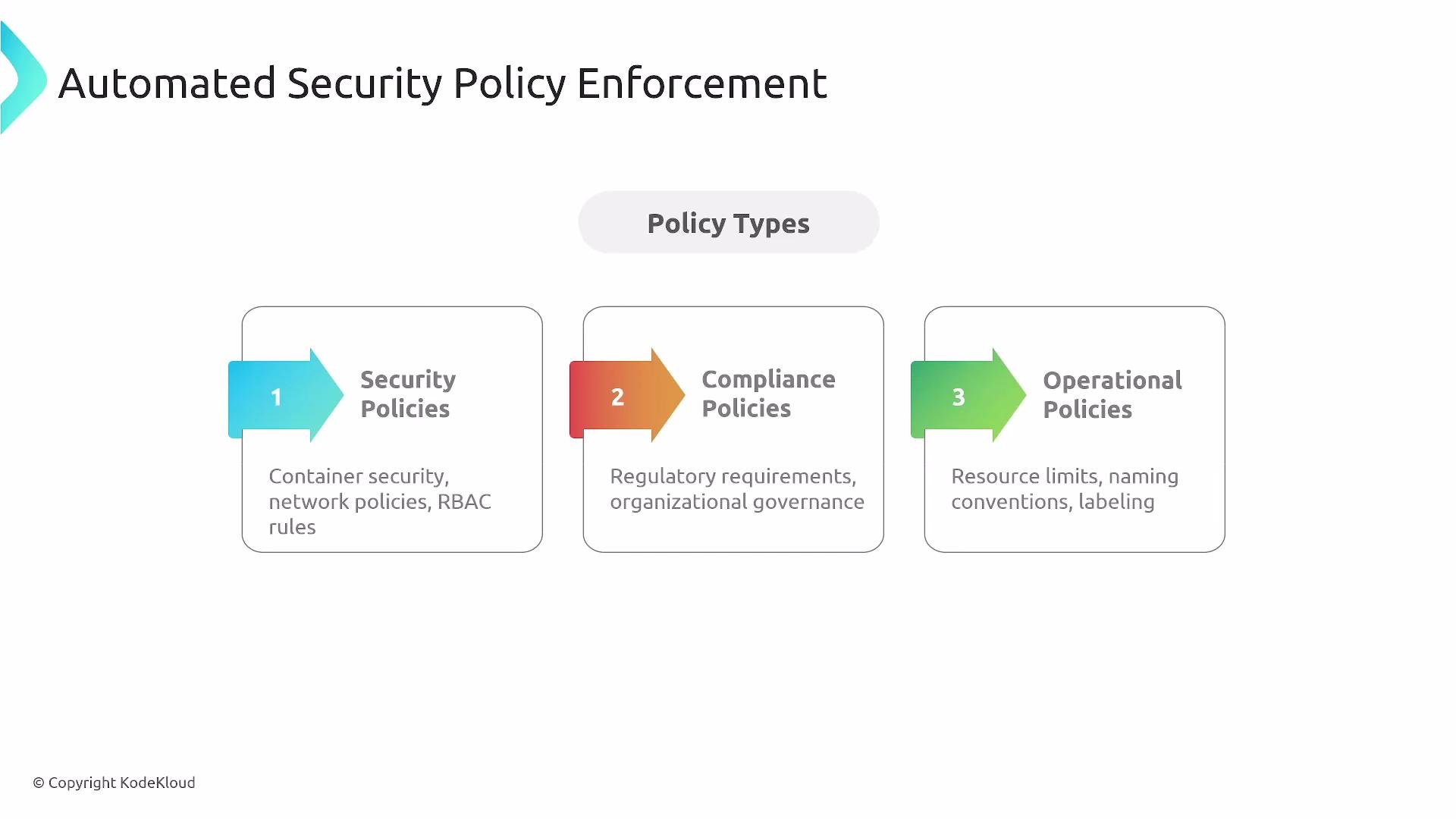
Automate security checks across the pipeline with policy-as-code.- Enforce checks at source control (pre-commit, PR validation), build-time scans, deployment admission, and runtime monitoring.
- Tools like OPA/Rego, Gatekeeper, and Kyverno enable declarative policy enforcement.
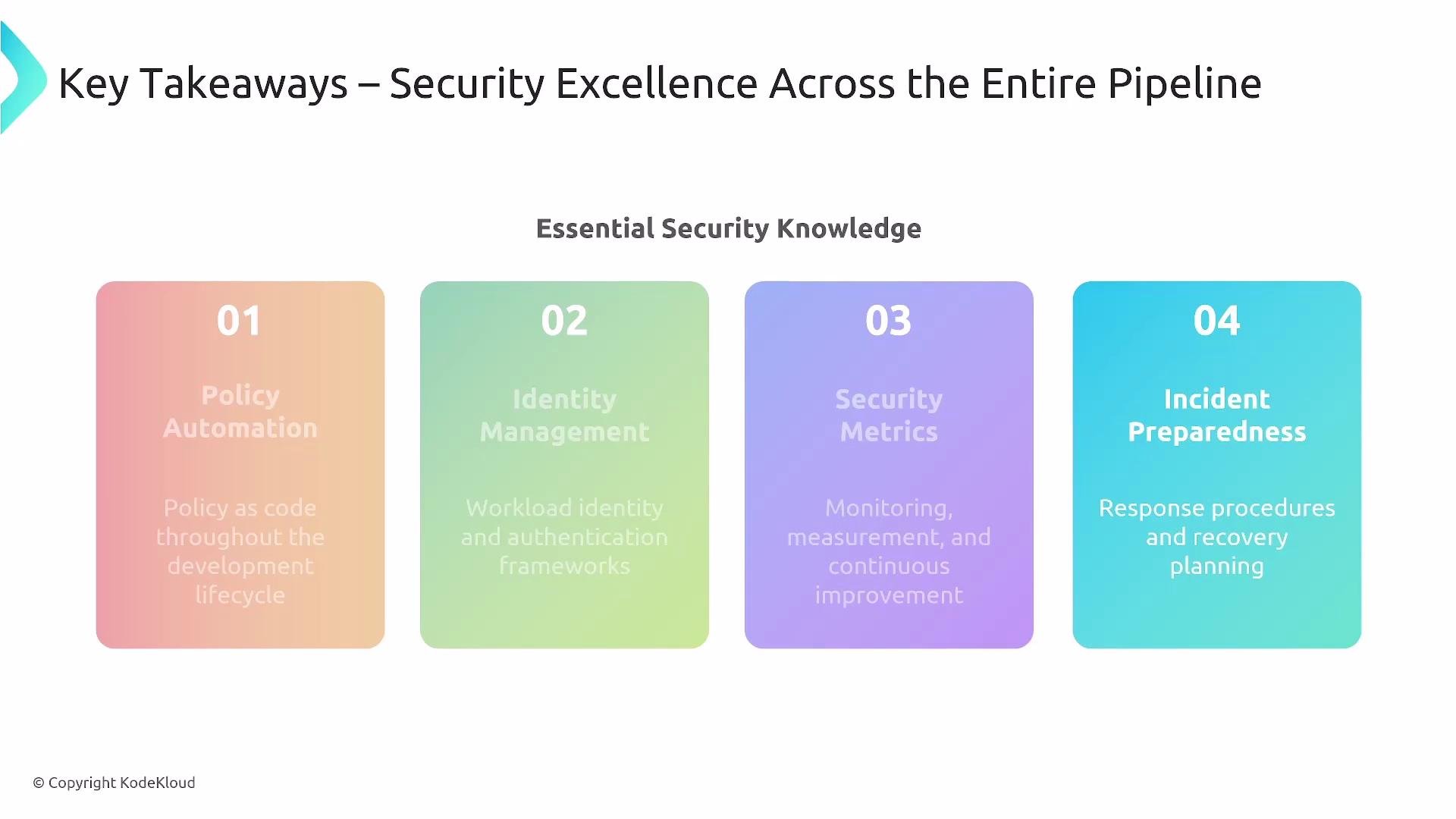
- Mutual TLS between services and strong service identity.
- Fine-grained authorization and workload identity.
- Automated provisioning, rotation, and revocation of tokens and certificates.
Monitoring, Metrics, and Incident Response
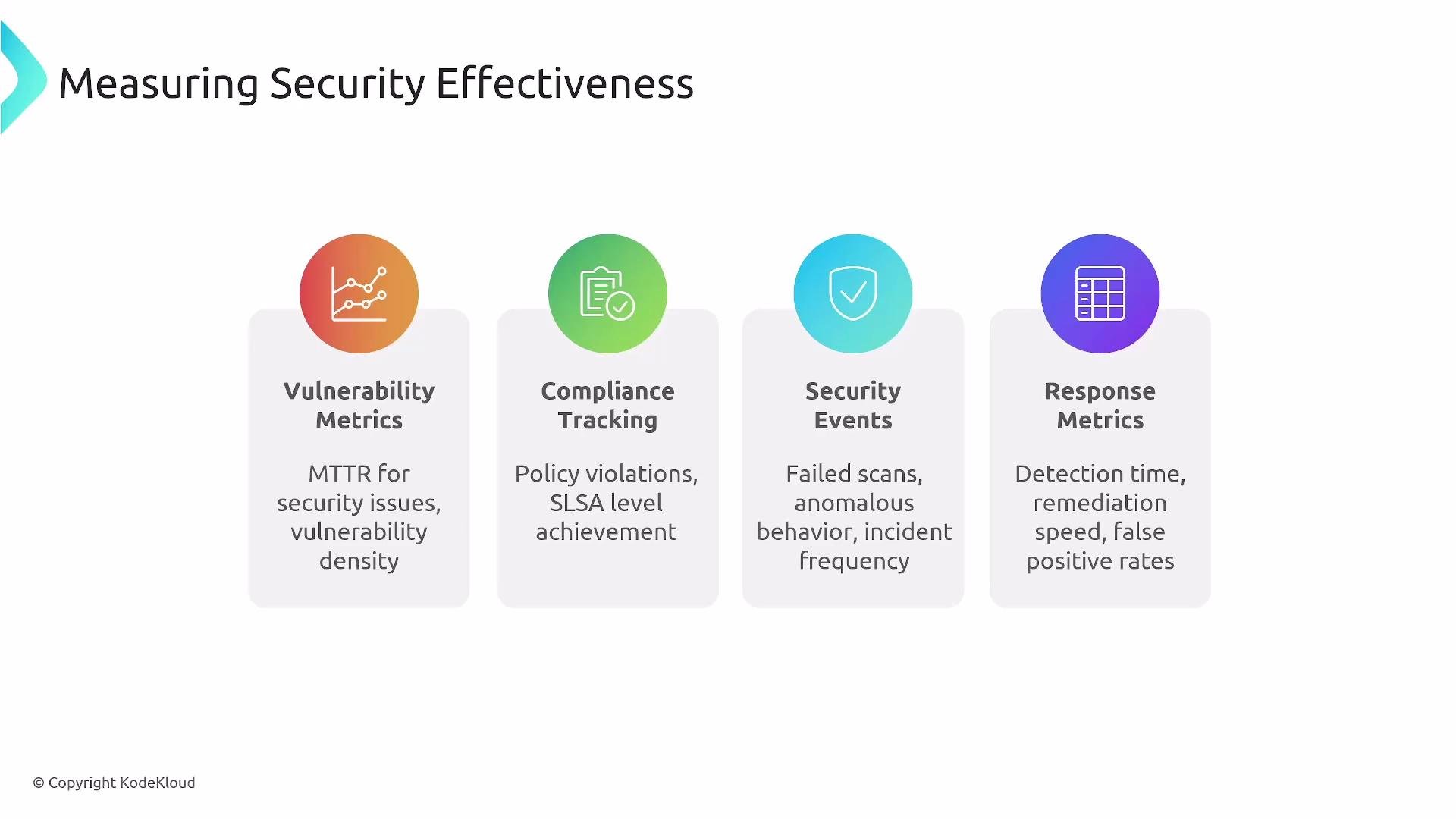
Measure security effectiveness and prepare response automation.- Key metrics: Mean Time To Detect (MTTD), Mean Time To Recover (MTTR), policy violations, false-positive rates, and scan failures.
- Build dashboards, alerts, and runbooks—don’t invent response procedures during an incident. Pre-authorized automation reduces decision friction.
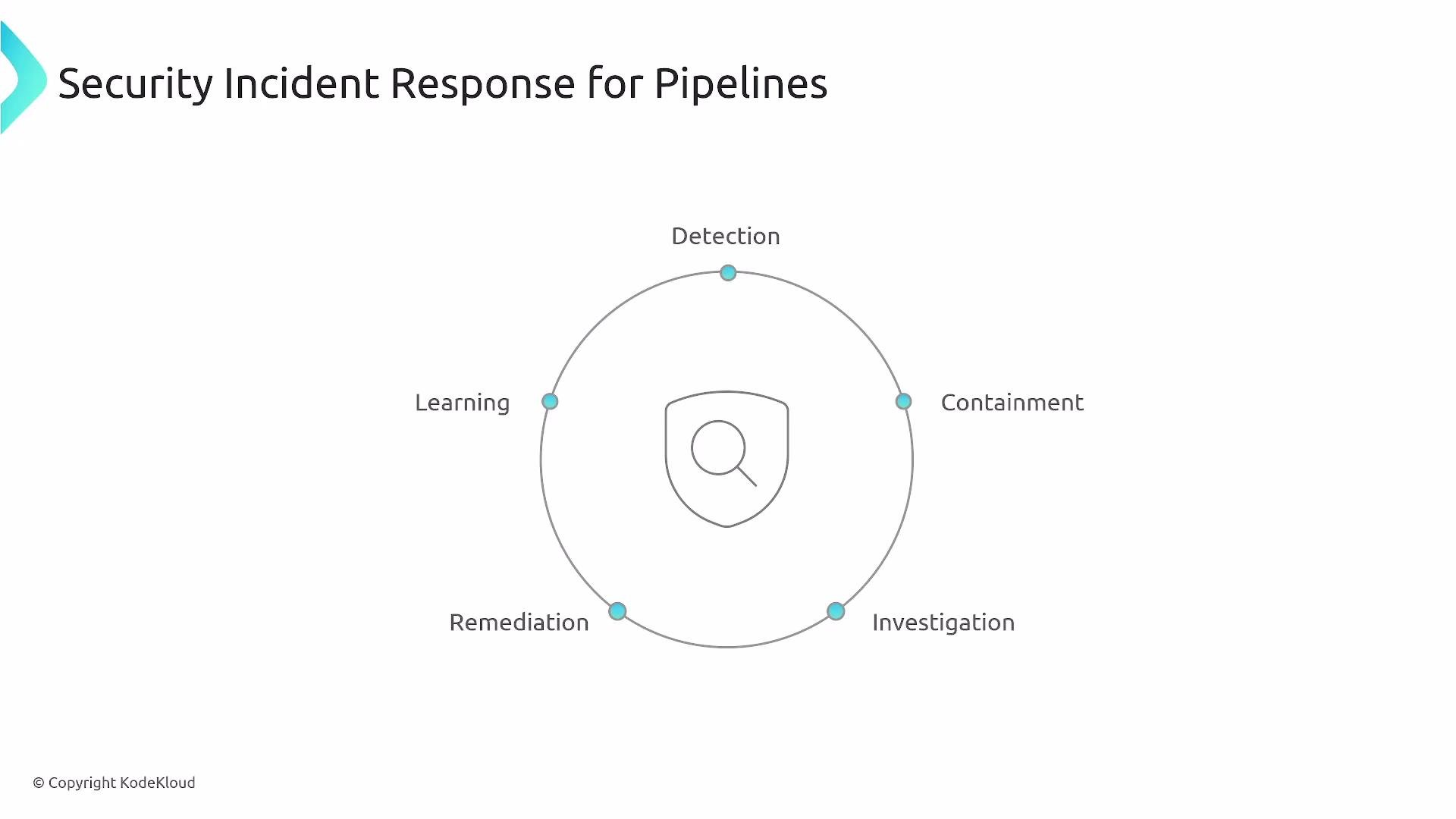
- Incident cycle for pipelines: Detection → Containment → Investigation → Remediation → Learning → Tune detection.
Choosing Security Tools and Platform Strategy
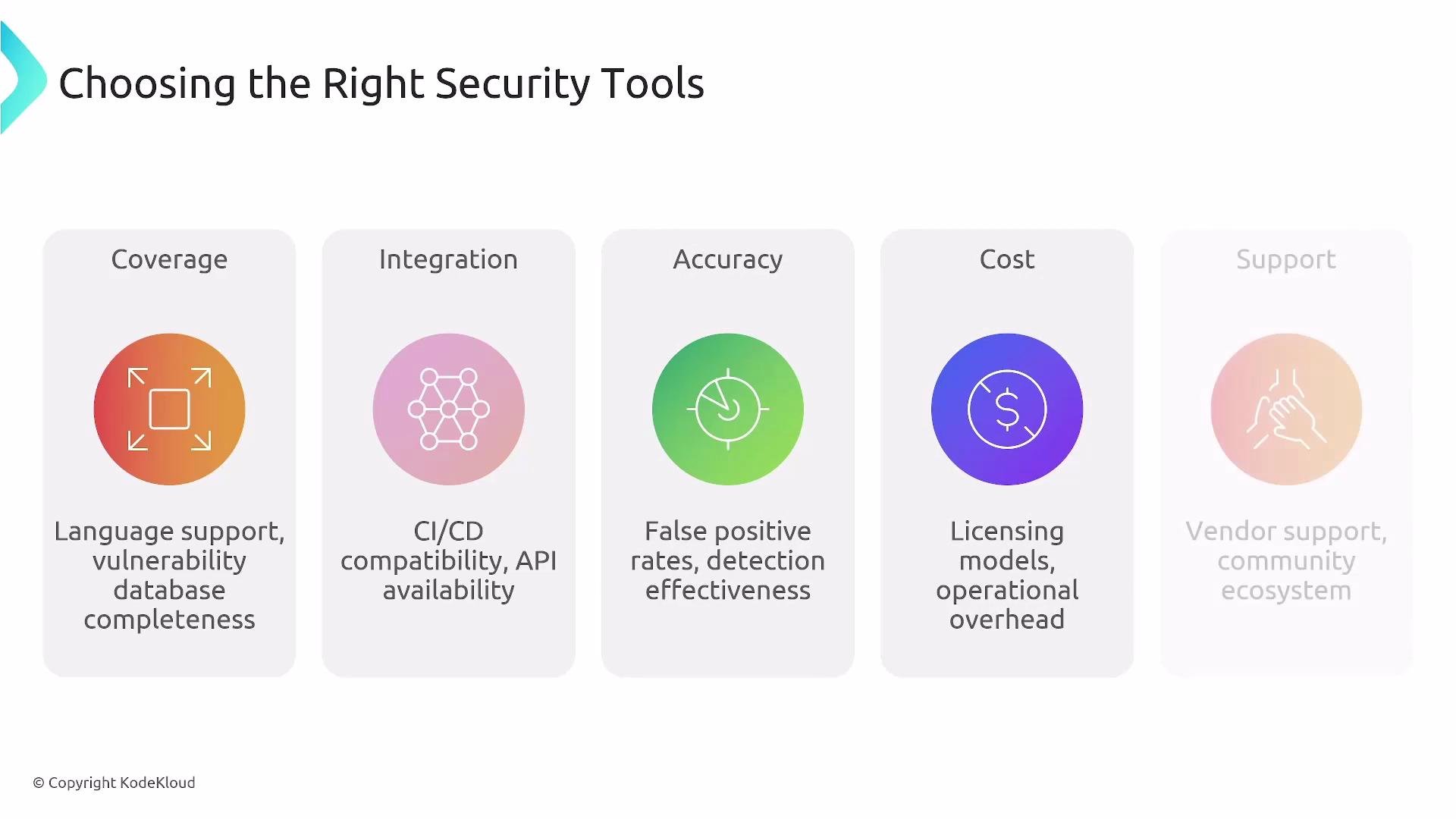
Evaluate tooling and define an organizational strategy for platform security.- Evaluate coverage, CI/CD integration, accuracy (false positives/negatives), cost, and vendor/community support.
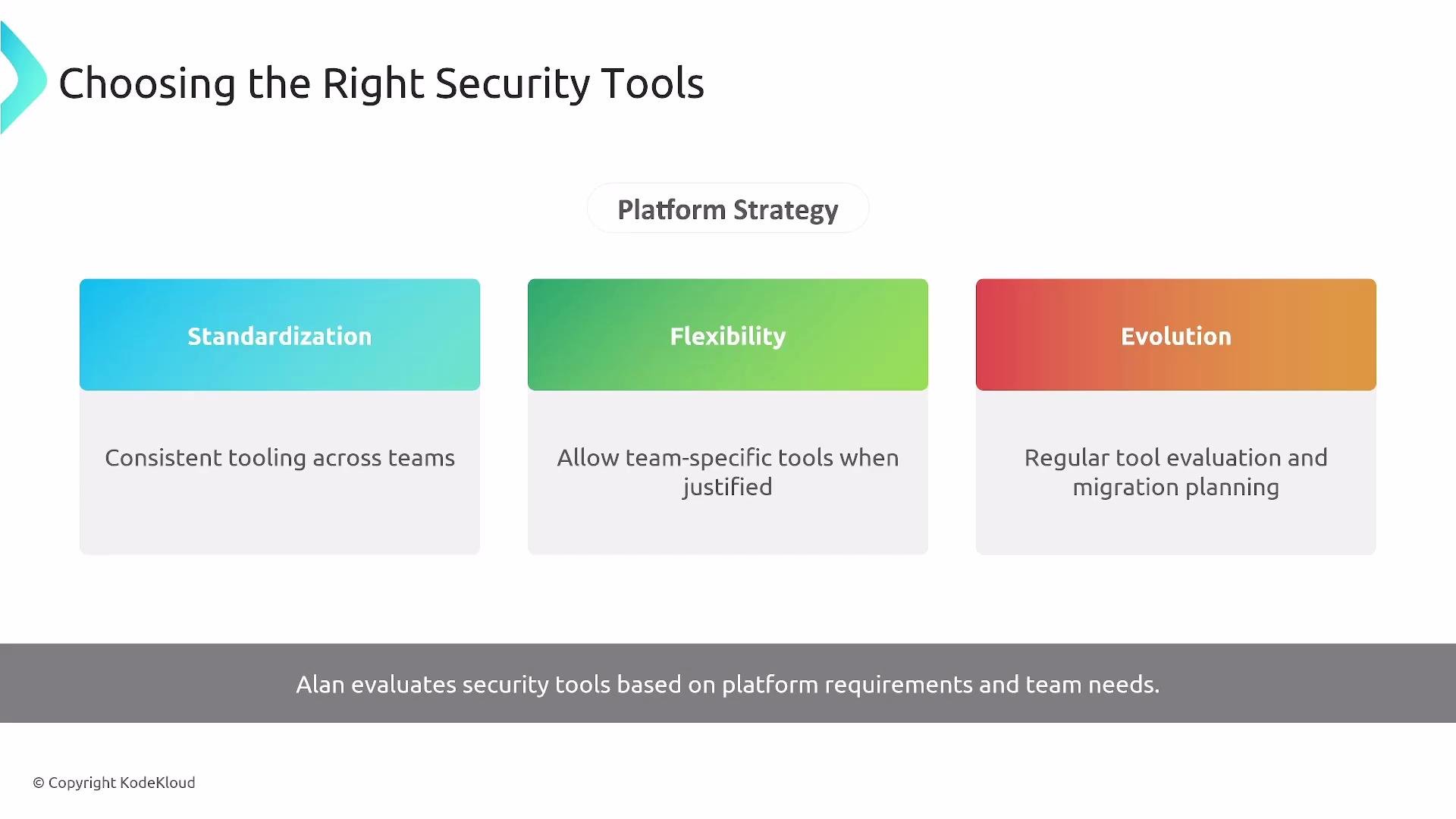
- Standardize a core toolset, but allow justified flexibility for team-specific needs. Centralize onboarding and governance to reduce sprawl.
Roles and Coordination
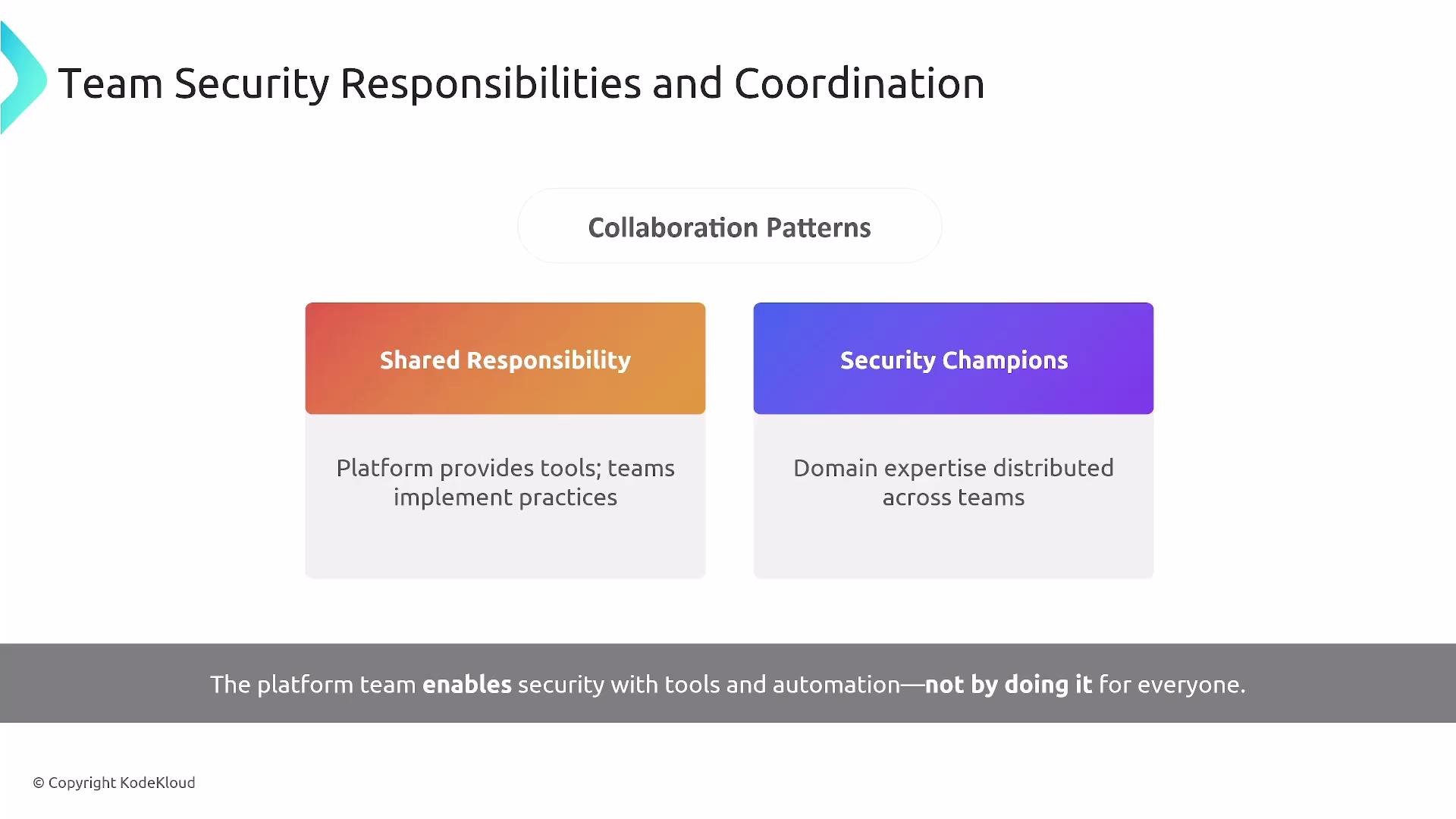
Security is a shared responsibility.- Platform teams deliver guardrails, CI/CD integrations, and policy enforcement.
- Product teams implement secure coding and operate applications within those guardrails.
- Appoint security champions to spread domain knowledge and accelerate secure practices across teams.
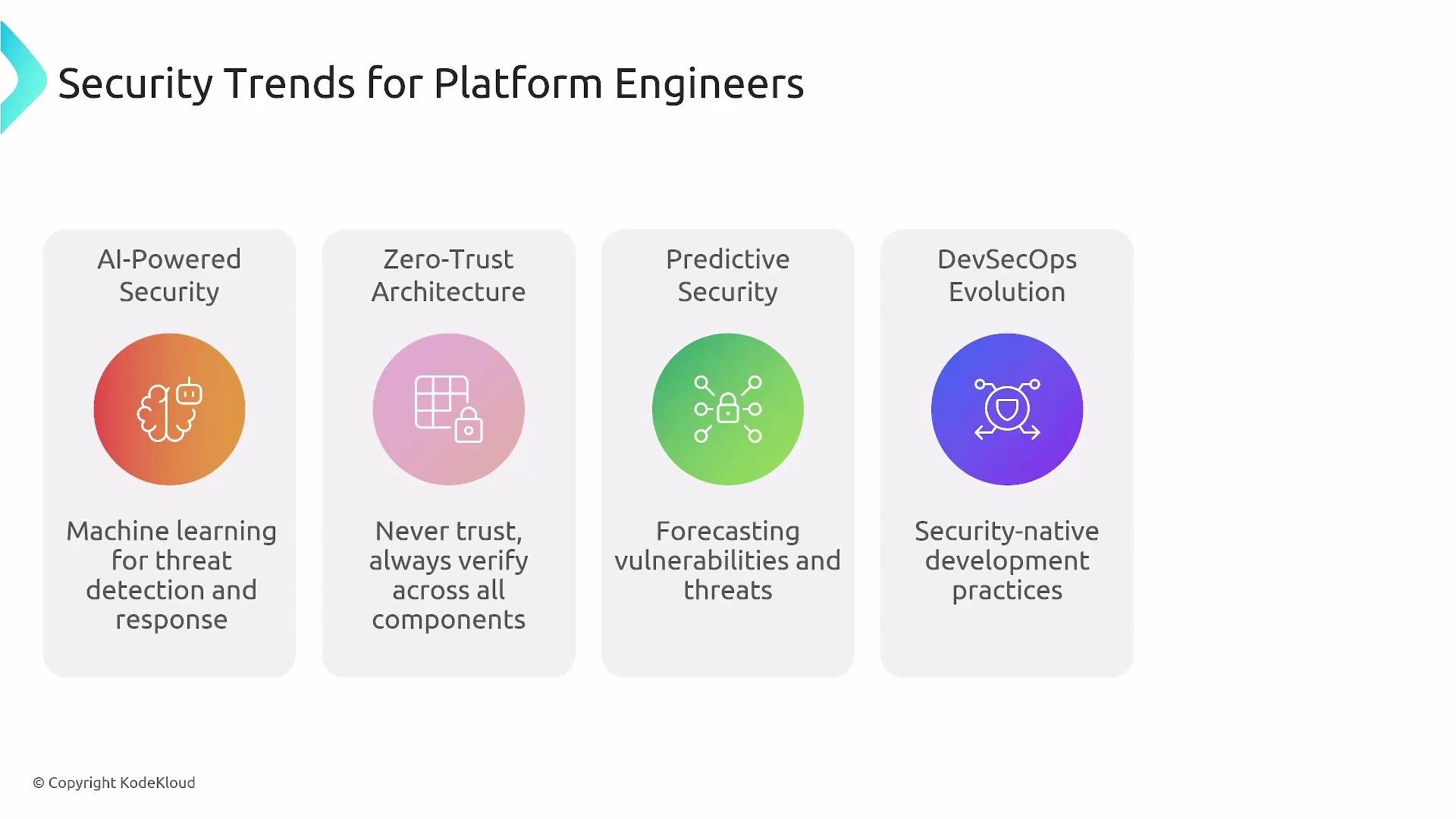
Security Trends (platform engineering focus)
- AI-assisted security analysis and predictive detection.
- Zero-trust architectures, ephemeral credentials, and workload-level identity.
- Deeper DevSecOps integration with build-time and runtime attestations.
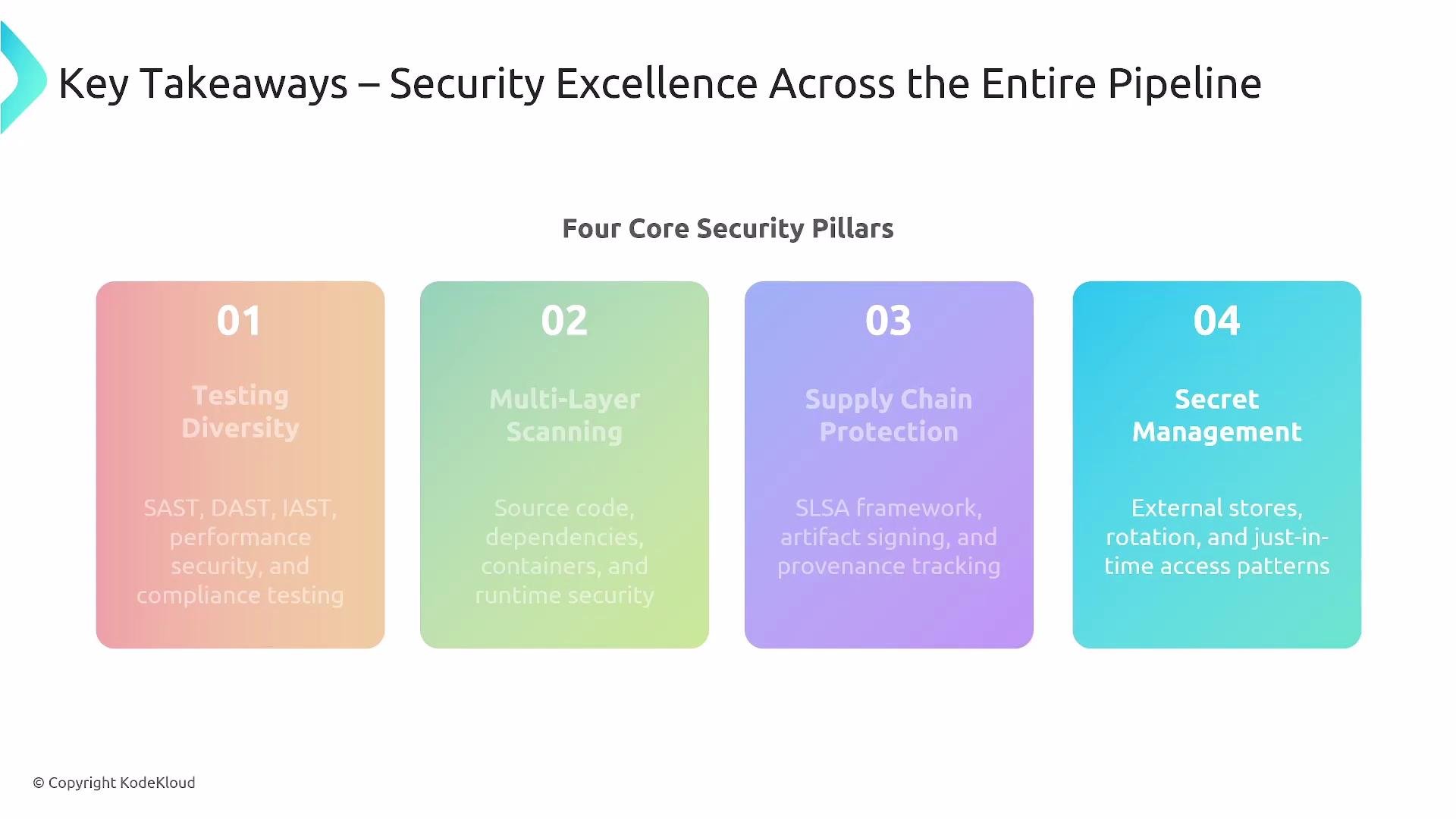
Core Security Pillars
- Testing diversity: SAST, DAST, IAST as appropriate.
- Multi-layer scanning: source, dependencies, images, and runtime.
- Supply-chain protection: SBOM, signed artifacts, and attestations (SLSA).
- Secret management: secure injection, rotation, least privilege.
Key takeaways
- Automate security policy enforcement and identity lifecycle (provisioning, rotation, revocation).
- Instrument security metrics and observability for continuous improvement.
- Prepare incident response playbooks and automation in advance.
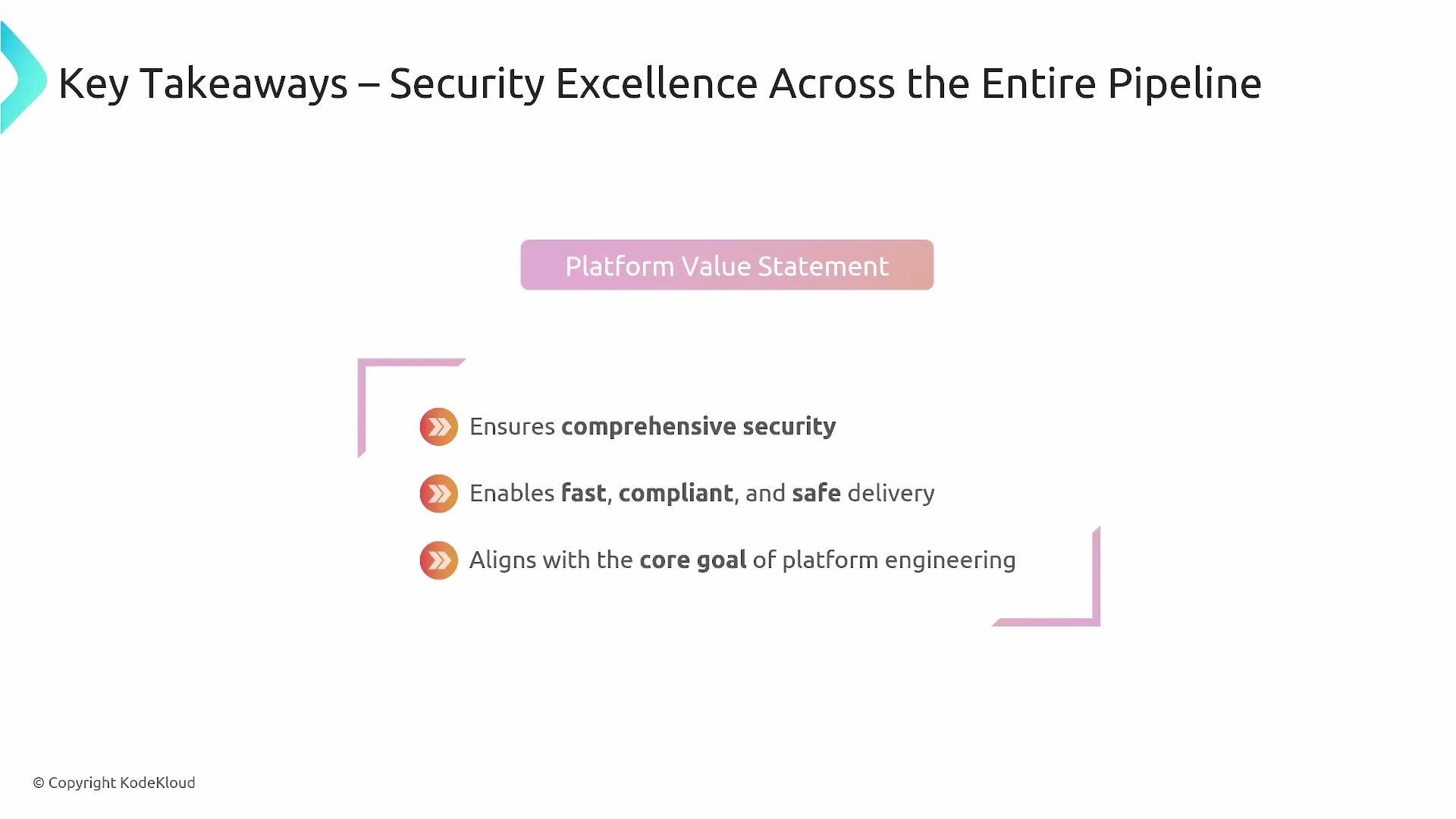
- Embedding security across CI/CD enables faster, safer, and compliant delivery aligned with platform engineering goals.