Welcome — this lesson focuses on practical, high-impact recommendations for exam day. Review this the night before or the morning of your test to steady your nerves and sharpen focus. This is the final preparation lesson; there’s one more article about next steps afterward, but first let’s cover what to do on exam day. You’ve already built a solid foundation for the Certified Cloud Native Platform Engineering Associate (CNPA) exam: platform fundamentals, CI/CD and GitOps, observability, platform APIs and provisioning, developer experience, and measurement/continuous improvement. Well done — this course positions you to make practical platform decisions and pass the associate-level exam.
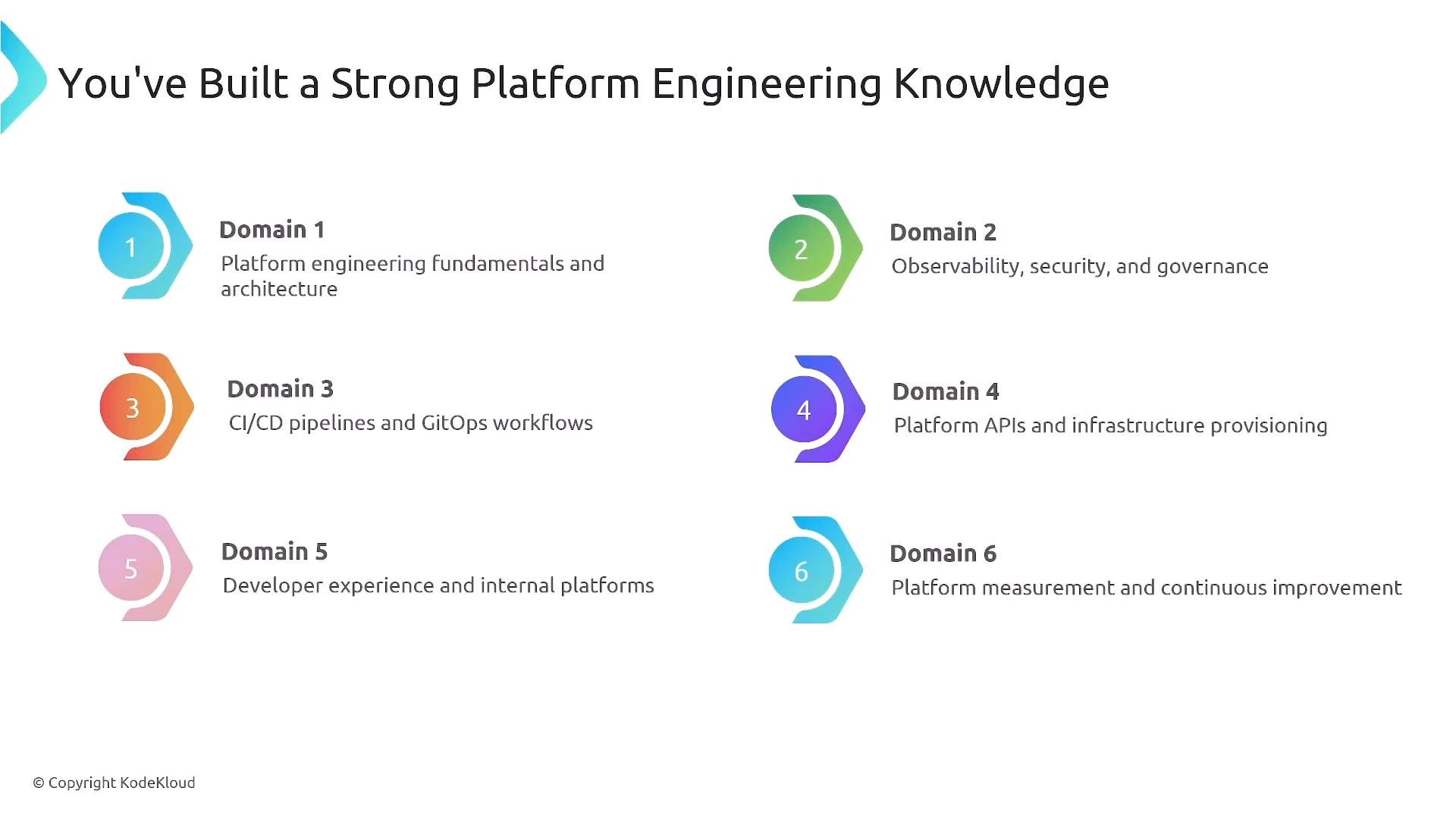
A presentation slide titled "You've Built a Strong Platform Engineering Knowledge" showing six numbered, colored domain icons with short labels. Each domain lists a focus area such as platform fundamentals and architecture; observability, security and governance; CI/CD and GitOps; platform APIs and provisioning; developer experience; and measurement/continuous improvement.
Exam focus and weighting
  • The exam emphasizes foundational topics: roughly one-third (Domain 1), one-fifth (Domain 2), and one-sixth (Domain 3). Combined, these three domains make up about 70% of the exam; the remaining ~30% is covered by Domains 4–6.
  • If you are confident in the first three domains, your chances of passing increase significantly.
Many course scenarios follow practical platform stories (Sparkle Pony Ranch) to help you reason through realistic trade-offs — use those scenarios as models for answering context-rich questions. CNPA exam basics
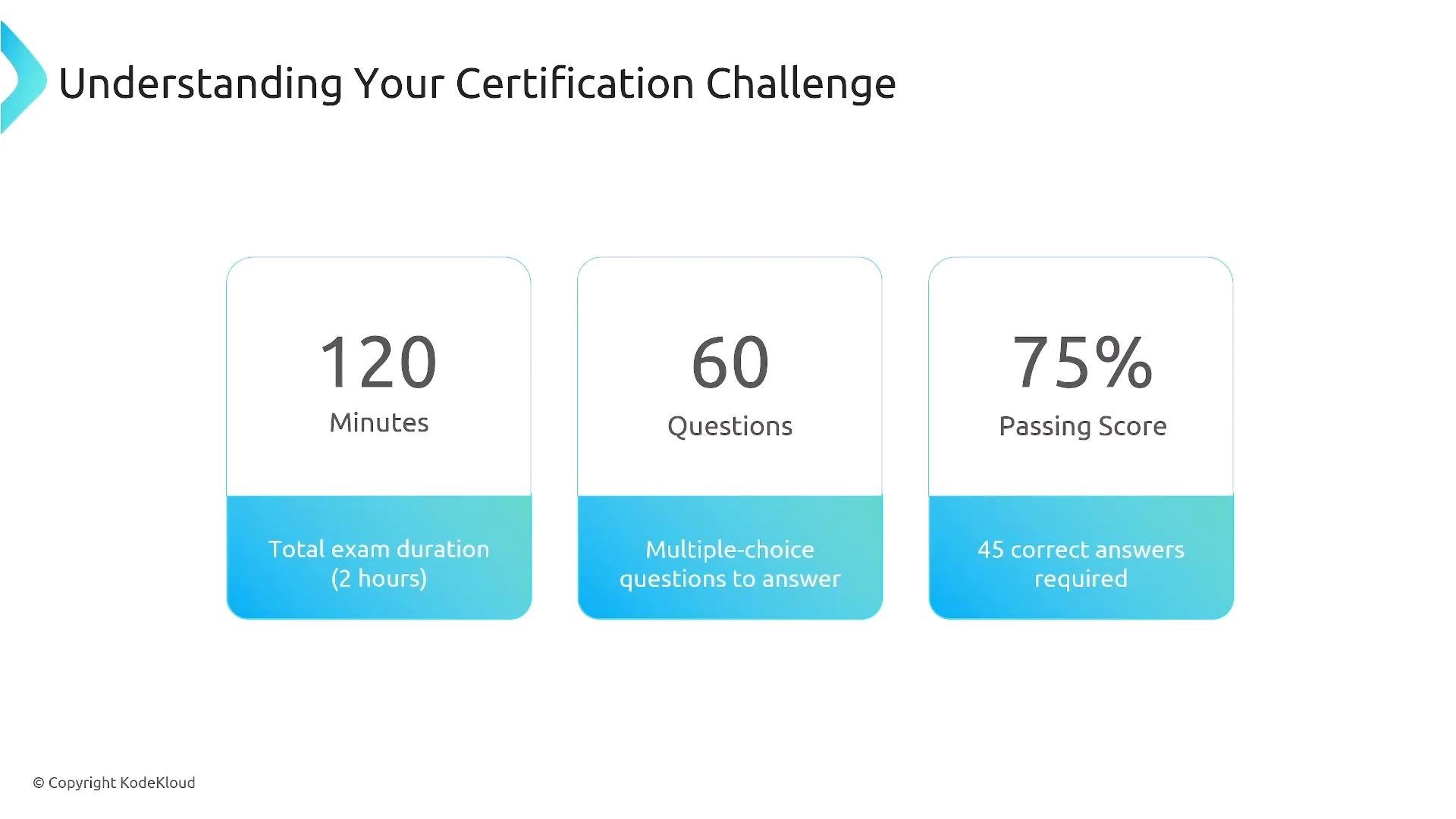
Slide titled "Understanding Your Certification Challenge" showing three panels: 120 minutes exam duration, 60 multiple-choice questions, and a 75% passing score (45 correct answers required).
Note: some testing platforms may include unscored/experimental items. If you see extra questions, stay calm — 60 scored questions are what matter. Treat every question seriously and keep a steady pace. Time management strategy
  • You have ~2 minutes per question on average. To avoid getting stuck:
    • Spend the first ~90 minutes answering all the questions you can answer quickly and flagging harder items.
    • Use the next ~20 minutes to resolve flagged or complex questions.
    • Reserve the final ~10 minutes for a full sweep to confirm every question is answered and to fix obvious mistakes.
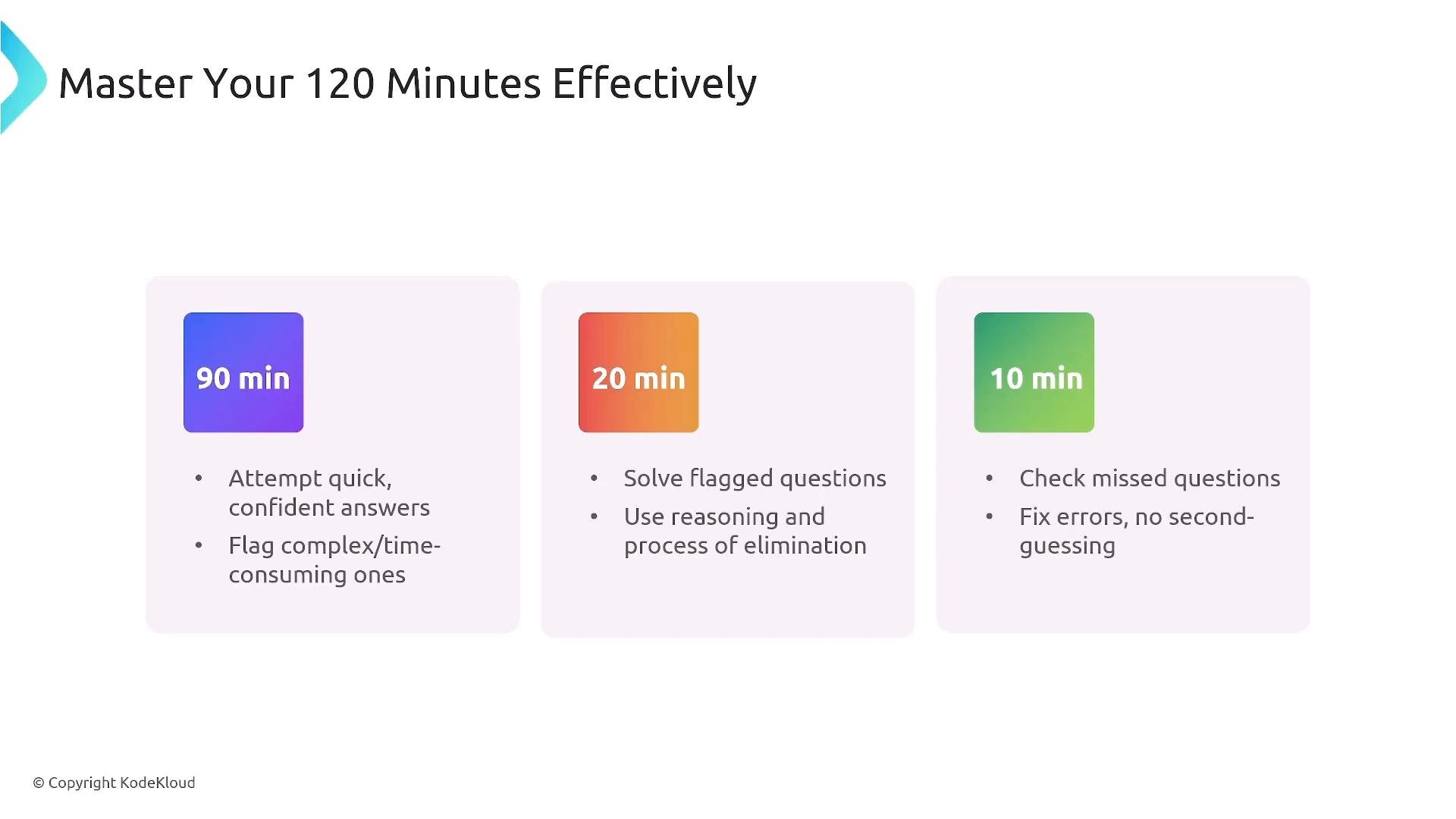
A slide titled "Master Your 120 Minutes Effectively" with three colored blocks labeled 90 min, 20 min, and 10 min. Each block lists brief instructions: attempt quick answers and flag hard ones (90), solve flagged questions using reasoning (20), and check missed questions/fix errors (10).
Prioritize momentum: answer what you know first, flag the rest, and keep moving. You can often return to a flagged question with fresher context later in the exam.
Exam-taking principles
  • Trust your first reasonable instinct unless you find clear evidence to change it.
  • Read every question thoroughly and identify exactly what’s being asked (declarative vs. imperative, constraints, success criteria).
  • Eliminate obviously wrong options first; narrowing choices increases your odds of selecting the correct response.
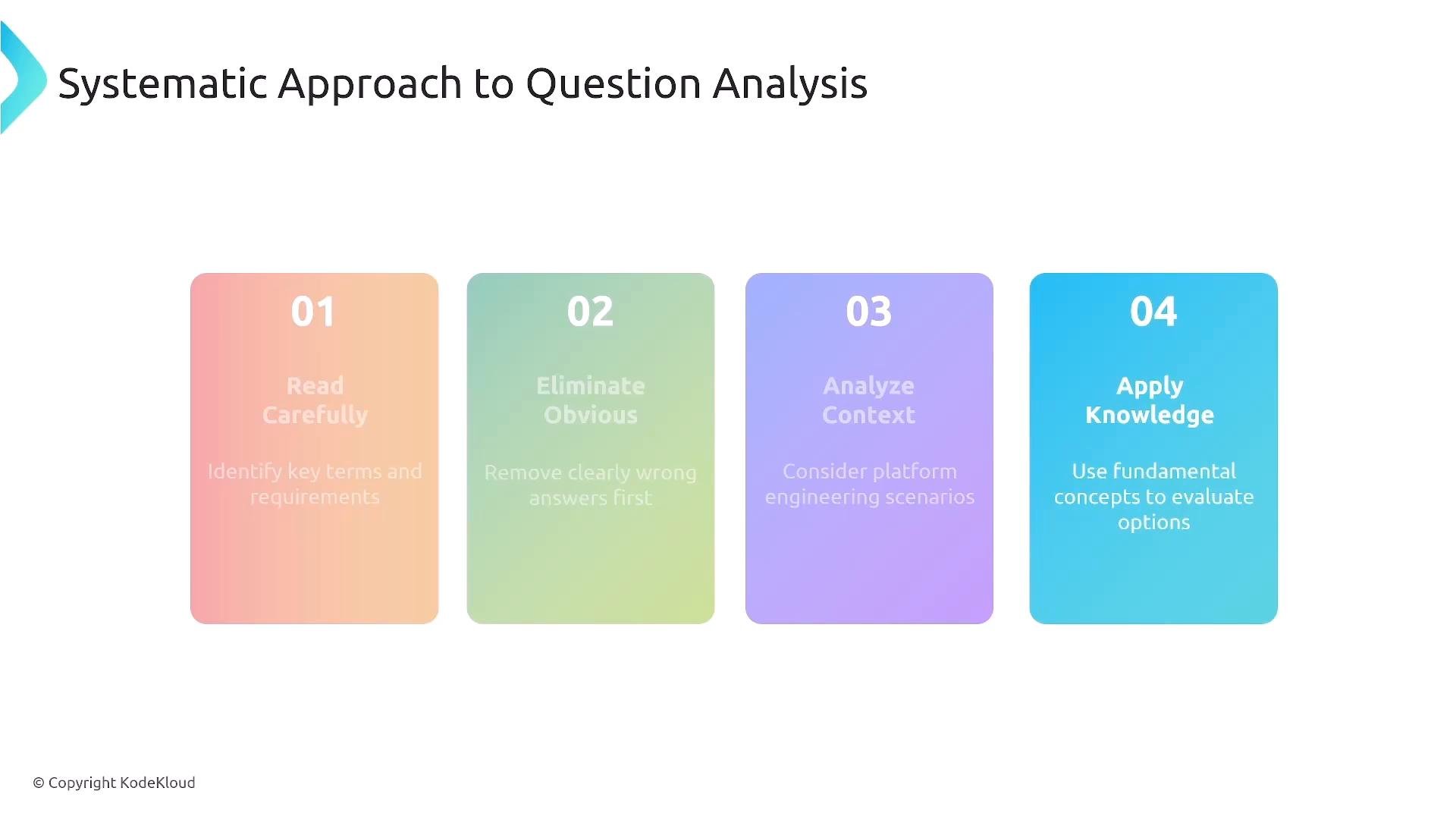
A presentation slide titled "Systematic Approach to Question Analysis" showing four colored steps: 01 Read Carefully, 02 Eliminate Obvious, 03 Analyze Context, and 04 Apply Knowledge. The steps are displayed as rounded colored cards across the slide.
Question types you will encounter
  • Scenario-based, context-rich questions that require applied reasoning.
  • Tool selection and comparison items asking which component or integration is the best fit.
  • Best-practice and design-pattern questions (answers favor CNCF-oriented approaches and established industry standards).
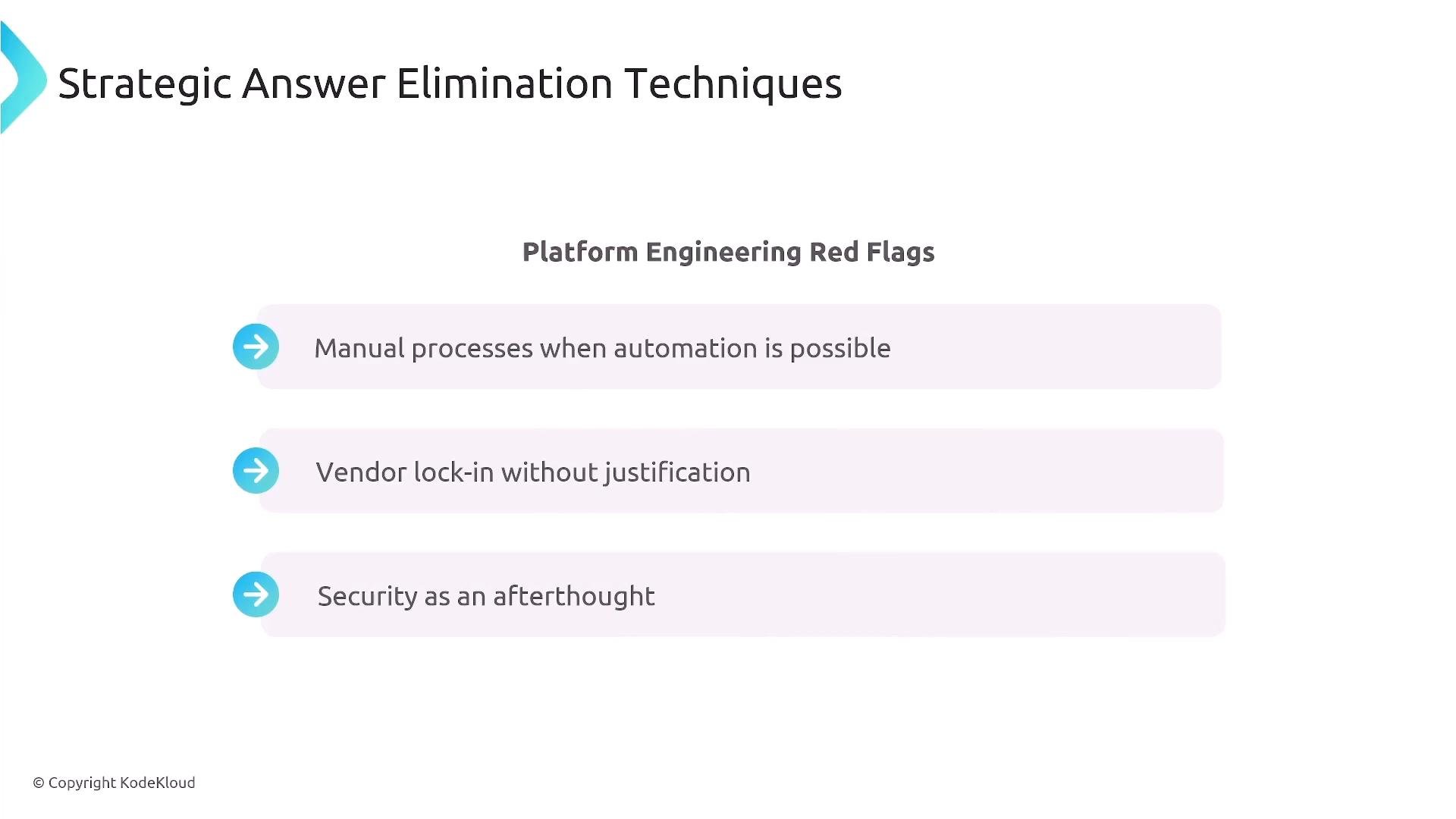
When eliminating answers, look for red flags such as manual, one-off processes where automation is clearly appropriate, unjustified vendor lock-in, or security/cost treated as afterthoughts.
A presentation slide titled "Strategic Answer Elimination Techniques" with the subheading "Platform Engineering Red Flags." It lists red flags: "Manual processes when automation is possible," "Vendor lock-in without justification," and "Security as an afterthought."
Quick reference — common tools and mappings Below is a concise mapping of common platform domains to typical tools and patterns. Use these associations as recall anchors during the exam.
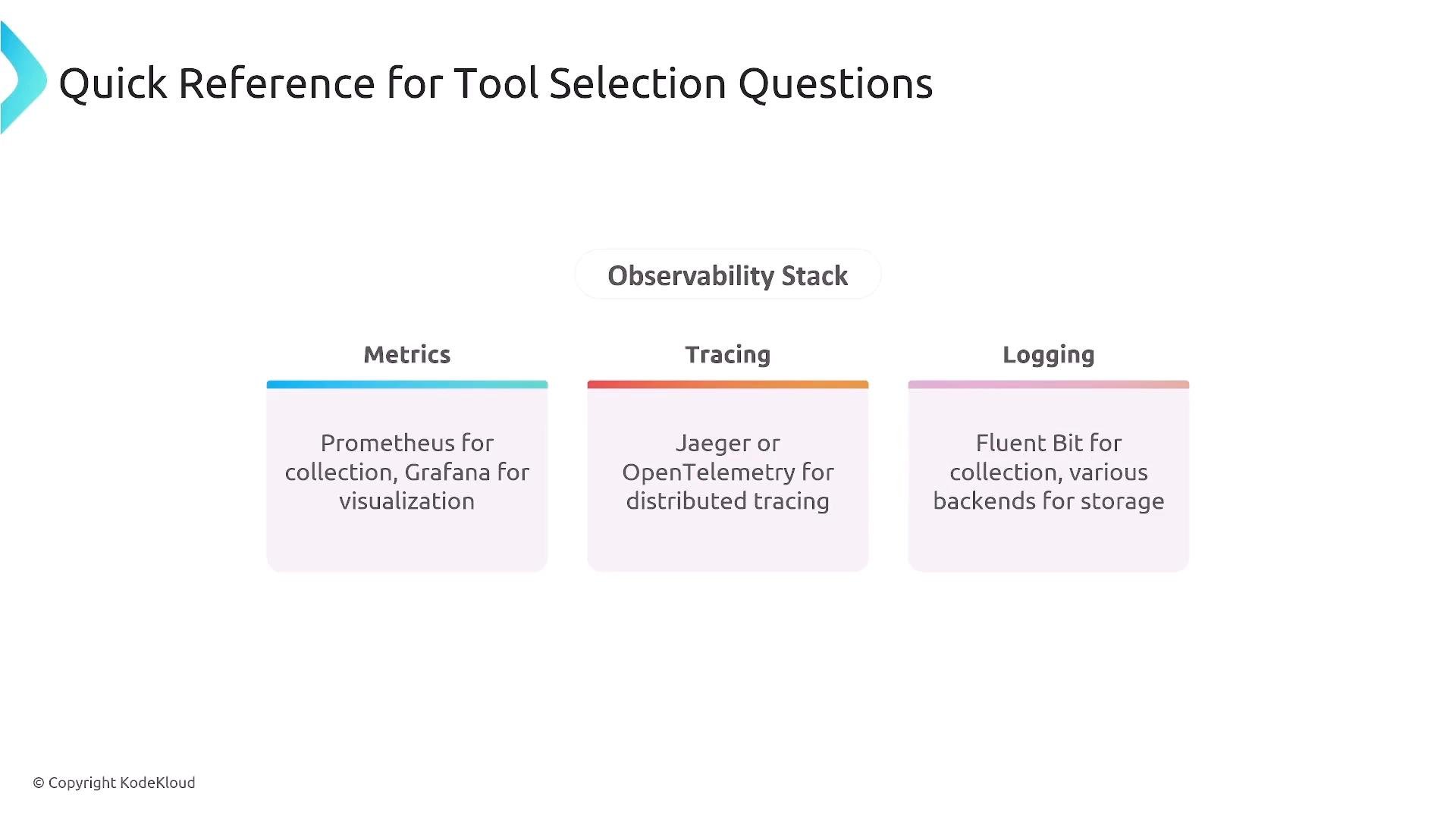
A slide titled "Quick Reference for Tool Selection Questions" showing an "Observability Stack" with three columns: Metrics (Prometheus for collection, Grafana for visualization), Tracing (Jaeger or OpenTelemetry), and Logging (Fluent Bit and various backends).
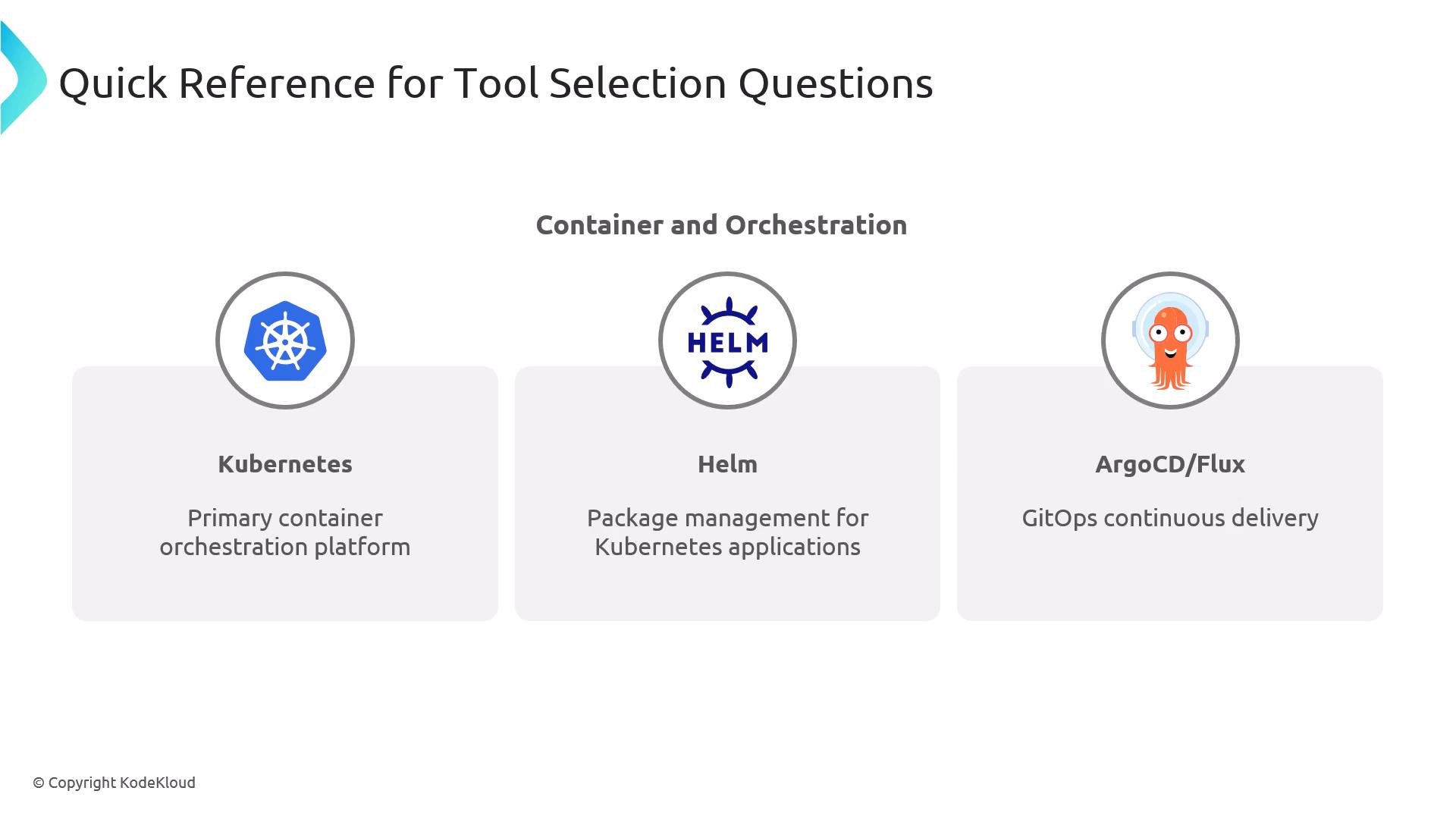
A slide titled "Quick Reference for Tool Selection Questions" under the heading "Container and Orchestration." It lists three tools with icons: Kubernetes (primary container orchestration), Helm (package management for Kubernetes), and ArgoCD/Flux (GitOps continuous delivery).
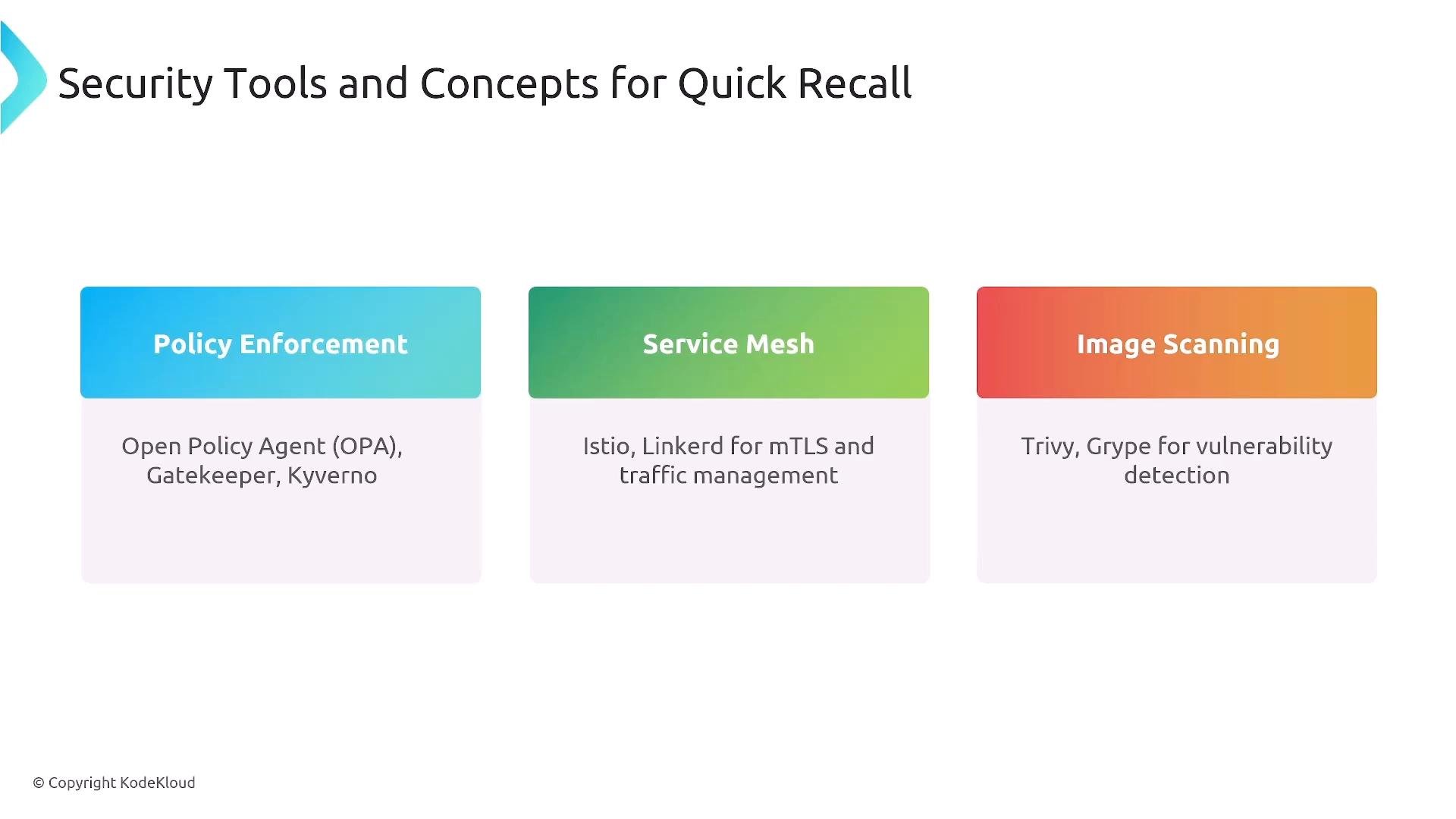
A slide titled "Security Tools and Concepts for Quick Recall" showing three colored panels: Policy Enforcement (Open Policy Agent, Gatekeeper, Kyverno), Service Mesh (Istio, Linkerd for mTLS and traffic management), and Image Scanning (Trivy, Grype for vulnerability detection).
Governance and platform patterns to review
  • Policy-as-code and admission controllers (OPA, Gatekeeper, Kyverno).
  • NetworkPolicies and infrastructure-as-code basics.
  • GitOps: declarative, pull-based model where a cluster agent reconciles desired state from Git.
  • CI/CD integration points: artifact creation, GitOps config updates, and progressive delivery (canary, blue/green).
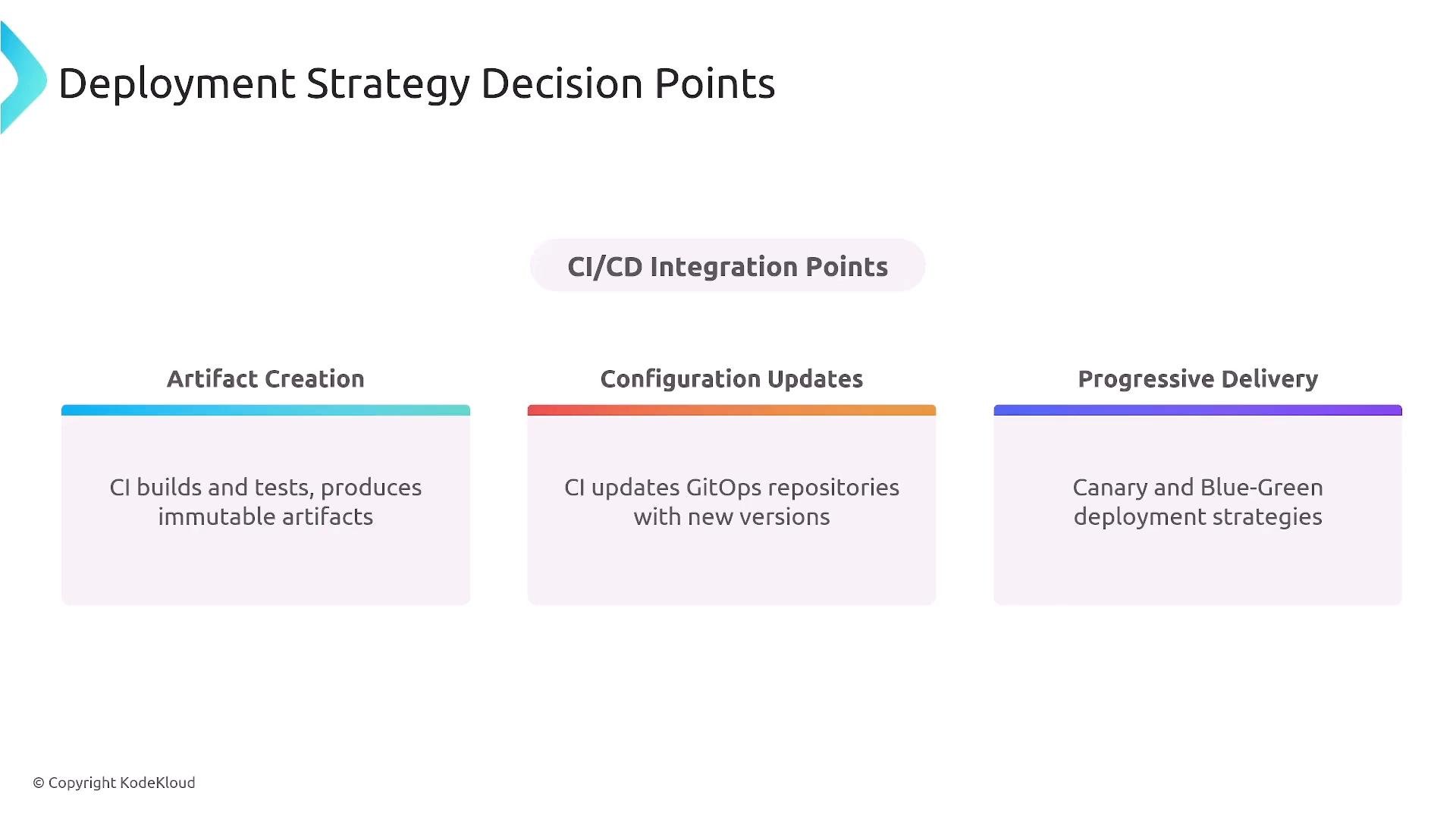
A slide titled "Deployment Strategy Decision Points" showing three CI/CD integration areas: Artifact Creation, Configuration Updates, and Progressive Delivery. Each box notes CI builds immutable artifacts, updates GitOps repositories with new versions, and uses canary/blue‑green deployment strategies.
Deployment strategies at a glance
  • Canary: route a small percentage of traffic to a new version and increase if healthy.
  • Blue/green: maintain two full environments and switch traffic between them.
  • Linear progressive rollout: steadily increase traffic to the new version.
Common mistakes and how to avoid them
  • Overthinking questions — often the simplest valid answer is intended.
  • Expecting perfect recall — the exam tests concepts, trade-offs, and reasoning more than exact syntax.
  • Second-guessing reasonable answers — only change an answer when you find clear evidence.
  • Spending excessive time on one question — flag and move on to maintain momentum.
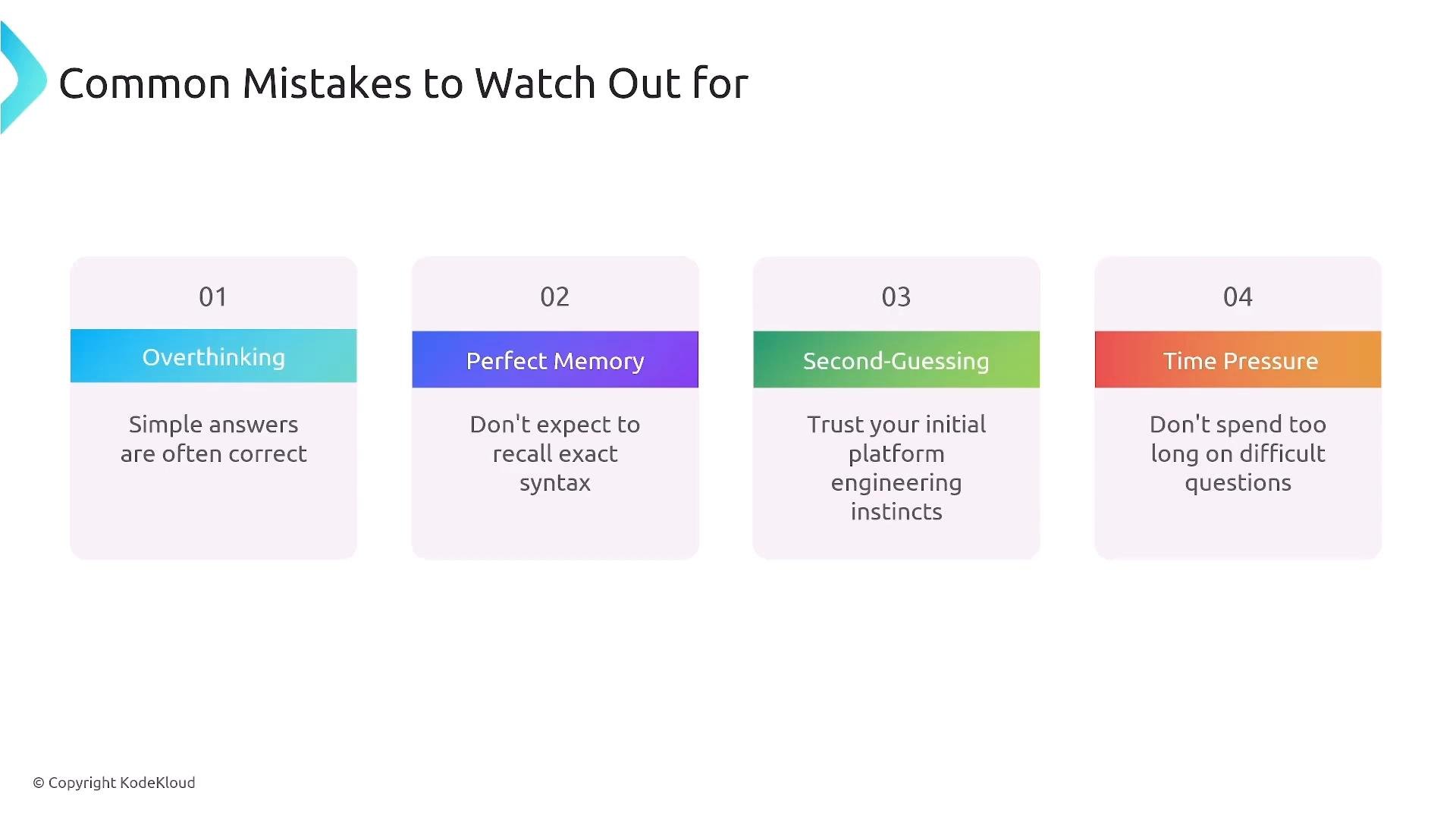
A presentation slide titled "Common Mistakes to Watch Out For" showing four numbered cards: Overthinking, Perfect Memory, Second-Guessing, and Time Pressure. Each card gives brief advice (e.g., "Simple answers are often correct," "Don't expect to recall exact syntax," "Trust your initial instincts," "Don't spend too long on difficult questions").
Final 24 hours — recommended actions
  • Do a light review of key concepts and diagrams (avoid cramming new material).
  • Verify your technical setup: computer, internet, webcam, and microphone.
  • Prepare a quiet, distraction-free testing space.
  • Sleep well — cognitive performance depends on rest.
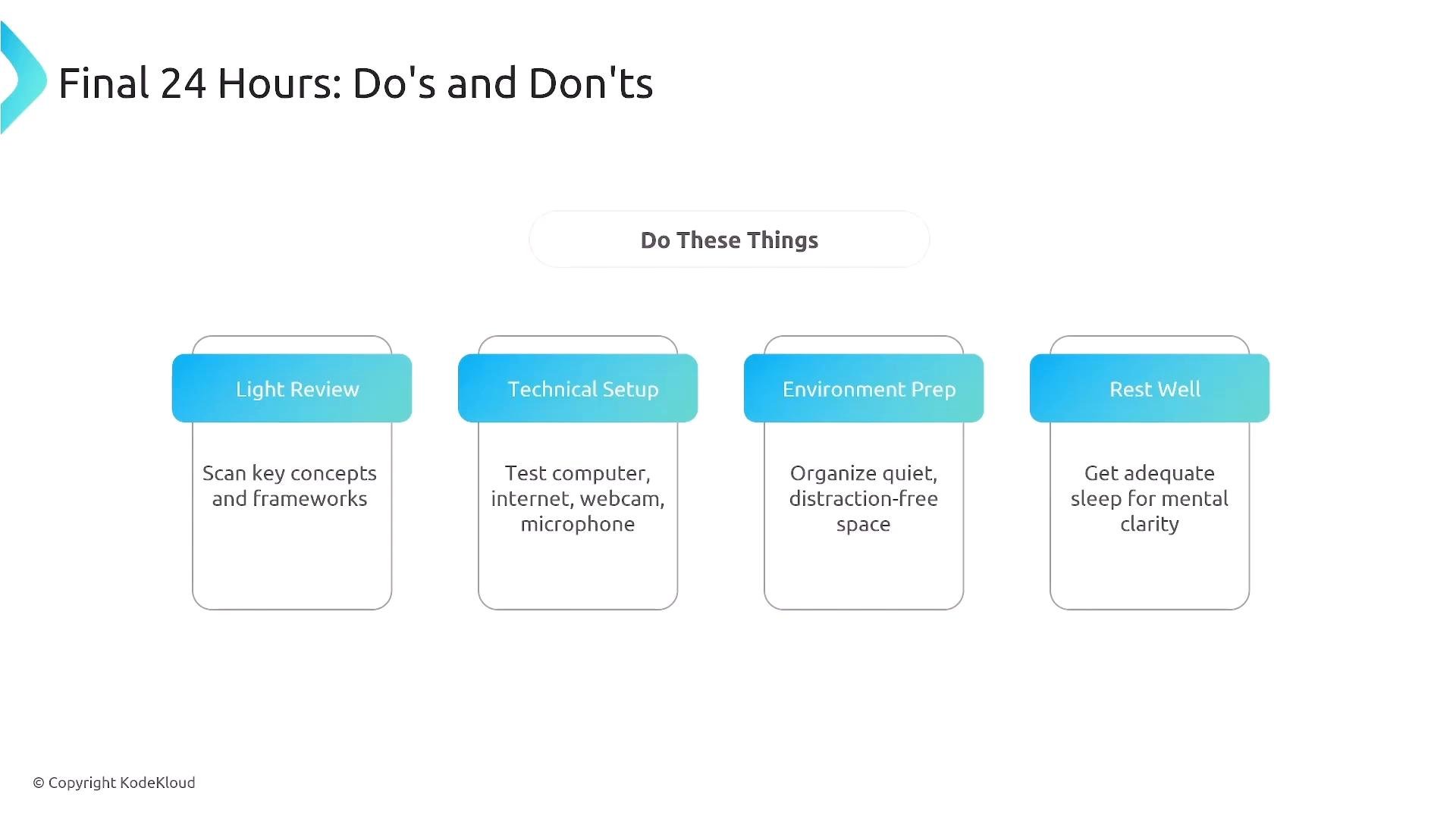
A presentation slide titled "Final 24 Hours: Do's and Don'ts" that highlights four recommended actions: Light Review, Technical Setup, Environment Prep, and Rest Well. Each action has a short tip underneath (scan key concepts; test computer/internet/webcam/mic; organize a quiet space; get adequate sleep).
Avoid intensive last-minute studying or trying to learn large new topics right before the test — this can increase anxiety and reduce performance. Skip a full practice exam immediately before the real test unless doing so genuinely calms you.
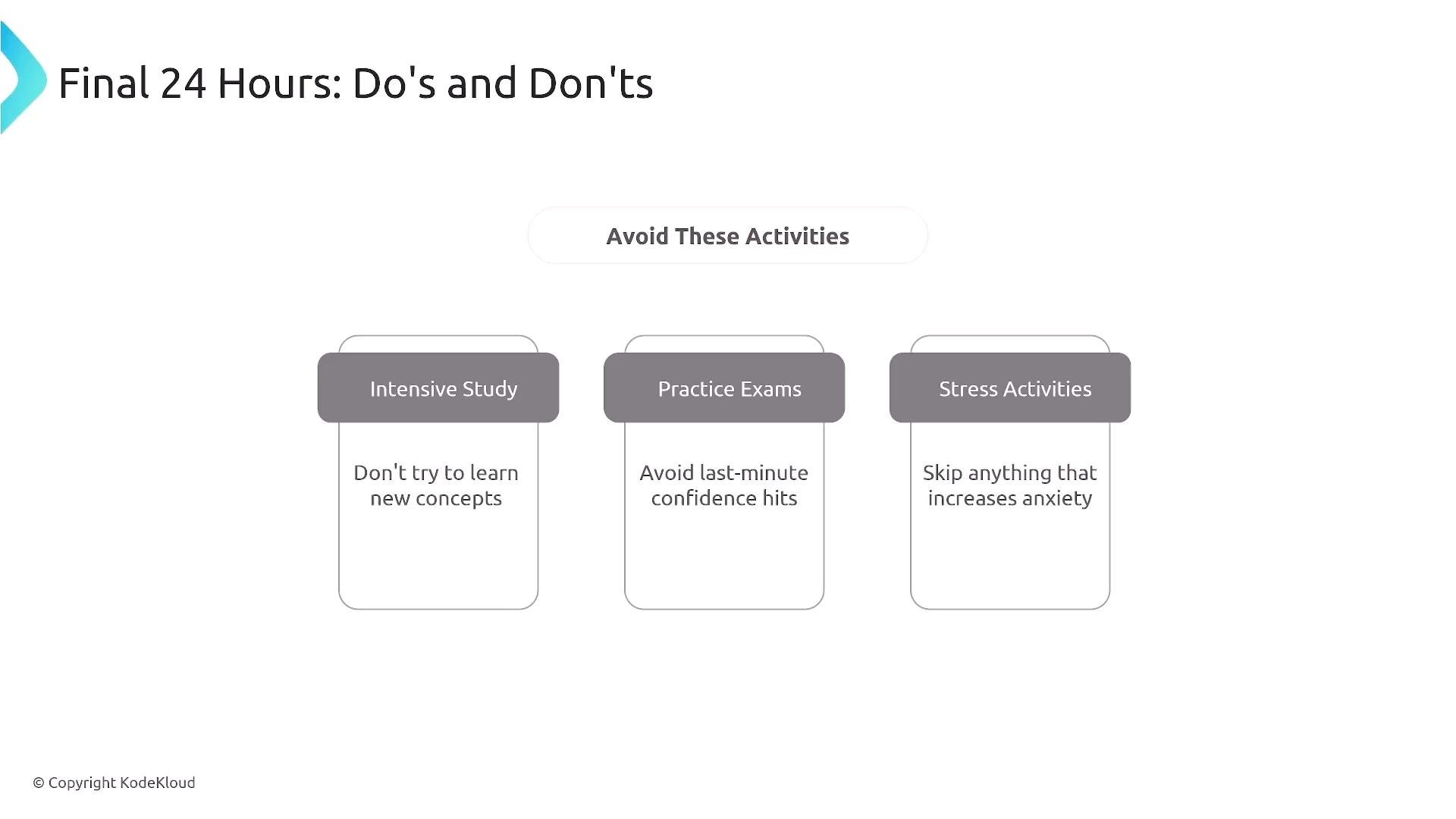
A slide titled "Final 24 Hours: Do's and Don'ts" advising to "Avoid These Activities." It lists three boxes: Intensive Study ("Don't try to learn new concepts"), Practice Exams ("Avoid last-minute confidence hits"), and Stress Activities ("Skip anything that increases anxiety").
On exam day — practical checklist
  • Join the session 10–15 minutes early to resolve any technical issues.
  • Use a wired internet connection if possible and keep your device plugged in.
  • Make sure your webcam shows your face clearly and have government-issued photo ID ready.
  • Breathe and maintain steady pacing: flag difficult items and continue.
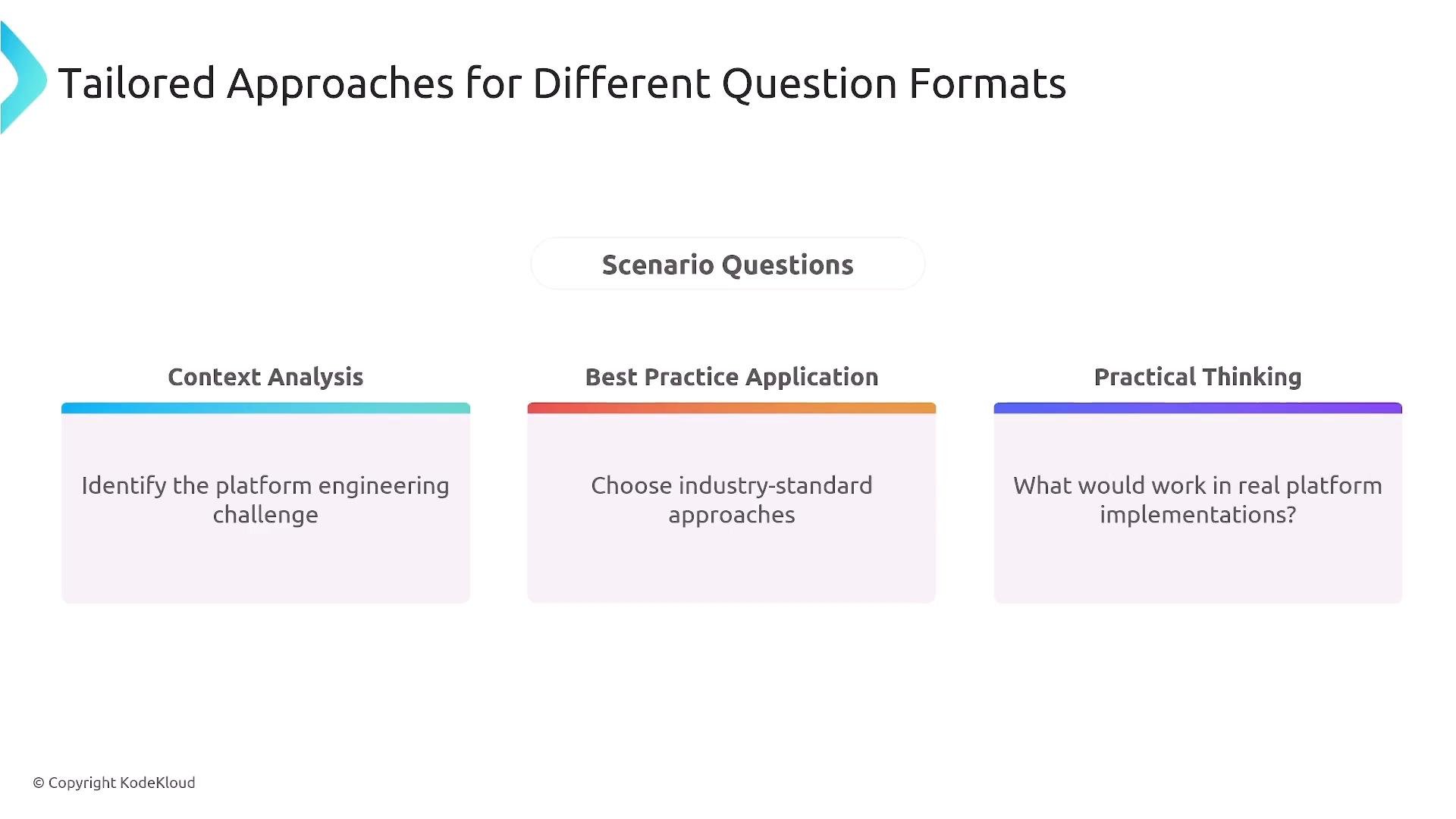
A presentation slide titled "Tailored Approaches for Different Question Formats" with a central "Scenario Questions" label and three columns: Context Analysis, Best Practice Application, and Practical Thinking. Each column contains prompts: "Identify the platform engineering challenge," "Choose industry‑standard approaches," and "What would work in real platform implementations?"
Approach for difficult questions
  • Remove clearly incorrect choices first.
  • Re-read the scenario to identify constraints and the true requirement.
  • Prefer practical, industry-standard solutions (GitOps, automation, security-by-design) and eliminate answers that violate these principles.
Final 10 minutes
  • Don’t change answers without a clear reason — trust your informed instincts.
  • Confirm every question is answered and address flagged items if time allows.
  • Keep positive; focus on the 60 questions that matter (experimental items may be present but unscored).
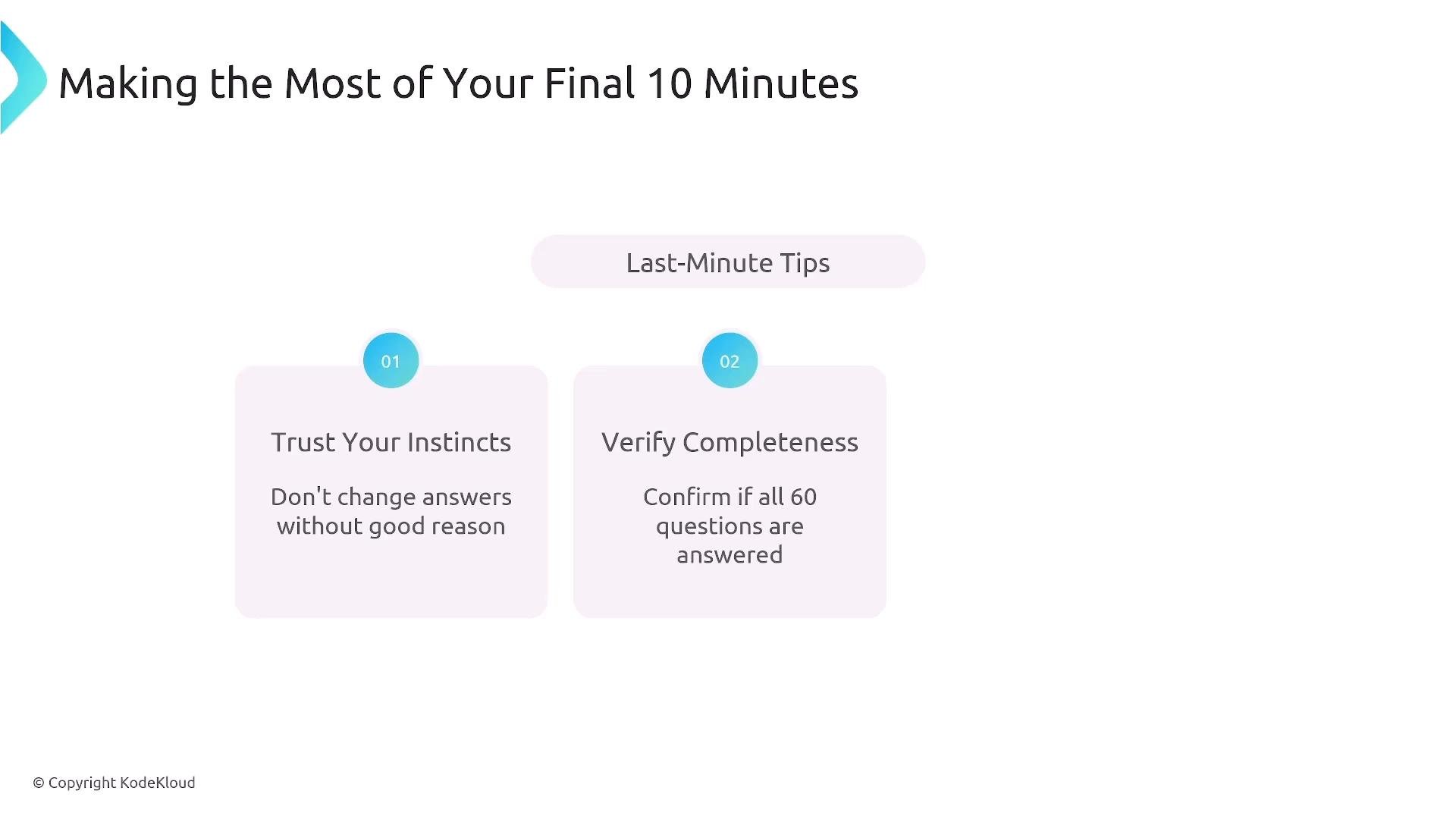
A presentation slide titled "Making the Most of Your Final 10 Minutes" with a "Last‑Minute Tips" header. Two tip boxes read "Trust Your Instincts — Don't change answers without good reason" and "Verify Completeness — Confirm if all 60 questions are answered."
After submission
  • Take a break immediately after submitting your exam. You will receive a submission confirmation.
  • Results typically arrive within a few hours to a couple of days. If you pass, you’ll receive a Credly email/notification for your digital badge — download and save it.
  • If you pass, update your LinkedIn and celebrate. If you must retake, review the domain feedback and prioritize the first three domains, which carry most of the exam weight.
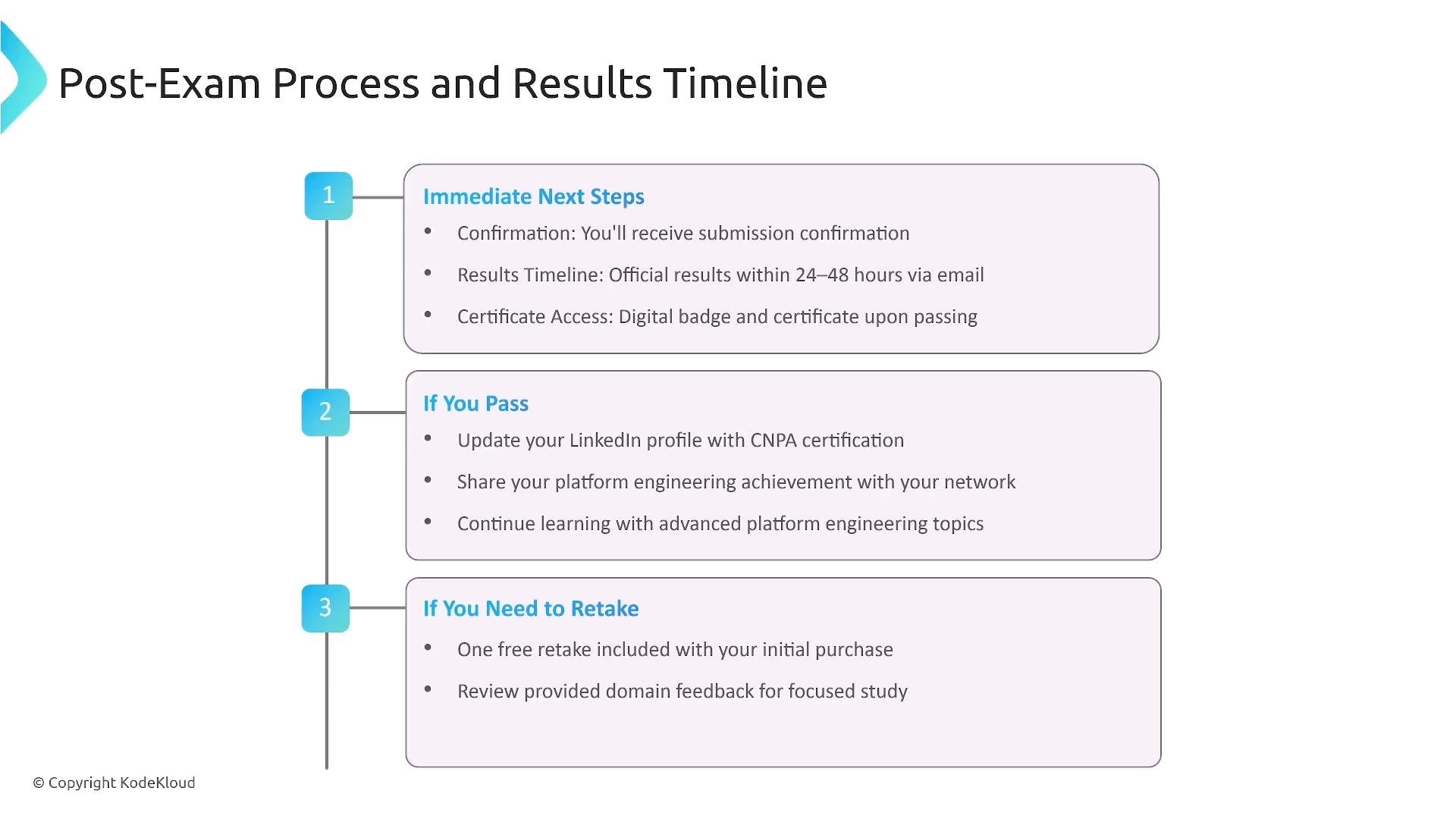
Slide titled "Post-Exam Process and Results Timeline" showing a three-step vertical timeline with numbered markers and boxed details for immediate next steps, what to do if you pass, and what to do if you need to retake. The slide includes a copyright notice for KodeKloud.
Quick concept recall — terms you should recognize
  • Backstage — developer portal and software catalog framework.
  • GitOps — pull-based, declarative configuration with reconciliation loops.
  • Reconciliation — the process where an agent ensures actual state matches Git’s desired state.
  • Canary vs. blue/green — progressive rollout versus environment swap strategies.
Final exam-day checklist
  • Computer fully charged and plugged in (power connected).
  • Strong, stable internet verified (prefer wired).
  • Webcam and microphone tested and working.
  • Government-issued photo ID ready.
  • Quiet, private testing space prepared.
  • Light review completed and mental calm established.
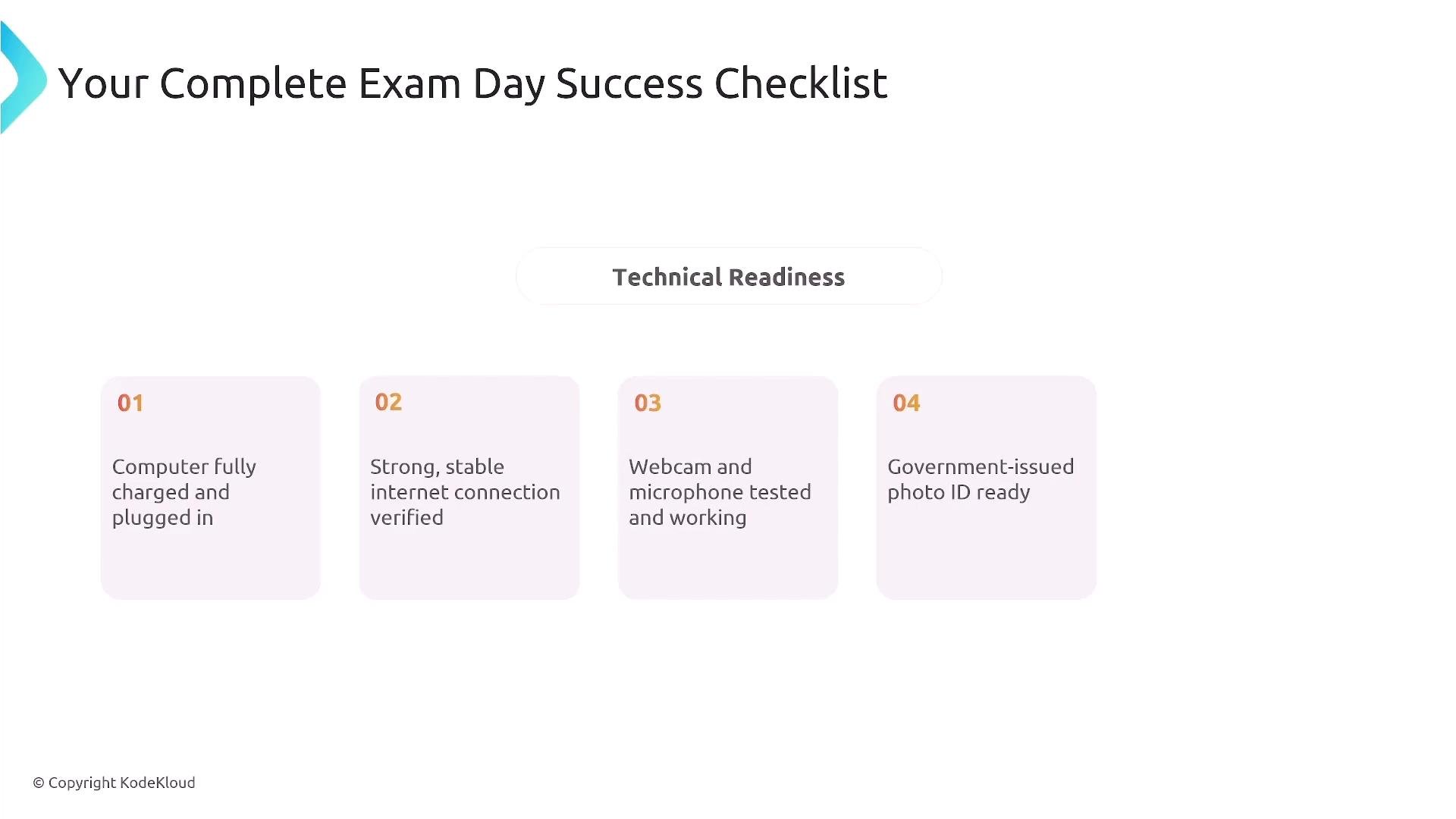
A checklist titled "Your Complete Exam Day Success Checklist" with a "Technical Readiness" header. Four numbered cards list: computer fully charged and plugged in, strong/stable internet verified, webcam and microphone tested, and government-issued photo ID ready.
Time checks and pacing
  • Keep an eye on the timer in the exam UI. A good rhythm is to check pace every ~20 questions to ensure you stay on track.
If you want more help, use the course discussion forums or community channels. I’m available to answer questions and help you prepare. Good luck — you’ve got this!

Watch Video