What is Continuous Integration?
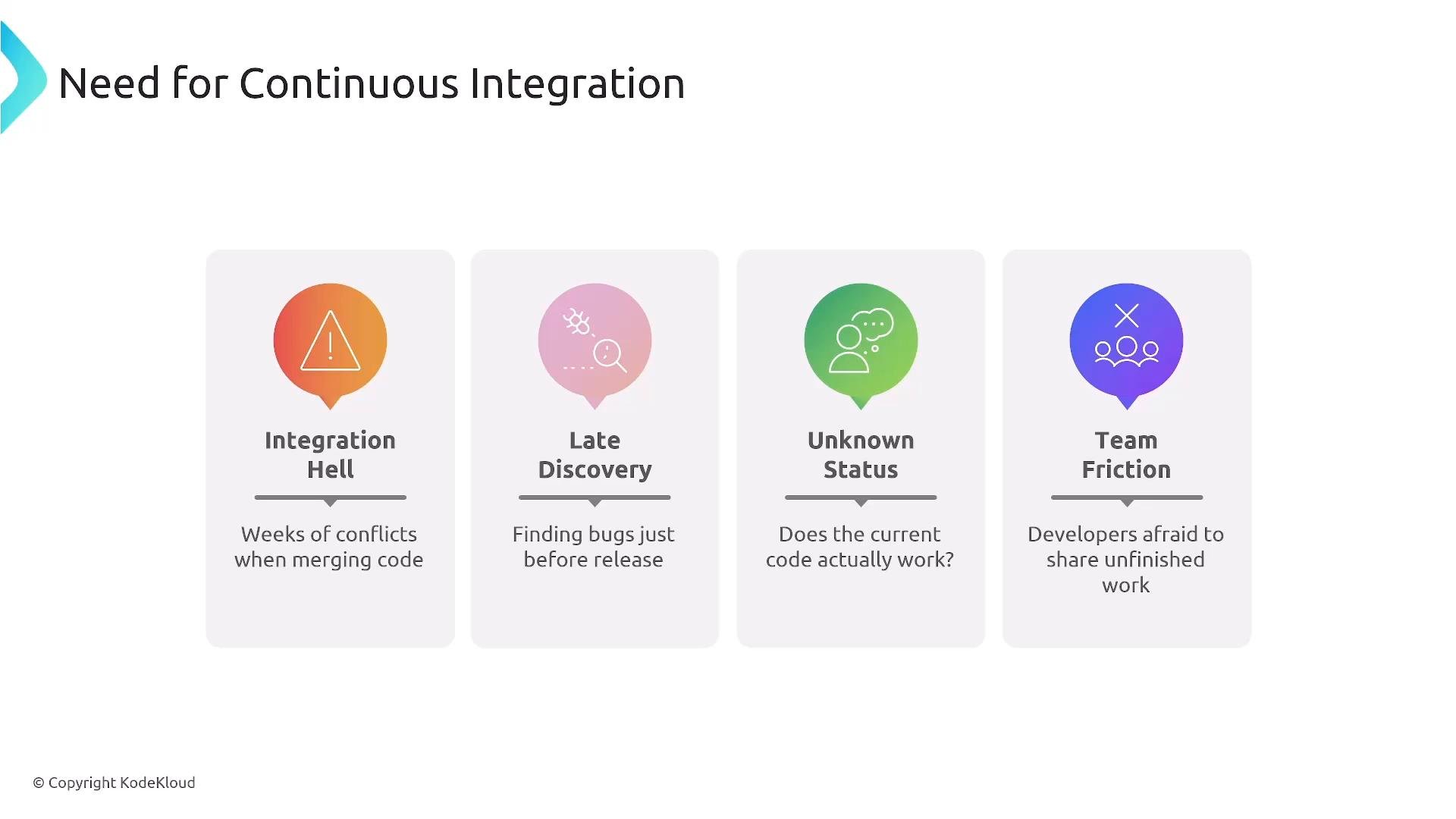
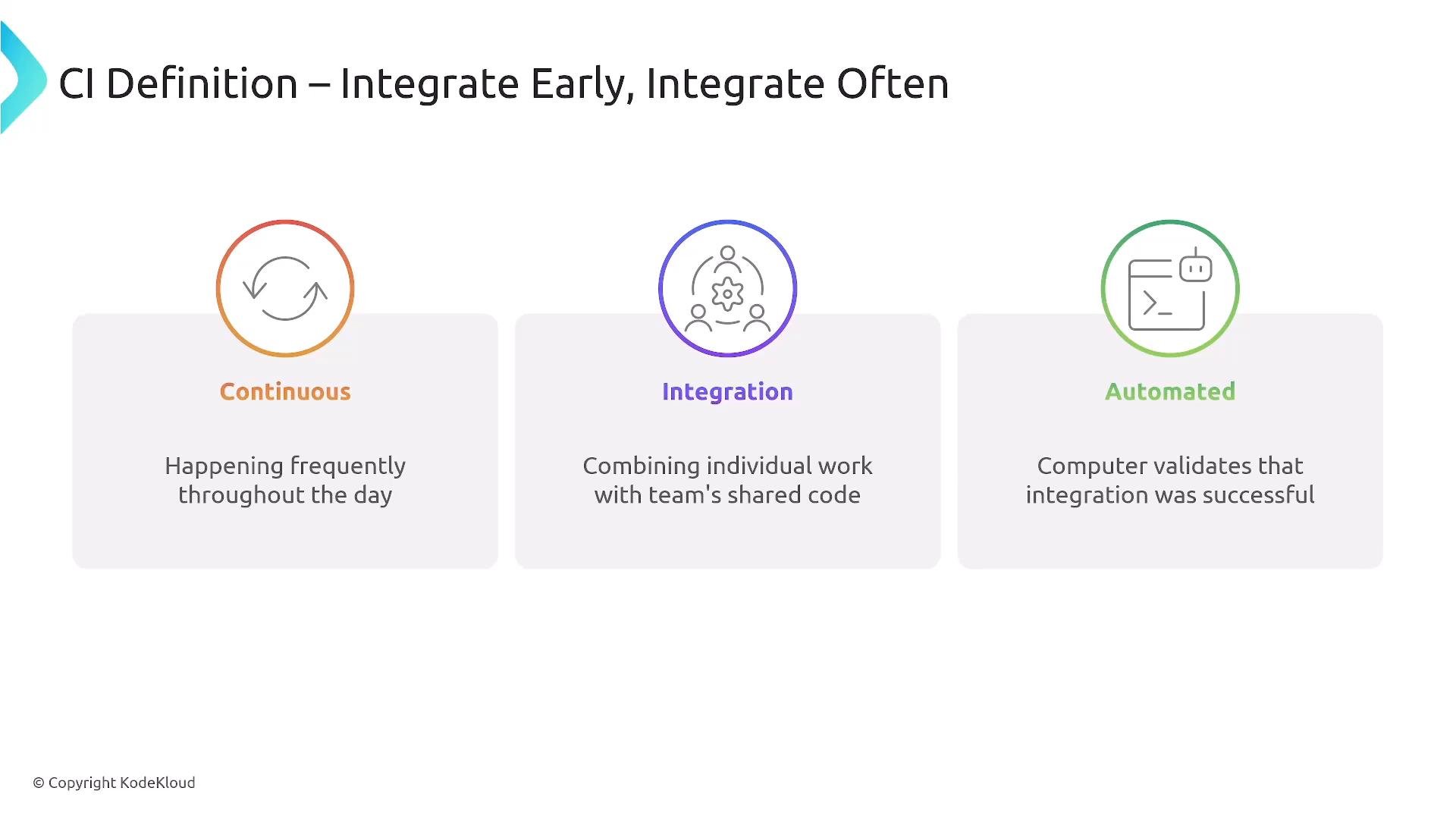
Continuous integration means integrate early and integrate often—ideally multiple times per day. Frequent merges produce smaller, easier-to-review changes and much faster feedback loops. In practice, teams protectmain (or other protected branches) by blocking merges until automated CI checks pass, preventing broken code from entering the shared foundation.
Continuous integration is both a technical process and a team discipline. Automate validation so developers spend less time debugging integration problems and more time delivering features.
The merge → test → main pattern
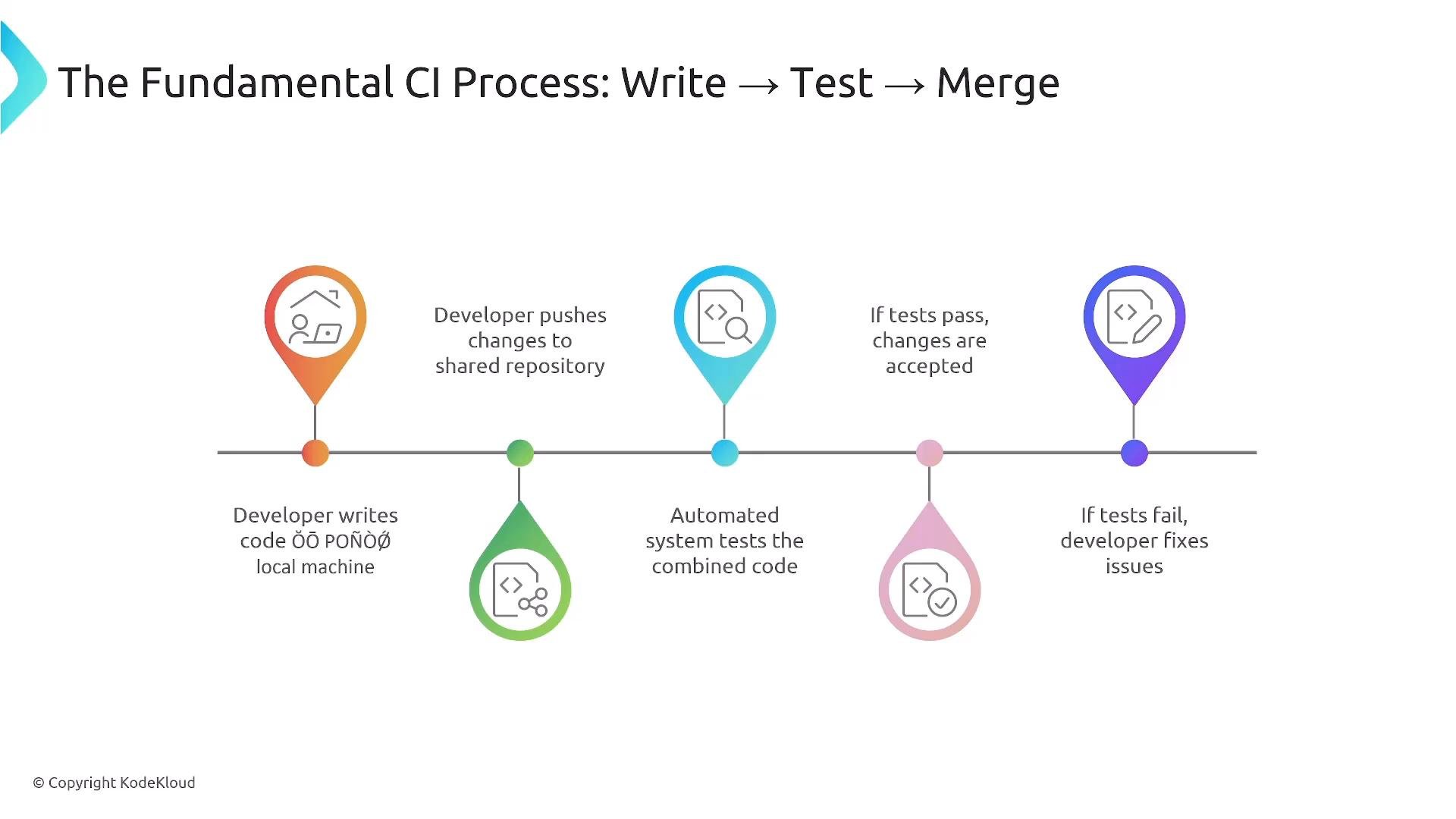
Typical merge workflows follow a simple, repeatable pattern:- Write code in a feature branch.
- Push the branch to the shared repository and open a pull request (PR).
- Run automated tests and checks on the combined code (the PR branch merged with current
main). - Accept or reject the merge based on CI results.
main.
Cultural and process shifts with CI
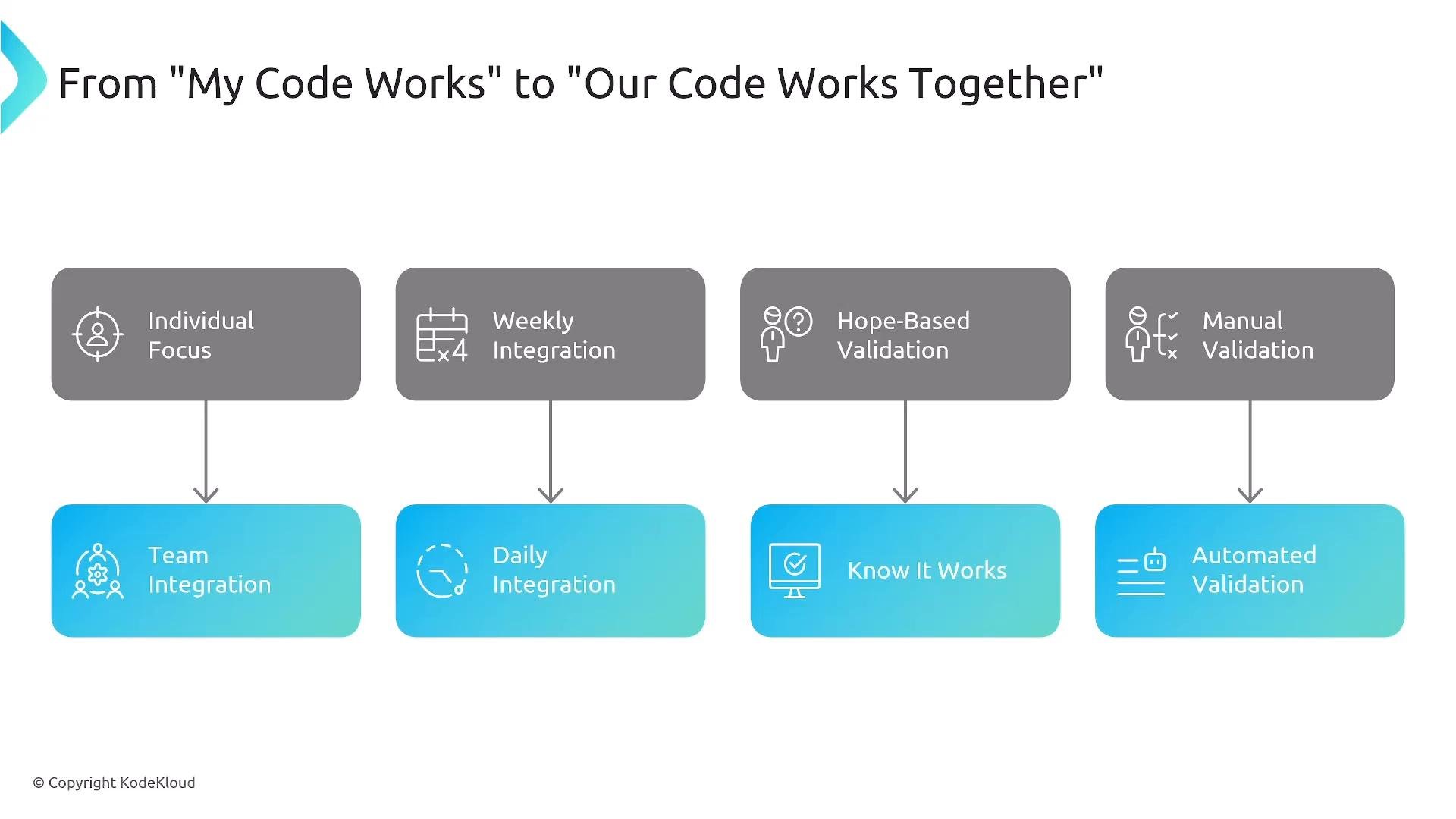
Adopting CI changes how teams operate:- Weekly integration → daily (or more frequent) merges.
- Hope-based validation → verifiable automated checks.
- Manual validation → reproducible CI pipelines.
- Individual ownership → shared responsibility for quality.
Test strategy and the validation pyramid
CI pipelines commonly structure tests into layers to optimize speed and confidence:
Design pipelines to favor fast unit feedback while running broader integration/system tests in later stages or parallelized runners.
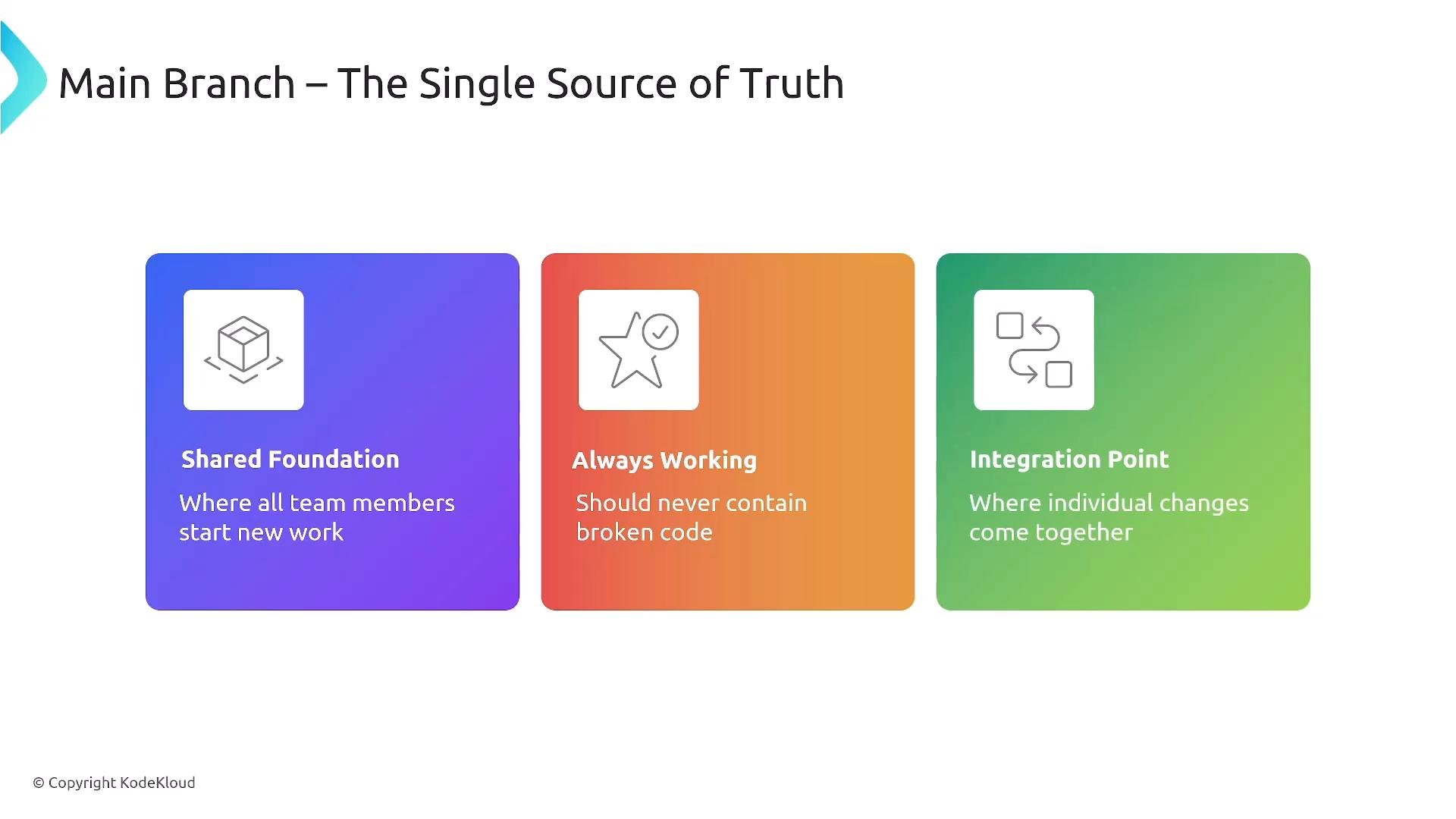
Protect the
main branch. Keep it deployable: require PR reviews, CI gates, and automated checks so main remains a reliable single source of truth.Feature-branch workflow (recommended)
A simple, practical feature-branch workflow:- Create a feature branch from
main:
- Push and open a PR:
- CI runs tests against the PR; if all checks pass and reviewers approve, merge into
main.
Automated builds: reproducible artifacts
CI should produce consistent, repeatable builds: resolving dependencies, compiling, running static analysis, and packaging artifacts. Reproducible builds eliminate “works on my machine” problems and make rollbacks and deployments predictable.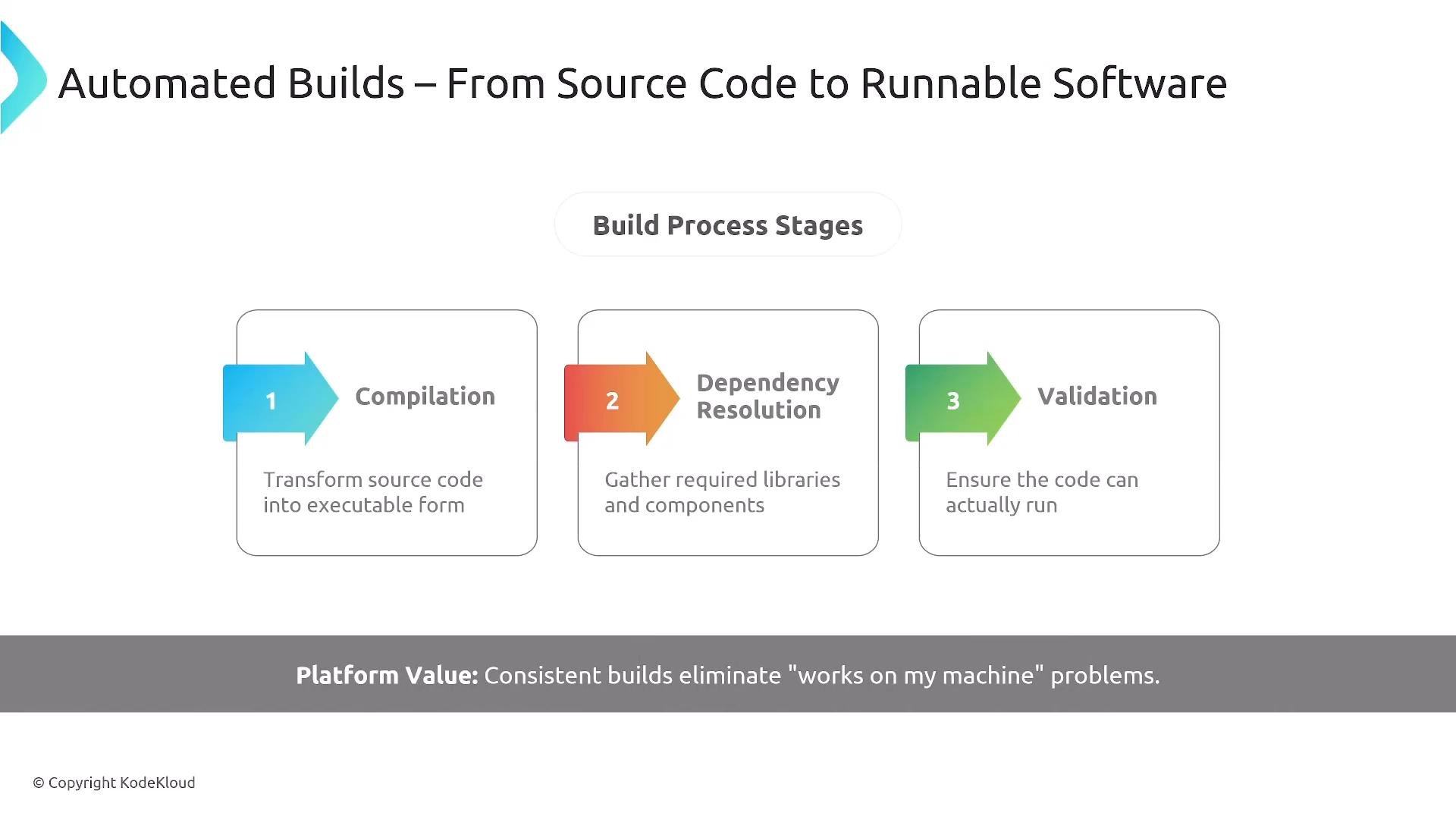
Example: minimal CI job (GitHub Actions)
This simplified example demonstrates running a build and unit tests on a push or PR:Fast feedback and batch size
Fast feedback is critical. Small batches and quick CI results help developers retain context and fix issues immediately. Delayed CI increases context switching and the cost of fixes.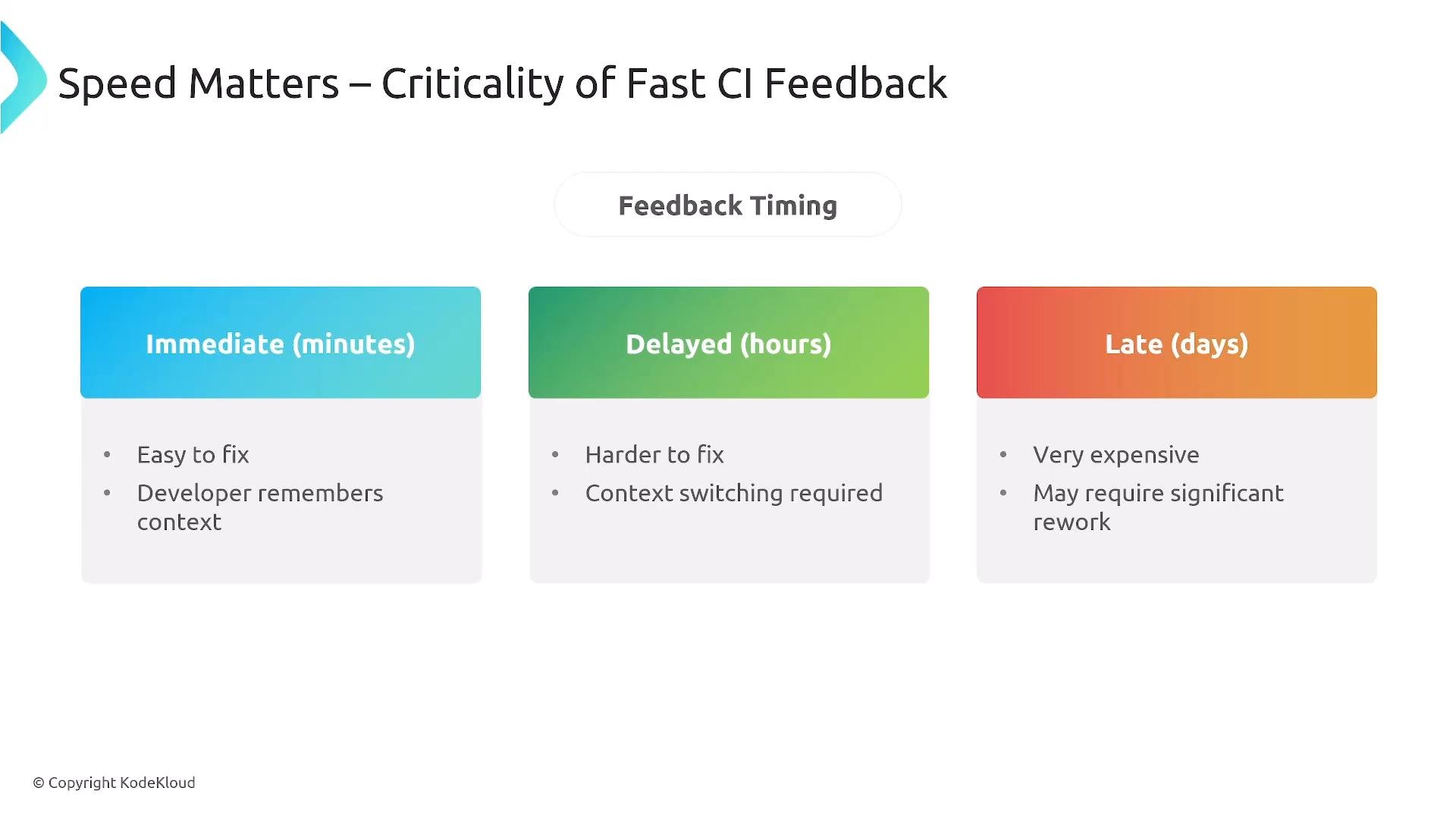
Team benefits and platform enablement
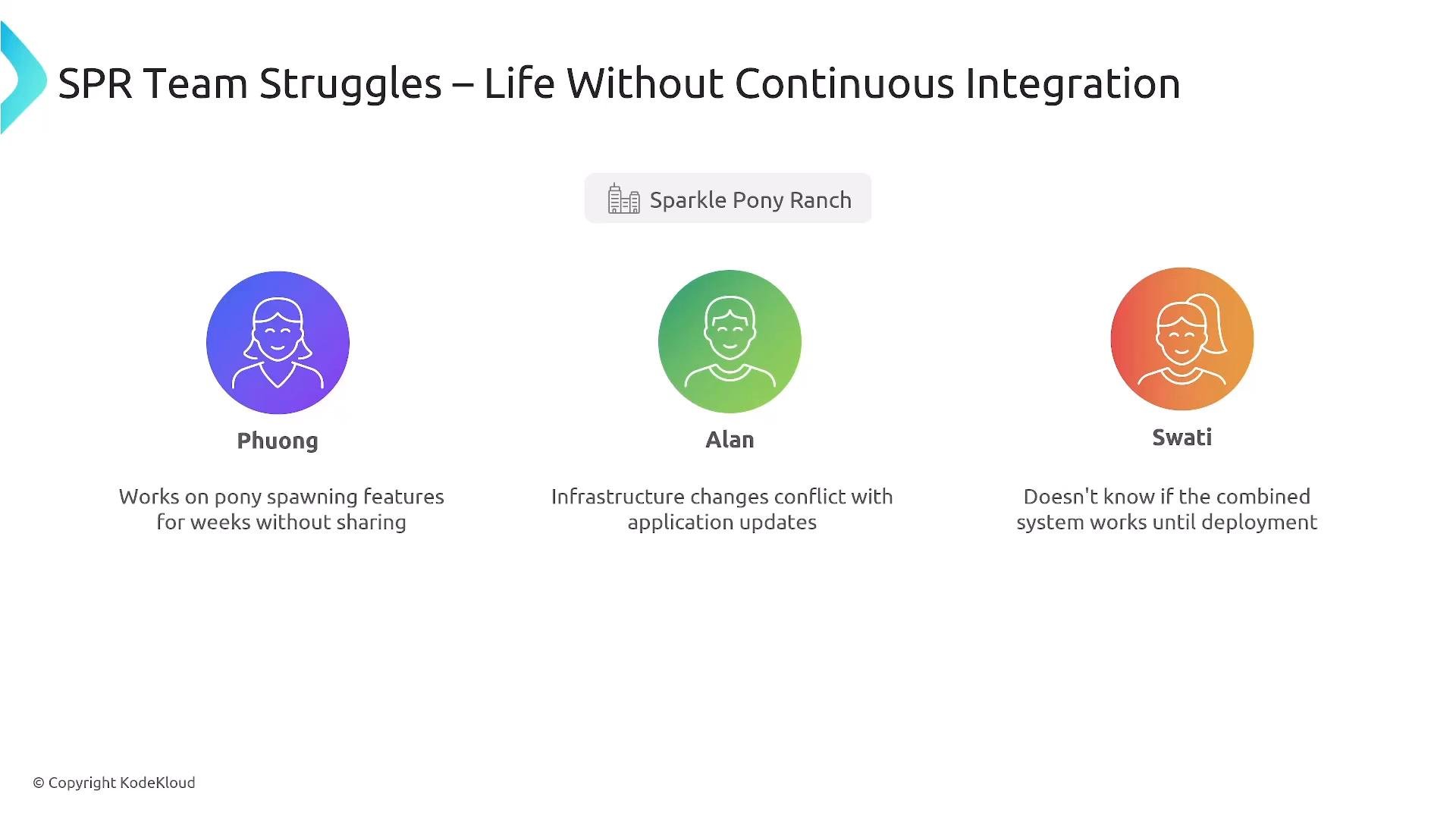
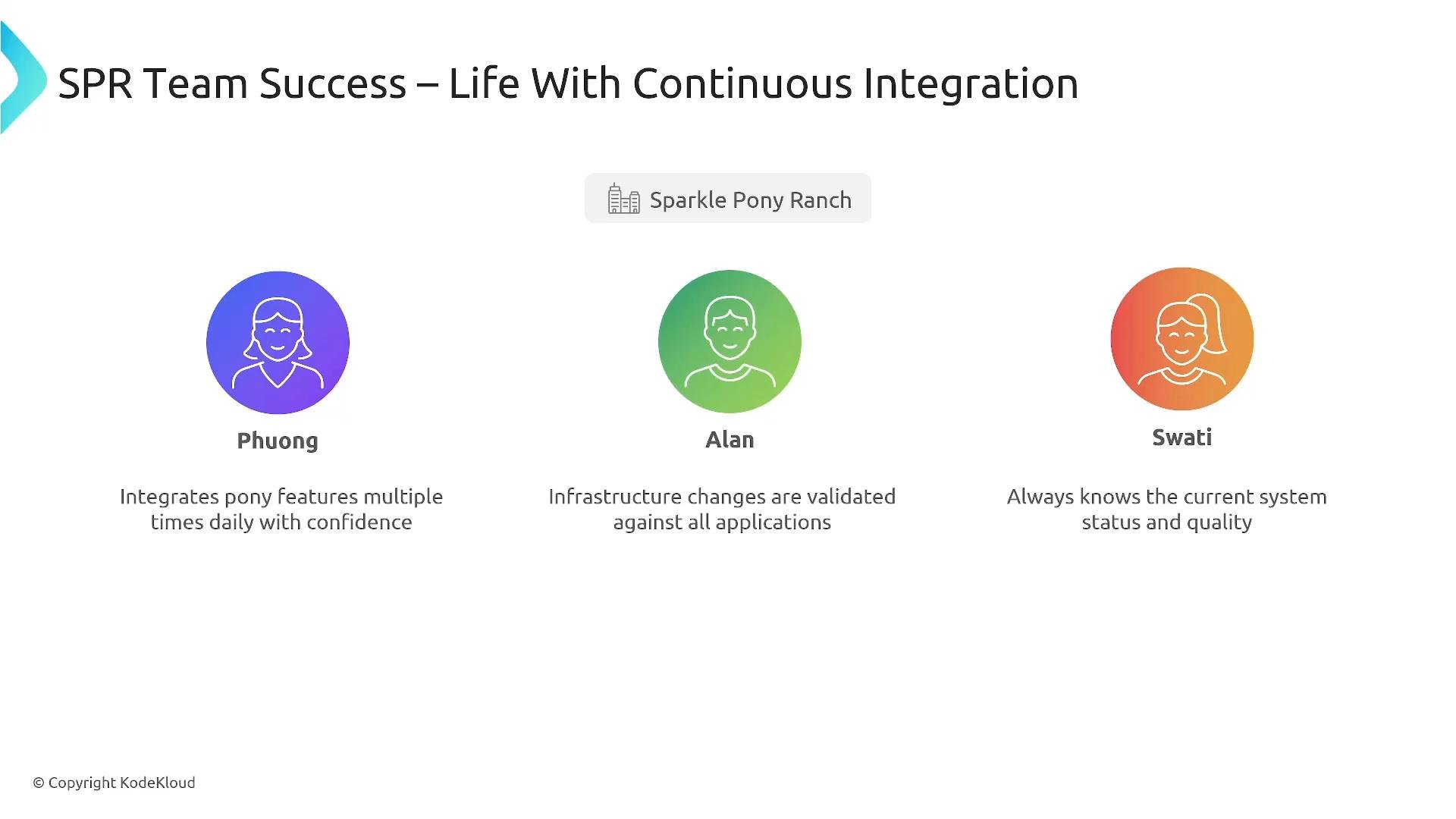
CI improves teamwork by increasing visibility, confidence, and shared responsibility. A solid platform lets developers (Phuong), infrastructure engineers (Alan), and platform owners (Swati) operate with less stress and higher throughput.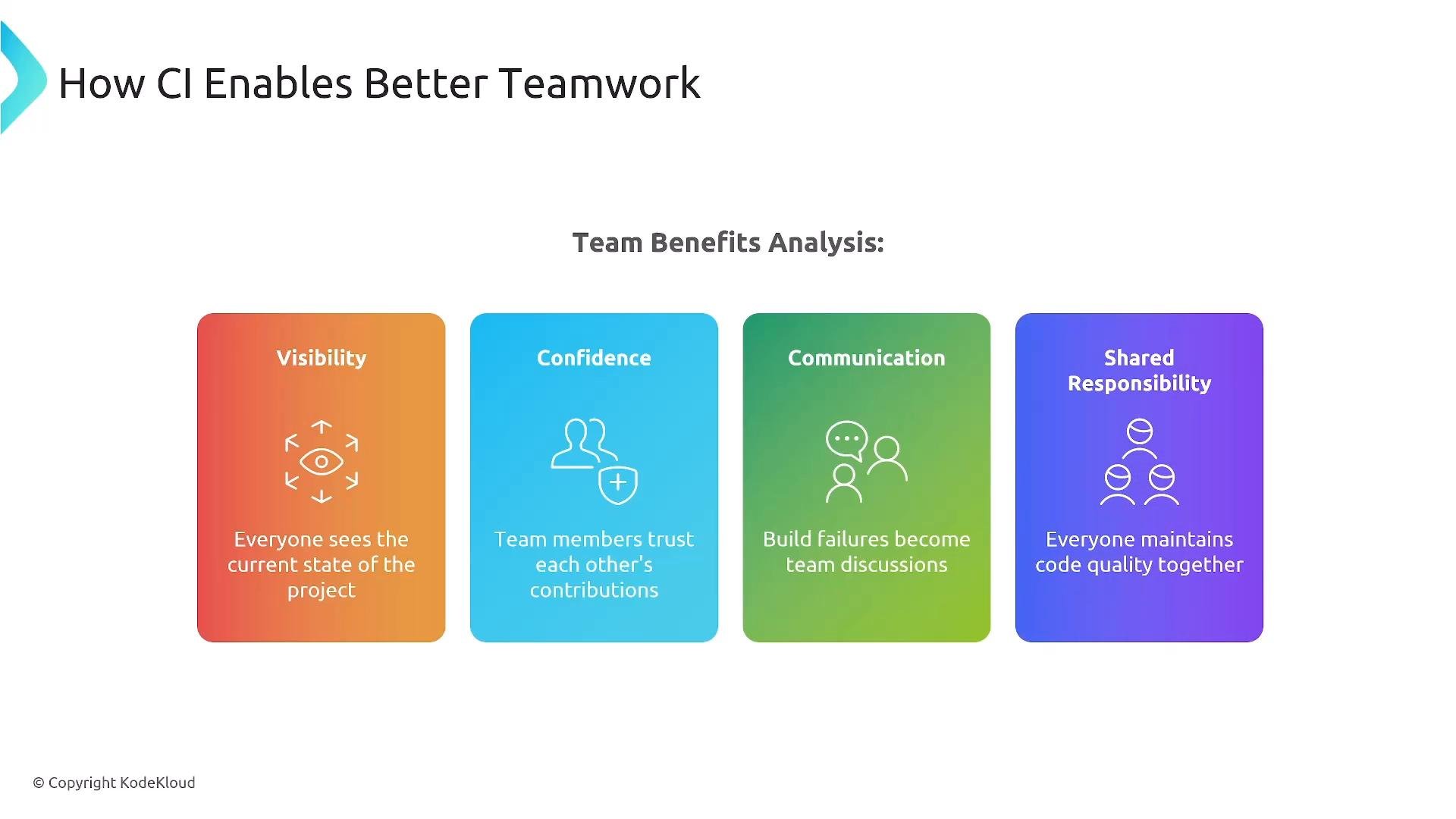
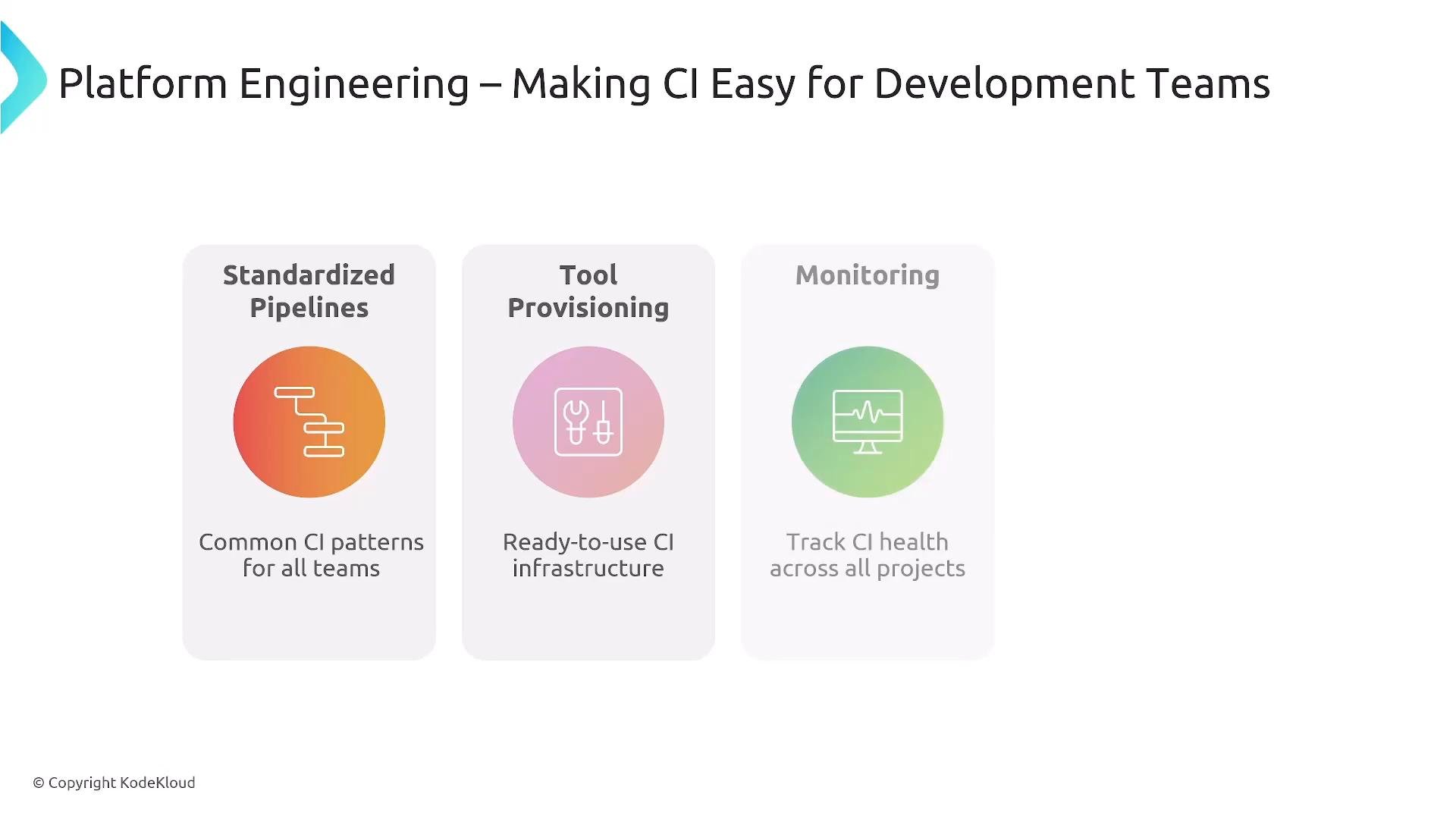
- Standardized pipelines and templates for common languages and frameworks.
- Tool provisioning and managed CI runners (e.g., self-hosted runners, autoscaling agents).
- Observability and metrics to monitor CI health.
- Documentation and onboarding to remove knowledge gaps.
Common CI challenges and mitigation
Typical challenges and platform responses: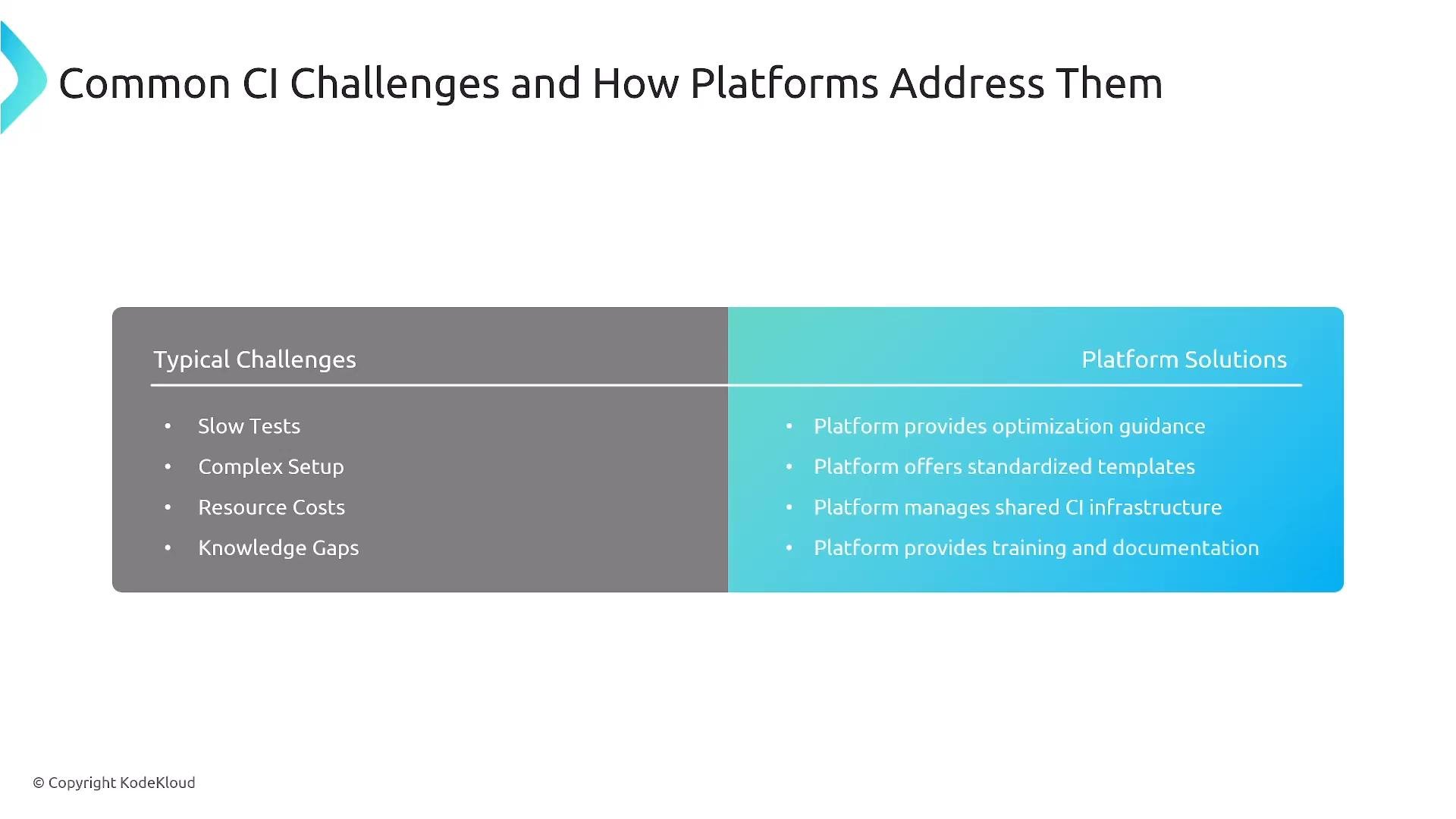
Measure CI effectiveness
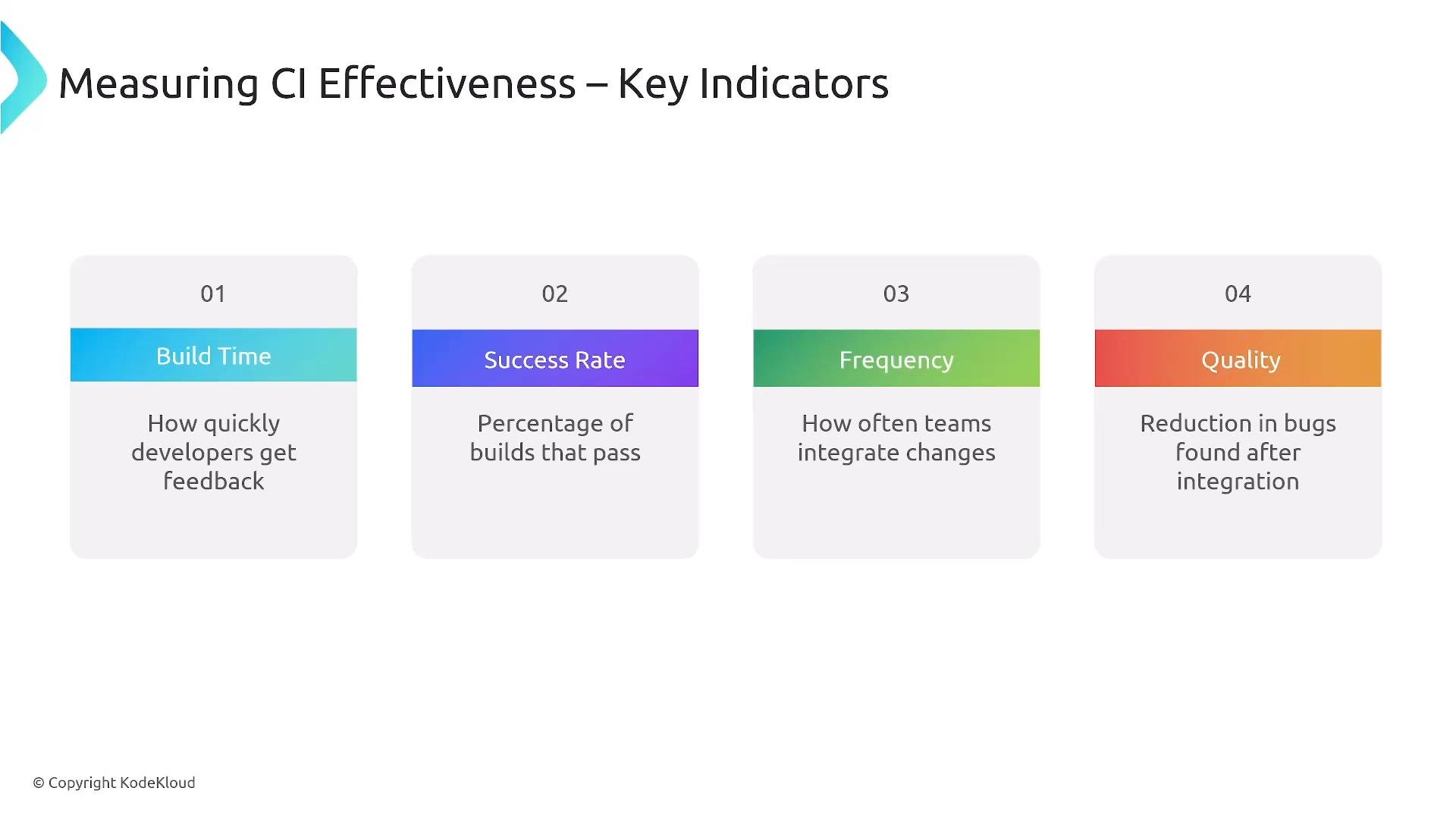
Track quantitative indicators and use them to drive improvements:
Aim for shorter build times, higher success rates, more frequent confident commits, and fewer post-merge bugs.
Key takeaways
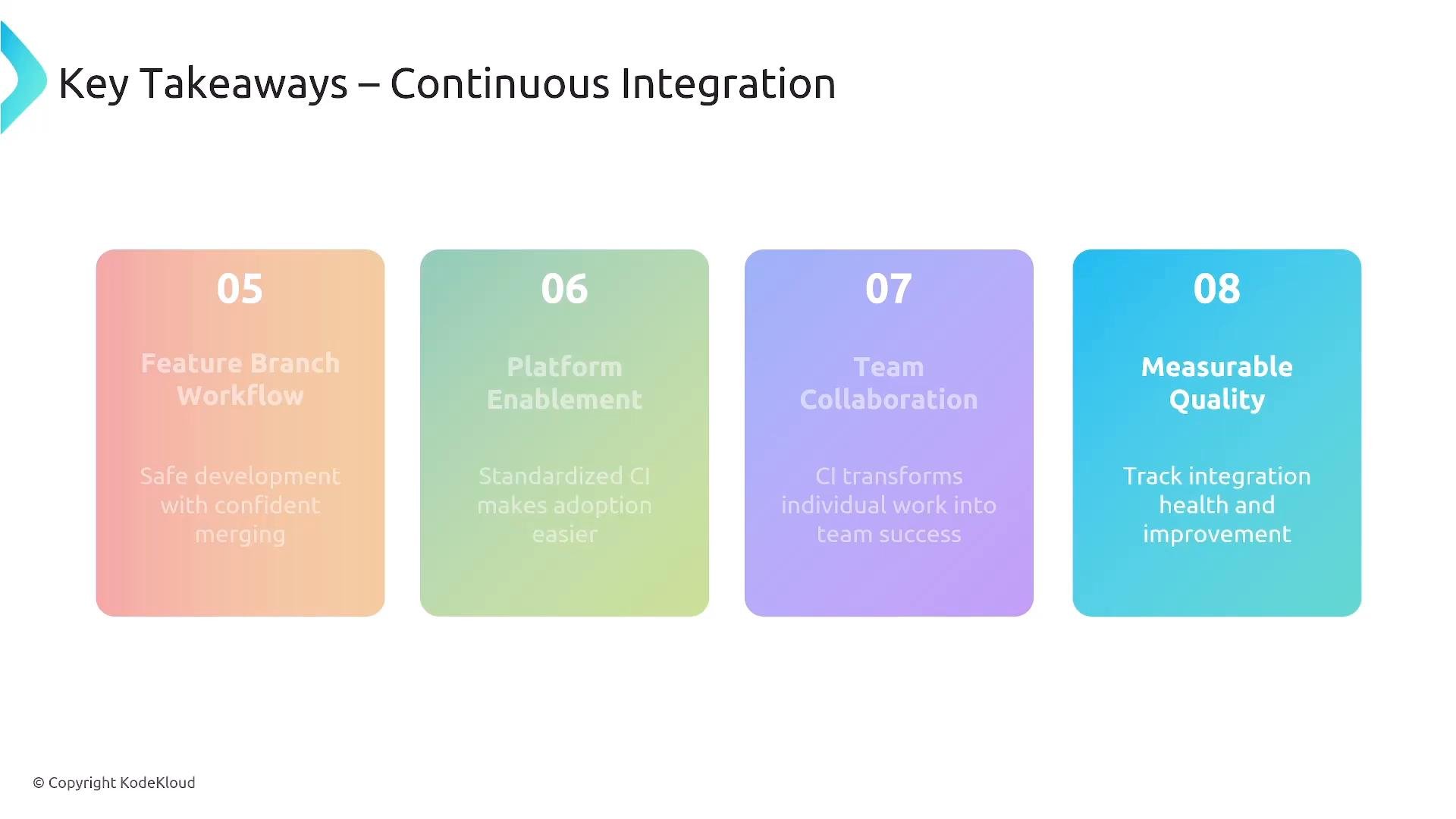
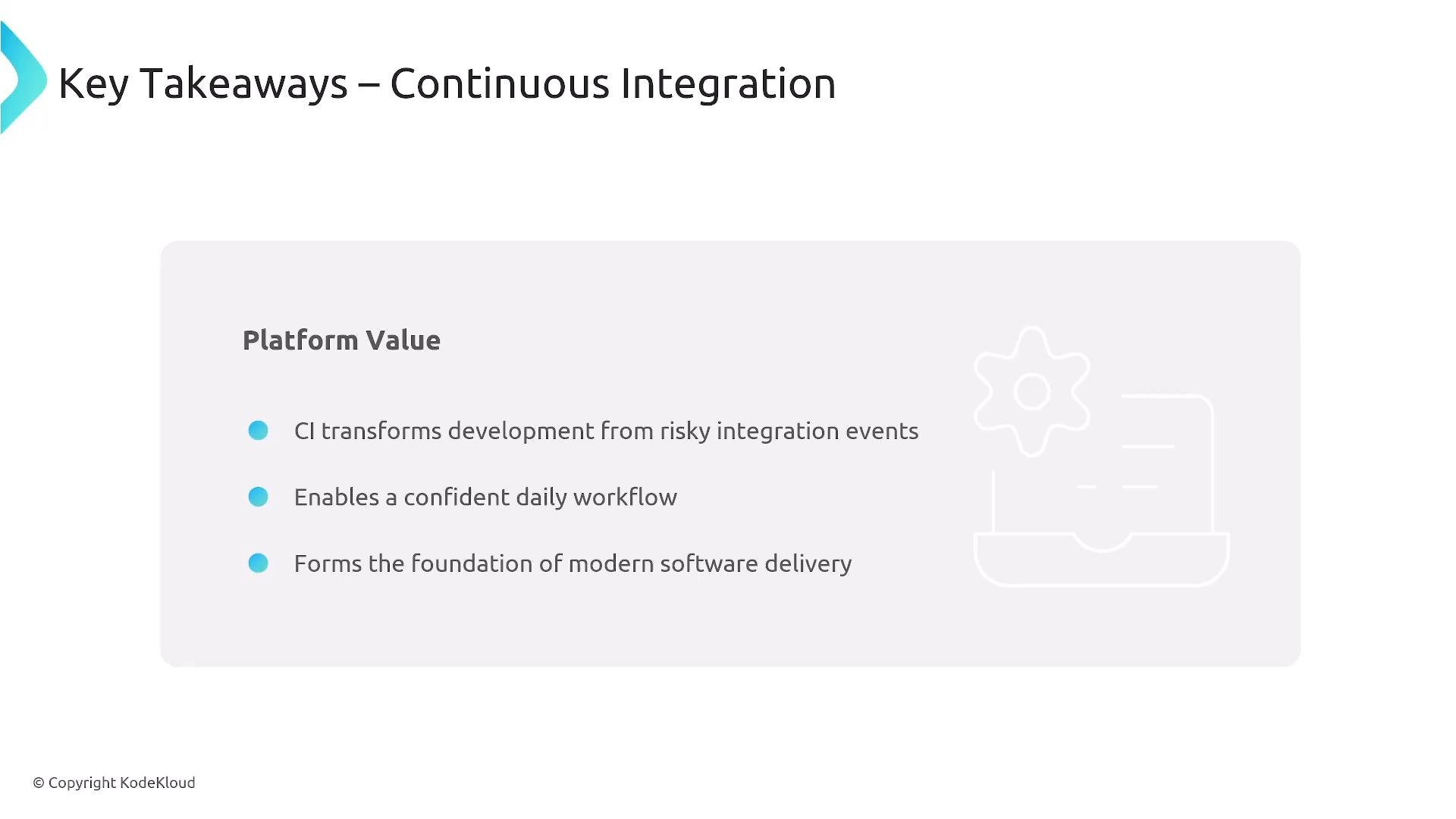
- Embed CI into the platform philosophy so testing and validation are automated and immediate.
- Protect
mainand keep it deployable by gating merges with CI and reviews. - Use a feature-branch workflow that’s safe, fast, and structured.
- Enable cross-functional collaboration and collect measurable CI metrics to drive continuous improvement.