In this lesson/article we will cover continuous integration, continuous delivery, and continuous deployment. This lesson focuses on designing delivery pipelines and platform services so teams can deliver software quickly, safely, and reliably. The four core goals for modern software delivery are:
  • Balance speed with safety (deliver fast without breaking things).
  • Build security in (shift-left and automated gates).
  • Ensure observability and visibility (monitoring, logging, tracing).
  • Provide consistency and repeatability (predictable, auditable deployments).
These are not separate concerns — reliability, speed, security, and observability must be integrated into every stage of the pipeline.
Characters used throughout this lesson:
  • Swati — platform/DevOps engineer building and operating the pipeline.
  • Alan — infrastructure engineer using GitOps to manage infrastructure.
  • Phong — application developer committing features and tests.
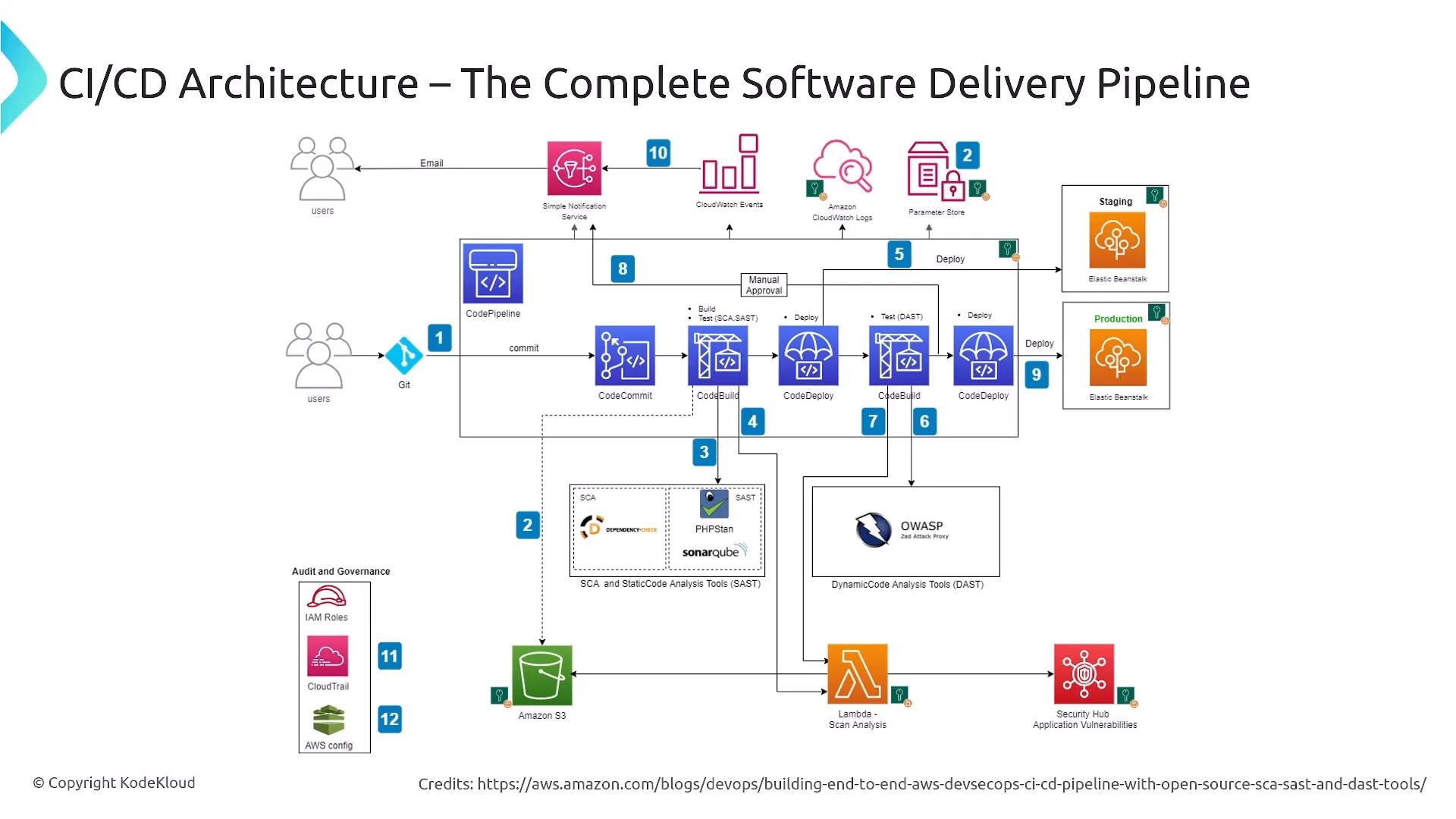
The overall challenge is moving from manual, error‑prone processes to automated, testable, auditable, and secure delivery processes for infrastructure and application code. This example architecture demonstrates how complex a modern CI/CD pipeline can become. It includes source control, build and release services, SCA/SAST/DAST scanners, monitoring, notifications, artifact stores, and many deployment targets (AWS Lambda, Elastic Beanstalk, containers, etc.). Integration points such as security and observability are embedded across the pipeline.
A diagram of a CI/CD architecture showing a complete AWS software delivery pipeline. It depicts commits flowing from Git/CodeCommit through CodePipeline/CodeBuild/CodeDeploy to staging and production (Elastic Beanstalk) with integrated SCA/SAST/DAST scanners, CloudWatch, SNS, S3, Lambda and Security Hub.
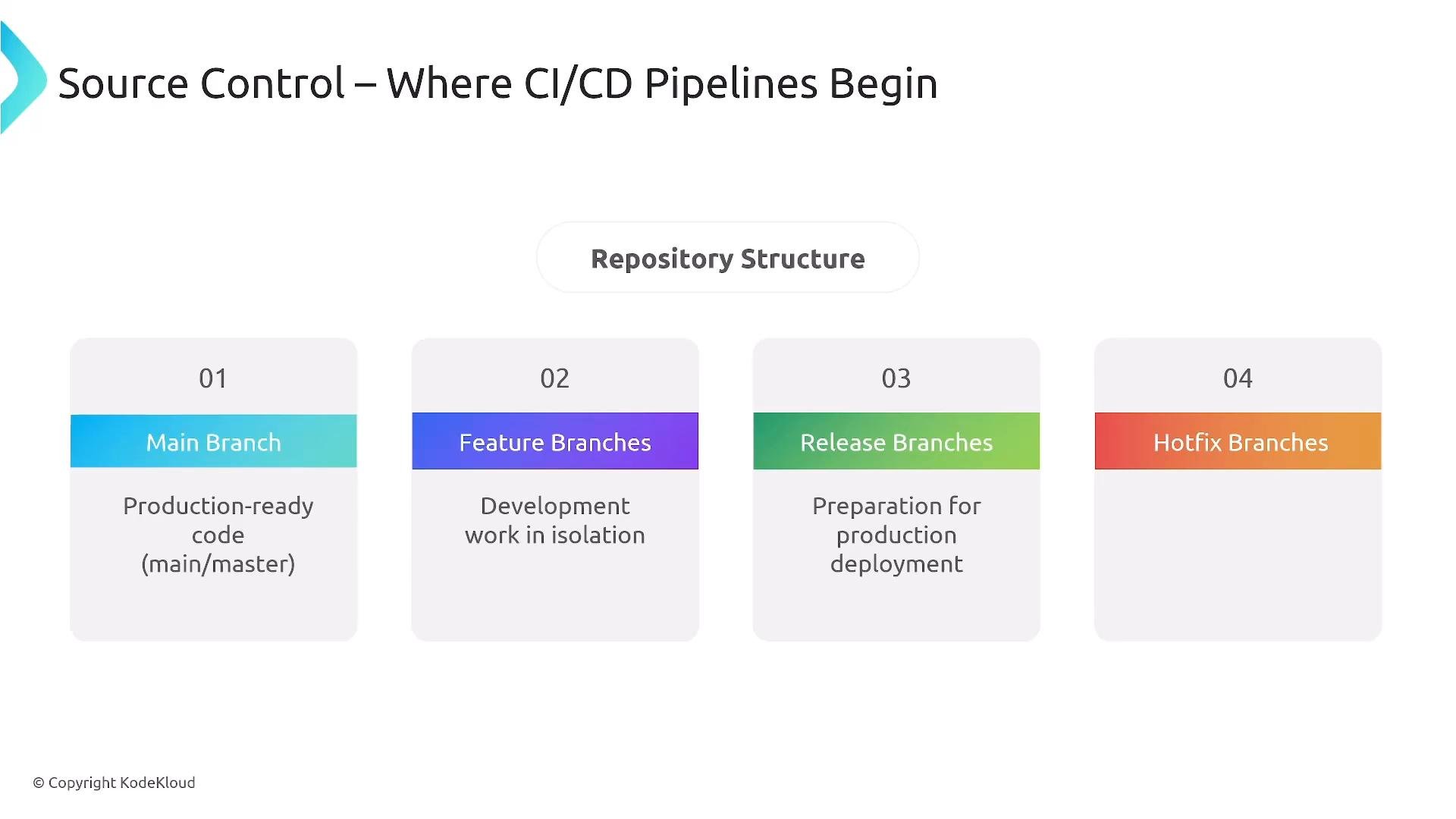
Platform engineers must understand the complete picture: you’re not just building CI/CD for an app — you’re delivering CI/CD as a service to development teams and using it to build the platform itself. The four concerns above apply across pipeline, infrastructure, and application workflows. Source control is where pipelines begin. Typical branch types:
  • Main (production-ready deployable branch; used to run integration pipelines).
  • Feature (isolation for development work).
  • Release (optionally used to prepare an official release containing many features).
  • Hotfix (emergency fixes to production).
Feature branches are merged back into main (or into a release branch) after passing required checks. Branch policies can enforce required status checks, code reviews, or test gates before merging.
A presentation slide titled "Source Control – Where CI/CD Pipelines Begin" showing a repository structure. It lists four branch types: Main (production-ready), Feature (development in isolation), Release (preparation for deployment), and Hotfix branches.
The repository layout and branching strategy should be agreed with teams you serve. Some teams work directly off main while others use release branches or tags. Platform teams often prescribe conventions to ensure reproducibility and consistent pipelines. CI/CD pipeline stages form a software delivery assembly line. Typical sequential stages (each acting as a quality gate):
  • Build — compile or assemble code into an artifact.
  • Test — unit, integration, UI, and end-to-end tests validate functionality.
  • Scan — security scans (SAST, dependency checks, container scans, DAST).
  • Package — produce versioned, immutable artifacts.
  • Deploy — promote artifacts through environments (dev → QA → staging → production).
  • Verify — automated or manual post-deployment validation.
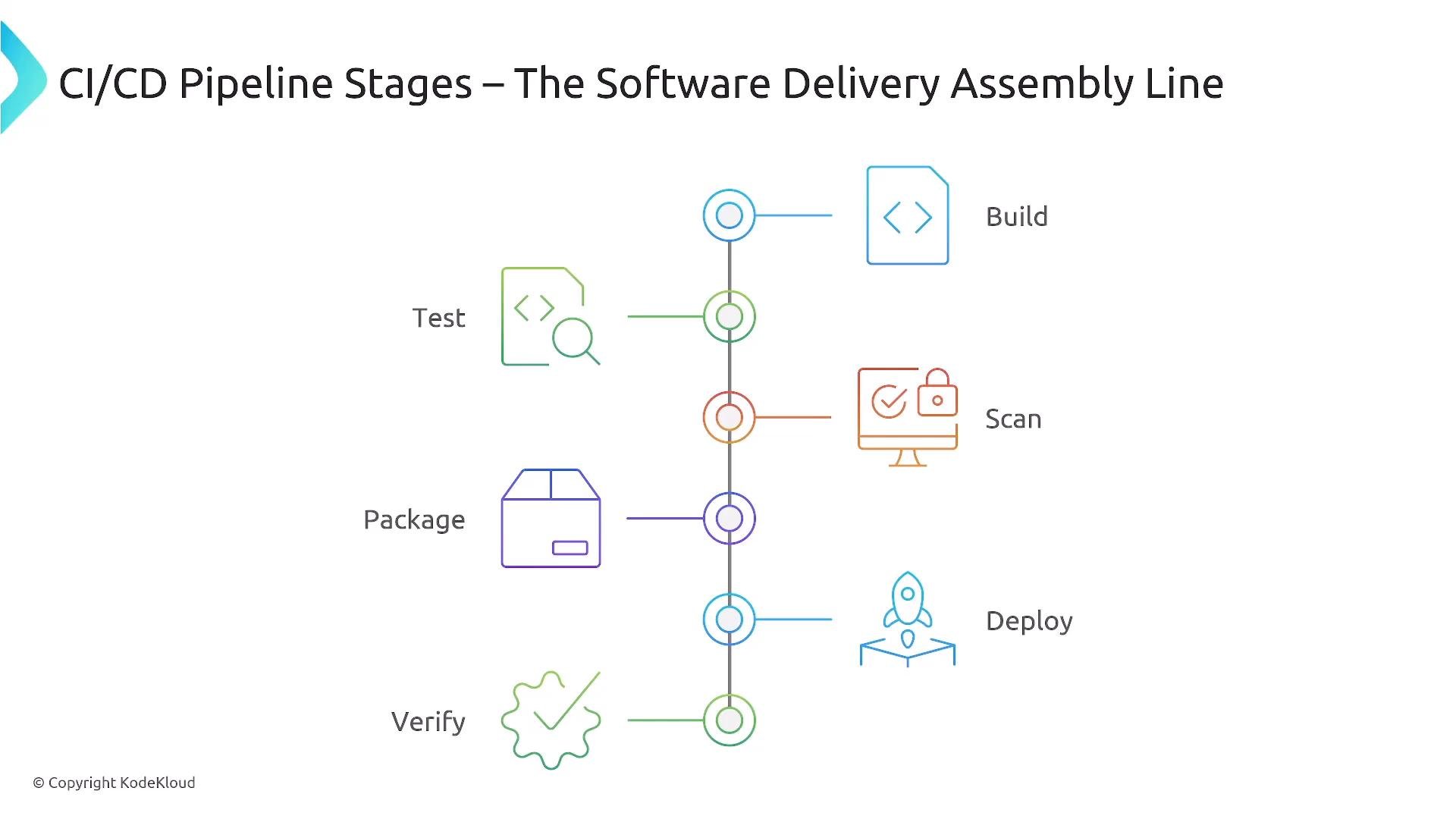
If any stage fails, the pipeline stops (fail-fast) so issues are caught early and cheaply.
An infographic titled "CI/CD Pipeline Stages – The Software Delivery Assembly Line." It shows a vertical timeline of stages—Build, Test, Scan, Package, Deploy, Verify—each paired with a colored icon.
Best practices for CI:
  • Small, frequent commits and merges into main (small batches).
  • Automated builds and queued execution for concurrent merges.
  • Run unit and integration tests as early as possible.
  • Provide immediate, auditable feedback on failures.
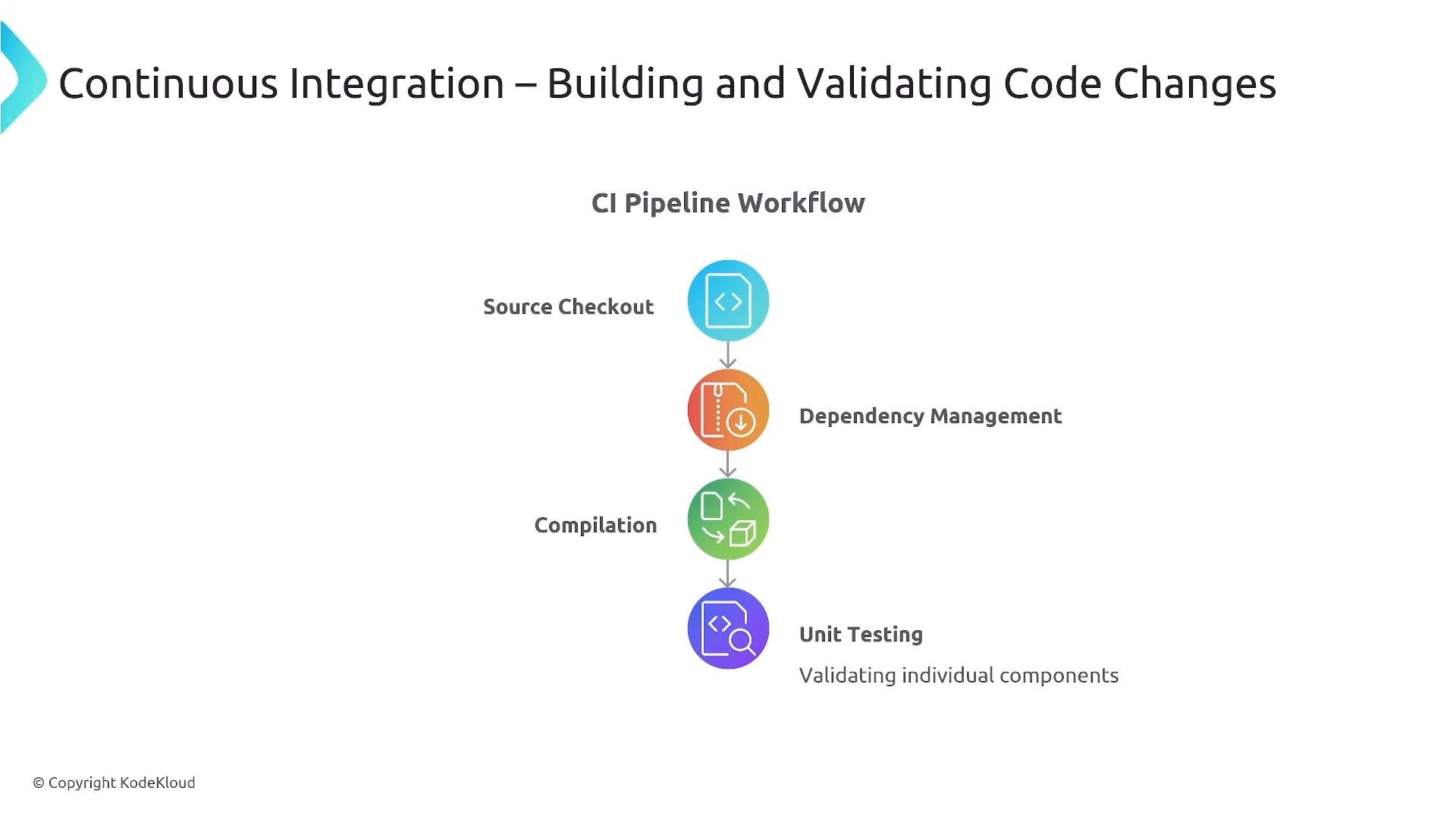
The CI stage typically performs: source checkout, dependency resolution, compilation/packaging, and unit testing. After producing a runnable artifact, the pipeline proceeds with broader validation and security checks.
A slide titled "Continuous Integration – Building and Validating Code Changes" showing a vertical CI pipeline workflow with colorful icons and steps like Source Checkout, Dependency Management, Compilation, and Unit Testing. The page looks like a presentation graphic from KodeKloud.
Testing categories and when to run them:
  • Unit tests — fast, isolated component tests (run earliest and most frequently).
  • Integration tests — service-to-service or component integration validations.
  • End-to-end tests — simulate a user’s journey through the system (heavier, run later).
  • UI tests — browser-based tests (Selenium, Puppeteer) that are usually slower and run infrequently.
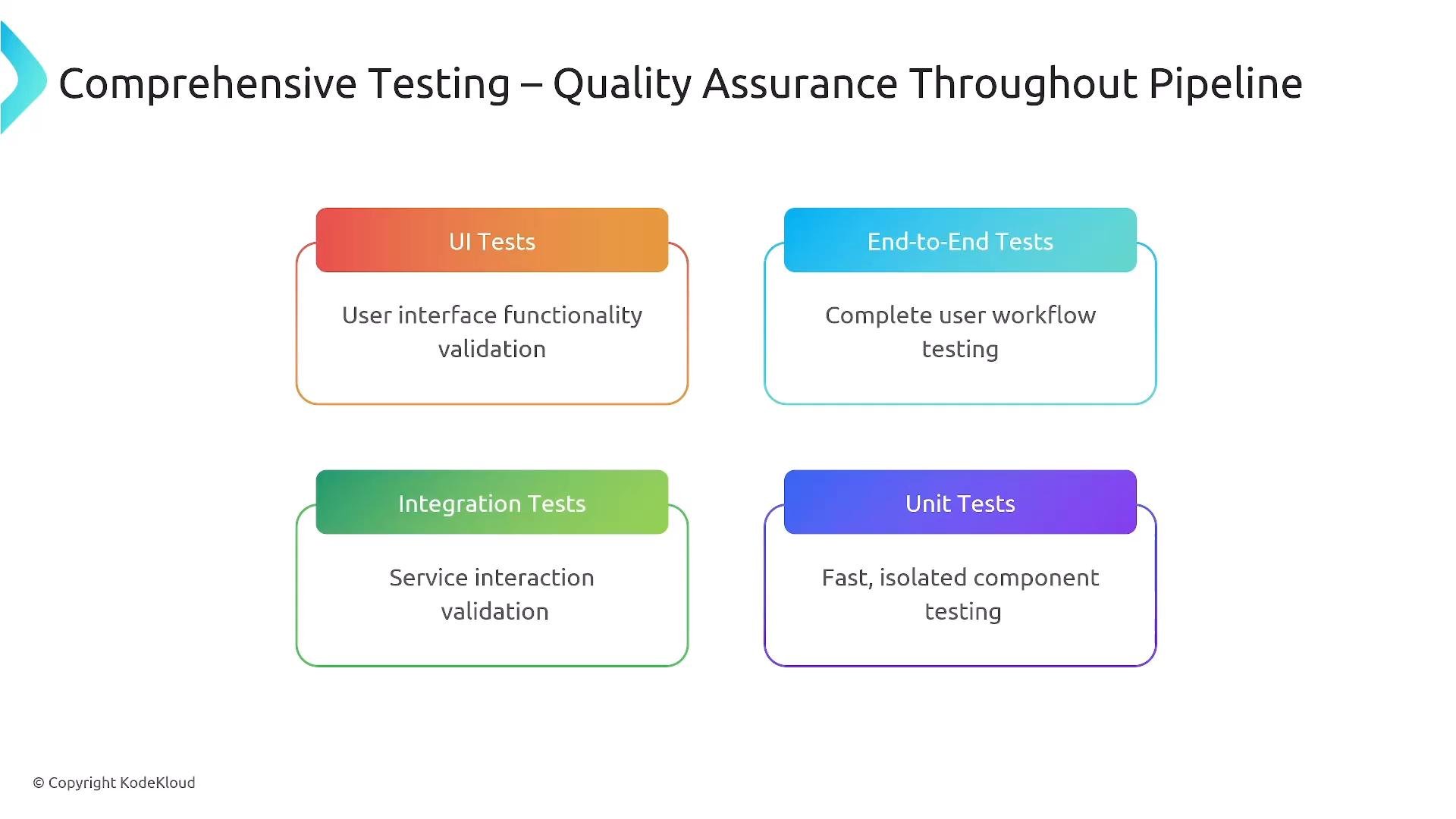
Parallelizing test runs and stopping early on failure speeds feedback loops. Dev, QA, and staging environments should approximate production to reduce environment-induced issues. Use ephemeral environments when possible to run realistic tests.
A presentation slide titled "Comprehensive Testing – Quality Assurance Throughout Pipeline" showing four colored boxes for UI Tests, End-to-End Tests, Integration Tests, and Unit Tests with short descriptions of each.
Security testing commonly includes:
  • SAST (static application security testing) — analyzes source code without execution.
  • DAST (dynamic application security testing) — attacks a running application to identify runtime vulnerabilities.
  • Dependency/third-party library scanning — checks for known vulnerable open-source packages.
  • Artifact/container image scanning — inspects build outputs (containers, VM images).
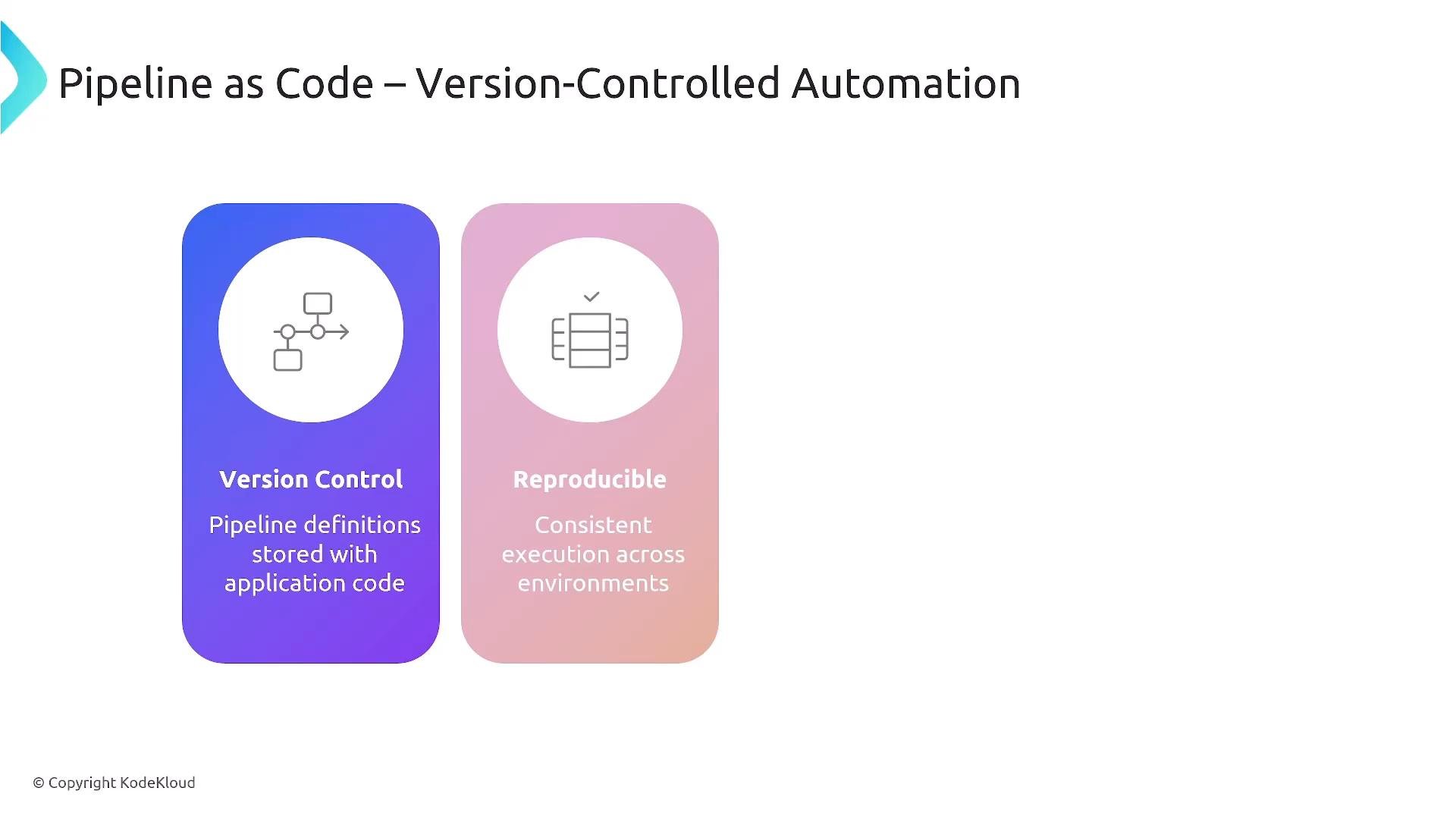
Security gates can run at multiple levels: IDE pre-commit hooks, pipeline gates (blocking vulnerable artifacts), and post-deployment monitoring. Define and enforce security policies as code so checks are repeatable and auditable. Pipeline-as-code is essential: pipeline definitions should be stored and versioned in source control so they are reproducible, collaborative, and auditable. Treat pipelines like any other code artifact.
A presentation slide titled "Pipeline as Code — Version-Controlled Automation." It shows two rounded cards labeled "Version Control" and "Reproducible" with icons and short descriptions about storing pipeline definitions with code and consistent execution across environments.
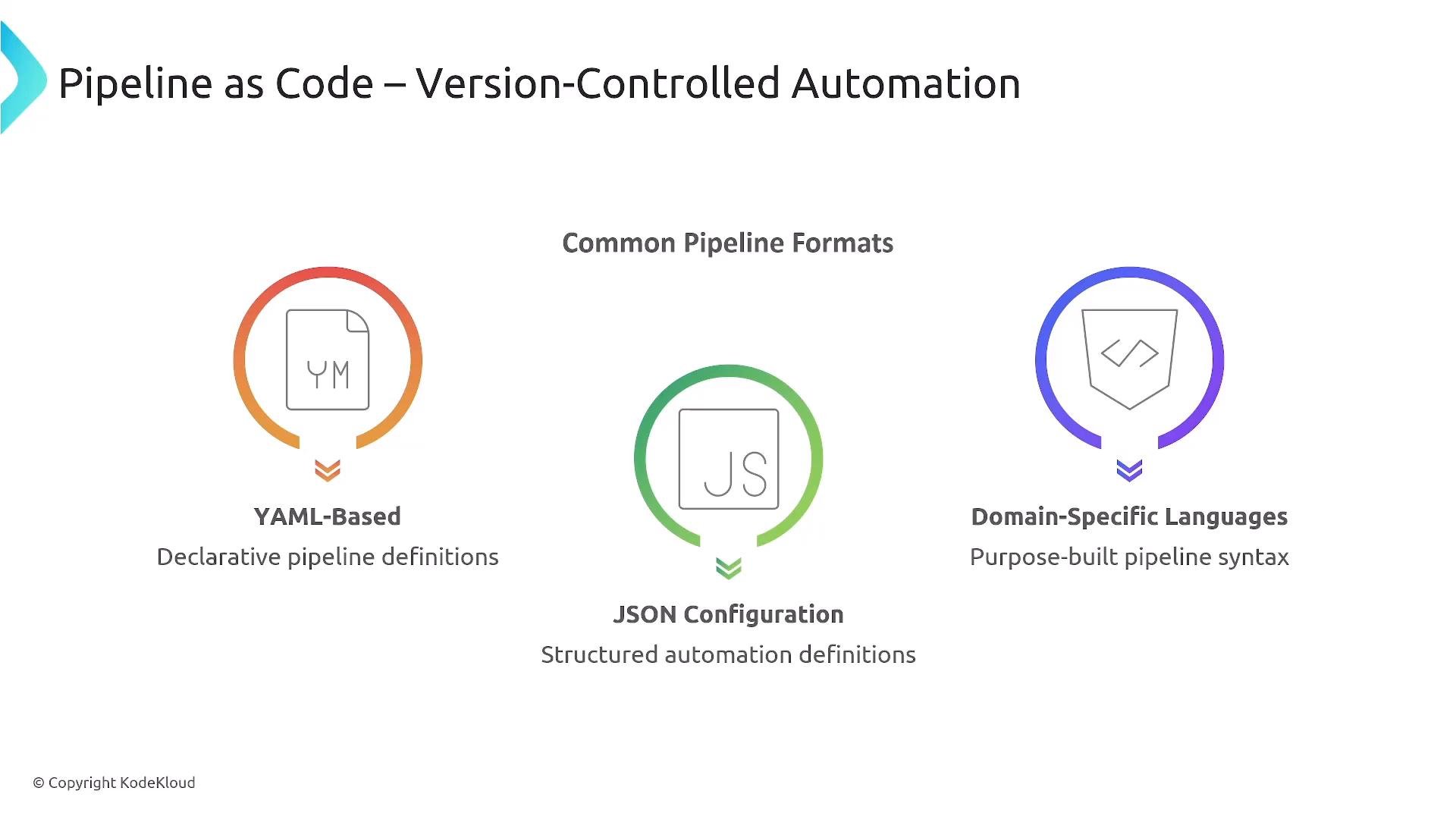
Common pipeline formats include YAML, JSON, and domain‑specific languages (DSLs). The format is less important than being declarative, idempotent, and version-controlled.
A slide titled "Pipeline as Code – Version-Controlled Automation" showing three common pipeline formats with icons: YAML-Based, JSON Configuration, and Domain-Specific Languages. Each format has a short description (YAML: declarative pipeline definitions; JSON: structured automation definitions; DSLs: purpose-built pipeline syntax).
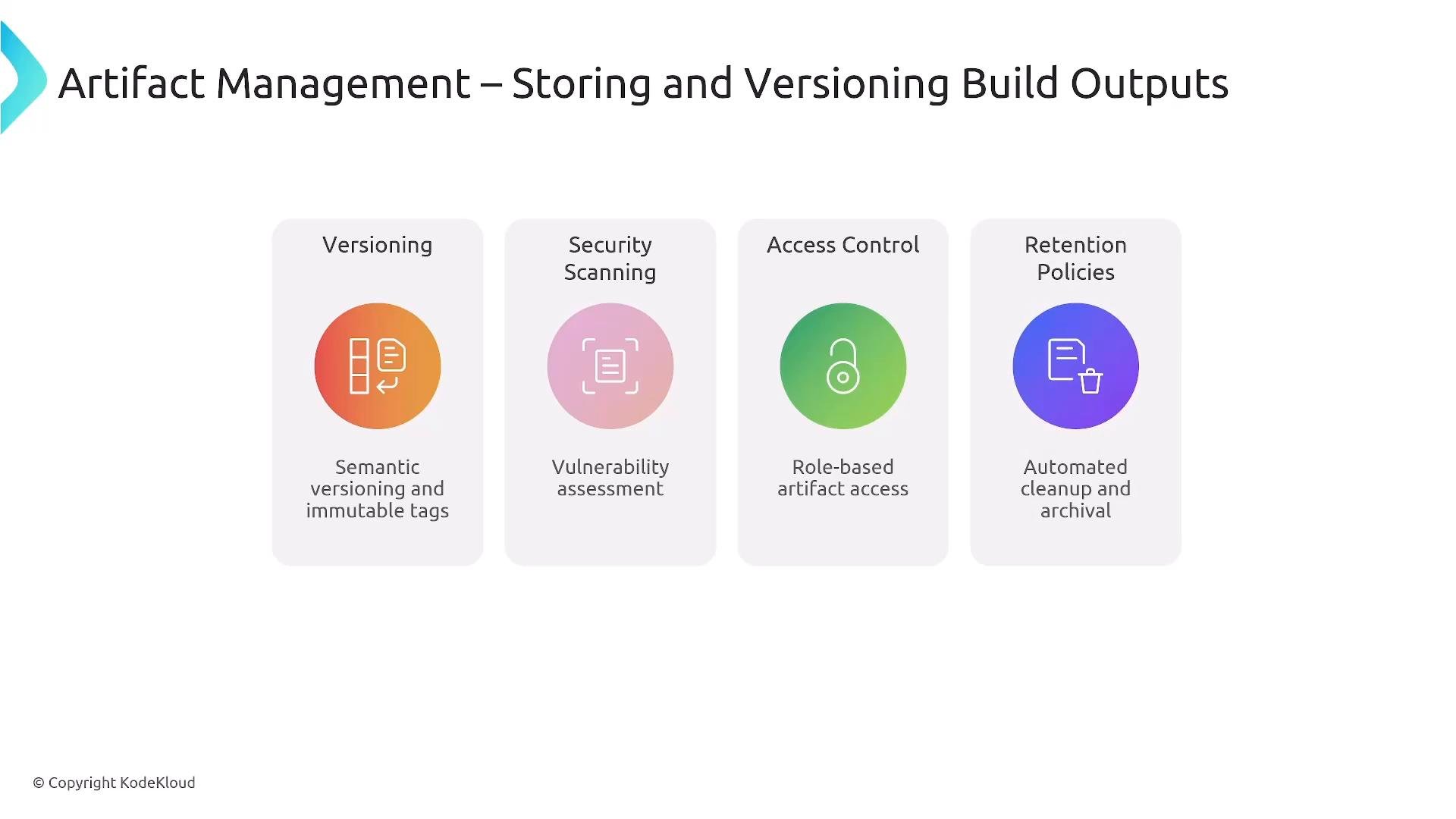
Artifact management stores the outputs of the build process — container images, language-specific binary packages (npm, NuGet, gems), and other compiled artifacts. Important features:
  • Versioning and immutable tags (semantic versioning or commit SHA tags).
  • Security scanning on stored artifacts.
  • Access control for different environments and service accounts.
  • Retention policies and cleanup.
A universal artifact repository (e.g., JFrog Artifactory) can host many artifact types and integrate with your pipeline for automated promotion and scanning.
A presentation slide titled "Artifact Management – Storing and Versioning Build Outputs" that lists four key features: Versioning (semantic versioning/immutable tags), Security Scanning (vulnerability assessment), Access Control (role-based access), and Retention Policies (automated cleanup and archival).
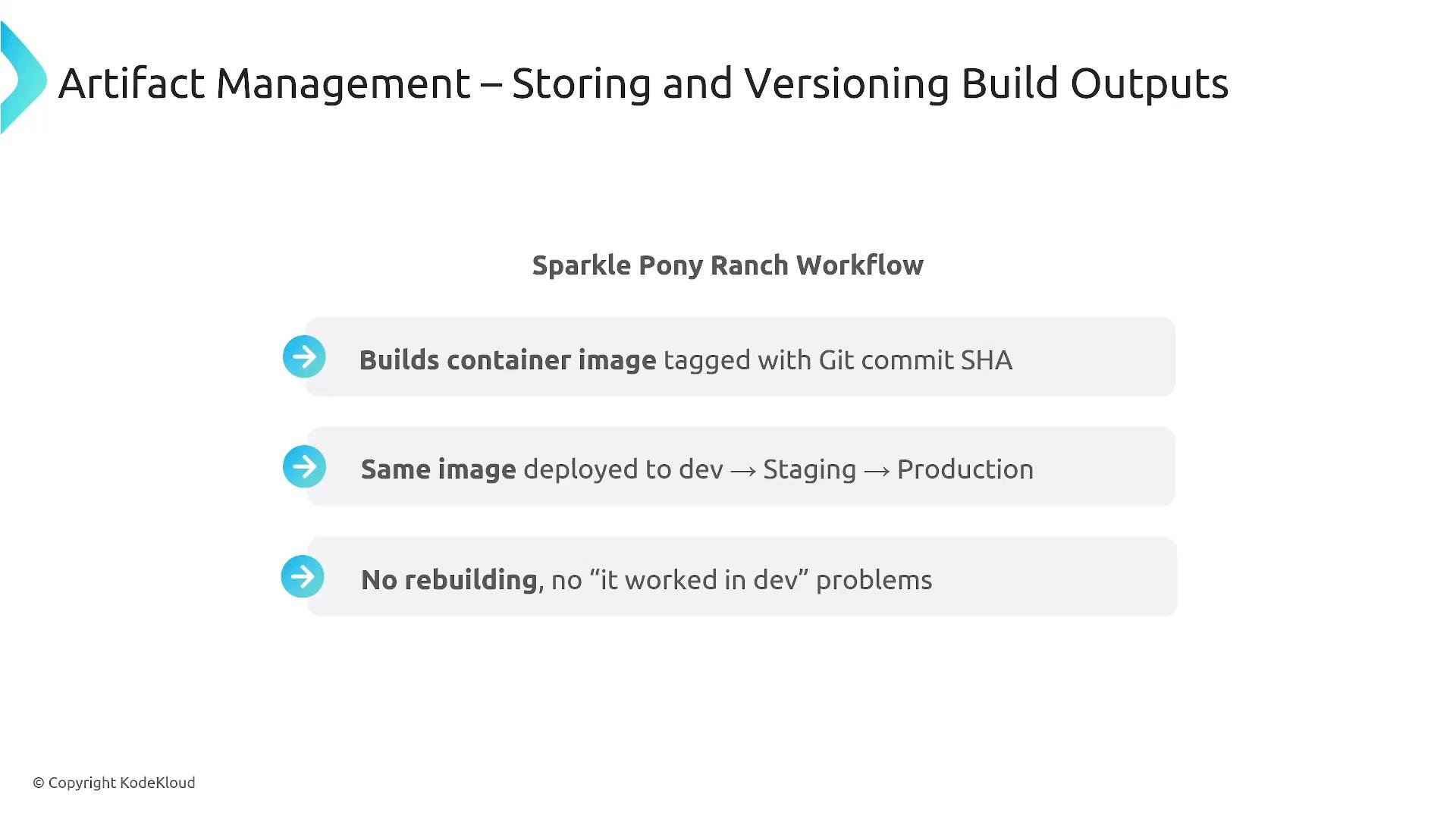
The recommended workflow is to build immutable artifacts and promote the exact same artifact through environments (dev → staging → production). Avoid rebuilding the artifact at each environment to ensure what was tested is exactly what is deployed.
A presentation slide titled "Artifact Management – Storing and Versioning Build Outputs" describing the "Sparkle Pony Ranch Workflow." It lists three points: build container images tagged with the Git commit SHA, deploy the same image to dev → staging → production, and avoid rebuilding/"it worked in dev" problems.
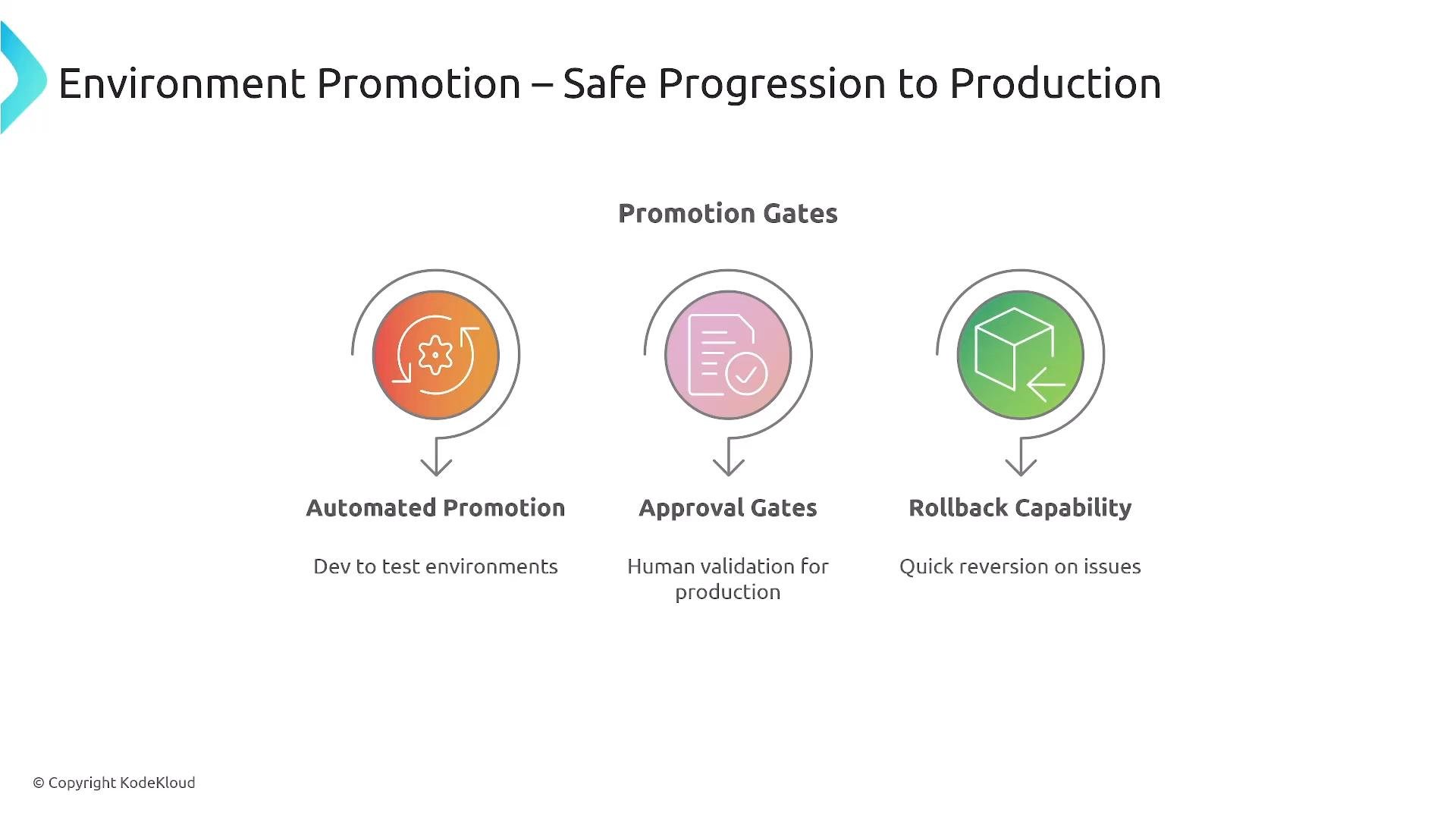
Environment promotion and release practices:
  • Promote artifacts progressively through Dev, QA, Staging, and then Production.
  • Use automated promotion gates and human approval gates when required (often for production).
  • Support rollbacks or quick reversion capabilities to return to a known-good artifact.
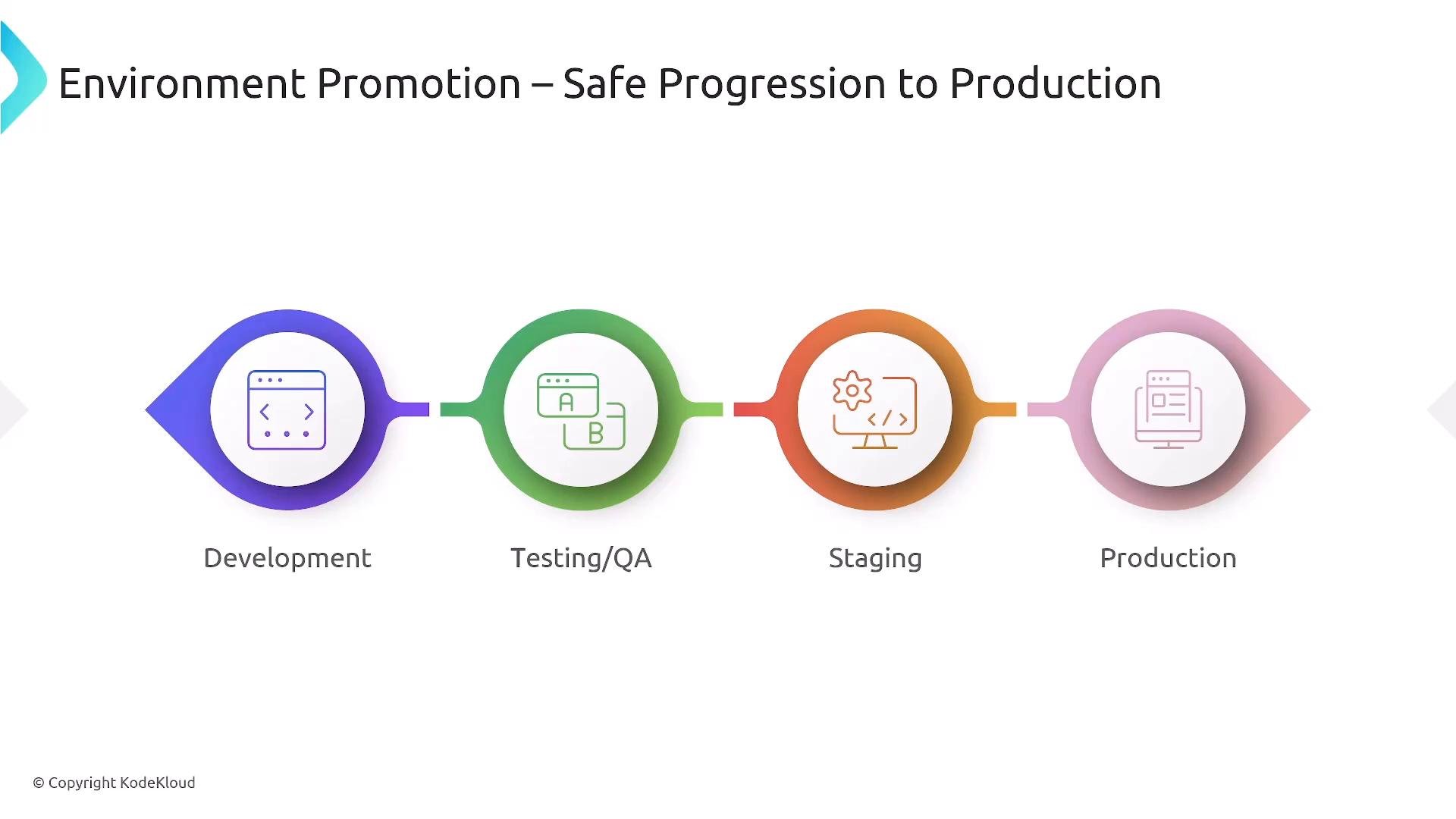
Promotion gates are a balance of velocity and safety — implement according to organizational risk tolerance.
A slide titled "Environment Promotion – Safe Progression to Production" showing a four-stage deployment pipeline: Development (purple), Testing/QA (green), Staging (orange) and Production (pink), each with a matching icon. Colored circles are connected by arrows to indicate progression between environments.
A presentation slide titled "Environment Promotion – Safe Progression to Production" showing three promotion gates: Automated Promotion (dev to test), Approval Gates (human validation for production), and Rollback Capability (quick reversion on issues).
Continuous delivery vs continuous deployment:
  • Continuous Delivery — code is always in a deployable state; a human approval step is often used to promote to production.
  • Continuous Deployment — fully automates promotion to production with no human gate; requires mature automation, comprehensive testing, and robust monitoring/rollback automation.
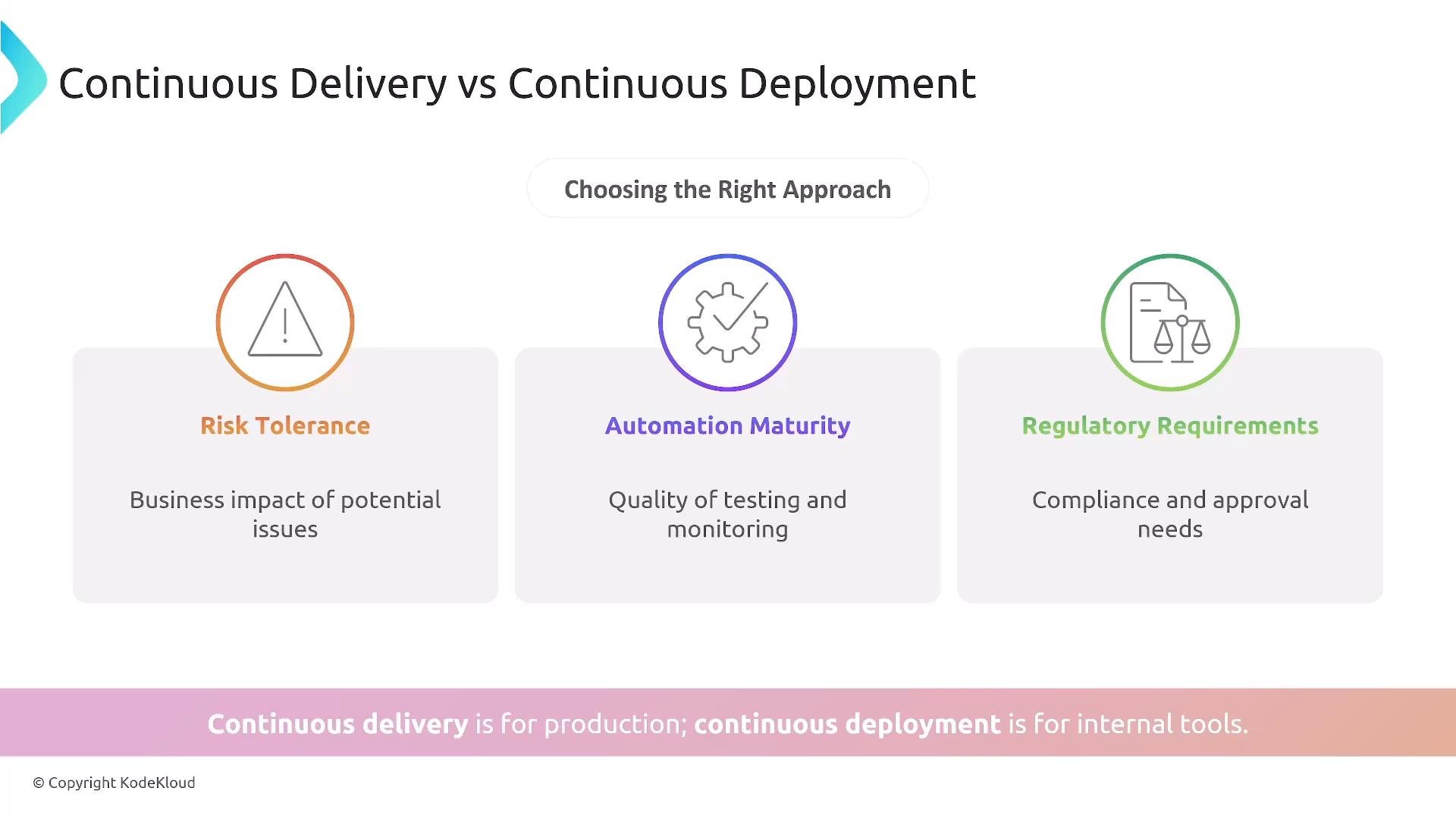
Choose the model based on automation maturity, risk tolerance, and regulatory constraints.
An infographic titled "Continuous Delivery vs Continuous Deployment" showing three decision factors—Risk Tolerance, Automation Maturity, and Regulatory Requirements—under "Choosing the Right Approach." A bottom banner states "Continuous delivery is for production; continuous deployment is for internal tools."
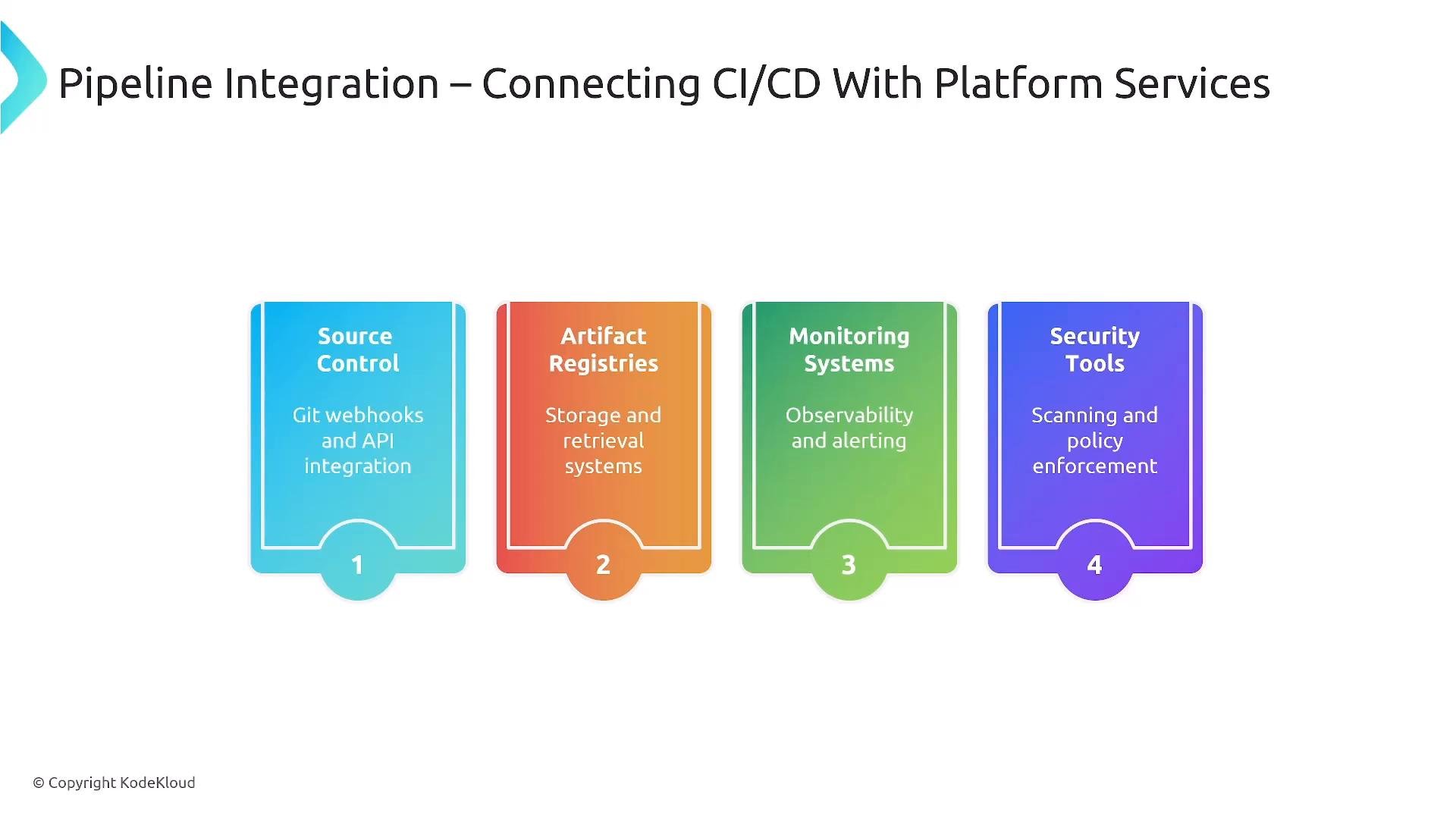
CI/CD is tightly integrated with other platform services: source control triggers (webhooks), artifact registries, monitoring and alerting (Learn By Doing: AIOps Foundations - Intelligent Monitoring With Prometheus & Grafana), security tools, GitOps controllers (GitOps with ArgoCD), and developer portals (Backstage) — all orchestrated to provide a cohesive delivery platform.
A slide titled "Pipeline Integration – Connecting CI/CD With Platform Services" showing four colorful panels. The panels list Source Control (Git webhooks and API integration), Artifact Registries (storage and retrieval systems), Monitoring Systems (observability and alerting), and Security Tools (scanning and policy enforcement).
Pipeline resilience and operational practices:
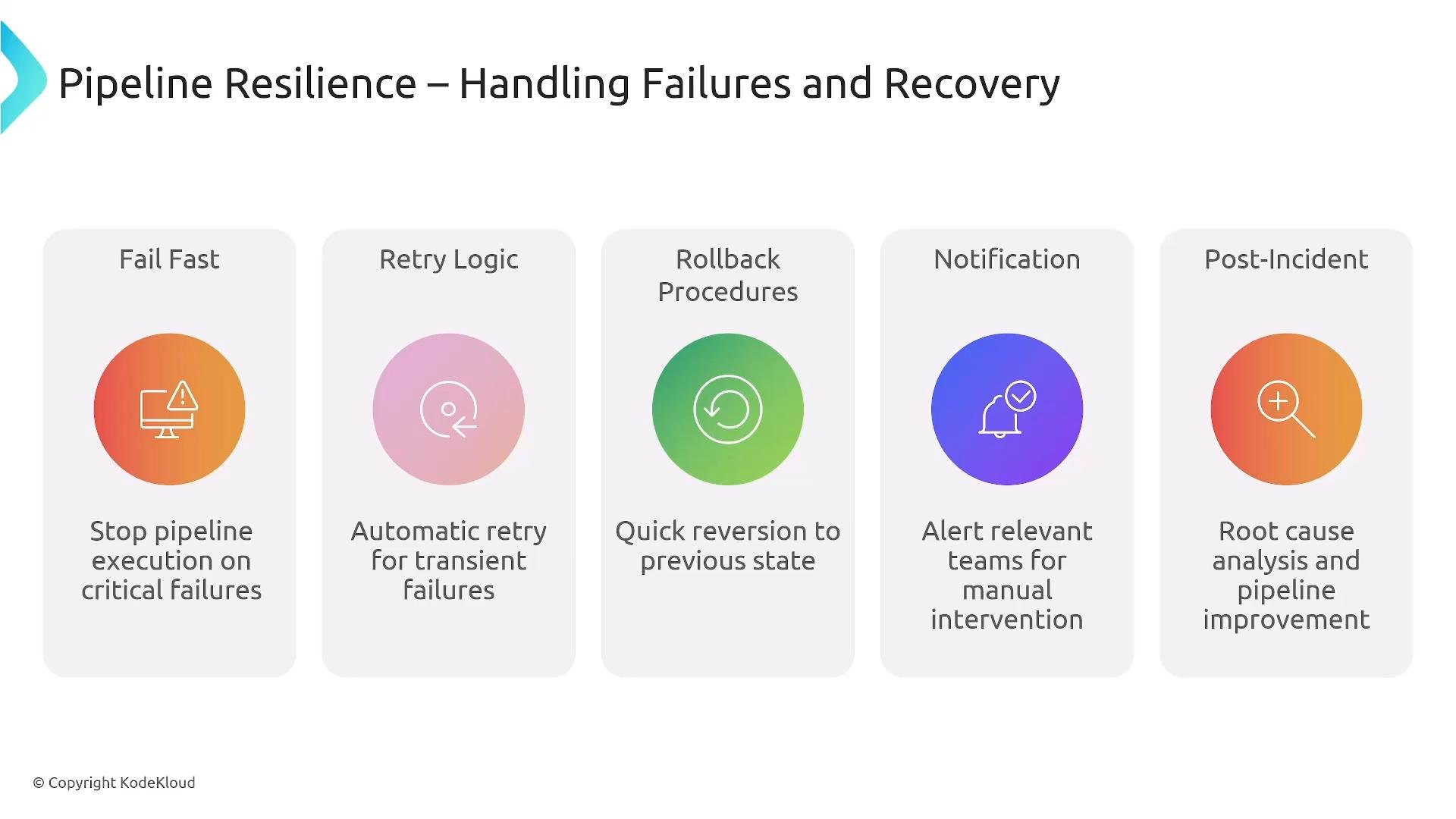
  • Fail fast — stop the pipeline as soon as a gate fails to reduce wasted work.
  • Retry logic — transient failures should be retried intelligently.
  • Rollback procedures — support quick reversion to a known-good artifact.
  • Notifications — alert responsible teams promptly.
  • Post-incident analysis — capture and learn from failures to improve the pipeline.
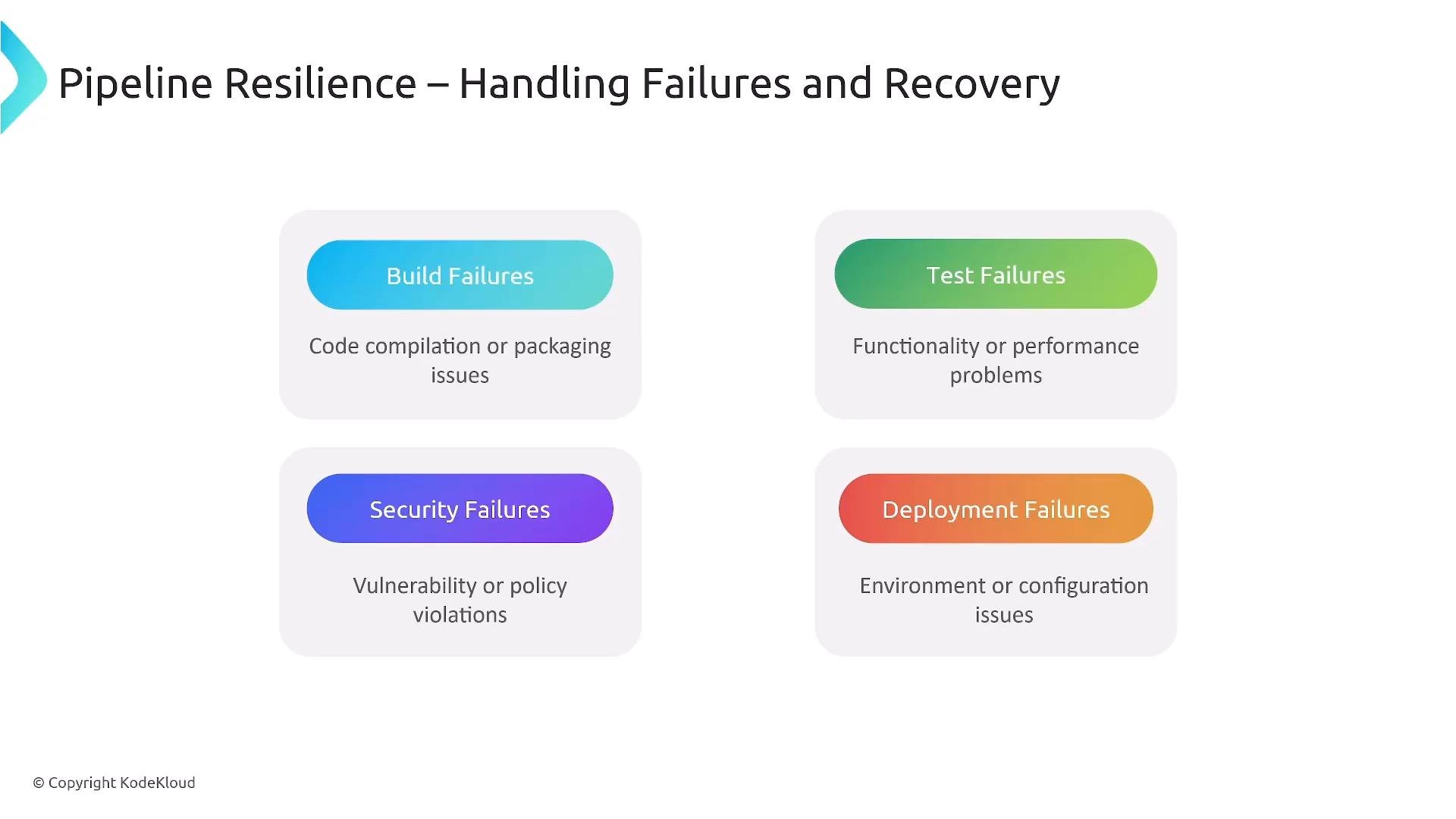
A presentation slide titled "Pipeline Resilience – Handling Failures and Recovery." It lists four failure types—Build, Test, Security, and Deployment—each with a short description of the related issues.
A presentation slide titled "Pipeline Resilience – Handling Failures and Recovery." It lists five practices—Fail Fast, Retry Logic, Rollback Procedures, Notification, and Post‑Incident—each shown with an icon and a short description.
Continuous deployment can be powerful but increases risk if automation and test coverage are insufficient. Use it only when tests, monitoring, and rollback mechanisms are mature.
Key takeaways:
  1. CI/CD covers the path from source to production — it’s a foundational platform service.
  2. Pipeline-as-code, infrastructure-as-code, and version-controlled artifacts are essential.
  3. Environment promotion (dev → test → staging → production) should use immutable artifacts.
  4. Integrate security and observability across the pipeline (shift-left, pipelines, and runtime).
  5. Design pipelines to be reusable across teams — CI/CD as a service from the platform team.
  6. Use structured stages: integrate, build, test, scan, package, deploy, verify.
  7. Automate failure handling, retries, and rollback procedures.
  8. Practice continuous improvement — iterate on pipelines, tests, and platform capabilities.
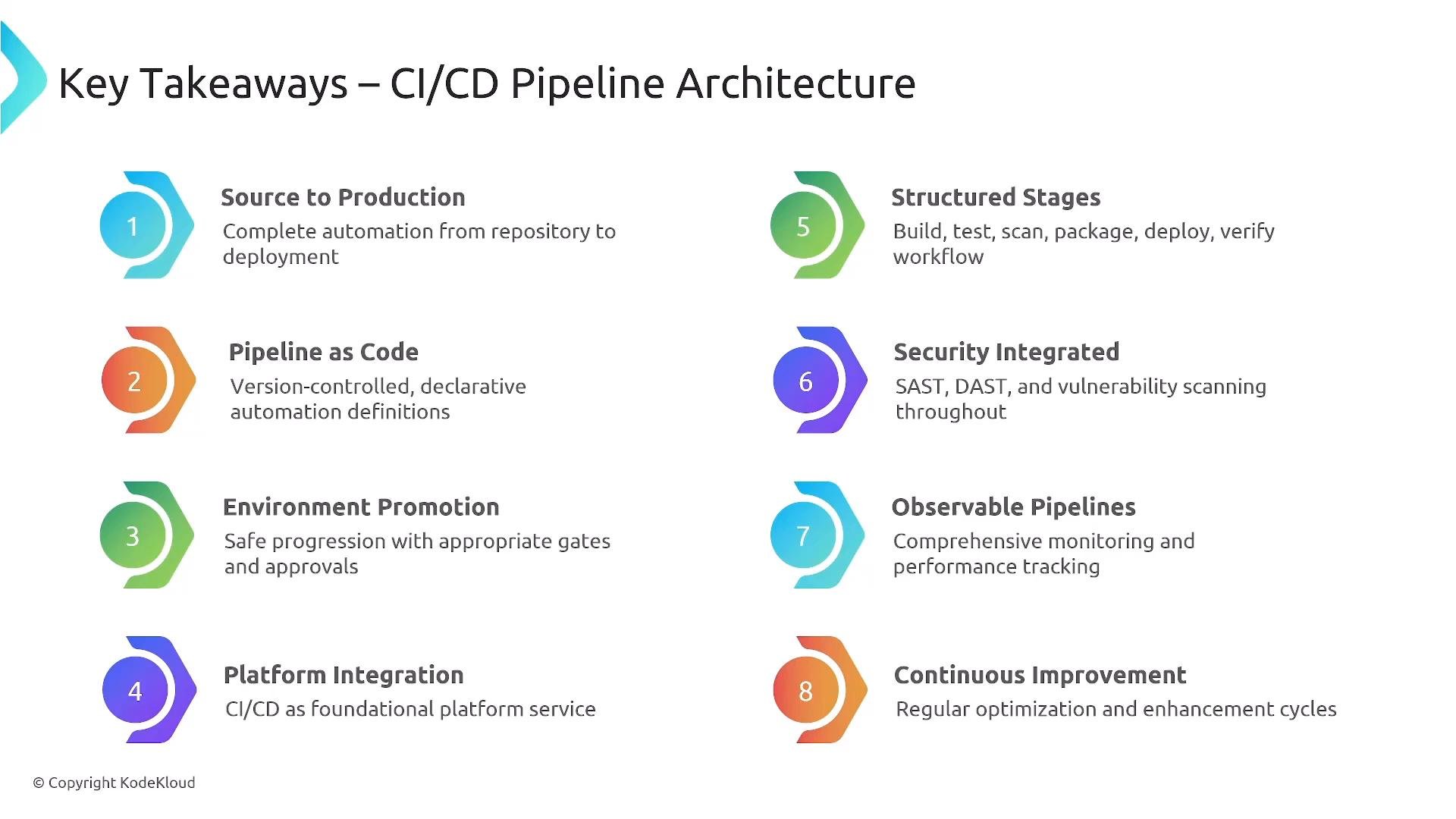
A slide titled "Key Takeaways – CI/CD Pipeline Architecture" showing eight numbered principles (Source to Production, Pipeline as Code, Environment Promotion, Platform Integration, Structured Stages, Security Integrated, Observable Pipelines, Continuous Improvement) with brief descriptions.
CI/CD enables frequent, safe, and reliable delivery. As a platform engineer, your role is to make these capabilities repeatable, observable, and secure so development teams can focus on delivering value with minimal cognitive load. Thanks for reading.

Watch Video