Welcome back. This article explains artifact management—the essential bridge between continuous integration (CI) and continuous delivery (CD) where built software is stored, versioned, scanned, and promoted across environments.
Immutable artifacts (for example, a container image tagged v1.1.1 or a specific digest) make deployments reproducible and auditable. Use registries to centralize storage, access control, vulnerability scanning, and promotion workflows.
A presentation slide titled "Artifact Management" with the subtitle "Container Images and Golden Images in Platform Engineering" on a blue gradient background. A small "© Copyright KodeKloud" appears in the bottom-left corner.
Artifact management captures a specific, immutable point-in-time representation of the software you build so the exact same artifact can be promoted consistently from dev → QA → staging → production. Immutability enables:
  • Repeatable deployments and rollbacks
  • Supply-chain security scans and SBOMs
  • Multi-architecture builds and transparent delivery
  • Global distribution and caching
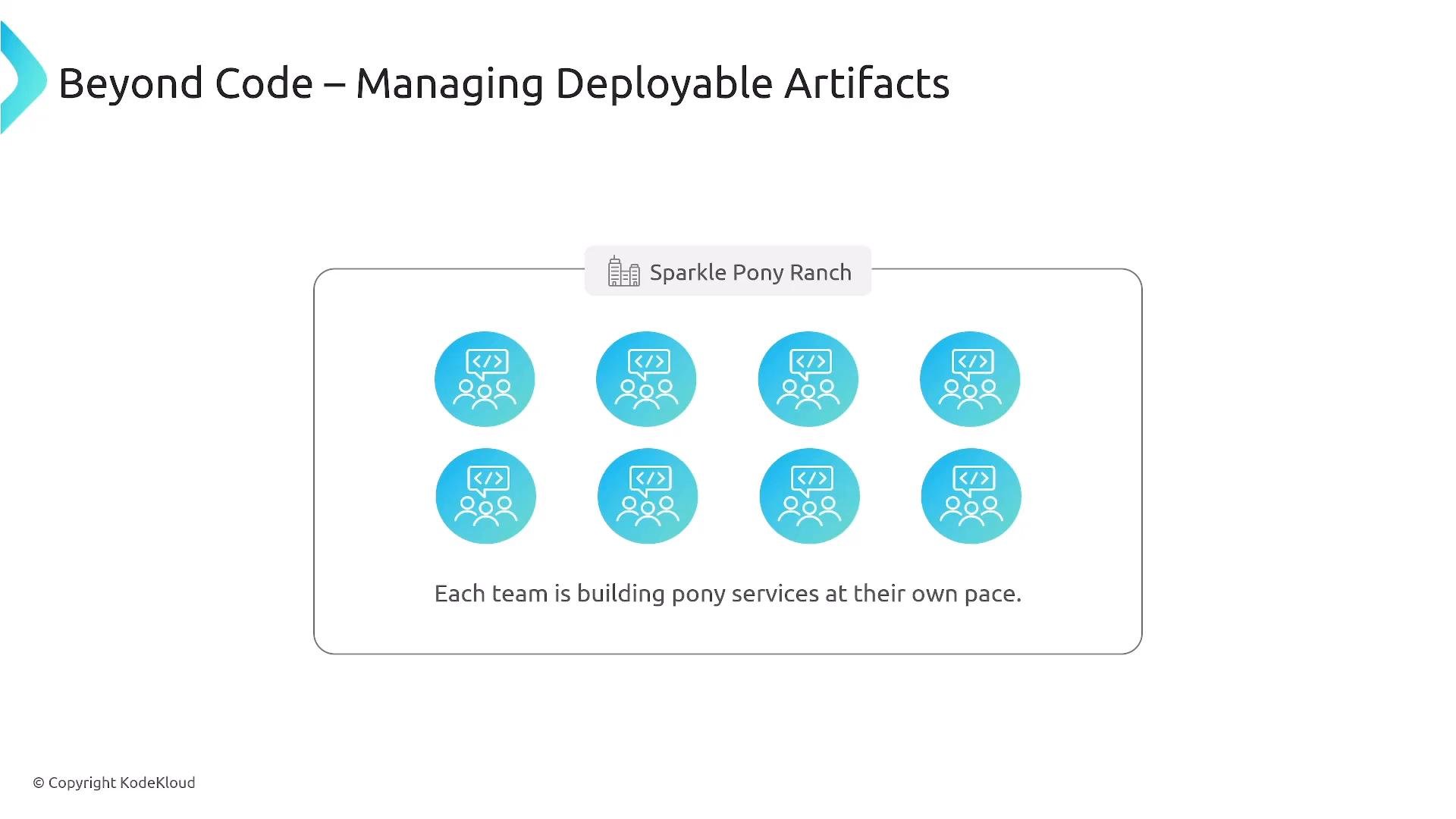
Teams at Sparkle Pony Ranch build microservices independently; immutable, versioned artifacts let teams coordinate releases, reproduce bugs, and trace which exact binaries were used during integration and production tests.
A presentation slide titled "Beyond Code – Managing Deployable Artifacts" showing a labeled box "Sparkle Pony Ranch" with eight blue team/service icons. The caption reads "Each team is building pony services at their own pace."
Different stakeholders expect different outcomes:
  • Developers: fast, reliable builds and deployments.
  • Security teams: continuous scanning, SBOMs, and signing.
  • Operations: predictable, reproducible artifacts and rollbacks.
Freezing source code into immutable artifacts satisfies all these needs and reduces “it works in staging, not production” surprises.
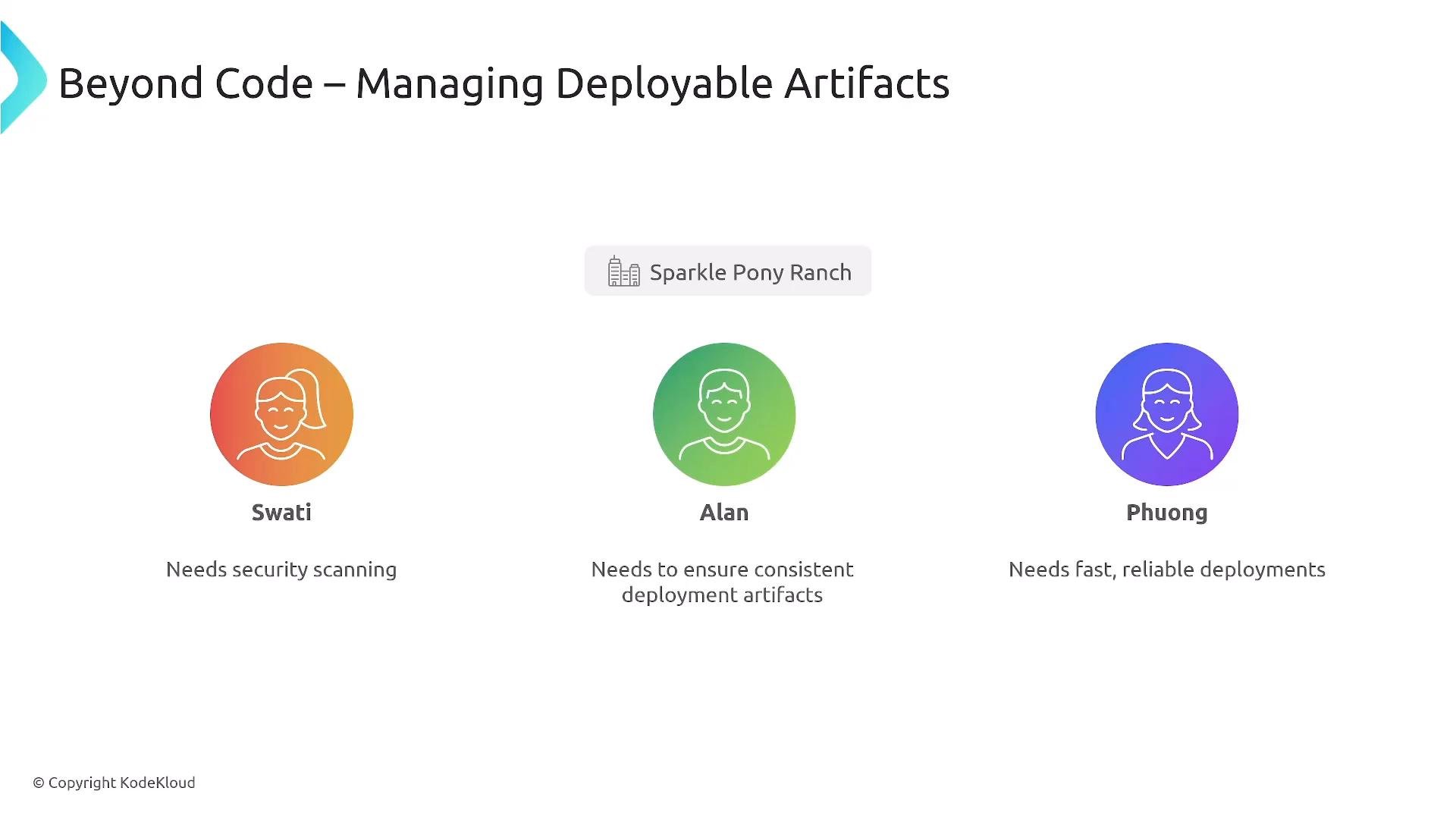
A presentation slide titled "Beyond Code – Managing Deployable Artifacts" featuring three personas with colorful circular avatars: Swati (needs security scanning), Alan (needs to ensure consistent deployment artifacts), and Phuong (needs fast, reliable deployments). A small "Sparkle Pony Ranch" label appears above the middle avatar.
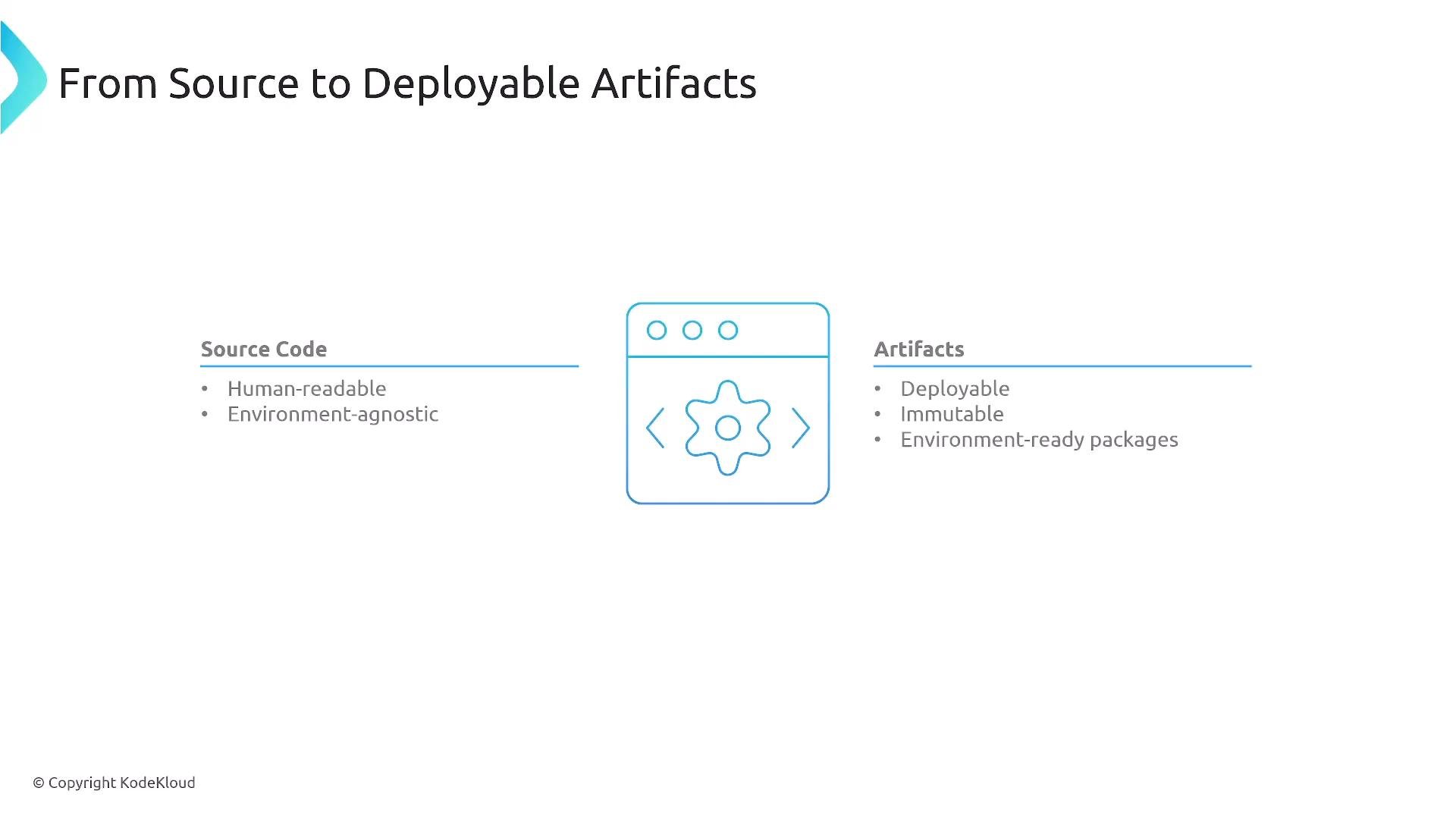
From source to deployable artifacts, we “freeze” the application at a point in time to produce immutable, environment-ready packages.
A slide titled "From Source to Deployable Artifacts" with a browser/gear icon in the center. It contrasts "Source Code" (human-readable, environment-agnostic) on the left with "Artifacts" (deployable, immutable, environment-ready packages) on the right.
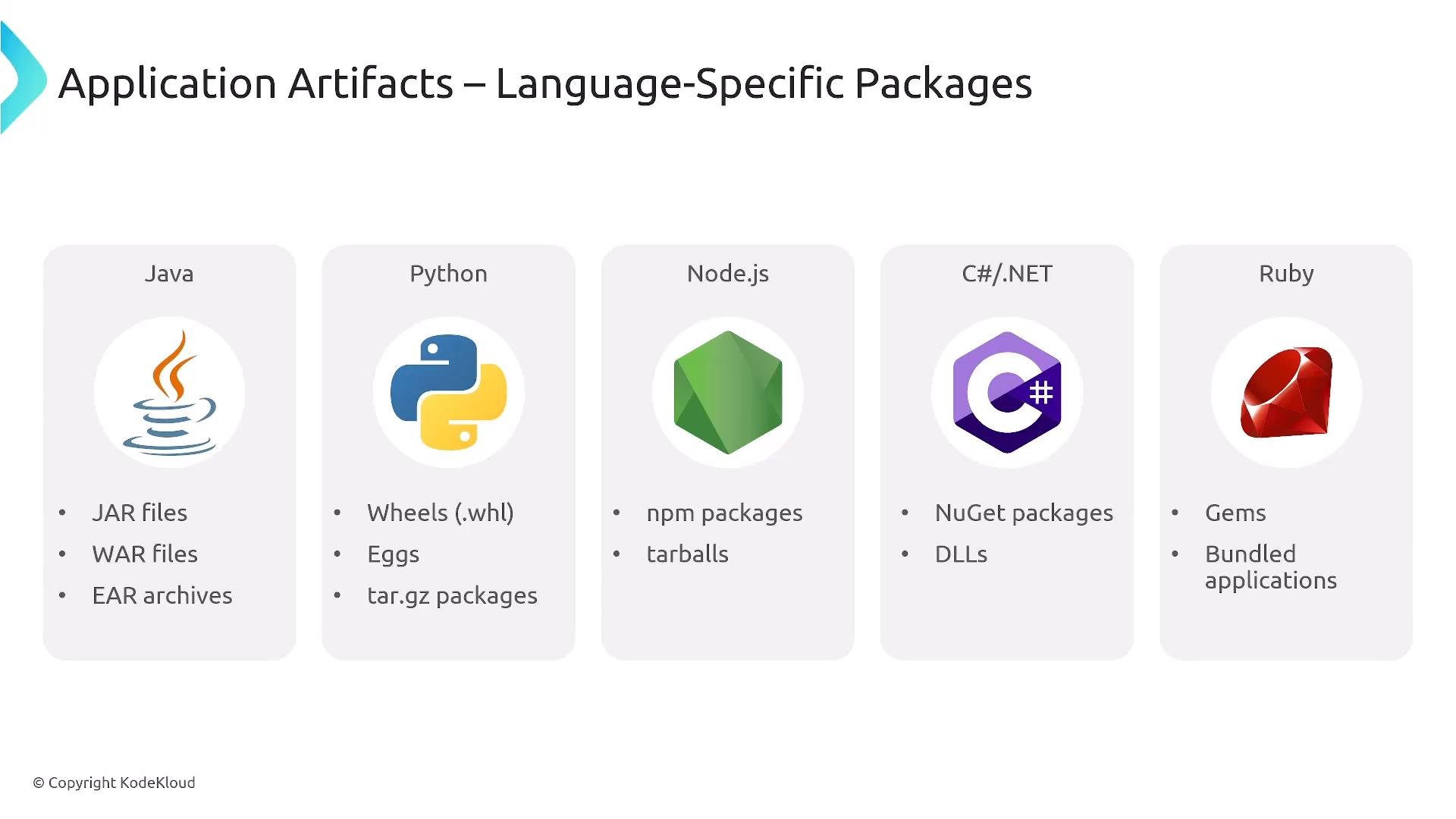
Modern internal developer platforms should manage both source-level packages and built artifacts. Packaging formats vary by language and ecosystem; selecting the right artifact type and registry strategy is critical for reliable delivery.
A presentation slide titled "Application Artifacts – Language-Specific Packages" showing columns for Java, Python, Node.js, C#/.NET, and Ruby with their logos. Each column lists common package types (e.g., JAR/WAR/EAR; Wheels/Eggs/tar.gz; npm/tarballs; NuGet/DLLs; Gems).
In Kubernetes-first platforms, containers are the dominant deployment artifact. Two common approaches:
  1. Include language-specific artifacts in the image and rely on the runtime within the container at deploy time.
  2. Build (bake) compiled artifacts into the container image during CI.
Containers are popular because they bundle OS libraries, runtimes, and application code—creating a consistent execution environment across clusters.
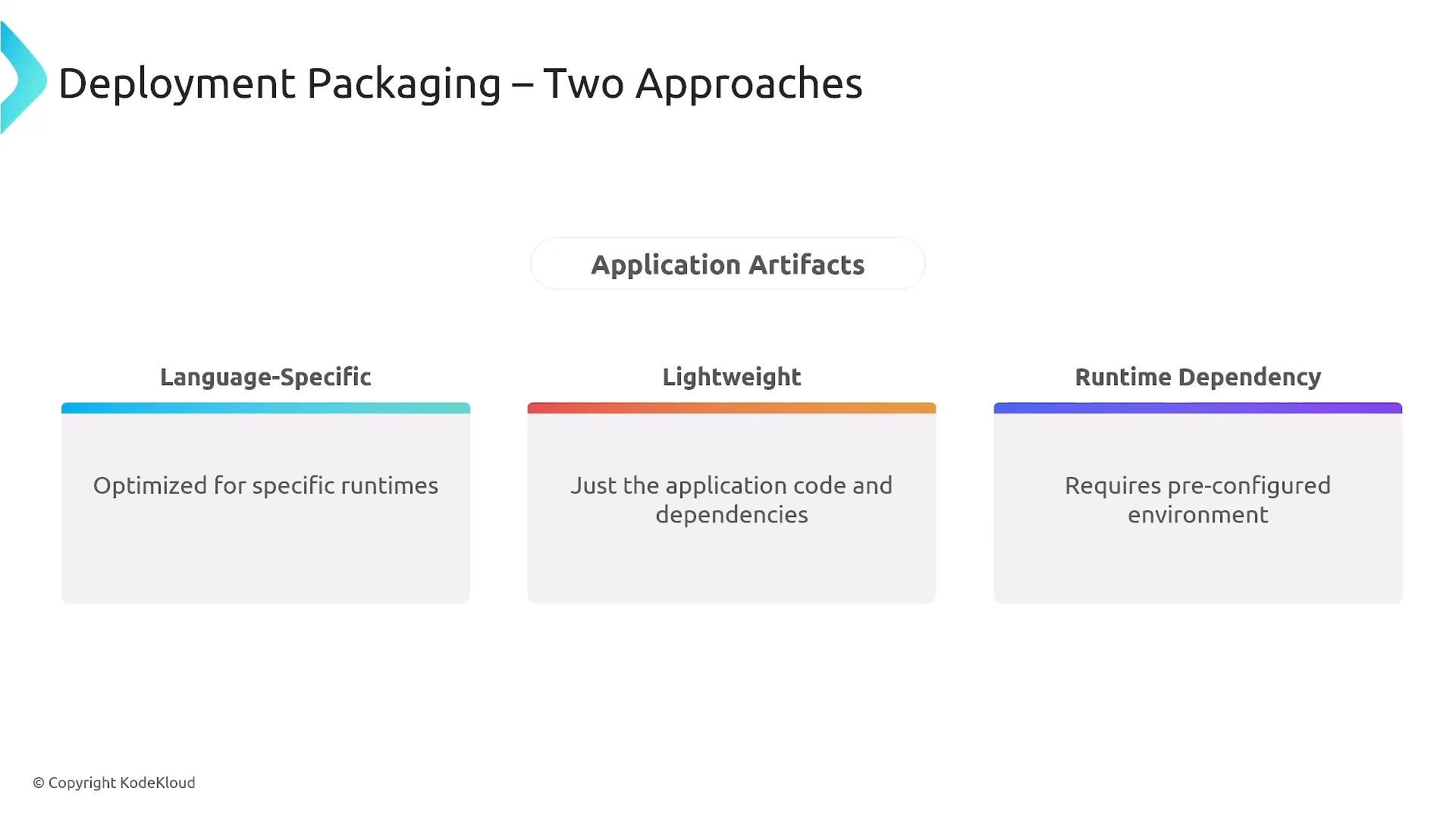
A presentation slide titled "Deployment Packaging – Two Approaches" showing "Application Artifacts" with three categories: Language-Specific ("Optimized for specific runtimes"), Lightweight ("Just the application code and dependencies"), and Runtime Dependency ("Requires pre-configured environment"). The slide contrasts packaging trade-offs for deploying applications.
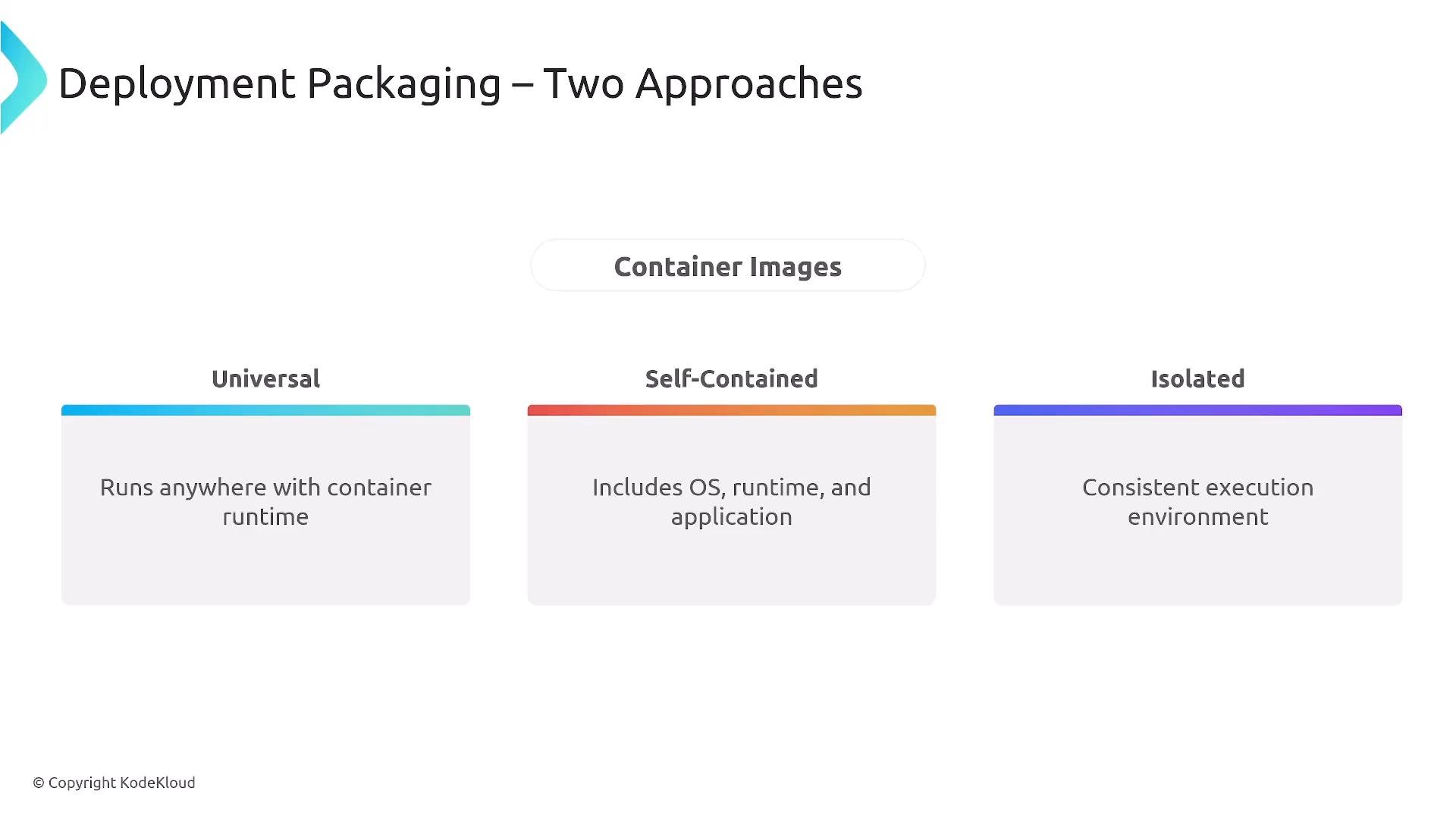
Container images can be classified by how much they include (OS + runtime + app). They offer portability and environmental control via process-level virtualization.
A presentation slide titled "Deployment Packaging — Two Approaches" that summarizes container image types. It shows three categories: Universal ("Runs anywhere with container runtime"), Self-Contained ("Includes OS, runtime, and application"), and Isolated ("Consistent execution environment").
After building, artifacts are stored in registries. Registries provide:
  • Tagging, manifests, and immutable digests for traceability
  • Layer storage and deduplication (for container images)
  • Access control, retention policies, and replication
  • Integrated vulnerability scanning, SBOM generation, and signing
Popular registry solutions:
  • Docker Hub — public container registry
  • JFrog Artifactory — universal artifact registry (commercial)
  • Harbor — CNCF project focused on cloud-native registries
  • Cloud provider registries (AWS ECR, GCR, Azure Container Registry)
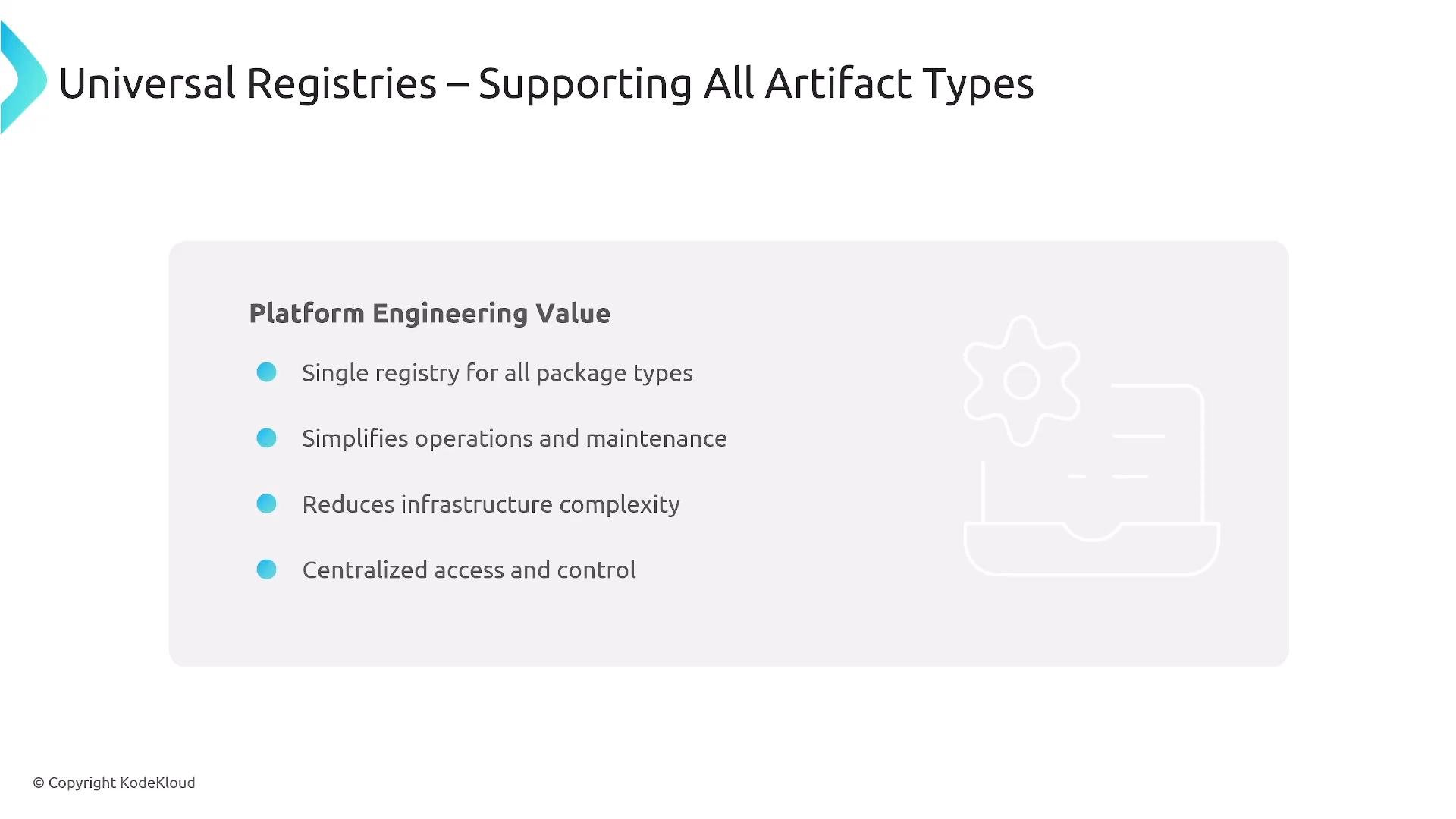
Using a universal registry reduces operational overhead by centralizing artifact storage and lifecycle management.
A presentation slide titled "Universal Registries – Supporting All Artifact Types" showing a "Platform Engineering Value" bullet list of benefits (single registry for all package types; simplifies operations and maintenance; reduces infrastructure complexity; centralized access and control). The slide also includes a faint gear-and-server icon and a "© Copyright KodeKloud" notice.
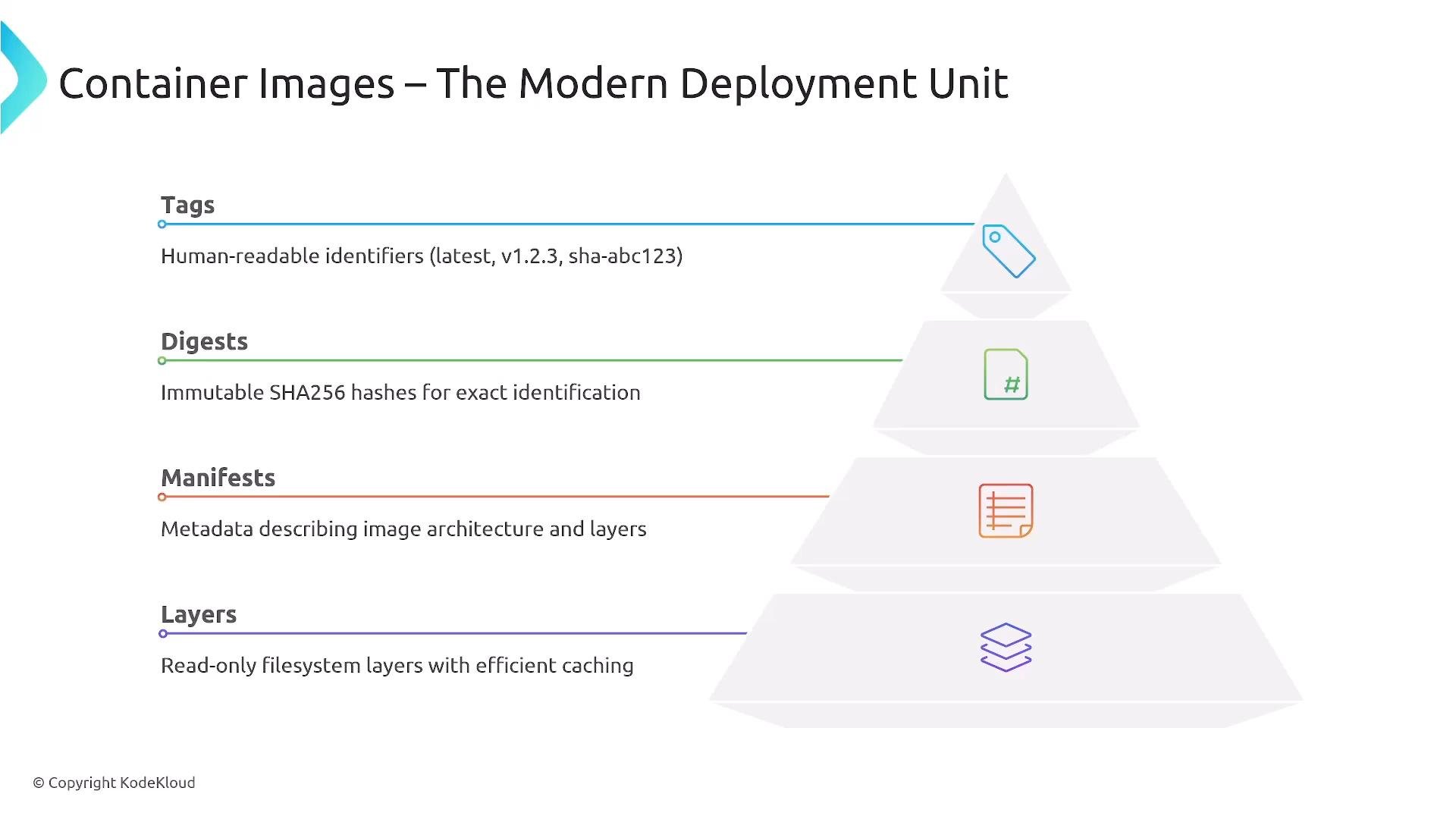
Container images are constructed from read-only filesystem layers. Registries store manifests, tags, and digests to identify and retrieve images reliably. Layer sharing avoids duplicating identical file system data across images.
An infographic titled "Container Images – The Modern Deployment Unit" showing a pyramid of layers labeled Tags, Digests, Manifests, and Layers with short descriptions (human-readable tags, SHA256 digests, metadata, and read-only filesystem layers).
Registries often provide security features out-of-the-box:
  • Automated vulnerability scanning across formats (images, JARs, npm, wheels)
  • SBOM (Software Bill of Materials) generation for transparency
  • Policy gates (preventing promotion of vulnerable artifacts)
  • Signing and verification to secure the supply chain
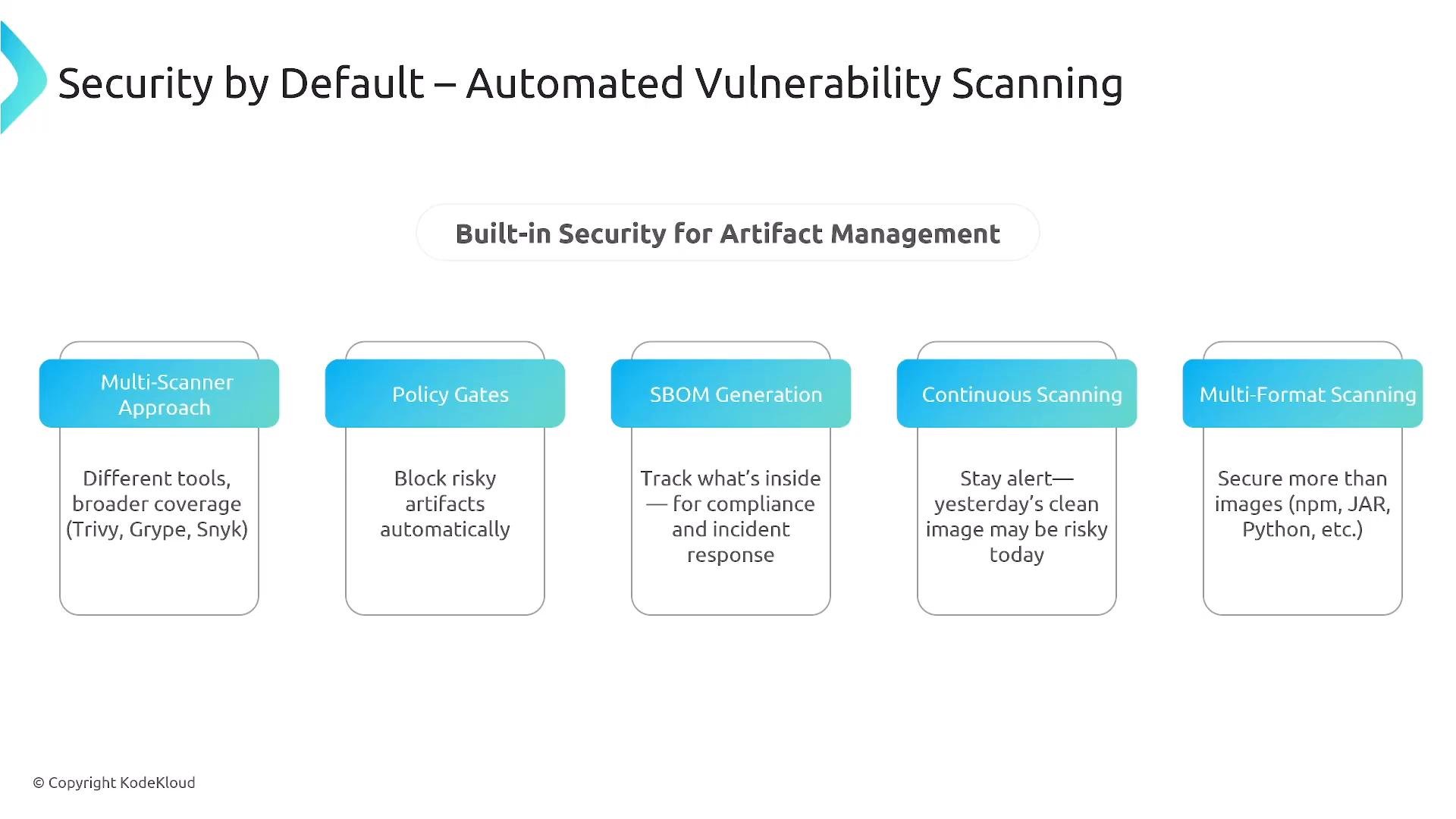
Continuous scanning is essential: vulnerabilities are disclosed continuously, and re-scanning registered artifacts ensures timely detection and remediation.
A presentation slide titled "Security by Default — Automated Vulnerability Scanning" showing "Built-in Security for Artifact Management." It lists five feature boxes—Multi-Scanner Approach, Policy Gates, SBOM Generation, Continuous Scanning, and Multi-Format Scanning—with short descriptions under each.
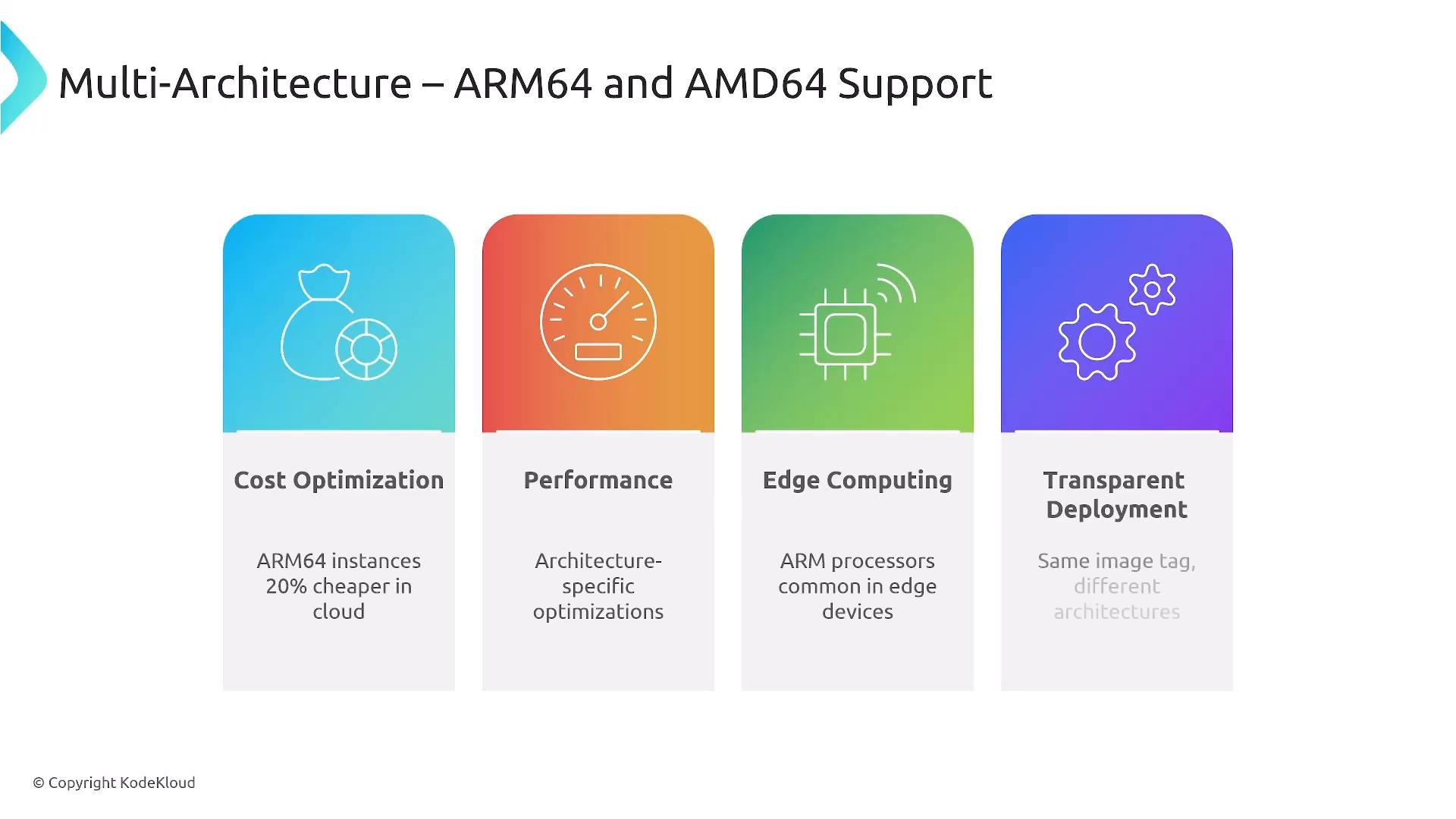
Automated policies let teams know immediately when a vulnerable dependency or image is published. Combining scanning, signing, and verification gives teams visibility into exposure across environments and improves trust in promoted artifacts. Registries also support multi-architecture images (for example ARM64 and AMD64). Multi-arch manifests let a single image reference resolve to the correct architecture for the target runtime—important for edge devices, ARM servers, or mixed-cloud targets.
A presentation slide titled "Multi-Architecture – ARM64 and AMD64 Support" with four colored panels highlighting benefits: Cost Optimization, Performance, Edge Computing, and Transparent Deployment. Each panel includes a simple icon and brief explanatory text.
With scanned, signed artifacts in a registry, you can promote the exact same binary across environments. Promotion patterns include:
  • Automatic CI promotion for non-prod environments
  • Manual QA approvals or gated pipelines before production
  • Traceability for each promotion step (who approved, when, and which artifact digest)
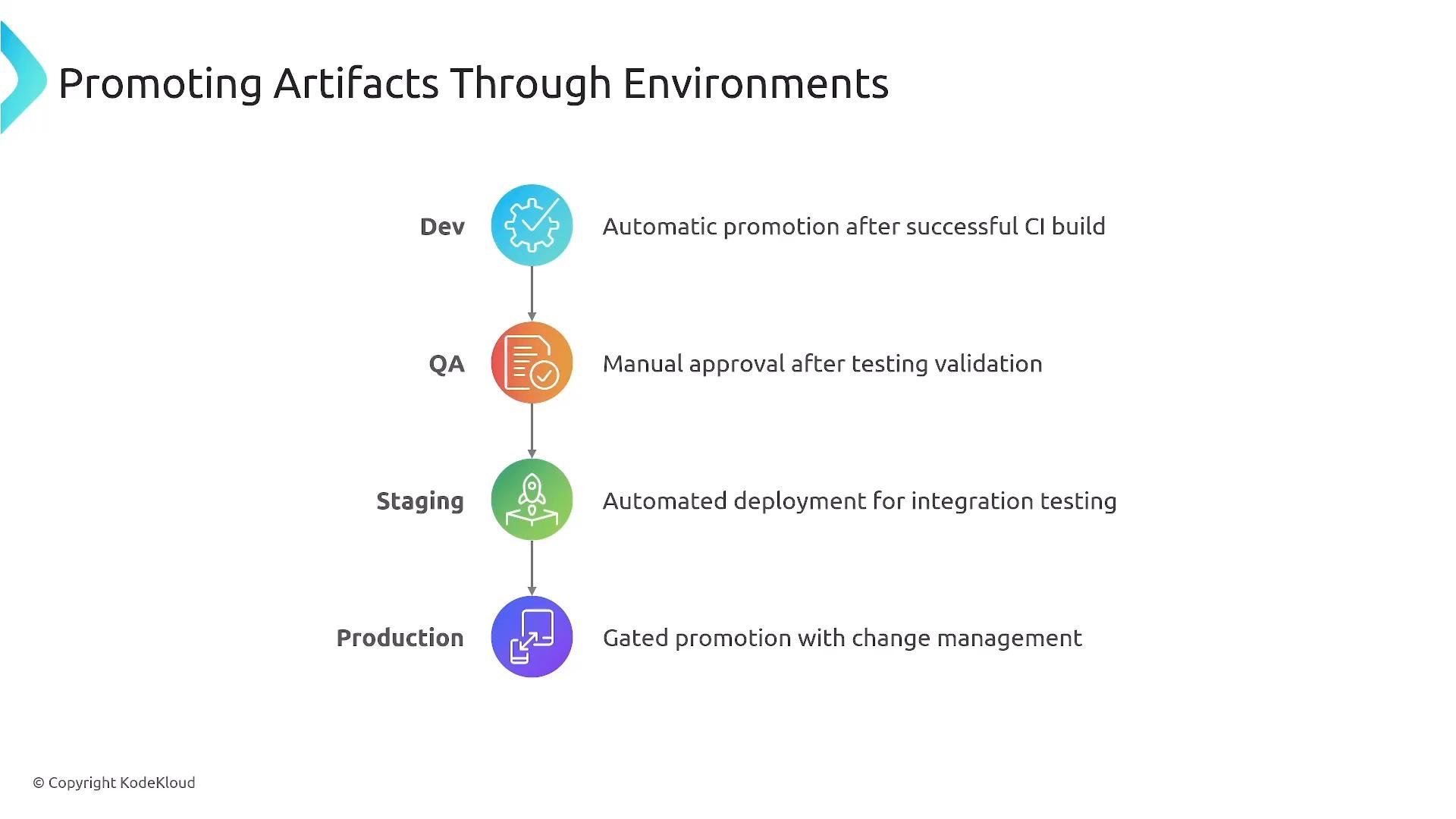
A slide titled "Promoting Artifacts Through Environments" showing a vertical pipeline of Dev → QA → Staging → Production, each with an icon and notes about promotion rules (automatic CI promotion, manual QA approval, automated staging deployment, gated production release).
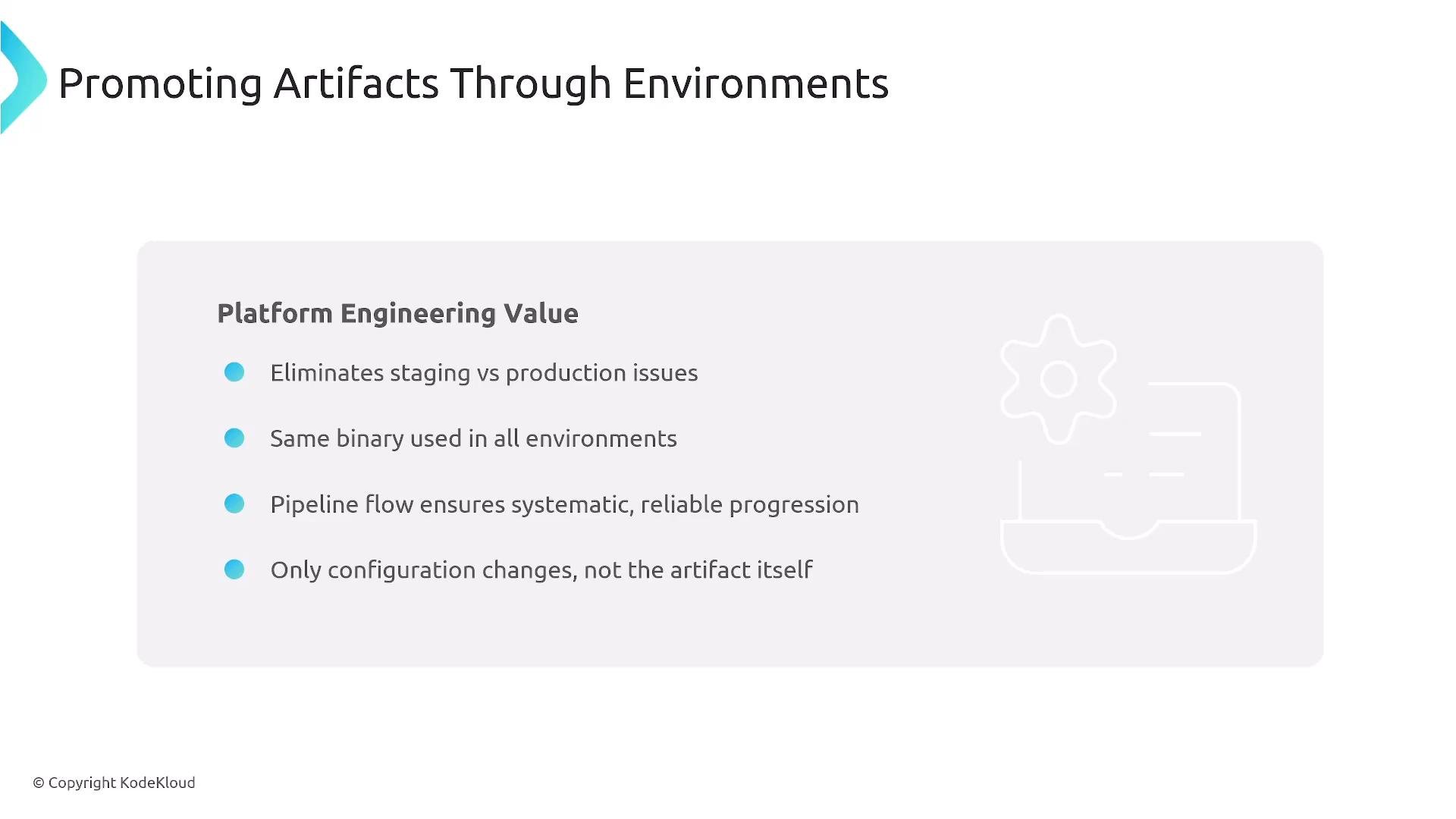
Promoting the same artifact across environments reduces staging-vs-production issues and ensures predictable releases because only configuration and environment parameters change, not the binary.
A presentation slide titled "Promoting Artifacts Through Environments" listing platform engineering benefits (eliminates staging vs production issues; same binary used in all environments; pipeline ensures reliable progression; only configuration changes). The slide also shows a faint gear/laptop illustration and a KodeKloud copyright.
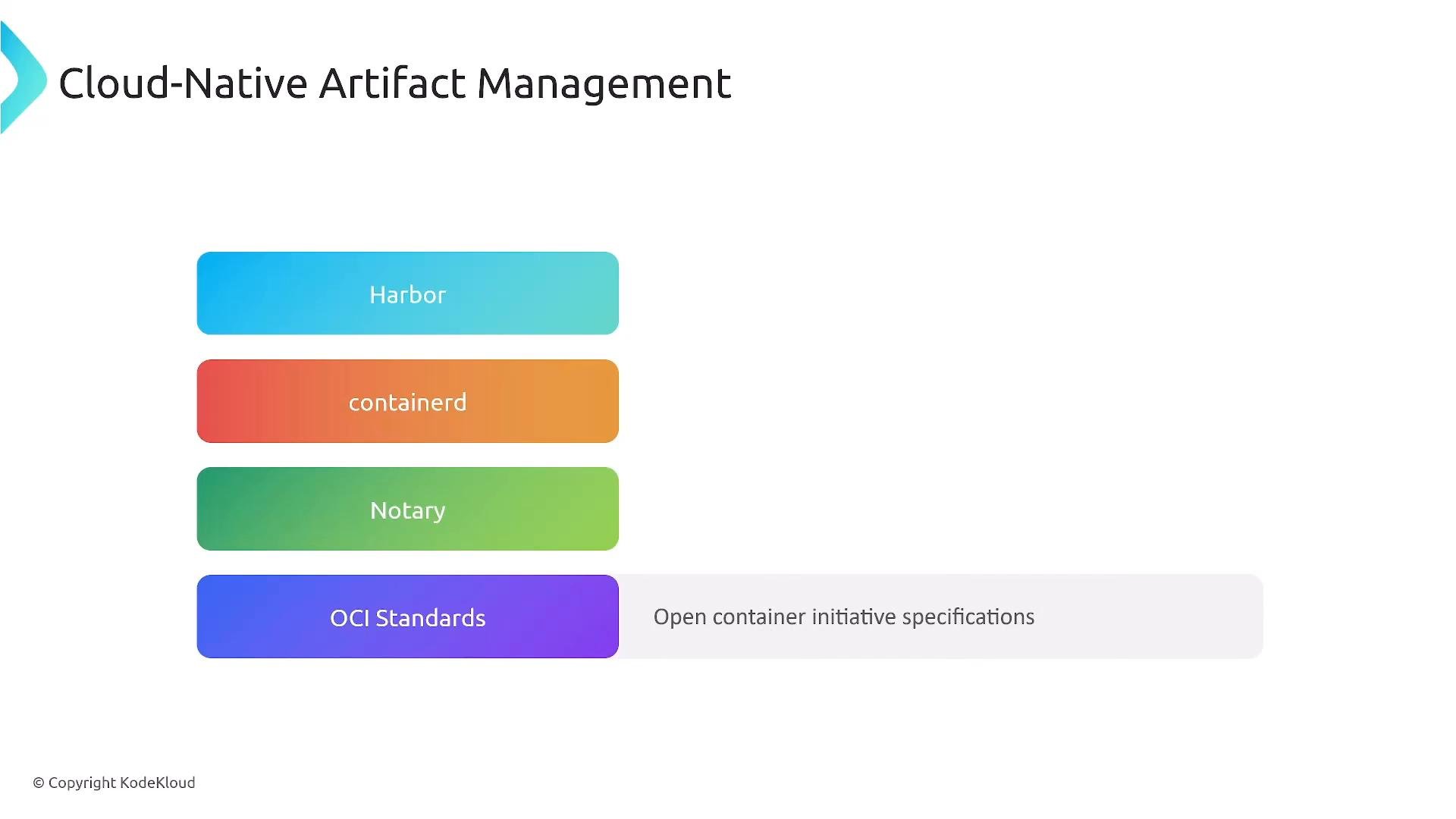
Implementation clarifications and common components:
A slide titled "Cloud-Native Artifact Management" showing stacked colored rounded bars labeled Harbor, containerd, Notary, and OCI Standards (with a note "Open container initiative specifications"). The slide includes a © Copyright KodeKloud notice in the corner.
Artifact management is best provided as a platform service. A robust platform should include:
  1. Registry infrastructure (high-availability, replication, retention and lifecycle rules).
  2. Security policies (automated scanning, SBOM generation, signing, RBAC, and enforcement).
  3. Promotion automation (pipelines, approvals, audit logs, and artifact traceability).
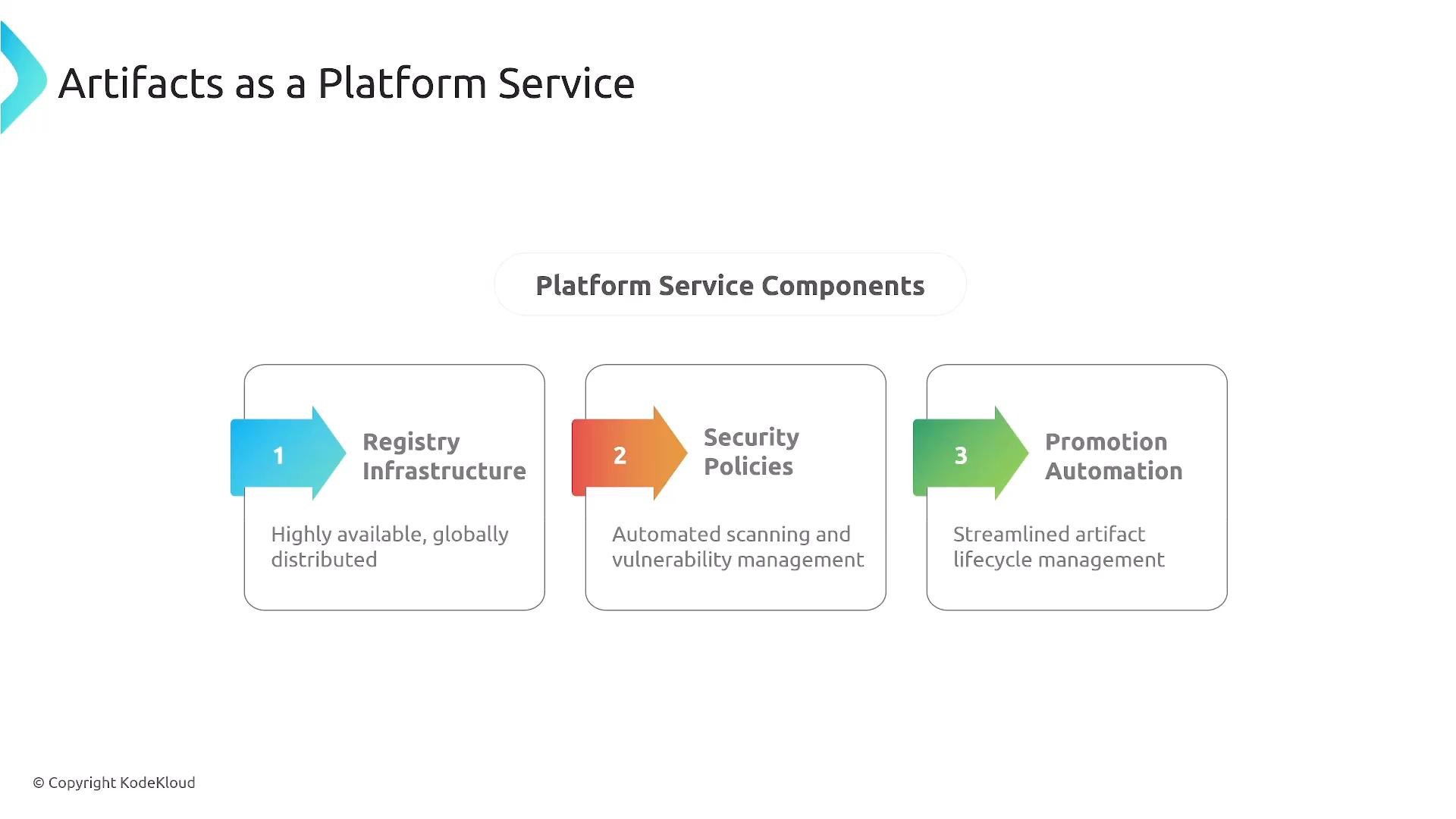
A presentation slide titled "Artifacts as a Platform Service" showing three numbered platform service components. The components are Registry Infrastructure, Security Policies, and Promotion Automation, each with a short description.
Key takeaways
  • Prioritize container images for cloud-native deployments but support multiple package and image types.
  • Use semantic tags, architecture tags, and manifests for traceability.
  • Integrate security into the artifact lifecycle (scanning, SBOMs, signing, and policy gates).
  • Maintain golden/standard base images that are immutable and scanned to enforce consistency.
  • Support multi-architecture images where required and reuse common layers to optimize storage and cost.
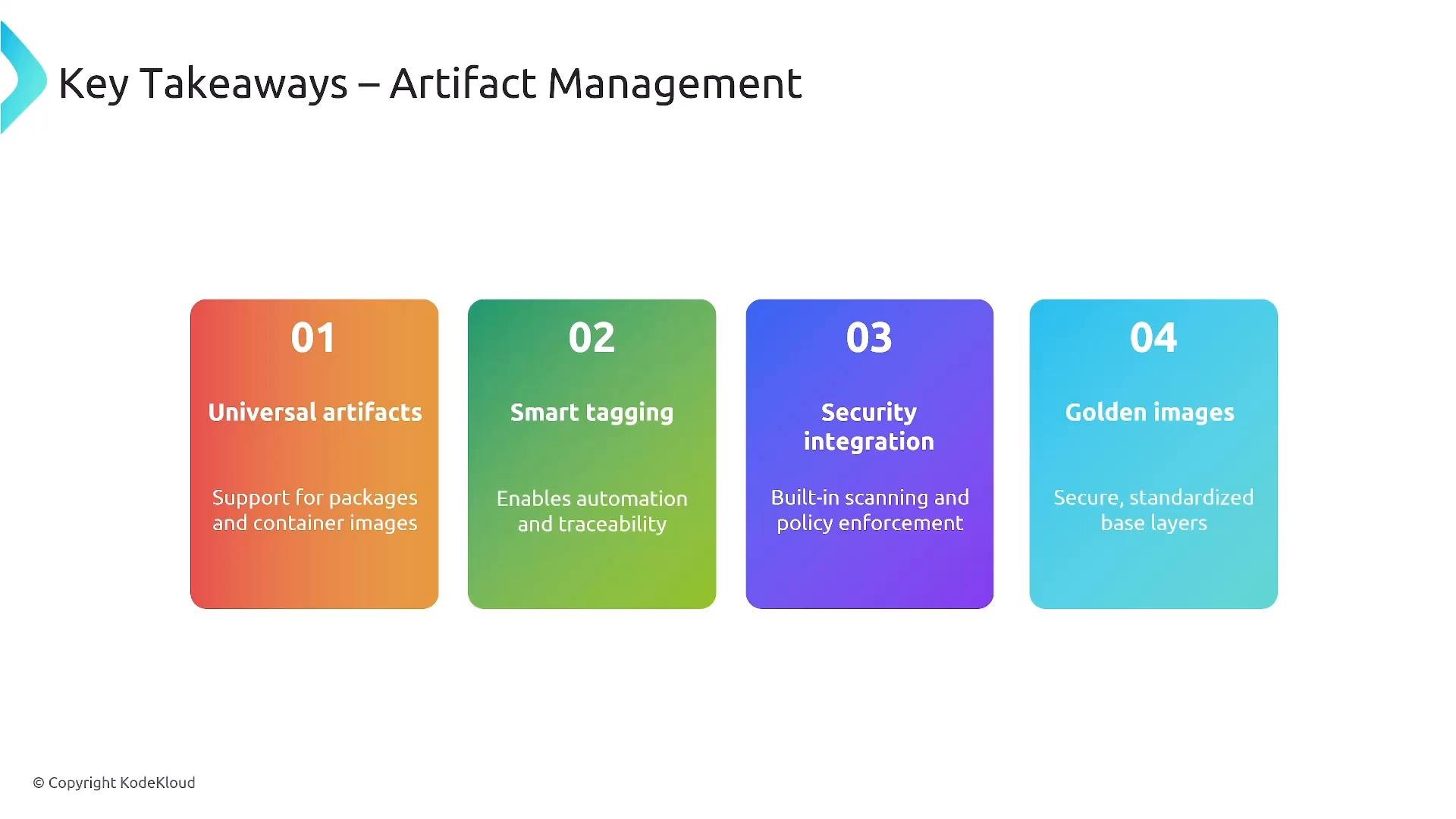
A slide titled "Key Takeaways – Artifact Management" showing four colorful numbered boxes summarizing: 01 Universal artifacts, 02 Smart tagging, 03 Security integration, and 04 Golden images. Each box includes a short explanatory line about support for packages/images, automation/traceability, built-in scanning/policy enforcement, and secure standardized base layers.
Artifact management delivers platform value by enabling consistent, secure, and reliable deployments; improving developer productivity; and providing operational efficiency through centralized, automated artifact lifecycle management.
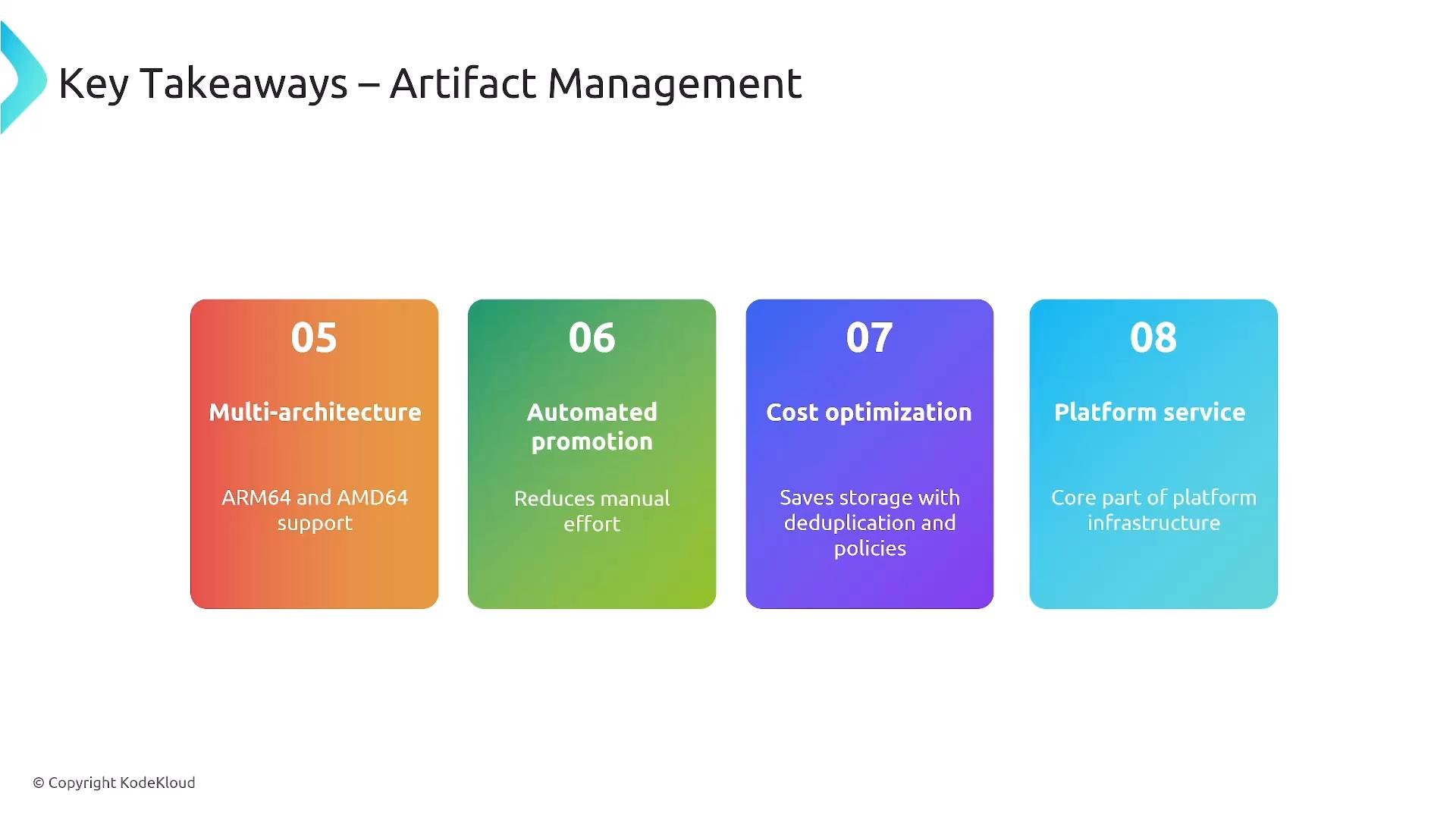
A slide titled "Key Takeaways – Artifact Management" showing four colorful rounded cards (05–08) that summarize: multi-architecture (ARM64 and AMD64 support), automated promotion, cost optimization, and platform service.
Tip: Harbor is a cloud-native artifact registry; containerd is a container runtime; Notary enables signing; OCI defines container standards. These distinctions are important for platform design and certification preparation.
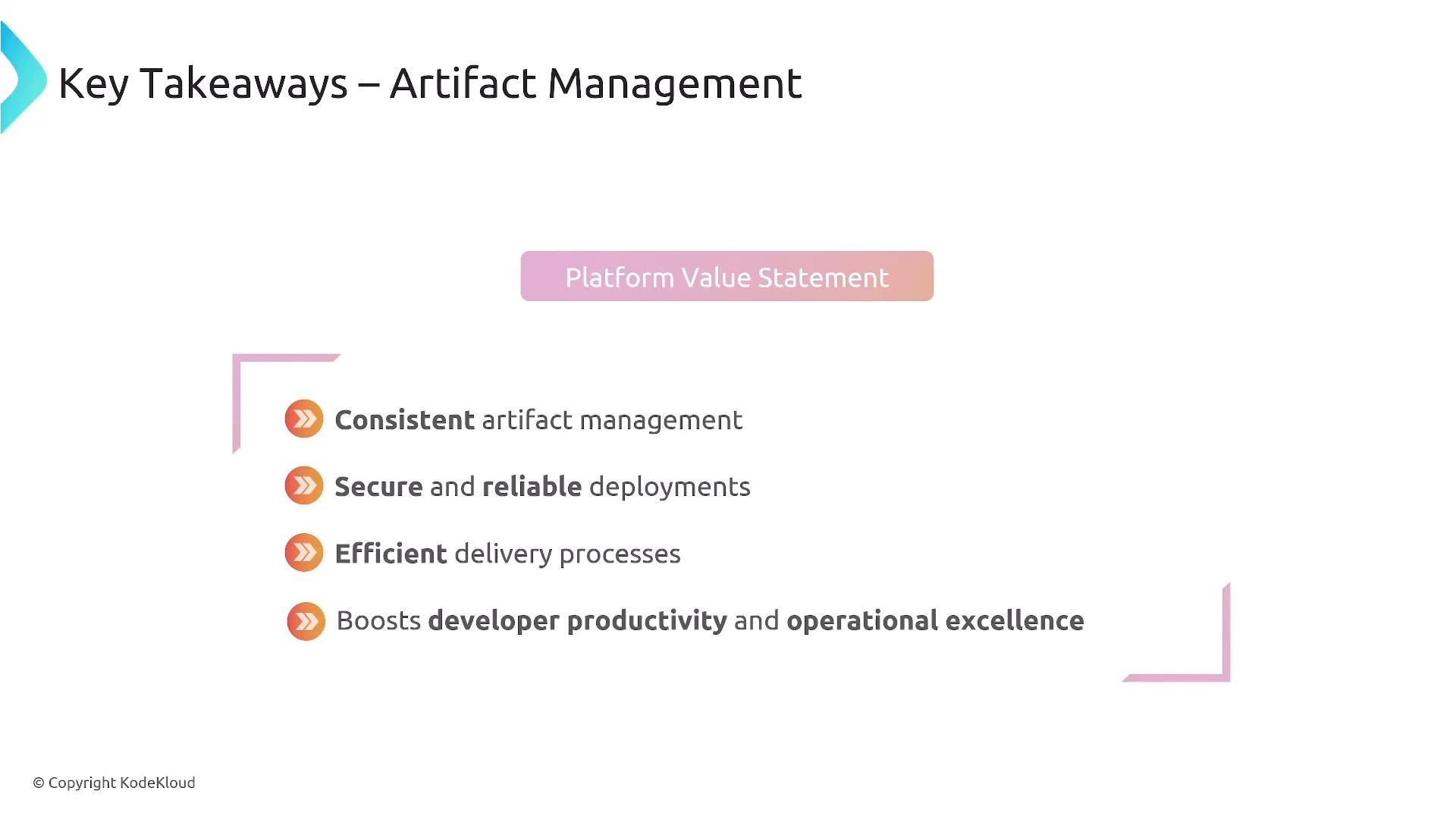
A presentation slide titled "Key Takeaways – Artifact Management" with a "Platform Value Statement" label. It lists benefits such as consistent artifact management, secure and reliable deployments, efficient delivery processes, and boosted developer productivity.
Thanks for reading. Further material will explore continuous delivery in more depth. Links and references

Watch Video