Welcome. This lesson explains how to build simplified access for developer platforms: user-friendly CLIs, reusable templates, and scaffolding that deliver code, access, and repeatability. The objective is to improve developer experience (DX) so teams adopt the platform and ship value faster — a core goal for platform engineering. This page covers:
  • Why DX matters and the forces driving it in 2025
  • Common developer pain points
  • Platform goals and core design principles
  • CLI patterns and examples
  • Template systems and parameter validation
  • Ecosystem tooling and strategic decisions
  • Error handling, observability, and measuring success
Four macro drivers making DX non-negotiable in 2025:
  • Cognitive load crisis — developers juggle many tools and contexts.
  • Speed expectations — teams expect services created in minutes.
  • Self-service demand — infrastructure provisioning without tickets.
  • Consumer-grade UX — intuitive, mobile-like simplicity.
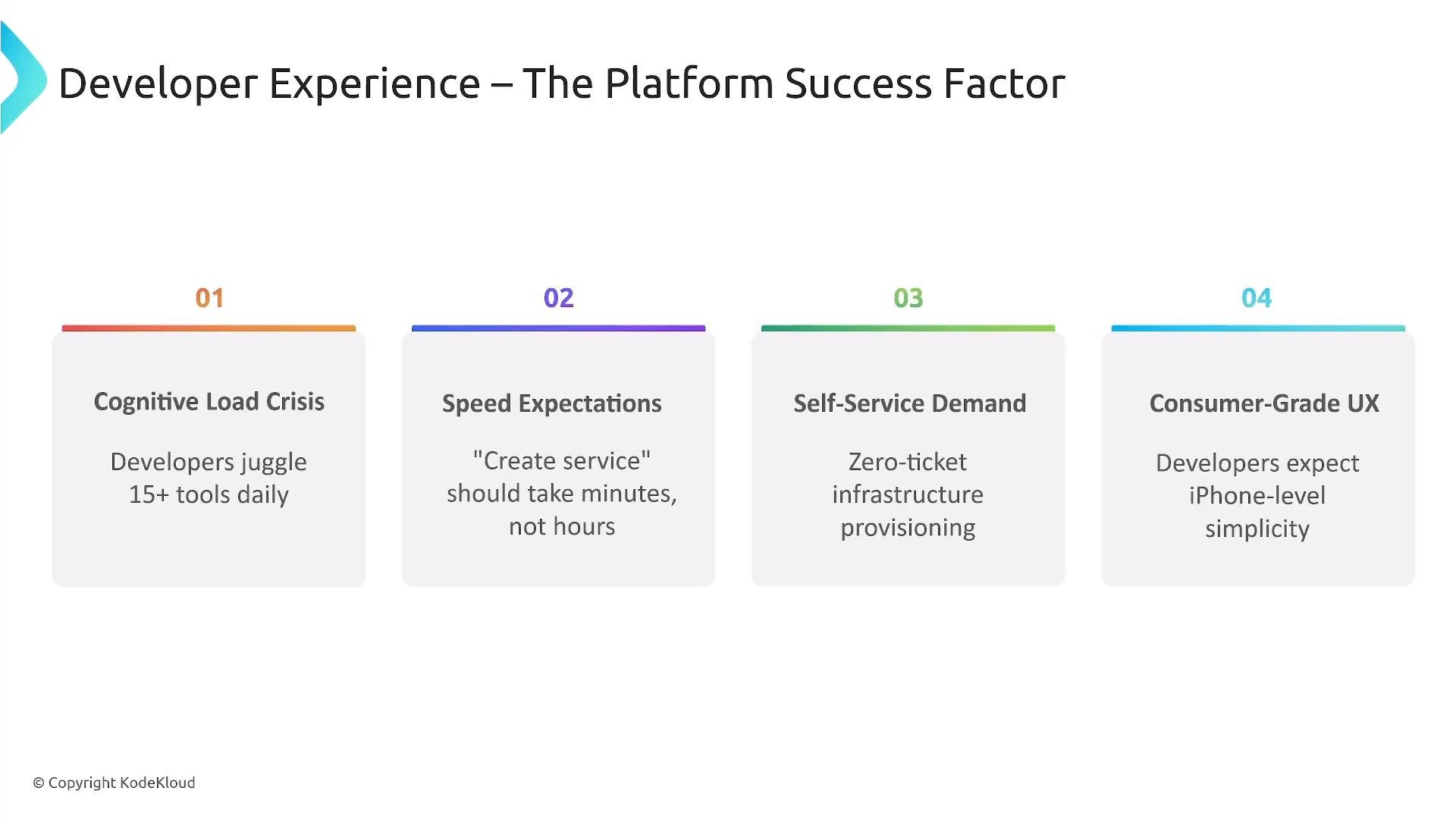
A slide titled "Developer Experience – The Platform Success Factor" showing four numbered challenge boxes. The boxes list: Cognitive Load Crisis (developers juggle 15+ tools), Speed Expectations (create service in minutes), Self-Service Demand (zero-ticket provisioning) and Consumer-Grade UX (iPhone-level simplicity).
At Sparkle Pony Ranch (SPR), multiple roles must be enabled at scale: Swati (ops), Allan (infrastructure), and Phong (developer). The platform must reduce friction, provide predictable outcomes, and let teams deliver value without wrestling infrastructure. Common developer struggles:
  • YAML complexity — long manifests and multi-step thought processes deter productivity.
  • Tool sprawl — many CLIs and CLIs + GUIs elevate cognitive load.
  • Documentation maze — scattered READMEs and wikis slow onboarding.
  • Time wasted — developers spend significant time on infra rather than features.
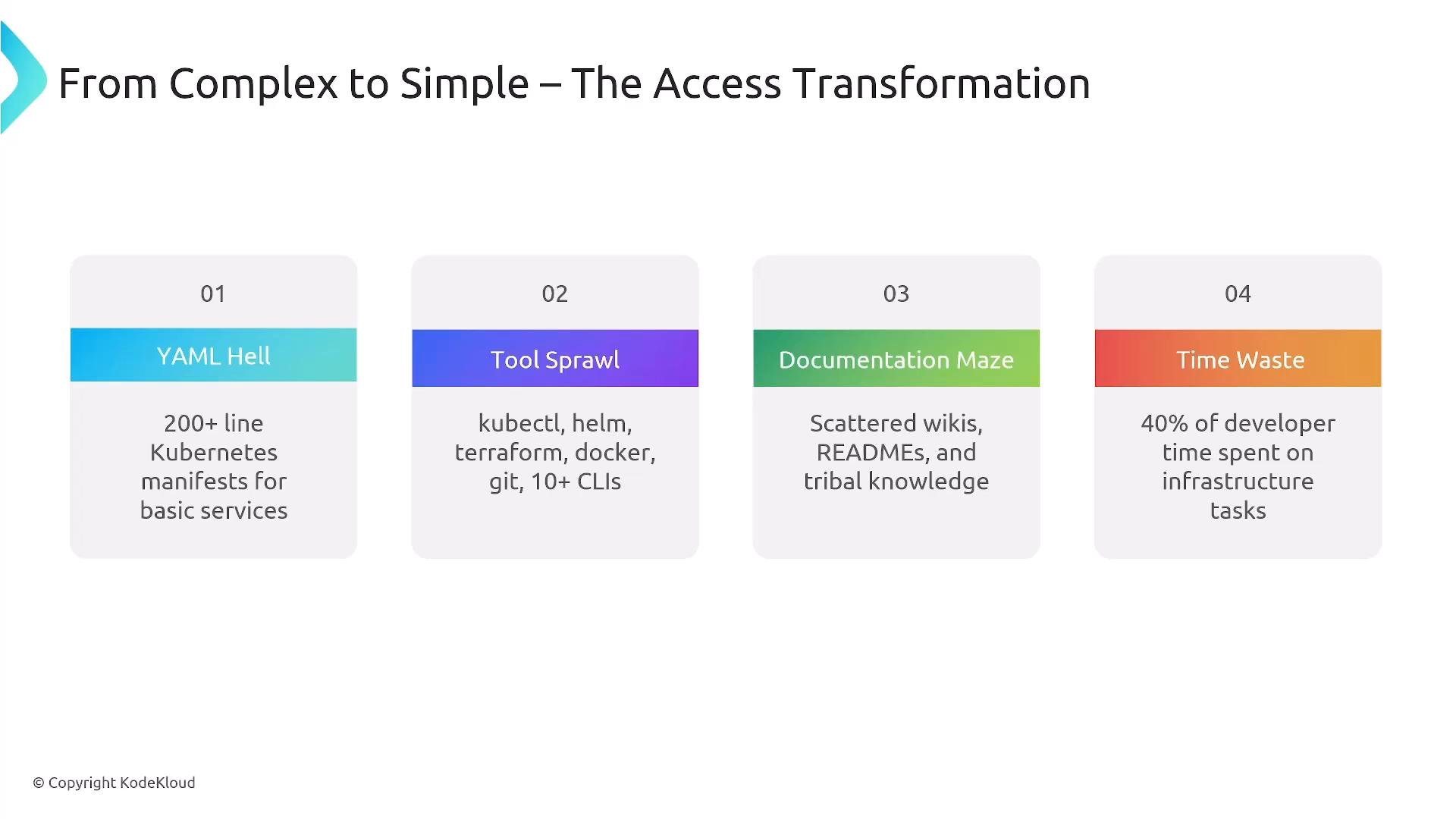
A presentation slide titled "From Complex to Simple – The Access Transformation" showing four numbered problem boxes: "YAML Hell," "Tool Sprawl," "Documentation Maze," and "Time Waste." Each box lists details like 200+ line Kubernetes manifests, many CLIs (kubectl/helm/terraform/docker/git), scattered READMEs/wikis, and "40% of developer time" spent on infrastructure.
Platform goals
  • Make infrastructure simple, discoverable, and opinionated.
  • Show basics first and reveal advanced options on demand (progressive disclosure).
  • Provide “golden paths”: opinionated defaults for the most common use cases.
  • Embrace declarative interfaces so developers declare what they want, not how to achieve it.
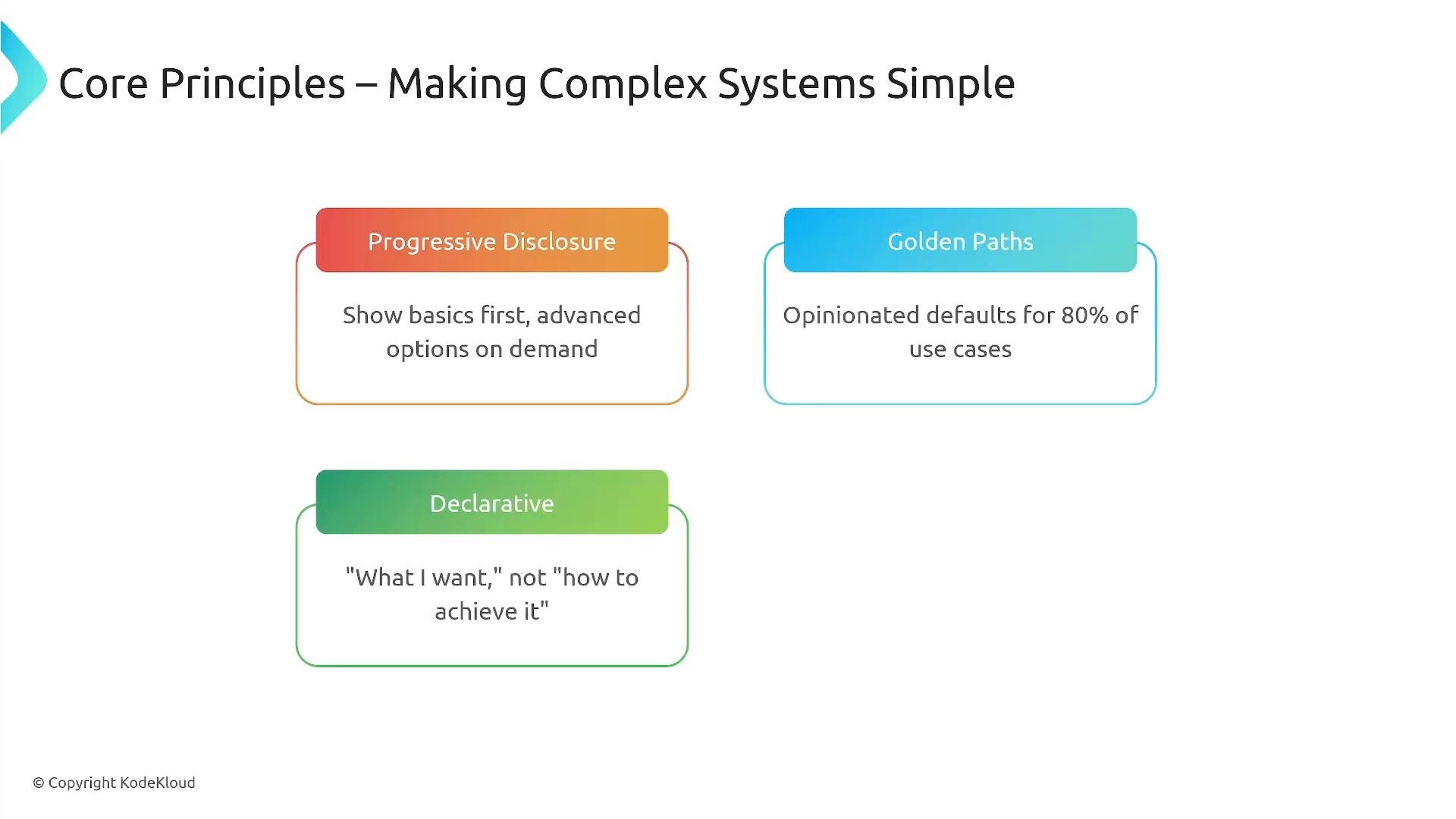
A presentation slide titled "Core Principles – Making Complex Systems Simple" showing three colorful boxed principles. The boxes read Progressive Disclosure (show basics first, advanced options on demand), Golden Paths (opinionated defaults for 80% of use cases), and Declarative ("what I want," not "how to achieve it").
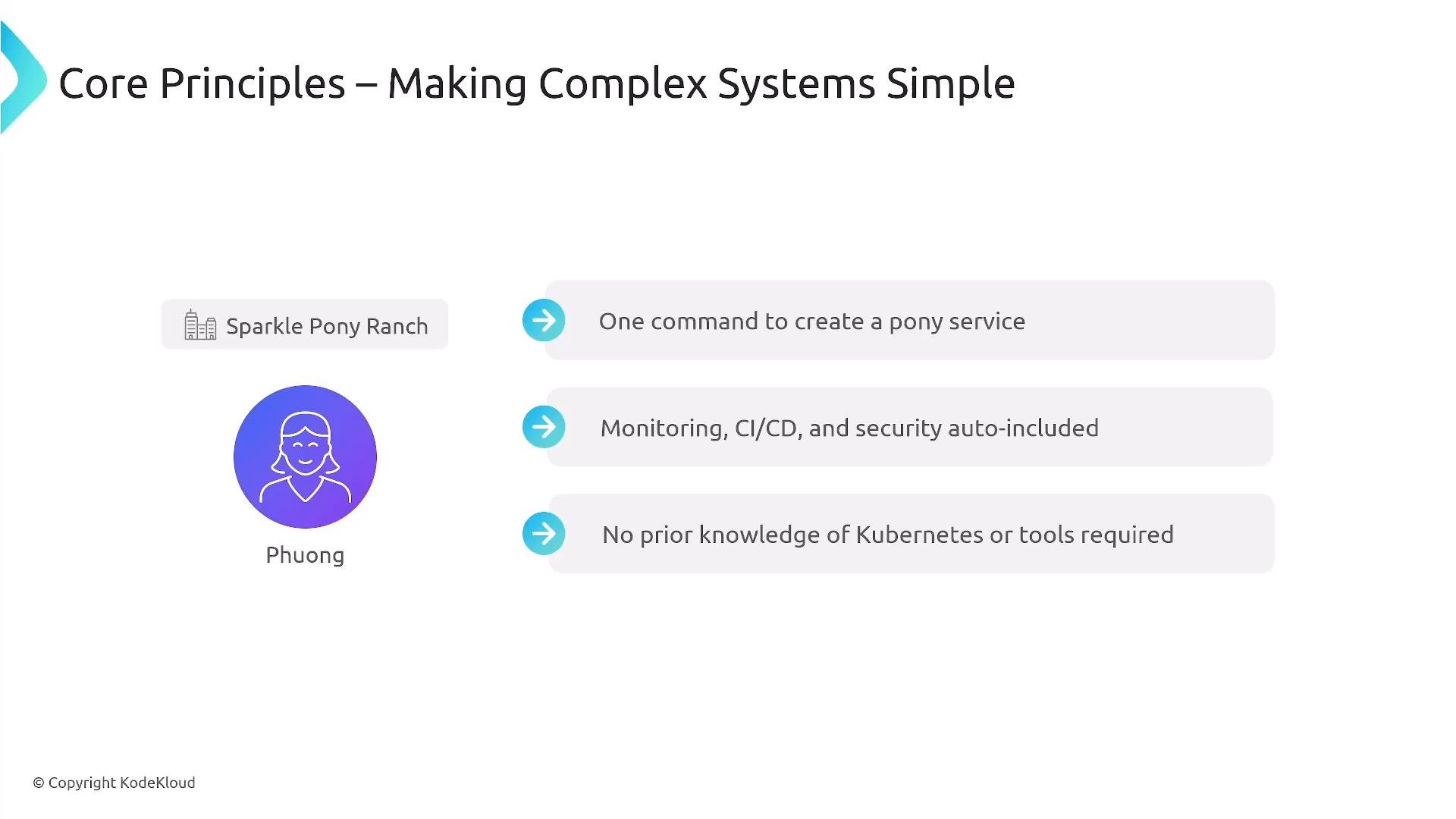
Example objective at SPR: one command to create a Pony service with monitoring, CI/CD, security, and operational defaults included — no prior Kubernetes knowledge required. That one-command flow smooths onboarding and offboarding.
A presentation slide titled "Core Principles – Making Complex Systems Simple" showing an avatar labeled Phuong and a "Sparkle Pony Ranch" tag. It lists three points: one command to create a pony service; monitoring, CI/CD and security auto-included; and no prior Kubernetes knowledge required.
Design “CLI-first” and API-first flows. A well-crafted CLI complements the UI and APIs: it is fast, scriptable, and works inside terminals, CI pipelines, and IDEs. Prioritize consistency across CLI, web UI, and programmatic APIs so templates and operations behave the same regardless of how they’re invoked.
Why keep a CLI?
  • Speed and precision for power users.
  • Automation-friendly for scripts and pipelines.
  • Works in low-bandwidth or remote SSH sessions.
  • Complements GUIs and underlying APIs.
Common CLI patterns
  • Subcommand structure (verb object), e.g. platformctl create service
  • Rich, structured output (colors, progress bars, JSON output)
  • Built-in help and shell auto-completion
  • Support for structured config input (YAML/JSON)
  • Orchestrated flows and examples for frequent tasks
Example CLI hierarchy and usage:
Templated creation examples:
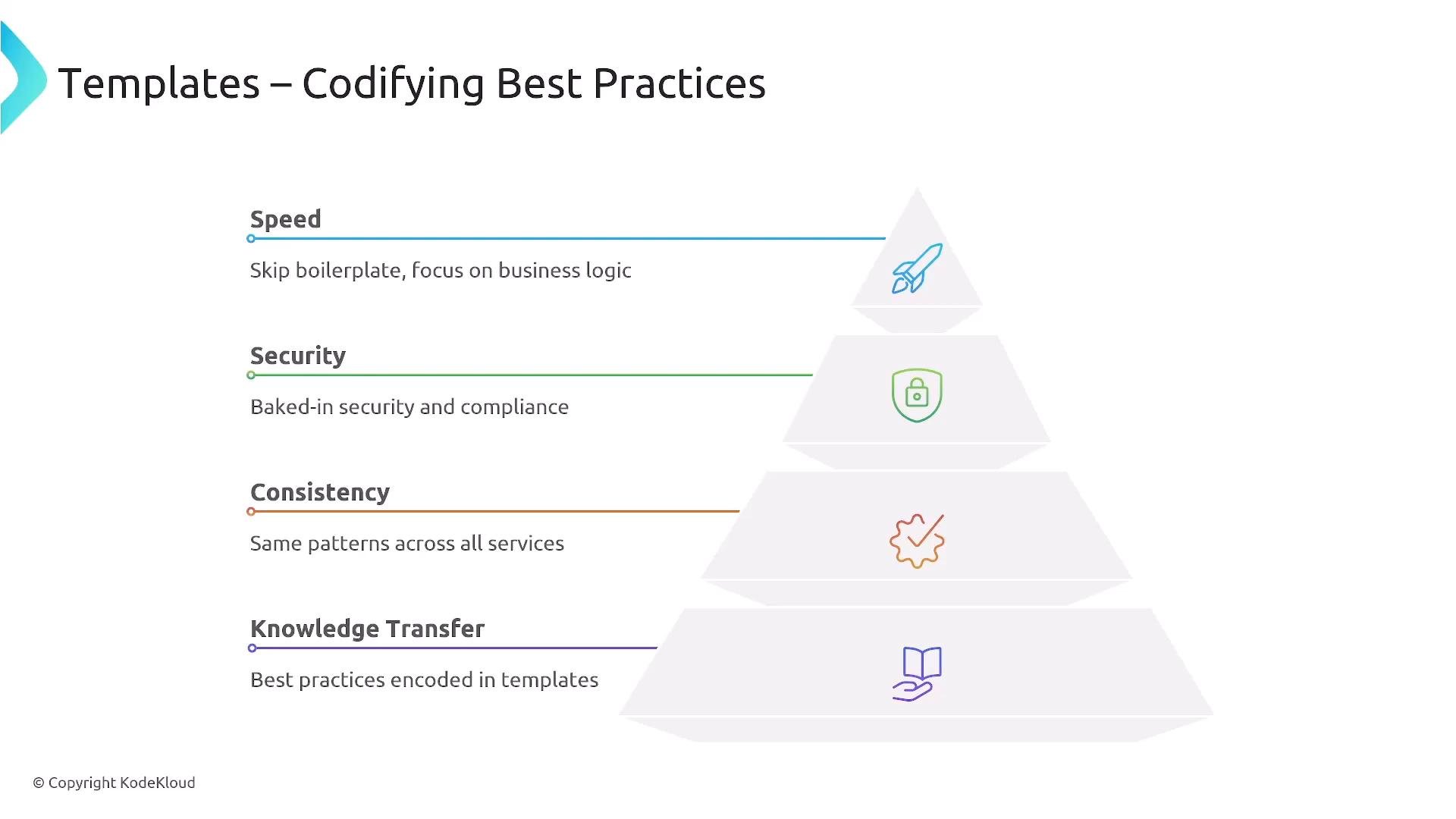
Templates codify best practices — speed, security, consistency, and knowledge transfer — and allow senior engineers to encode organizational standards into reusable scaffolds.
A presentation slide titled "Templates – Codifying Best Practices" showing a layered pyramid with sections for Speed, Security, Consistency, and Knowledge Transfer, each paired with an icon. Each section includes a brief benefit (e.g., skip boilerplate, baked‑in security, same patterns across services, best practices encoded in templates).
Template types and a simple reference table These templates should chain together: a service template can reference an infra template and a pipeline template to bootstrap code, deployment, and runbooks in a single flow.
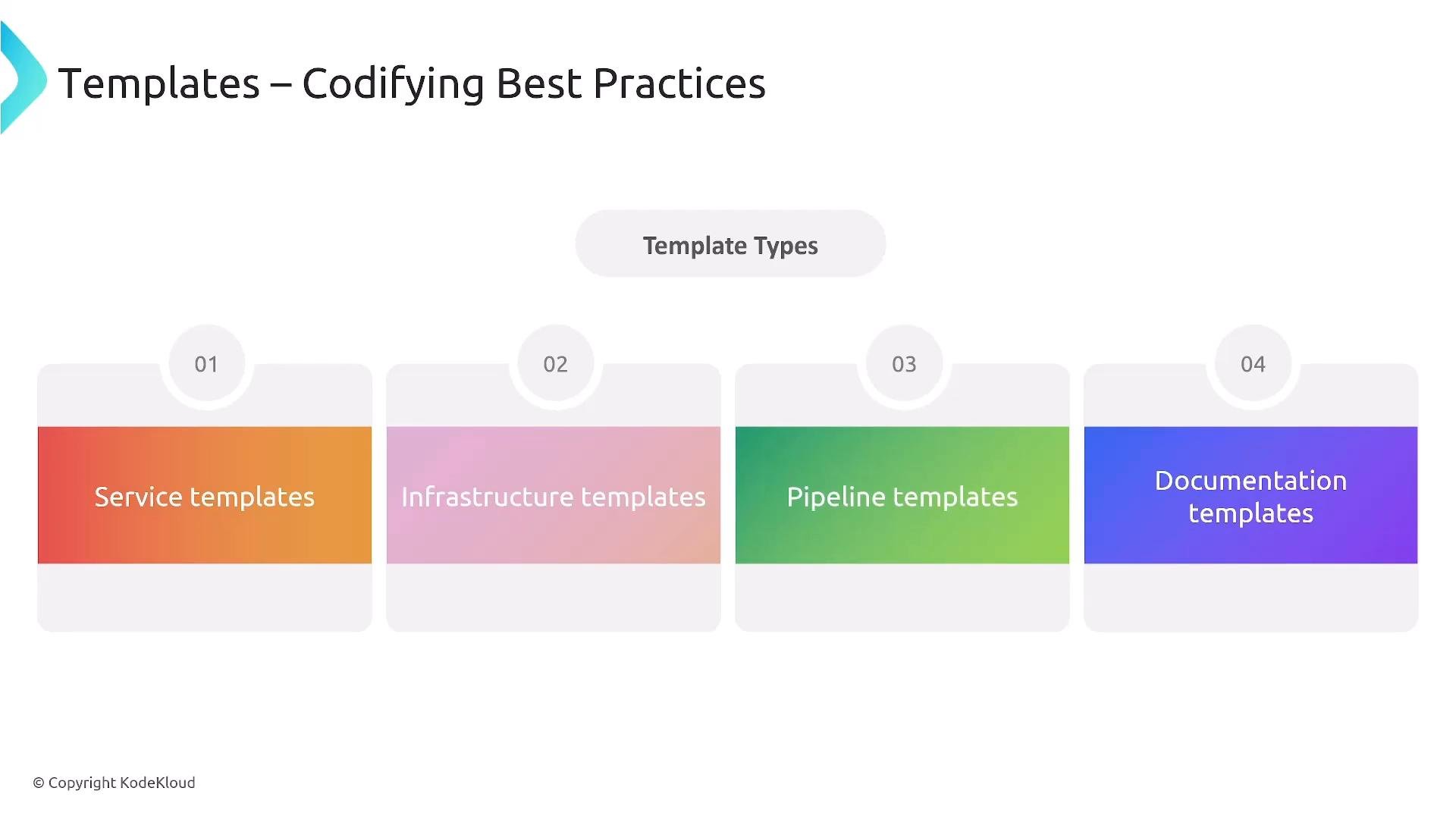
A slide titled "Templates – Codifying Best Practices" showing a "Template Types" section with four colored cards. The cards list: Service templates, Infrastructure templates, Pipeline templates, and Documentation templates.
Template system design: balance flexibility with guardrails
  • Manifest templates — parameterized Kubernetes YAML or Helm charts
  • Parameter schema — JSON Schema for validation and UI generation
  • Auto-generated docs — README and runbooks generated automatically
  • Hooks — pre/post generation scripts for side effects or scaffolding
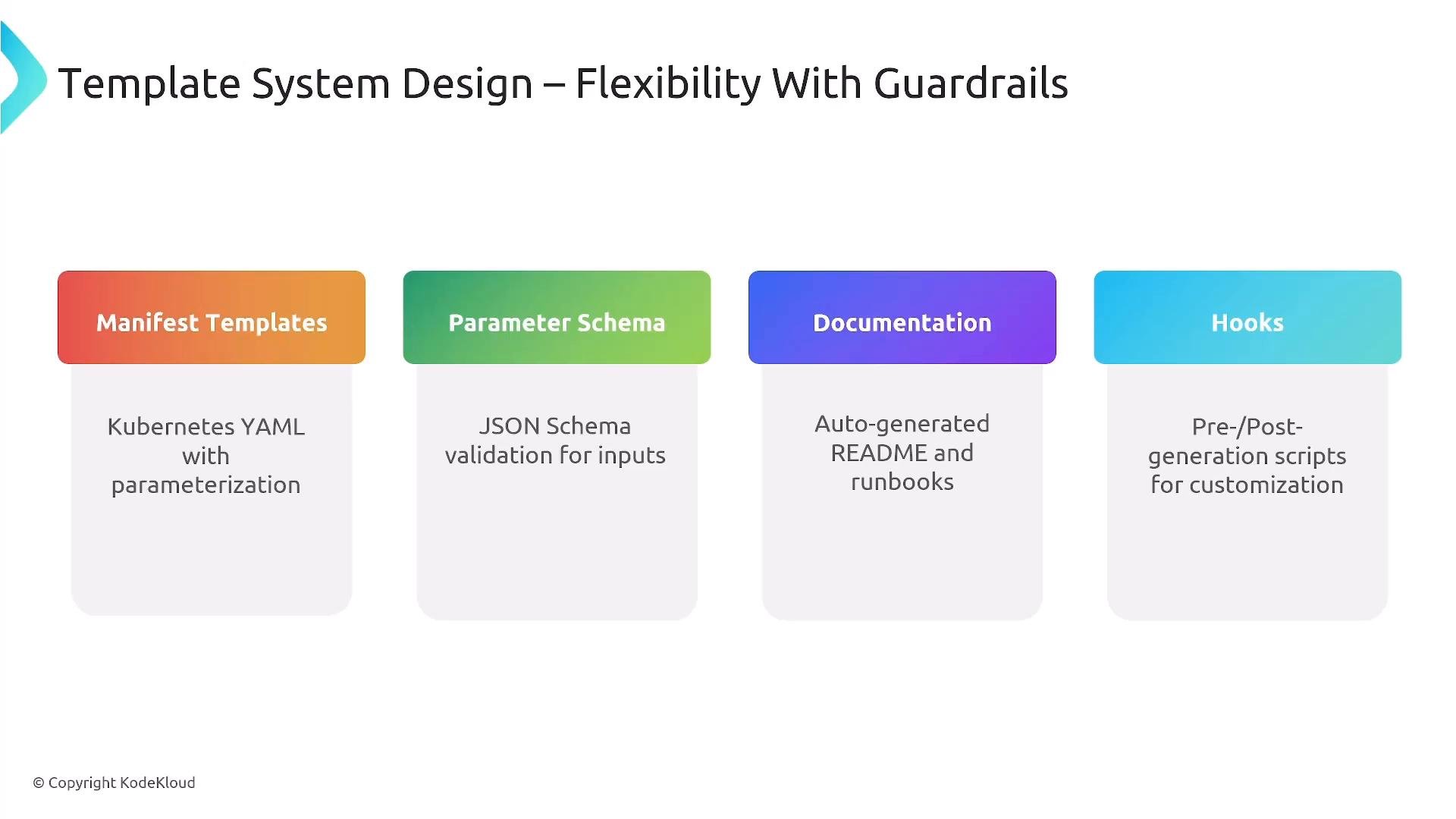
A slide titled "Template System Design — Flexibility With Guardrails" showing four colored panels. The panels list Manifest Templates (Kubernetes YAML with parameterization), Parameter Schema (JSON Schema validation), Documentation (auto-generated README and runbooks), and Hooks (pre/post-generation scripts).
Example parameter schema (validates replica counts and environment):
Policy note: For highly available workloads, set minimum to 2 for replicas. Ensure parameter schemas reflect organizational constraints (quotas, allowed regions, instance sizes) and map to enforcement checks in CI or admission controllers.
Beyond CLI and templates: provide a web portal, stable APIs, and IDE plugins. All interfaces must call the same backend API so operations behave consistently whether executed from a CLI, UI, or programmatically. CNCF ecosystem building blocks for DX:
  • Backstage — service catalog and TechDocs for discovery
  • Helm — packaging and templating for Kubernetes
  • kubectl — a canonical cluster CLI example
  • OpenTelemetry — observability for traces, metrics, and logs
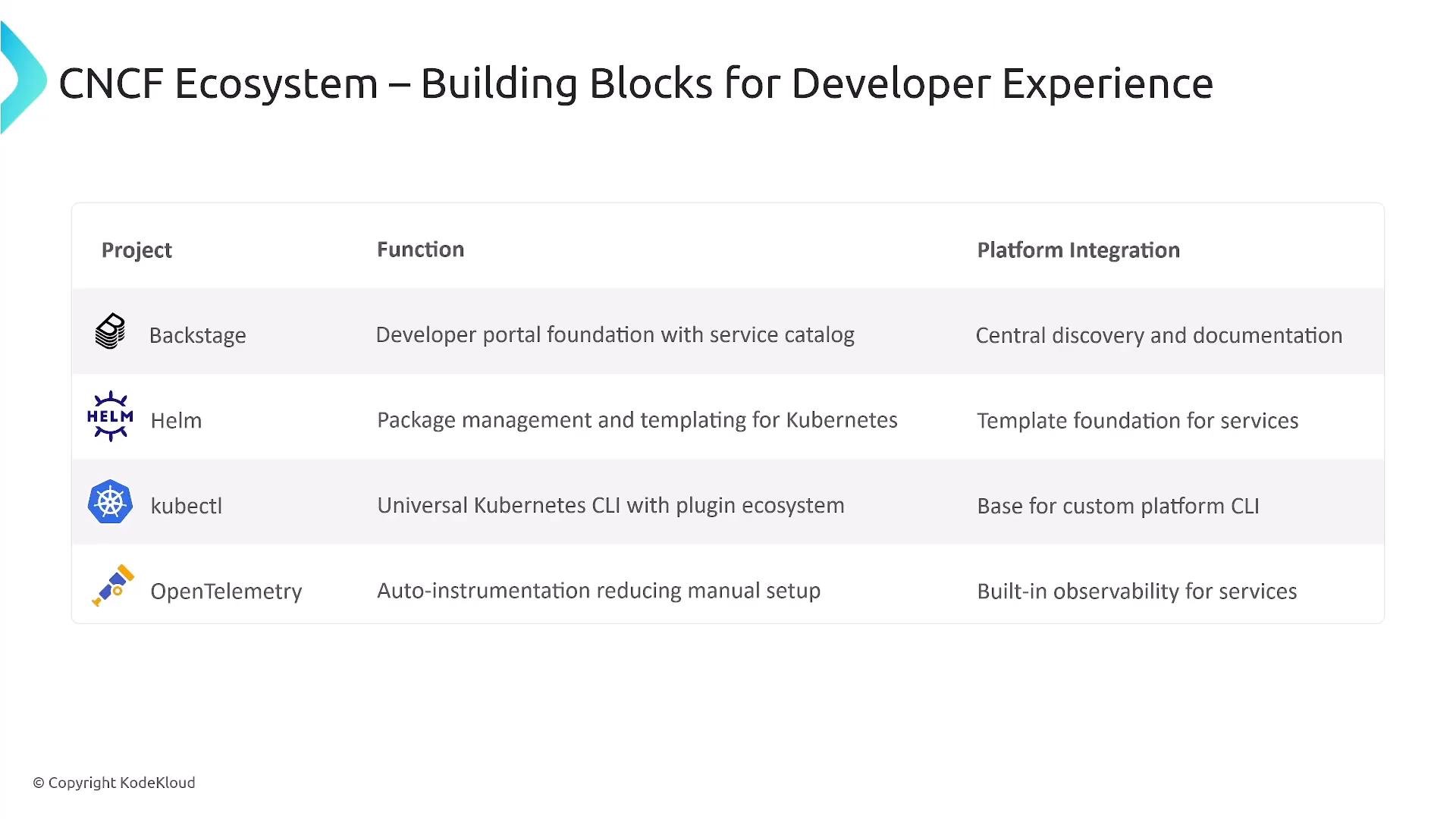
A slide titled "CNCF Ecosystem – Building Blocks for Developer Experience" showing a table of projects (Backstage, Helm, kubectl, OpenTelemetry) with brief descriptions of their functions and platform integration roles.
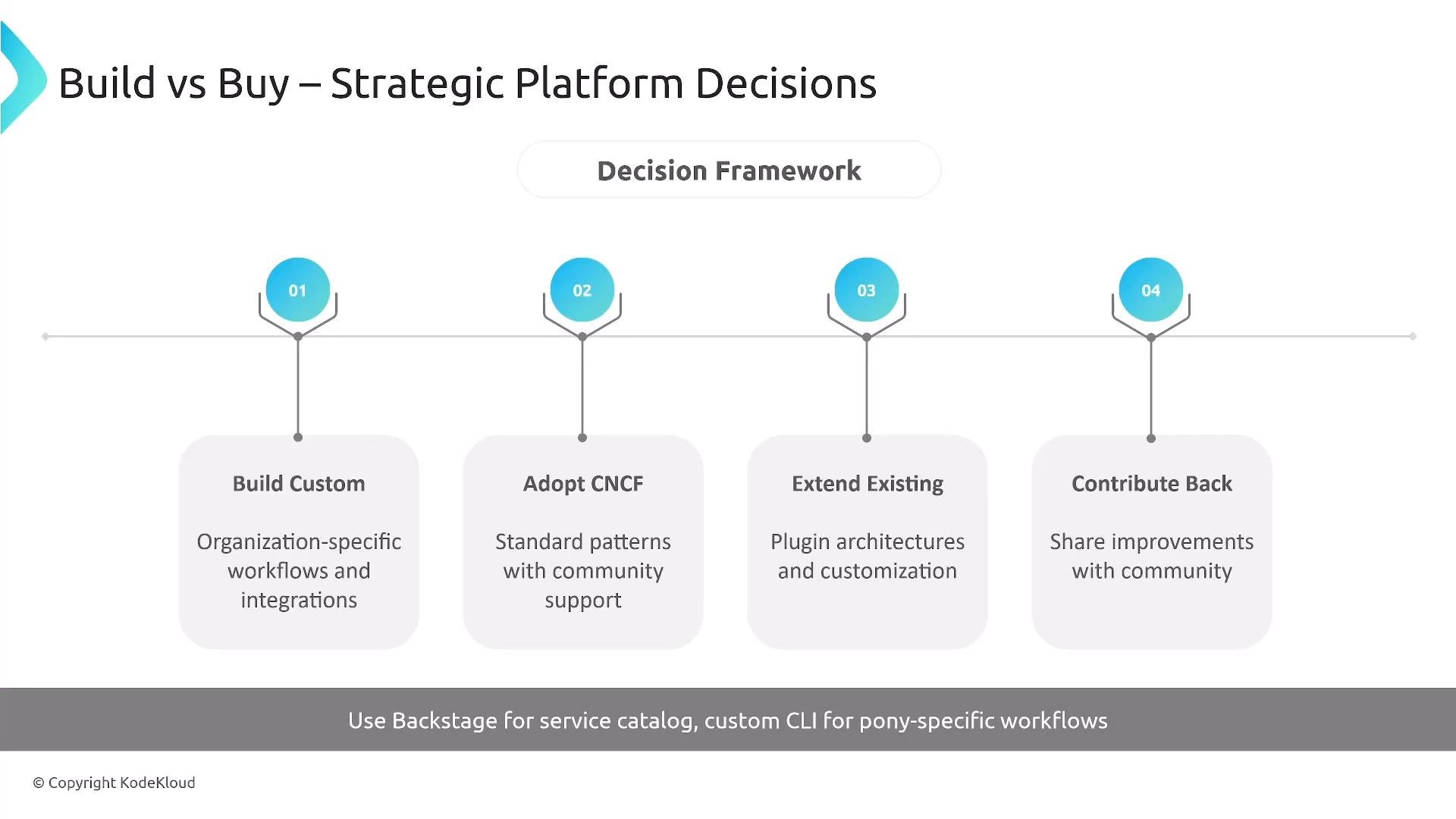
Strategic options Decide whether to build custom, adopt CNCF projects, extend existing tools, or contribute back to open source. Backstage is a common pick for a service catalog, but it requires investment to customize and operate.
A presentation slide titled "Build vs Buy – Strategic Platform Decisions" showing a decision framework timeline with four numbered options. The options are "Build Custom," "Adopt CNCF," "Extend Existing," and "Contribute Back," with a footer note recommending Backstage for service catalog.
Error handling — reduce support load by surfacing helpful, actionable errors:
  • Clear, concise messages with context
  • Suggested next steps and links to runbooks
  • Meaningful error codes for automation and analytics
  • Deep links to docs or escalation paths
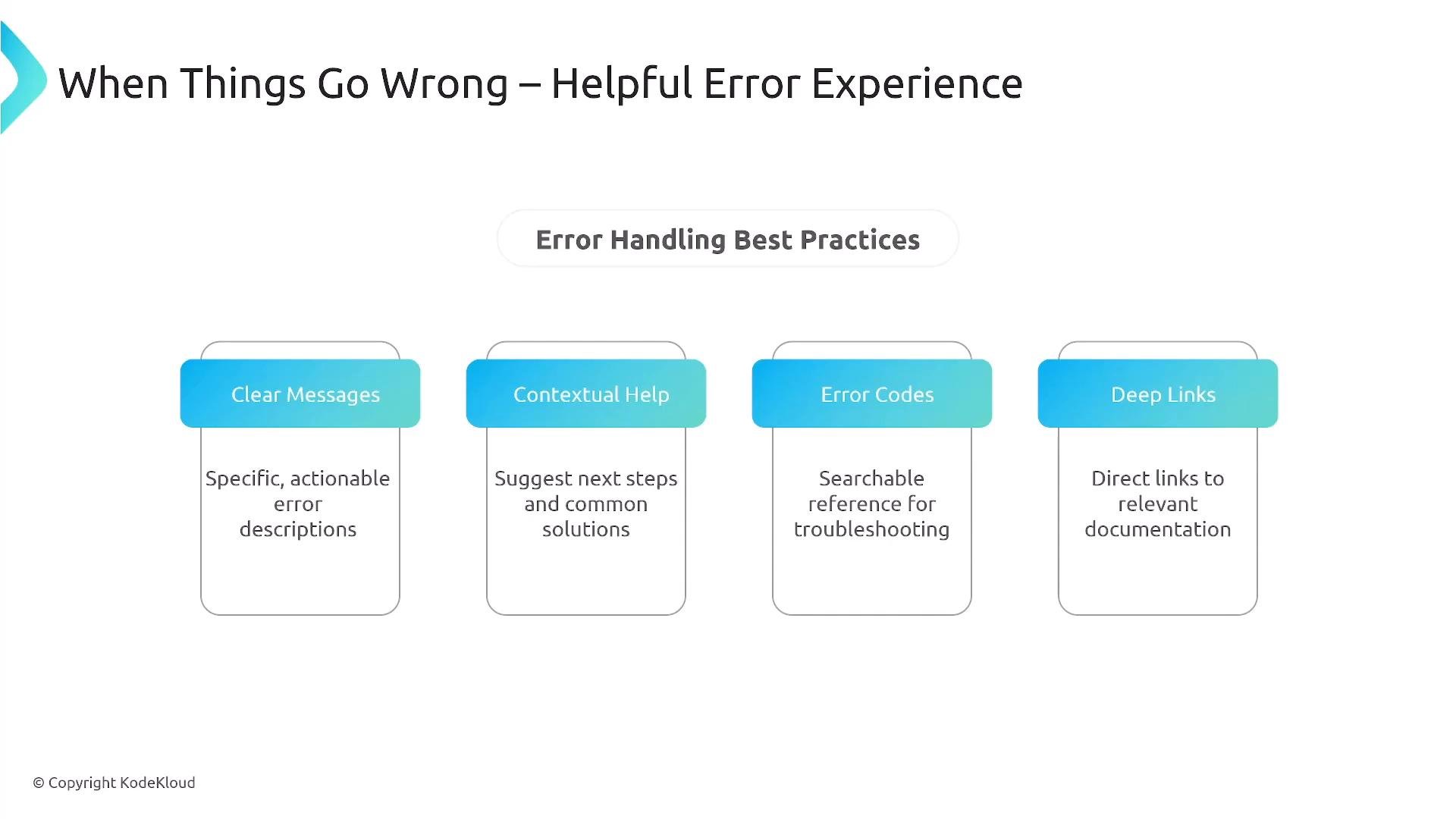
A presentation slide titled "When Things Go Wrong — Helpful Error Experience" showing "Error Handling Best Practices." It lists four items—Clear Messages, Contextual Help, Error Codes, and Deep Links—with brief descriptions of each.
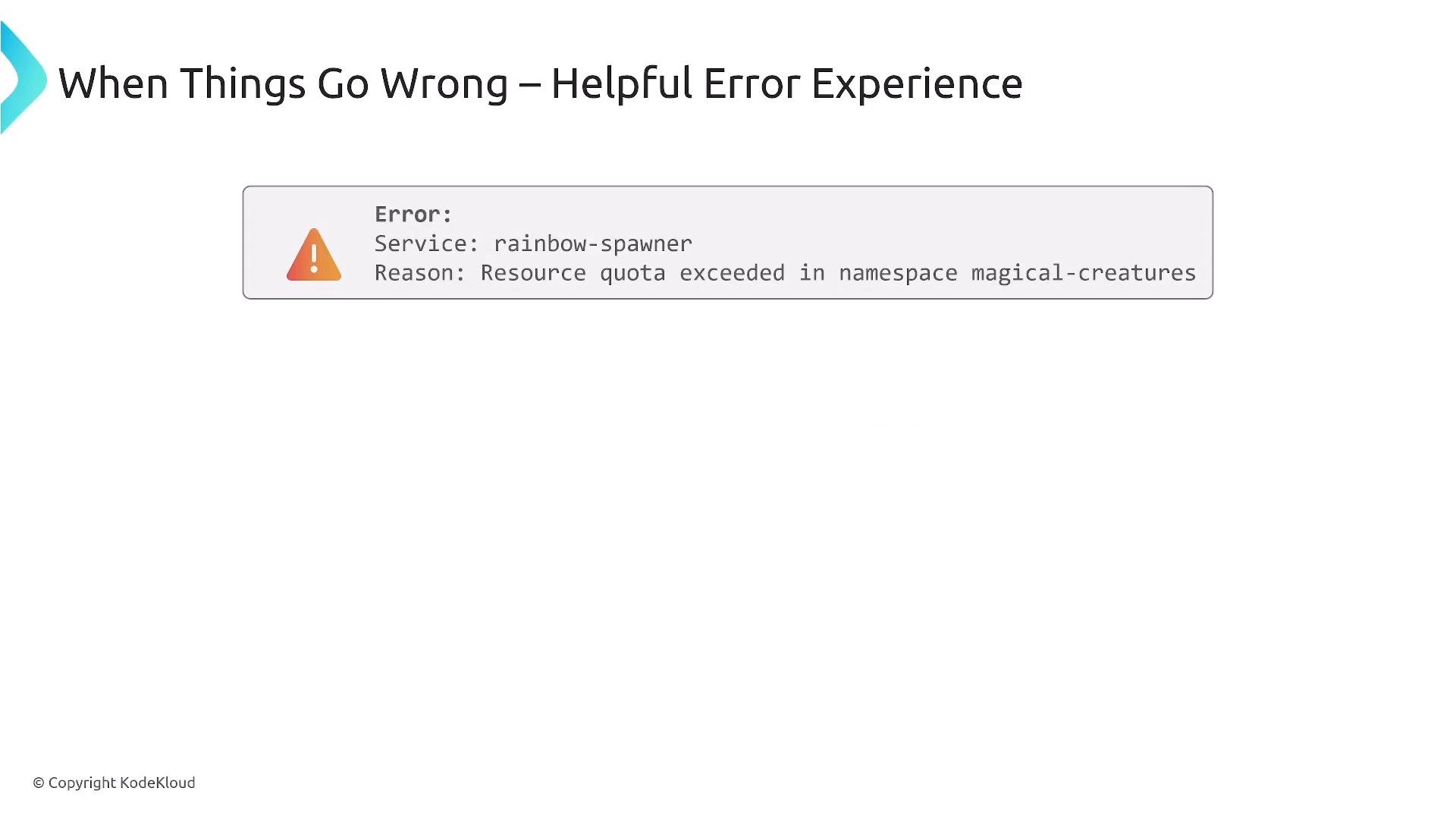
Example improved error and next steps:
A slide titled "When Things Go Wrong – Helpful Error Experience" showing an error box that reads: "Error: Service: rainbow-spawner. Reason: Resource quota exceeded in namespace magical-creatures."
How to present the error:
  • Error: Resource quota exceeded for rainbow-spawner in namespace magical-creatures.
  • Suggested next steps: check quota status (kubectl get resourcequotas or portal), request an increase, or follow the quota runbook.
  • Indicate whether small temporary increases may be auto-approved (when policy allows) and provide a link to the policy.
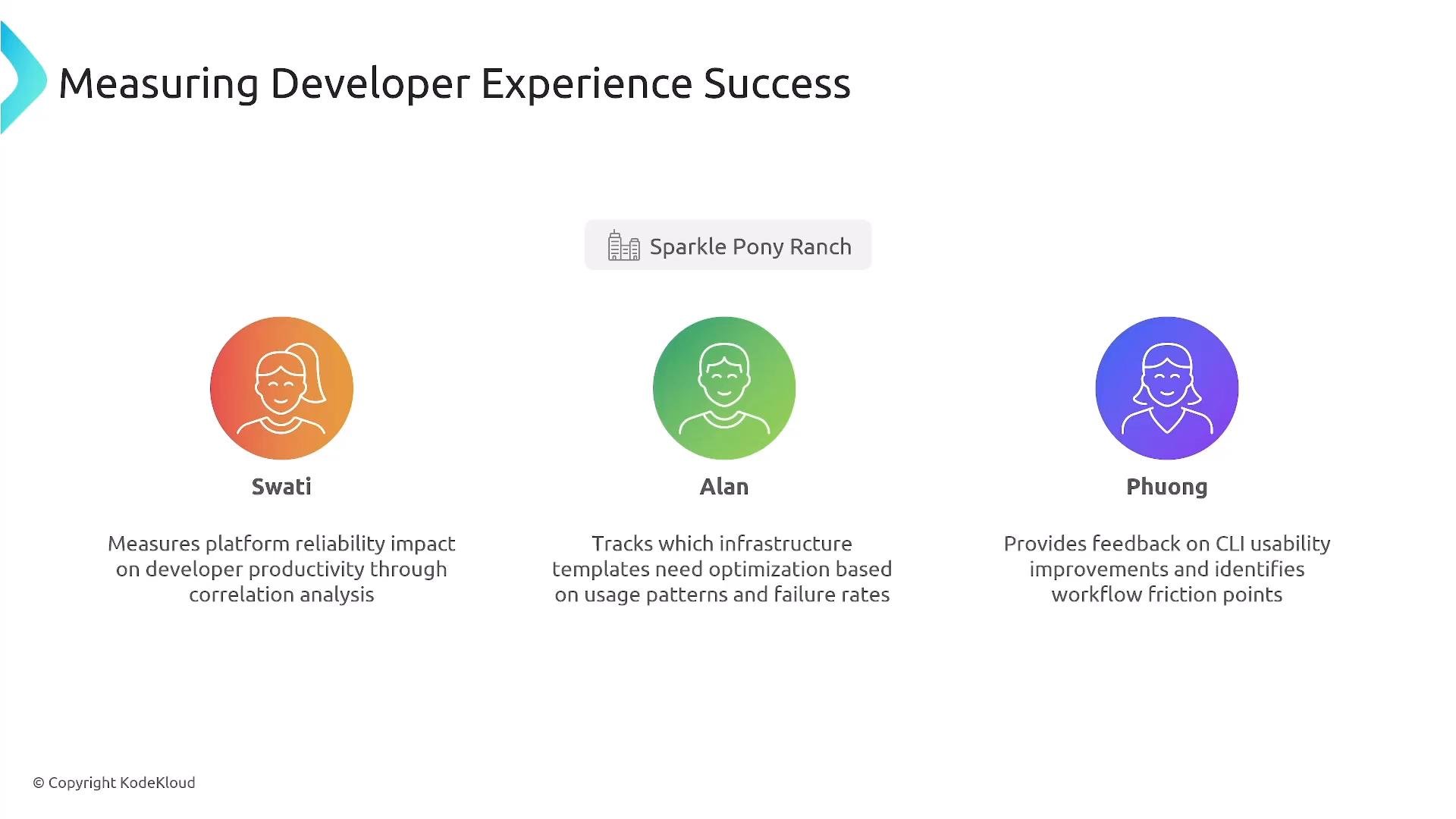
Measuring developer experience success Track concrete metrics and correlate them to business outcomes. Collect adoption metrics, failure rates, and correlate platform usage with developer productivity. Product-oriented platform teams should run experiments, collect feedback, and iterate with real users.
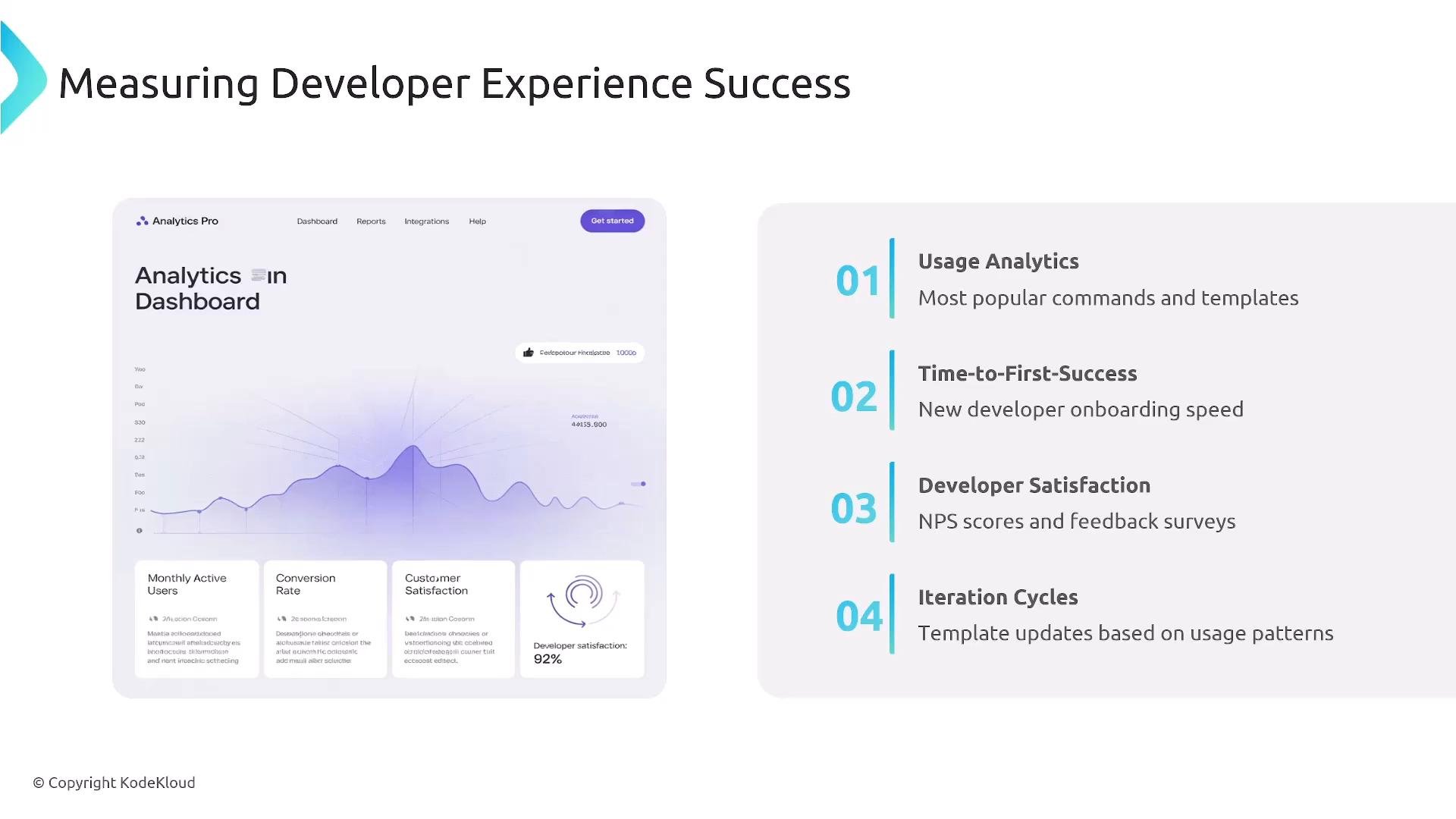
A presentation slide titled "Measuring Developer Experience Success" with an analytics dashboard mockup on the left. On the right is a numbered list of four metrics: Usage Analytics, Time-to-First-Success, Developer Satisfaction, and Iteration Cycles.
A presentation slide titled "Measuring Developer Experience Success" showing three colorful avatar icons labeled Swati, Alan, and Phuong with brief descriptions of their measurement roles. A small "Sparkle Pony Ranch" label appears above the center avatar.
Key takeaways
  • CLI-first design with consistent APIs and a polished UI is indispensable.
  • Template systems reduce friction, enforce best practices, and capture institutional knowledge.
  • Intelligent scaffolding (code + infra + pipeline templates) accelerates time-to-value.
  • Golden paths and progressive disclosure deliver predictable, low-cognitive outcomes for common tasks.
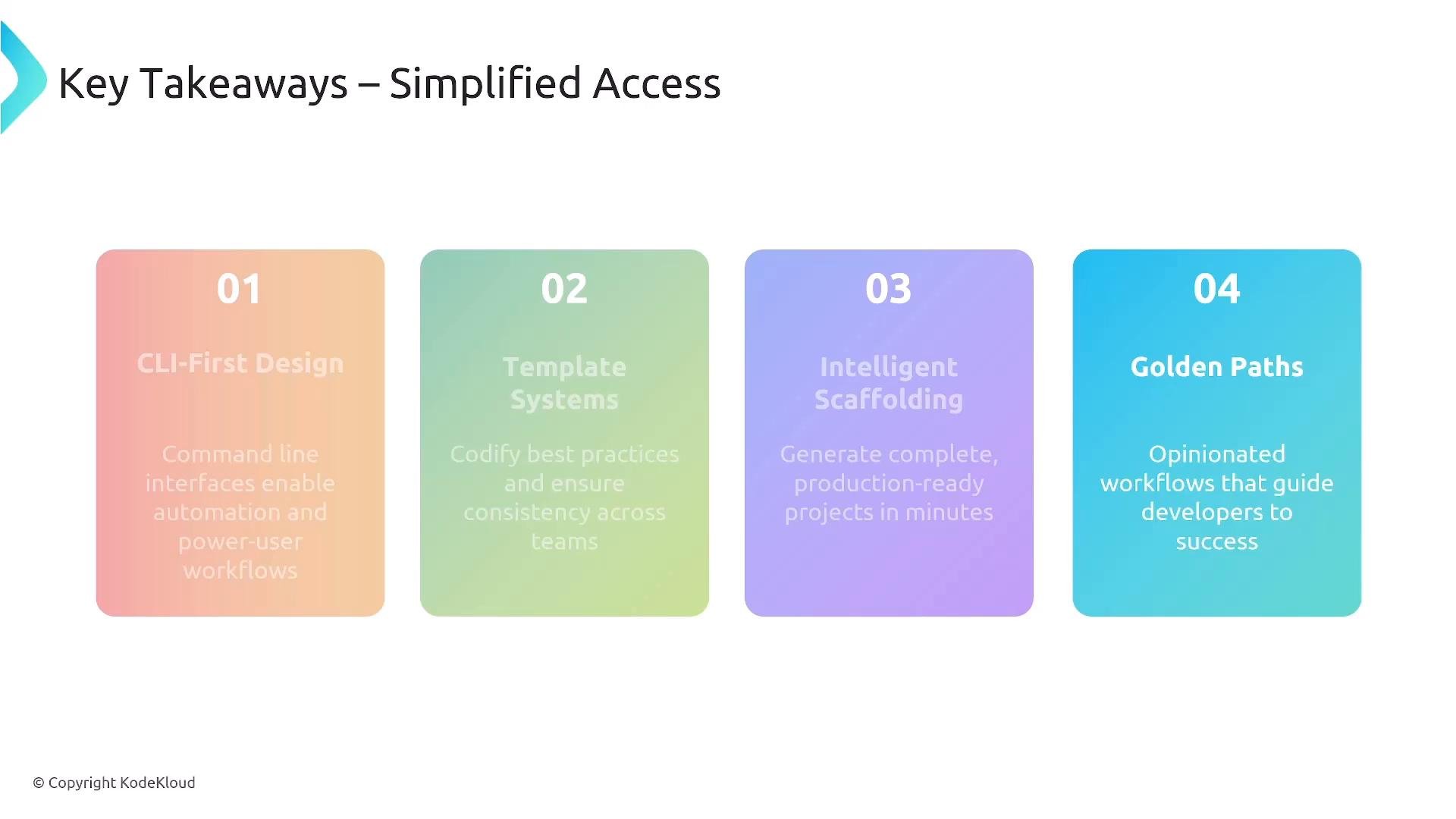
A presentation slide titled "Key Takeaways – Simplified Access" showing four colorful rounded cards numbered 01–04. Each card lists a takeaway: CLI-First Design, Template Systems, Intelligent Scaffolding, and Golden Paths.
Final notes
  • Offer a portal, a robust CLI, and a well-documented API.
  • Use CNCF projects when they fit your needs (Backstage for catalogs, Helm for packaging).
  • Bake operational and security controls into self-service flows.
  • Continuously gather real usage data and developer feedback; iterate relentlessly.
When developers choose the platform because it simplifies their work, you’ve earned voluntary adoption. Thank you.

Watch Video