

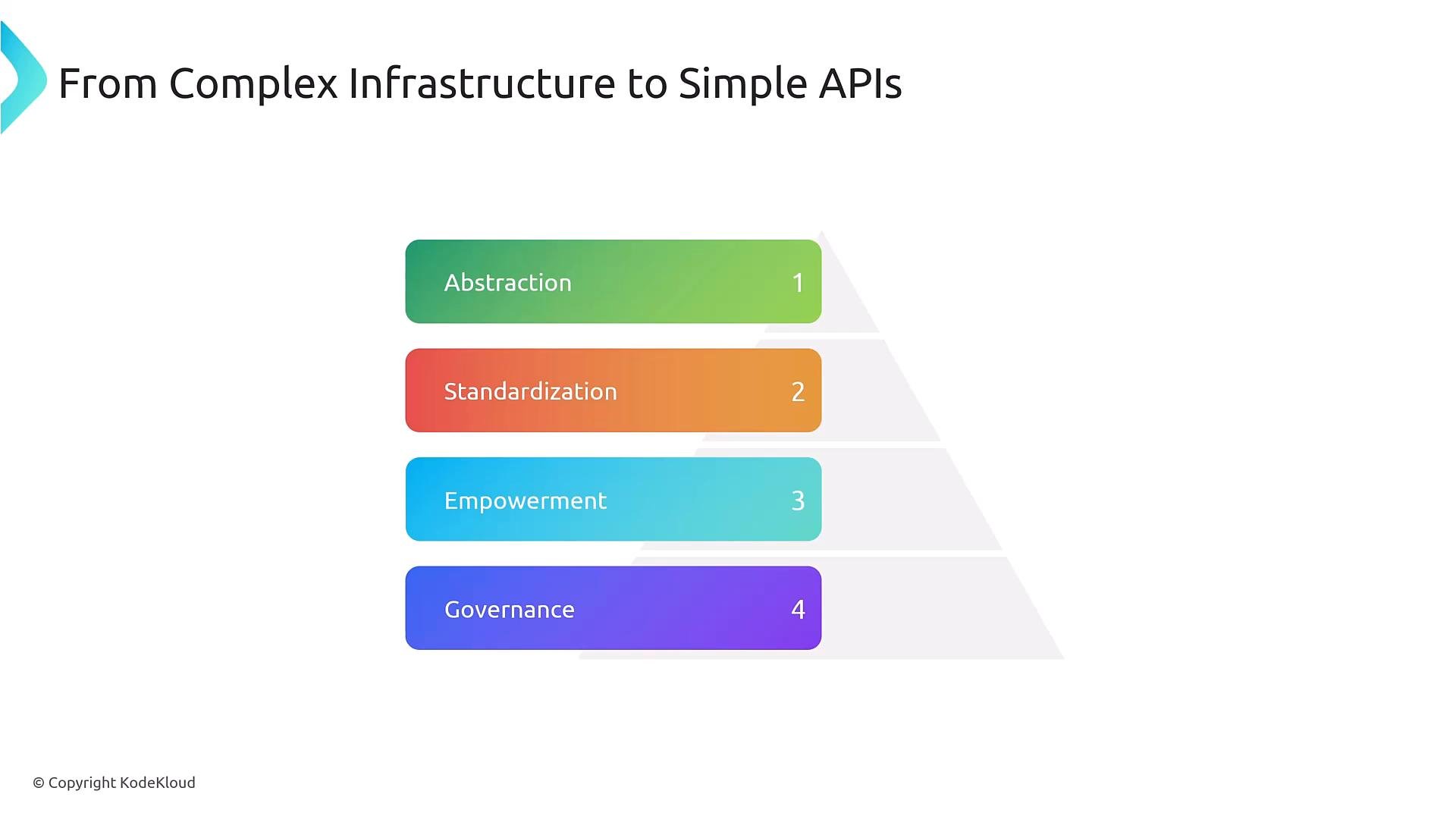
- Domain-specific abstractions (for example: PonyDatabase, Environment, SearchCluster).
- Intent-based APIs that hide low-level objects (Pods, Services, PVCs).
- Server-side validation, kubectl integration, discovery, and RBAC control.
- Define new Kubernetes-like resource types with
kind,apiVersion, and REST endpoints. - Enforce validation using OpenAPI v3 schemas.
- Integrate with standard tooling (kubectl, API discovery) and RBAC.
- Serve as the contract that controllers use to reconcile desired state to actual cluster resources.
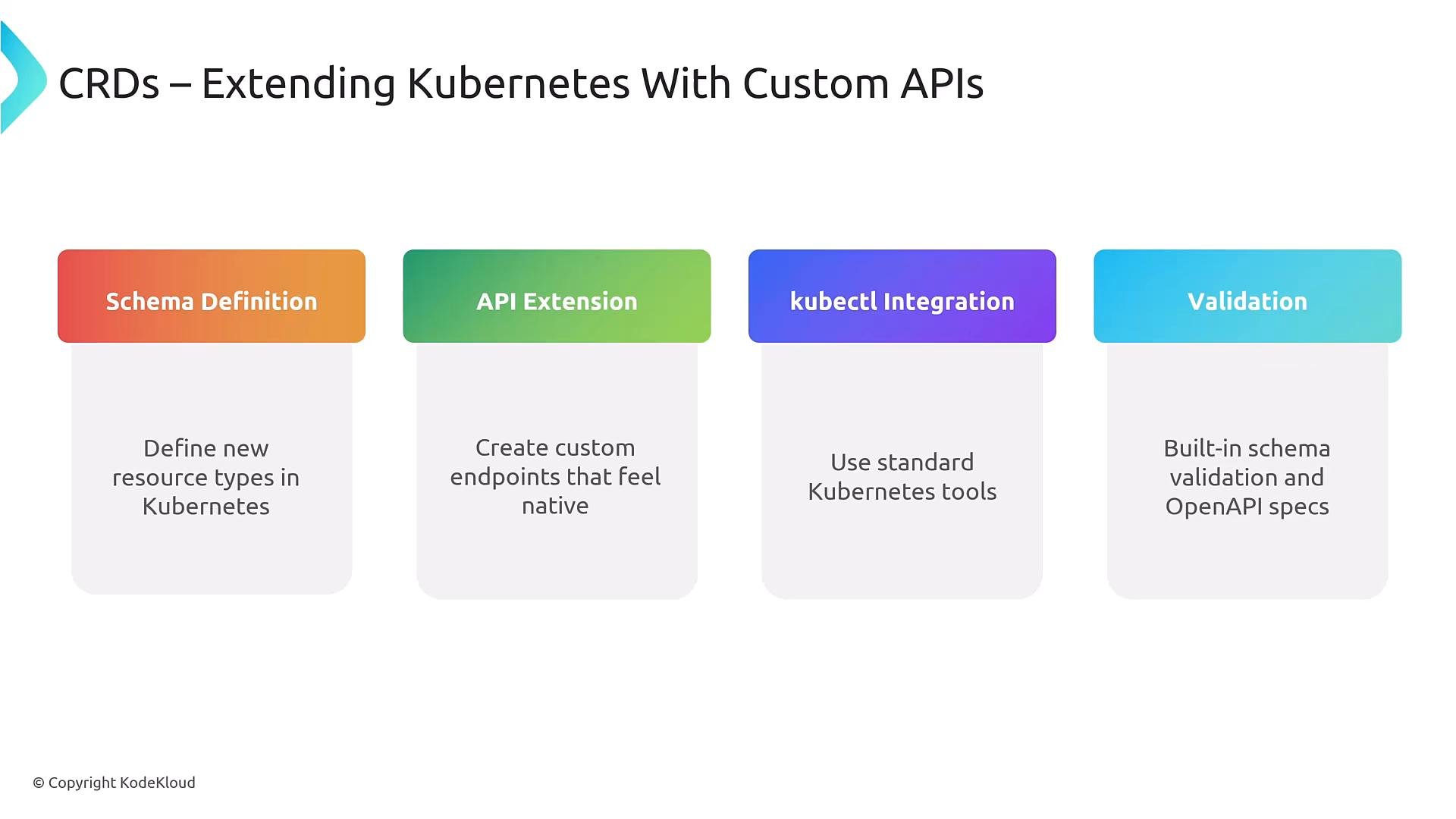
CRDs provide the API surface and validation. To make a CRD functional you normally implement a controller or operator that watches custom resources and performs provisioning, lifecycle management, and reconciliation.
Basic CRD example
Below is a minimal, valid CRD that defines a namespacedPonyDatabase resource with a simple OpenAPI v3 validation that restricts the size field to small | medium | large:
metadata.namemust be<plural>.<group>, enabling API discovery.namescontrols how the resource appears to users and tools (kind,plural,shortNames).scope: Namespacedplaces objects inside namespaces — change toClusterfor cluster-scoped resources.openAPIV3Schemaprovides server-side validation for fields underspec, reducing misconfiguration.
Example custom resource using that CRD
Once the CRD is installed, developers create resources like this to express intent:PonyDatabase reads this spec and provisions the underlying resources (StatefulSets, Services, PVCs, backups, Secrets) — developers only declare intent.
Validation, documentation, and guardrails
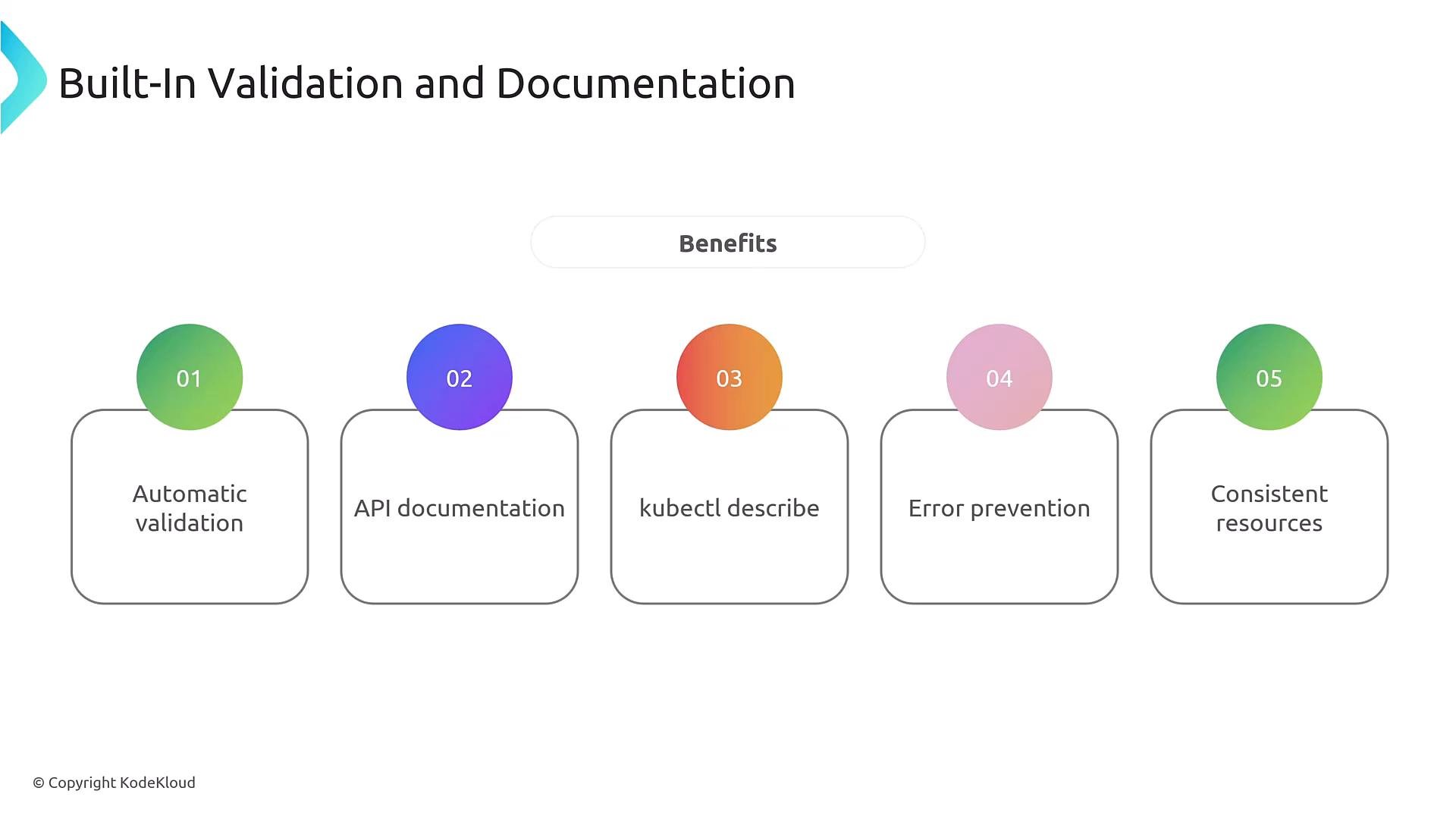
CRDs provide built-in validation and generate machine-readable API documentation (OpenAPI v3). Use schemas to:- Enforce required fields and allowed values (enums).
- Apply numeric constraints (minimum/maximum).
- Prevent unsupported configurations and enforce governance.
- Early detection of invalid manifests.
- Better developer UX:
kubectl explainand generated API docs. - Clear upgrade and governance paths via controlled schema changes.
Designing CRDs collaboratively
CRD design sits at the intersection of product, infrastructure, and SRE. Collaborate early to choose fields, defaults, lifecycle semantics, and status reporting. Good collaboration reduces iteration and operational surprises.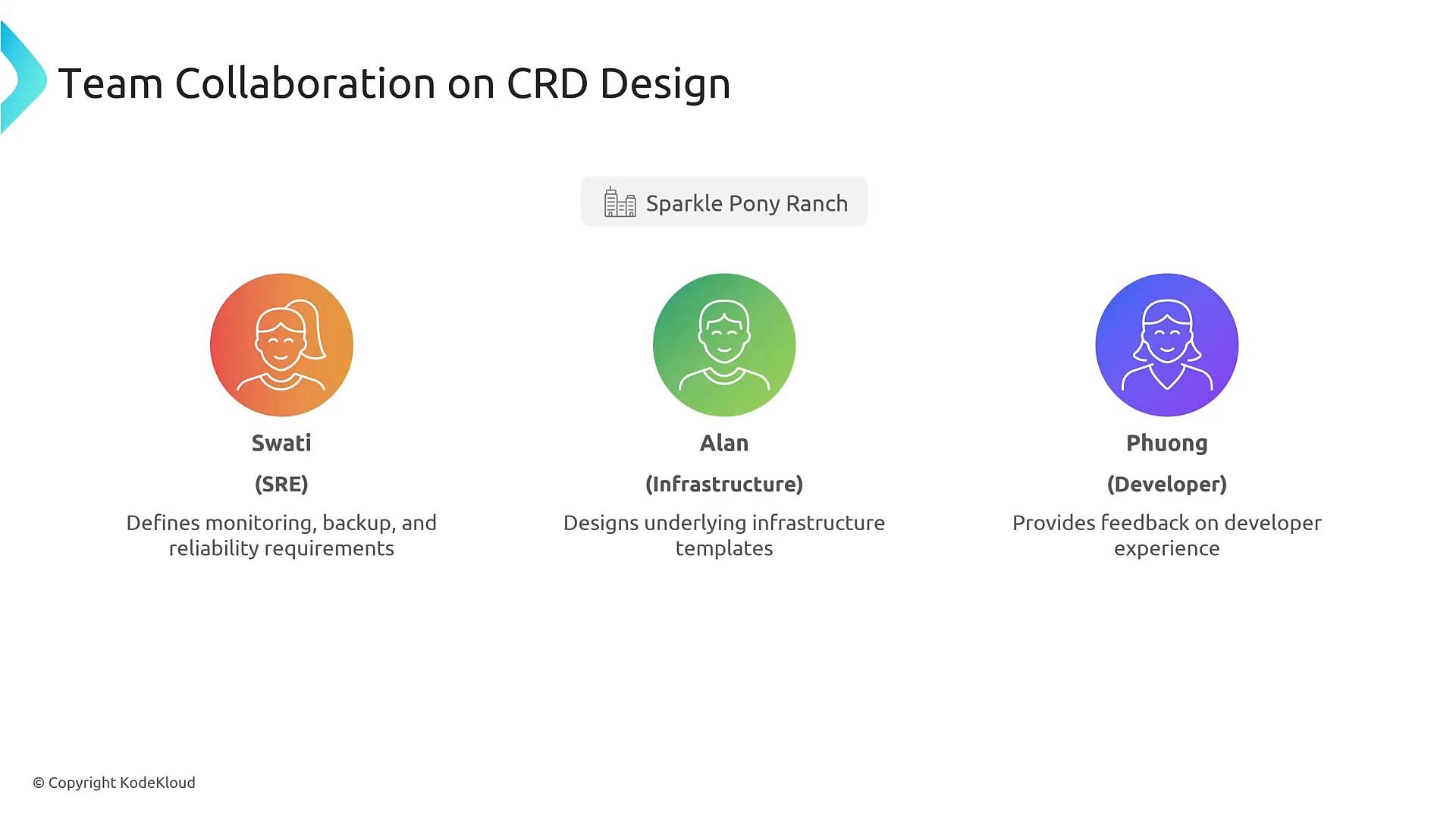
Controllers and the reconciliation loop
A CRD defines shape and rules; controllers implement behavior. Controllers:- Watch custom resources and related objects.
- Compare desired (
spec) vs actual cluster state. - Plan and execute changes (create/update/delete dependent resources).
- Update
statuswith progress and health.
- Watch (event or periodic sync)
- Validate current vs desired state
- Plan changes
- Execute (create/update/delete)
- Observe and update
status - Repeat
Securing CRD access with RBAC
CRDs integrate with Kubernetes RBAC so teams can be allowed to create and manage high-level resources without giving access to low-level primitives. Example Role allowing a team to manage PonyDatabase objects and view Pods: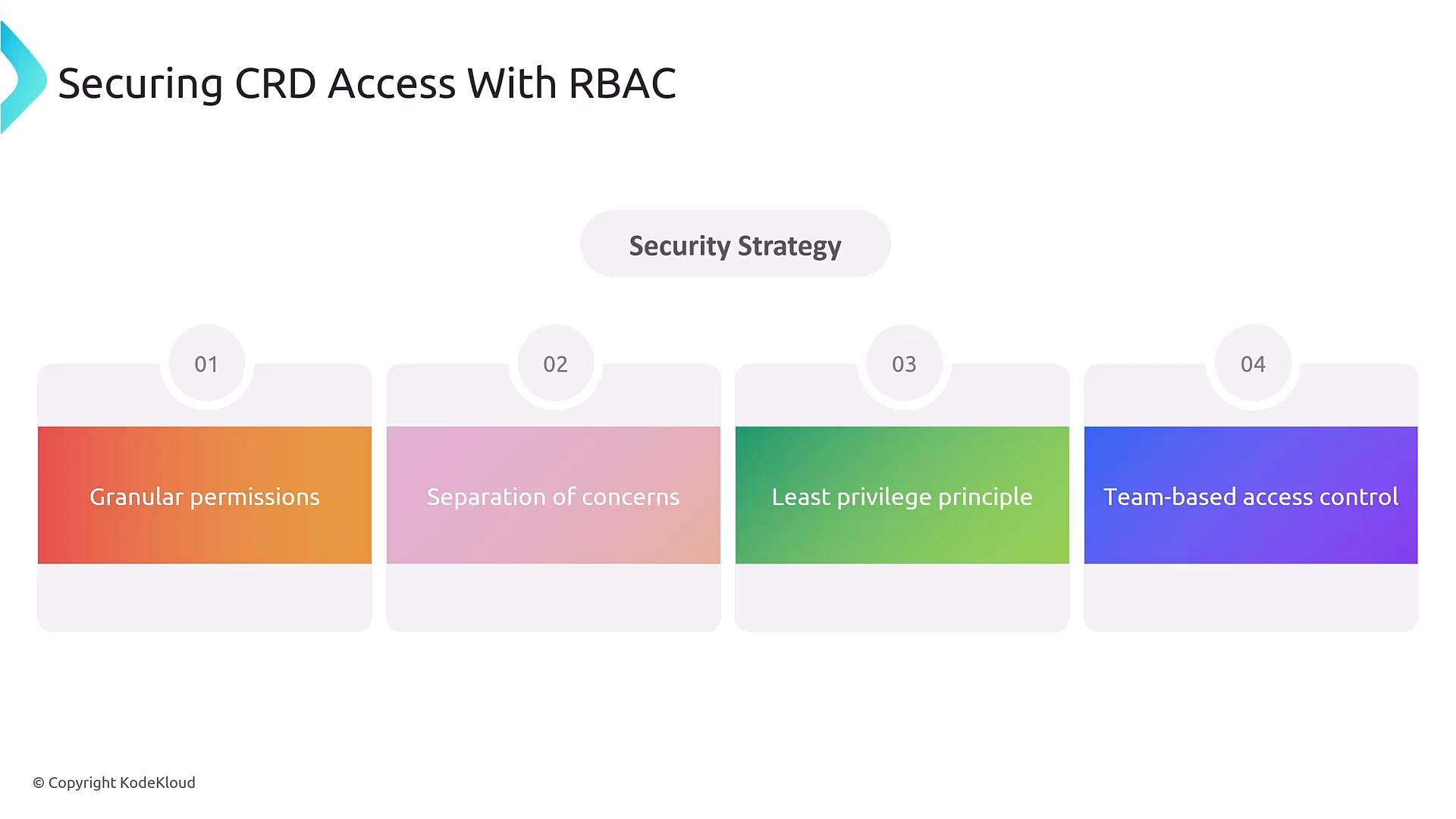
When granting permissions, prefer roles scoped to a namespace and use the least-privilege principle. Avoid giving broad cluster-level permissions unless strictly required.
Evolving CRD schemas and API versions
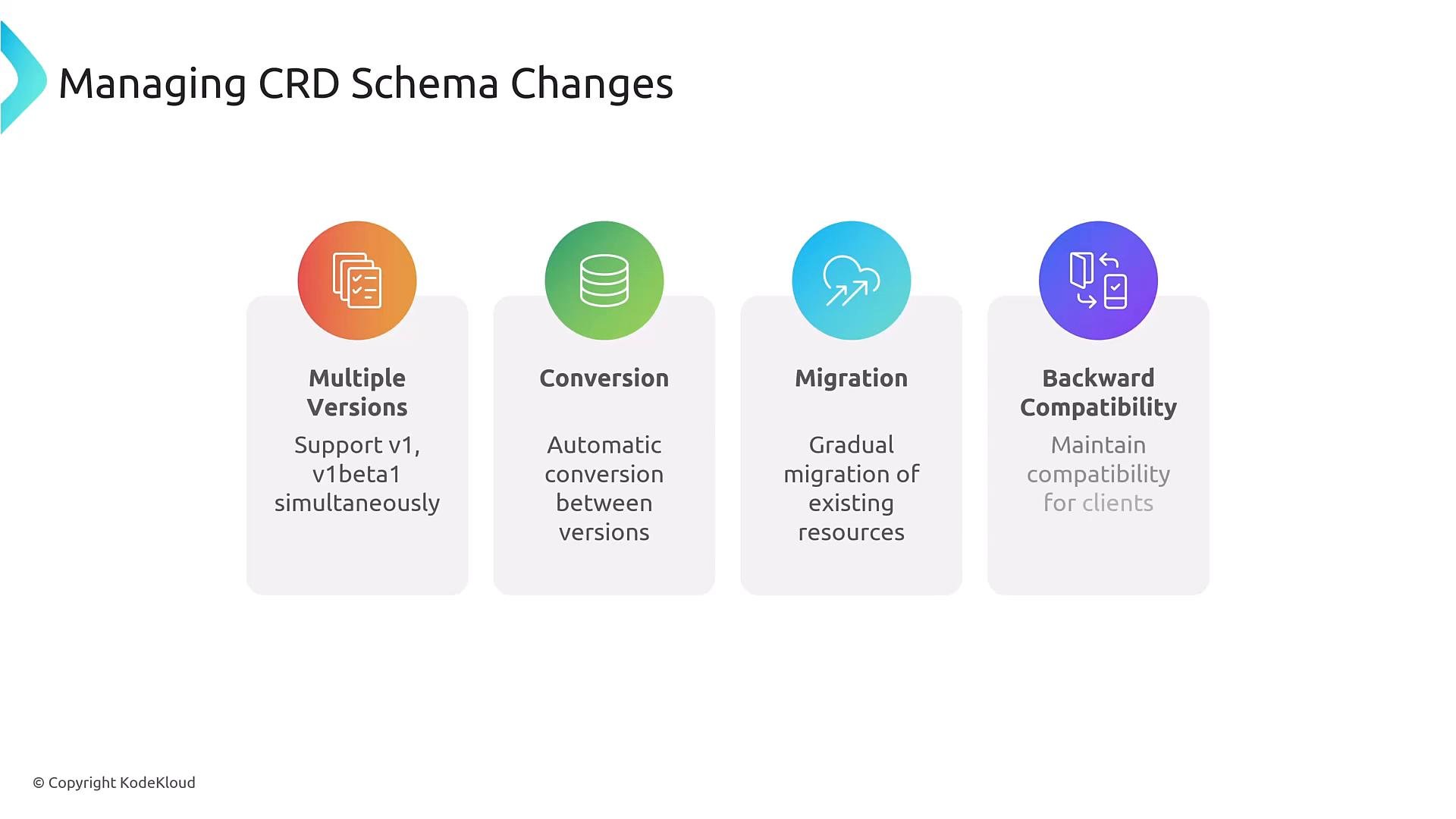
CRDs support versioning and conversion. Best practices when evolving schemas:- Make additive, backward-compatible changes where possible.
- Avoid removing fields; mark fields deprecated and provide migration paths.
- Use
conversionwebhooks or structural schemas for multi-version support.
Developer experience features
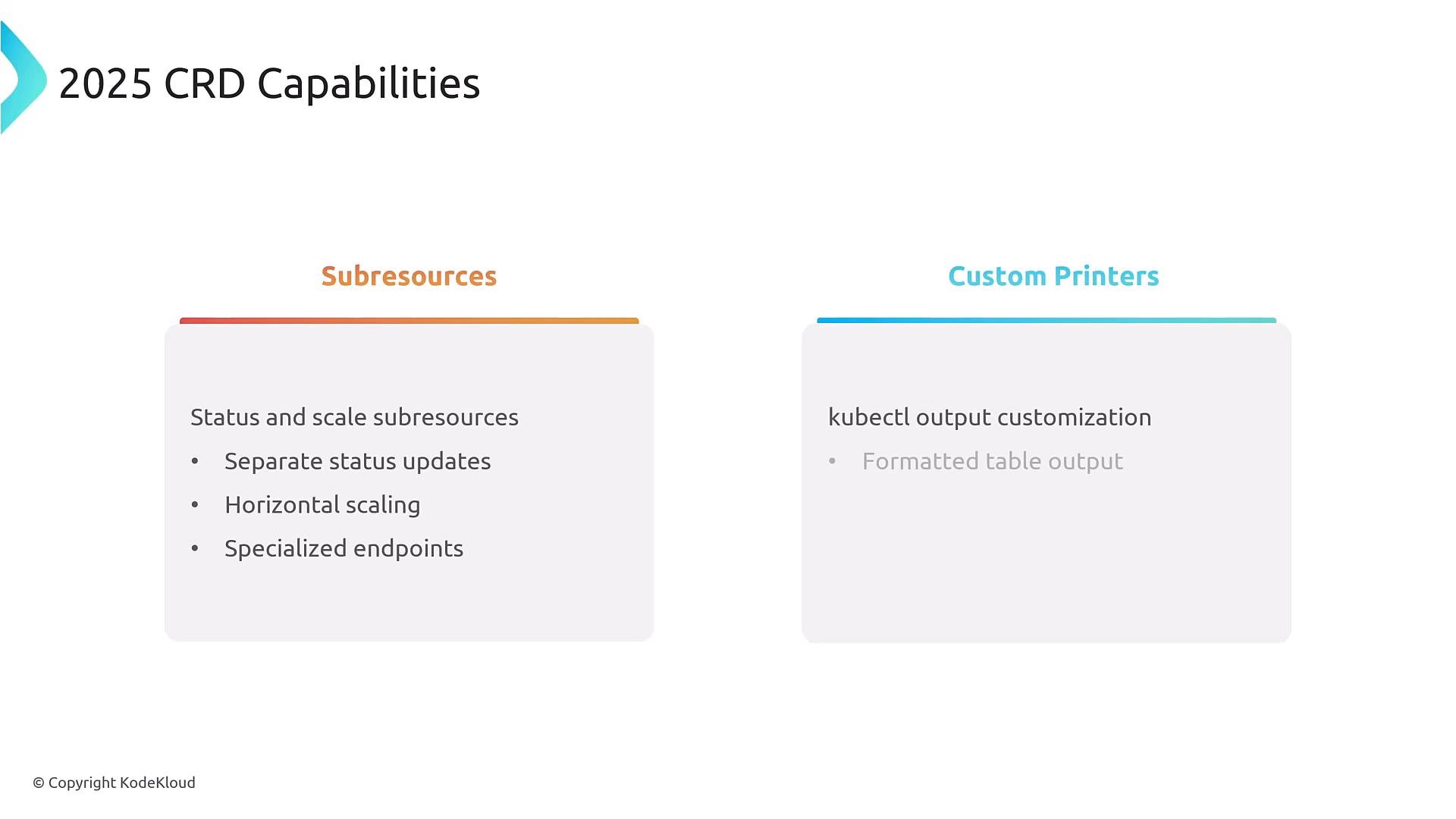
CRDs offer UX features that make life easier for teams:- Subresources (
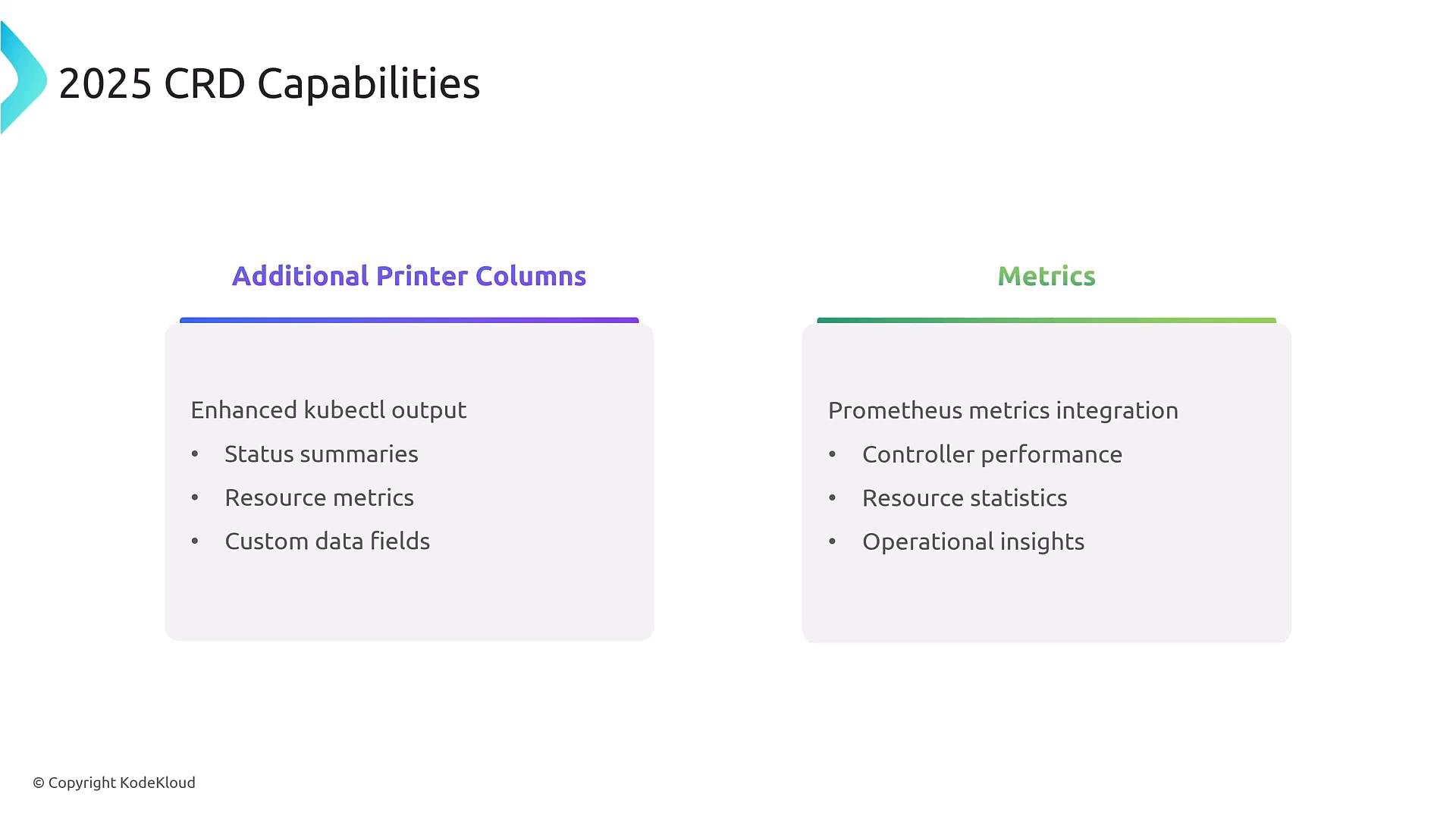
status,scale) enable safe status updates and HPA integration. - Additional printer columns and custom printers improve
kubectl getoutput. - Controllers can expose Prometheus metrics for reconcilers, queue depth, and durations.
Choosing the right extension
Decide between simple config, schema-only extension, or schema+automation: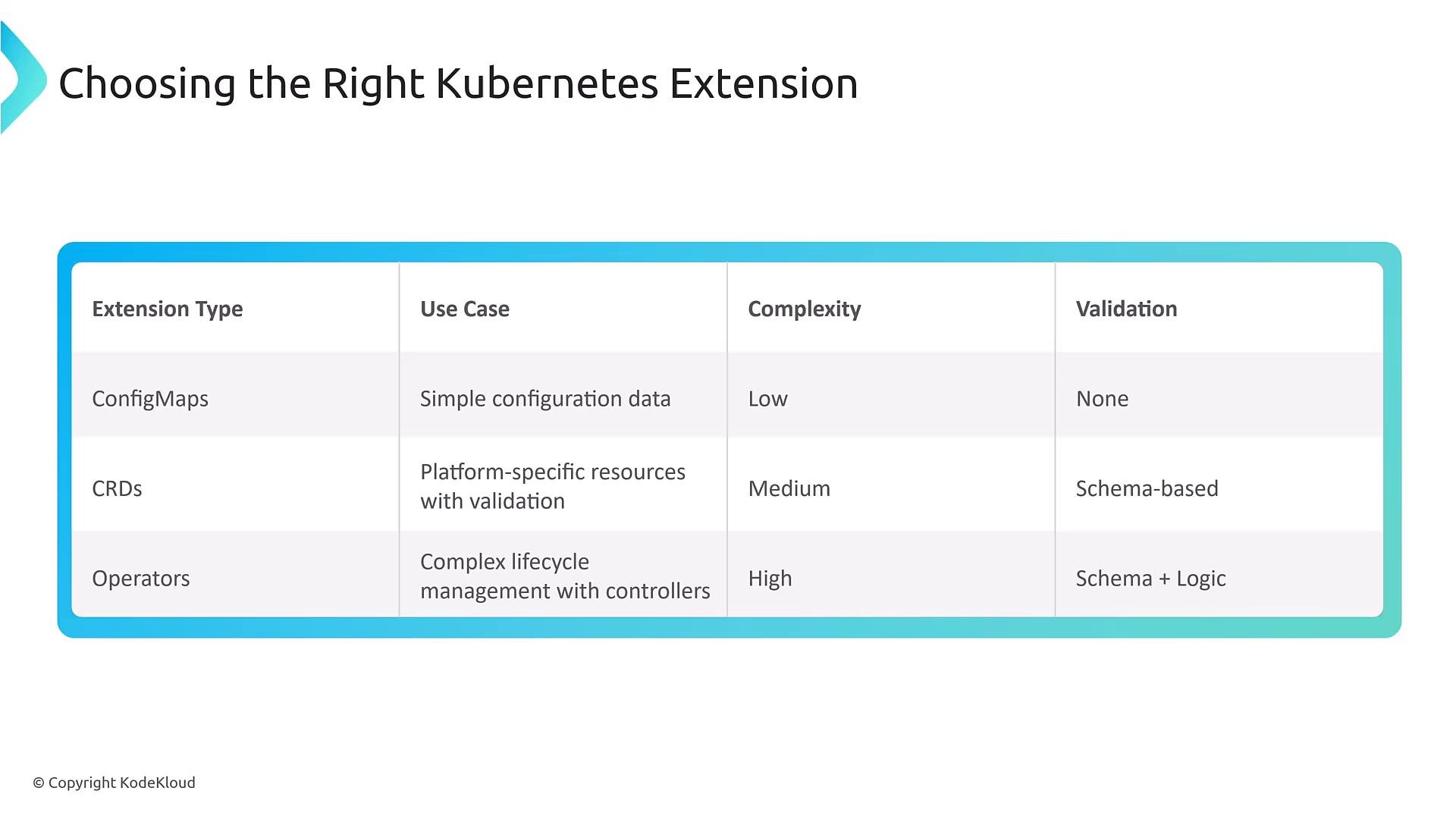
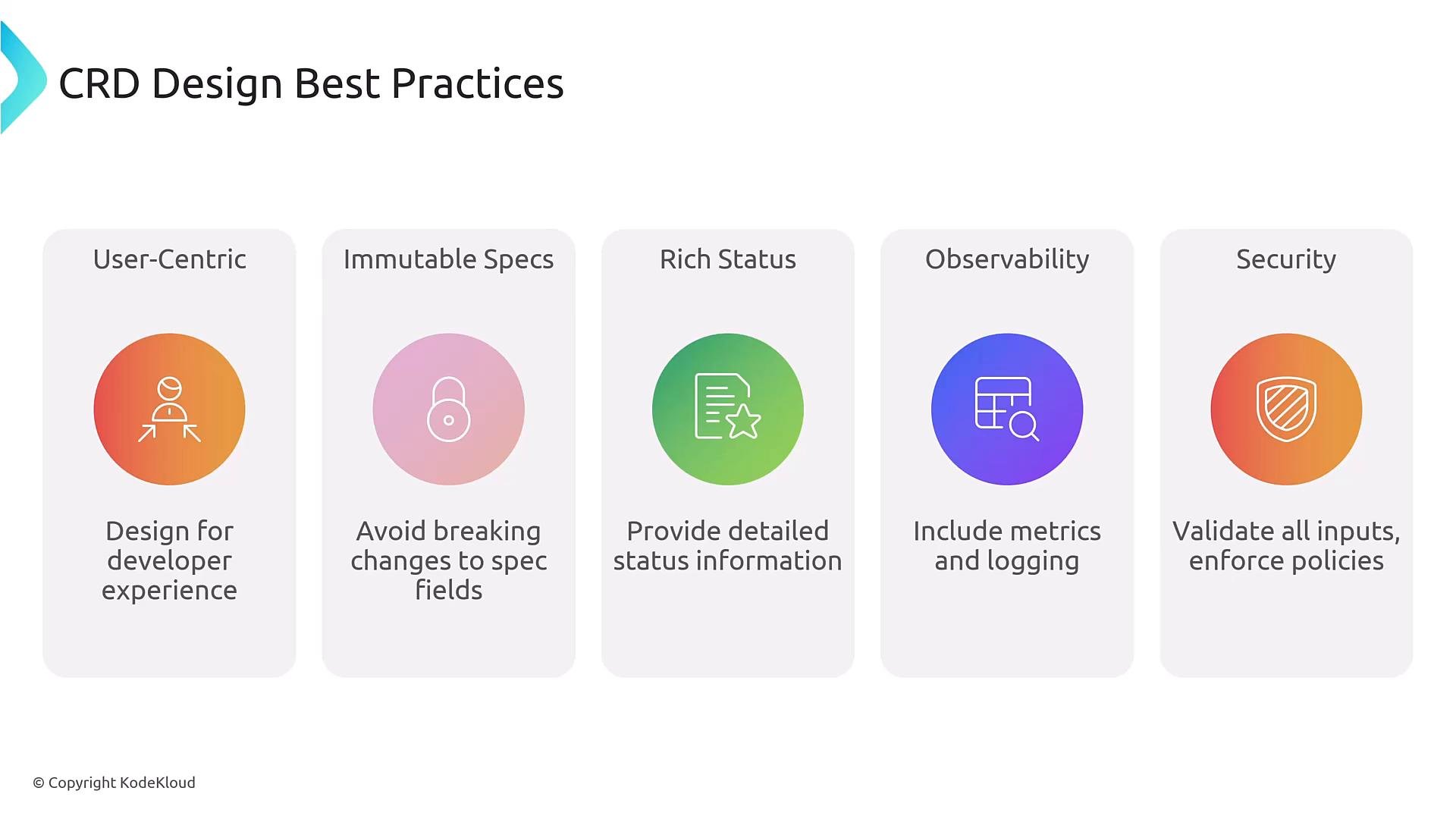
CRD design best practices
- Design for developers: clear names, predictable defaults, and good docs.
- Prefer additive changes; mark fields deprecated before removal.
- Expose rich
statusfor Day-2 operations (progress, conditions). - Instrument controllers (metrics, events, logs).
- Validate and sanitize inputs; enforce policies via admission controllers or OPA/Gatekeeper.
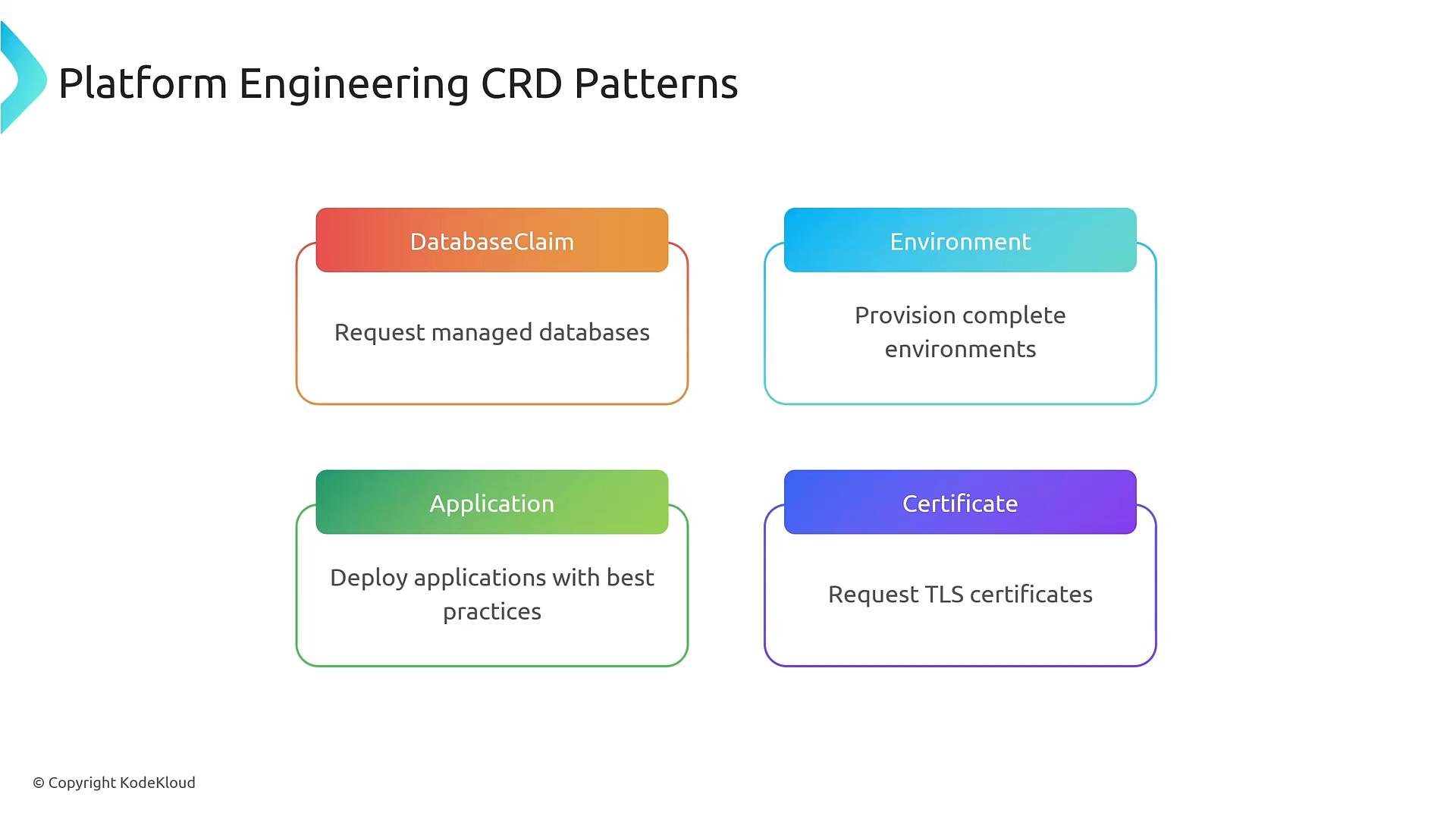
Common CRD patterns
Typical platform CRDs:- DatabaseClaims — request a managed database.
- Environment — provision a dev/test/stage environment.
- Application — deploy an app with opinionated defaults.
- Certificate — request TLS certificates.
Tools and local validation
Tools to accelerate CRD and controller development:- controller-gen — generate CRD YAML & boilerplate from Go types: https://github.com/kubernetes-sigs/controller-tools/tree/master/cmd/controller-gen
- Kubebuilder — scaffold CRDs and controllers: https://book.kubebuilder.io/
- Operator SDK — higher-level operator framework: https://sdk.operatorframework.io/
kubectl explain to inspect fields and schema.
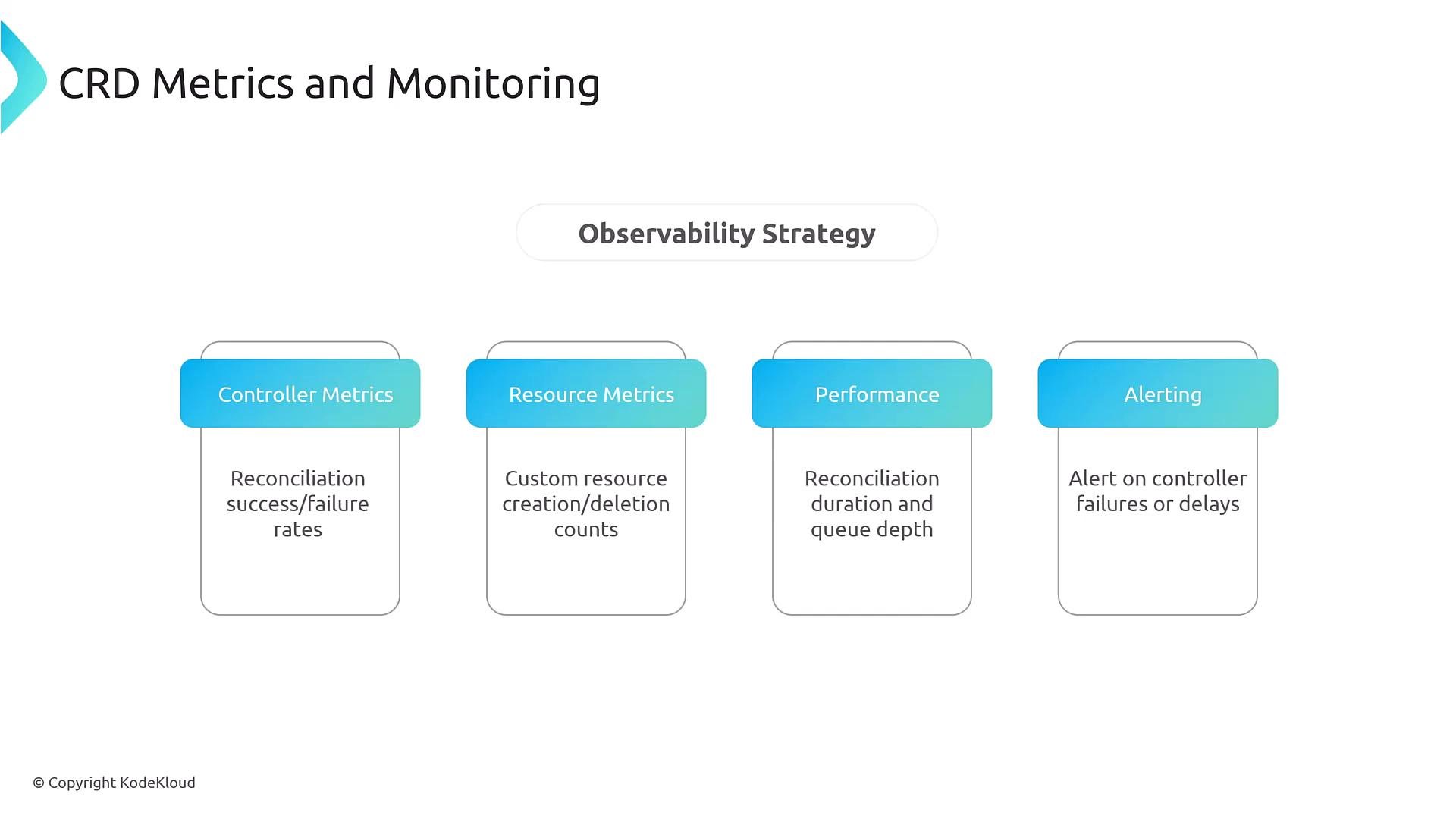
Observability and metrics
Monitor controllers and CRDs:- Controller metrics: reconciliation success/failure, durations, queue depth.
- Resource metrics: creation/deletion counts, resource sizes.
- Alerts: controller errors and excessive reconciliation delays.
- Correlate controller metrics with application and cluster-level observability (e.g. Prometheus).
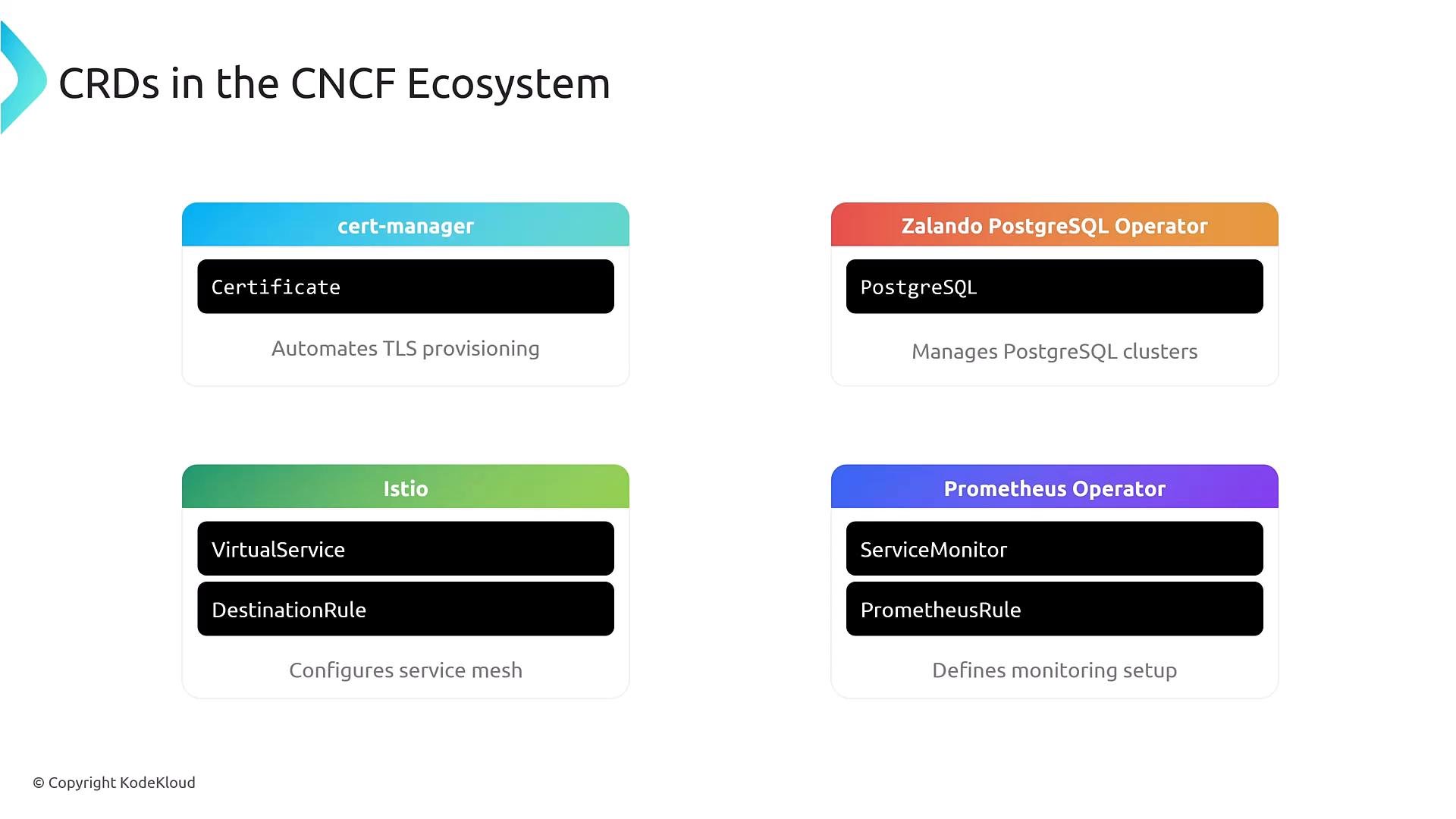
Real-world examples
Many CNCF projects use CRDs and operators in production:- cert-manager — Certificate CRDs and lifecycle automation: https://cert-manager.io/
- Zalando Postgres Operator — Postgres clusters: https://github.com/zalando/postgres-operator
- Prometheus Operator — ServiceMonitor, PrometheusRule: https://github.com/prometheus-operator/prometheus-operator
- Istio — VirtualService, DestinationRule: https://istio.io/
Key takeaways
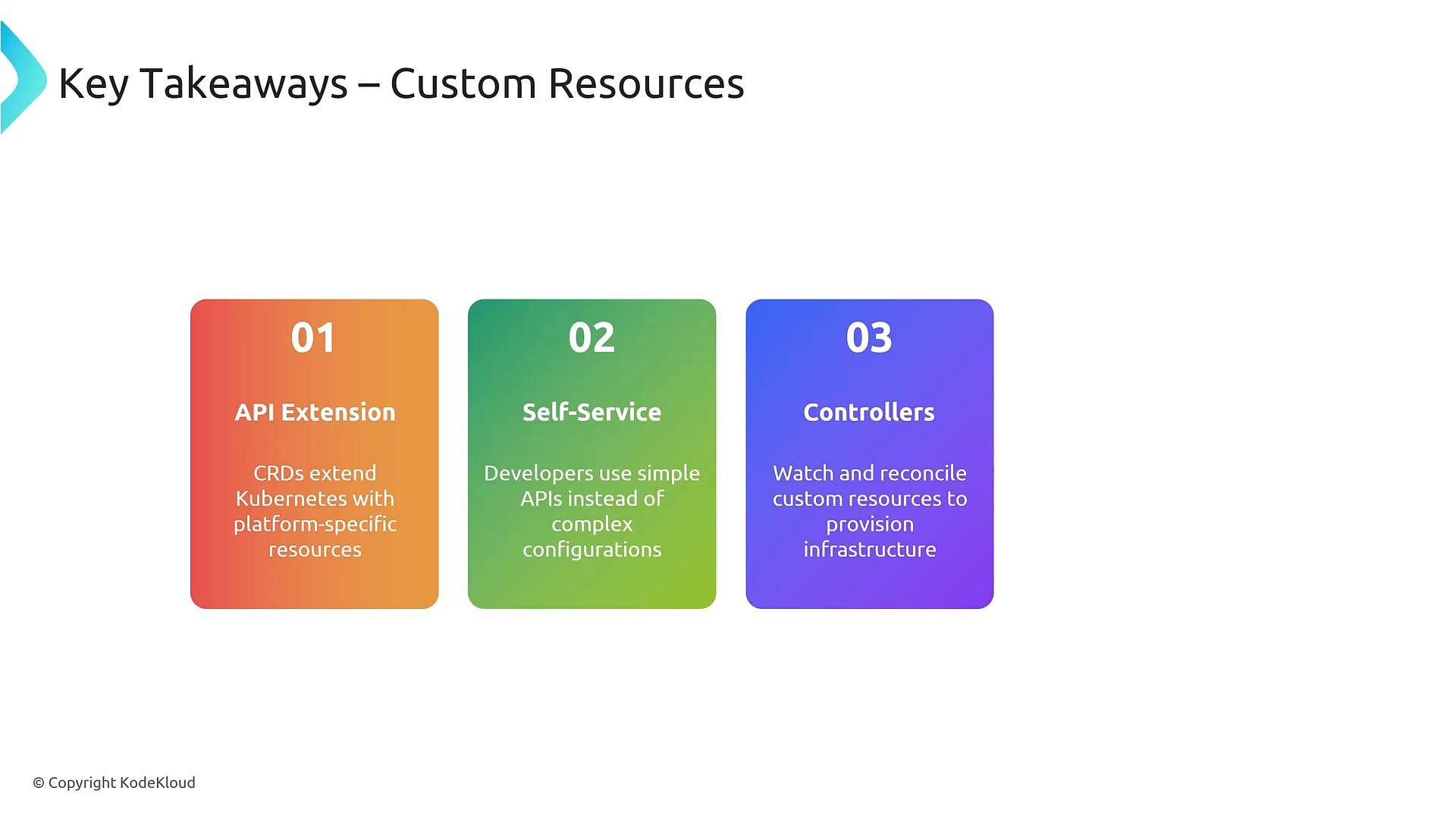
- CRDs extend Kubernetes APIs to provide platform-specific, intent-based resources for self-service.
- Controllers/operators reconcile custom resources into real cluster objects (StatefulSets, Services, PVCs, Secrets).
- Use OpenAPI v3 schemas for server-side validation and documentation.
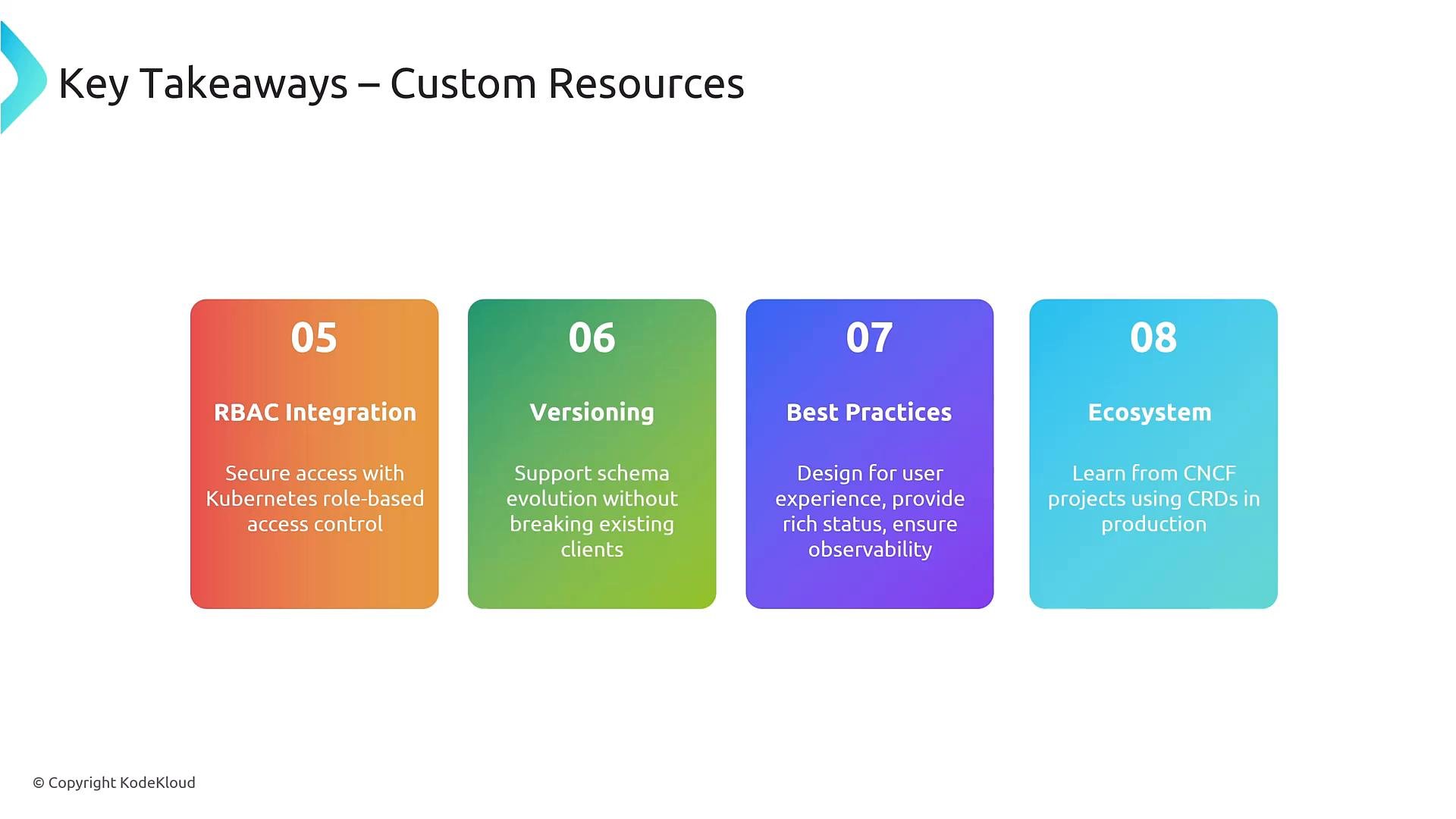
- Integrate CRDs with RBAC, versioning, conversion, and observability.
- Favor additive, backward-compatible changes and design APIs for a great developer experience.
Additional reminders
- Use CRDs when you need a schema-backed, domain-specific API.
- Use Operators when you also need complex automation and orchestration logic.
- Keep developer-facing APIs simple and push complexity into platform controllers.
- Instrument controllers and CRDs for metrics, logs, events, and alerts.
- Kubernetes CRD docs: https://kubernetes.io/docs/tasks/extend-kubernetes/custom-resources/custom-resource-definitions/
- Kubebuilder book: https://book.kubebuilder.io/
- controller-tools / controller-gen: https://github.com/kubernetes-sigs/controller-tools
- Operator SDK: https://sdk.operatorframework.io/
- Prometheus: https://prometheus.io/
- cert-manager: https://cert-manager.io/