In this lesson we explore API-driven portals — self-service interfaces that make platform services discoverable, requestable, and governable via standardized APIs. These portals reduce manual tickets and email chains, simplify provisioning, and enforce consistent policies across teams. Common platform pain points:
  • Discoverability: Where is the service I need?
  • Documentation: Hard to keep current across teams.
  • Access: Manual approvals and ticketing slow delivery.
  • Governance: Enforcing quotas, budgets, and security constraints.
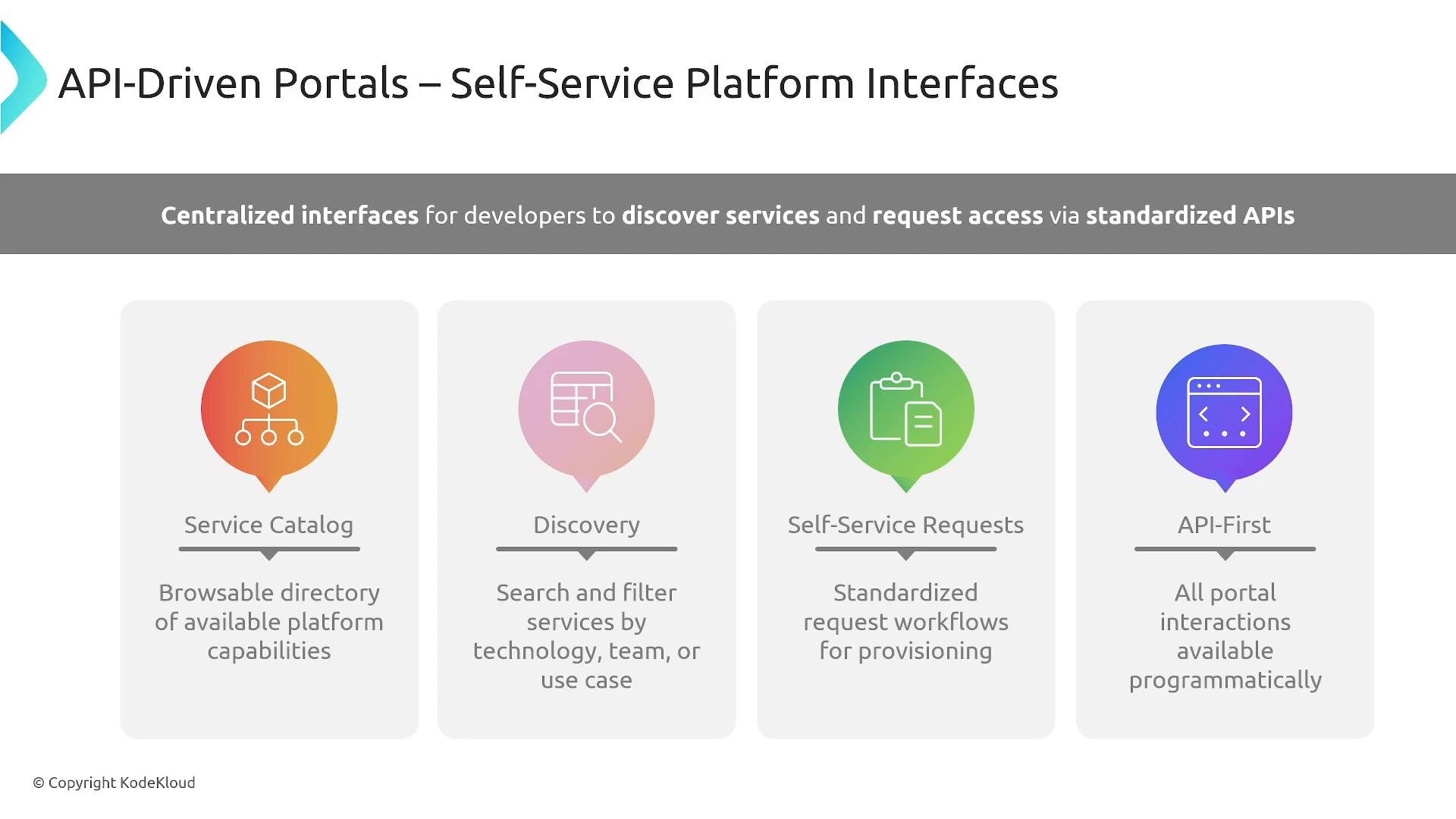
An infographic slide titled "API-Driven Portals — Self-Service Platform Interfaces." It highlights four features—Service Catalog, Discovery, Self-Service Requests, and API‑First—with a banner about centralized interfaces for developers to discover services and request access via standardized APIs.
The objective of an API-driven portal is to replace ad-hoc processes with reliable, auditable APIs that support:
  • Instant discovery of available capabilities
  • Automated provisioning for routine, approved requests
  • Status tracking, notifications, and credential delivery
  • Self-management within policy and security boundaries
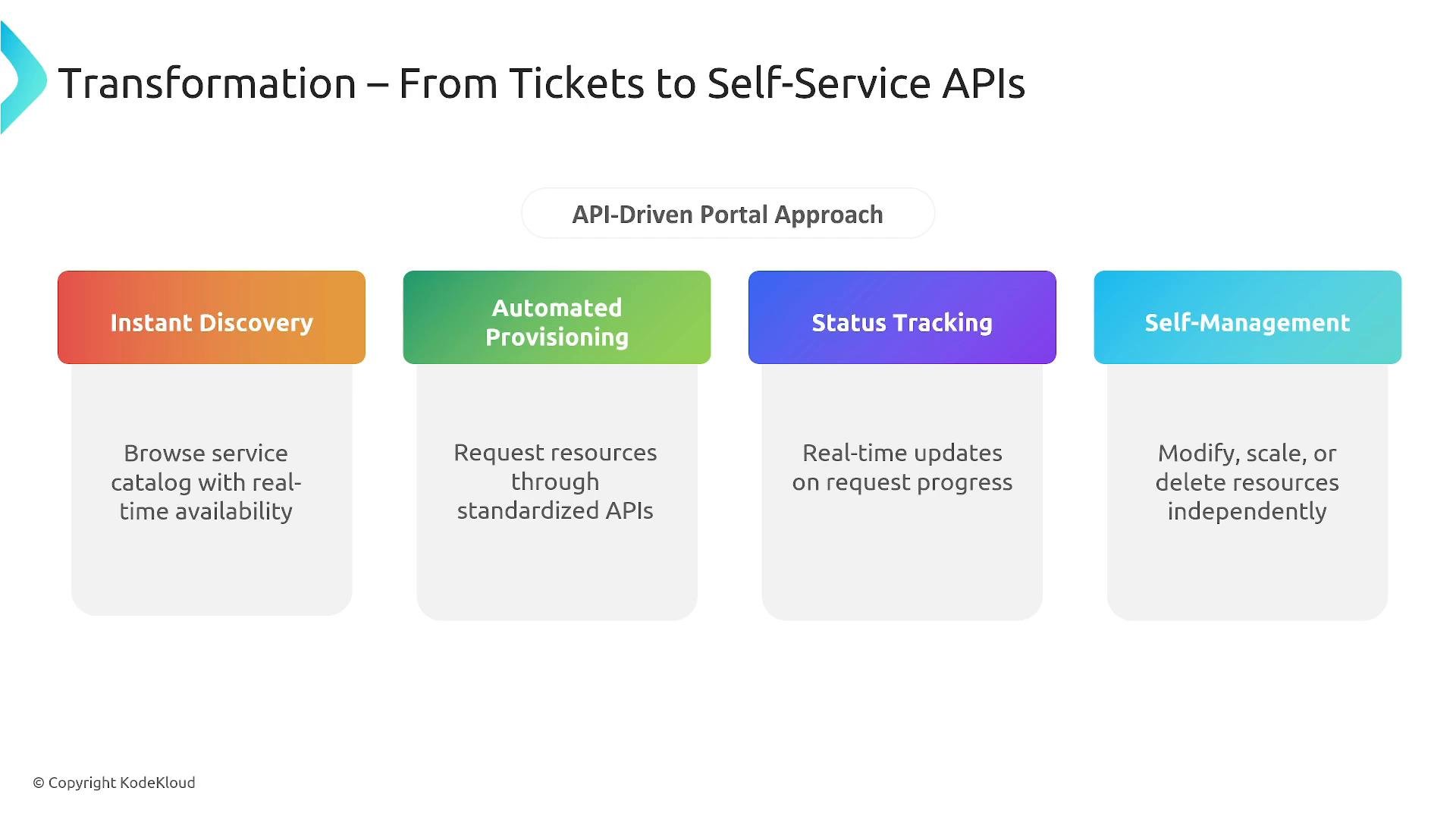
An infographic titled "Transformation — From Tickets to Self‑Service APIs" showing an API‑driven portal approach. It features four colored panels: Instant Discovery, Automated Provisioning, Status Tracking, and Self‑Management, each with a short description of their function.
Why standardize? Platform teams should preserve human oversight for exceptional cases while removing manual bottlenecks for routine, approved operations. Standardizing offerings (for example, a single, supported database product) enables fully automated provisioning when checks (billing, quotas, environment constraints) are satisfied — reducing friction and accelerating delivery. Service catalogs A service catalog is the authoritative registry for platform offerings. It stores metadata used by discovery and provisioning systems such as SLAs, dependencies, allowed environments, ownership, and API schemas (OpenAPI/Swagger). Catalog entries should include operational details (escalation paths, known issues) so consumers have a complete picture.
A well-modeled service catalog with OpenAPI schemas and clear ownership makes automation and integration — e.g., generating SDKs, validating configs, or scaffolding templates — far easier across teams.
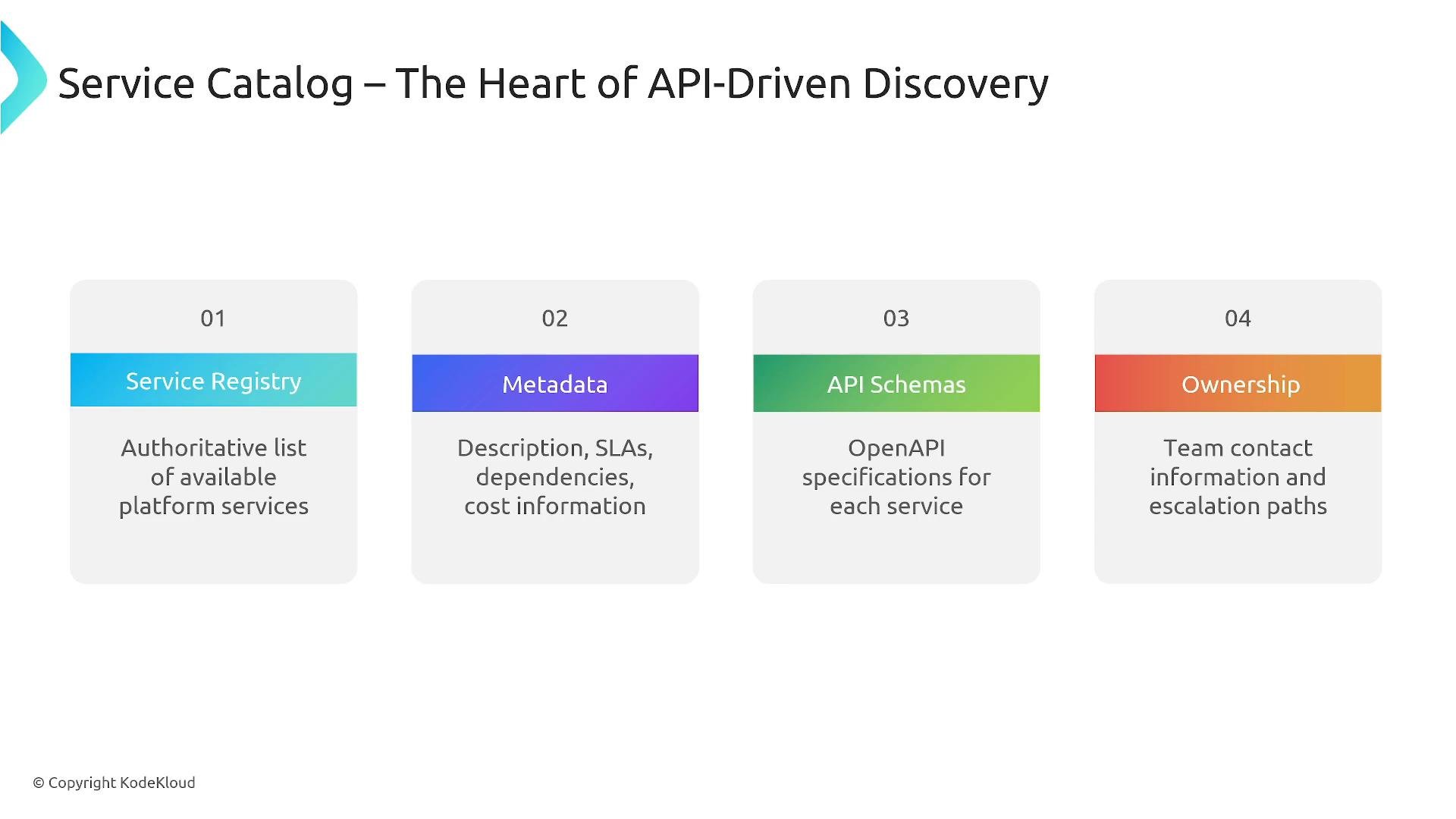
A slide titled "Service Catalog – The Heart of API-Driven Discovery" showing four numbered cards: Service Registry, Metadata, API Schemas, and Ownership. Each card includes a brief description of its role (authoritative service list; descriptions, SLAs and cost; OpenAPI specs; team contact and escalation paths).
Service discovery Discovery complements the catalog by helping users find the right capability quickly. Practical discovery features include:
  • Search by technology keywords (e.g., postgres, redis, kafka)
  • Faceted filters by category (databases, messaging), SLA, or environment (dev/staging/prod)
  • Browse by owning team or team contact
  • Version selection and favoriting for commonly used services
  • Combined constraints (e.g., production-grade Postgres + backups + HA)
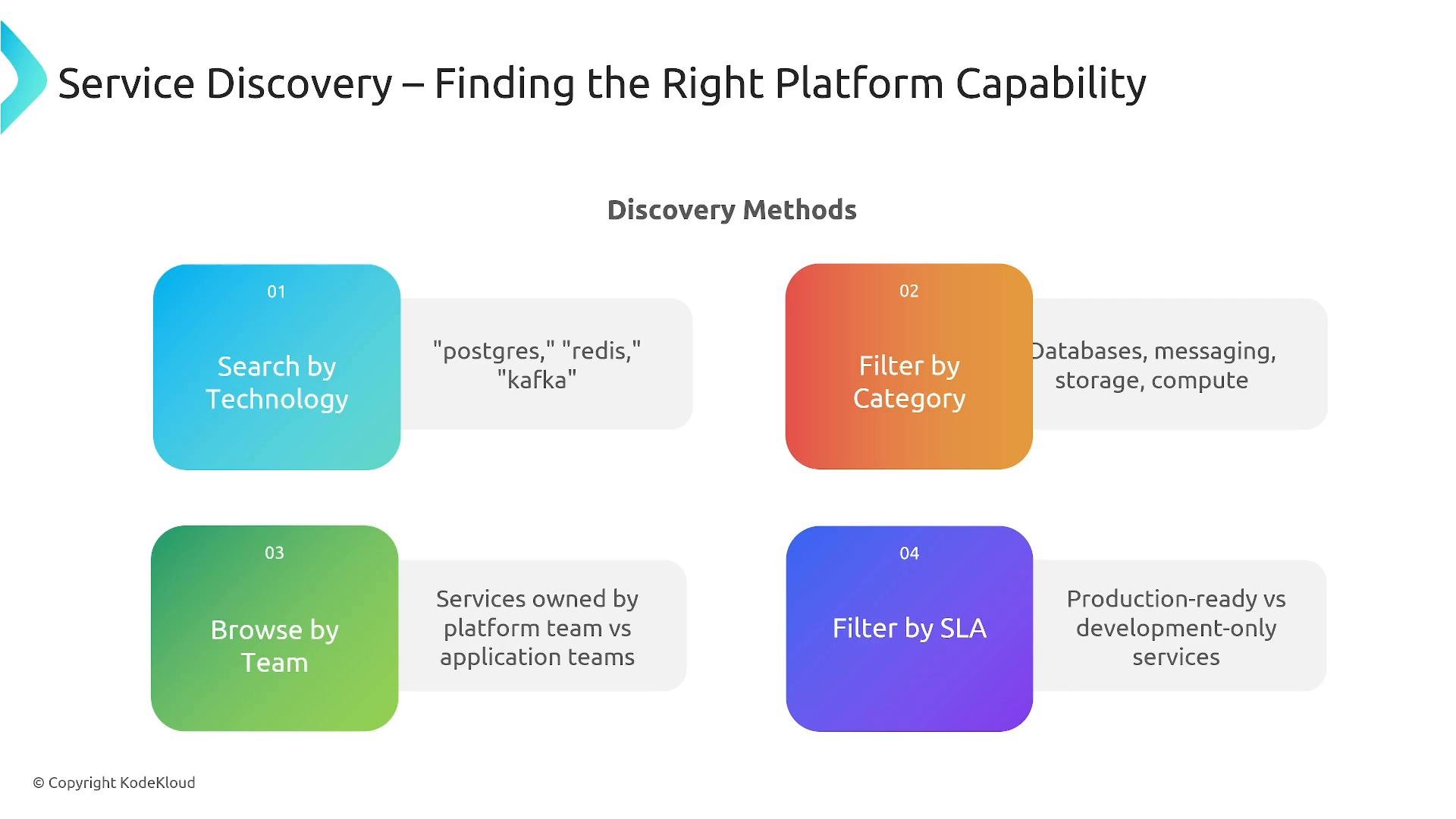
A presentation slide titled "Service Discovery – Finding the Right Platform Capability" showing a "Discovery Methods" layout. It lists four methods: Search by Technology, Filter by Category, Browse by Team, and Filter by SLA, with brief examples like "postgres, redis, kafka" and categories such as databases and messaging.
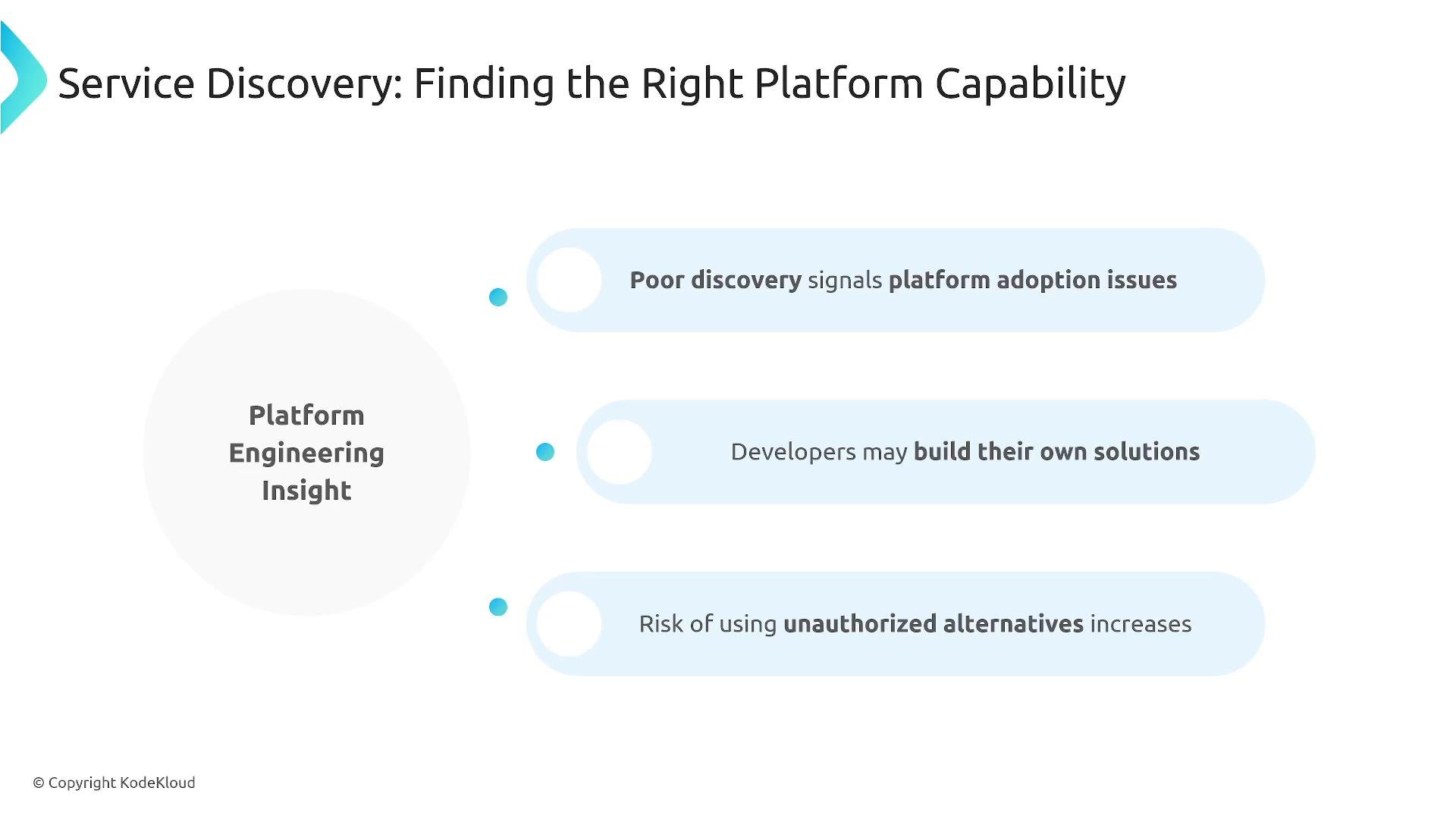
Poor discovery correlates with low platform adoption: if teams can’t find acceptable options they often build shadow IT or use unauthorized alternatives. Improving discoverability and pricing/documentation reduces that risk.
A slide titled "Service Discovery: Finding the Right Platform Capability" showing a "Platform Engineering Insight" bubble and three light-blue callouts that warn poor discovery can signal platform adoption issues, lead developers to build their own solutions, and increase the risk of unauthorized alternatives.
How APIs fit in An API-driven portal standardizes the request lifecycle so every request follows consistent validation, approval, and provisioning steps. Typical workflow:
  1. Service selection (choose from catalog)
  2. Configuration (environment, size, backups, version)
  3. Policy and approval checks (billing code, quotas)
  4. Automated provisioning (invoke cloud or infra APIs)
  5. Notification and delivery of credentials/endpoints
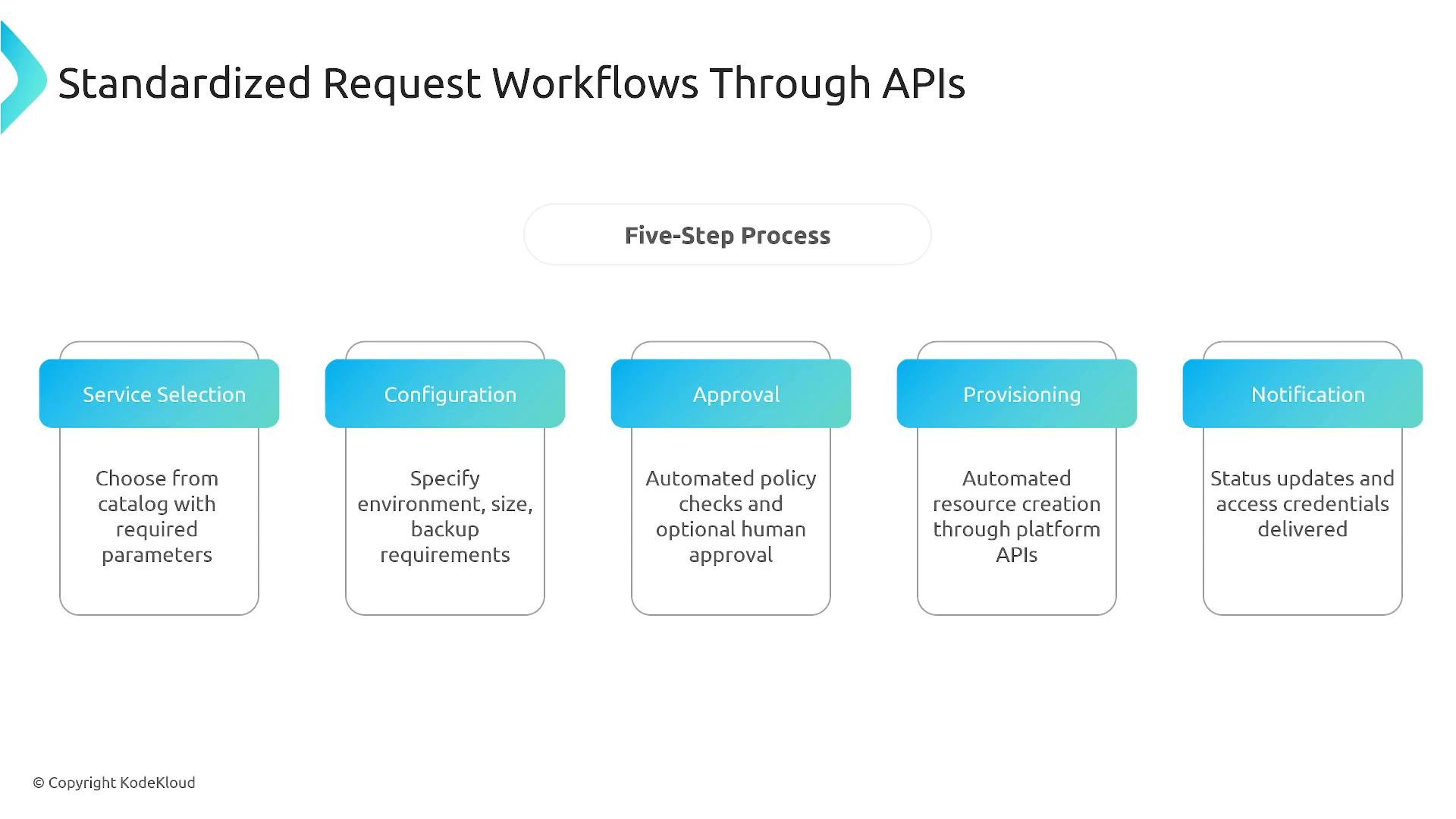
A slide showing a "Standardized Request Workflows Through APIs" five-step process with labeled boxes: Service Selection, Configuration, Approval, Provisioning, and Notification. Each box has a short description explaining choosing a service, specifying settings, policy approval, automated provisioning via APIs, and delivery of status/credentials.
Example API request (provision Postgres)
The portal API should return a structured response with the provisioning status, progress links, and credentials (when available). Using a single API contract across teams enables consistent automation for monitoring, logging, and secrets management. Access control and governance API-driven portals must enforce who can request which services and when. Common controls:
  • RBAC and team-based ownership
  • Environment restrictions (dev vs. prod)
  • Budget and billing checks
  • Quotas and rate limits
  • Approval workflows for exceptions or elevated requests
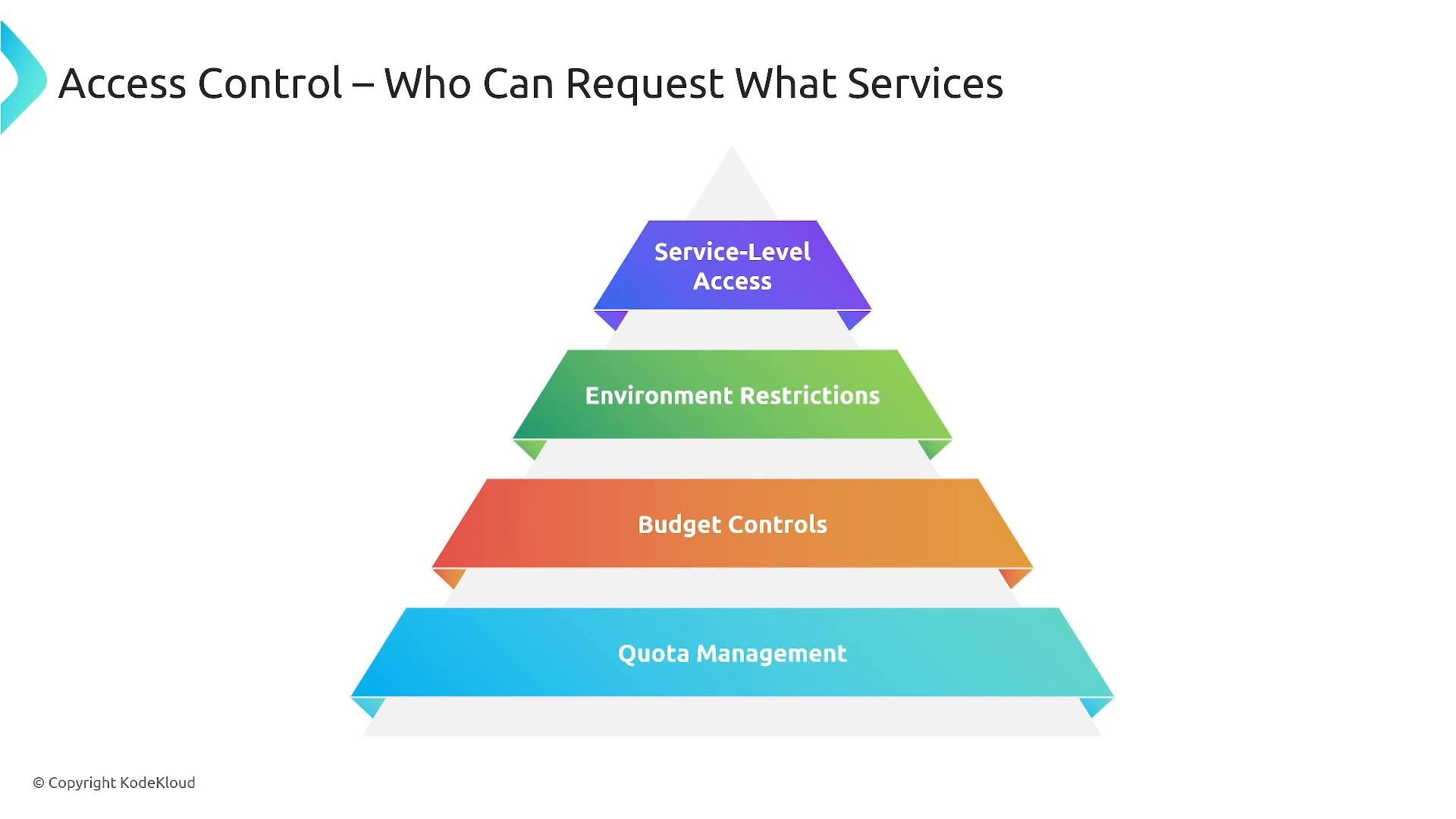
A slide showing a four-tier pyramid titled "Access Control – Who Can Request What Services." The layers from top to bottom read: Service-Level Access, Environment Restrictions, Budget Controls, and Quota Management.
Roles and typical controls If many users request the same exceptions, consider making that capability a supported offering — frequent exceptions indicate the policy boundaries need revisiting.
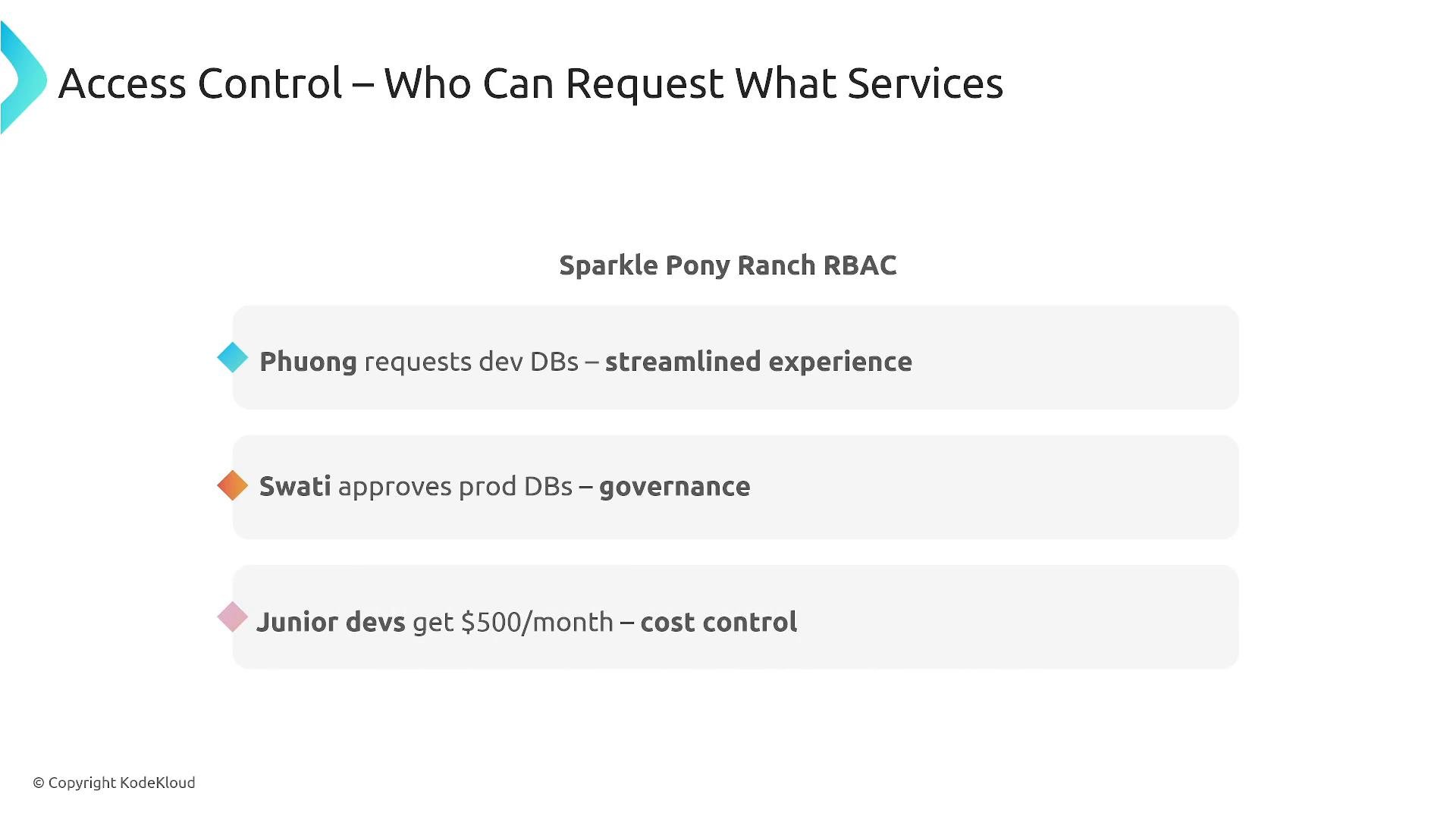
A presentation slide titled "Access Control – Who Can Request What Services" (Sparkle Pony Ranch RBAC). It lists roles and rules: Phuong requests dev DBs for a streamlined experience, Swati approves prod DBs for governance, and junior devs get $500/month for cost control.
Avoid granting broad privileges to reduce blast radius. Prefer least privilege, scoped quotas, and short-lived credentials generated by the portal to limit risk.
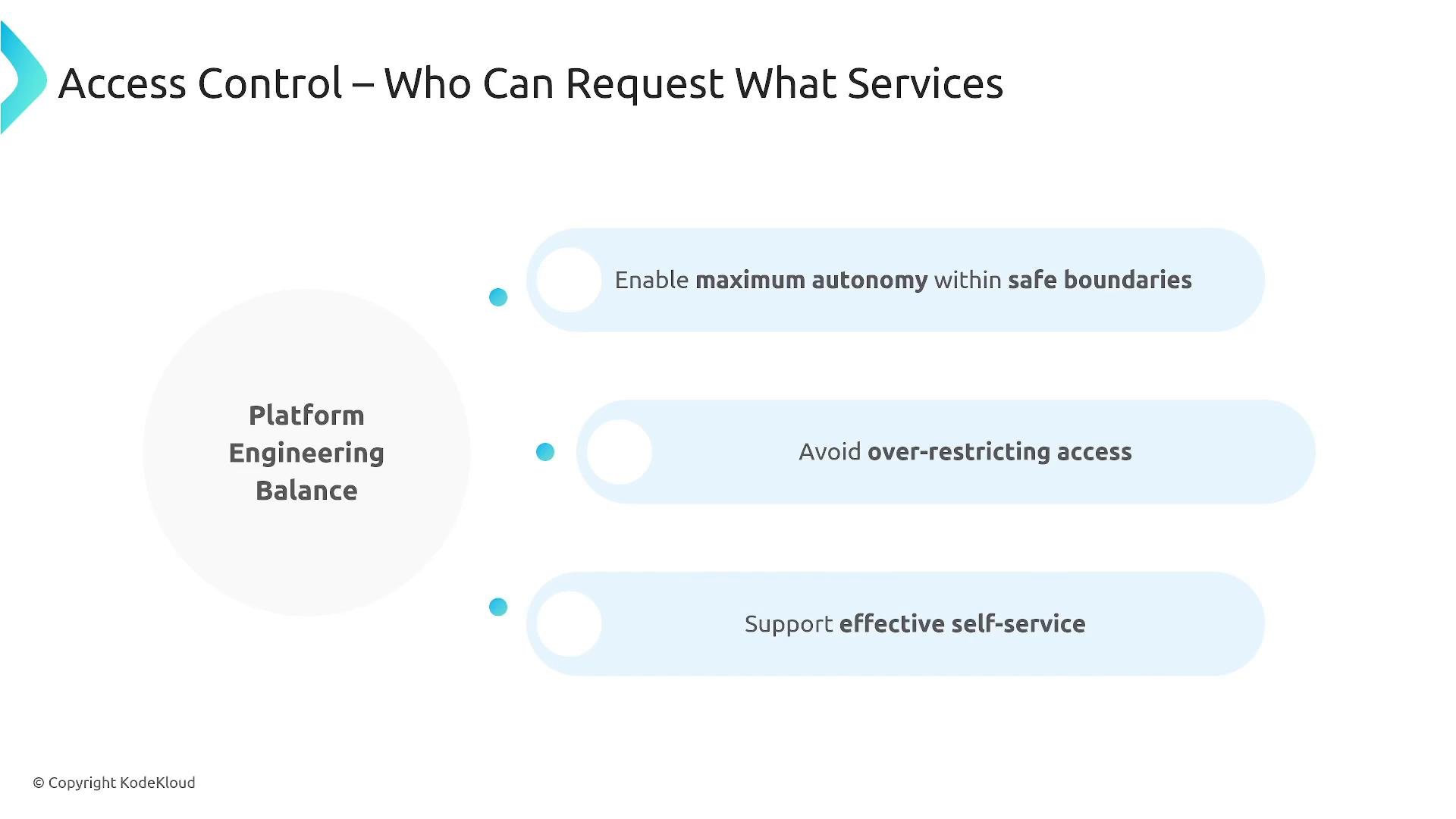
Balance autonomy and safety: enable as much self-service as possible while keeping guardrails for production systems.
A presentation slide titled "Access Control – Who Can Request What Services" showing a "Platform Engineering Balance" circle. It lists three guidelines: enable maximum autonomy within safe boundaries, avoid over-restricting access, and support effective self-service.
Backstage and extensible portals Backstage (CNCF) is a widely adopted framework for building developer portals. It provides:
  • A software catalog for services and components
  • Software templates (scaffolding) to standardize new services
  • TechDocs (documentation-as-code)
  • A plugin ecosystem for CI/CD, monitoring, and cloud integrations
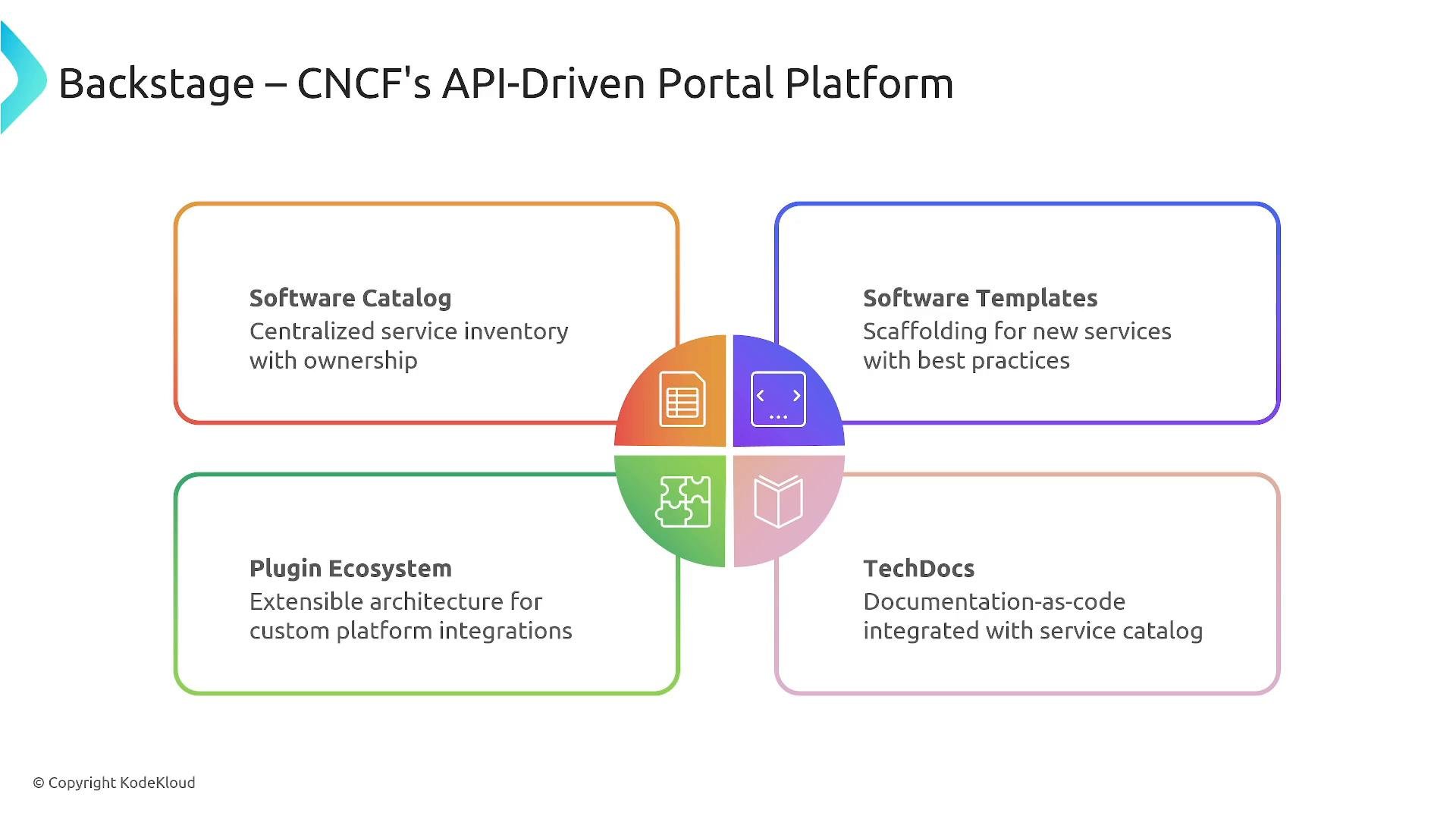
Backstage supports REST and GraphQL for catalog APIs, webhooks for updates, and many community plugins to integrate platform tooling.
A presentation slide titled "Backstage – CNCF's API-Driven Portal Platform" showing four colored quadrants (Software Catalog, Software Templates, Plugin Ecosystem, TechDocs) around a central icon. Each quadrant includes a short description of that feature (centralized inventory, scaffolding for new services, extensible plugins, and documentation-as-code).
Integration patterns Backstage or a custom portal typically acts as the UI / orchestration layer, while GitOps, operators, and cloud APIs perform provisioning and lifecycle tasks. Common integrations:
  • GitOps controllers (Argo CD) for declarative deployments
  • Crossplane for cloud-agnostic provisioning
  • Kubernetes operators/controllers for in-cluster resources
  • Secrets management and vault integrations
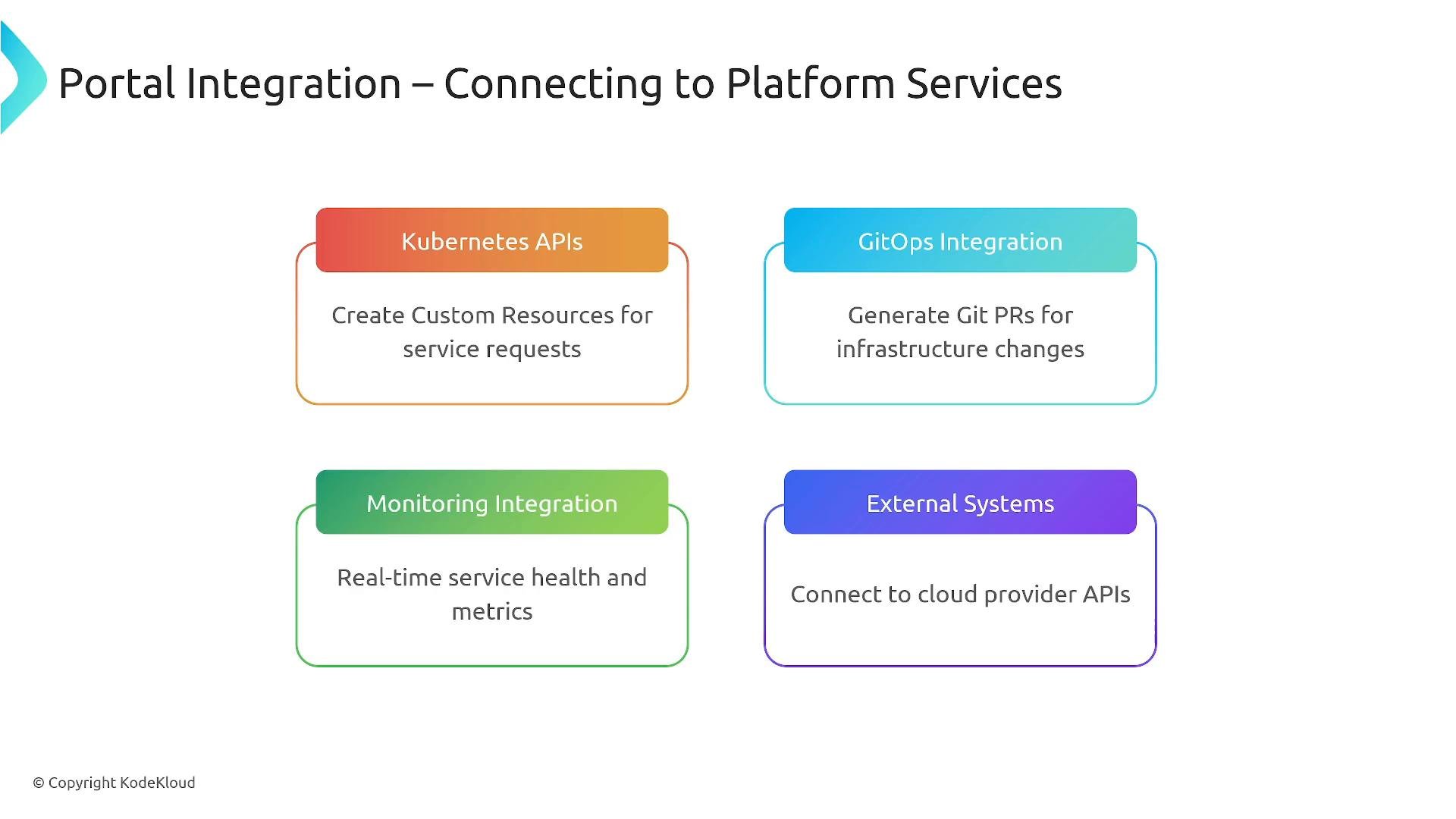
A presentation slide titled "Portal Integration – Connecting to Platform Services" showing four colored boxes: Kubernetes APIs, GitOps Integration, Monitoring Integration, and External Systems, each with a brief description of their function.
Architecture and interfaces A portal provides a single, consistent interface and supports multiple access patterns:
  • Web UI (Backstage or custom)
  • CLI (e.g., platctl, platformctl) that calls the same APIs
  • Direct API access for CI/CD pipelines and automation
  • Mobile or lightweight workflows for notifications and approvals
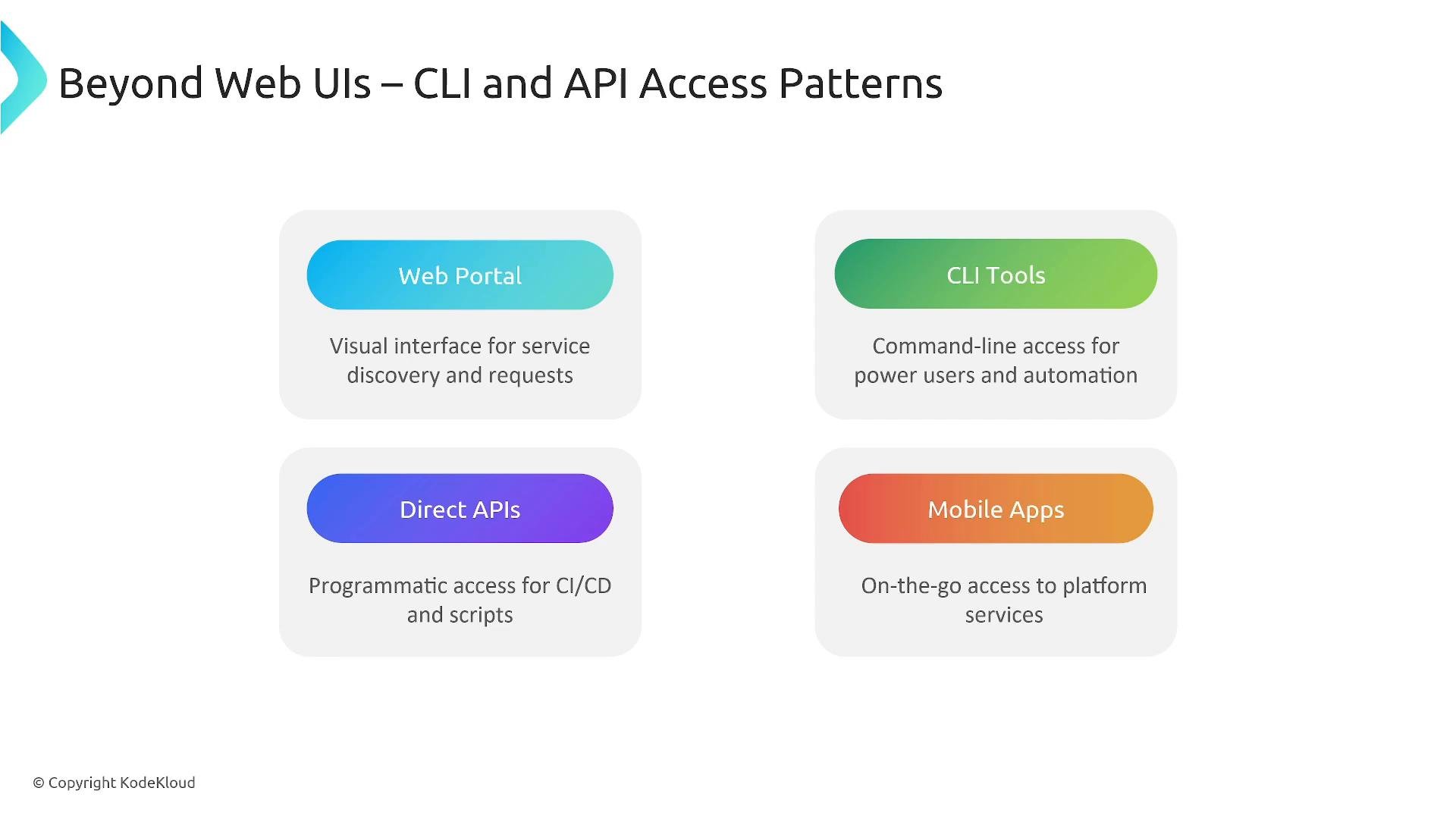
Using shared APIs across UI, CLI, and automation ensures consistent behavior and auditability.
A presentation slide titled "Beyond Web UIs – CLI and API Access Patterns" showing four access options—Web Portal, CLI Tools, Direct APIs, and Mobile Apps—each with a short description of its purpose. The slide is branded © Copyright KodeKloud.
Modern portal trends Trends shaping API-driven portals include:
  • AI and AIOps: anomaly detection, predictive alerts, and intelligent recommendations
  • GitOps-native workflows: PR-driven environment configuration as the source of truth
  • Multi-cloud and cloud-agnostic provisioning: templatize offerings per cloud
  • Predictive analytics and richer observability using distributed tracing and metrics
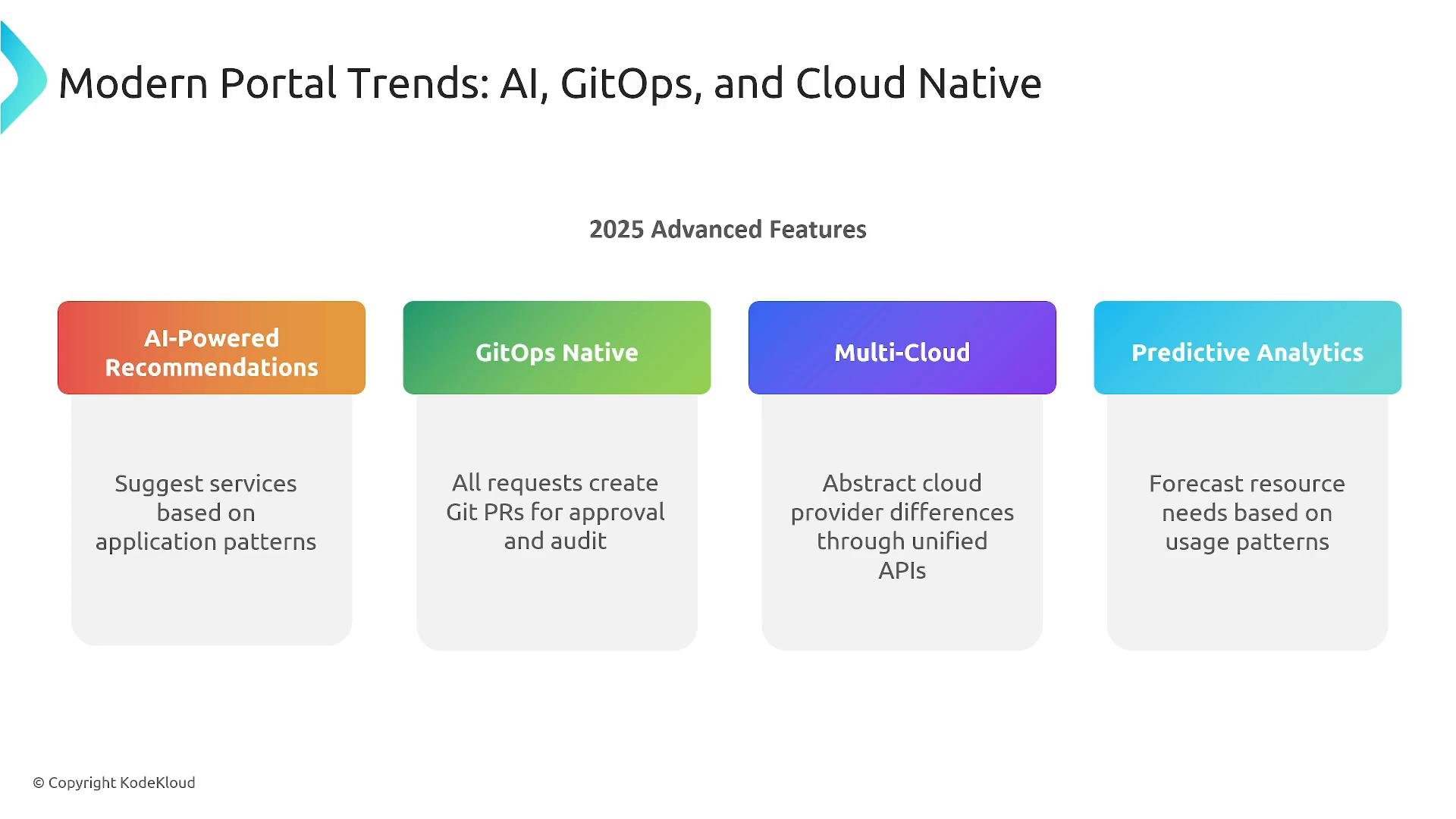
These trends are API-centric: portals create Git PRs, call cloud APIs, and generate telemetry that feeds analytics and AI systems.
A presentation slide titled "Modern Portal Trends: AI, GitOps, and Cloud Native" listing 2025 advanced features. Four colored panels highlight AI-Powered Recommendations, GitOps Native, Multi-Cloud, and Predictive Analytics with brief descriptions of each.
CNCF and ecosystem integrations commonly used in portals:
  • Gateway API — standardized ingress and traffic management on Kubernetes
  • External Secrets — secure injection of provider secrets
  • OpenTelemetry — observability and distributed tracing
  • Crossplane — cloud-agnostic provisioning through APIs
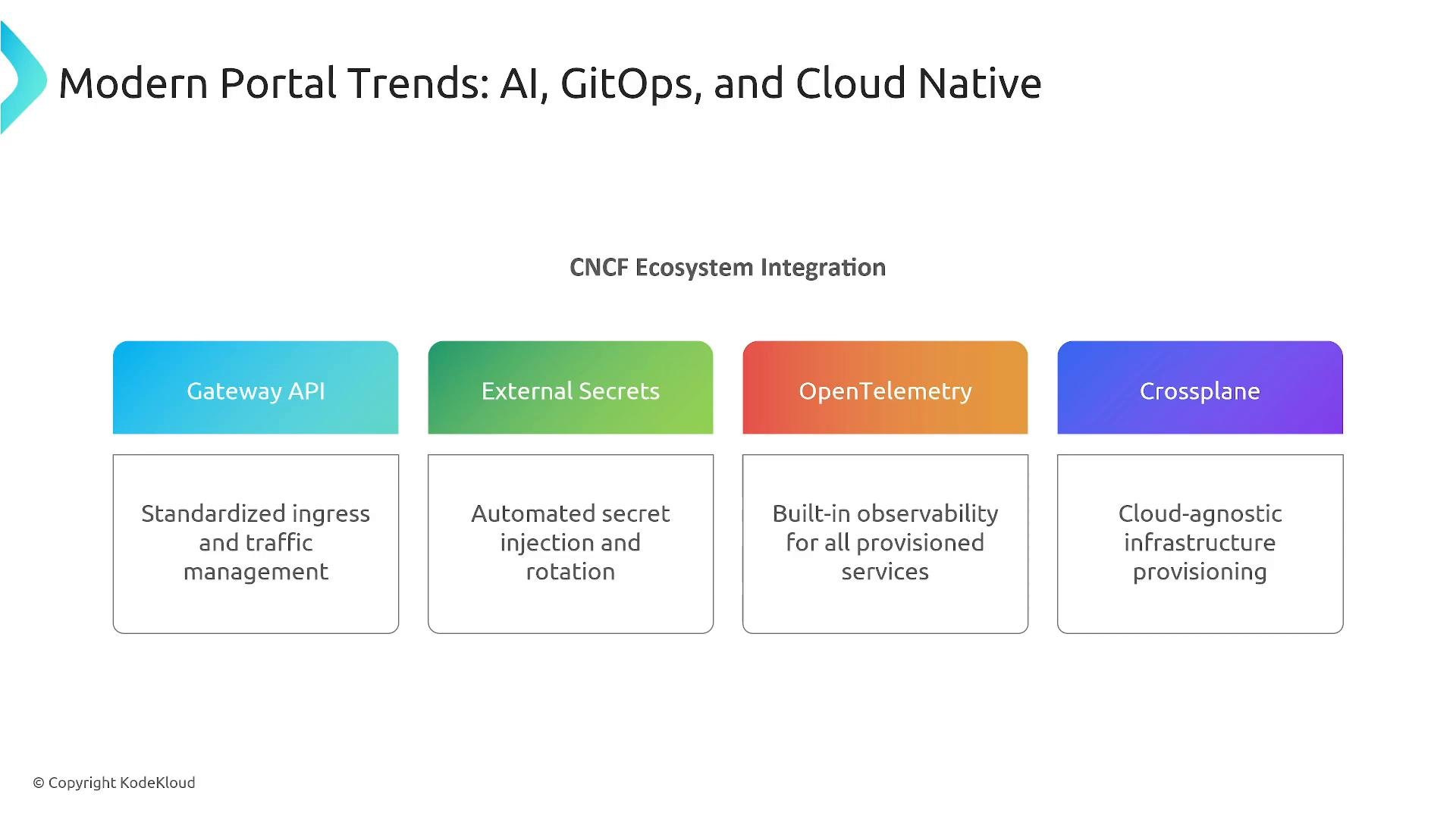
A presentation slide titled "Modern Portal Trends: AI, GitOps, and Cloud Native" showing "CNCF Ecosystem Integration." It lists four colored blocks — Gateway API, External Secrets, OpenTelemetry, and Crossplane — each with a short description of their function (ingress/traffic, secret injection, observability, and cloud-agnostic provisioning).
Key takeaways
  • Service discovery is essential — make it easy for developers to find what they need.
  • Offer self-service APIs with RBAC, quotas, and lifecycle management (request → provision → decommission).
  • Make cost attribution and budget transparency visible to drive adoption.
  • Integrate the portal with GitOps, cloud provider APIs, and observability systems.
  • Support multiple interfaces (web, CLI, APIs, mobile) and design observability into every action.
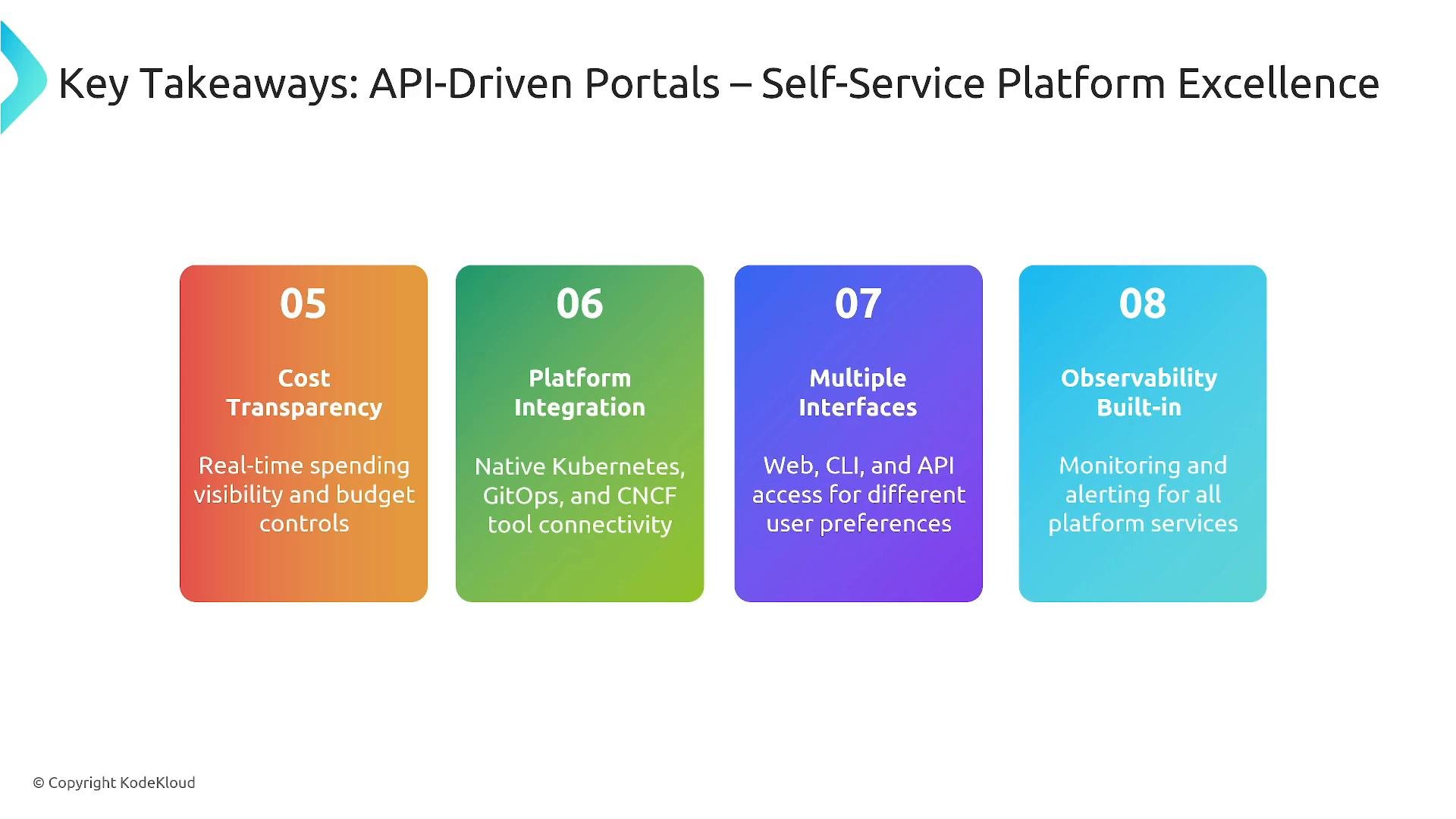
A slide titled "Key Takeaways: API-Driven Portals – Self-Service Platform Excellence." It shows four colored panels (05–08) highlighting Cost Transparency, Platform Integration, Multiple Interfaces, and Observability Built-in with short descriptions.
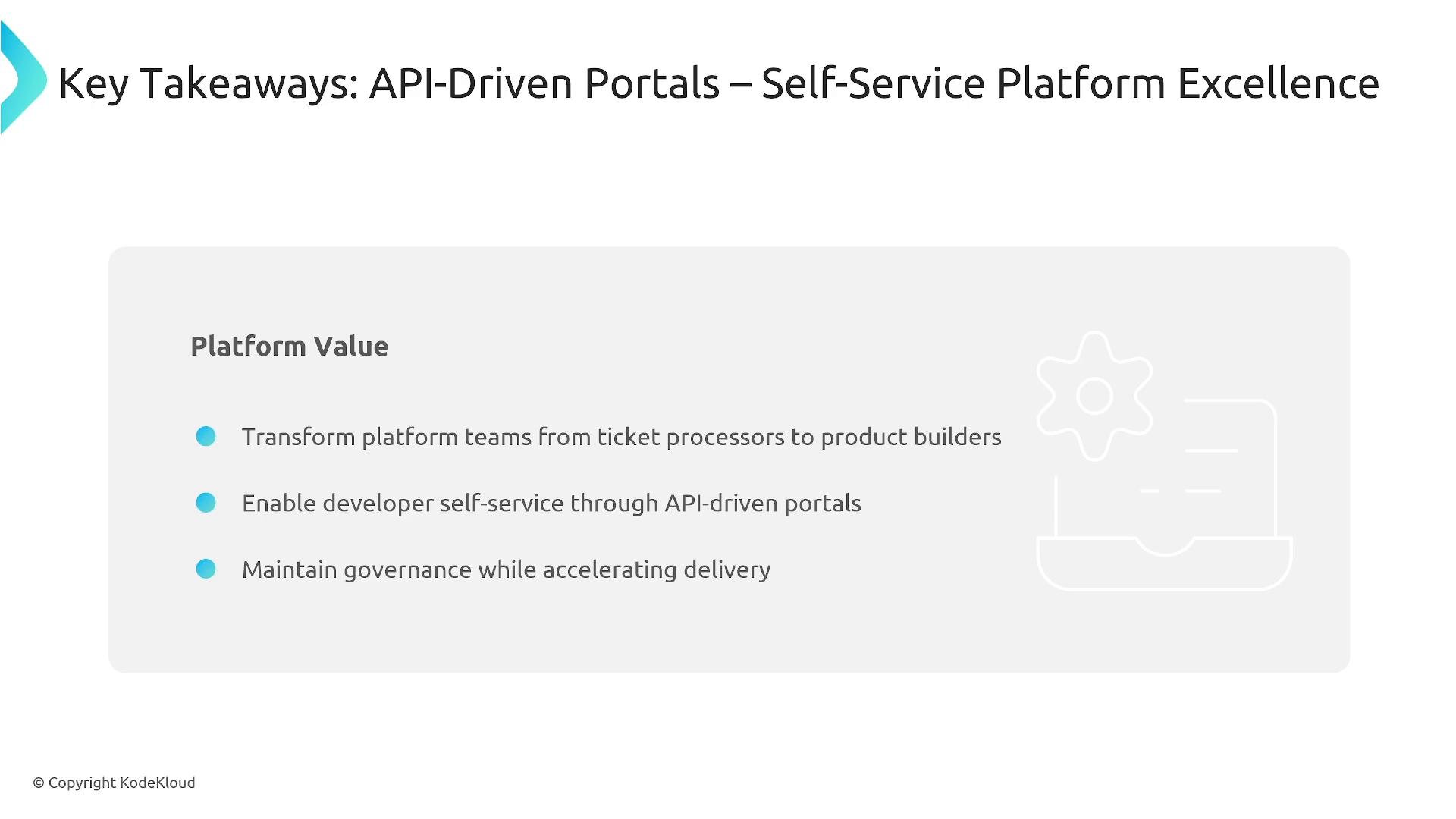
Platform value A mature API-driven portal transforms platform teams from ticket processors into product teams, empowers developers with self-service while maintaining governance, and aligns operations and security with developer workflows to accelerate delivery.
A presentation slide titled "Key Takeaways: API-Driven Portals – Self-Service Platform Excellence" showing a "Platform Value" box with three bullets about transforming platform teams, enabling developer self-service via API-driven portals, and maintaining governance while accelerating delivery. The slide includes a light gray panel with a gear illustration and a © Copyright KodeKloud note.
Further reading and references Thanks for reading.

Watch Video