

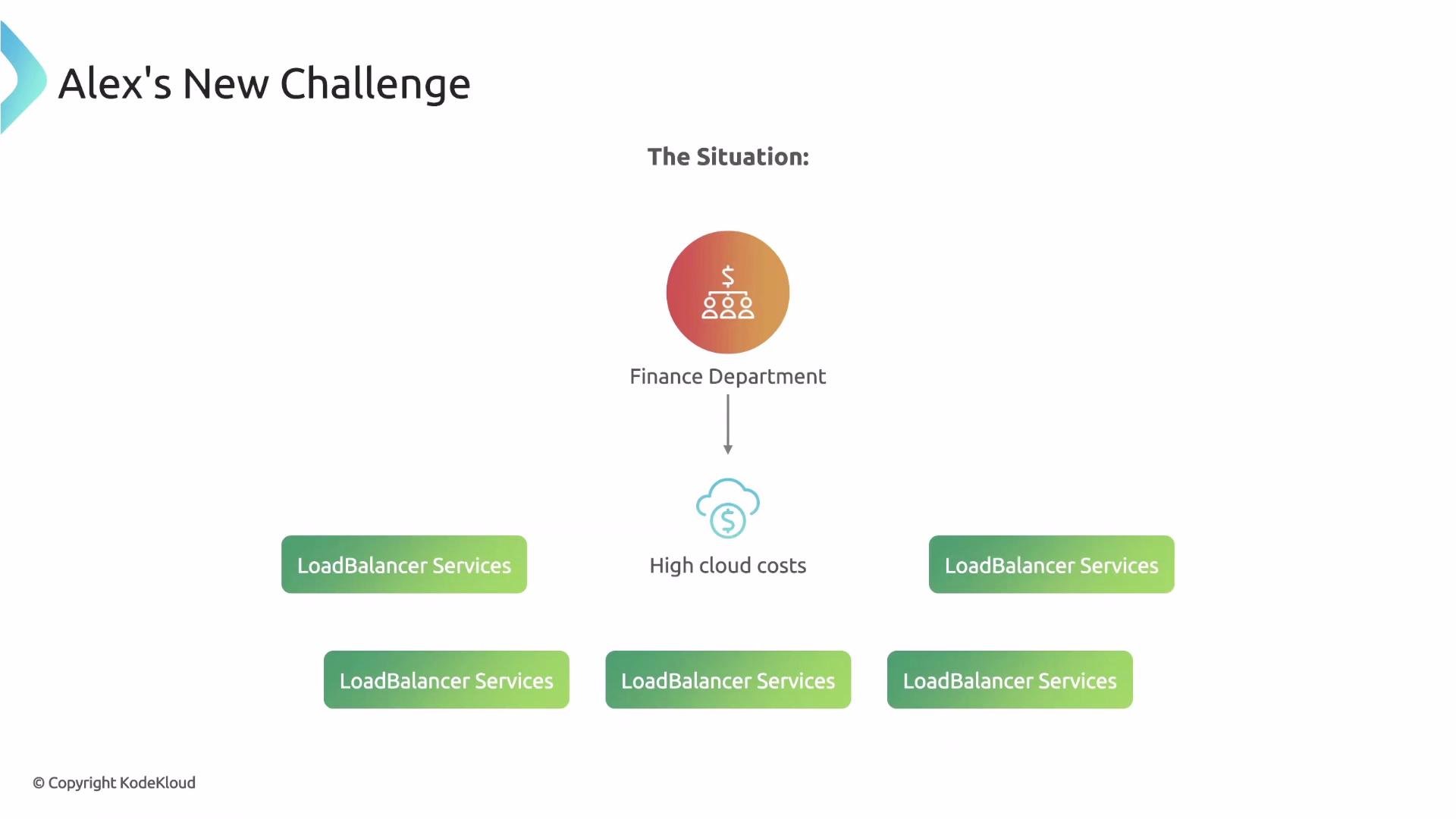
LoadBalancer per Namespace to control costs.
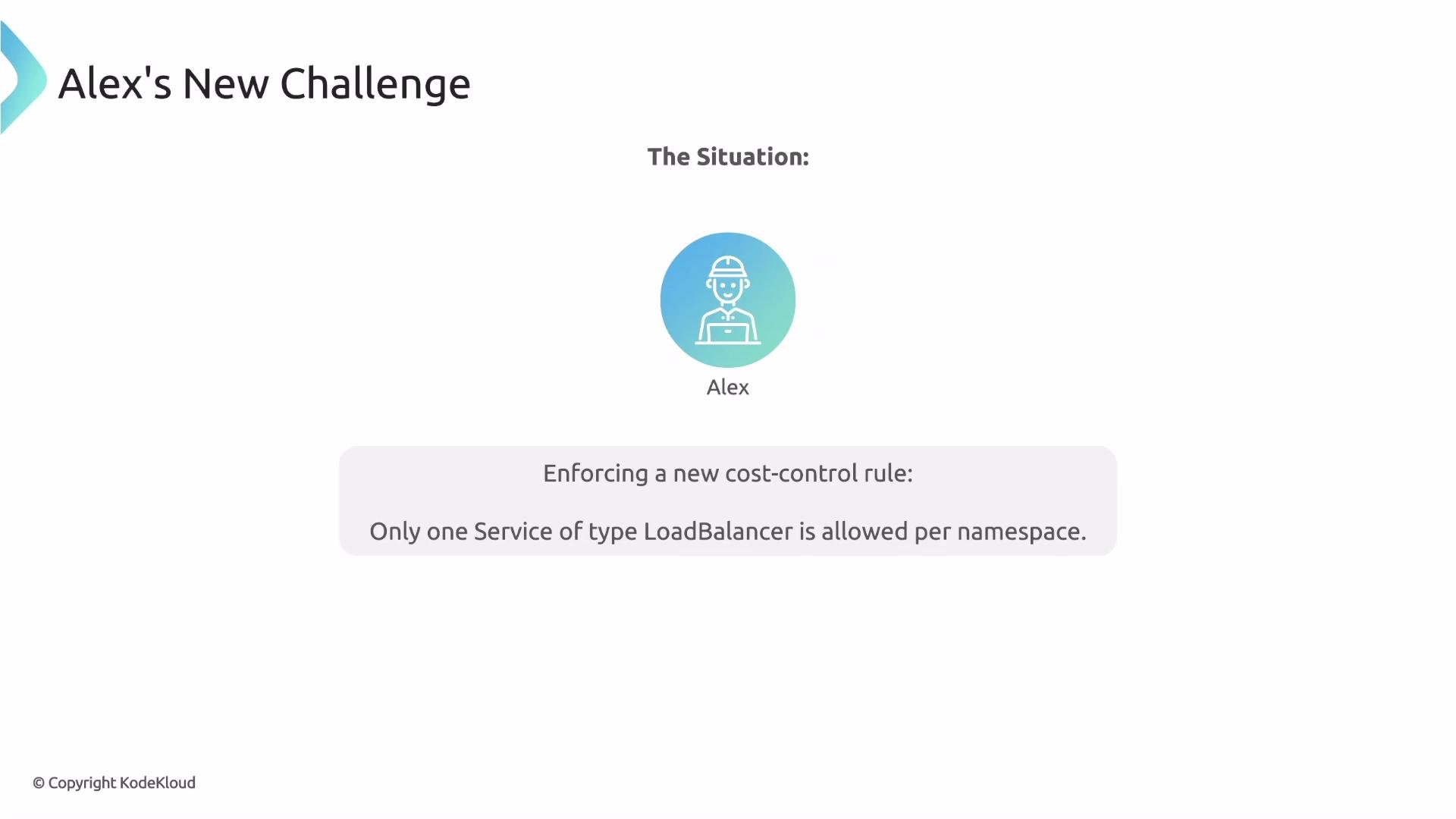
LoadBalancer in the Namespace, and then allow or deny the incoming request accordingly.
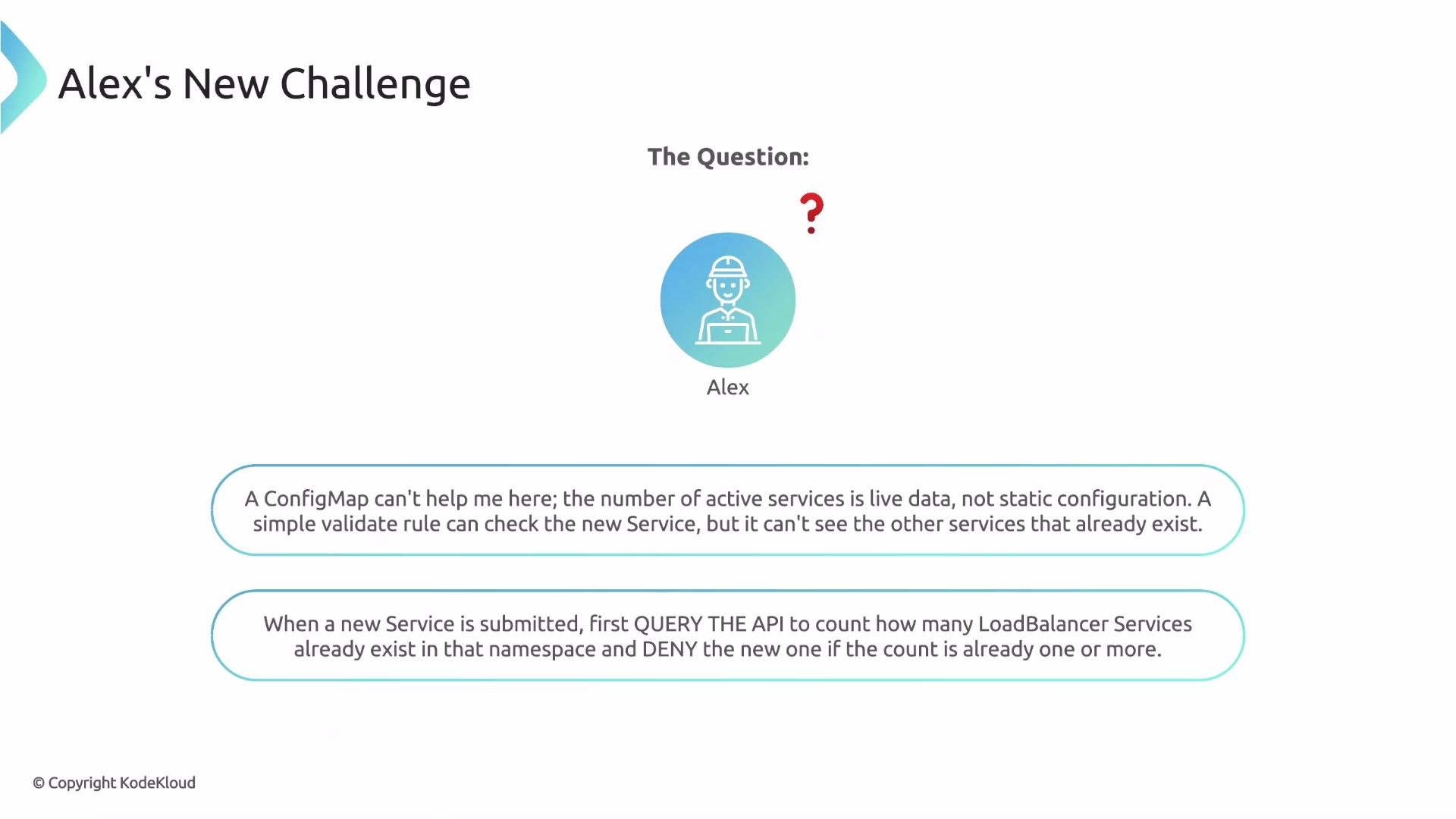
apiCall context entry is designed for. In this lesson we’ll build a policy that queries the API server, applies a JMESPath query to the returned JSON, and uses the result in validation.
How apiCall works (high level)
- Inside a rule’s
contextblock you can add anapiCallentry. Kyverno will:- Call the Kubernetes API server at the provided
urlPath. - Run a JMESPath expression against the JSON response.
- Store the transformed result in a named variable you can reference elsewhere in the rule.
- Call the Kubernetes API server at the provided
- Key fields:
name— variable name to store the API result.apiCall.urlPath— the literal API path to request. You can interpolate request fields, e.g.{{request.namespace}}.apiCall.jmesPath— a JMESPath expression to extract or compute the exact value you need.
podCount:
apiCall requests /api/v1/namespaces/<namespace>/pods, selects items, and returns the list length as a simple integer.
Understanding Kubernetes API URL paths
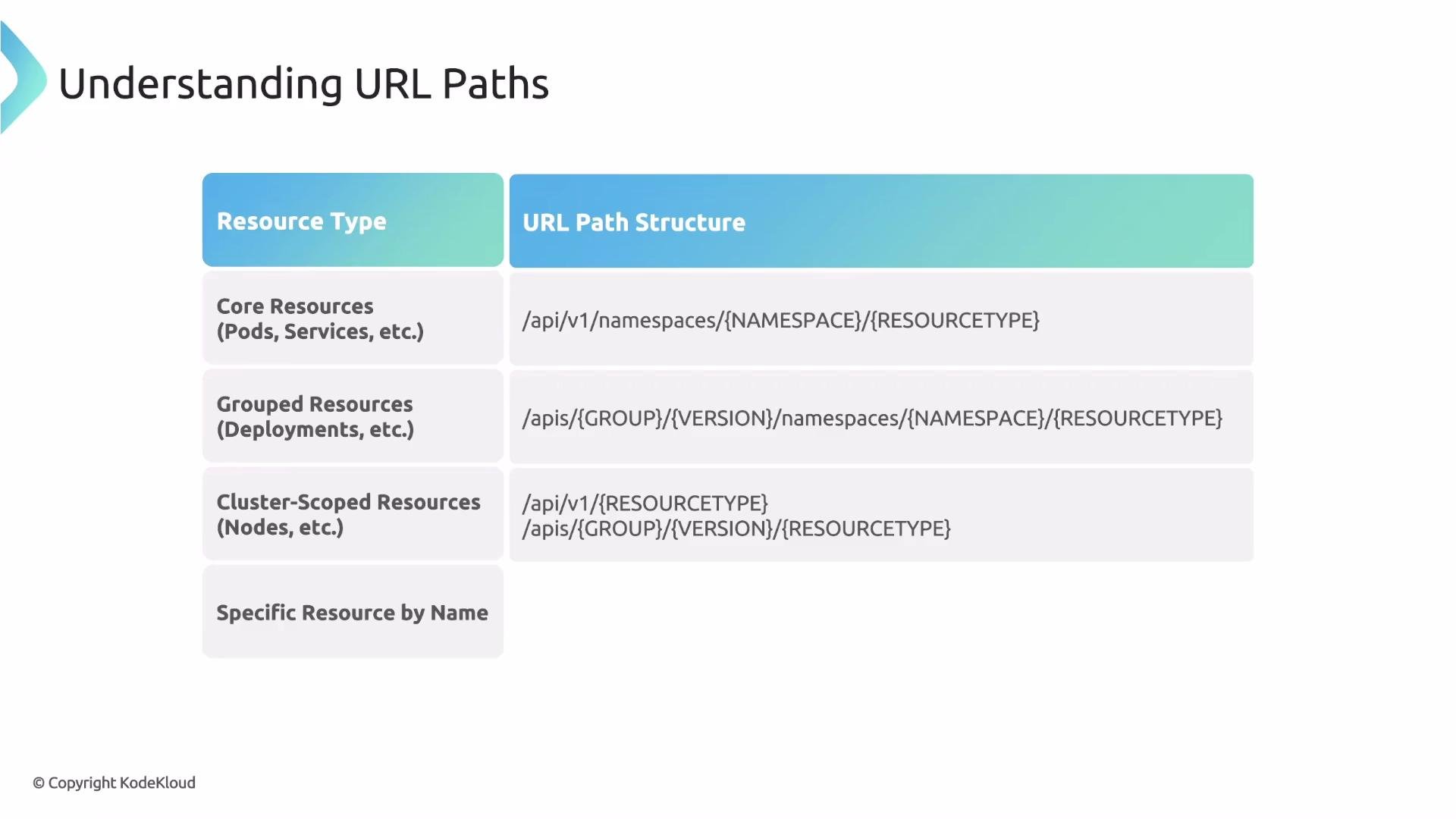
Kubernetes groups resources into core and API-grouped resources. Use the following rules to craft the correct urlPath:
If you need the entire collection, end the path with the plural resource name (for example,
pods or services). To request a single resource, append /names/<name> or /<resourceName> as appropriate.
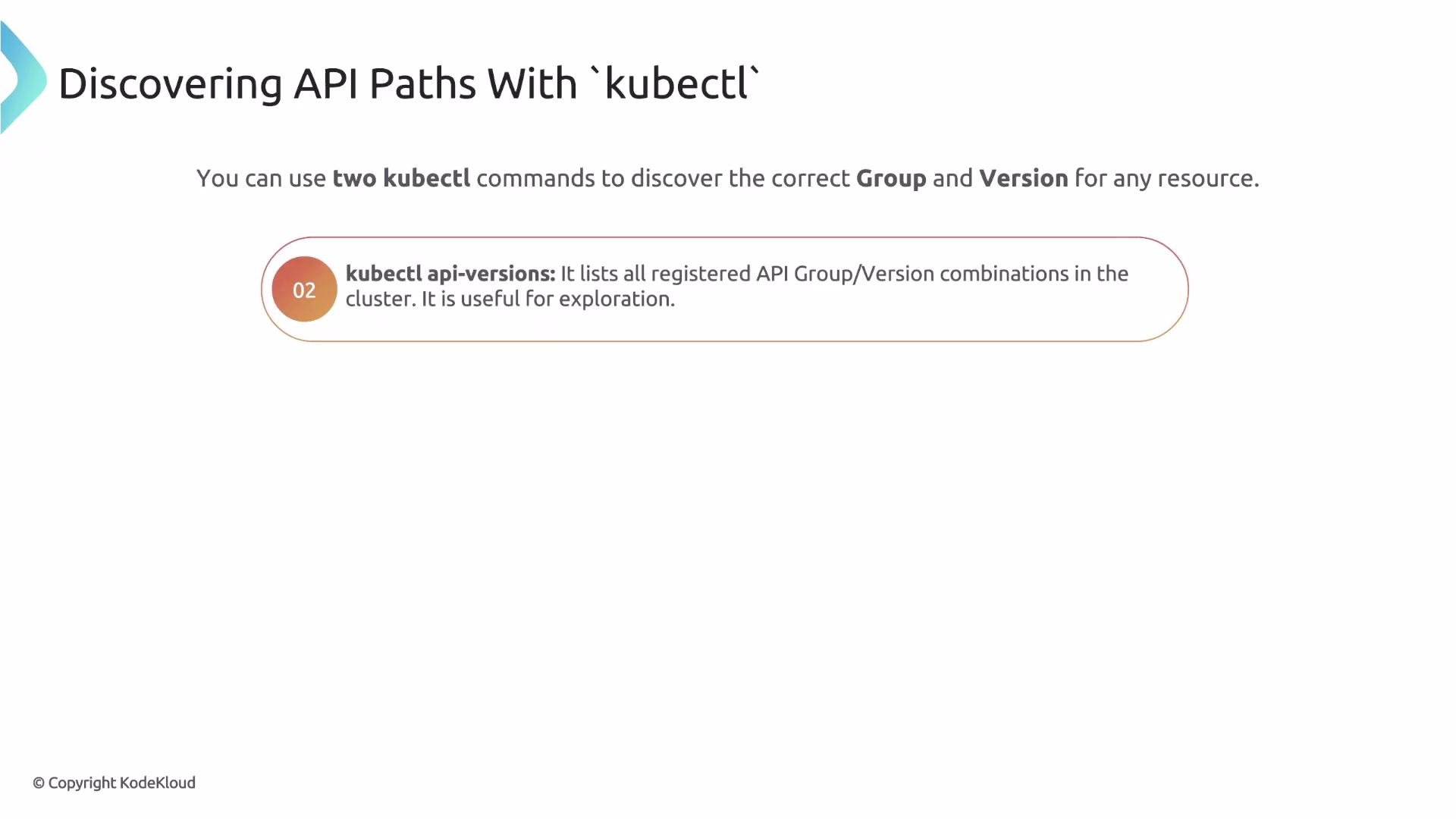
kubectl discovery tools to find resource names and API group/version information:
Example
kubectl api-resources output:
APIVERSION column determines the path prefix: v1 → /api/v1; apps/v1 → /apis/apps/v1.
default
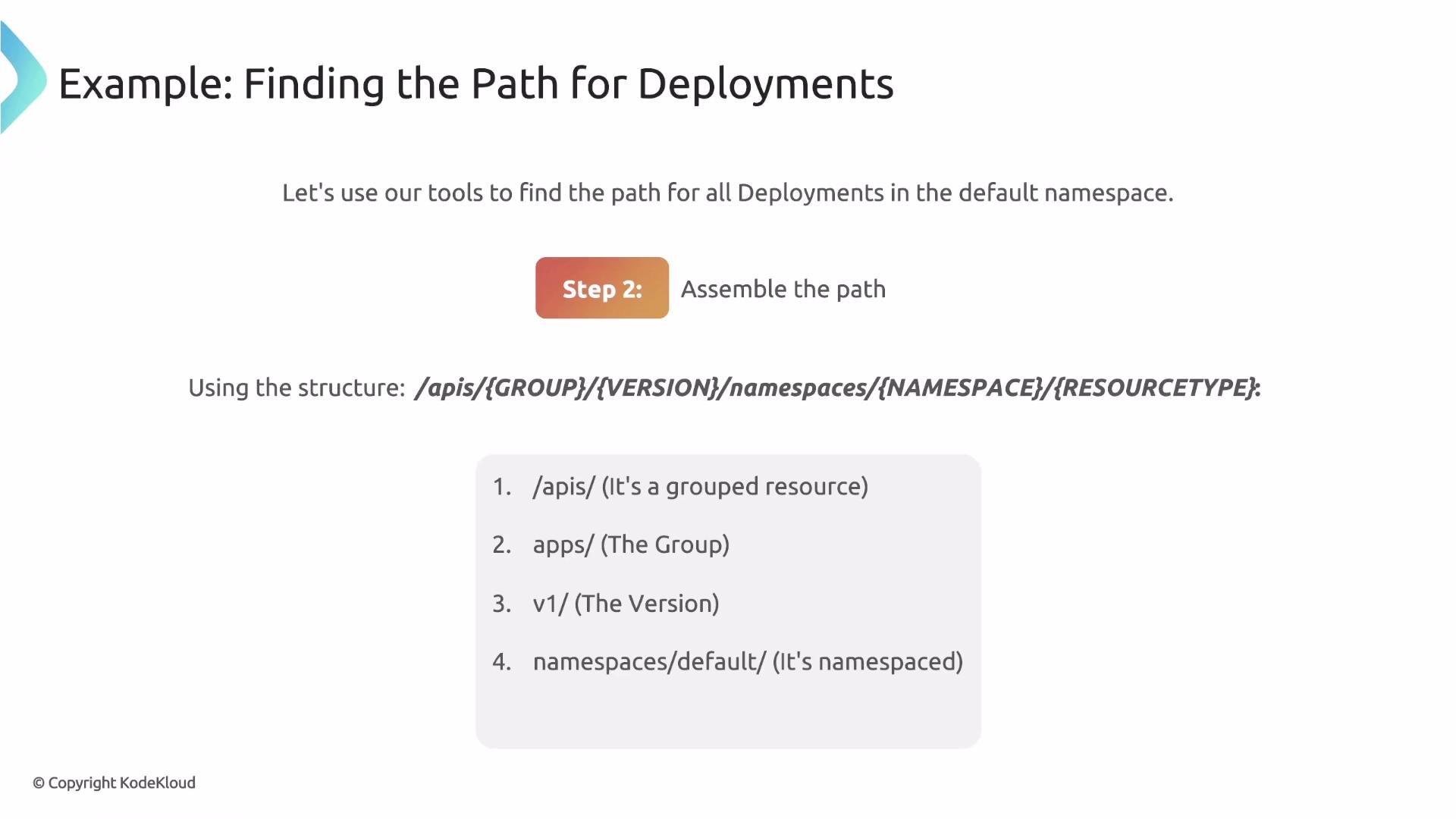
kubectl api-resourcesshows Deployments areapps/v1and namespaced.- Assemble the path:
/apis(grouped resource)/apps/v1(group + version)/namespaces/default(target namespace)/deployments(resource collection)
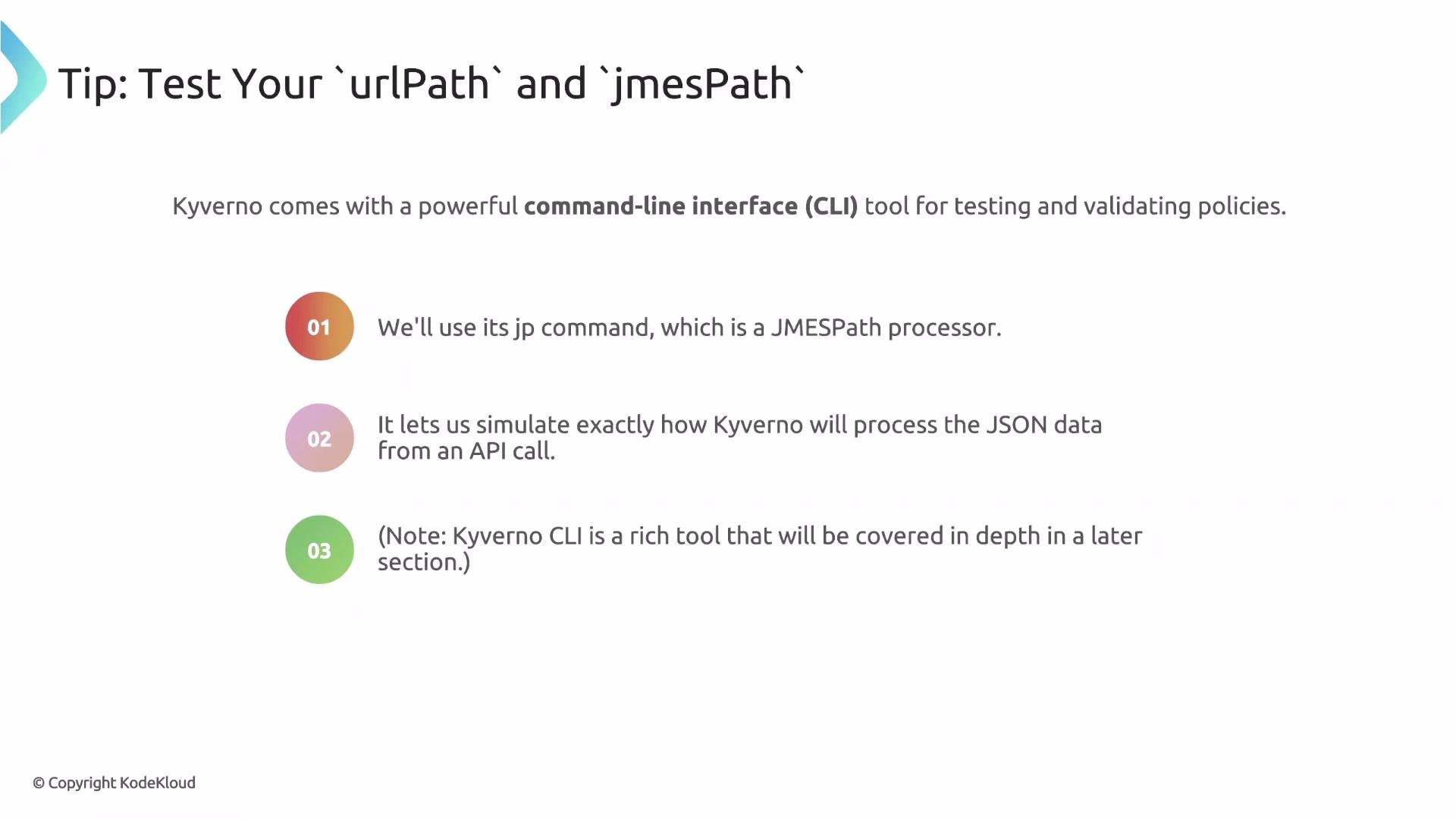
apiCall in a Kyverno policy, verify both the raw API JSON and the JMESPath expression. Kyverno provides a CLI helper kyverno jp query to evaluate JMESPath expressions against JSON — combine this with kubectl get --raw for a reliable test loop.
Use
kubectl get --raw to fetch the raw API JSON, then pipe it into kyverno jp query to validate your JMESPath expression. Iterate until you get the exact value, then paste the working urlPath and jmesPath into your policy.kubectl get --raw <urlPath> | kyverno jp query "<jmesPath>") quickly validates both the path and the JMESPath expression before you deploy the policy.
LoadBalancer Services in the same namespace via apiCall, and denies the request if one or more already exist.
- The
apiCallfetches Services in the incoming request’s namespace. - The JMESPath expression
items[?spec.type == 'LoadBalancer'] | length(@)filters to LoadBalancer Services and returns a count. - The
validate/denyblock compares the storedexisting_lb_countagainst1and denies requests when the count is >= 1.
Important: when updating an existing Service, the
apiCall result may include the Service currently being evaluated. To avoid falsely denying legitimate updates, filter out the item with the same metadata.name or metadata.uid as the request object in your JMESPath expression. Test both create and update flows to confirm correct behavior.- Use Kubernetes API query parameters (
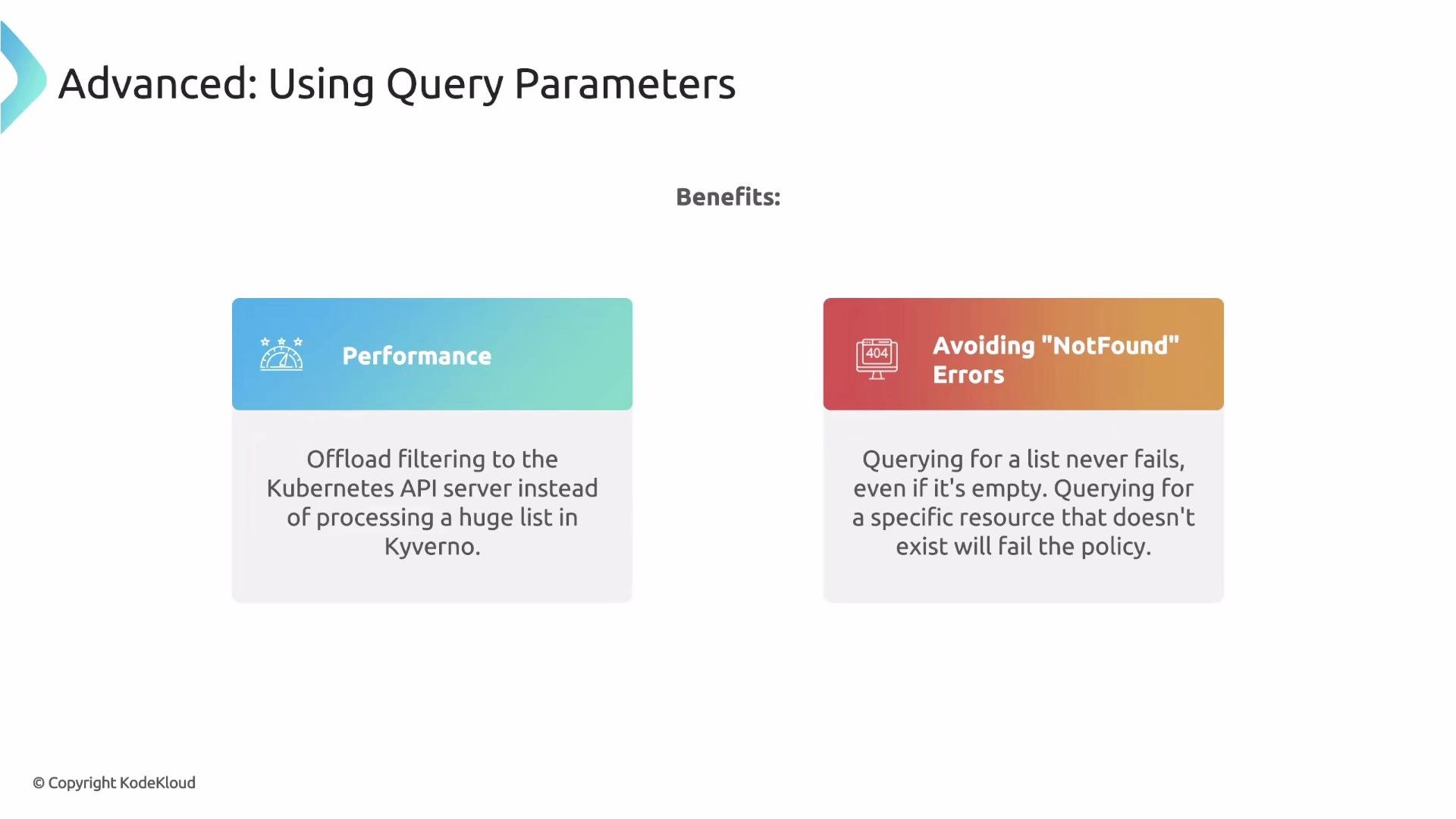
labelSelectororfieldSelector) in yoururlPathto let the API server filter results. Benefits:- Performance — less data returned and less client-side processing.
- Robustness — a selector query returns an empty
itemslist when nothing matches (instead of a 404), avoiding evaluation errors.
fieldSelector:
foo does not exist, this returns a successful response with an empty items list instead of an error.
- Kyverno’s
apiCallcontext lets policies query the Kubernetes API server at runtime and store the processed result in a variable, enabling stateful validations. - Use
kubectl api-resourcesandkubectl api-versionsto discover the correcturlPathstructure. - Test
urlPathand JMESPath expressions locally withkubectl get --rawpiped intokyverno jp query. - Prefer
labelSelector/fieldSelectorparameters for performance and to avoidNotFounderrors. - When a policy needs to ignore the resource being evaluated (e.g., during updates), explicitly exclude it in the JMESPath filter.
- For repeated or shared API data needs, consider using Kyverno’s GlobalContext to cache results across rules to improve efficiency.
- Kyverno apiCall documentation: https://kyverno.io/docs/
- JMESPath specification and examples: https://jmespath.org/
- Kubernetes API overview: https://kubernetes.io/docs/reference/using-api/api-overview/
- Kubectl reference: https://kubernetes.io/docs/reference/kubectl/