

Trigger vs Source — the two parts of a generate rule
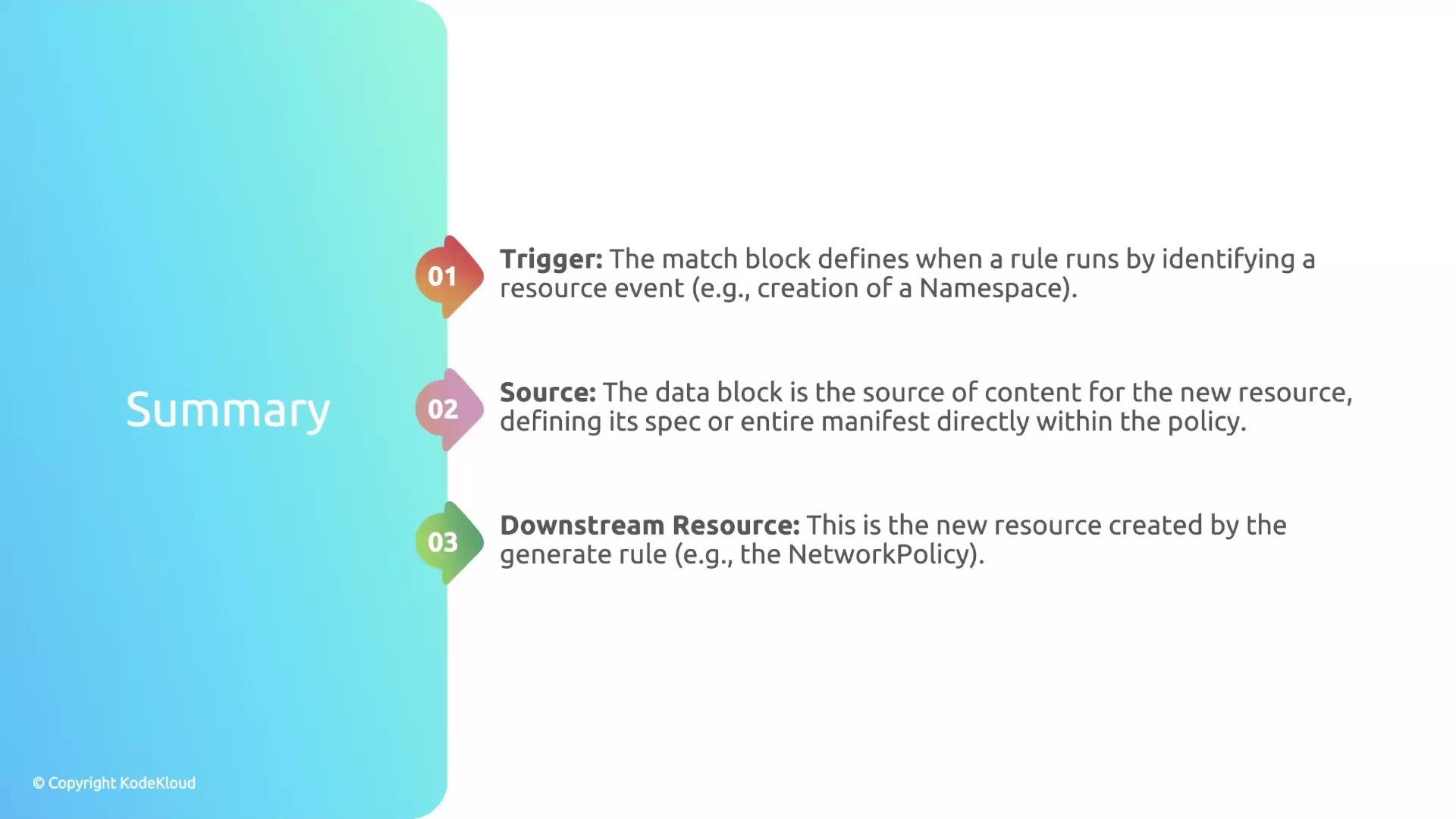
Every generate rule has two distinct responsibilities:- The trigger — when should the rule run? (Defined in
matchor viaexistingwhen reconciling existing resources.) - The source — what should the rule create? (Either
datafor an embedded manifest orcloneto copy an existing cluster resource.)
data source. Alternatively, clone copies an existing resource in the cluster. These two options are mutually exclusive — a rule can only use one.
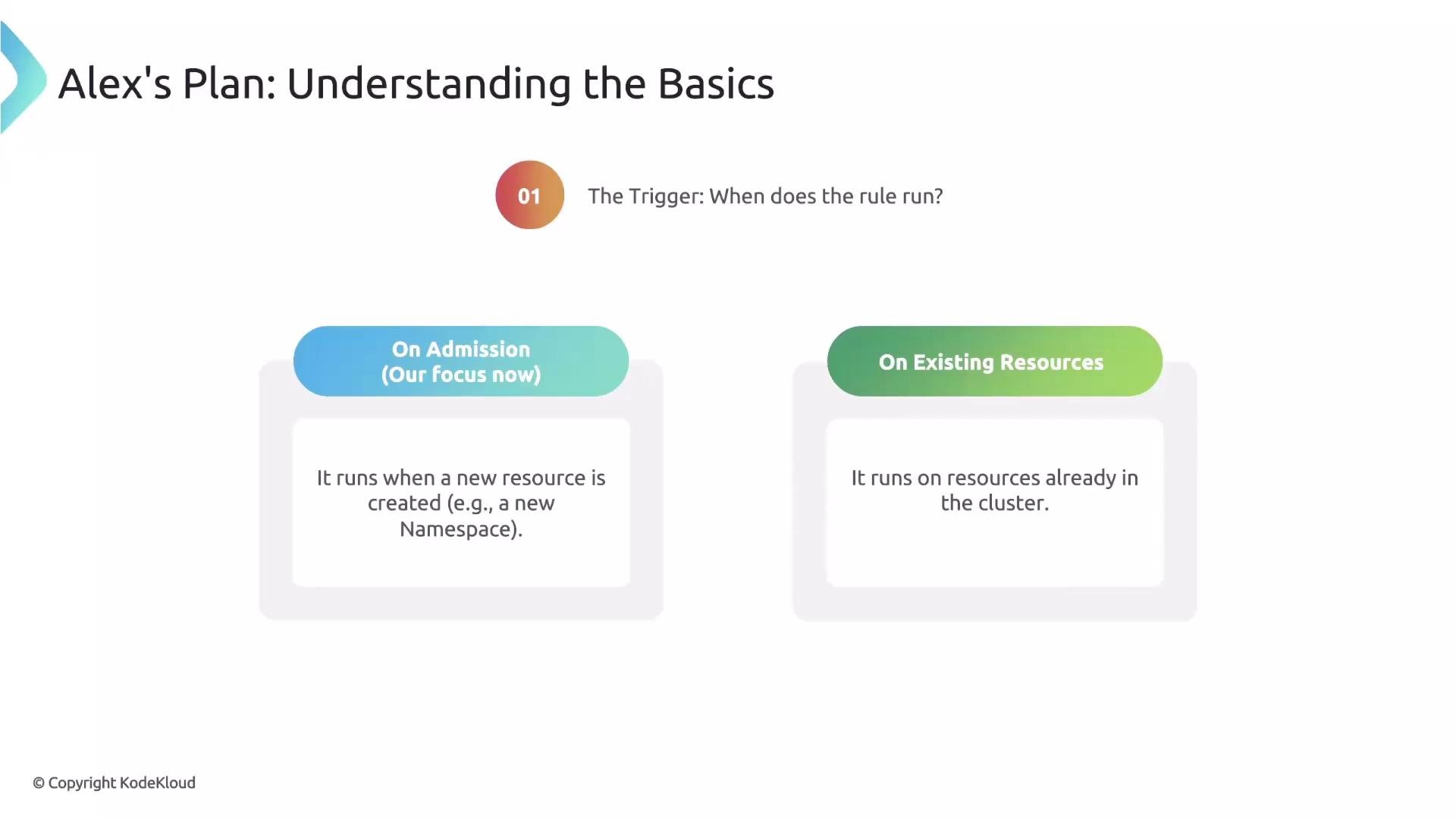
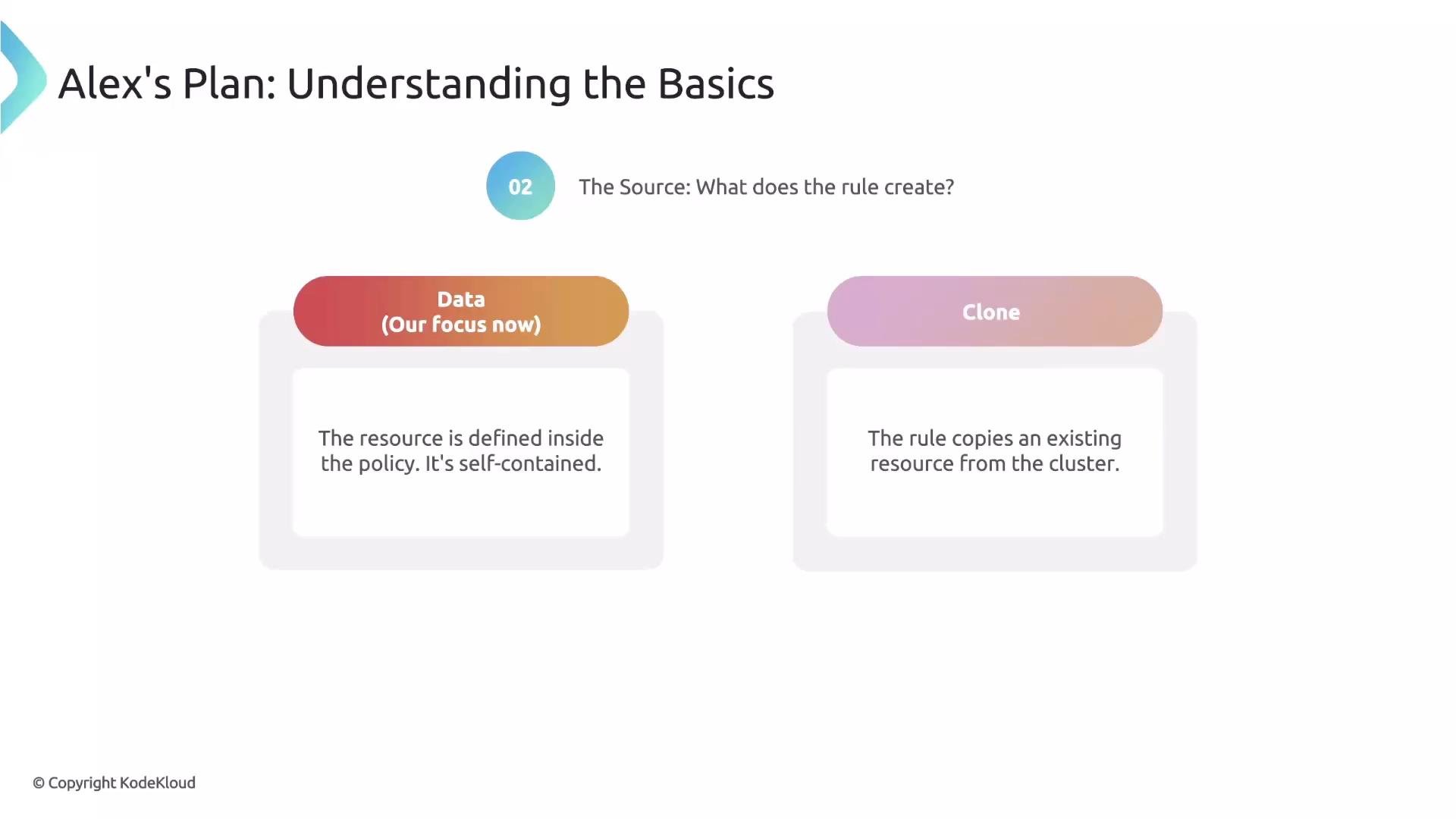
data and clone are mutually exclusive: a single generate rule must use either data (embedded manifest) or clone (copy from cluster), not both.Generate rule anatomy
At a high level, a generate rule contains:match(orexisting) — defines the trigger (the incoming resource that activates the rule).generate— describes the downstream resource identity (kind, apiVersion, name, namespace) and contains the source (dataorclone).
Here is a minimal example that demonstrates these parts (focus on the
rules block):
matchtriggers the rule when a Namespace is created.generatedeclares the NetworkPolicy to create and containsdatafor the NetworkPolicy spec.- Note the use of
{{request.object.metadata.name}}to place the generated NetworkPolicy in the newly created Namespace.
Prerequisite: permissions for the Kyverno background controller
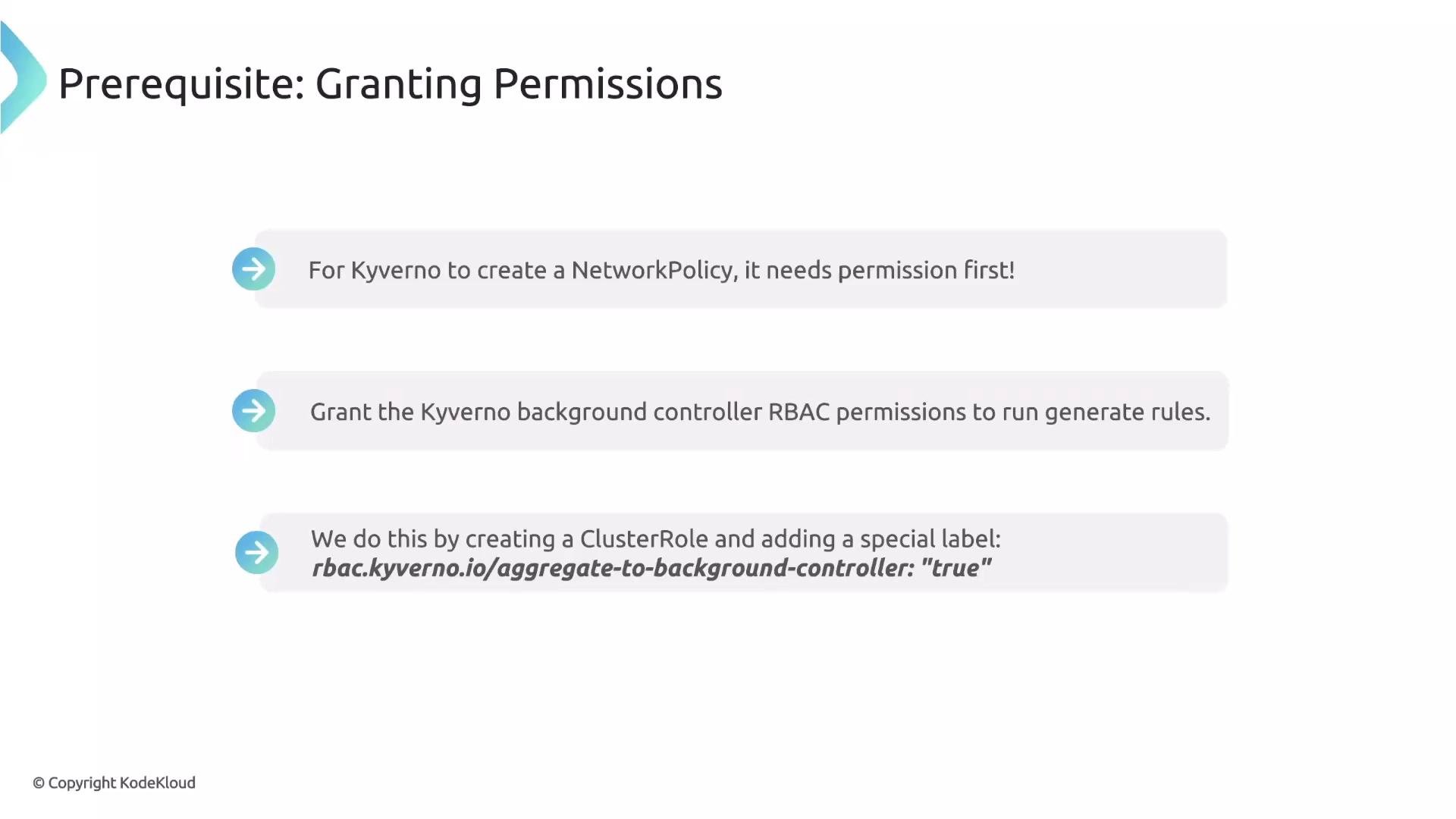
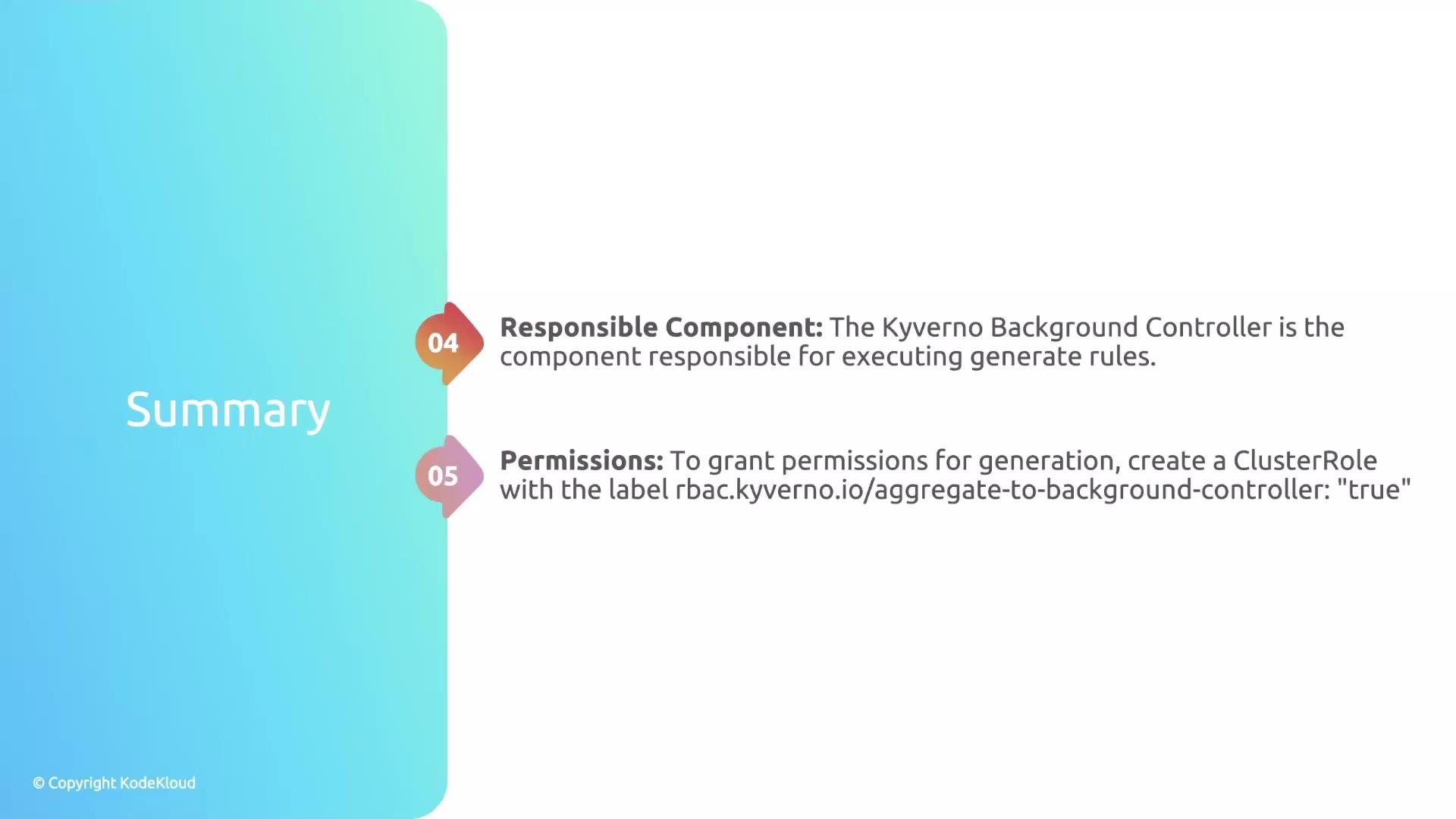
Generate rules are executed by Kyverno’s background controller. By default, that controller only has a limited set of RBAC permissions. If you want Kyverno to create resource types not already allowed (for example,NetworkPolicy), grant the background controller the necessary permissions.
Kyverno supports cluster role aggregation. Instead of editing built-in Kyverno roles, create a separate ClusterRole that grants the required verbs for the resource and add the aggregation label rbac.kyverno.io/aggregate-to-background-controller: "true". Kubernetes will merge (aggregate) these rules into the background controller role.
apiGroups uses the group networking.k8s.io, not networking.k8s.io/v1):
By adding the label
rbac.kyverno.io/aggregate-to-background-controller: "true", Kubernetes will aggregate these rules into Kyverno’s background controller ClusterRole so you don’t need to modify Kyverno’s built-in roles.Complete example — create a default deny-all NetworkPolicy for new Namespaces
Below is a practical generate rule that creates a deny-allNetworkPolicy in every newly created Namespace. The synchronize: true field creates a durable link between the policy and the generated resource: when the policy changes, Kyverno will reconcile the generated resources to match the policy (preventing configuration drift).
rules snippet in a policy:
default-deny-all NetworkPolicy at creation time.
When you enable
synchronize: true, the generated resources are continuously reconciled to the policy data block. If you plan to allow manual edits to generated resources, consider the implications carefully — synchronization will overwrite deviations.Quick recap
Next steps and further reading
- To learn more about
synchronizebehaviors, refer to the Kyverno docs on generate rules. - For RBAC aggregation and ClusterRole design patterns, review Kubernetes RBAC aggregation documentation.
- Kyverno docs: https://kyverno.io/docs/