

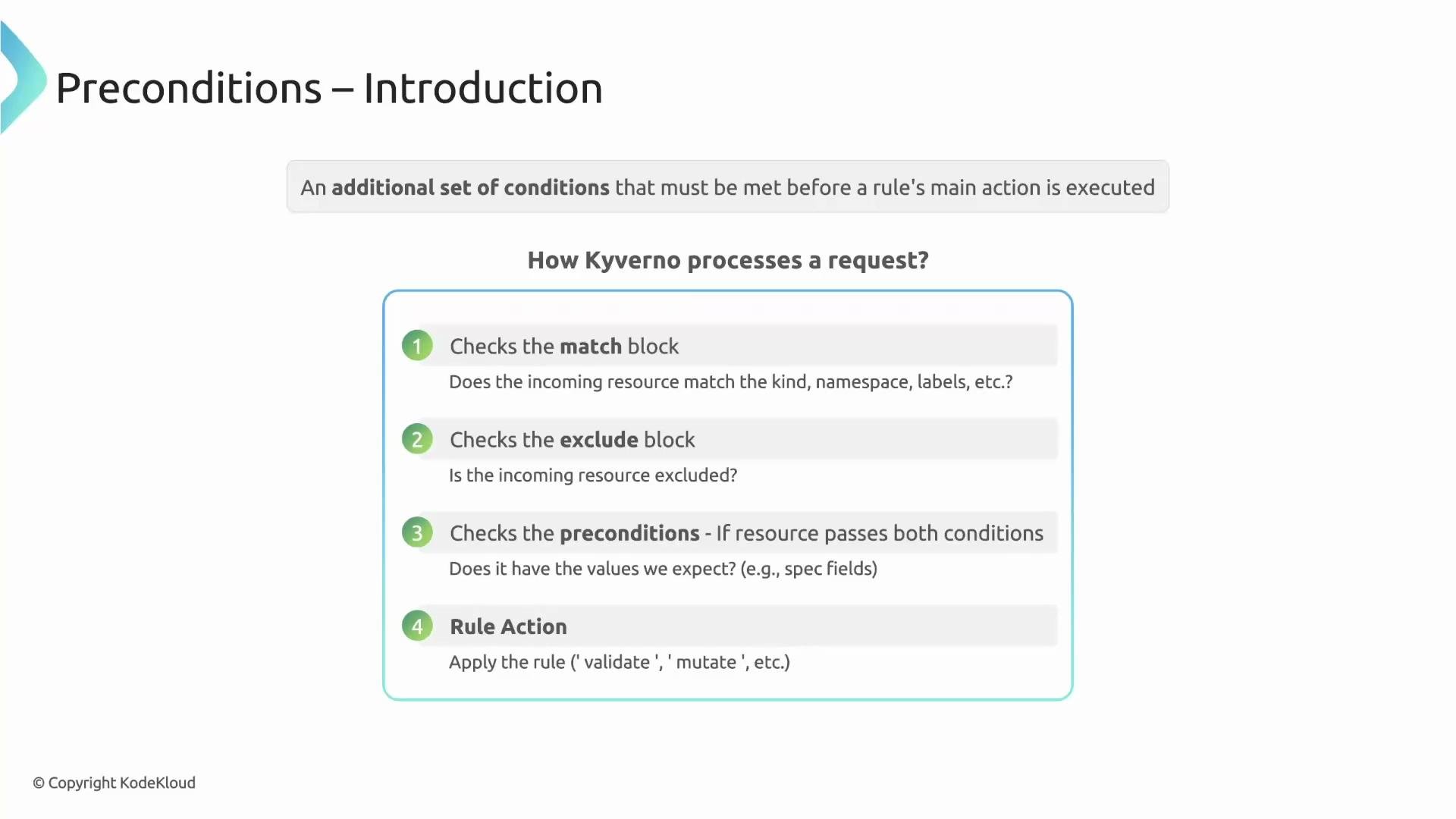
Only if the resource passes the
match and exclude checks does Kyverno evaluate the preconditions. Preconditions use JMESPath expressions (for example, request.object.spec.type) to inspect the incoming resource. If the preconditions evaluate to true, the rule proceeds to its configured action. Think of preconditions as the rule’s gatekeeper.
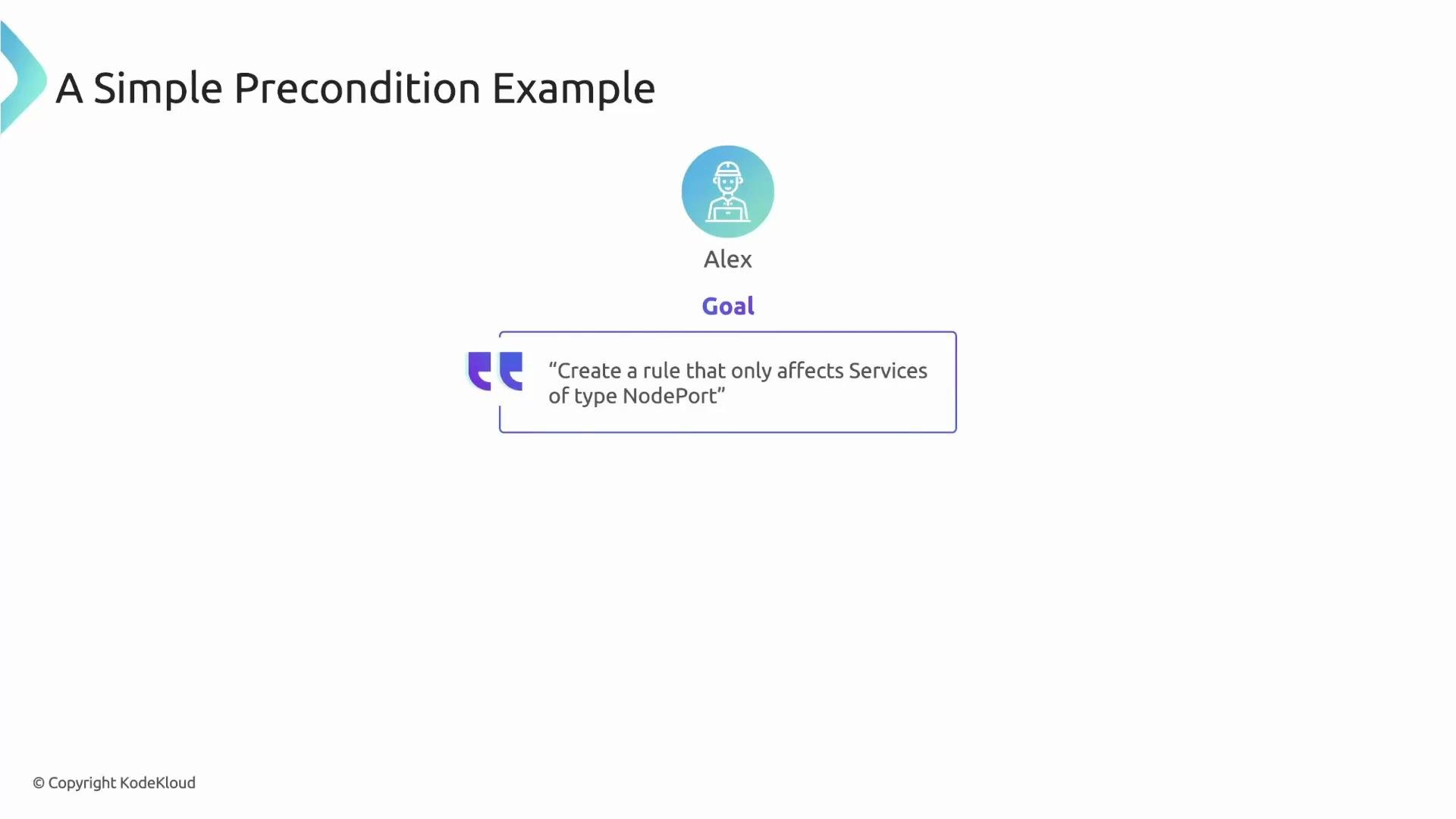
spec.type equals NodePort.
- The
matchblock selects Service resources. - The
preconditionsblock readsrequest.object.spec.typeand compares it toNodePort. - If the resource is a ClusterIP Service, the precondition evaluates to false and the rule is skipped.
- If the resource is a NodePort Service, the precondition evaluates to true and the rule proceeds to execute its action (validate/mutate/generate).
||) operator in your expression.
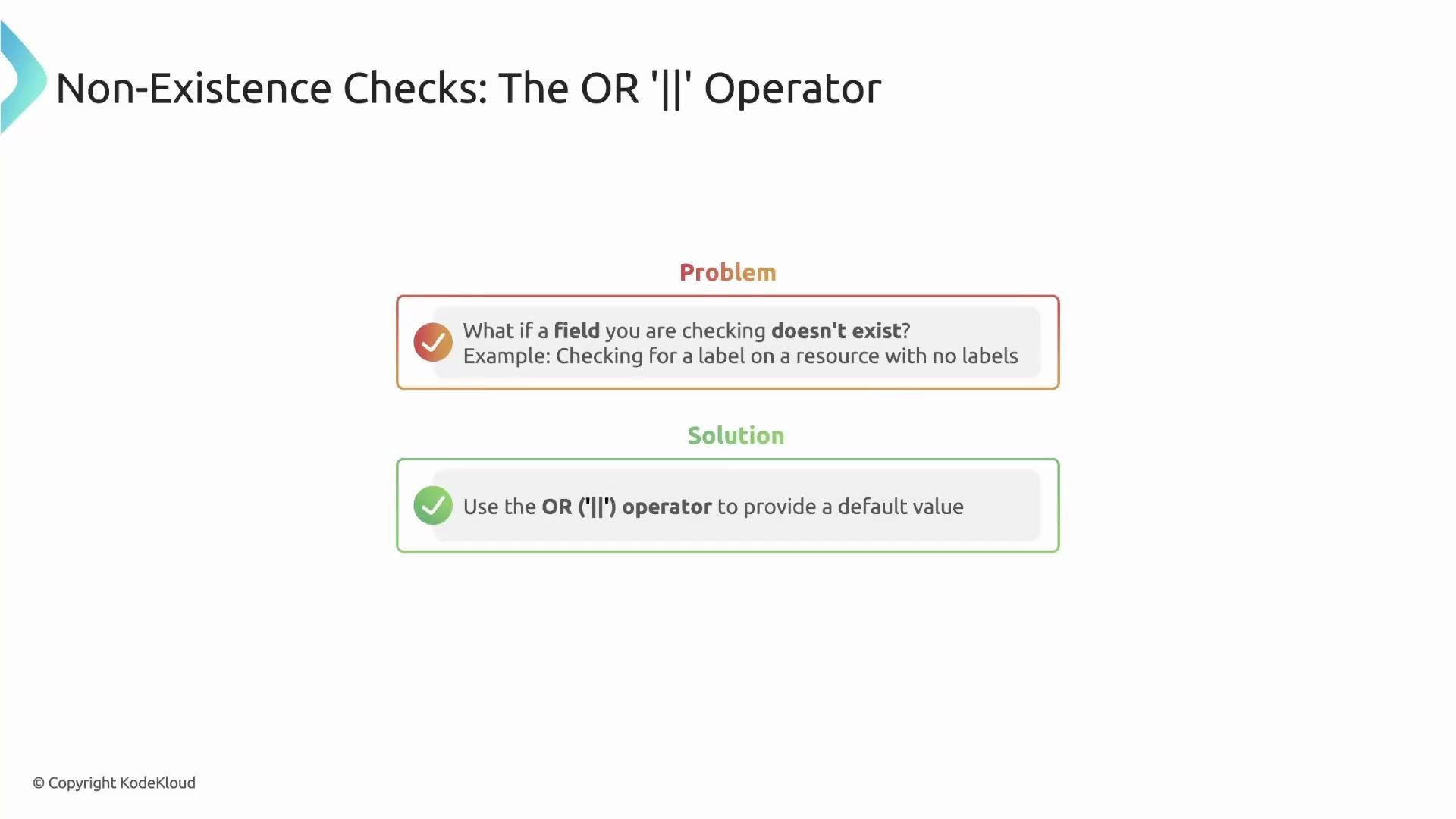
When a field may not exist, append
|| '' (or another safe default) to the JMESPath expression to prevent errors and make your policy resilient.app label and falls back to an empty string if metadata.labels or the app key is absent:
any (OR) vs all (AND)
- Use
anywhen the precondition should pass if at least one check is true.anyimplements logical OR across its entries. - Use
allwhen every listed condition must be true.allimplements logical AND across its entries.
any — apply a rule to a Deployment if color=blue OR app=busybox:
any entry sequentially and passes the preconditions as soon as one entry is true.
Example: all — apply a rule only to Deployments that have animal=cow AND env=qa:
all entries in order; if any entry is false, the all block fails immediately and the rule is skipped. Use all to enforce a strict checklist of conditions.
Quick reference: common precondition operators
(Refer to the Kyverno documentation for the full list of supported operators and semantics.)
Links and references
That’s it for this lesson.