

apply workflow: testing a single policy against a single resource for quick local feedback. This article expands on that foundation and shows how to get machine-readable reports, evaluate policies against live clusters, honor PolicyExceptions, and supply external context for accurate local evaluation.
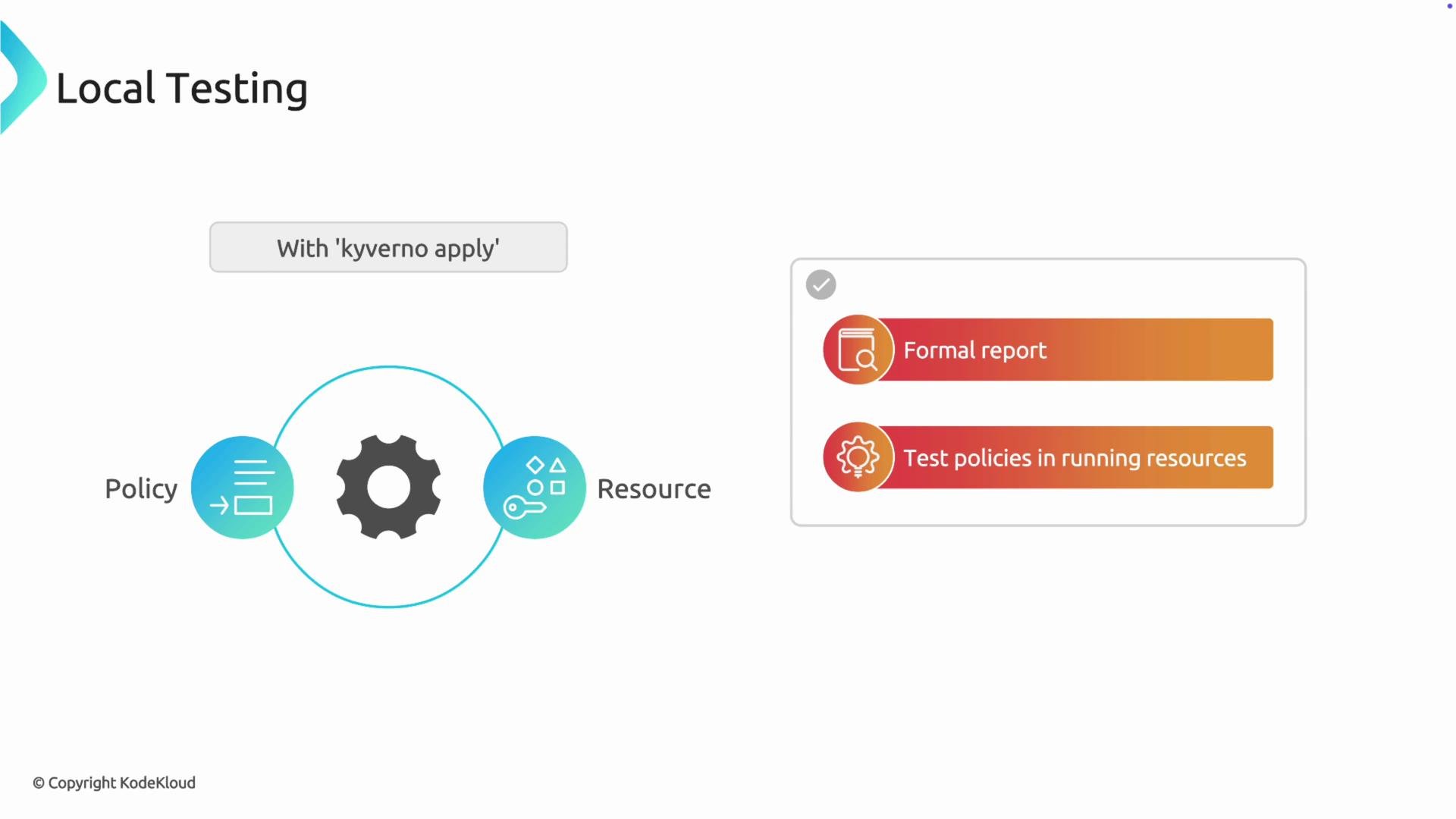
kyverno apply prints a human-readable summary. For CI pipelines, dashboards, or automated tooling you usually want the same structured PolicyReport resource that the in-cluster Kyverno controller emits.
Use --policy-report (short -p) to output a full PolicyReport YAML to stdout:
PolicyReport output:
--cluster (short -c). The CLI connects to the API server using your current kubeconfig context, fetches matching resources, and evaluates them without needing the Kyverno controller deployed.
When using
--cluster, the CLI queries the cluster for matching resources. Note that local --resource files and --cluster mode are mutually exclusive — choose one workflow per run.PolicyException manifests, validate them locally before applying to the cluster. The CLI accepts exceptions with --exception (short -e). Provide the exception manifest alongside your policy and resource to ensure the exception logic behaves as expected.
Example test set:
policy.yaml— enforces ateamlabelpod.yaml— a Pod without the labelexception.yaml— aPolicyExceptionthat exempts this Pod
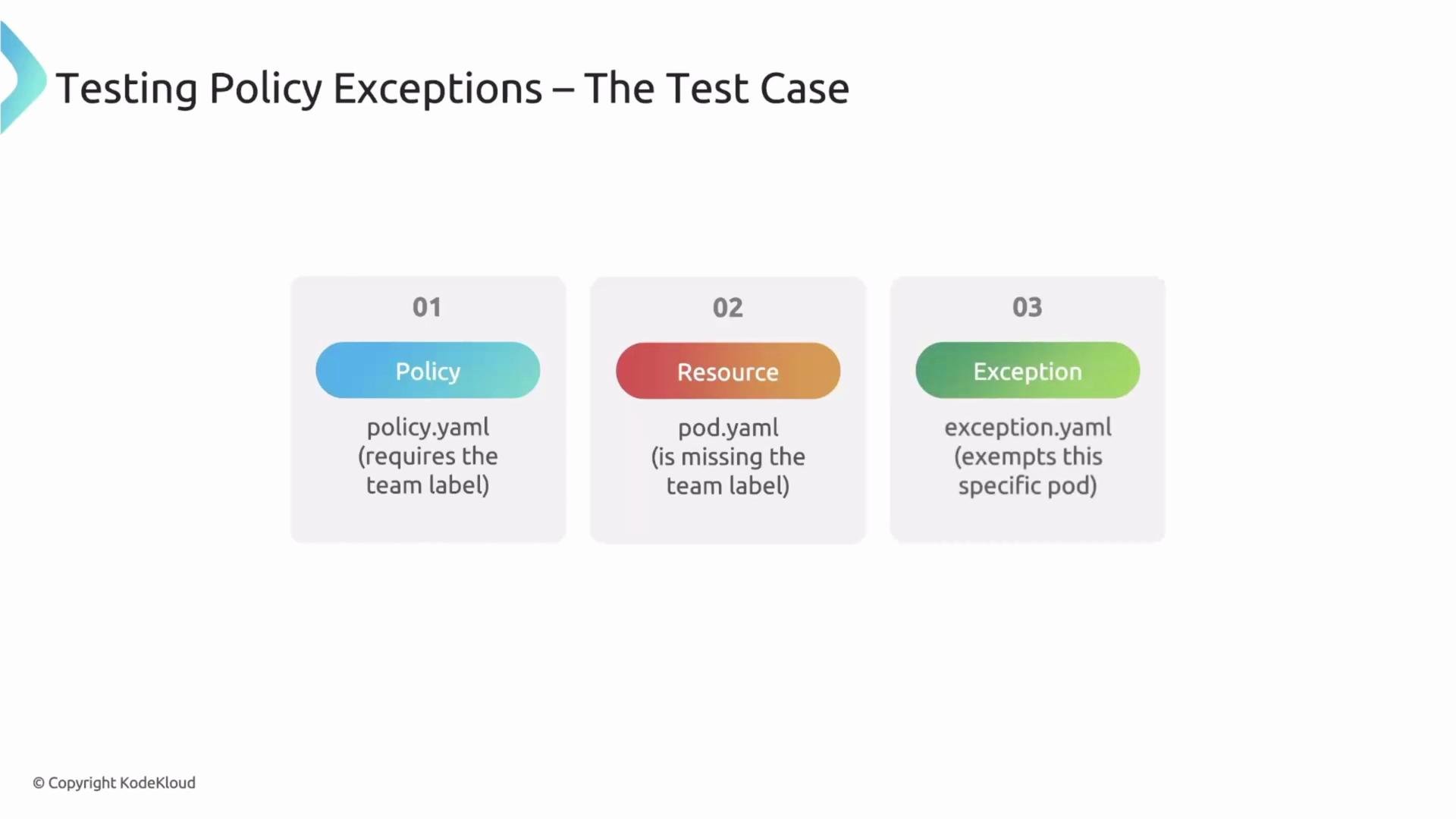
skip instead of fail when the exception applies:
namespaceSelector that depends on namespace labels. When you test a single Pod file locally, the CLI lacks cluster context for the namespace, so evaluation can be incomplete.
Policy example using namespaceSelector:
--values-file or -f). The Values manifest has apiVersion: cli.kyverno.io/v1alpha1 and kind: Values. Declare namespaced facts such as namespace labels so the CLI can evaluate selectors accurately.
Example values.yaml:
test1 namespace has the foo.com/managed-state: managed label, enabling correct evaluation of namespaceSelector conditions during local tests.
Ensure your Values file uses the correct API version and structure (
apiVersion: cli.kyverno.io/v1alpha1, kind: Values) and accurately models the namespace labels or other objects referenced by your policy; otherwise selectors may evaluate incorrectly.kyverno apply flags
Recap
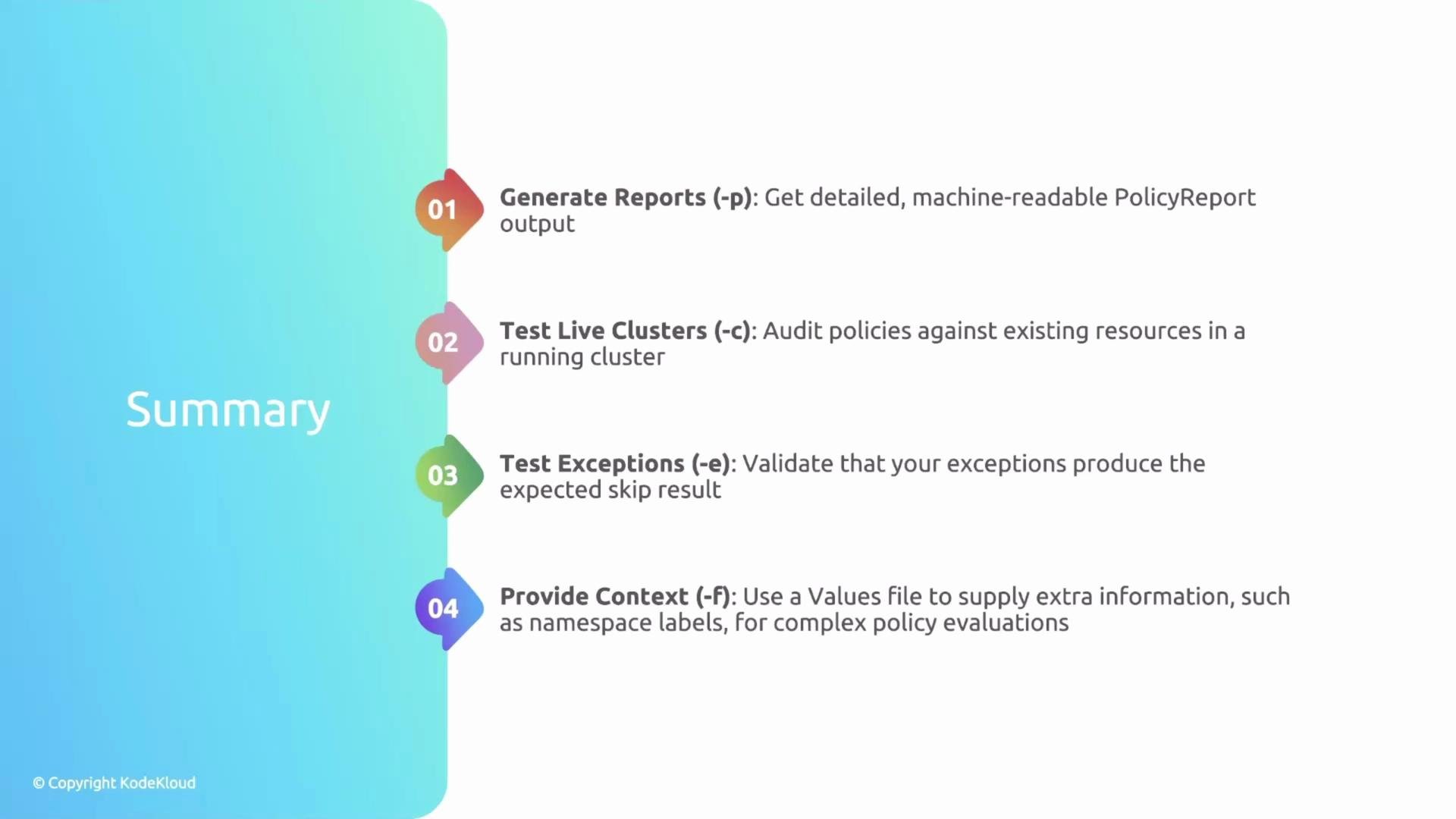
- Use
-p/--policy-reportto produce structuredPolicyReportoutput for CI and tooling. - Use
-c/--clusterto evaluate policies against live cluster resources via your current kubeconfig. - Use
-e/--exceptionto validatePolicyExceptionbehavior in local tests. - Use
-f/--values-fileto provide external context (namespace labels, etc.) required by selectors and other cross-object checks.
- Kyverno CLI docs: https://kyverno.io/docs/kyverno-cli/
- Kyverno PolicyReport: https://kyverno.io/docs/writing-policies/policy-report/
- Kubernetes API concepts: https://kubernetes.io/docs/concepts/overview/what-is-kubernetes/