

ubuntu:latest image. Alex knows many base images (including Ubuntu) don’t set a USER in the Dockerfile, so by default they run as root.
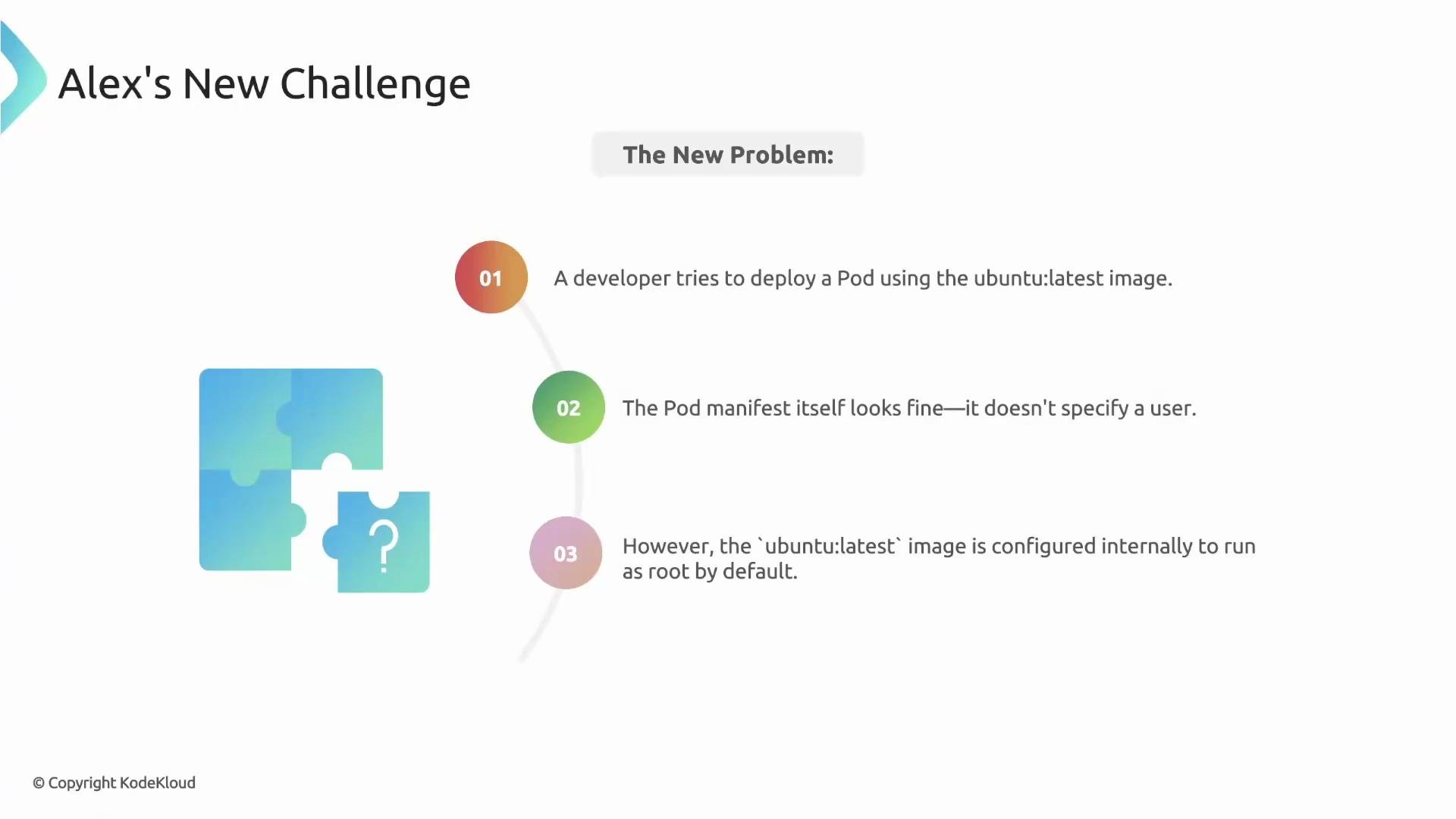
User), and use that information inside a policy.
imageRegistry context lets Kyverno query an OCI registry for an image manifest and config, and then expose that data as a variable inside a policy. Provide a reference to the target image and Kyverno returns a structured JSON object with useful fields.
context entry:
imageDatais the variable name you can reference in rules.referenceis the fully-qualified image (name:tag or name@digest) Kyverno will inspect.
crane tool), fetches the manifest and the image config, and fills imageData with a structured JSON object.
What does imageData contain? Typical keys include the resolved image, registry, repository, and two important structures: manifest and configData. Example shape:
configData payload includes the image configuration returned by the registry, such as Entrypoint, Env, and User. On the CLI, you can inspect the same info using crane config:
User value inside the image config (config.User). If an image author sets USER in the Dockerfile, User will contain that value. If USER is not set (common for many base images like Ubuntu), User will be empty or absent, meaning the container runs as root by default.
How to deny Pods that use images configured to run as root
Below is a Kyverno validate rule that checks each container in a Pod using foreach. For each container, it calls imageRegistry to fetch the image config and denies the Pod if the image User is empty.
matchselects Pods for validation.foreachwalks each container inrequest.object.spec.containers(Pod may have multiple).- For each container,
imageRegistryresolves the containerimage({{ element.image }}) and stores the result inimageData. - The
denycondition checksimageData.configData.config.User; if it is empty, the rule denies the Pod because the image will run as root by default.
- Pod using Ubuntu (expected to be denied)
- Pod using a non-root image (Kyverno image; expected to be allowed)
USER) in addition to validating the Kubernetes manifest.
Kyverno must be able to reach the registry to fetch image metadata. For private registries, configure the appropriate image pull credentials in Kyverno so it can authenticate when requesting image data.
jmesPath expression in the imageRegistry context to extract or compute exactly the value you need from the registry JSON. For example, compute the total image size (sum of layer sizes) and store it as a string:
jmesPath expression:
- selects
manifest.layers[*].size, - sums them via
sum(...), - converts the number to a string with
to_string(...), and - stores the result in
imageSizefor use elsewhere (for example, to deny images larger than a size threshold).
imageData keys
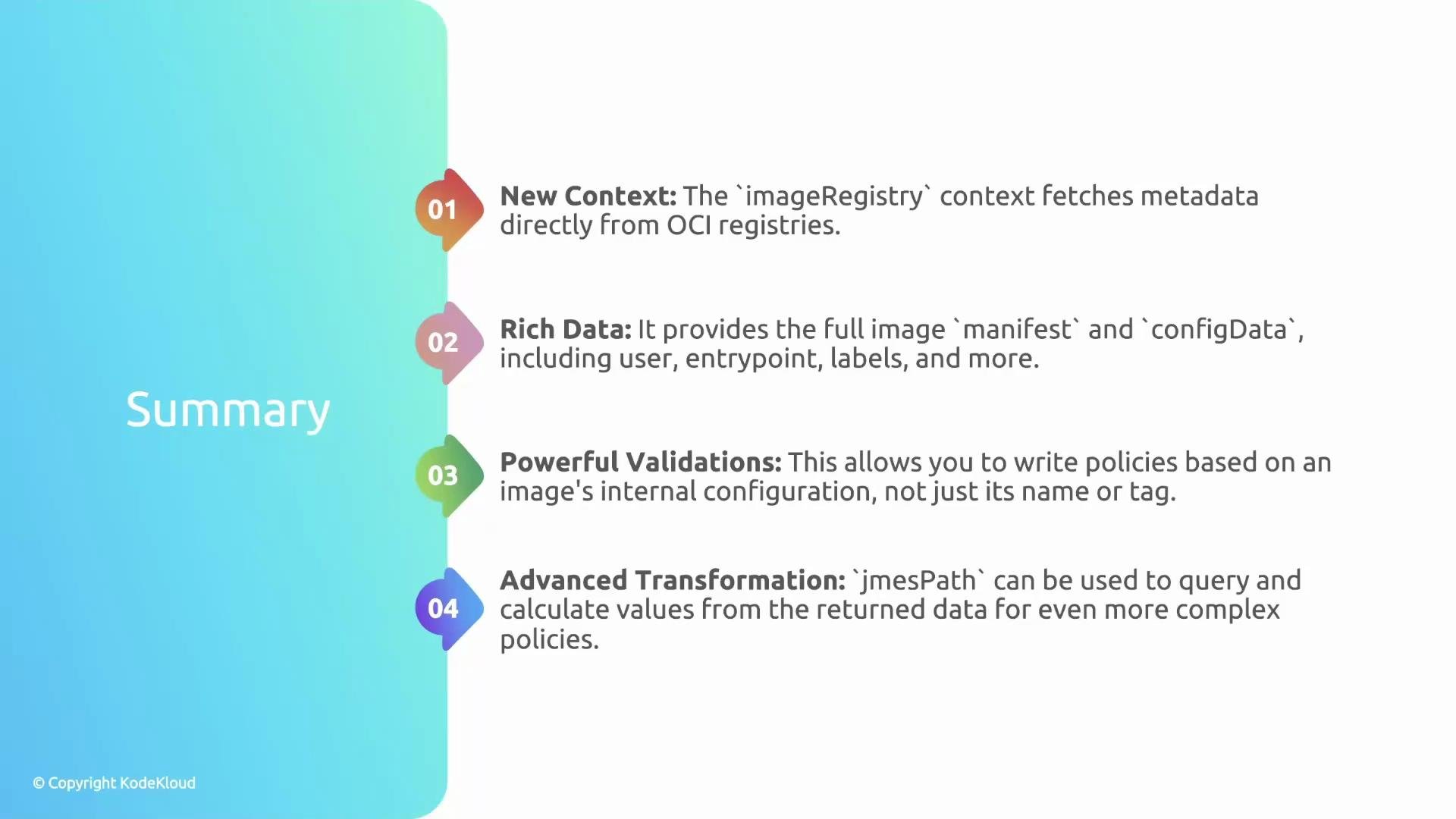
Recap
- Kyverno’s
imageRegistrycontext gives you a window into the container image: manifest and config. - Use it to inspect
config.User(and other fields likeEnv,Entrypoint) and enforce policies that depend on image internals, not just the Pod manifest. - Use
jmesPathto extract or compute values from the fetched JSON for more advanced validations.
- Kyverno: https://kyverno.io/
- Google go-containerregistry (crane): https://github.com/google/go-containerregistry/tree/main/cmd/crane
- JMESPath: https://jmespath.org/