

- Platform, security, or finance teams can manage values in a Kubernetes resource without changing Kyverno policies.
- Kyverno performs a live lookup on each policy evaluation, so ConfigMap updates apply immediately—no policy redeploy required.
- Policy logic stays clean and reusable because configuration values are not hard-coded.
How it works
Kyverno exposes per-rule external data via a
context block. Think of context as a rule-level variable declaration: you give the data source a name, specify the type (configMap) and the ConfigMap’s name and namespace. Kyverno fetches the ConfigMap and exposes its data under the name you provide.
Example context structure:
cost-center label. The finance team manages the label value in a central ConfigMap outside the policy.
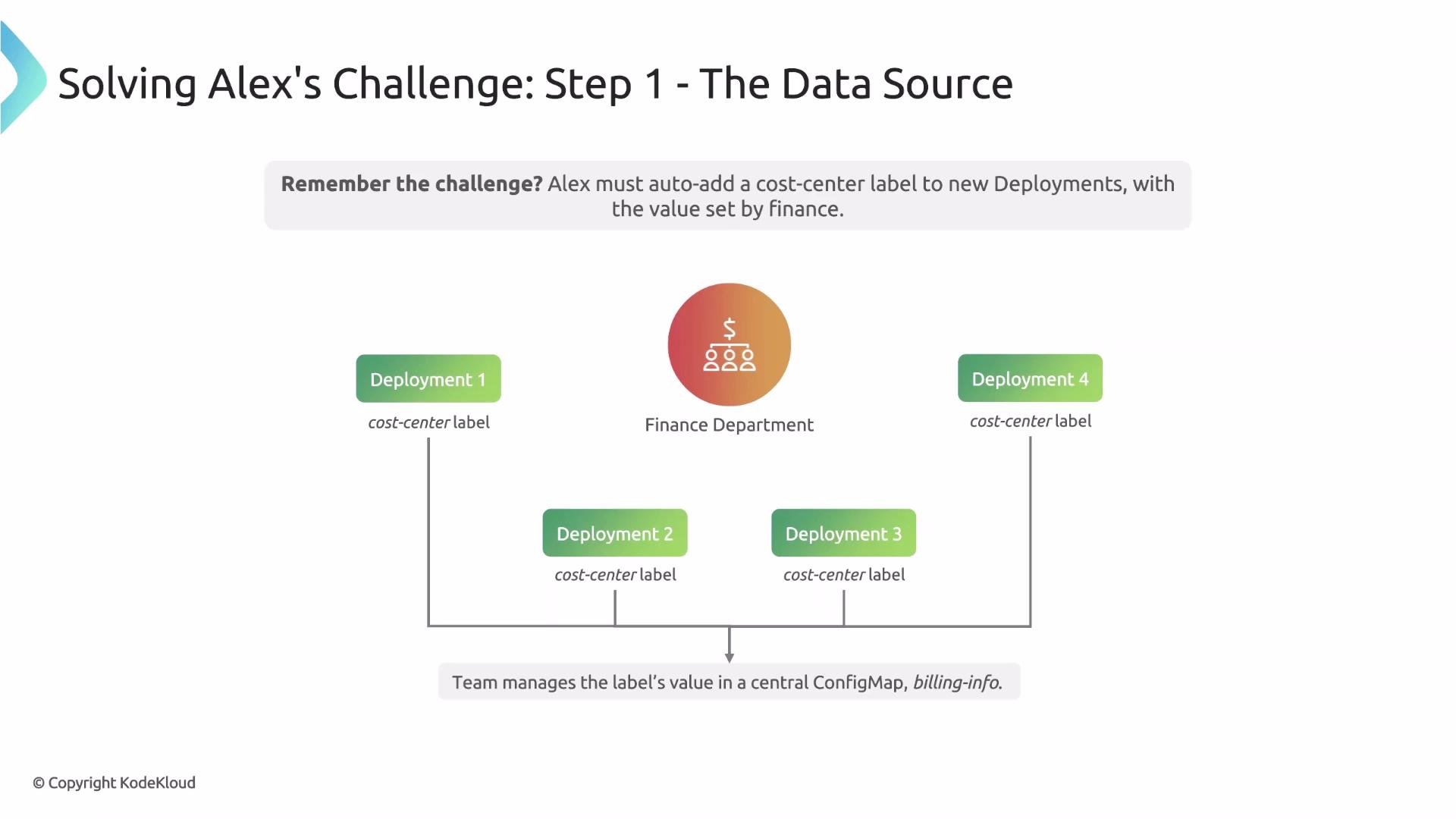
billingInfo in the finance namespace containing the cost-center value:
- Define a
contextthat points to thebillingInfoConfigMap. - Use the fetched value to add a
cost-centerlabel to Deployments.
- The
contextblock defines a variable calledbillingDatathat points to thebillingInfoConfigMap in thefinancenamespace. - Reference the ConfigMap value inside the substitution expression using the context name followed by
.dataand the key name. For example:{{billingData.data."cost-center"}}. - The
mutaterule usespatchStrategicMergeto ensure the label is added to the Pod template metadata for matched Deployments.
When referencing keys that include characters like
- (dash) or spaces, quote the key inside the substitution expression so it is treated as a literal field name.- The finance team updates
billingInfowhen the cost center changes. - Kyverno reads the latest value at evaluation time using the per-rule
context. - New Deployments are automatically labeled with the current
cost-centerfrom the ConfigMap—no policy edits required.