

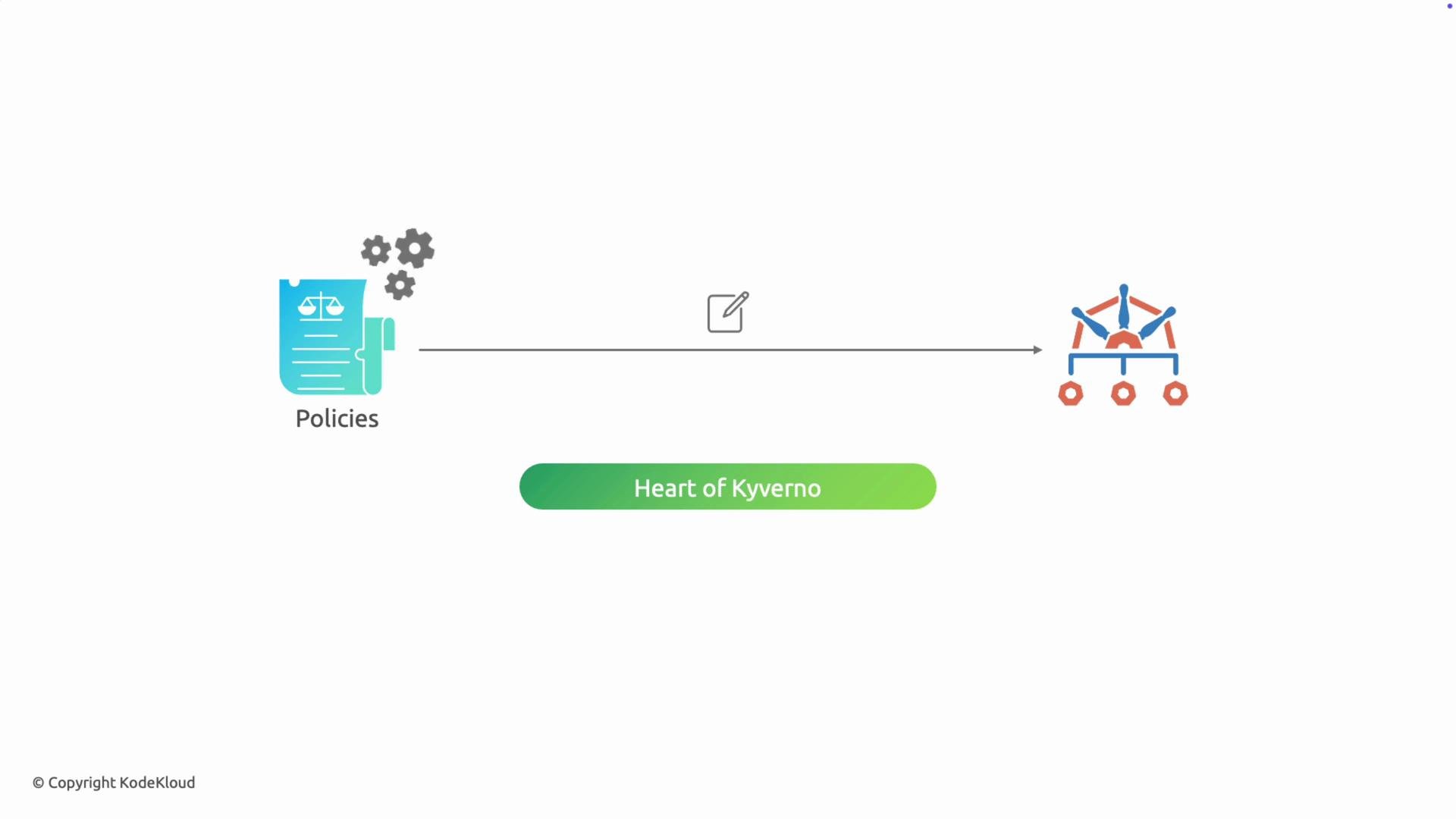
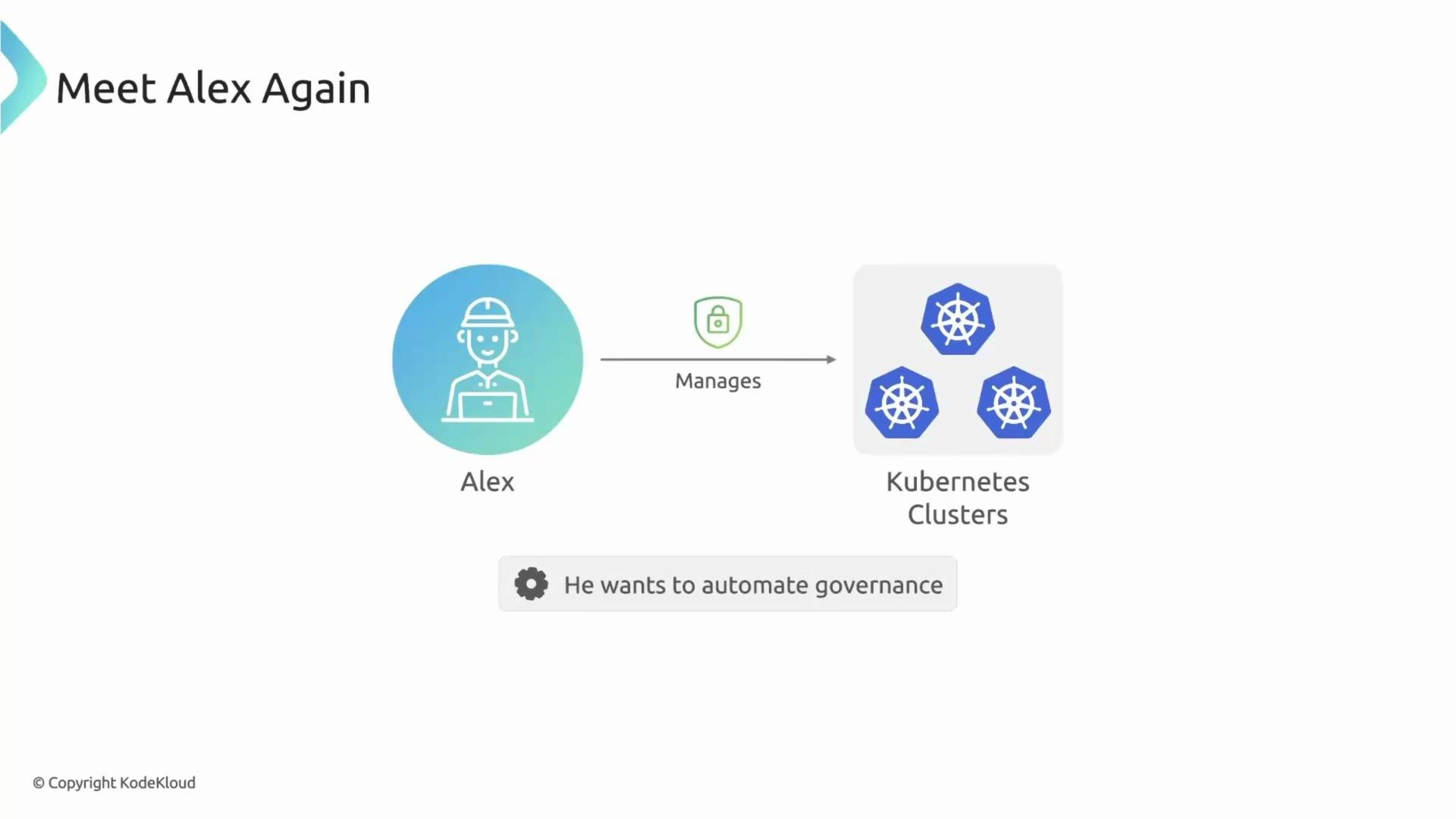
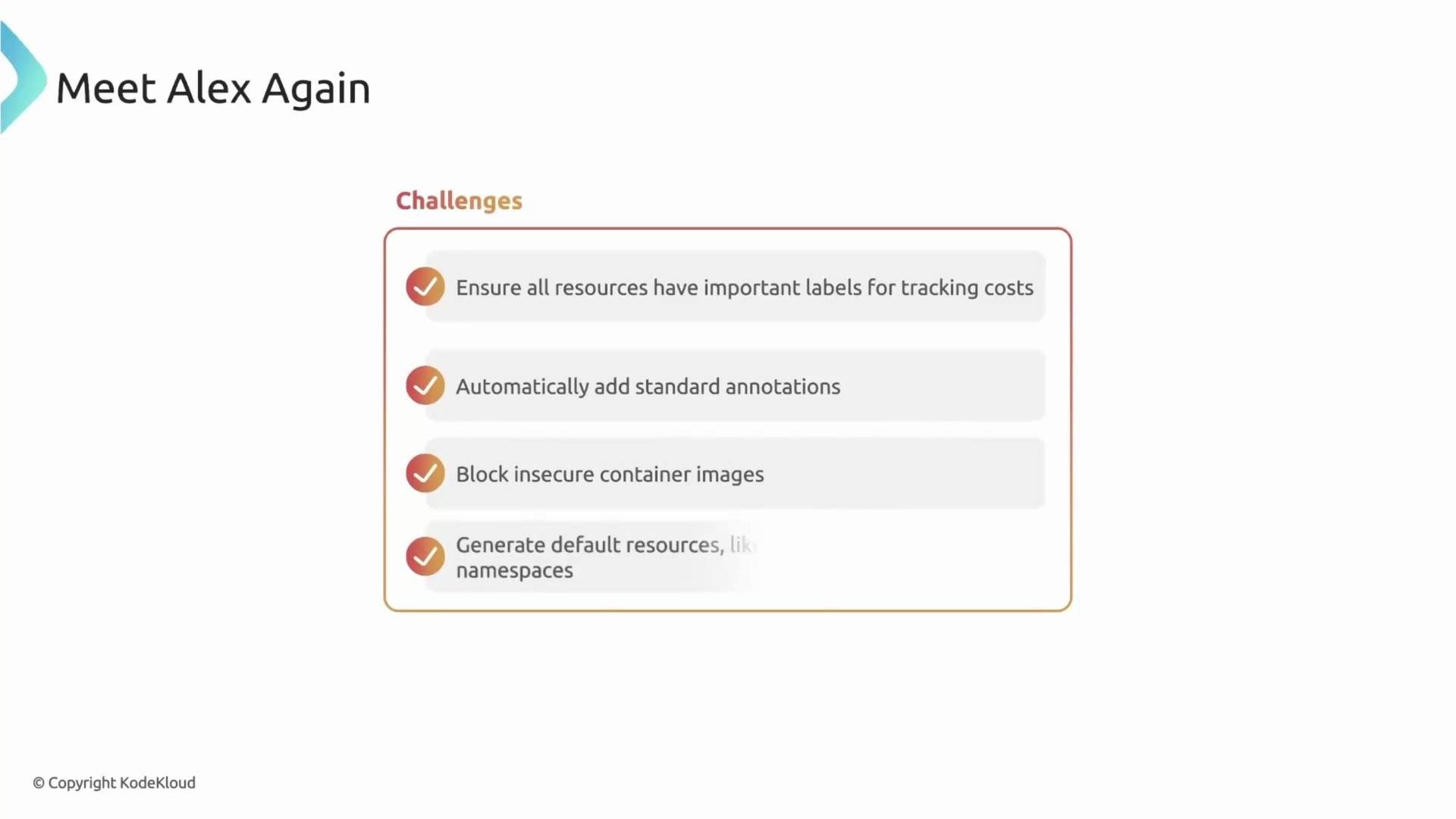
- Ensure resources include a
cost-centerlabel for chargeback and tracking. - Inject annotations automatically when missing.
- Block insecure or unsigned container images.
- Auto-create a default
NetworkPolicyfor every new namespace.
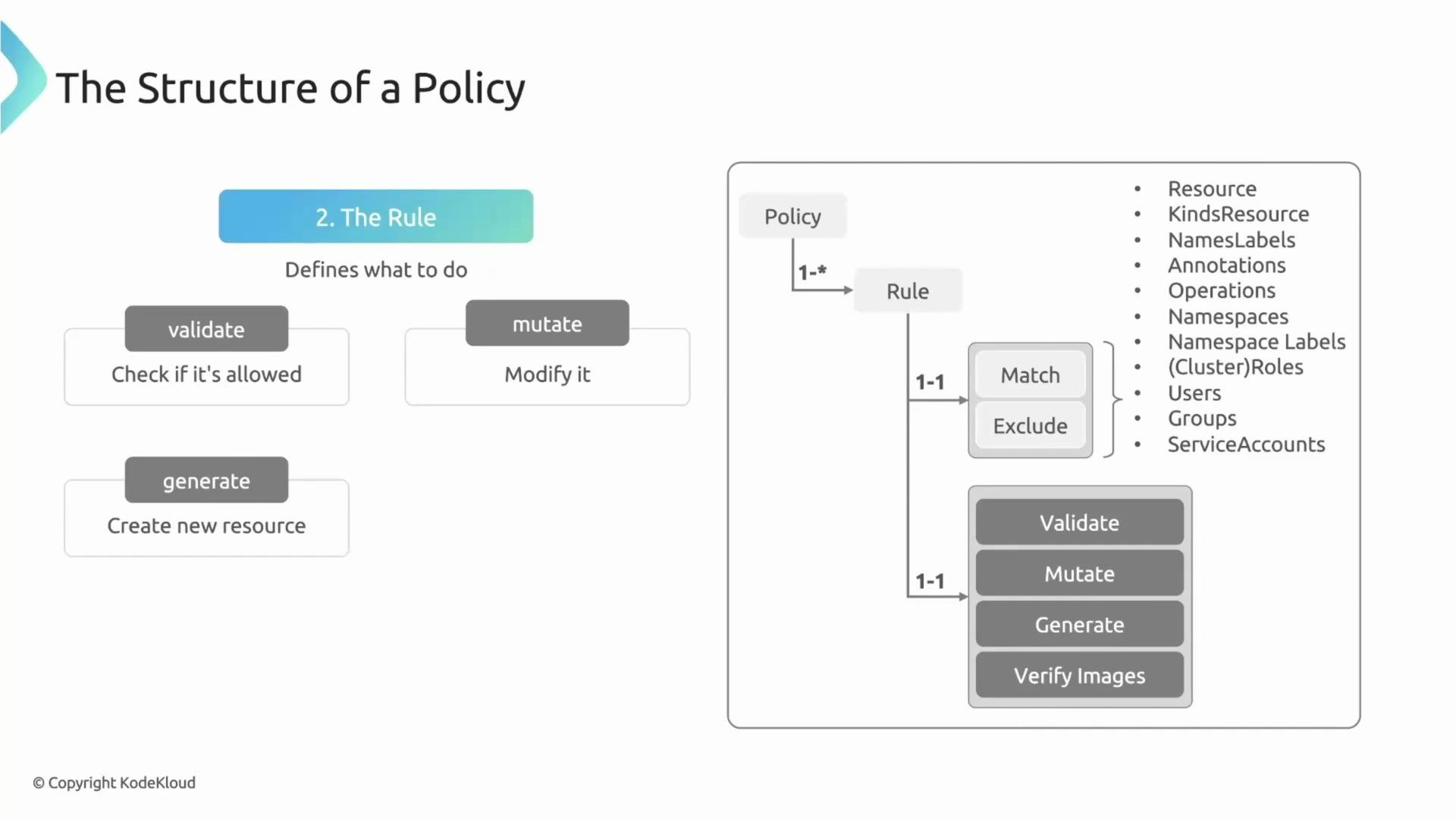
- Target selection — decide which resources the rule applies to (via
matchand optionalexcludeblocks). - Action — choose a single action type per rule:
validate,mutate,generate, orverifyImages.
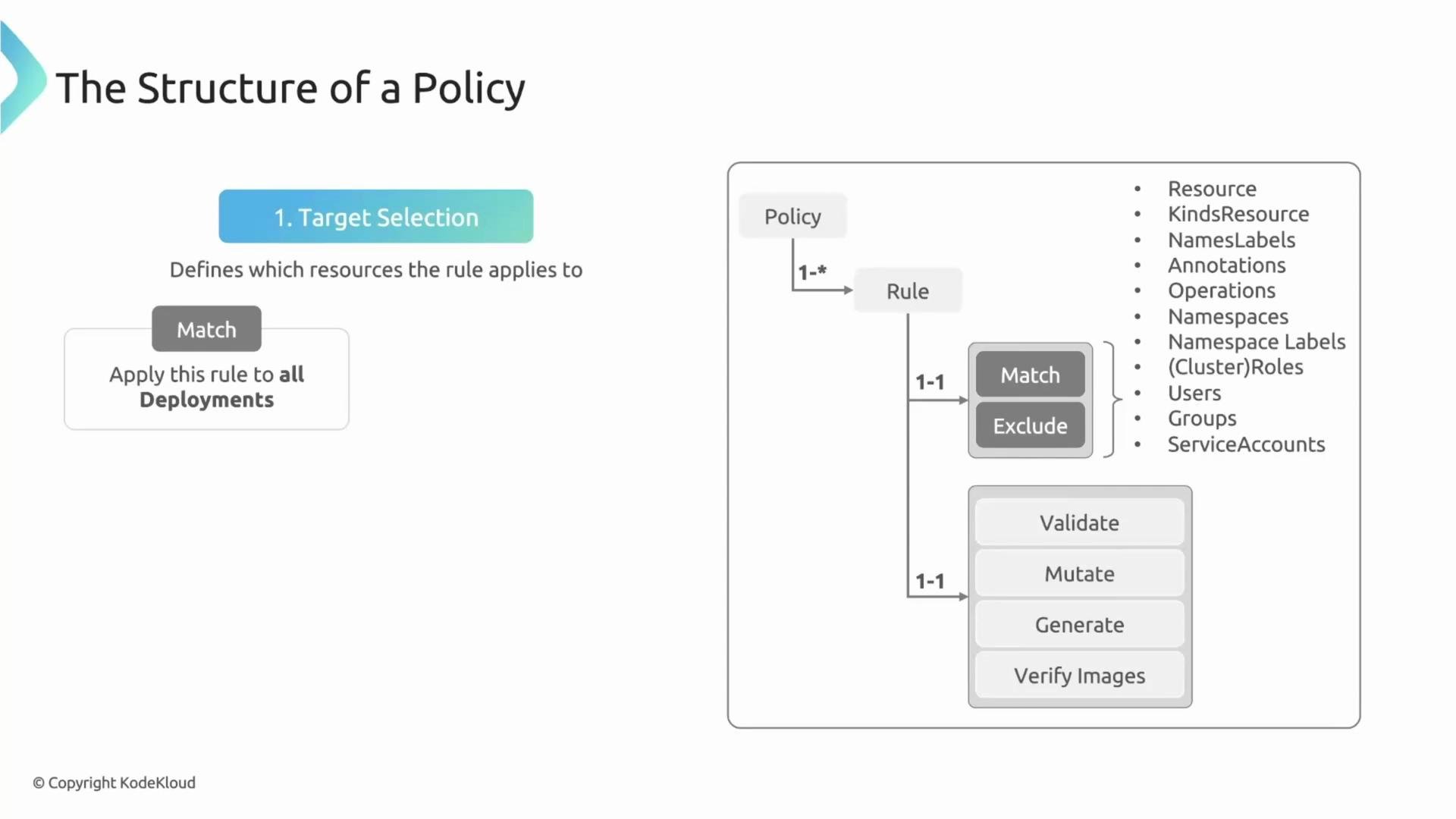
match/exclude determines the scope (kinds, namespaces, label selectors, users, operations), and then the rule performs exactly one action on those matched resources.
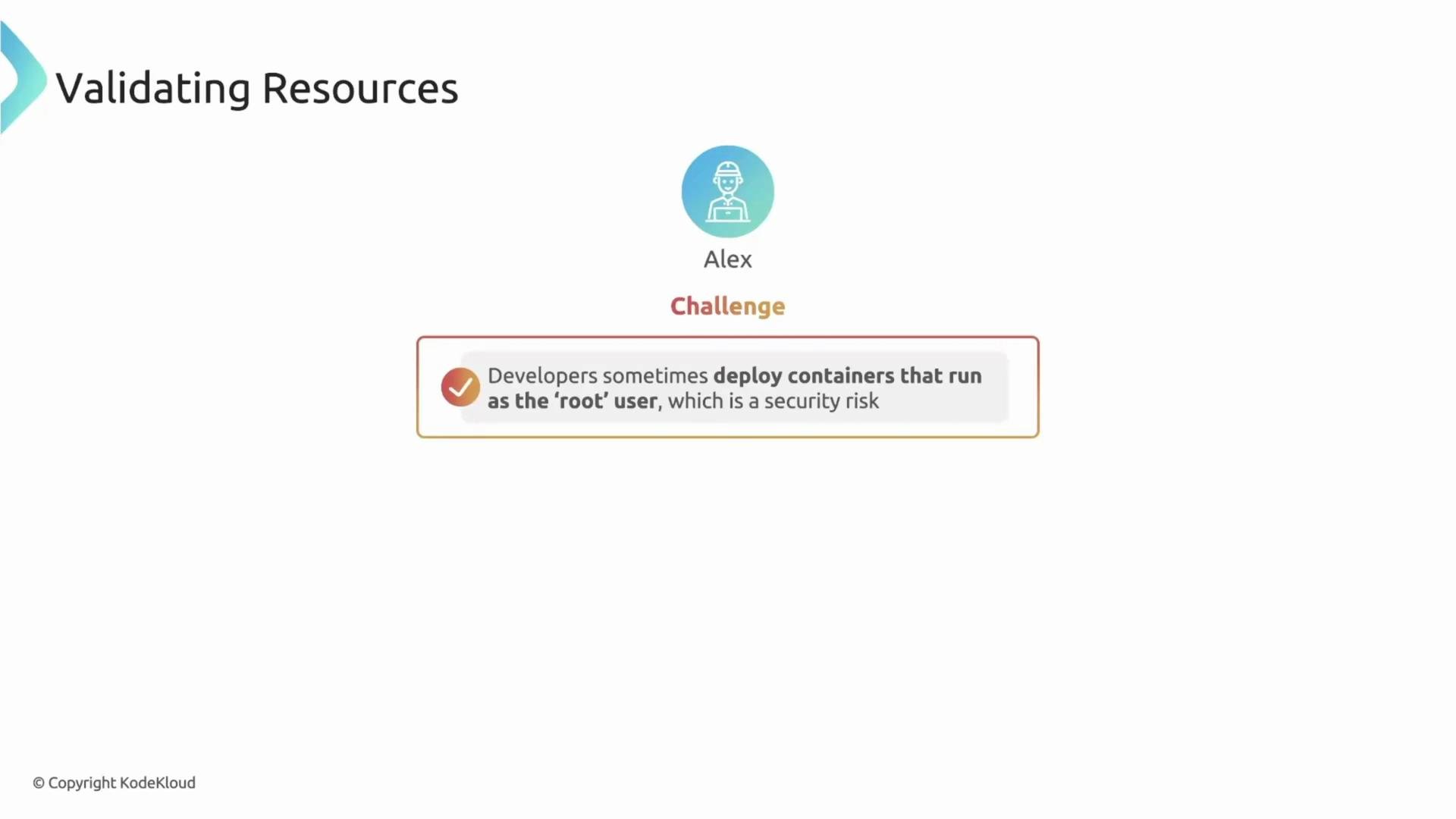
Validate rules (gatekeeping)
validate rules act as admission checks. If a resource does not meet the rule’s criteria, the API server rejects it with a clear error message.
Example: disallow containers that run as root. This validate rule matches Pods on creation/update and enforces securityContext.runAsNonRoot: true:
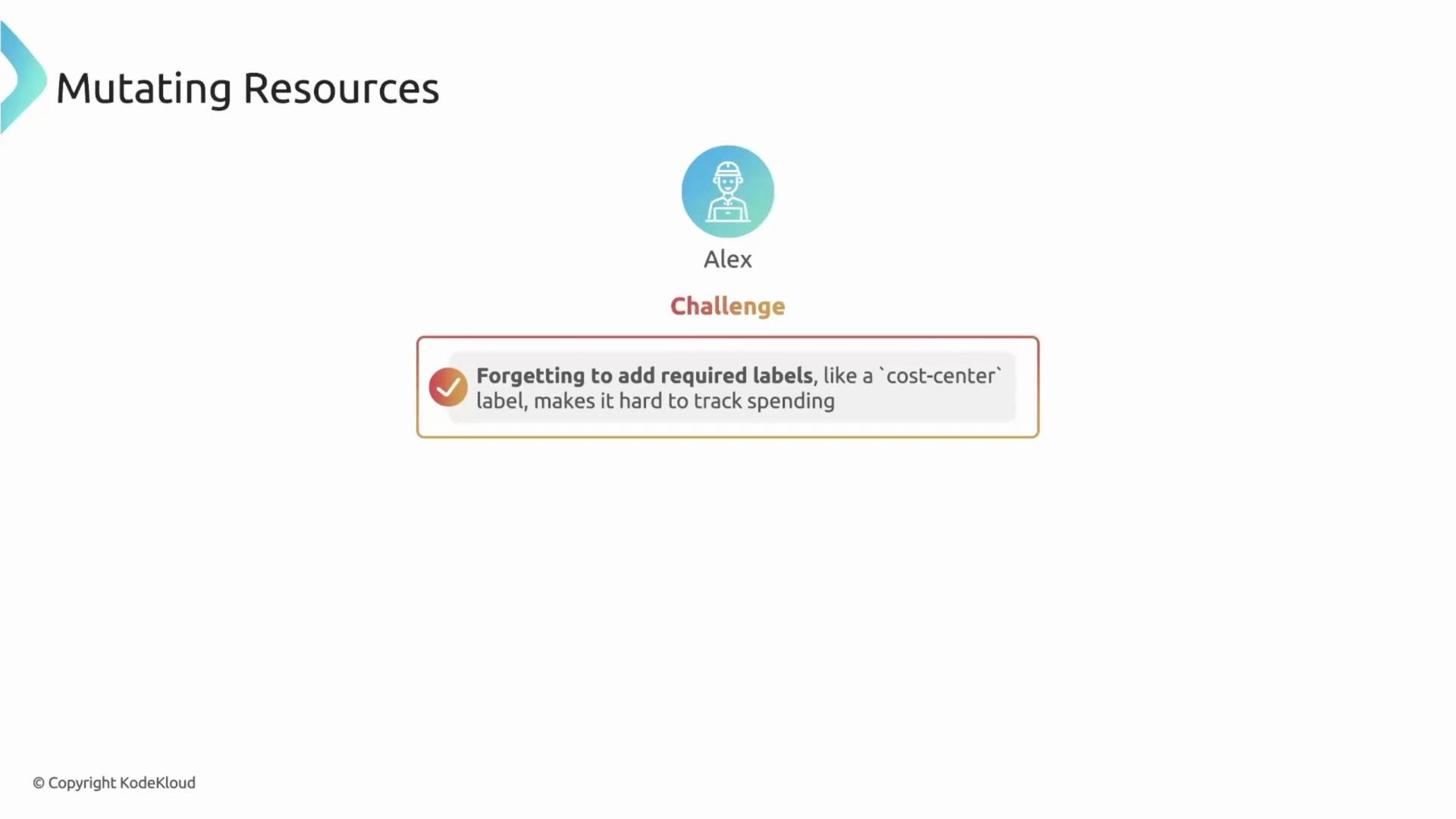
mutate rules let Kyverno modify an incoming resource so it conforms to your policies — without blocking the developer.
Example: automatically add a cost-center label to Deployments if it’s missing:
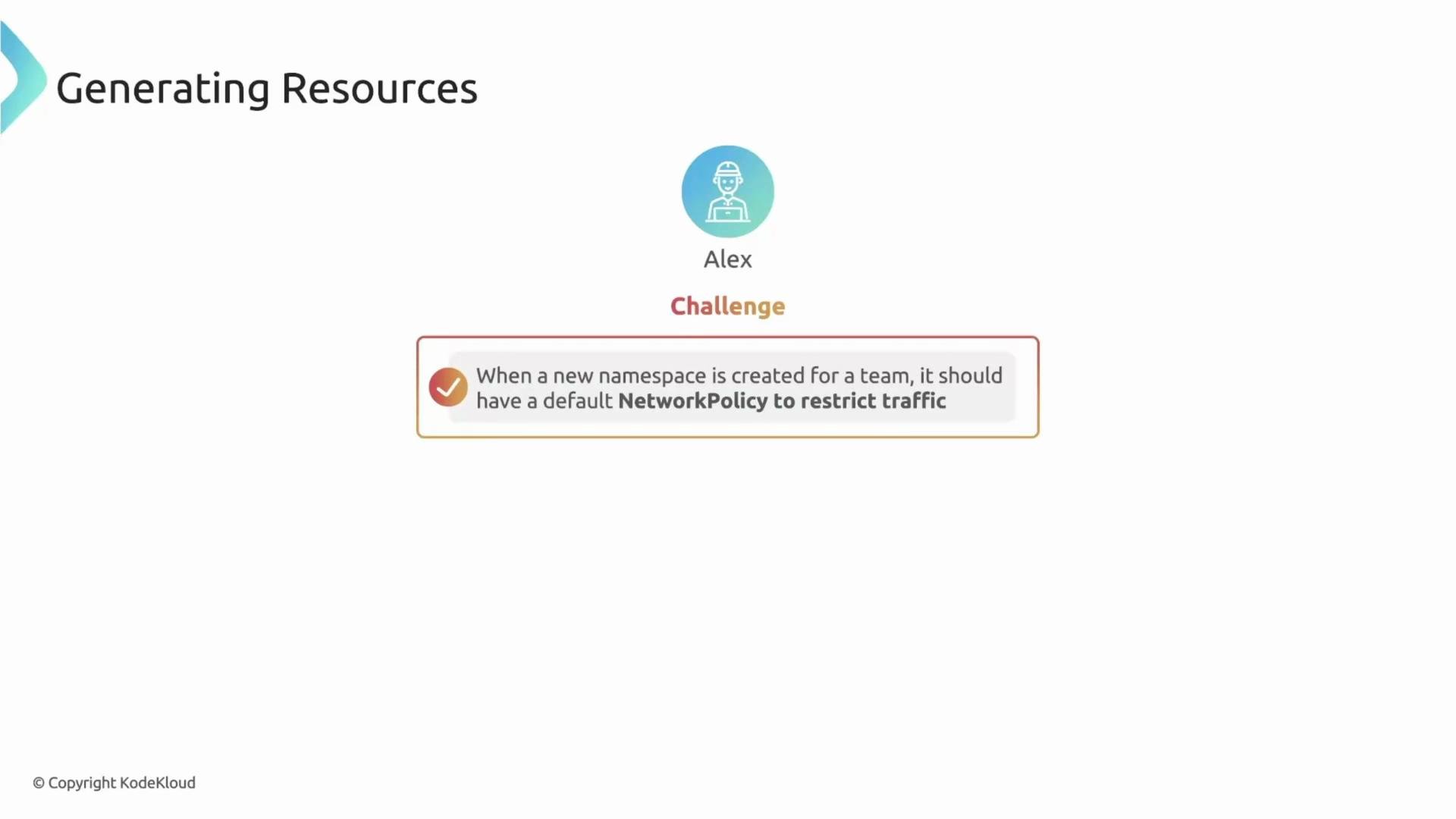
generate rules create resources automatically in response to other events — ideal for provisioning default guardrails.
Example: create a default NetworkPolicy whenever a Namespace is created. This ensures namespaces are created with network restrictions without relying on each team to add them.
NetworkPolicy, ResourceQuota, LimitRange, service accounts, or other namespace-level defaults.
VerifyImages rules (supply-chain protection)
One of the strongest defenses against supply-chain attacks is to verify container images at admission. verifyImages rules check signatures and attestors (trusted signers) so only images built and signed by your CI/CD are allowed.
Example: require signed images from ghcr.io/my-org/* and validate signatures using a trusted public key:
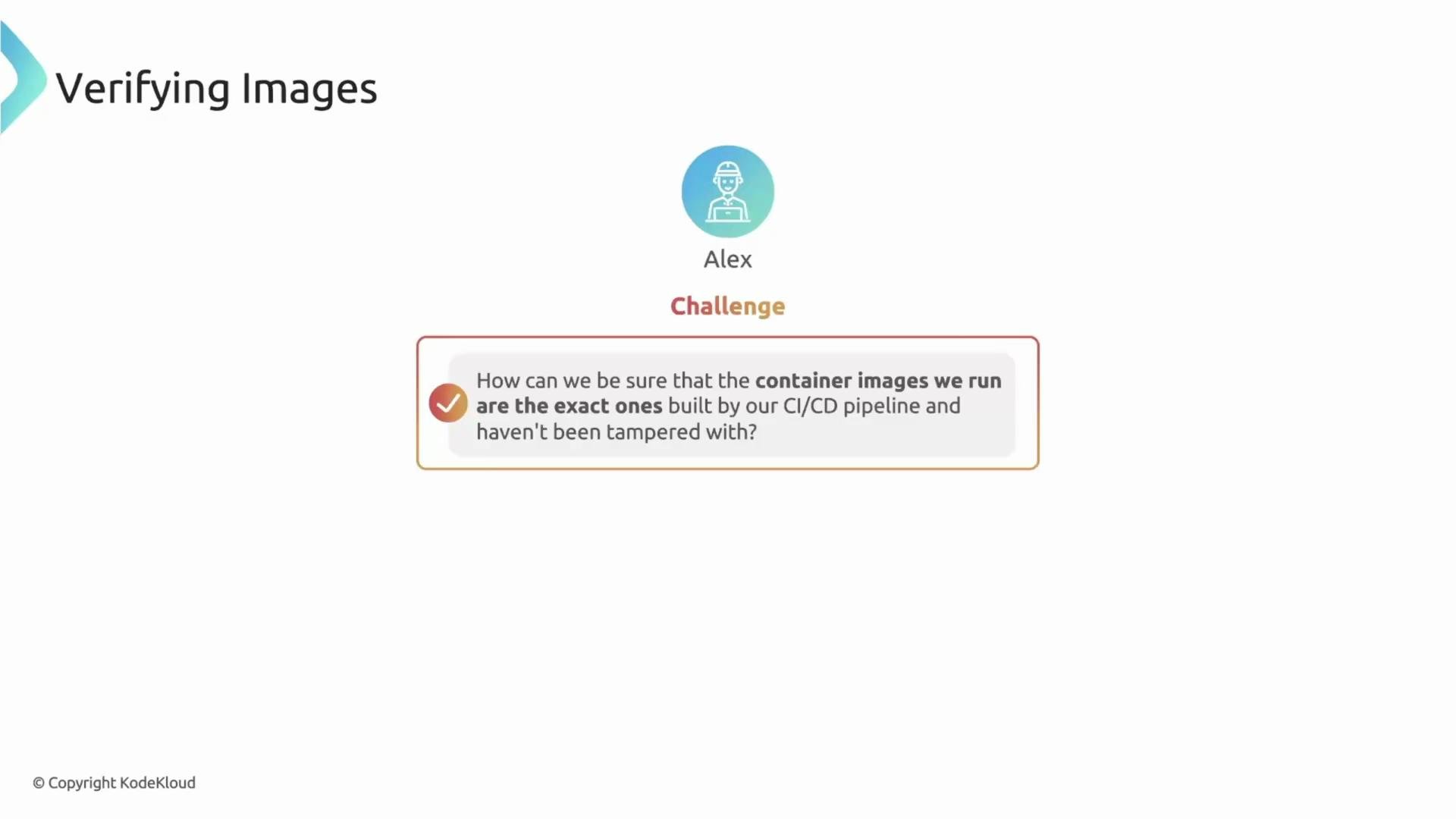
Image verification is a critical security control. Misconfiguration can block valid deployments or fail to prevent unsigned images. Test
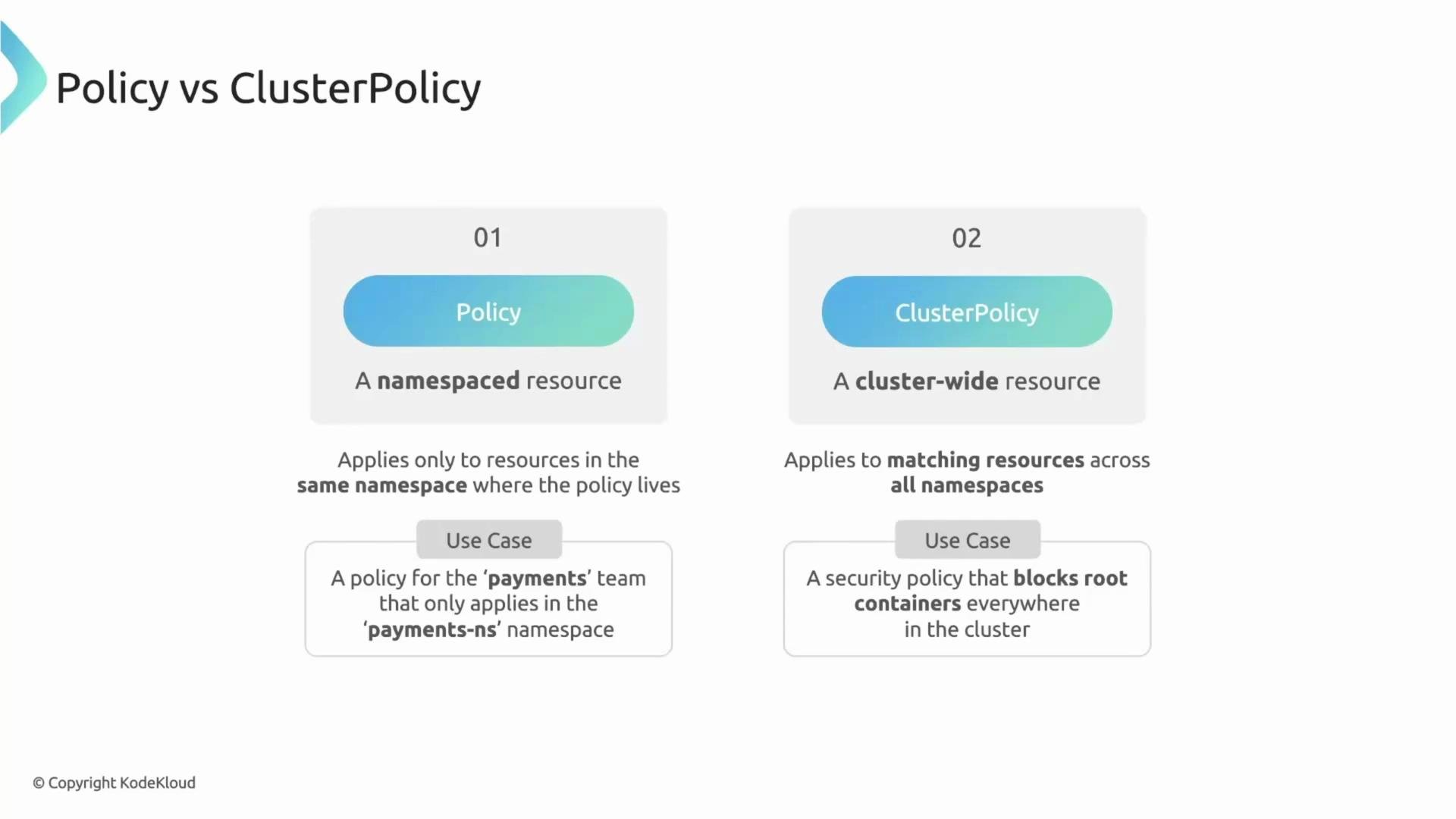
verifyImages policies in a staging cluster and ensure your CI/CD signs images with the correct keys before enforcing in production.Policy(namespaced): The policy only applies to resources inside the namespace where it’s created. Use for team-specific rules, e.g., a payments team policy defined in thepaymentsnamespace.ClusterPolicy(cluster-wide): The policy applies across all namespaces in the cluster. Use for global security or compliance checks, e.g., blocking privileged containers or enforcing image signature verification cluster-wide.
match/exclude syntax, and actions are identical between Policy and ClusterPolicy — only the scope differs.
- Start with
Policyin a staging namespace to test rules, then promote toClusterPolicy. - Use clear
messagefields invalidaterules so developers get actionable errors. - Prefer
mutateandgeneratewhen you can auto-correct without blocking developer velocity. - Use
verifyImagesto enforce image provenance; integrate signing into CI/CD pipelines.
Tip: Use labels and selectors in
match blocks to target only the workloads you intend to manage (for example, match.resources.kinds: ["Deployment"] and match.resources.namespaces: ["production"]).- Kyverno documentation: https://kyverno.io/
- Kubernetes admission controllers overview: https://kubernetes.io/docs/reference/access-authn-authz/admission-controllers/
- Image signing and verification best practices: refer to your signing tool (e.g., Cosign, Notary) and integrate with CI/CD
validate, mutate, generate, and verifyImages. In subsequent lessons we’ll dive deeper into each rule type with hands-on examples, real-world patterns, and production-ready configurations.