

validate rule that blocked non-compliant resources. However, in real clusters you often want to discover existing violations before enforcing a rule. The Failure Action settings determine whether Kyverno acts as a reporter (Audit) or a gatekeeper (Enforce), and whether preexisting violations are tolerated.
Older examples (and some exam questions) may show a top-level
validationFailureAction field. That field is deprecated. Use per-rule validate.failureAction instead to control behavior rule-by-rule.failureAction per validate rule lets different rules in the same policy behave differently — for example, one rule can Enforce while another is Audit.
Deprecated (still seen in the wild)
Audit (default)
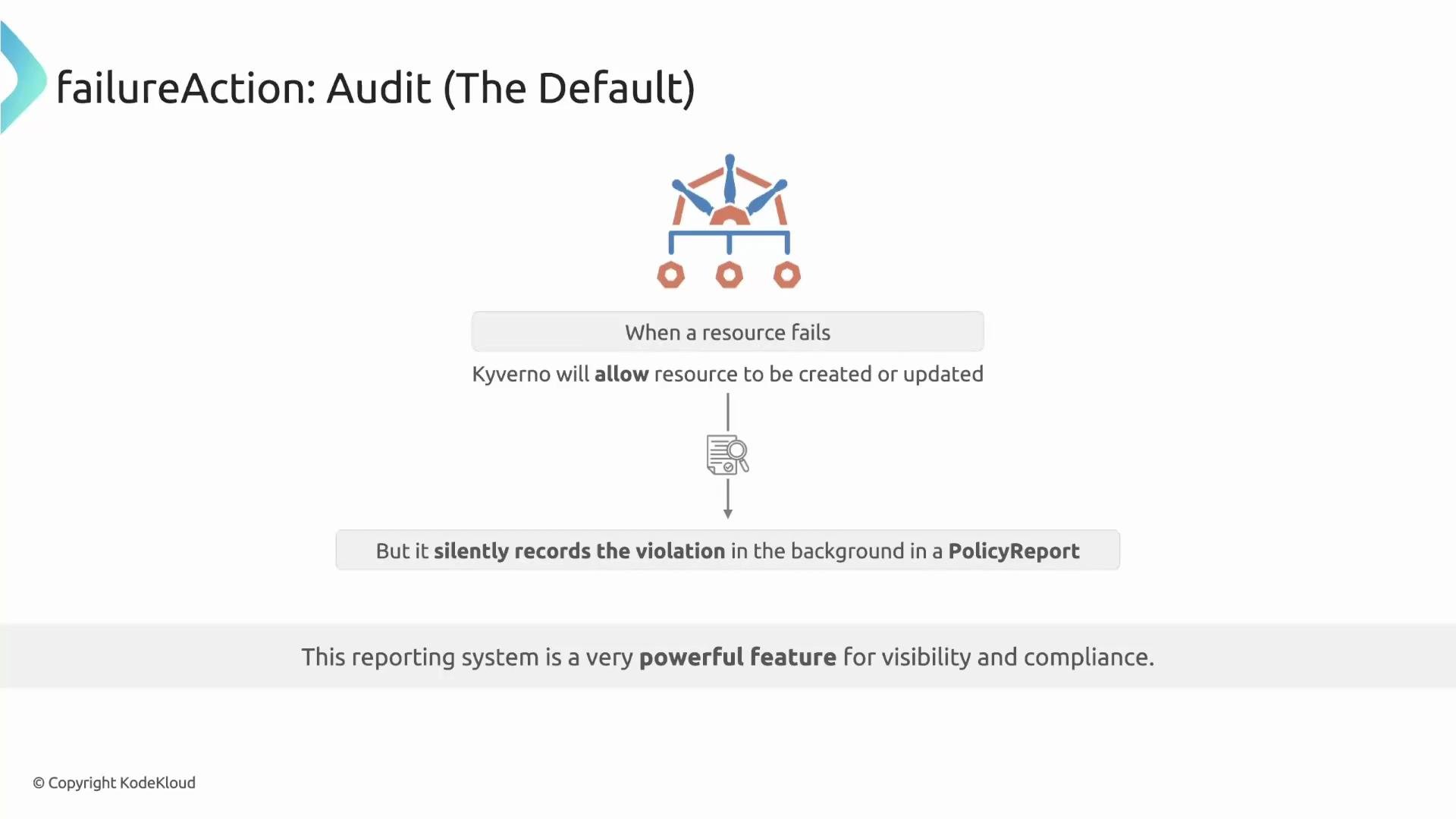
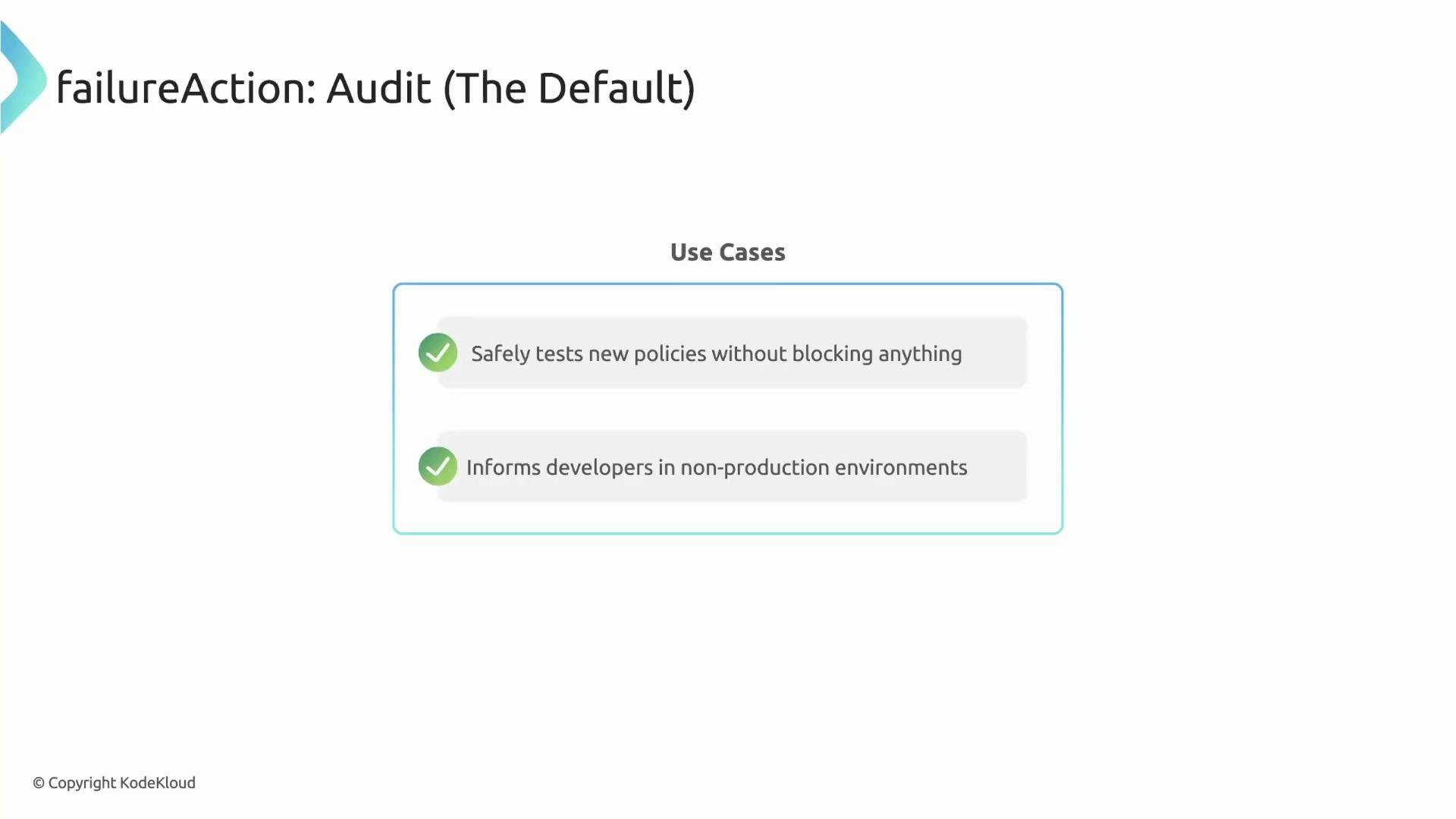
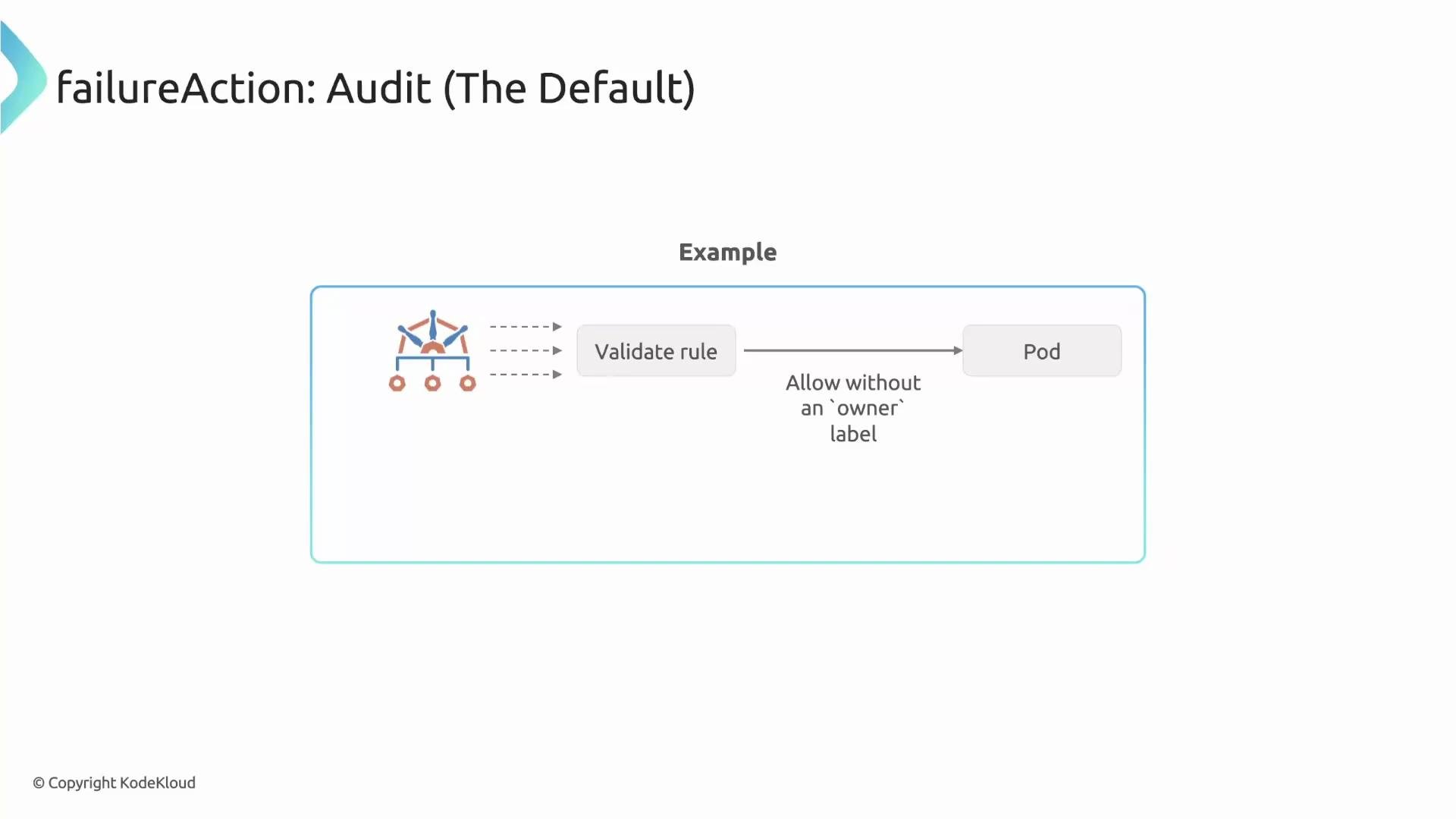
If you omitfailureAction in a validate rule, Kyverno defaults to Audit. Audit mode reports violations but does not block the request: the API server allows the resource to be created or updated, and Kyverno records the violation in a PolicyReport for visibility and compliance tracking.
emitWarning — show immediate warnings without blocking
If you want users to receive immediate, non-blocking feedback, enableemitWarning at the policy spec level. With emitWarning: true, Kyverno still records violations in PolicyReports, but admission responses include a warning so users see feedback immediately.
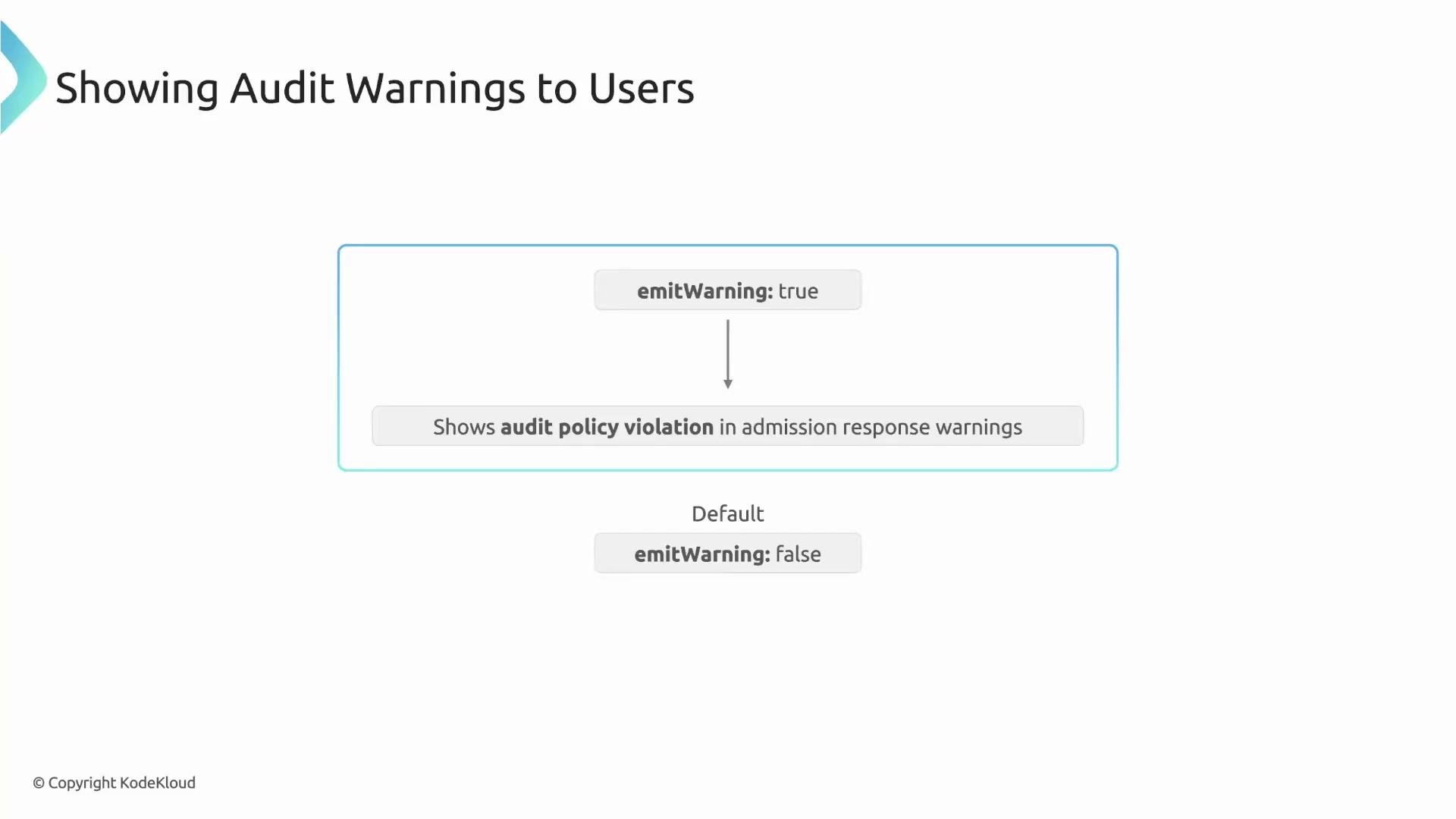
emitWarning
kubectl will show an admission warning:
Enforce (blocking) mode
failureAction: Enforce blocks admission requests that violate the rule. Use Enforce in production or security-sensitive clusters to prevent non-compliant resources from being created or modified.
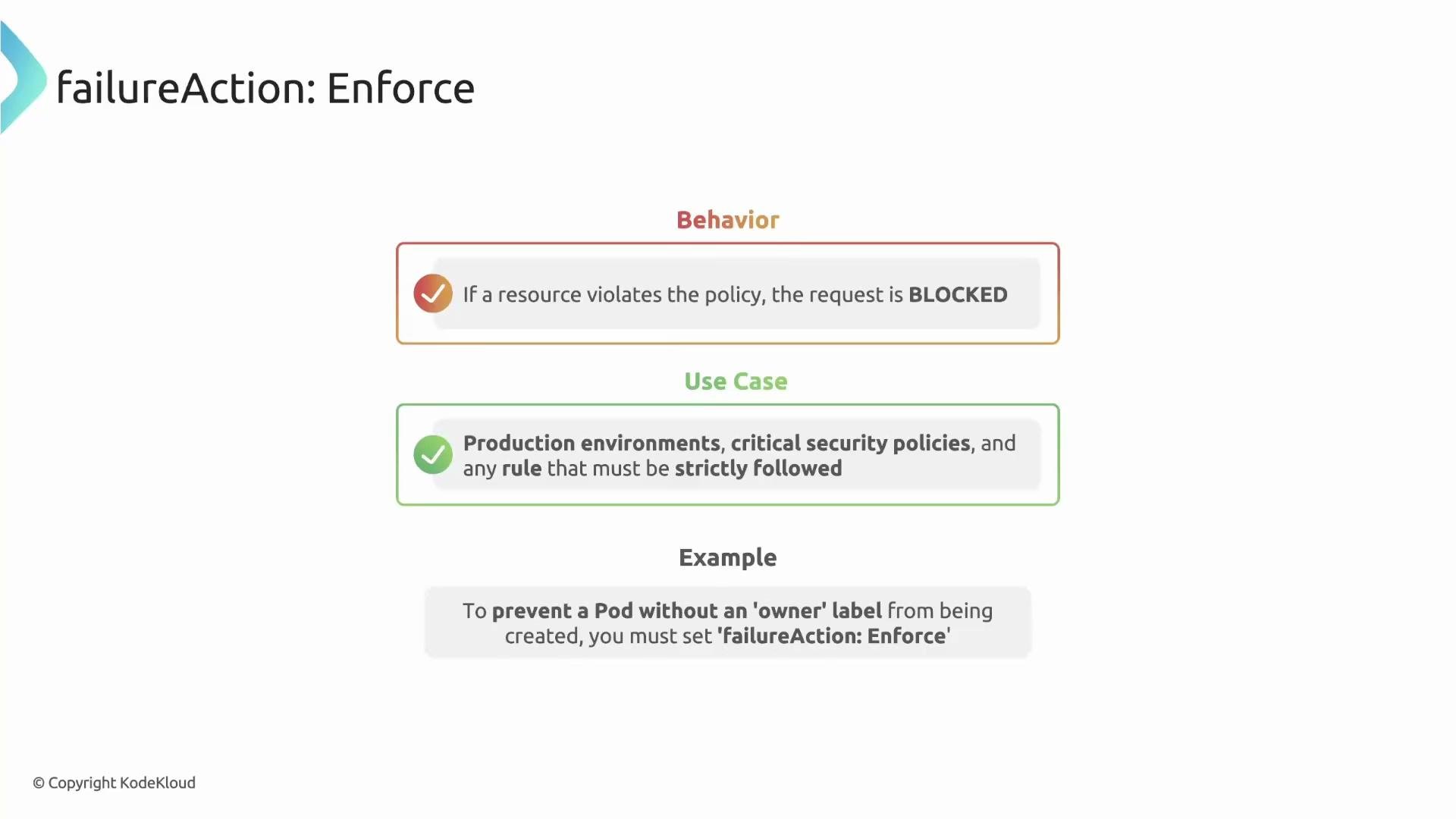
Behavior with existing non-compliant resources
When you apply an Enforce policy to a live cluster, Kyverno tries to avoid sudden disruption. By default, Kyverno uses a forgiving behavior for preexisting violations: a resource that already violates the policy is not immediately blocked from updates. Enforcement becomes strict on that resource once it is updated in a way that would make it compliant (or after corrective action). This design helps you phase-in enforcement without instantly freezing many resources.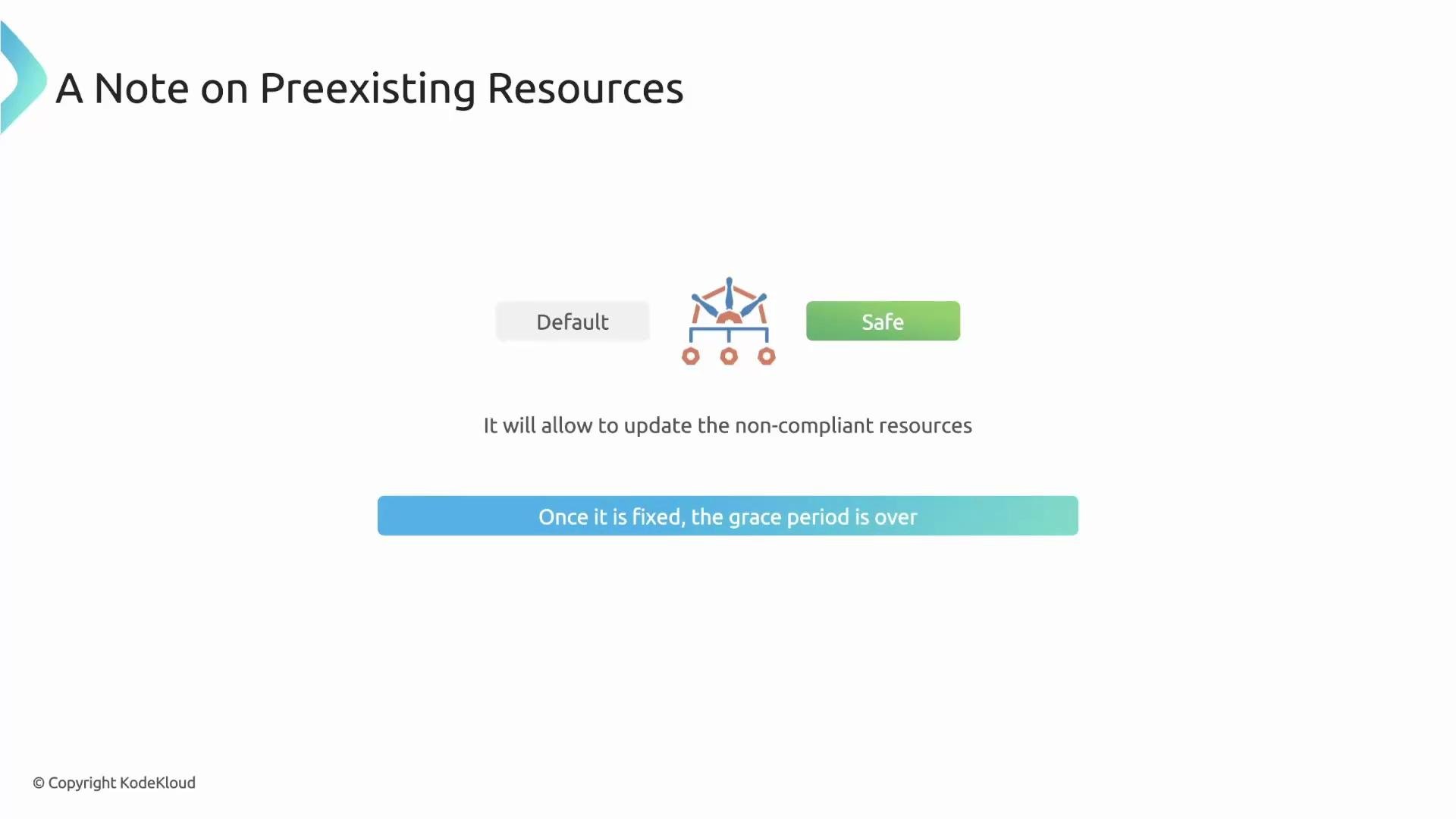
allowExistingViolations — disable the grace period (strict mode)
TheallowExistingViolations field controls whether Kyverno forgives preexisting violations:
- Default:
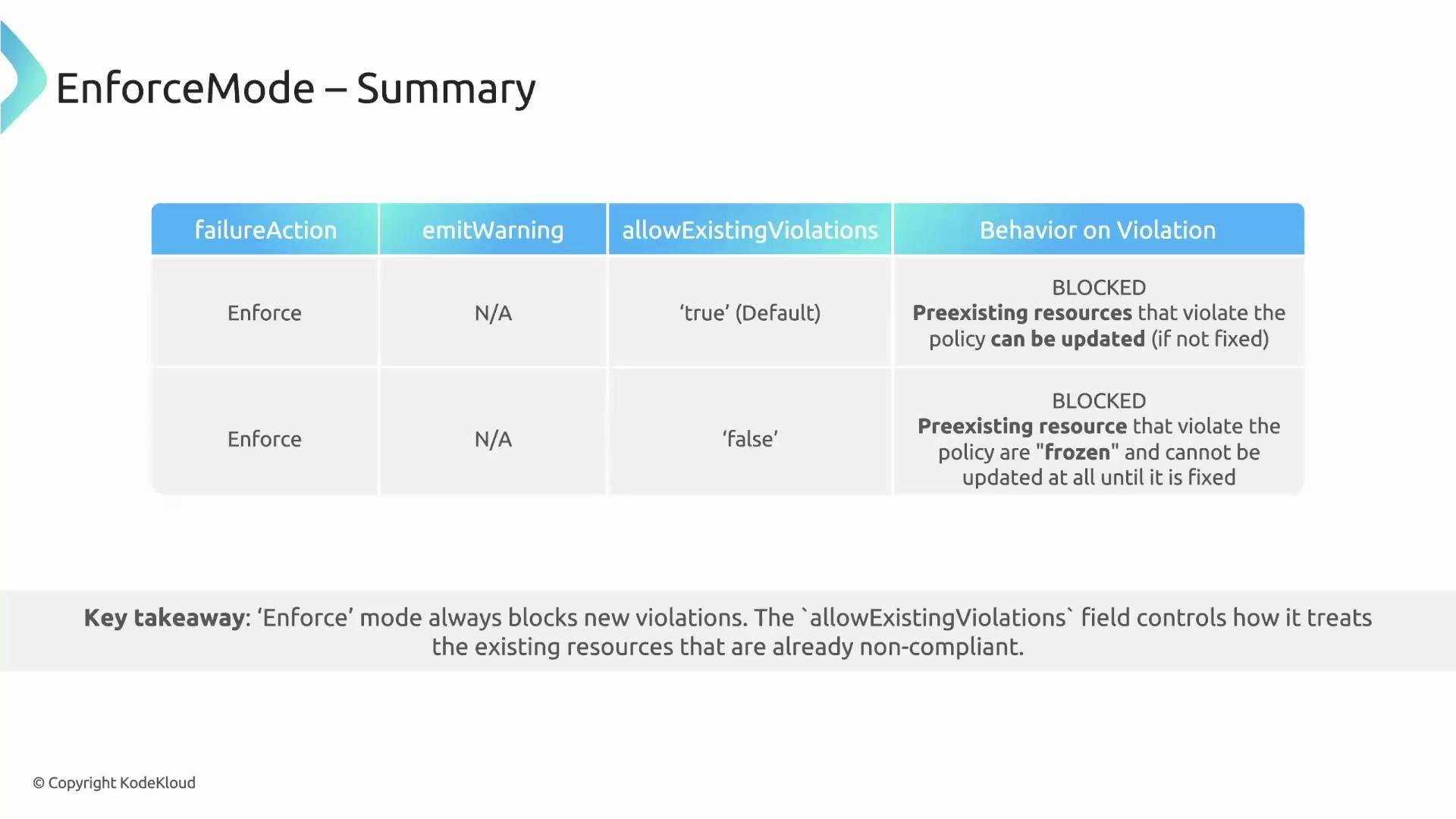
true— safe, non-disruptive (preexisting violations are tolerated). false— strict mode: Kyverno enforces the policy fully and will block updates to any resource that currently violates the policy until the violation is fixed.
allowExistingViolations: false only when you want to prevent any changes to non-compliant resources (for example, in high-security environments).
Example: strict enforcement
Setting
allowExistingViolations: false can be disruptive: preexisting non-compliant resources will be frozen (no updates) until they are fixed. Plan and communicate carefully before applying this setting in production.Quick reference: Failure action fields
Summary
-
Audit (default)
- Omitting
failureActionor settingAuditrecords violations in PolicyReports without blocking resources. - Use
emitWarning: trueto return admission warnings to the user for immediate feedback. - Best for reporting, gradual rollout, and non-production environments.
- Omitting
-
Enforce
failureAction: Enforceblocks non-compliant requests.- By default, Kyverno does not immediately disrupt preexisting violations; enforcement applies strictly after an update or corrective action.
- Use
allowExistingViolations: falseto disable the grace period and freeze non-compliant resources until fixed.
- Kyverno policies and validation: https://kyverno.io/docs/walkthroughs/validate/
- Kyverno PolicyReport documentation: https://kyverno.io/docs/monitoring/policy-reports/