

verifyImages, for validating image signatures and attestations. Each verification statement includes a few important fields:
type— the signature system (for example, Notary or Cosign).imageReferences— which images the rule should check (wildcards supported).attestors— the trusted signers (public keys, certificates, etc.).
verifyImages rule:
imageReferences list tells Kyverno which images to protect. In the example above we target all tags of ghcr.io/my-org/my-app.
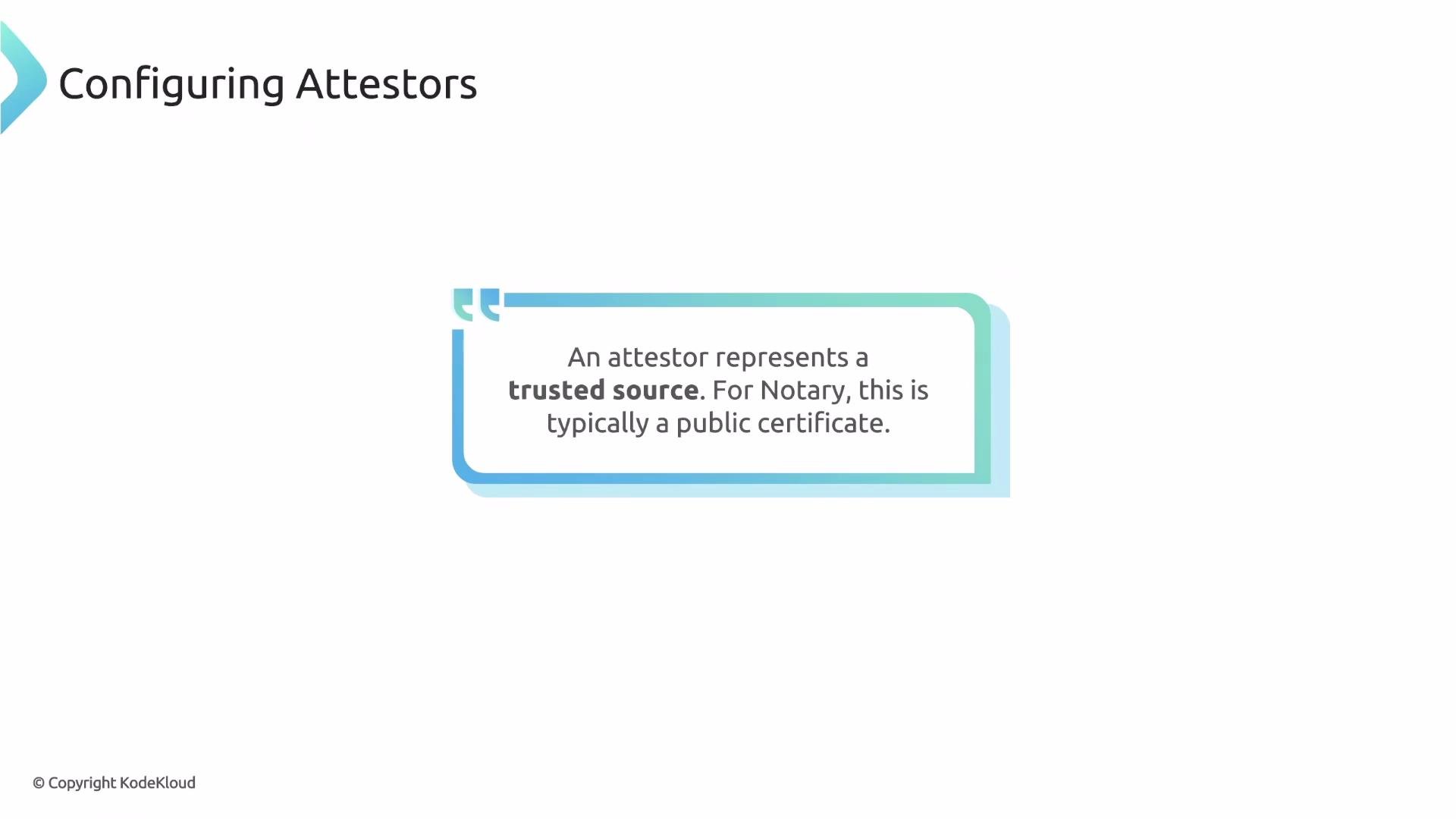
The attestors block is the core of your trust policy — it declares which keys or certificates Kyverno accepts as valid signers.
count. If count is omitted, Kyverno requires all listed entries to pass (logical AND). Setting count: 1 requires at least one entry to pass (logical OR across entries).
count to support flexible trust models, for example accepting images signed by either a dev team key or a security team key.
If you omit
count, Kyverno requires all listed attestors to validate (logical AND). This can be stricter than intended — explicitly set count to express OR semantics or multi-signer requirements.cert field holds the PEM-encoded public certificate that pairs with the private key used to sign the image. Kyverno uses this certificate to cryptographically verify signatures associated with the resolved image digest.
How verification works (two stages)
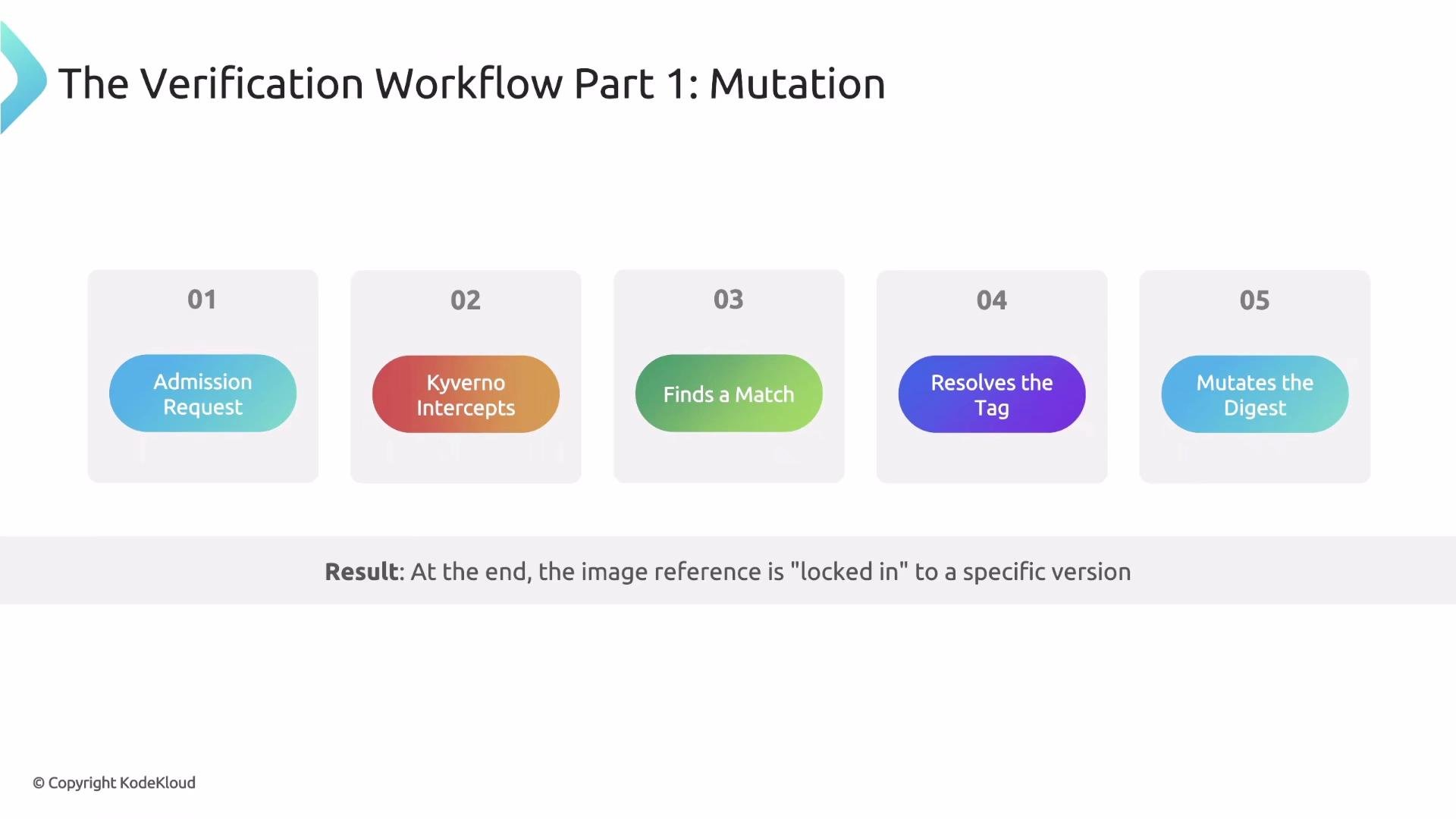
- Mutation (tag → digest)
When a Pod is submitted, the Kyverno admission webhook intercepts the request and scans container images. If an image tag matches
imageReferences, Kyverno resolves that tag to the immutable digest stored in the registry. Kyverno mutates the Pod in-memory to replace the tag with that digest, effectively locking the exact image that will be pulled — preventing tag rebinding after verification.
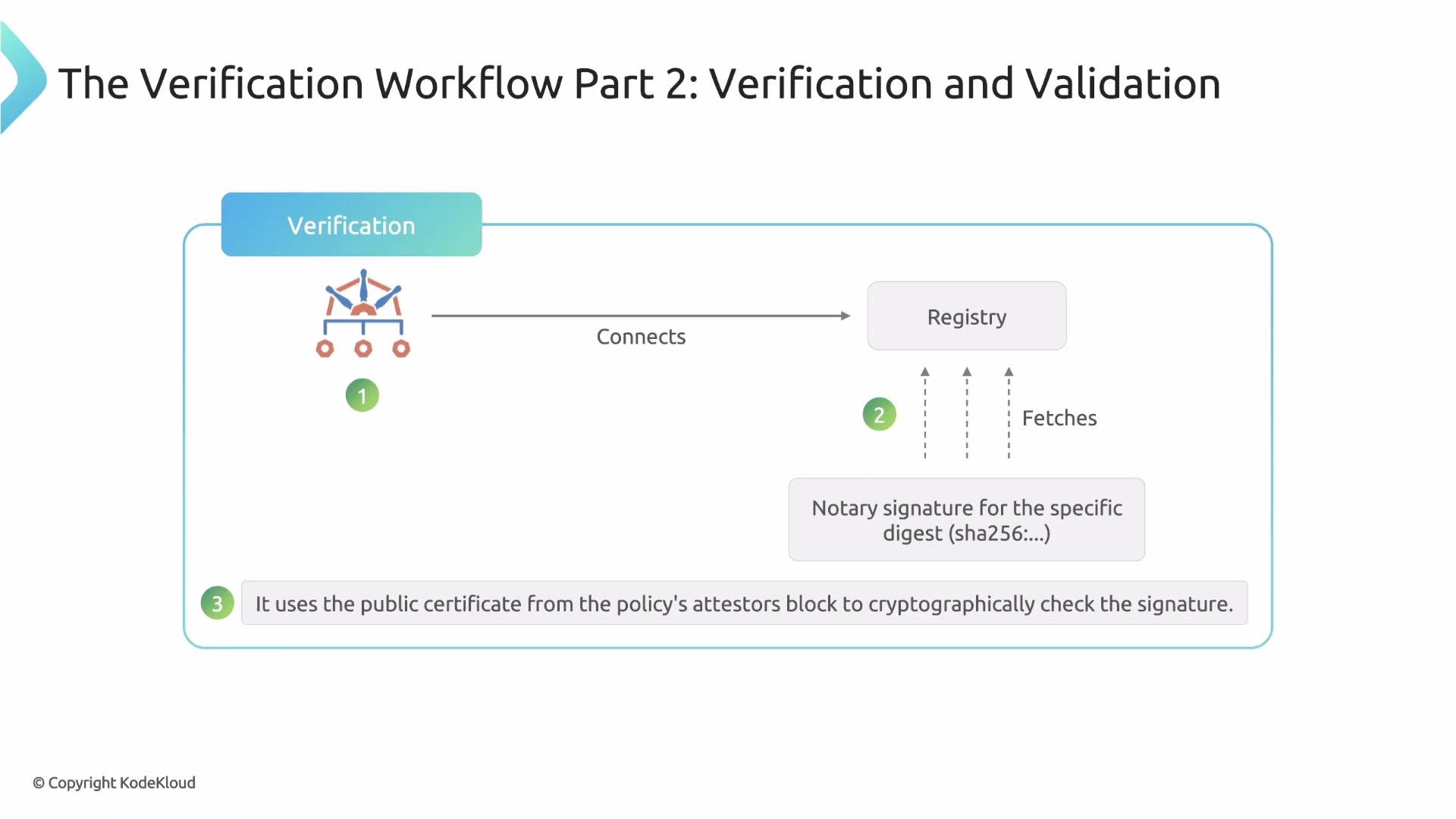
- Validation (fetch signature → cryptographic check)
After mutation, Kyverno connects to the registry to fetch the Notary signature associated with the resolved digest. Using the certificate(s) in the policy
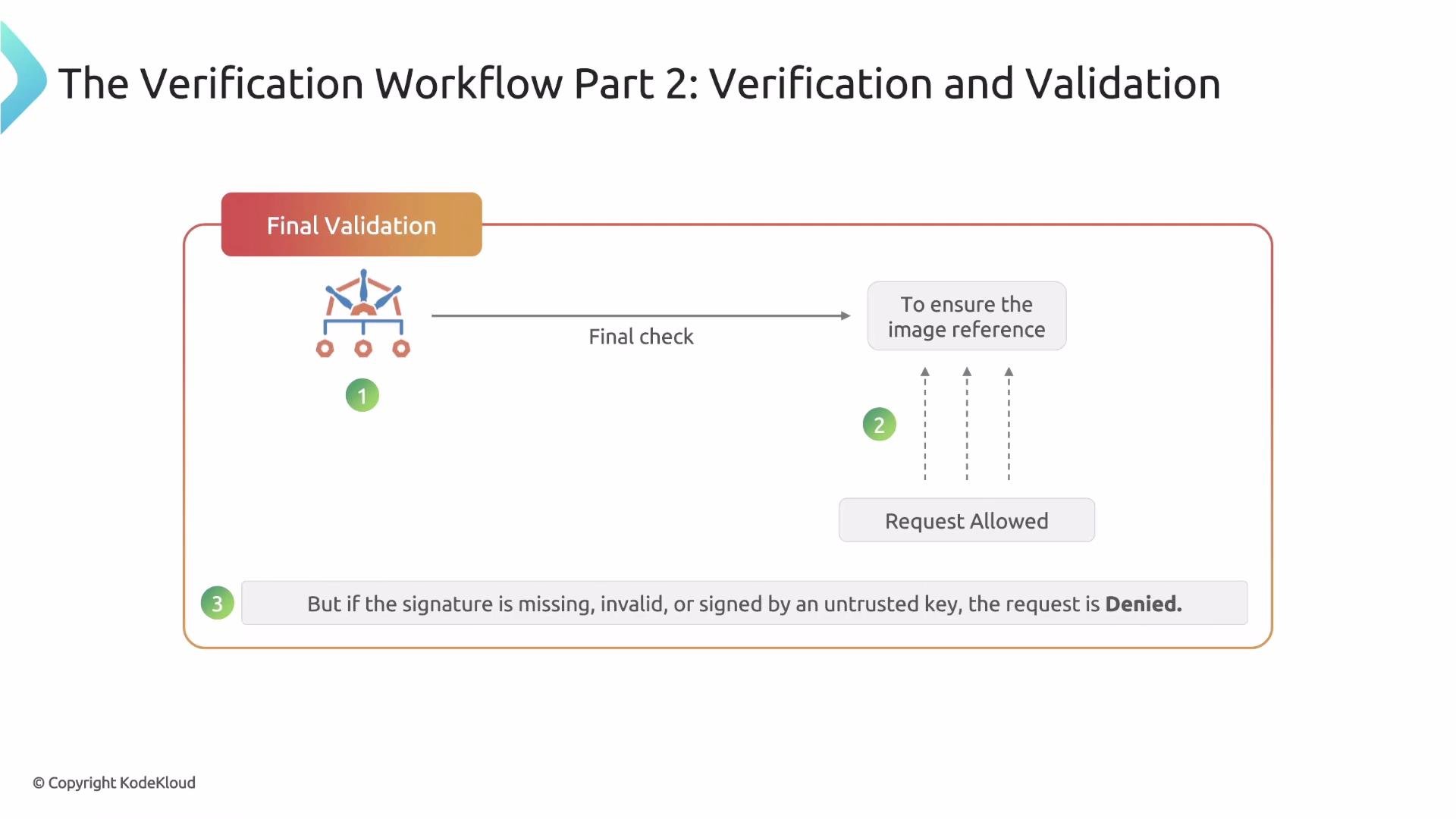
attestors, Kyverno verifies the signature. Kyverno then confirms the Pod’s image reference still uses the same digest. If all checks pass, admission is allowed.
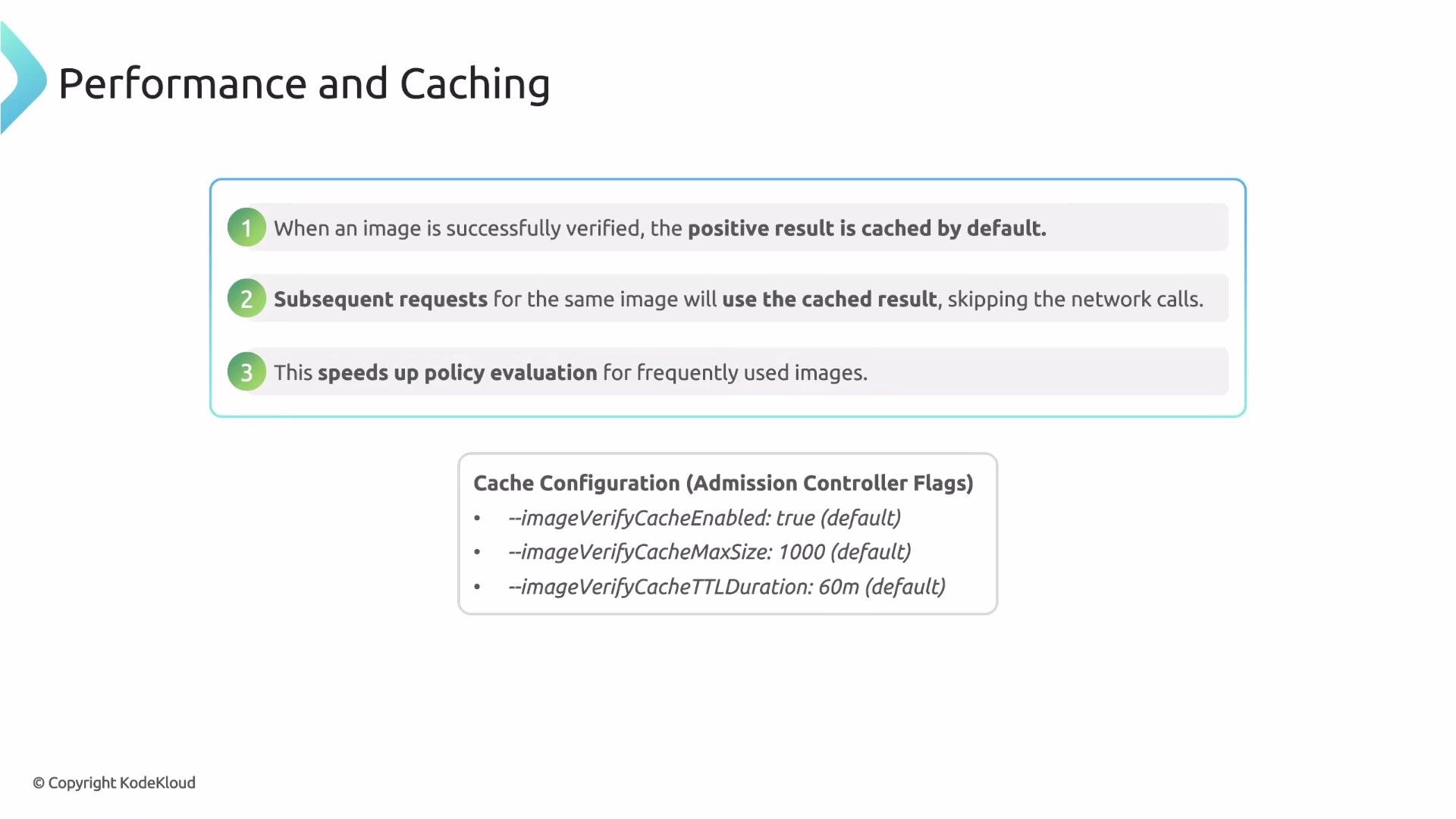
- The first time a specific image digest is successfully verified for a given policy, Kyverno stores a positive result in an in-memory TTL cache.
- Subsequent Pods using the same image digest will hit the cache and be allowed immediately, avoiding a remote registry call and expensive crypto operations.
The cache trades freshness for performance. The default TTL (60m) may allow a revoked signature to be accepted until the cache entry expires. Choose cache settings based on your operational risk tolerance.
Summary
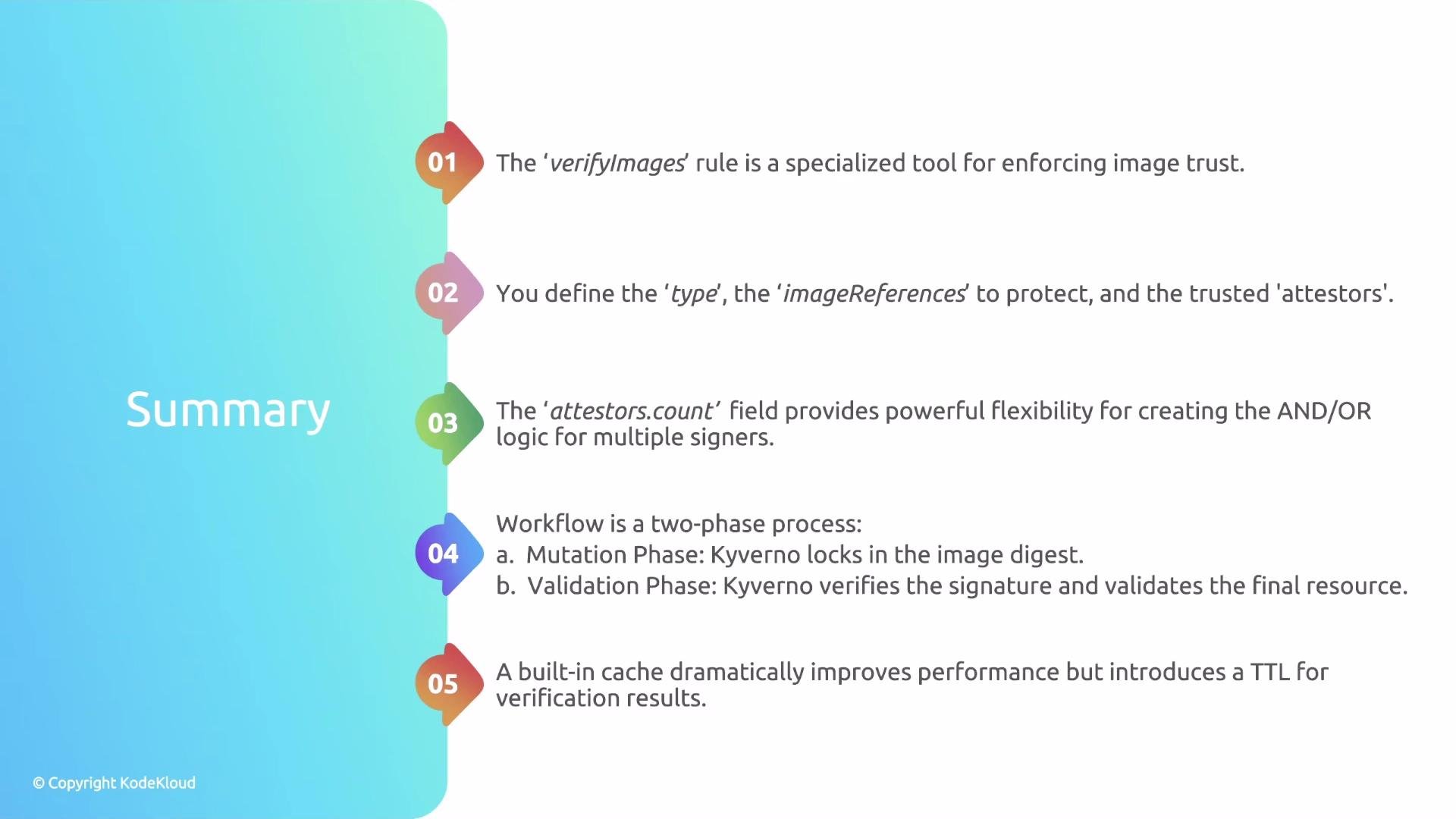
verifyImagesis Kyverno’s mechanism for supply-chain image verification (Notary, Cosign, etc.).- Define
type, protectedimageReferences, and trustedattestorsto express your trust policy. - Use
attestors.countto control logical AND vs OR behavior across attestors. - Verification is two-phase: mutation (resolve tag → digest) and validation (fetch signature → cryptographic verification).
- Kyverno uses an in-memory TTL cache to reduce verification overhead — tune cache settings to match your security posture.
- Kyverno verifyImages documentation: https://kyverno.io/docs
- Notary (The Update Framework): https://github.com/theupdateframework/notary
- Cosign: https://docs.sigstore.dev/cosign/