

validate, mutate, and generate rules. In practice, though, there are always exceptions—applications or third‑party tools that legitimately cannot comply with a rule. Kyverno provides a built‑in mechanism to handle those cases: policy exceptions.
This lesson explains Kyverno policy exceptions and demonstrates a safe, auditable workflow to allow exceptional workloads without weakening cluster security.
Alex’s story: a real-world example
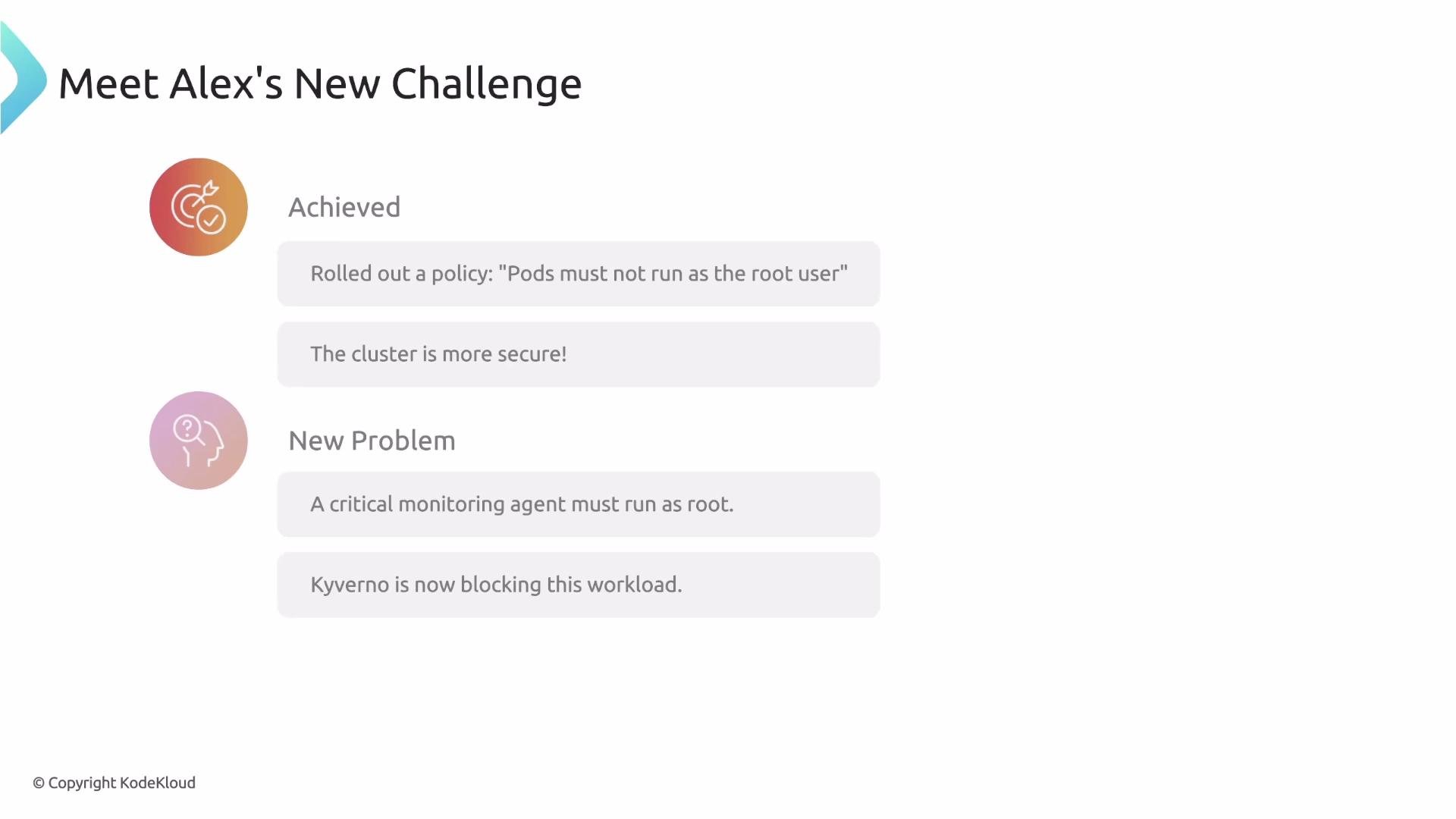
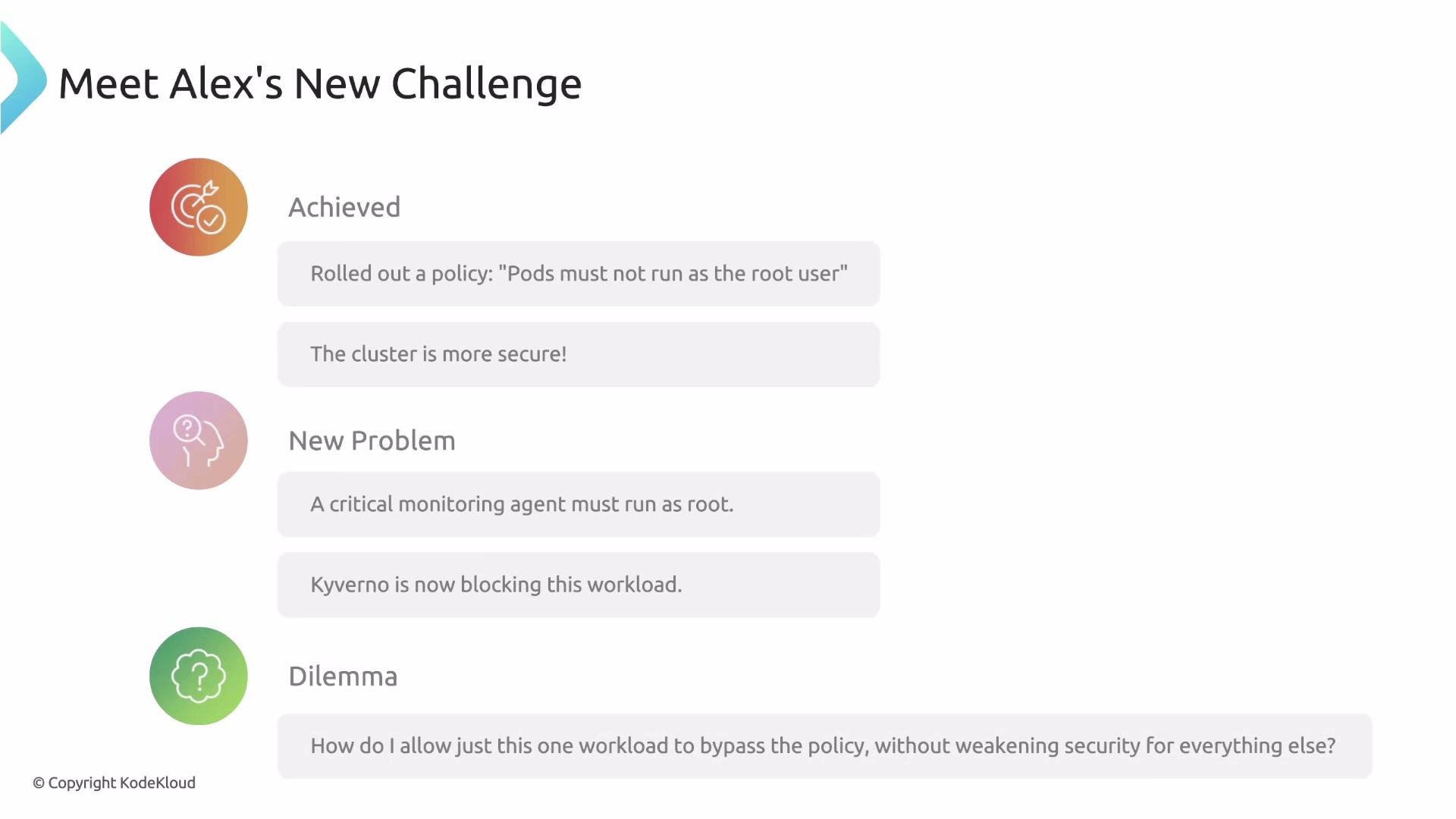
- Alex implemented a
validaterule to ensure all new Pods run as a non‑root user — a common and important security best practice. - The security team is happy and the cluster is locked down.
- Then the operations team needs to deploy a high‑priority monitoring agent (Alloy). The agent is a third‑party binary Alex cannot modify and it requires root privileges to operate.
- Because of the
validaterule, Kyverno blocks the workload. Alex cannot change the agent, and he must avoid disabling the policy cluster‑wide.
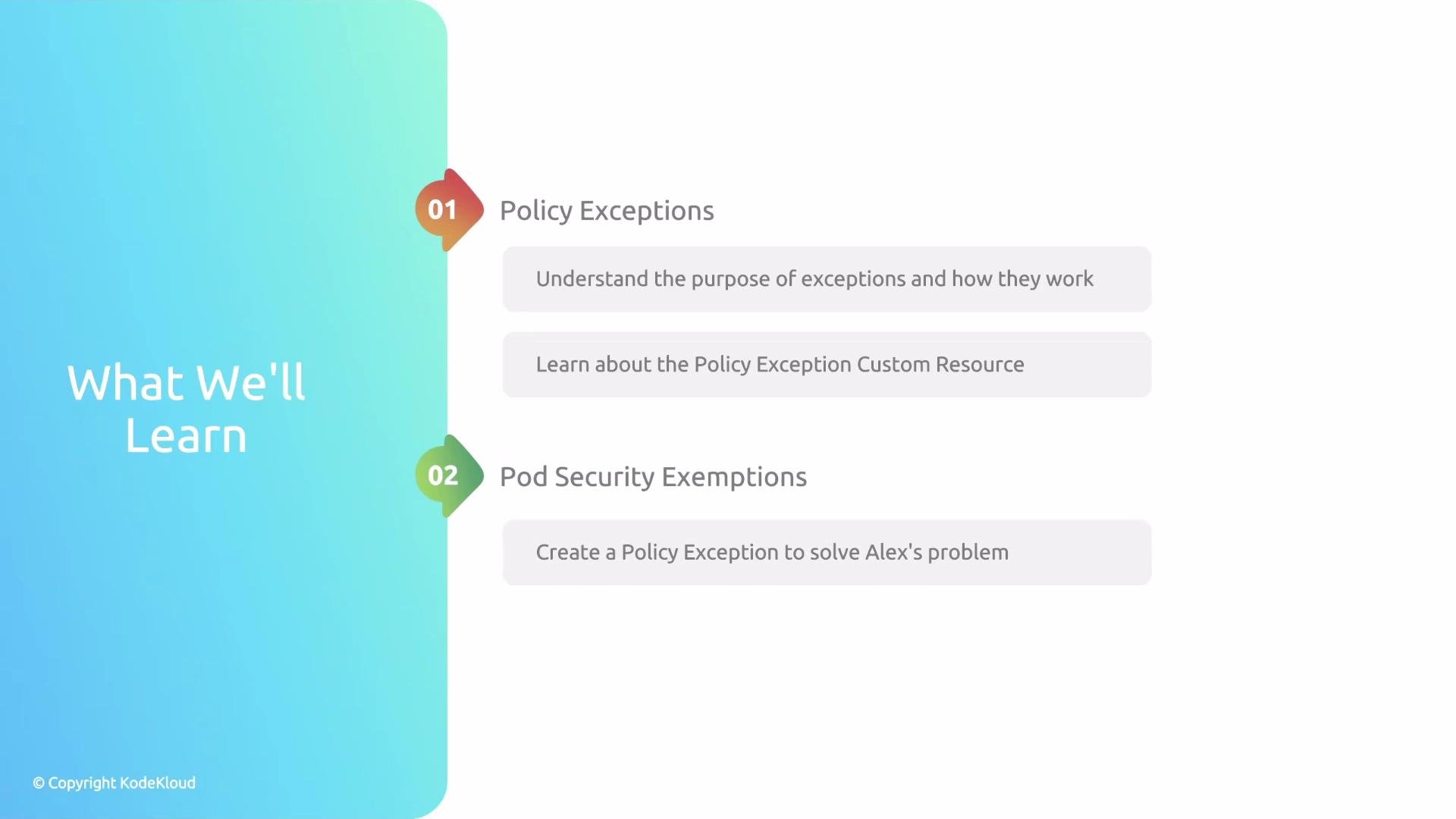
- What a policy exception is and the custom resource used to create one.
- A step‑by‑step hands‑on example: create an exception that allows Alloy’s monitoring agent to run as root while keeping the global non‑root
validaterule in place. - How to use exceptions specifically for Pod Security exemptions and other targeted cases.
- Best practices for safely creating, reviewing, and auditing exceptions.
Policy exceptions are implemented via a custom resource (the Exception CR). Use exceptions sparingly: prefer narrowly scoped rules that target specific namespaces, labels, or service accounts before resorting to exceptions.
- Granular: scope exceptions to a particular namespace, workload, or label.
- Auditable: exceptions are Kubernetes resources and can be reviewed, versioned, and tracked.
- Reversible: remove the exception when it is no longer needed; global policies remain intact.
- Safe: avoids the risky practice of disabling policies cluster‑wide.
- Kyverno documentation: https://kyverno.io/docs/
- Kubernetes Pod Security admission: https://kubernetes.io/docs/concepts/security/pod-security-admission/
Avoid blanket exceptions. Always scope exceptions as narrowly as possible (namespace, label selector, or specific workload) and follow an approval process to minimize risk.