foreach loop and puts that knowledge into practice with real-world Kyverno validation scenarios.
Quick refresher: core foreach components
list— the array (or JMESPath expression that produces an array) Kyverno iterates over.element— the current item inside the loop.- Validation logic (
pattern,anyPattern, ordeny) — applied to eachelement.
Use
element to reference fields on the current item (for example, element.host or element.volumeMounts[]). Combined with JMESPath expressions, list can merge arrays such as initContainers and containers.Ingress: block wildcard hosts
Requirement: the security team wants to forbid wildcard hosts (those containing*) in Ingress resources. This is a good example of using deny inside a foreach to reject specific elements.
How it works:
listpoints torequest.object.spec.rules, so Kyverno iterates every rule in the Ingressspec.rulesarray.- On each iteration
elementis one rule object (for example, a dictionary containinghostandhttp). - The
denycondition testselement.hostwith thecontainsfunction and rejects the request when*is present.
- The
keyis an expression in{{ }}and referenceselement.host. contains(element.host, '*')returnstruewhen*exists in the hostname.- If any
elementsatisfies the condition, Kyverno denies the entire request.
Deny rules inside
foreach will reject the whole resource if any element matches. Use them only when you intend to block the entire request for a single failing item.Using preconditions to filter loop items (emptyDir example)
Scenario: require containers that mount anemptyDir volume to declare ephemeral storage requests and limits. Pods that do not mount an emptyDir should not fail.
Key concepts:
- The
listcan be a JMESPath expression that mergesinitContainersandcontainersinto a single list so you iterate all container objects. preconditionsact as a per-element filter: Kyverno evaluates them for eachelement. If a precondition fails, that element is skipped.- Only elements that pass preconditions are validated against the
pattern.
list: "request.object.spec.[initContainers, containers][]"mergesinitContainersandcontainersproducing a single array of container objects to iterate.preconditionschecks whether anyvolumeMountname on the current container (element.volumeMounts[].name) appears in theemptydirnamesvariable (the names of volumes that areemptyDir).- If the precondition passes,
patternenforces presence ofresources.requests.ephemeral-storageandresources.limits.ephemeral-storageusing the"?*"wildcard to require a non-empty value. - Containers that do not mount an
emptyDirare skipped and will not be validated.
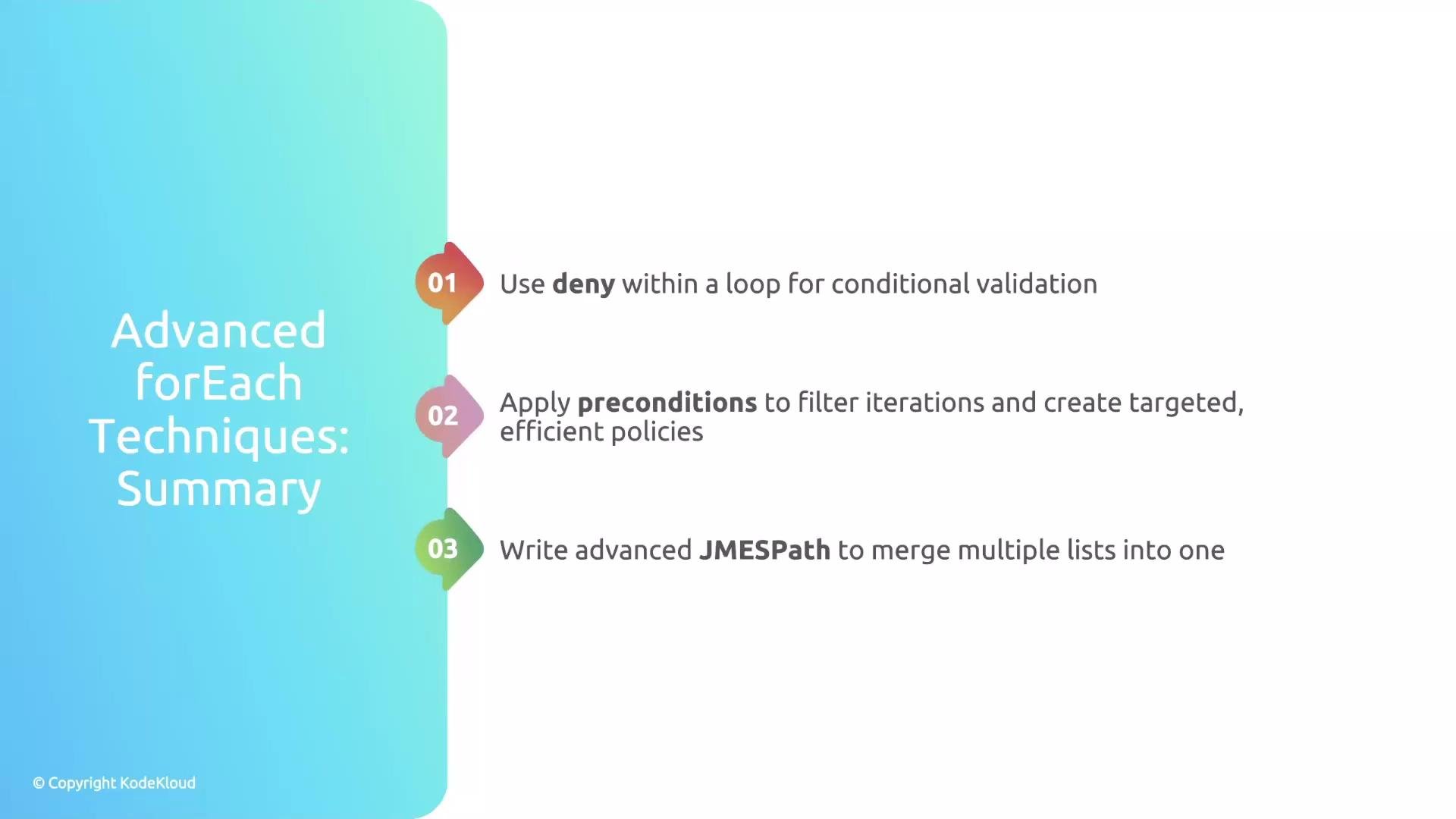
Takeaways
- Use
denyinsideforeachto perform element-level conditional checks that can block a request when a single list item violates policy. - Reference the current item with the
elementvariable (for example,element.hostorelement.volumeMounts[]). - Use
preconditionsto filter loop items and target only relevant elements — this prevents false failures and keeps policies efficient. - JMESPath expressions let you merge and manipulate lists (for example, combining
initContainersandcontainers) soforeachcovers all relevant items.
- Kyverno documentation: https://kyverno.io/docs/
- JMESPath: https://jmespath.org/
- Kubernetes
emptyDirvolume: https://kubernetes.io/docs/concepts/storage/volumes/#emptydir