

- How to trigger mutate-existing rules immediately on policy creation.
- How to select targets more dynamically with label selectors.
- How to reference data from each target resource in the mutation.
- How to further narrow the set of targets using preconditions.
Controlling when a mutate-existing rule runs
By default, a mutate-existing policy runs when the trigger resource specified in thematch block is created or updated. If you want the policy to apply mutations to all matching existing targets immediately when the policy is created (instead of waiting for a trigger event), set mutateExistingOnPolicyUpdate: true inside the mutate block.
Example:
Setting
mutateExistingOnPolicyUpdate: true forces the background controller to immediately list and mutate matching targets when the policy is created or updated. This is useful when you need policy changes to take effect across existing resources right away.Targeting multiple resources with selectors
Targeting a resource by name is useful for single resources, but in most real-world scenarios you want to mutate a set of related resources. Use aselector inside a targets entry to find resources by labels.
Example: this policy is triggered by any Secret change and mutates all ConfigMaps that have the label should-match: "yes".
Using data from each target: the target variable
Kyverno exposes a special variable named target that represents the resource currently being mutated by the background controller. This enables patches that incorporate data read from the target itself, so each target can be mutated using its own values.
Consider a trigger on a ConfigMap named cmone. Kyverno targets cmtwo and cmthree. Each target is mutated using a JSON6902 patch that takes a value from the target’s own data.key and stores it in the env label:
- When Kyverno processes
cmtwo,{{ target.data.key }}is evaluated againstcmtwoand the value fromcmtwo.data["key"]is used to set/metadata/labels/env. - Kyverno then processes
cmthreeseparately;{{ target.data.key }}is evaluated againstcmthreeand its value is used for that mutation. - When referring to template expressions in prose, keep them in inline code (for example,
{{ target.data.key }}) so MDX treats them as code snippets.
Two-stage filtering with preconditions
A selector can produce a broad set of potential targets. If you want to mutate only a subset of those (for example, Deployments whose names match a specific pattern), add apreconditions block inside the targets definition. Think of preconditions as a second-stage filter: Kyverno first finds resources by kind, namespace, and selector, then evaluates preconditions to narrow the list further.
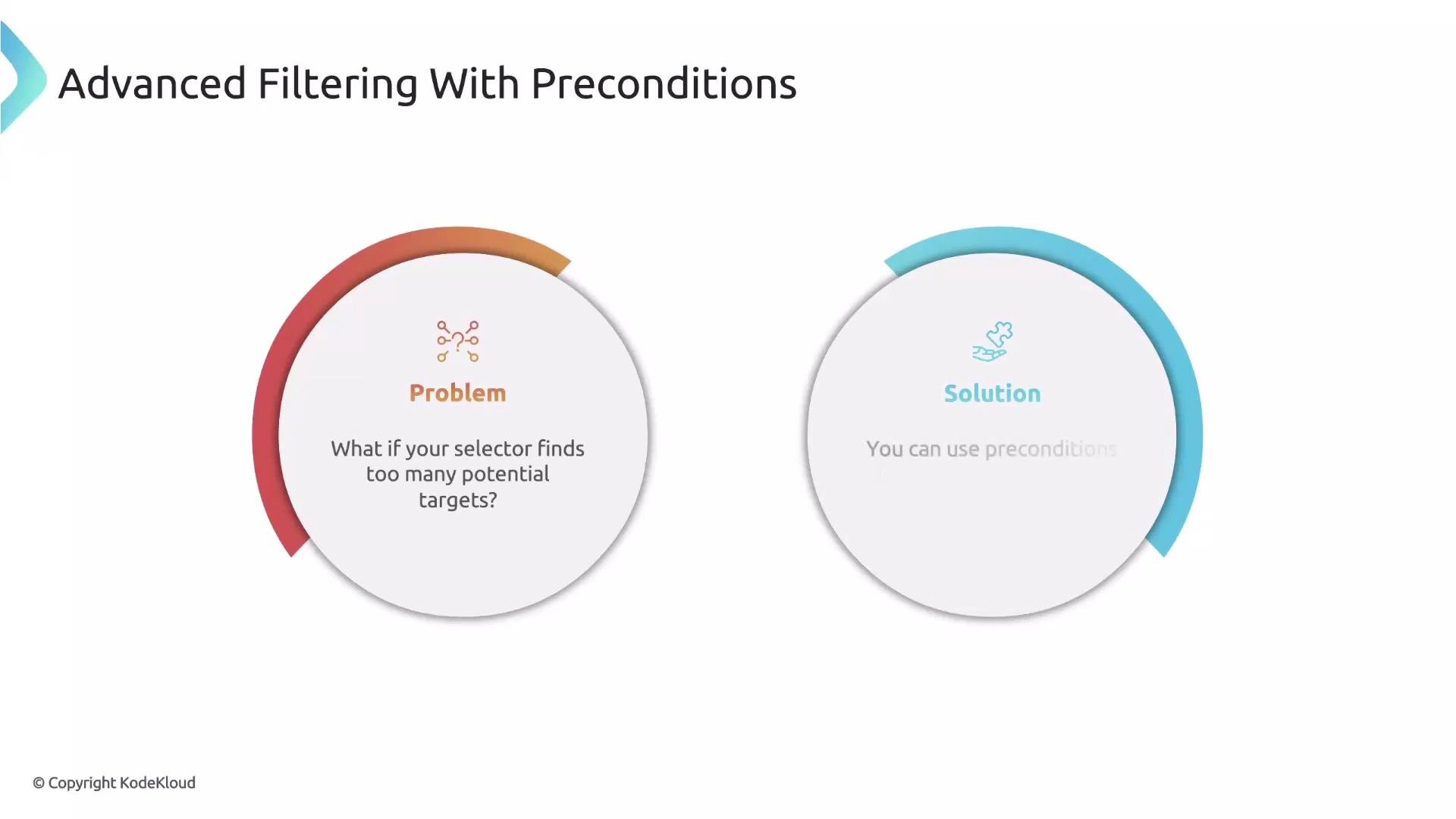
preconditions block supports logical operators such as all and any, and comparison operators such as Equals, NotEquals, Matches, etc. Use Matches with a regular expression when you need pattern matching. In the example below the targets entry initially finds all Deployments in the namespace from the admission request (request.namespace), and the precondition keeps only deployments whose name starts with testing-:
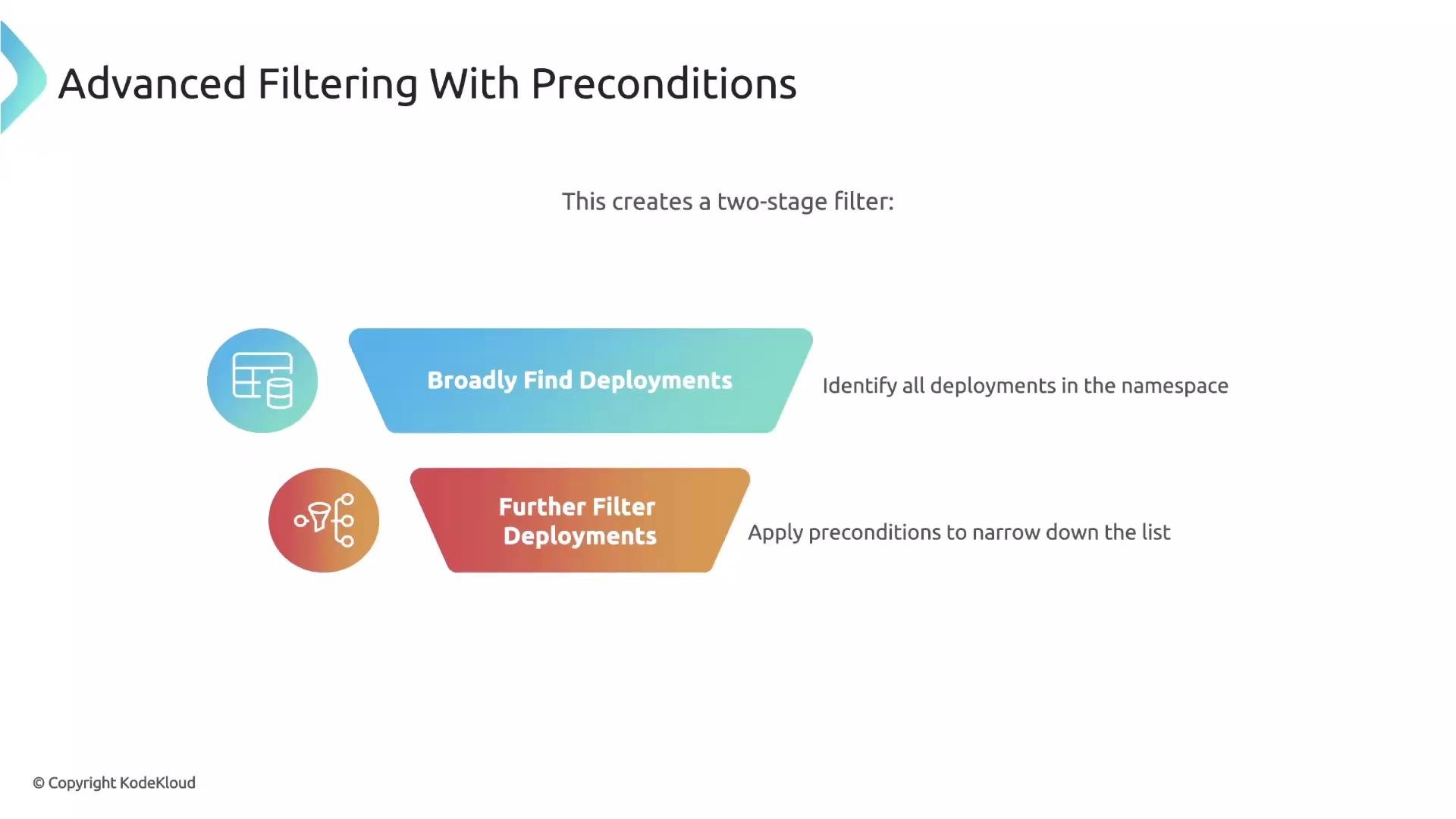
preconditions check will proceed to the mutation step.
Be cautious when using broad selectors together with
mutateExistingOnPolicyUpdate: true. A policy can affect many resources immediately—test in a safe environment before applying to production clusters.Quick reference table
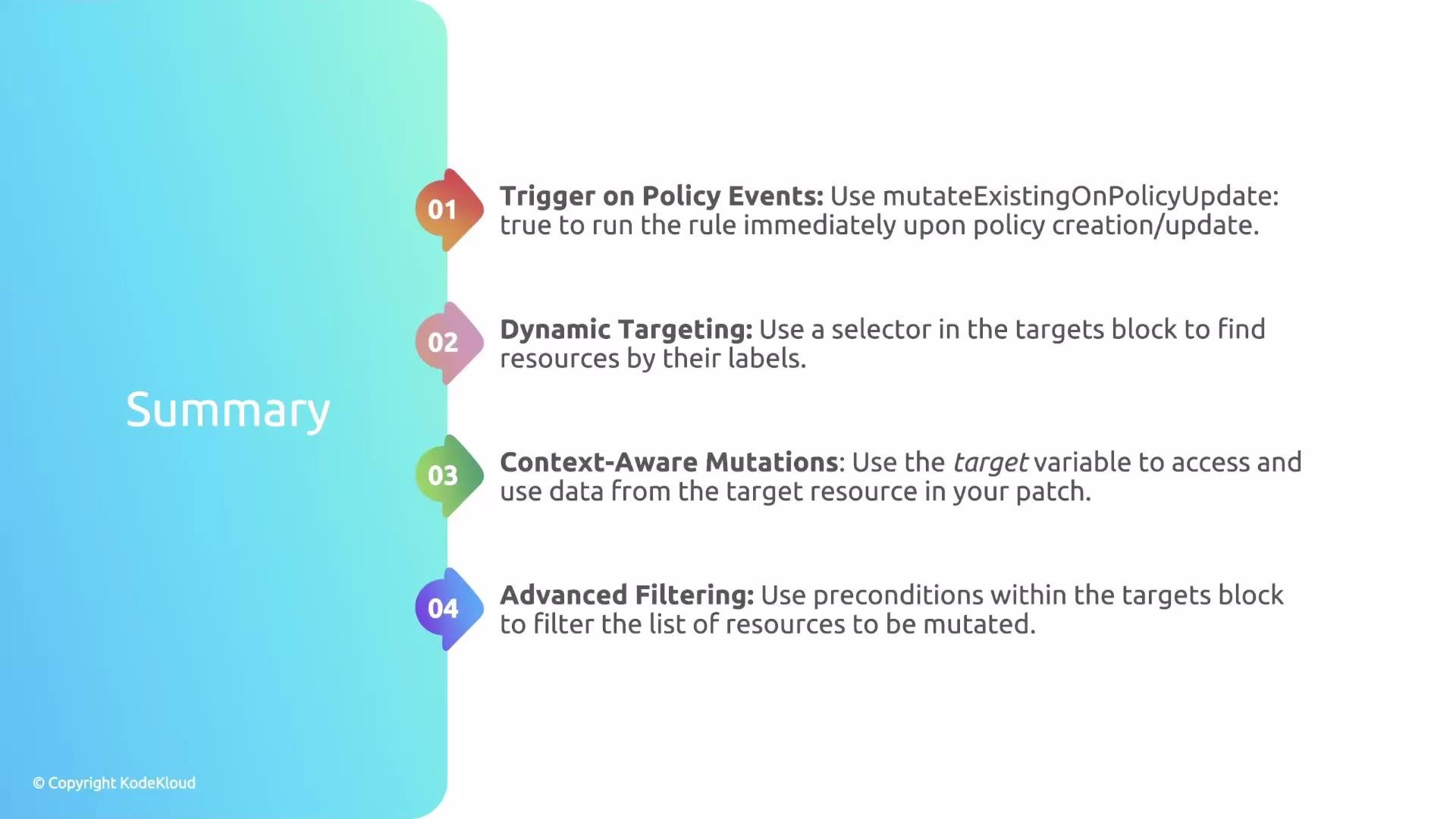
Recap
- Use
mutateExistingOnPolicyUpdate: trueto apply mutations immediately to existing targets when a policy is created or updated. - Kyverno performs background reconciliation (default every hour); you can customize the scan interval in the background controller deployment.
- Use
selectorinsidetargetsto dynamically locate resources by labels instead of hard-coding names. - Use the
targetvariable (for example{{ target.data.key }}) to read data from each target during mutation so each mutation can be context-aware. - Use
preconditionsinsidetargetsas a second-stage filter to ensure you mutate only the exact resources you intend.
Further reading
- Kyverno documentation: https://kyverno.io/
- Guidance on writing safe mutate-existing policies and testing strategies: https://kyverno.io/docs/writing-policies/