

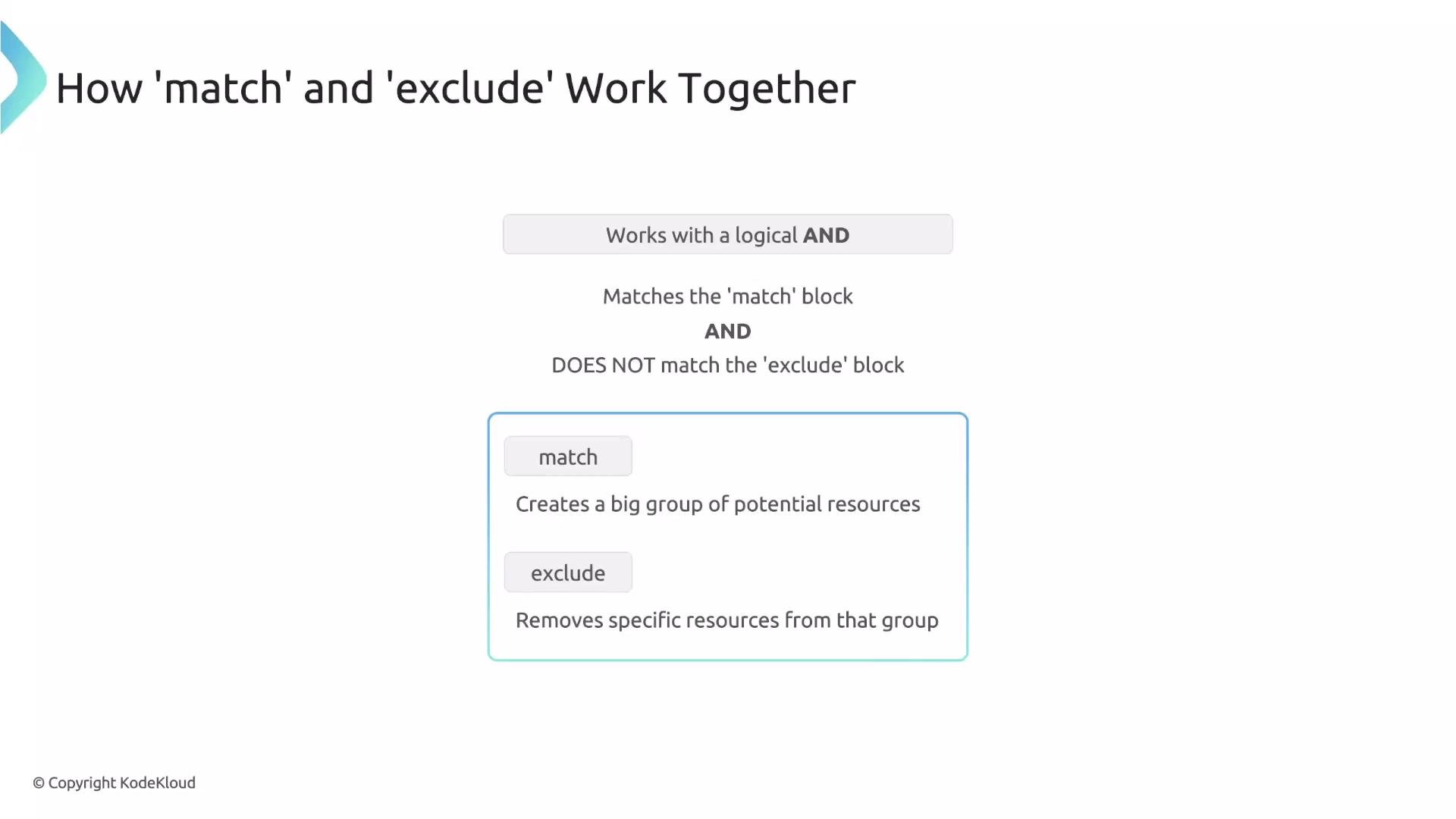
exclude block is designed for exactly that: it removes specific resources from the set selected by your match block.
The interaction between match and exclude is critical: they are combined using a logical AND. A rule will be evaluated only for resources selected by match. Kyverno then evaluates the exclude block; if the resource also matches exclude, the rule is skipped for that resource.
Think of it this way: match builds a large candidate set of resources; exclude removes specific items from that set.
prod-alpha). Use match to select all Pods and exclude to remove that namespace:
- A Pod created in the
devnamespace does not matchexclude, so the policy applies. - A Pod created in the
prod-alphanamespace matchesexclude, so the policy is skipped for that Pod.
match, including identity-based filters such as clusterRoles, roles, and subjects. That makes it possible to create exceptions for administrators or specific users.
For example, exclude resources if the requesting user has the cluster-admin ClusterRole:
cluster-admin ClusterRole, the Pod is excluded and the rule is not applied.
Combining exclusion conditions
You can compose multiple exclusion criteria using any or all. Use any to exclude when any one of several conditions is true, or use all to require every condition to be met for exclusion.
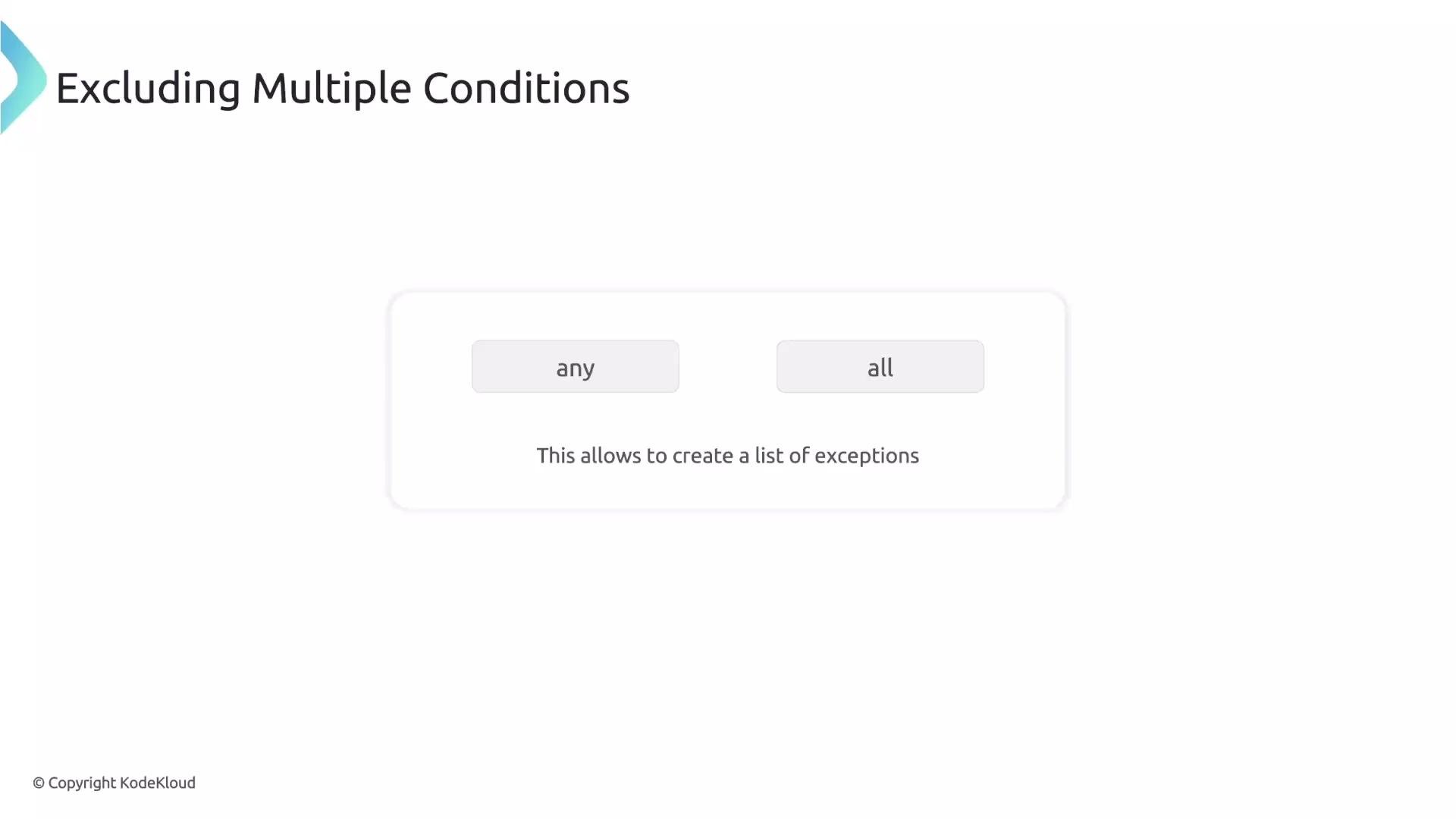
cluster-admin OR the requester is the user John:
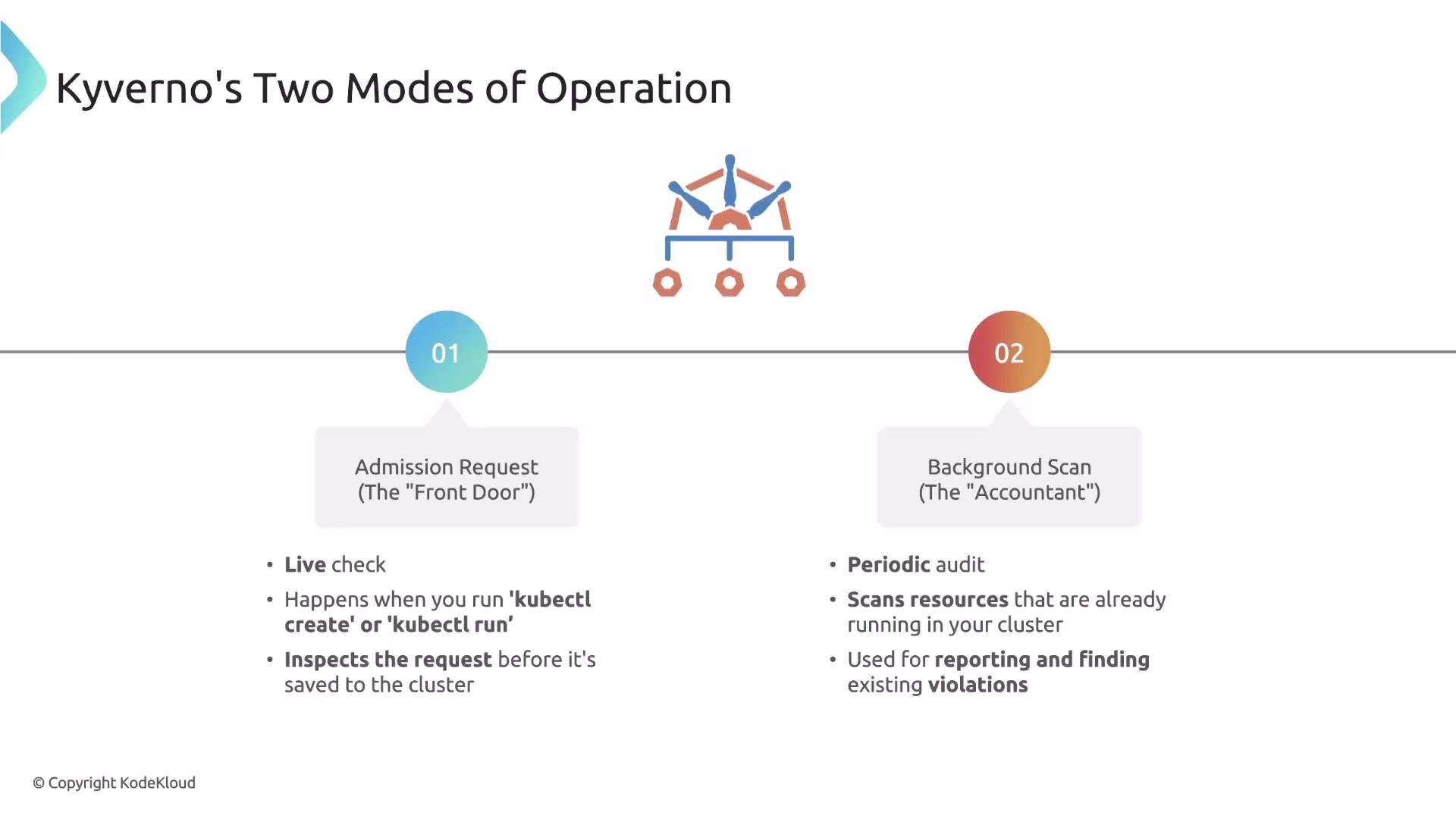
- Admission request mode — evaluates create/update admission requests in real time and has access to request context (the user, groups, and roles).
- Background scan mode — periodically audits existing cluster resources to detect drift and generate compliance reports. Background scans do not have the original request context.
Important implication: identity-based filters
Because background scans lack request identity, any policy that depends on identity filters (
subjects, roles, clusterRoles) cannot be reliably evaluated during background scans. If your rule uses these identity-based filters, you should disable background execution for the policy to avoid unexpected behavior.
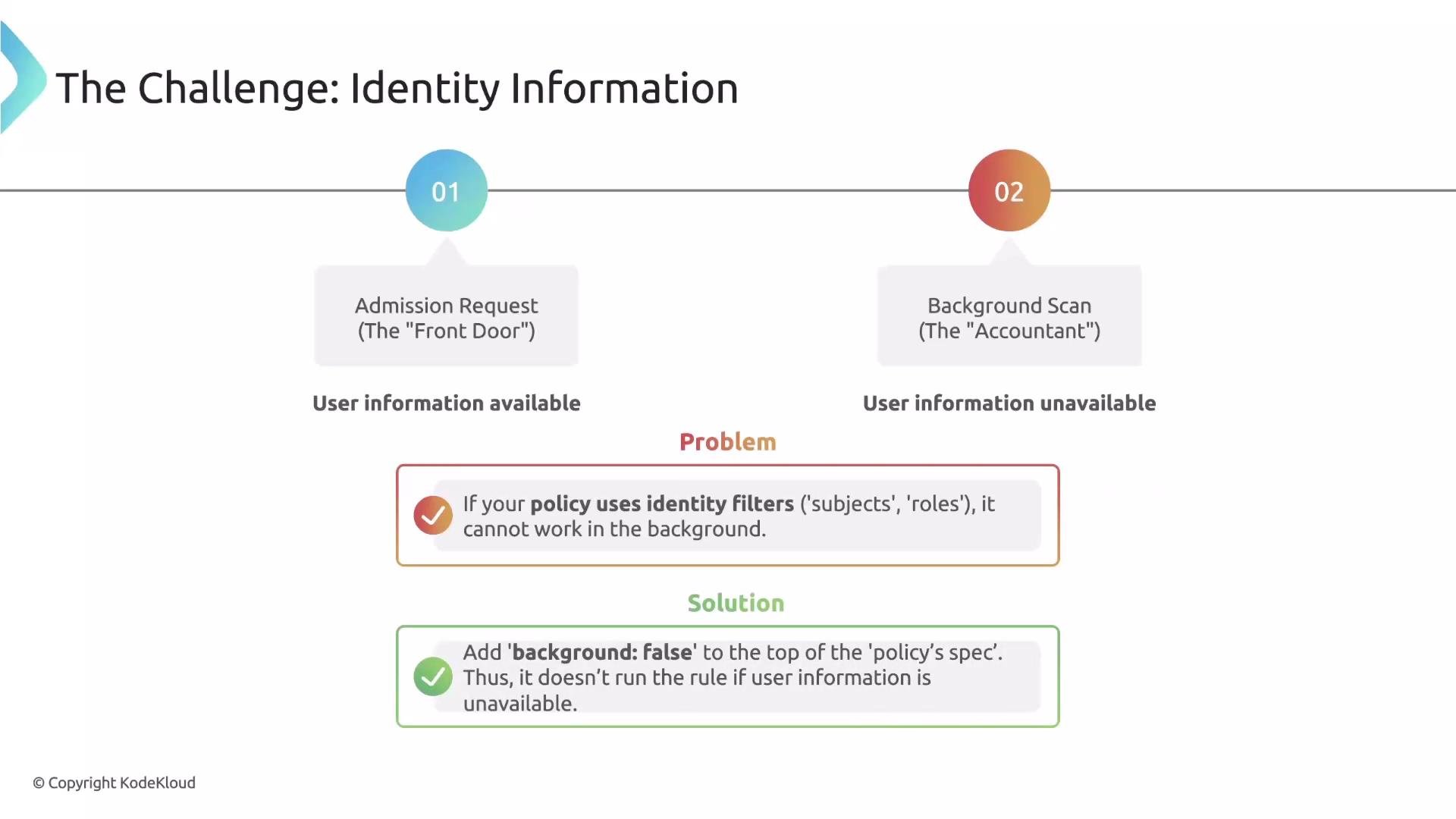
background: false at the policy spec level:
If a rule uses identity filters (for example,
subjects, roles, or clusterRoles), always set spec.background: false so Kyverno does not try to evaluate the rule during background scans where request identity is unavailable.- Kyverno documentation: https://kyverno.io/docs/
- Kubernetes admission controllers overview: https://kubernetes.io/docs/reference/access-authn-authz/admission-controllers/