

{{ request.userInfo.username }} — and you traverse the object using dot notation (for example, request.object.spec.replicas).
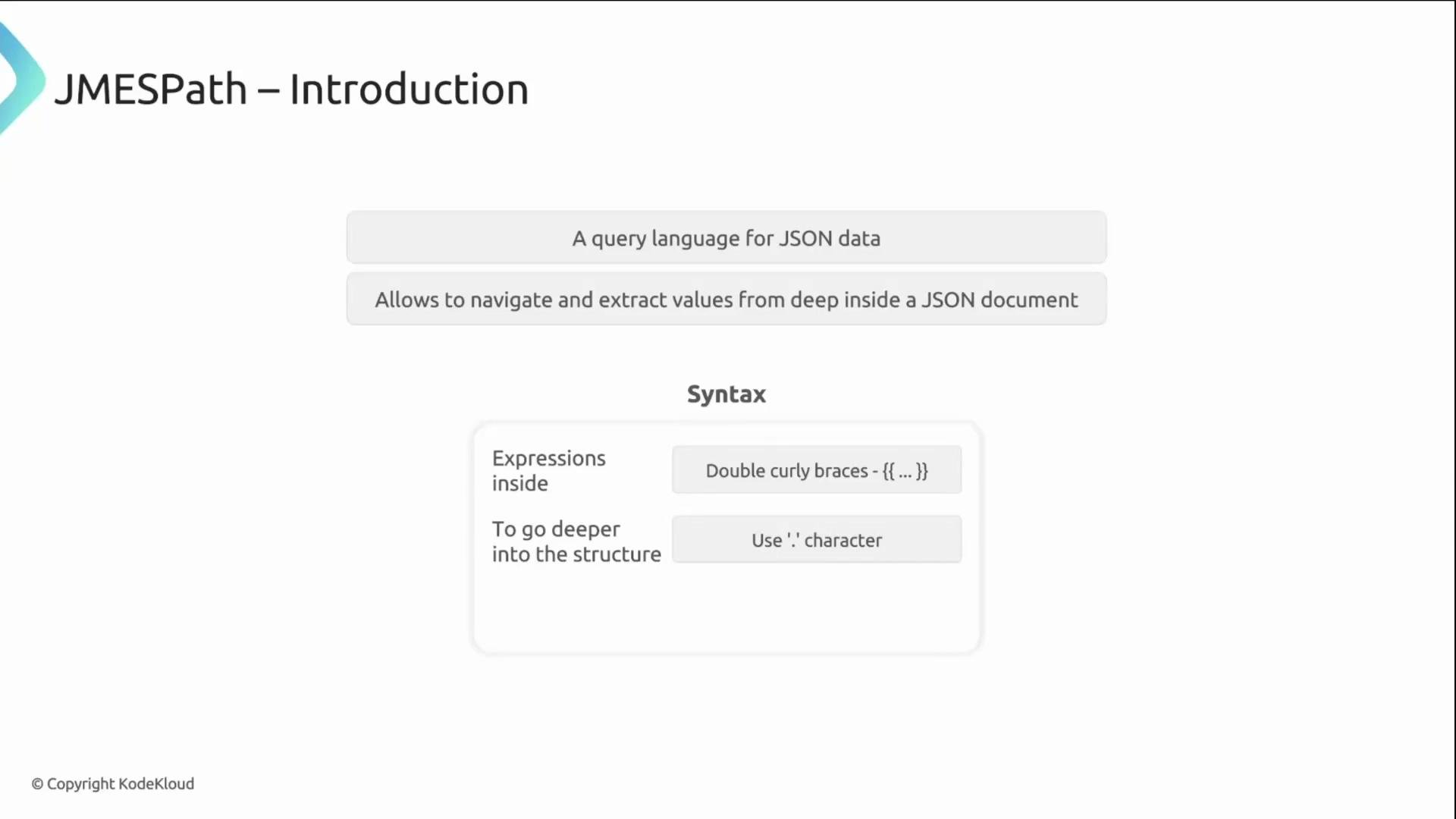
- Start at the top-level AdmissionReview
requestobject and follow keys with dots to reach the value you need. - Example:
request.object.spec.replicasnavigates from the AdmissionReviewrequest→object(the resource) →spec→replicas. - Use
{{ ... }}to embed these expressions inside Kyverno rules and policies.
request field — including the incoming resource (object), the requester information (userInfo), the namespace, and the operation.
Example AdmissionReview (simplified):
The AdmissionReview’s top-level
request object is your primary data source in Kyverno. Start JMESPath expressions with request to access the incoming resource and request metadata.
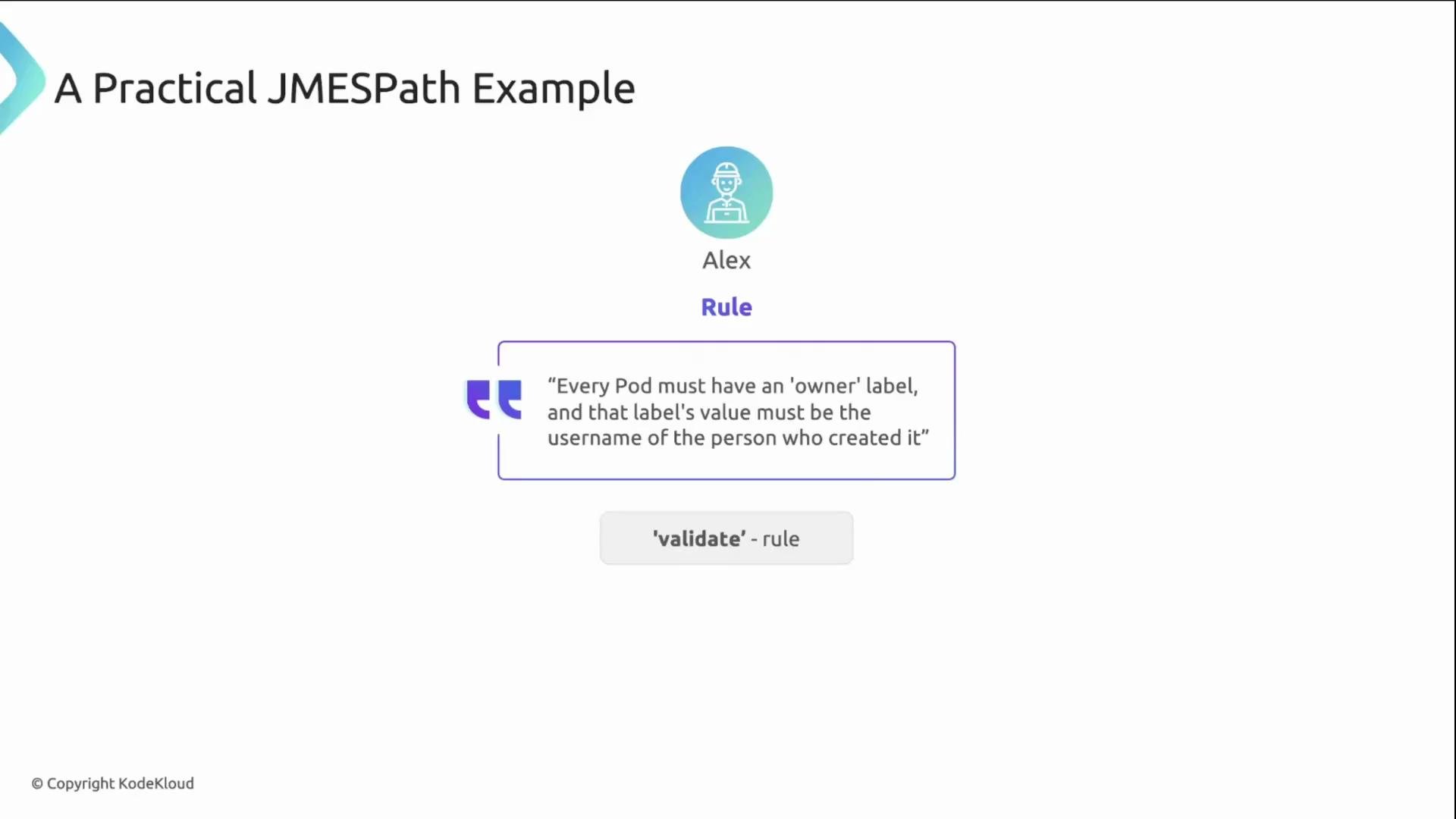
A practical example: enforce owner label
Alex wants every Pod to include an
owner label matching the username of the user who created it. You can implement this with a Kyverno validate rule that uses a JMESPath expression in the pattern:
- Kyverno reads the
ownerlabel from the incoming Pod (request.object.metadata.labels.owner). - It evaluates the JMESPath expression
{{ request.userInfo.username }}to get the creator’s username from the AdmissionReview. - It compares the two values: if they match, validation passes; otherwise, the request is denied.
request.* path. These make rules shorter and easier to read.
Use these shortcuts when applicable, but fall back to full paths (e.g.,
request.userInfo.username) for fields that are not covered by predefined variables.
Modes of operation
Kyverno evaluates policies in two primary modes:
- Admission request (live admission): Enforced against incoming API requests. Contains requester metadata such as
request.userInfo.username. - Background scan: Periodic audit of existing cluster resources. Runs without user context, so requester-specific fields are not available.
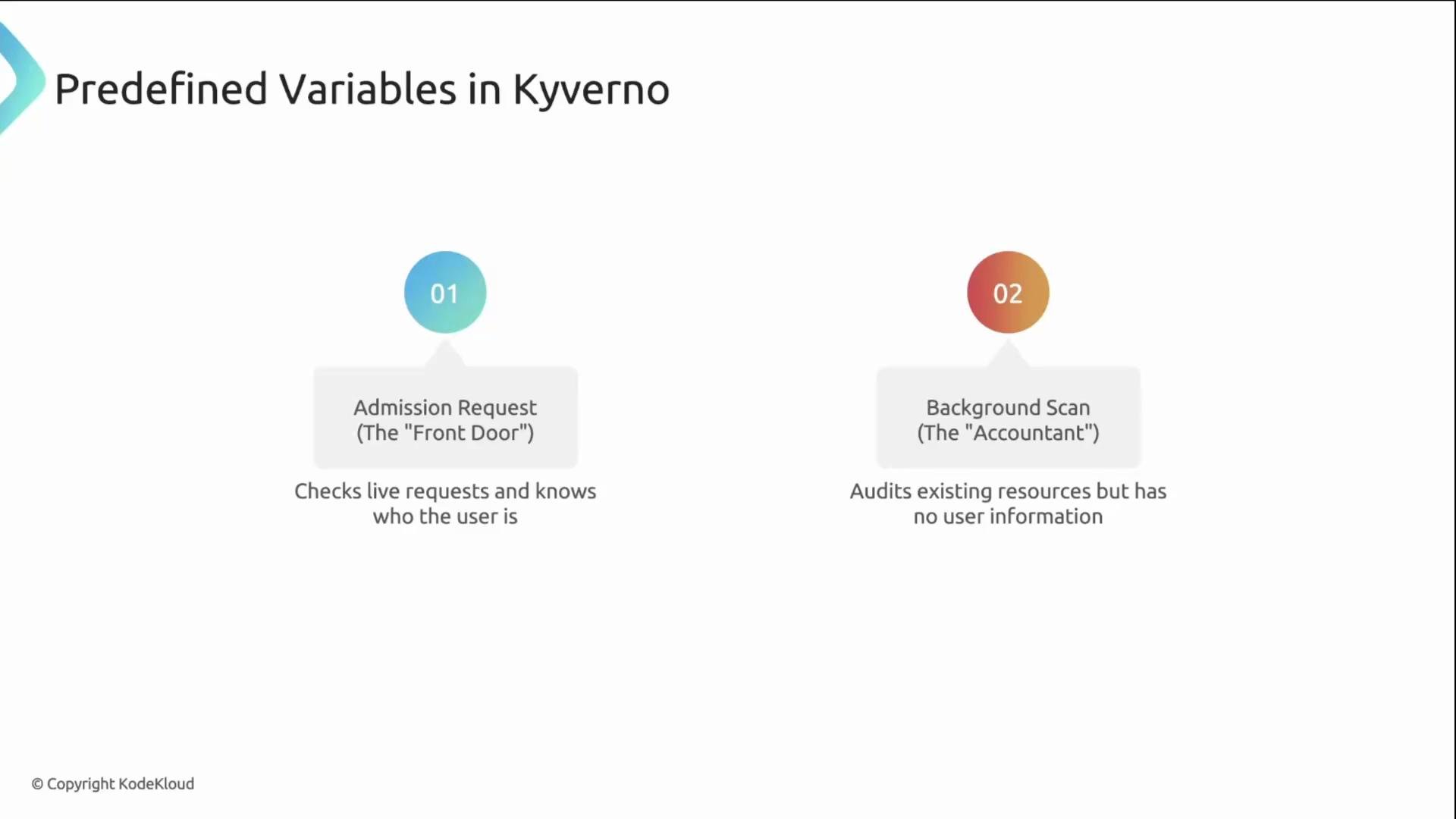
Background scans run without user context. Do not rely on requester-specific data (for example,
request.userInfo.username) in background-mode rules — use admission-time policies for checks that require user information.- JMESPath documentation: https://jmespath.org/
- Kyverno policy variables and context: https://kyverno.io/docs/writing-policies/variables/
- Kubernetes AdmissionReview concept: https://kubernetes.io/docs/reference/access-authn-authz/extensible-admission-controllers/