

patchStrategicMerge is a powerful overlay mechanism in Kyverno that restores auto-generated fields while letting you mutate resources. However, simple unconditional patches will apply a change to every matched resource, potentially overwriting intentional settings.
Below we show how anchors add conditional logic to patchStrategicMerge, enabling safe, context-aware mutations — for example, setting secure defaults only when a field is absent.
Alex’s example: enforce non-root Pods
Alex wants to enforce the security best practice of ensuring Pods don’t run as root by setting runAsNonRoot: true.
runAsNonRoot: true on every Pod, overwriting any explicit false values and possibly breaking workloads. Alex needs a safer pattern: only add a default when the field is missing, and only modify when a clear condition is met.
What anchors do
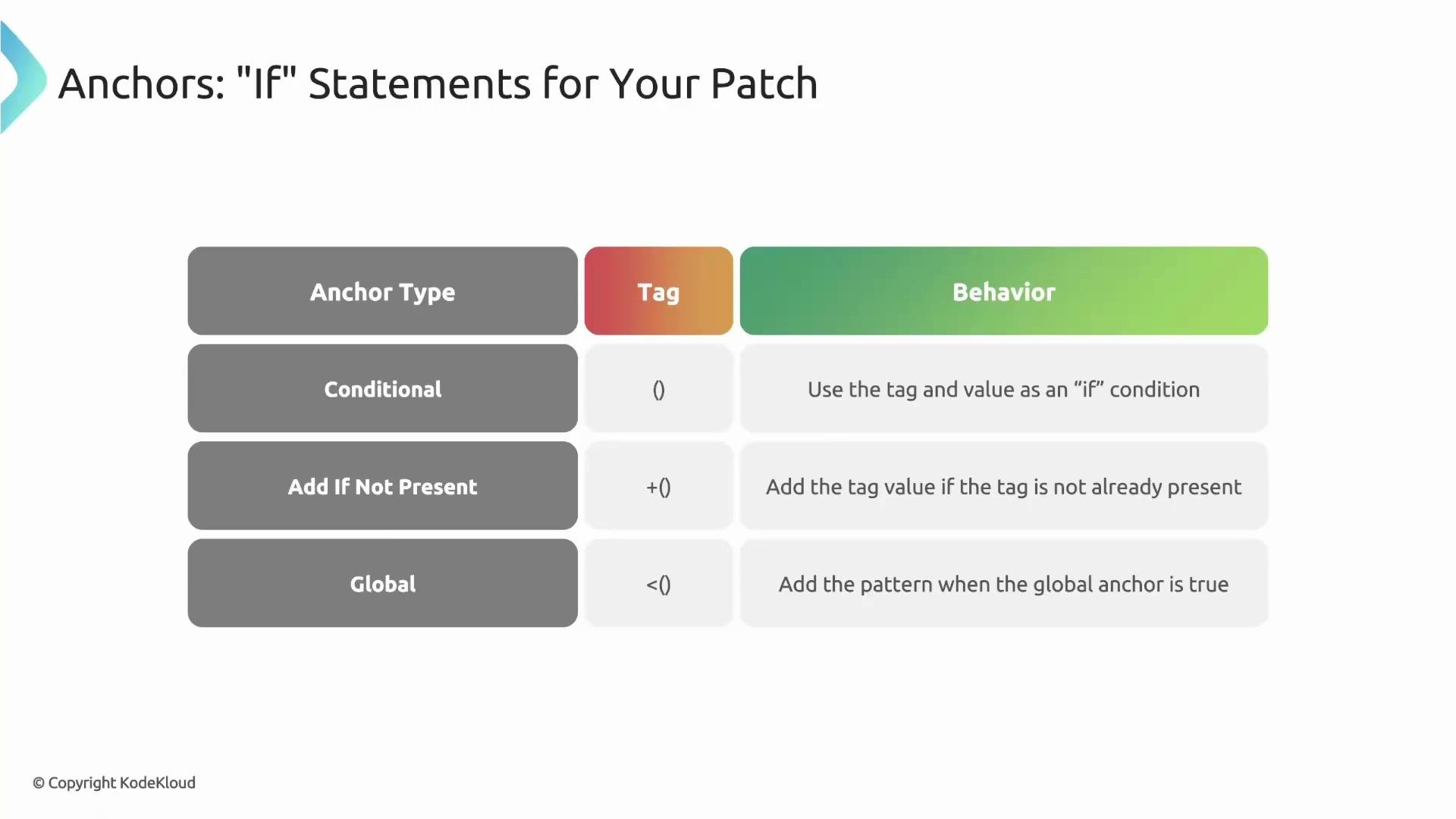
Anchors are markers inside patchStrategicMerge that act like inline if statements. They let Kyverno decide when to apply a mutation. Anchors only work with patchStrategicMerge. There are three anchor patterns:
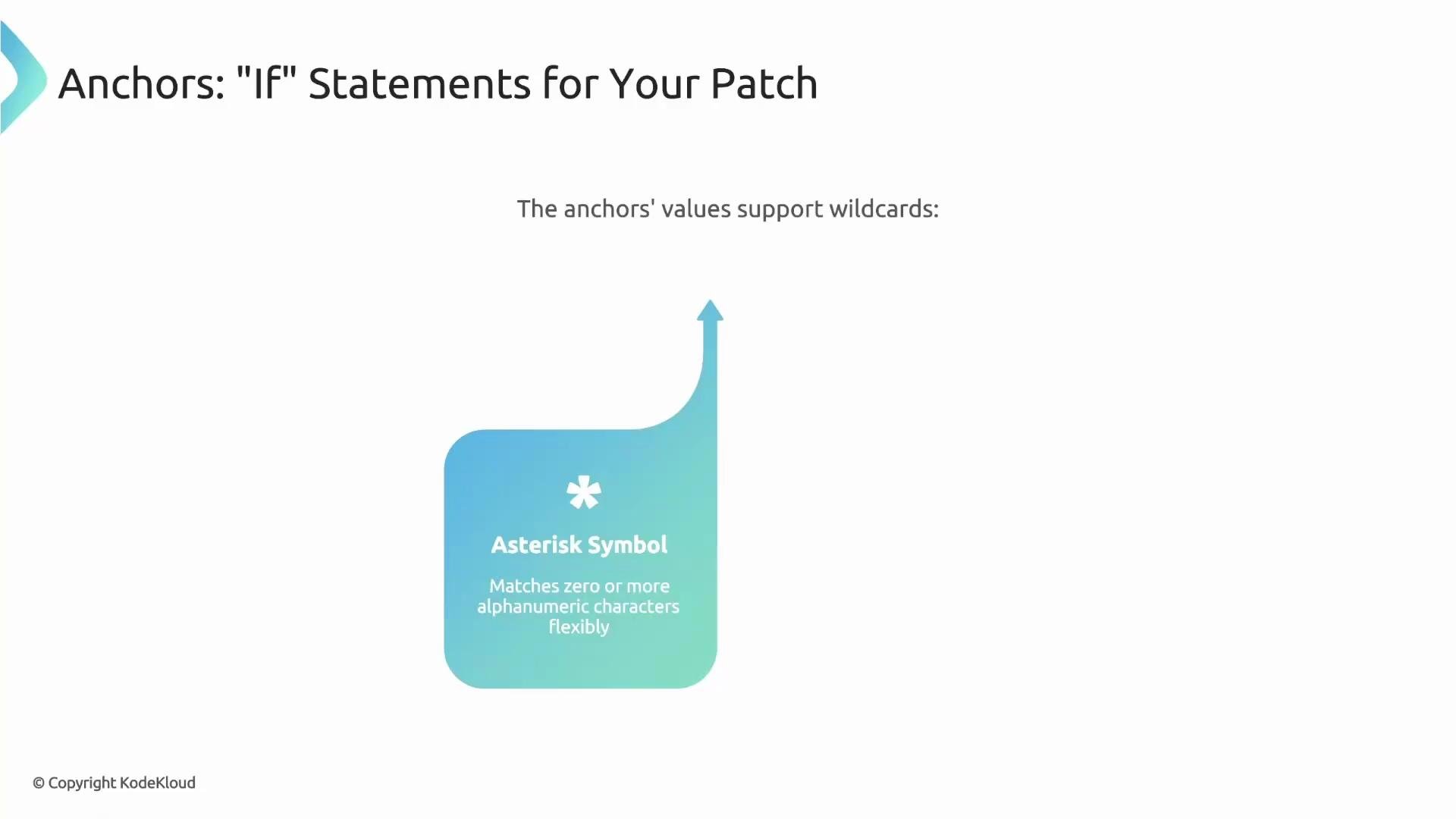
Anchors support wildcards: use
* to match zero or more characters and ? to match exactly one character. This is useful for matching names or images that follow patterns (e.g., "secure*" or "corp.reg.com/*").
Basic conditional anchor
Use a conditional anchor when you want to change a sibling field only if a specific field exists and matches. Example: locate any port whose name begins with secure and set its port number to 6443.
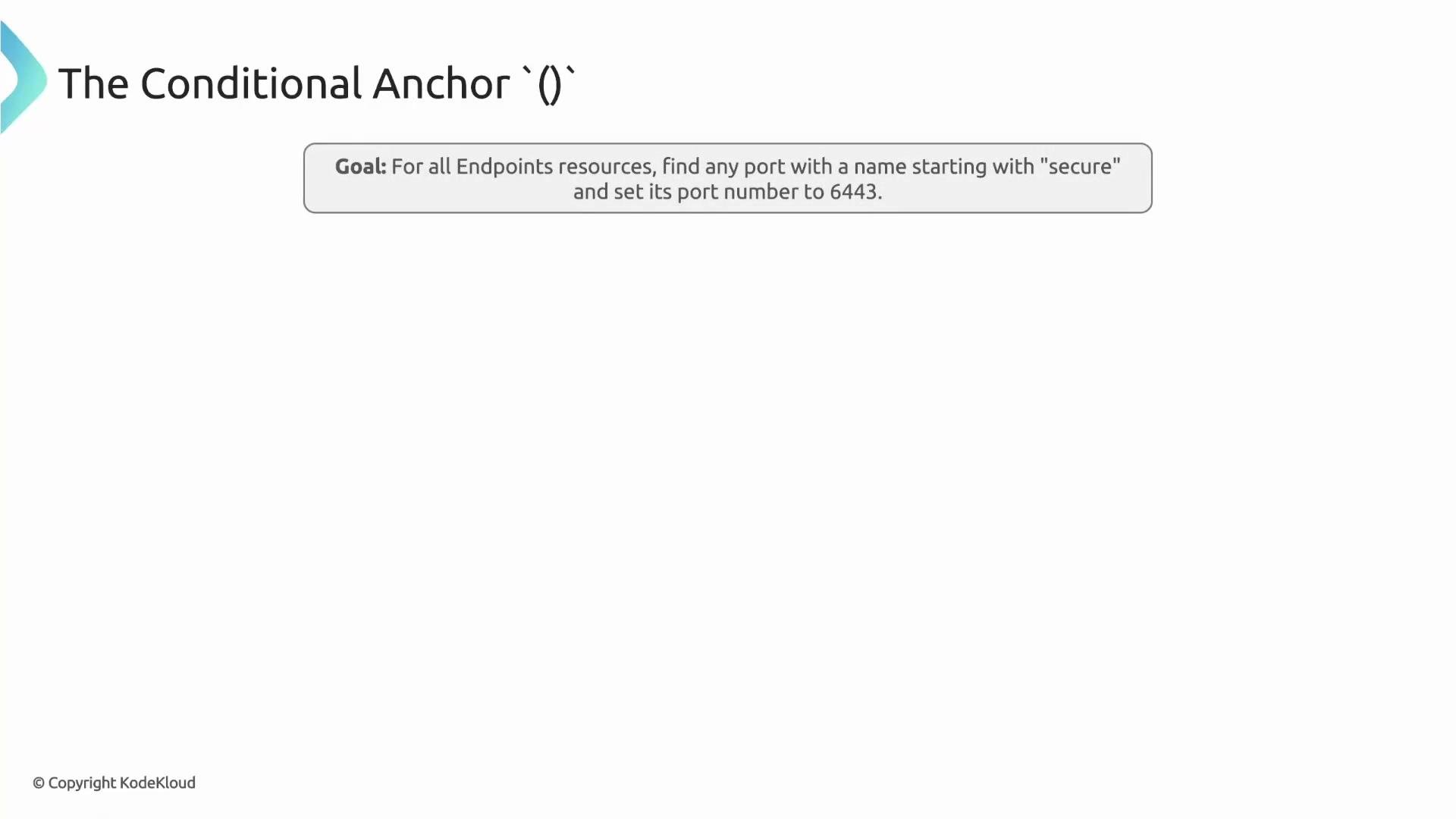
(name): "secure*" acts like an if: Kyverno checks each port object for a name matching the pattern; only then it sets the sibling port field.
Add-if-not-present anchor (safe defaults)
The +(...) anchor provides a safe, non-destructive way to add defaults. It only adds the field when it does not already exist, preserving any intentional settings by developers.
Example: ensure a ConfigMap contains a specific label without overwriting an existing value:
lfx-mentorship: kyverno only if that label key is absent.
Use add-if-not-present anchors across multiple sibling fields to establish defaults for a resource. For Pod-level defaults (note the distinction between pod-level and container-level securityContext below):
+(...) independently: if runAsUser exists but runAsGroup does not, only runAsGroup is added. This preserves explicit developer settings while filling in missing safe defaults.
Note:
runAsNonRoot is commonly set at the container level (container.securityContext). Pod-level securityContext typically includes runAsUser, runAsGroup, and fsGroup. Adapt the example to container-level securityContext if you need runAsNonRoot enforced per container.<(...)> searches across lists/fields and, if any match is found, enables the mutation in a different location.
imagePullSecrets entry when any container uses an image from corp.reg.com/*:
<(image): "corp.reg.com/*"> is evaluated across all containers. If any container image matches, Kyverno adds imagePullSecrets at the Pod spec level. Think of the global anchor as: “if this condition exists anywhere in this list, then apply this patch somewhere else.”
Combining anchors for multi-stage logic
You can combine global and add-if-not-present anchors for staged logic: first gate the mutation with a conditional/global check, then add defaults only when missing.
Example: add an annotation if the Pod uses an emptyDir volume and the annotation does not already exist:
- Kyverno evaluates strict conditional anchors first: the conditional anchor
(…)and the global anchor<(…)>. Treat these as gatekeepers — if any of these checks fail, the mutation does not run. - If the resource passes those checks, Kyverno applies add-if-not-present anchors
+(...)and overlays the patch values.
annotate-empty-dir example:
- Kyverno scans
spec.volumesfor anemptyDirvia<(emptyDir): {}>. If none exists, the whole mutation is skipped. - If an
emptyDirexists, Kyverno then applies the+(...)annotation only if that annotation key is missing.
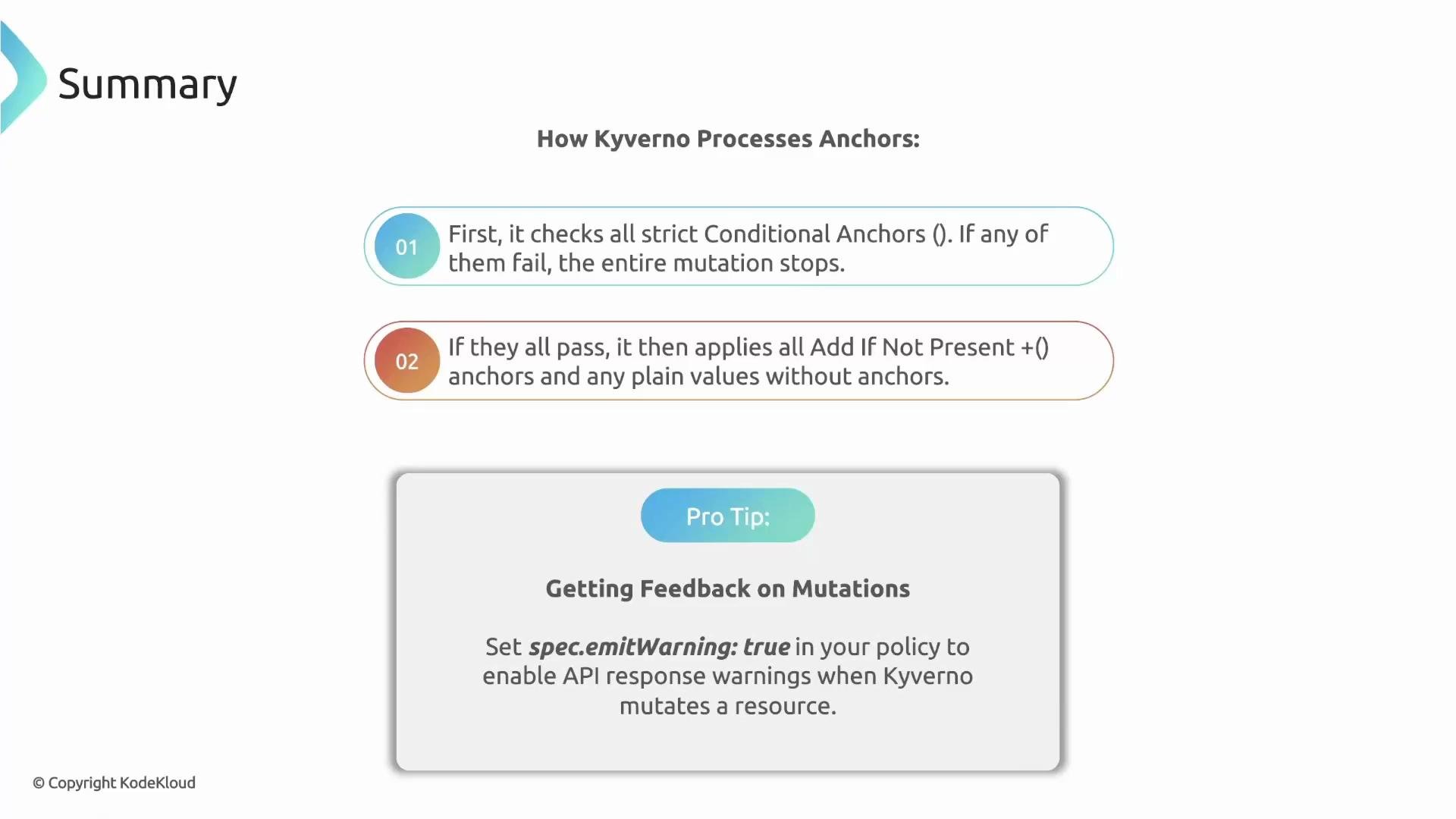
spec.emitWarnings: true in a policy to have Kyverno emit a warning to the user when it mutates a resource — a helpful visibility feature during kubectl apply.
Set
spec.emitWarnings: true in your policy to notify users when a mutation occurred — a helpful way to preserve developer awareness.(field): conditional anchor — apply the mutation only if the adjacent field exists and matches the value.+(field): add-if-not-present anchor — add a default only when the field is missing; never overwrite.<(field)>: global anchor — evaluate the condition anywhere in a list/resource and apply a mutation in a different location.
- Kyverno mutate policies: https://kyverno.io/docs/writing-policies/mutate/
- Kyverno anchors and
patchStrategicMerge: https://kyverno.io/docs/writing-policies/mutate/#patchstrategicmerge - Kubernetes securityContext reference: https://kubernetes.io/docs/tasks/configure-pod-container/security-context/