

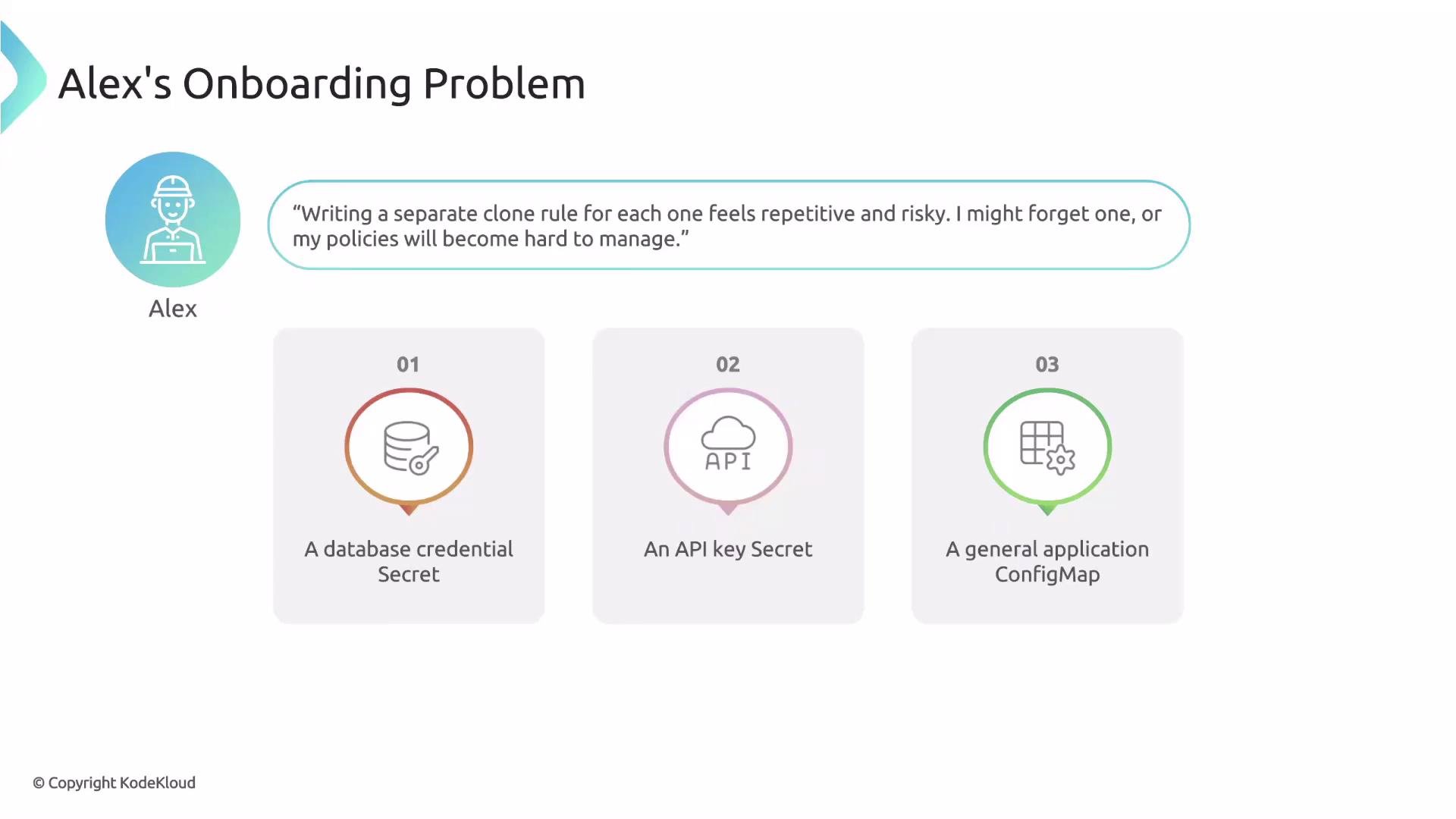
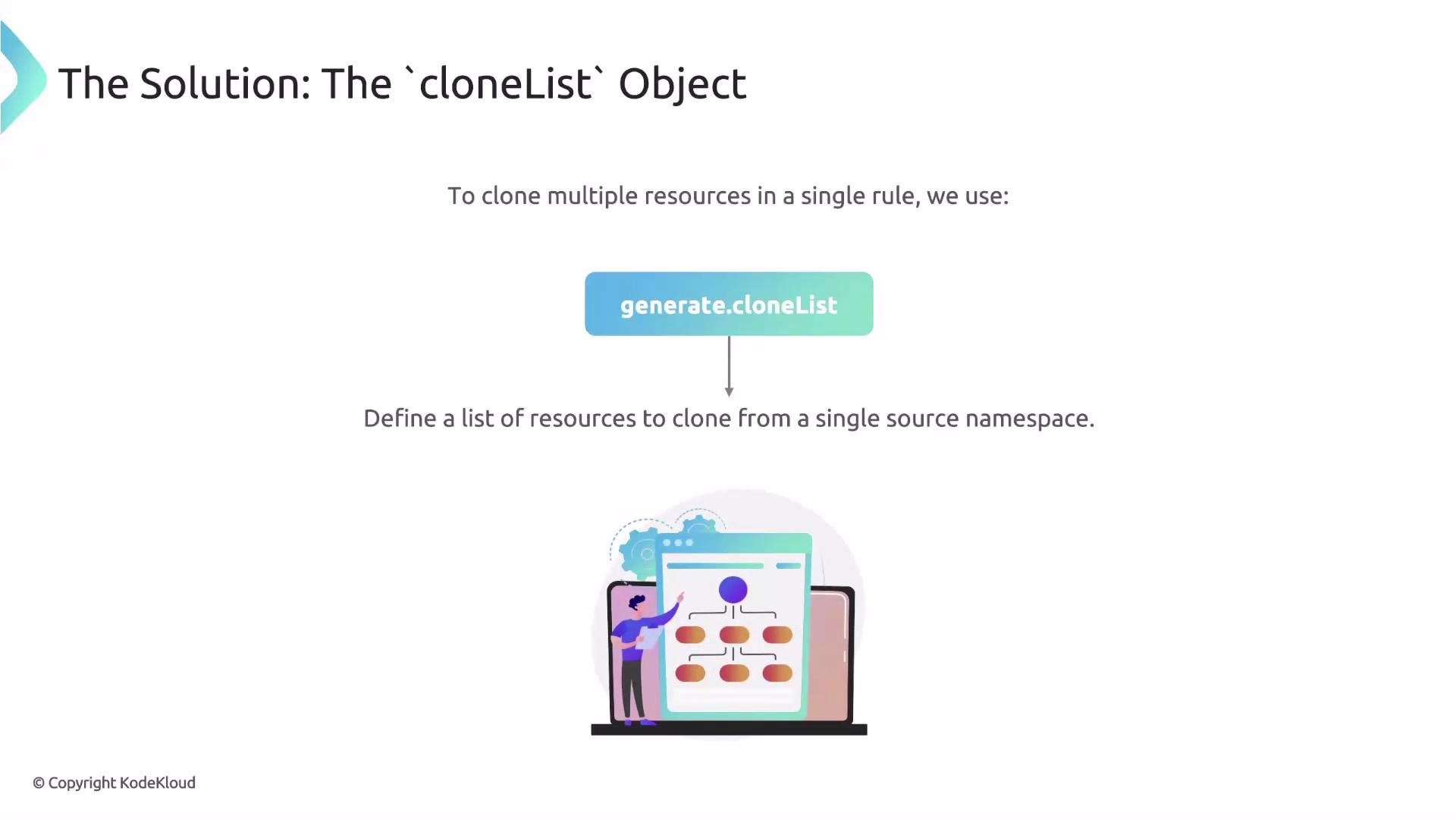
cloneList solves this by enabling cloning of multiple resources from a single source namespace in one generate rule.
generate.clone to copy a single resource, generate.cloneList lets you define multiple source resources to be cloned from a single namespace. This is ideal for shipping a standard bundle of Secrets and ConfigMaps into newly-created namespaces.
cloneList fields
ThecloneList object includes three primary fields:
Using a selector avoids copying every Secret and ConfigMap from the source namespace — only those labeled for cloning will be included in the standard bundle.
Using
selector lets the platform team add or remove resources from the standard onboarding bundle by updating labels in the staging namespace — the Kyverno policy itself doesn’t need to change.cloneList example structure
A minimalcloneList structure looks like this:
Full Kyverno rule: clone standard configs into new namespaces
This rule triggers on new Namespace creation and clones the selected Secrets and ConfigMaps from thestaging namespace into the newly-created namespace. The synchronize: true option keeps generated resources synchronized with their sources.
Cloning Secrets copies sensitive data into target namespaces. Ensure you have appropriate RBAC, Secrets encryption (e.g., KMS/provider secrets encryption), and audit controls in place to protect sensitive material.
Why this approach is better
- Scalability: one policy handles the whole onboarding bundle instead of one policy per resource.
- Flexibility: platform engineers can change the bundle by adjusting labels in the staging namespace — no policy edits required.
- Consistency:
synchronize: trueensures generated resources stay aligned with their golden sources.
Next steps and references
This article covered how to generate resources from clone sources usingcloneList. Next topics to explore include applying generate rules to existing namespaces and handling lifecycle concerns (updates, deletions, and synchronization conflicts).
- Kyverno generate rules: https://kyverno.io/docs/writing-policies/generate/
- Kubernetes label selectors: https://kubernetes.io/docs/concepts/overview/working-with-objects/labels/
- Kubernetes Secrets best practices: https://kubernetes.io/docs/concepts/configuration/secret/