

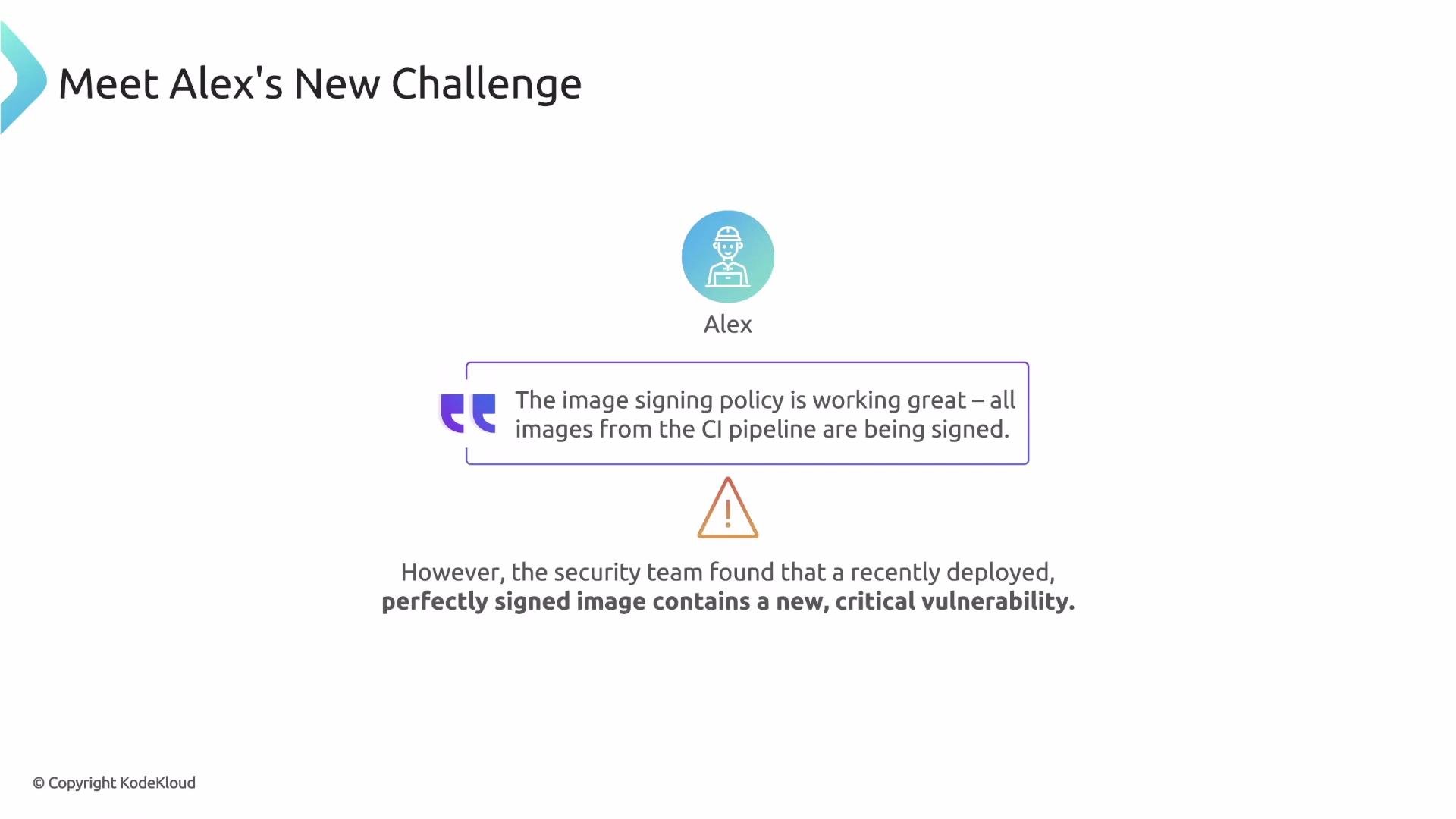
- Can Kyverno find the signed vulnerability report (an attestation) attached to the image?
- Can Kyverno verify the attestation’s signature?
- Can Kyverno inspect the attestation content and make a decision based on it?
- What software components are inside this image? — represented by a signed SBOM (Software Bill of Materials).
- What vulnerabilities were found? — represented by a signed vulnerability scan report.
- Did the image pass tests? — represented by signed test results.
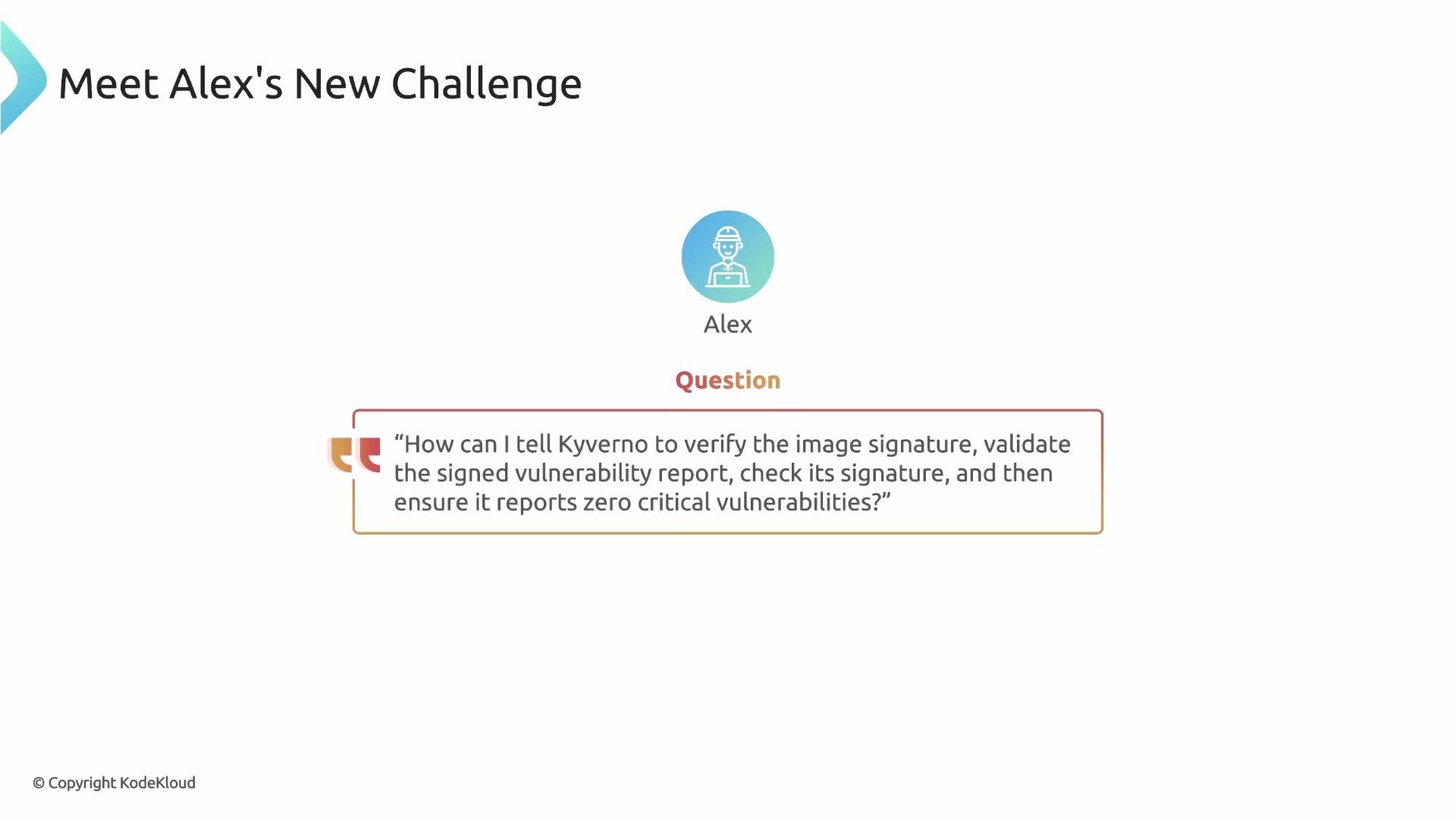
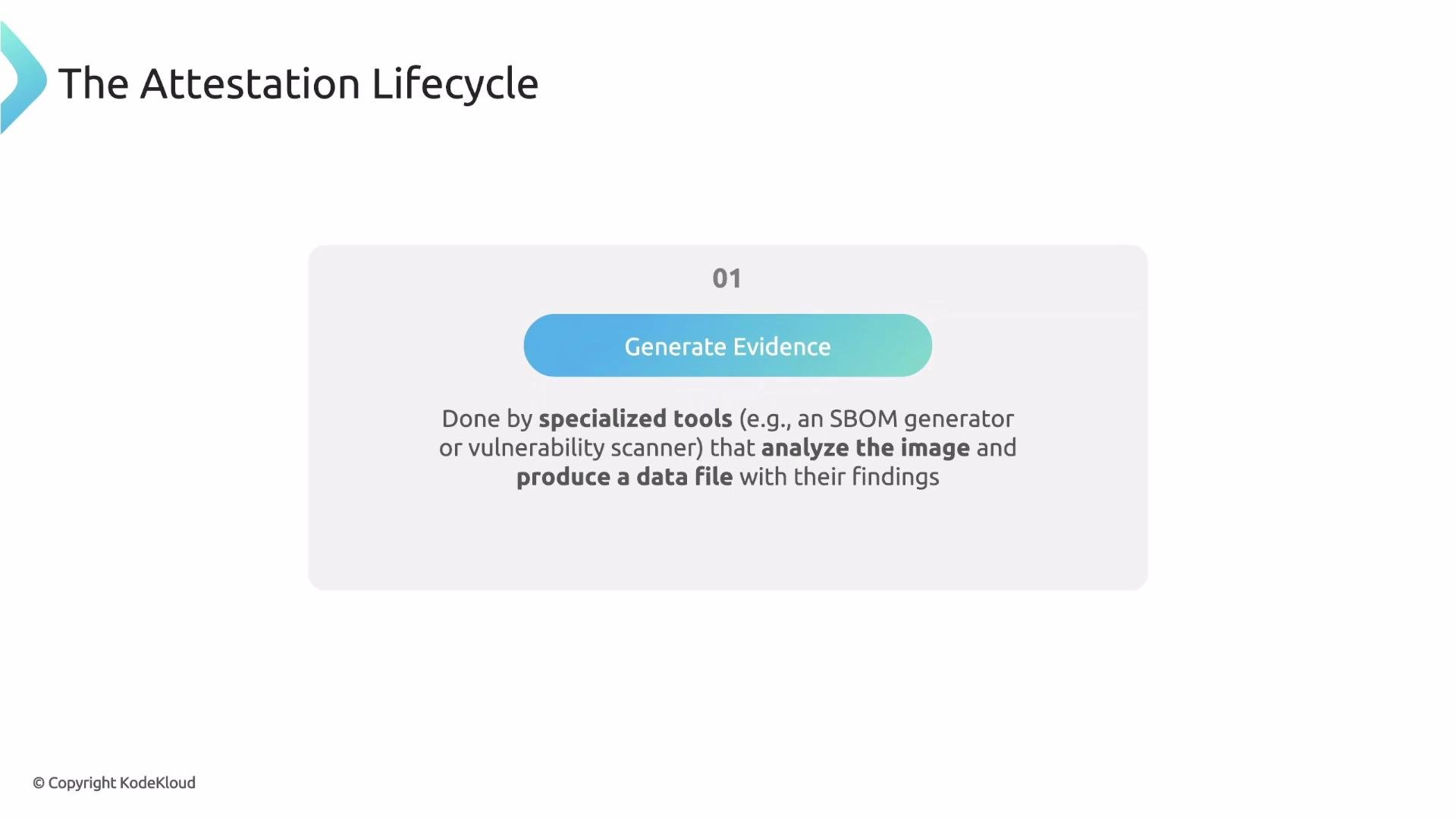
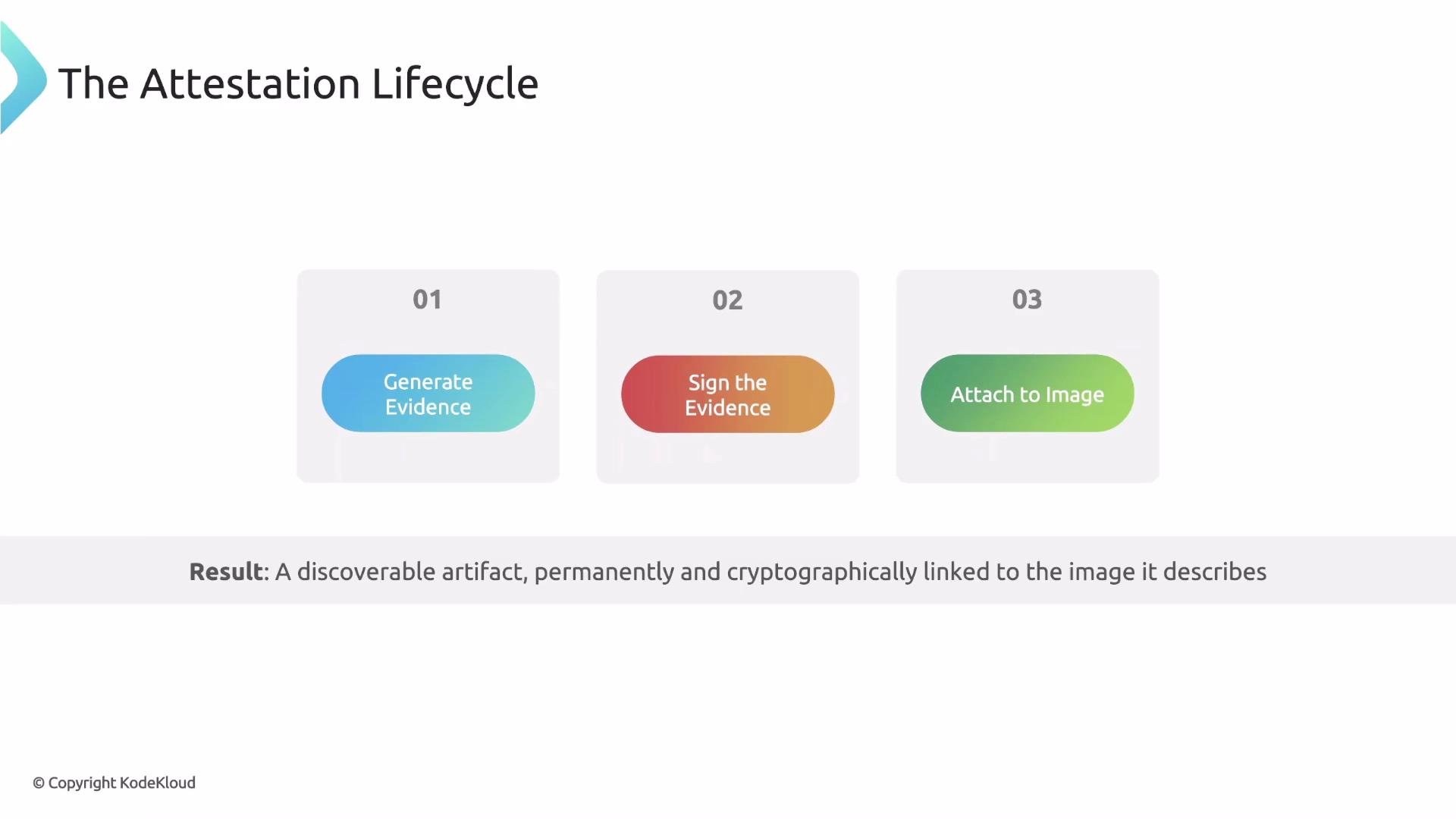
Step 1 — Generate the evidence. Specialized tools output JSON (or similar) files: SBOMs list components; scanners produce vulnerability reports.
docker pull won’t show attestations. Use ORAS to view artifacts attached to an image: oras discover shows a tree of linked artifacts and their types. Example output:
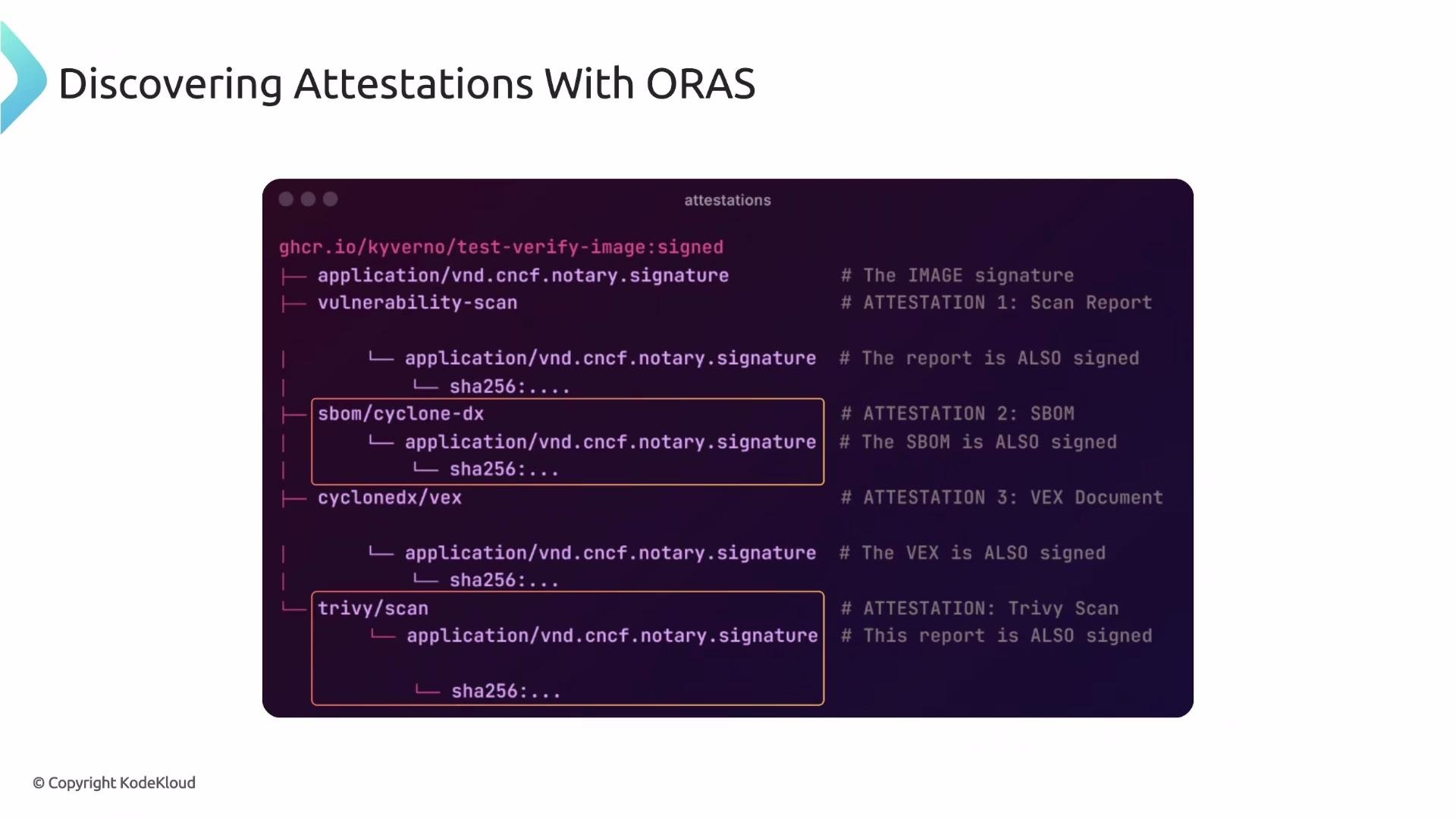
- which attestation type to look for (must match the ORAS artifact type),
- how to validate the attestation’s signature using attestors (trusted keys or certificates),
- optional conditions to evaluate the attestation’s JSON payload using JMESPath expressions.
- type: Must match the attestation type shown by ORAS (e.g.,
sbom/cyclone-dx). - attestors: Verifies the signature of the attestation document itself (not the base image). Provide trusted keys/certificates here.
- conditions: After the attestation signature is validated, Kyverno parses the attestation JSON and evaluates JMESPath-based conditions. The
keyfield uses a JMESPath expression; the example extracts all license expressions from components.
The
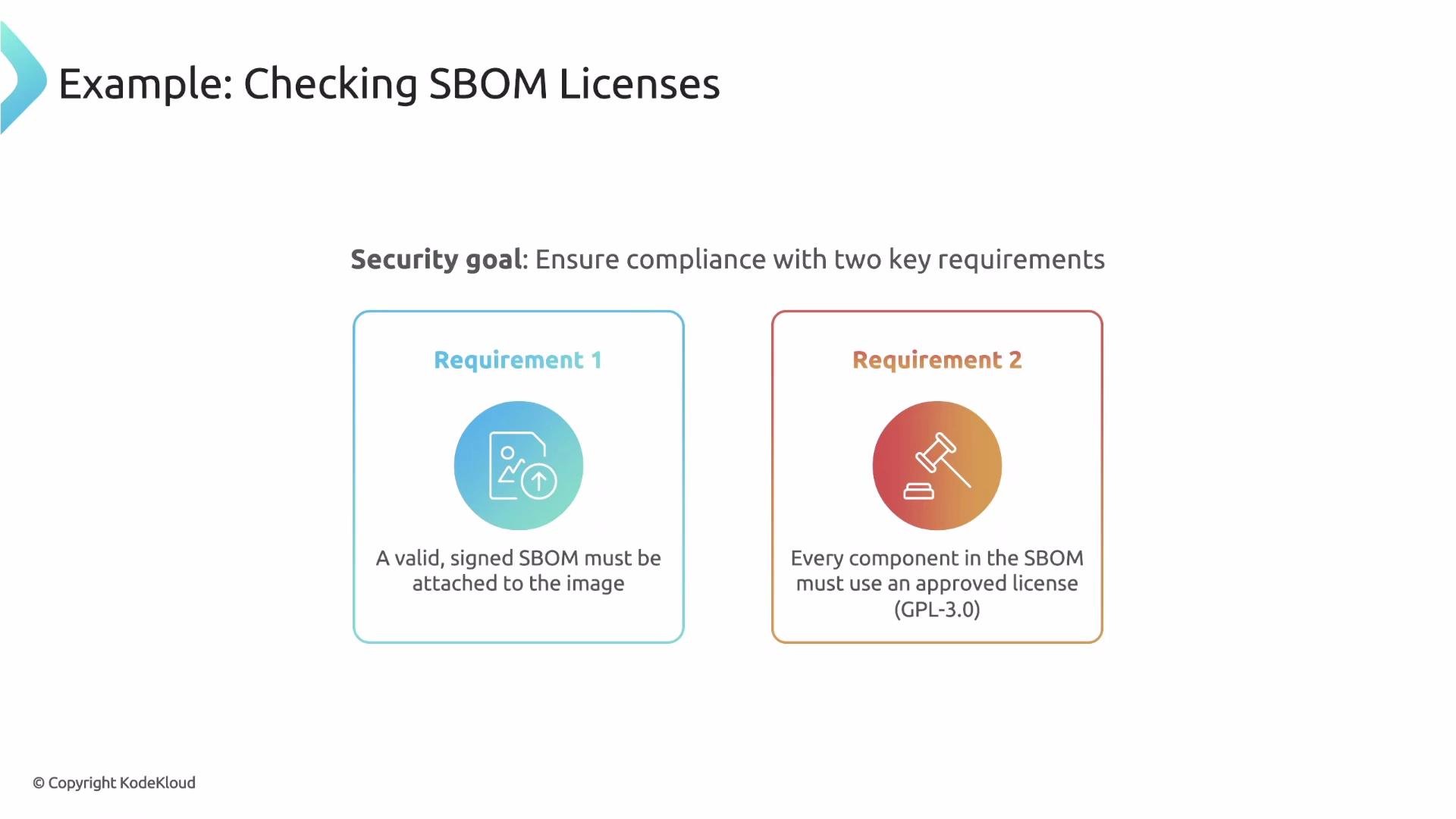
attestors block verifies the attestation document’s signature — it does not verify the base image signature. Only when the attestation signature is trusted will Kyverno evaluate the specified conditions against the attestation’s JSON content.sbom/cyclone-dx attestation is attached and signed by a trusted certificate, then ensures every component license equals GPL-3.0.
- The policy matches Pods that reference images matching
ghcr.io/kyverno/test-verify-image*. - Kyverno looks for an attestation of type
sbom/cyclone-dxattached to the image in the registry. - The
attestorsblock supplies the trusted certificate used to verify the SBOM attestation’s signature. - If the signature validates, Kyverno evaluates the JMESPath condition
{{ components[].licenses[].expression }}which collects license expressions across all components.AllInensures every collected license appears in the allowed list (["GPL-3.0"]). If any component has an unapproved license, the Pod admission is blocked.
- Always treat attestations as first-class artifacts in CI/CD: generate, sign, and attach them in the pipeline.
- Use Sigstore/Cosign for easy, auditable signing workflows.
- Keep attestor trust roots (public keys/certificates) in a secure store and update Kyverno policies if keys rotate.
- Structure JMESPath expressions to robustly handle missing or nested fields.
- Consider multiple attestation types (vulnerability-scan, sbom, test-results) to make richer admission decisions.
- An attestation is a signed piece of evidence (SBOM, vulnerability report, test results) attached to an image.
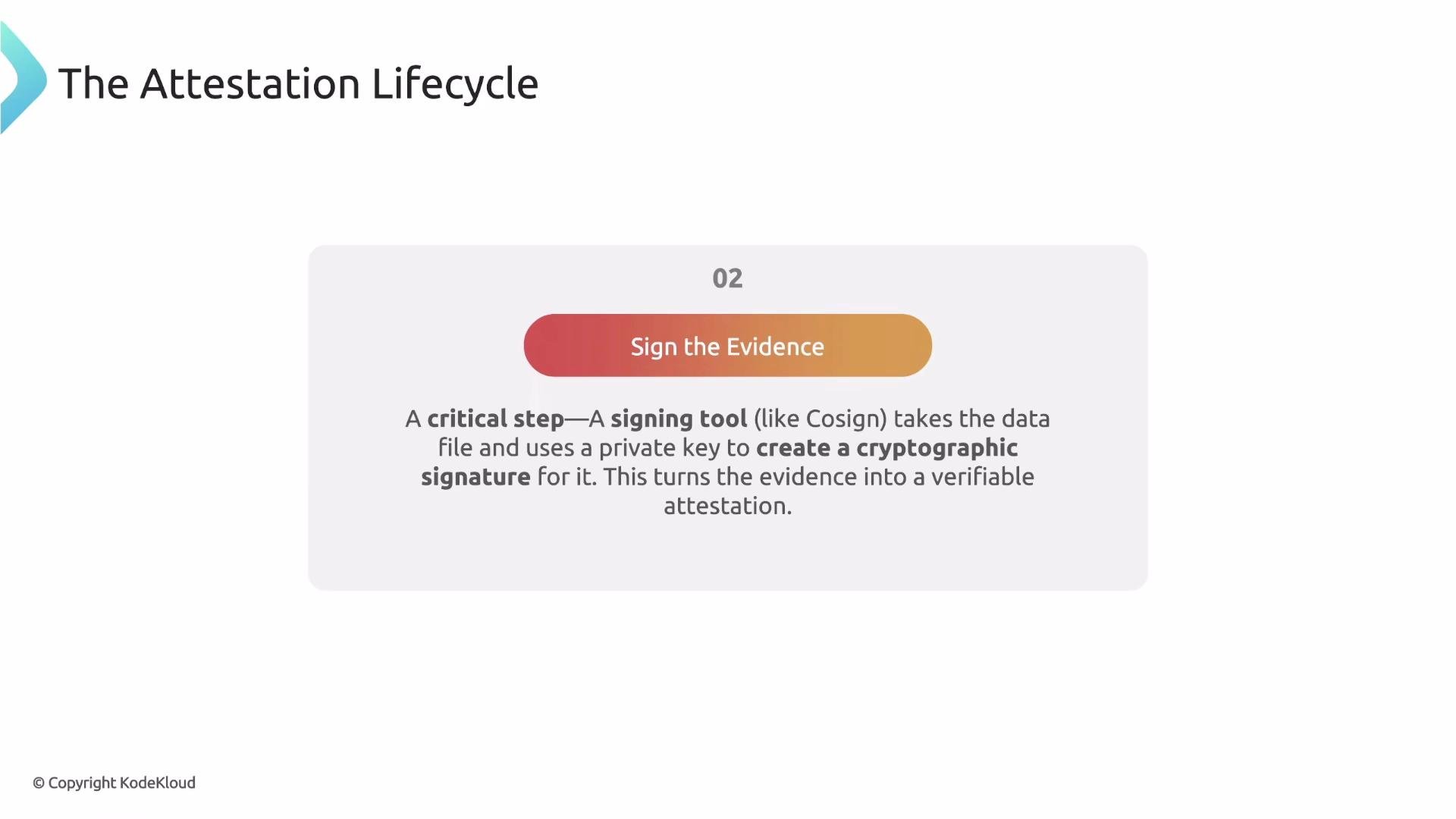
- Attestation lifecycle: generate evidence → sign evidence → attach to image (registry).
- Use ORAS to discover attestations attached to an image.
- Kyverno’s verifyImages attestation block first verifies the attestation signature using attestors, then evaluates JMESPath-based conditions against the attestation JSON to enforce fine-grained security policies.
- ORAS — https://oras.land
- Cosign (Sigstore) — https://sigstore.dev/cosign/
- CycloneDX (SBOM format) — https://cyclonedx.org
- Trivy — https://github.com/aquasecurity/trivy
- JMESPath — https://jmespath.org
- Kyverno verifyImages documentation — https://kyverno.io/docs/writing-policies/validate-images/