

- Critical system Deployments in the
kube-systemnamespace could be altered and break the cluster. - Short-lived CI test Deployments might intendedly use a single replica.
- A cluster admin might need a special one-replica Deployment for emergency maintenance.
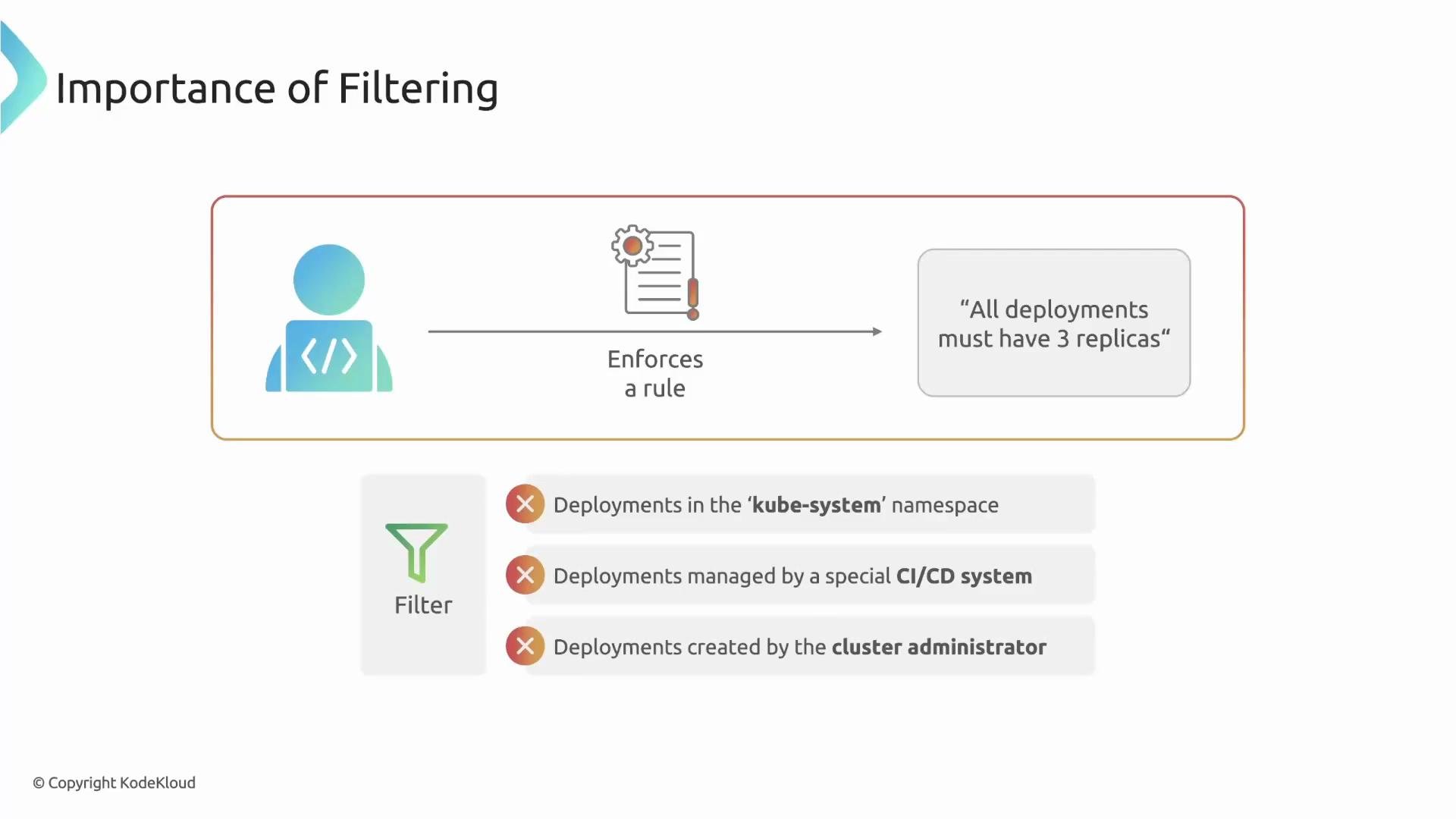
match— “I’m interested in resources that look like this.”exclude— “Ignore these resources even if they matched.”
match criteria and must not match any exclude criteria for the rule to be applied.
The
match filter narrows which resources are considered; exclude removes exceptions from that matched set. A resource must pass match and not match any exclude to have the rule applied.spec.replicas: 3 for Deployments, but excludes Deployments in kube-system and those labeled ci: "true":
match.resources.kindslimits the rule toDeploymentresources.exclude.resources.namespacesignores everything in thekube-systemnamespace.exclude.resources.selector.matchLabelsignores resources labeledci: "true"(e.g., CI test Deployments).validate.patternrequiresspec.replicasto be3for all remaining matched resources.
match and mirror those selectors in exclude to create exceptions:
Advanced filtering: preconditions, request info, and context
Beyond matching by resource attributes, you can create refined rules that depend on the request context. For example, use preconditions and context variables to apply a rule only if:
- The request user or group matches a given value.
- The resource is created via a specific admission operation.
- A request-specific value (from
request.objectorrequest.userInfo) meets a condition.
- The
matchblock: select resources by kind, namespace, labels, and annotations. - The
excludeblock: mirrormatchselections to define exceptions. - Advanced filtering: preconditions, request/user info, and context-driven rules.
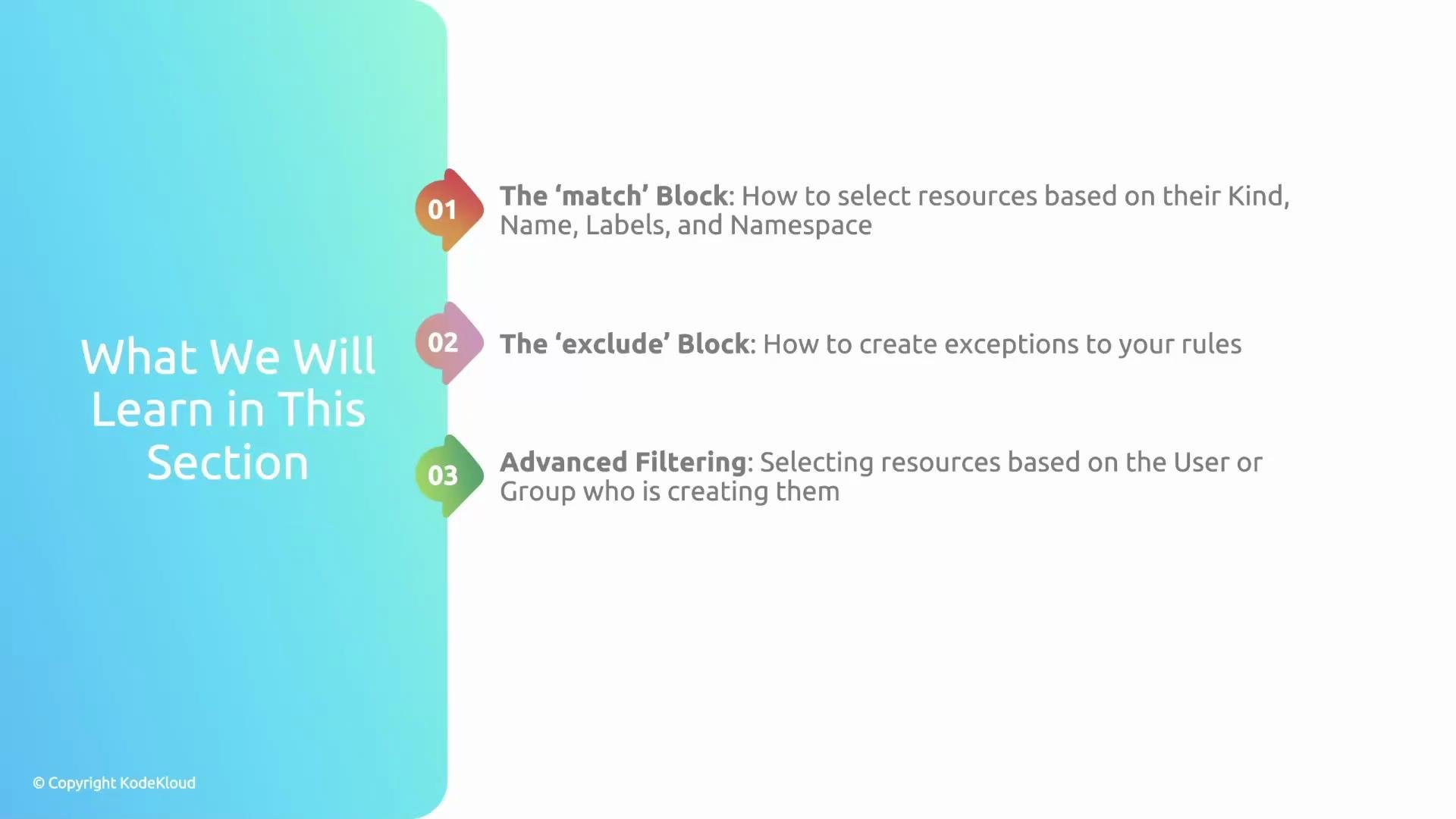
match and exclude, and build advanced exceptions that consider request attributes and user context.
Links and references
- Kyverno documentation — Policy filters and matching
- Kubernetes labels and selectors
- Admission control and request context in Kyverno