

kinds, names, and selector within a single resources block — those are implicitly combined with logical AND. But what if you need to express alternatives (OR) or require that several independent filter blocks all match (AND)? Kyverno provides any and all for exactly this purpose.
This article explains how to use any (OR) and all (AND) resource filters in Kyverno policies, including examples and evaluation behavior so you can craft precise policy scopes.
any (OR)
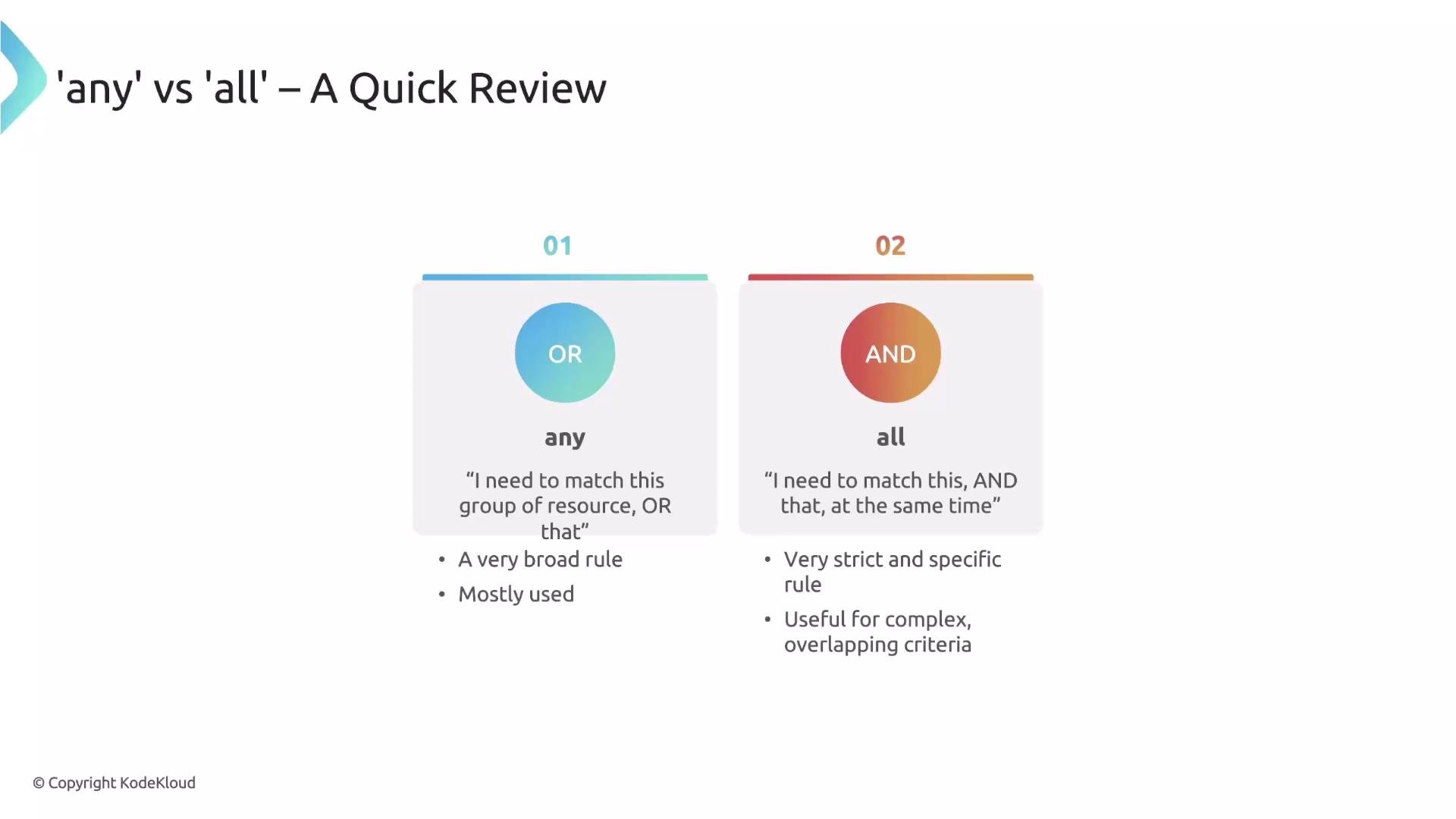
Theany block implements logical OR. The rule matches if at least one of the filter blocks under any matches the resource or request.
Example: match either Deployments labeled app: critical OR any StatefulSet.
- This policy applies to a Deployment that has the
app: criticallabel, or to any StatefulSet (regardless of labels). - Use
anywhen multiple, different criteria should grant a match — for example, different resource types or different identity-based rules that share the same policy action.
Combining different filter types under any
Under any you can mix different top-level filter types, such as resources, clusterRoles, subjects, etc. Kyverno evaluates the blocks in order and stops as soon as one block matches.
Example: match if the resource is a Deployment OR if the requesting user has the cluster-admin cluster role:
- If Block 1 matches (e.g., the object is a Deployment), Kyverno considers the rule matched and will not need to evaluate further blocks.
- If Block 1 does not match, Kyverno evaluates Block 2 and checks the requester’s identity. If the requester has
cluster-admin, the rule matches regardless of the resource type.
all (AND)
Theall block implements logical AND. The rule matches only if every filter block listed under all matches. Use all when you require multiple independent conditions to be true simultaneously.
Example: match only Deployments that both have the label app: critical AND are named frontend-app.
- A Deployment must satisfy both conditions to match: it must have the
app: criticallabel and be namedfrontend-app. - If either block fails to match, the rule will not apply.
Quick comparison table
Kyverno evaluation model
- Top-level
matchfilters can be standard filters (likeresources) or combinators (any/all). - Kyverno evaluates the combinator blocks in sequence; for
any, evaluation can short-circuit on the first match. - The same combinator logic (
any/all) is used inexcludeblocks to define exceptions.
A
match block can contain direct filter blocks (for example, resources) or it can use any/all to combine multiple filter blocks. Use any when you want OR semantics and all when you want AND semantics.exclude block, which creates exceptions, uses the same any/all logic — the concepts explained here apply to it as well.
That’s it for this lesson.
Further reading and references:
- Kyverno documentation: https://kyverno.io/docs/
- Kyverno match examples: https://kyverno.io/docs/writing-policies/match-examples/