Explains Kyverno PolicyReport schema and reports controller generating and interpreting policy evaluation results in Kubernetes
In the introduction, Alex faced a common visibility gap: resources created before policies existed were difficult to identify as non-compliant. Kyverno’s reporting system fills that gap by producing PolicyReport and ClusterPolicyReport resources that summarize policy evaluations across your cluster.Before we look at how to inspect reports in a live cluster, first understand what a report is and how it’s generated.Who creates reports?The reports controller is the Kyverno component responsible for generating and updating PolicyReport and ClusterPolicyReport resources. It acts as the central record keeper and receives evaluation results from two primary sources: real-time admission reviews and periodic background scans.Admission reviews (real-time)
This trigger runs whenever a resource is created or updated. Kyverno evaluates applicable policies during the admission request and the reports controller records an entry for any policy with spec.admission set to true (the default).
By default, Kyverno policies evaluate both at admission (spec.admission: true) and in background scans (spec.background: true) unless you explicitly change those fields. Use admission evaluation for immediate enforcement and background scans for periodic compliance checks.
Background scans (periodic)
The second trigger is the background scan, which evaluates policies against resources that already exist in the cluster. Kyverno periodically re-evaluates resources for any policy with spec.background set to true and forwards those results to the reports controller.
Consolidation by the reports controller
The reports controller merges results from both admission reviews and background scans into PolicyReport (namespaced) and ClusterPolicyReport (cluster-scoped) resources. This consolidation provides a single source of truth for policy compliance across your cluster.
Report typesWhich report type is used depends on the evaluated resource’s scope:
Report type
Scope
Evaluated resource examples
PolicyReport
Namespaced
Pod, Deployment, Service
ClusterPolicyReport
Cluster-scoped
Namespace, Node, ClusterRole
What does a PolicyReport look like?A PolicyReport is essentially a report card for a single Kubernetes resource. It has three primary sections:
Scope: identifies the resource (kind, name, namespace).
Results: an array with one entry per policy rule evaluated against that resource.
Summary: aggregated counts for pass, fail, warn, error, and skip.
The results array is the most important section for troubleshooting: each element corresponds to a single rule evaluation and indicates the outcome.Breaking down a single result entryEach result entry contains the fields you’ll use to identify and prioritize violations:
policy, rule: which policy and rule were evaluated.
result: the evaluation outcome (pass, fail, skip, warn, error).
message: human-readable description of the validation or error (critical for debugging).
Additional optional fields: category, severity, scored, source, etc., which help with filtering and prioritization.
Example result entry:
- category: Pod Security Standards (Baseline)
  message: 'validation error: Sharing the host namespaces is disallowed...'
  policy: disallow-host-namespaces
  result: fail
  rule: host-namespaces
  scored: true
  severity: medium
  source: kyverno
Understanding result valuesThe possible outcomes provide context beyond binary pass/fail and support auditability:
Result
Meaning
pass
The resource complies with the rule.
fail
The resource violated the rule and is non-compliant.
skip
The rule did not apply (e.g., a precondition wasn’t met or an exception applied). Not a pass or fail, but part of the audit trail.
warn
A soft failure; violation is reported as a warning rather than enforced.
error
An issue occurred while processing the rule (e.g., policy syntax or evaluation error). Indicates the need to debug the policy.
RecapIn this lesson you learned:
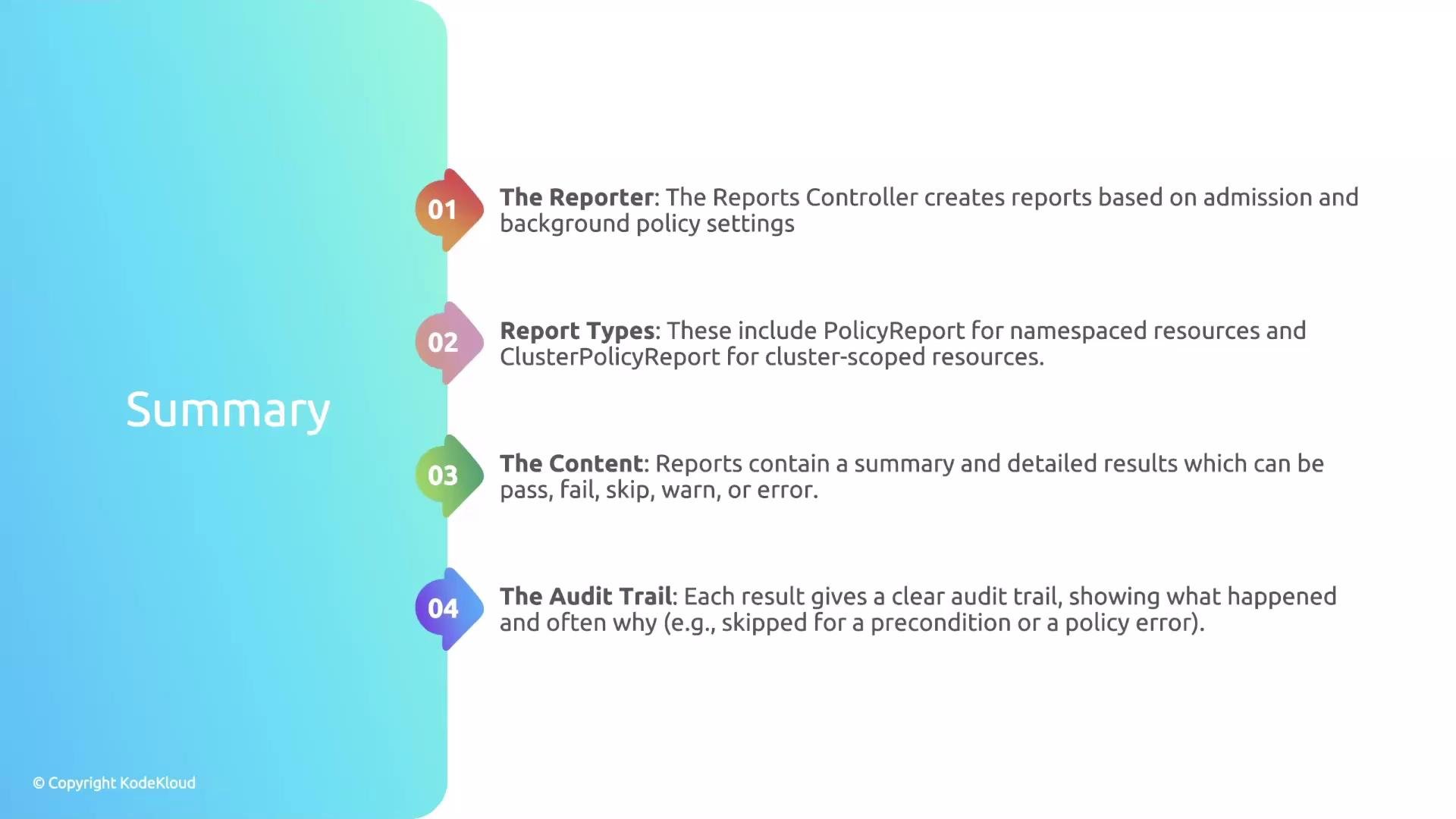
The reports controller consolidates evaluations from admission reviews (real-time) and background scans (periodic).
There are two report types that correspond to resource scope: namespaced PolicyReport and cluster-scoped ClusterPolicyReport.
A PolicyReport contains a summary and a results array; the results array is where you’ll analyze compliance issues.
The result values (pass, fail, skip, warn, error) provide an audit trail that indicates compliance, intentional skips, or policy processing errors.
Next stepsYou now have the foundation to read and interpret PolicyReport resources. In the next lesson we will demonstrate how reports are generated in a cluster and how to query and filter PolicyReports and ClusterPolicyReports to prioritize remediation.References