

Exam cost and retake
The ICA is a paid exam: the registration fee is $250 USD and includes one free retake. That retake was commonly used by candidates in previous versions, and it’s still included with the exam purchase.Passing score, duration, and validity
You can confirm up-to-date exam logistics on the official FAQ page.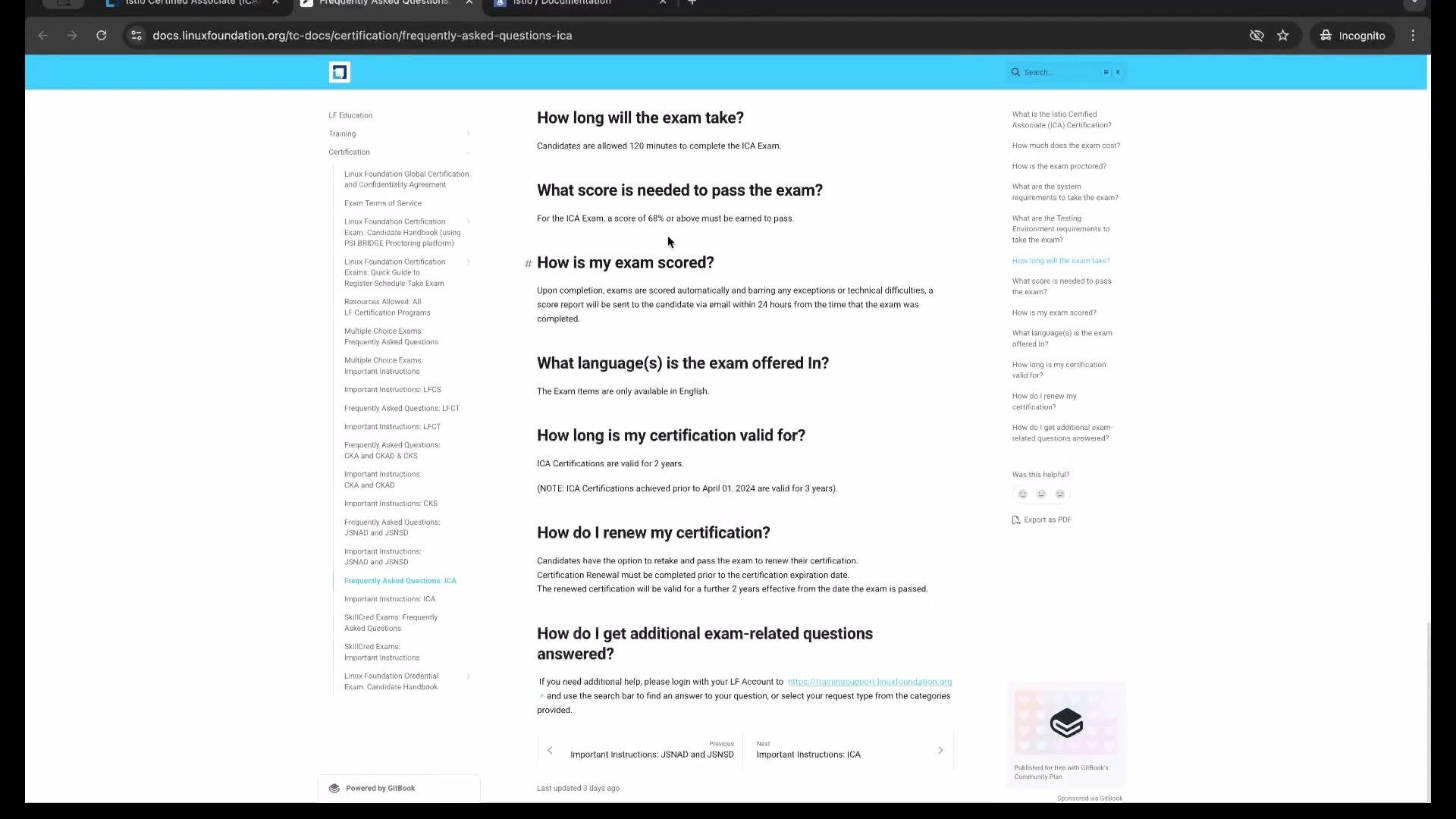
- Passing score: 68% (previously 75%)
- Exam length: 2 hours (hands-on, performance-based tasks)
- Validity: 2 years for certifications issued after April 2024 (previously 3 years)
Proctoring and system requirements
The ICA is proctored remotely through PSI. During the exam you will be monitored via webcam, microphone, and screen sharing. Expect to show your surroundings and keep audio/video enabled for the entire session.Remote proctoring requires your camera and microphone to remain on. You may be asked to show your workspace, and certain behaviors (e.g., covering your mouth, looking away frequently, or having another person present) can cause interruptions or disqualification. Review PSI’s system requirements before your exam.
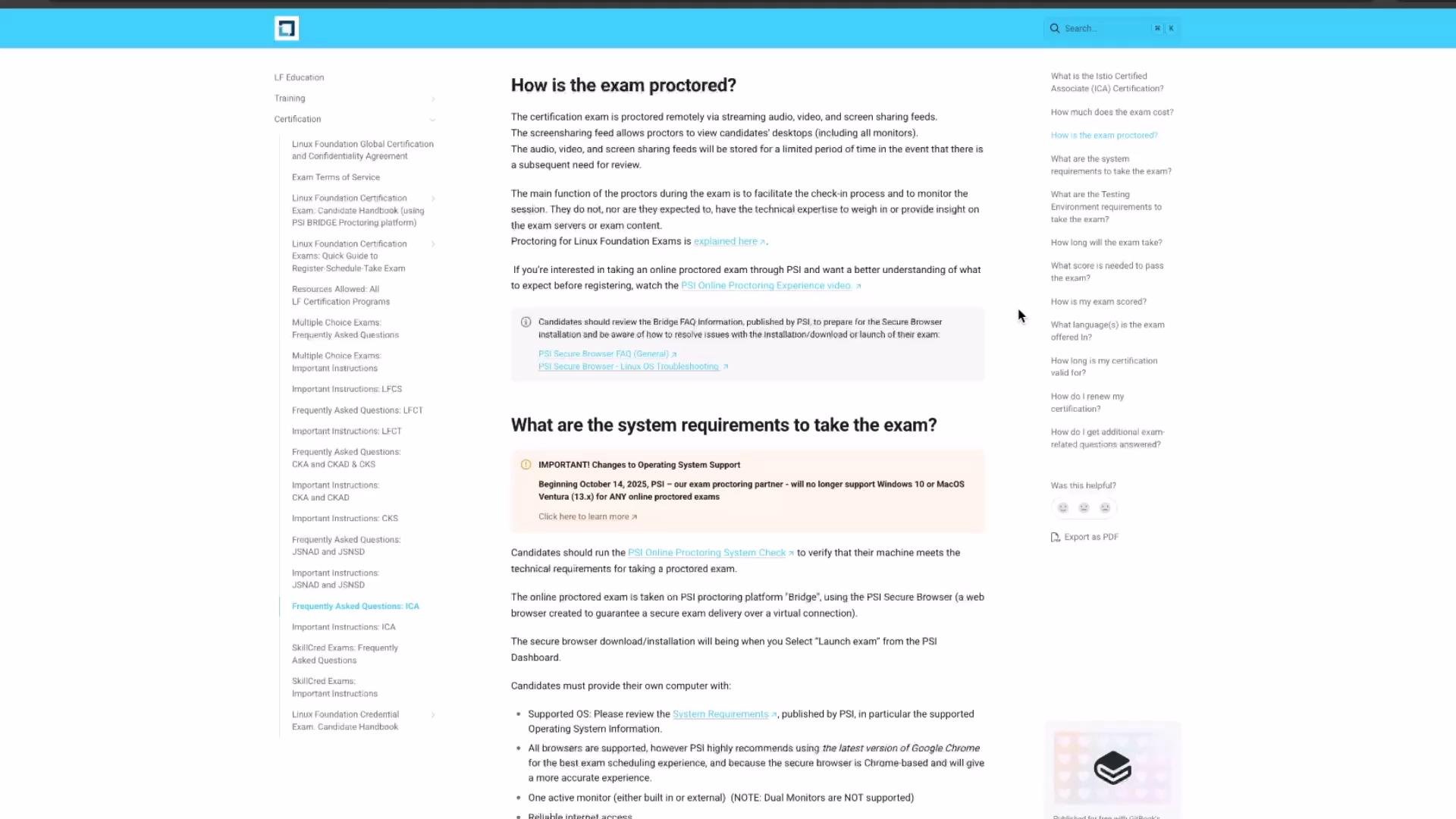
- PSI test center and remote proctoring info: https://www.psionline.com
- Check hardware and browser compatibility well before your appointment
Open-book exam — know the documentation
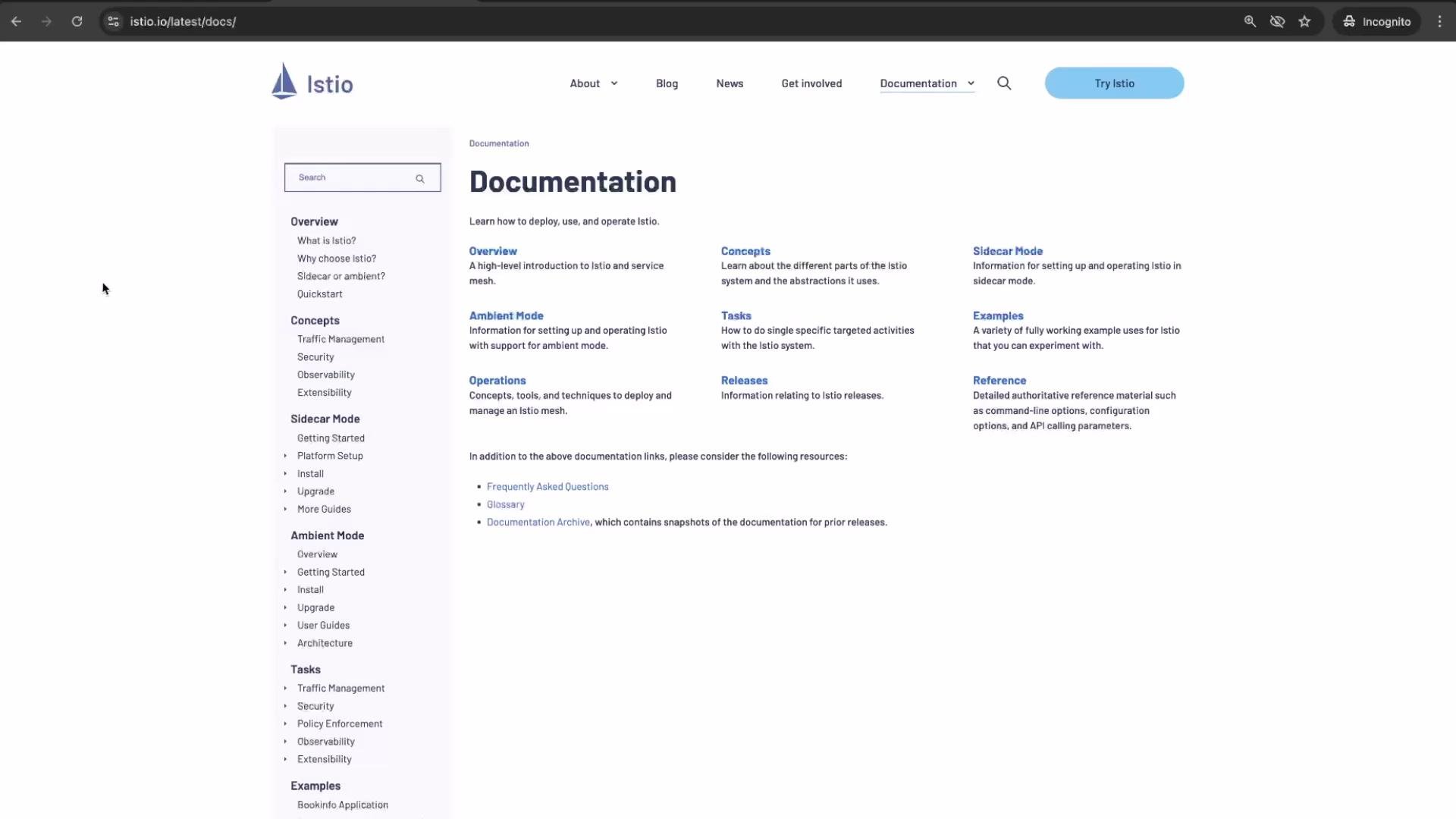
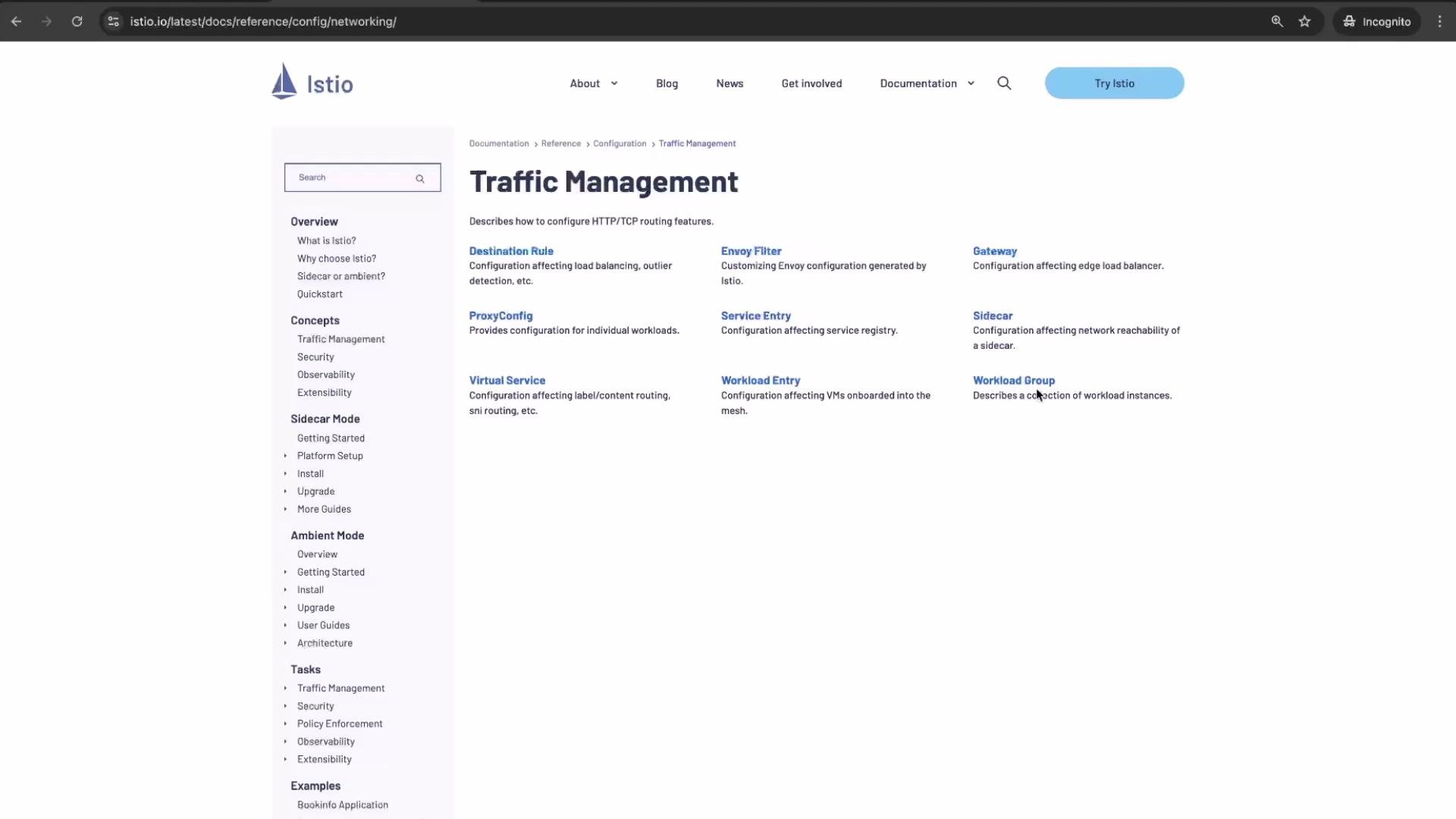
The exam is open-book: you can use Istio’s official documentation during the test. That makes familiarity with the docs and fast navigation essential.Being able to quickly locate documentation pages and configuration references is as important as hands-on practice. Practice searching the Istio docs for APIs such as VirtualService, DestinationRule, Gateway, and Authentication policies so you can look up details during the exam.
Supported Istio version for the exam
The ICA was updated to target a more recent Istio release. At the time this overview was created:- Latest Istio upstream release: 1.27
- ICA exam version target: 1.26 (this course and exam content are based on Istio 1.26)
Exam domains and weighting
The exam domains are similar to prior versions but have adjusted weights. Below is a concise breakdown of the major domains and approximate weightings:
These weights reflect the newer exam layout (note: weights are approximate and subject to change—check the official exam page for definitive details).
What changed in the new ICA exam format
Key improvements in the latest exam version:- Fewer tasks: reduced from ~20–22 hands-on tasks to 16 hands-on tasks
- Multiple-choice removed: prior multiple-choice questions have been eliminated
- Passing score reduced from 75% to 68%
- You get time to review your answers before submission (the new format allows some time to verify work)
- The exam remains 2 hours long and is still hands-on and performance-based
Preparation tips
- Practice common Istio resources: VirtualService, DestinationRule, Gateway, PeerAuthentication, AuthorizationPolicy, and ServiceEntry.
- Get hands-on with ambient mode (sidecar-less) scenarios and in-place upgrade patterns.
- Timebox practice exams to 2 hours and practice reviewing your answers at the end.
- Learn to navigate the Istio docs quickly (table of contents, search, and resource examples).
- Validate YAML in a local cluster (Kind / KinD + Istio) and practice debugging with istioctl and kubectl.
Useful links and references
- Official Istio documentation: https://istio.io
- ICA exam FAQ and policies: (refer to the exam FAQ image above or the official certification page)
- PSI remote proctoring: https://www.psionline.com