Documentation Index

Fetch the complete documentation index at: https://notes.kodekloud.com/llms.txt

Use this file to discover all available pages before exploring further.

This lesson lists the technical skills and knowledge you should have before attempting the Istio Certified Associate (ICA) exam. The ICA is relevant for DevOps engineers, SREs, SecOps, and software developers who work with service mesh technologies. Although the Linux Foundation lists no formal prerequisites, you should be comfortable with several core technologies to maximize your chance of success. Key areas to focus on:
  • Kubernetes fundamentals and resource configuration
  • kubectl usage (imperative and declarative workflows)
  • Basic Linux shell skills and a terminal editor
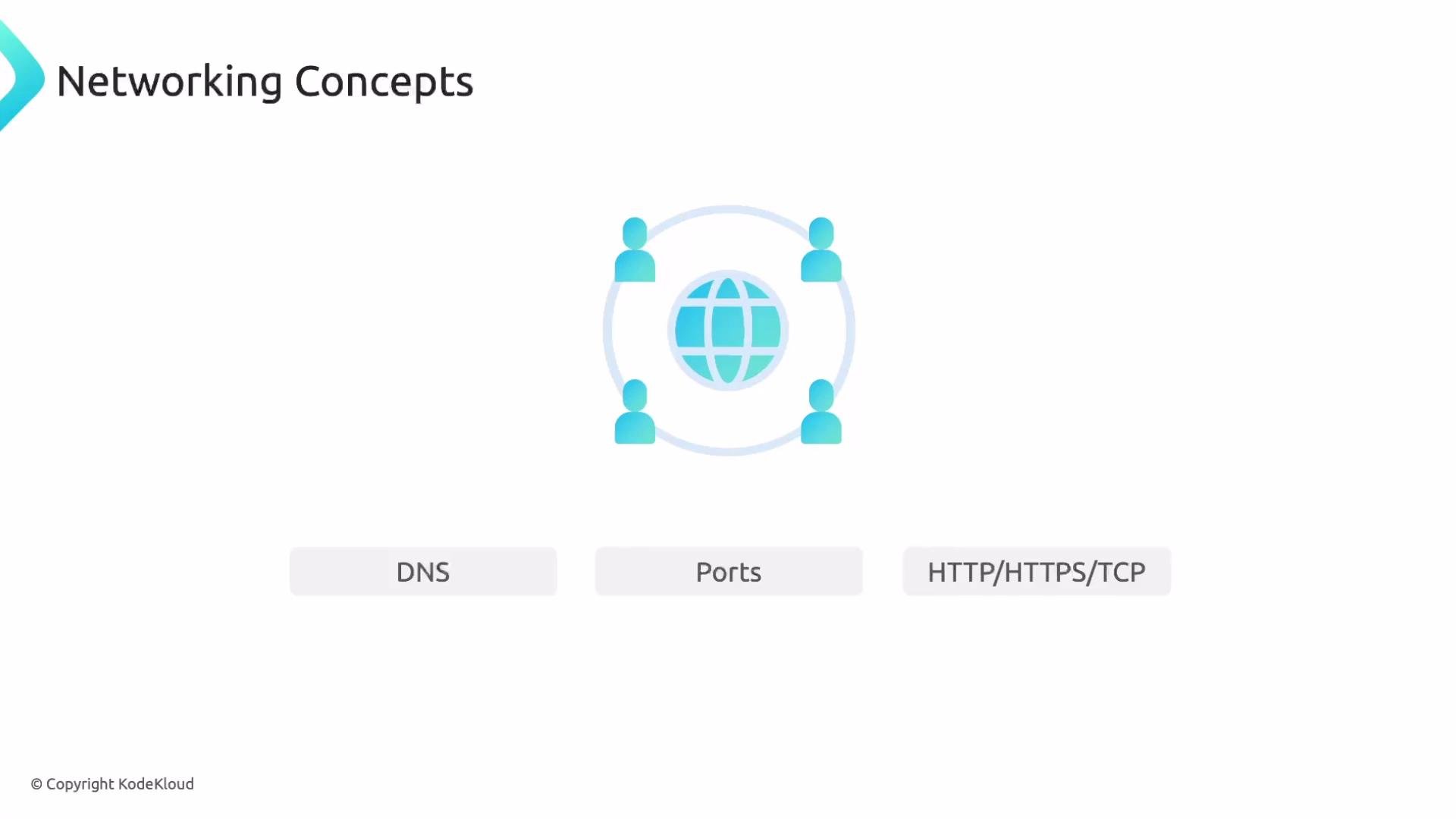
  • Networking concepts used by Istio (DNS, ports, HTTP/HTTPS, TCP)
  • Helm for installing/upgrading charts
  • Hands-on practice in a terminal-based, timed environment

Who should use this guide

This content is aimed at candidates preparing for the Istio Certified Associate exam and practitioners who want to validate their practical Istio and Kubernetes skills.

Core knowledge checklist

TopicWhy it mattersSuggested practice
Kubernetes basicsIstio operates on top of Kubernetes and configures service-level behaviorCreate Pods, Deployments, Services; inspect resources with kubectl
kubectl workflowsThe ICA is performed in a terminal; you’ll create, edit, and debug objects with kubectlPractice both imperative commands and manifest-based (kubectl apply) workflows
Linux shell & editorThe exam runs in a Linux terminal — you will need to create and edit filesKnow cat, ls, rm, curl, ping and at least one editor (Vim, Nano)
Networking fundamentalsIstio routing and policies depend on DNS, ports, and protocolsConfigure Services and test connectivity (HTTP/TCP)
HelmCommonly used for installing Istio or related componentsAdd repos, update, install and upgrade charts
Hands-on labsSimulates the exam environment and builds speedUse mock exams and timed labs

Kubernetes: what to know

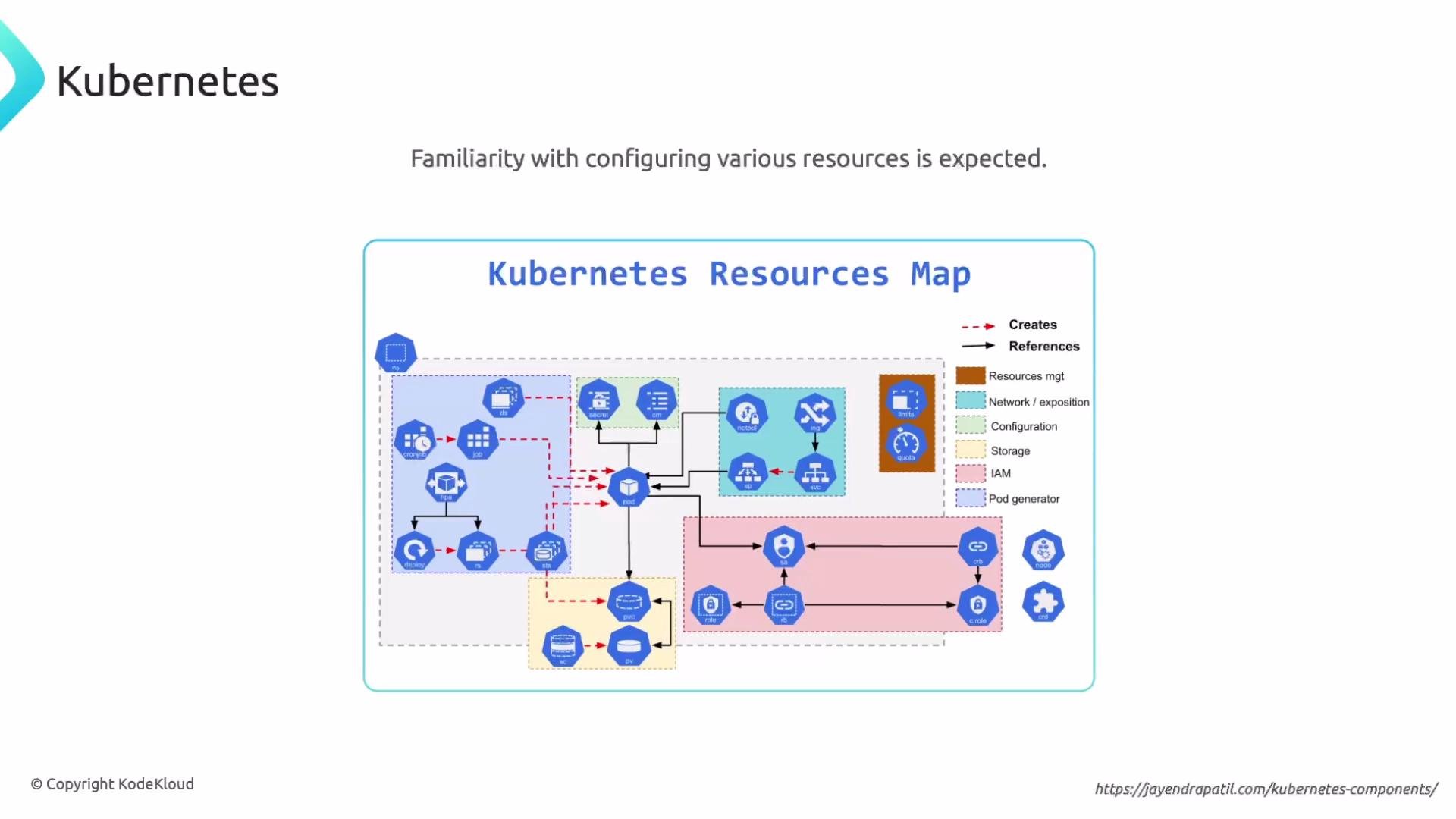
You should be able to explain what Kubernetes is and how it works at a conceptual level, and be fluent with common resource types:
  • Pods
  • Deployments
  • ReplicaSets
  • DaemonSets
  • Services (especially important for Istio’s service-level behavior)
Practice creating, updating, and inspecting these resources using kubectl. If you’re new to Kubernetes, consider an introductory course first (for example, KodeKloud’s Kubernetes courses).
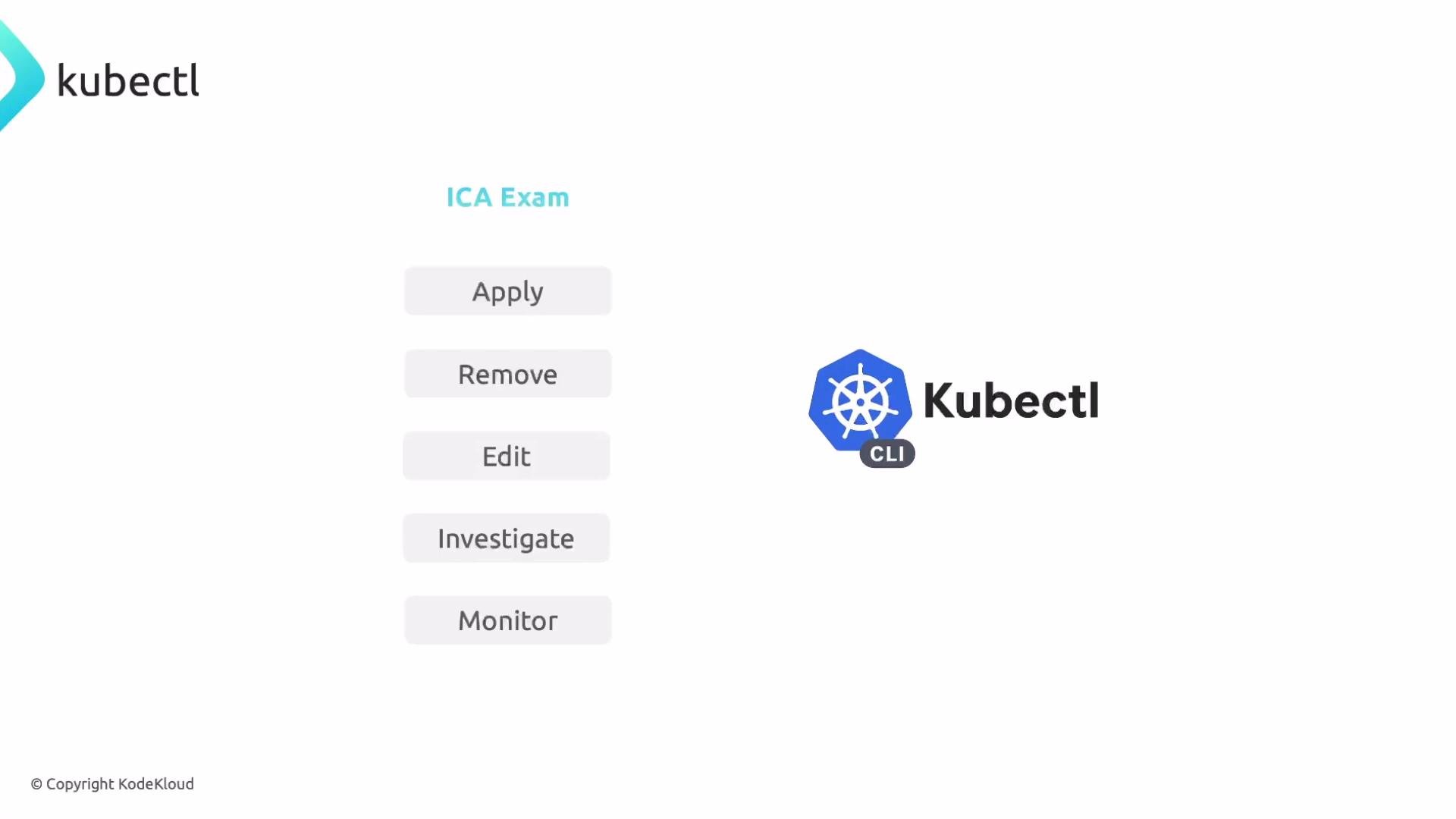
The image shows the Kubectl (Kubernetes CLI) logo and text on the right. On the left is a vertical column under the heading "ICA Exam" with grey buttons labeled Apply, Remove, Edit, Investigate, and Monitor.

kubectl: imperative vs declarative

There are two common approaches to creating Kubernetes resources.
  • Imperative — run kubectl commands directly.
  • Declarative — write YAML manifests and use kubectl apply -f to create or update resources.
On the exam you may be asked to create resources using either approach. Practice both. Example — imperative creation with kubectl:
kubectl create deployment nginx --image=nginx
kubectl expose deployment nginx --port=80 --target-port=80 --type=ClusterIP
Example — declarative creation using a manifest:
apiVersion: apps/v1
kind: Deployment
metadata:
  name: nginx
spec:
  replicas: 1
  selector:
    matchLabels:
      app: nginx
  template:
    metadata:
      labels:
        app: nginx
    spec:
      containers:
      - name: nginx
        image: nginx
        ports:
        - containerPort: 80
Save the manifest as deployment.yaml and apply it:
kubectl apply -f deployment.yaml

Shell commands and editor proficiency

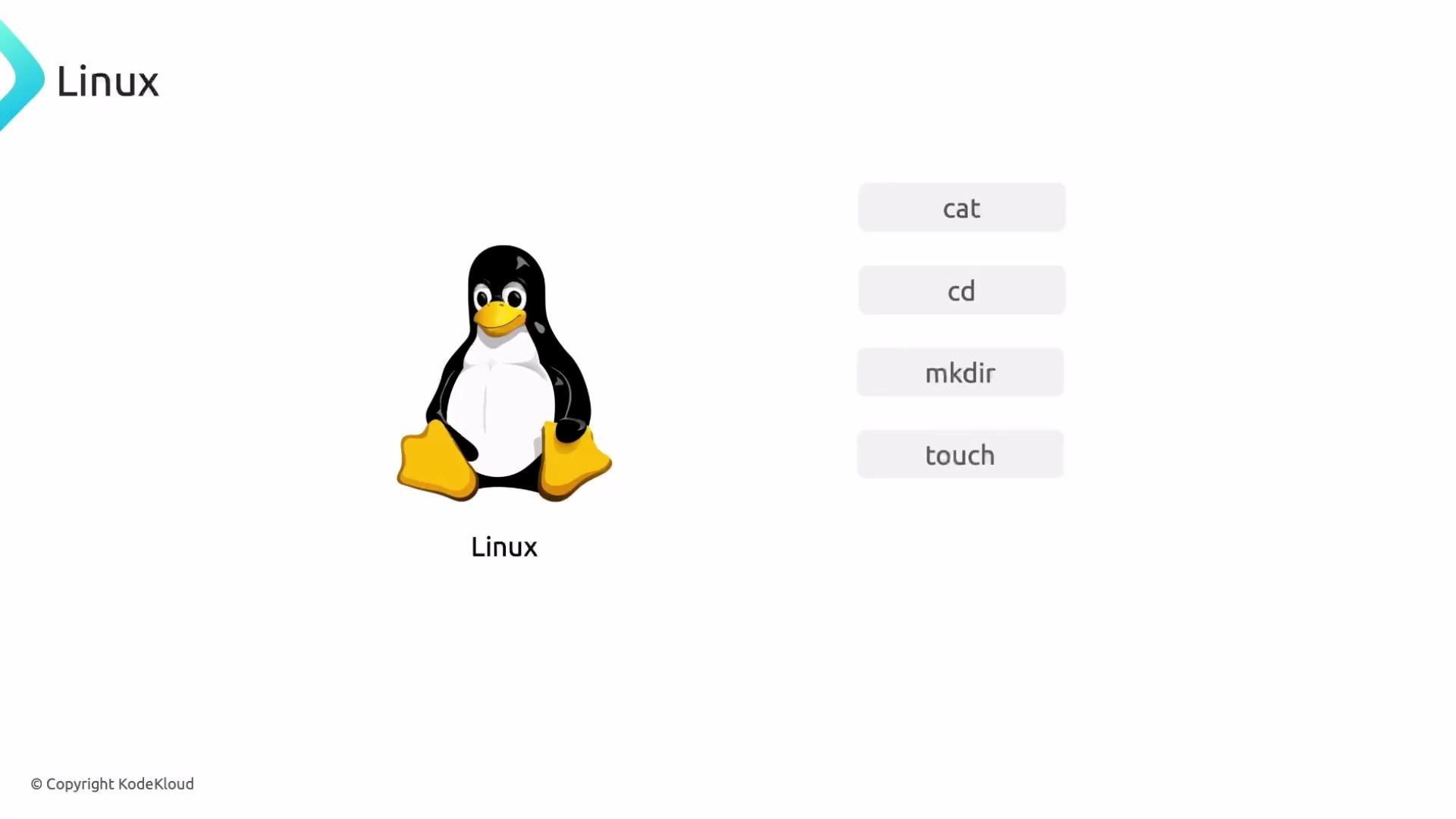
The ICA exam runs inside a Linux terminal, so practice common shell commands and file editing: Common commands to practice:
cat
cd
mkdir
touch
ls
rm
curl
ping
Be comfortable editing manifests in a terminal editor. Vim is commonly available and powerful; Nano or an in-exam editor may also be present. Some environments may allow VS Code, but do not rely on it — know at least one terminal editor.
Practice creating and inspecting Kubernetes resources from the shell (both imperative commands and manifest-based workflows). Get comfortable editing manifests with a terminal editor and using core Linux commands prior to the exam.

Networking basics for Istio

Istio leverages network-level concepts to implement routing, policies, and observability. Be familiar with:
  • DNS resolution within Kubernetes
  • TCP and UDP port basics and port ranges
  • Application protocols: HTTP and HTTPS (including headers and path-based routing)
A presentation slide titled "Networking Concepts" showing a central globe icon connected to four user avatars in a circle. Labels along the bottom read "DNS", "Ports", and "HTTP/HTTPS/TCP."

Helm: install, upgrade, and manage charts

Understand how Helm works and how to use it to install or upgrade charts. Exam tasks may include installation, upgrades, or configuration using Helm. Basic Helm commands to practice:
# The "stable" Helm repo was deprecated; use chart-specific repos or Artifact Hub to find charts.
helm repo add bitnami https://charts.bitnami.com/bitnami
helm repo update
helm install myrelease bitnami/somechart -n mynamespace --create-namespace
helm upgrade myrelease bitnami/somechart -n mynamespace
The Helm logo and wordmark appear on the left. On the right are three menu items: "What is Helm?", "How does Helm work?", and "How to apply Helm Charts?".

Certifications and practice recommendations

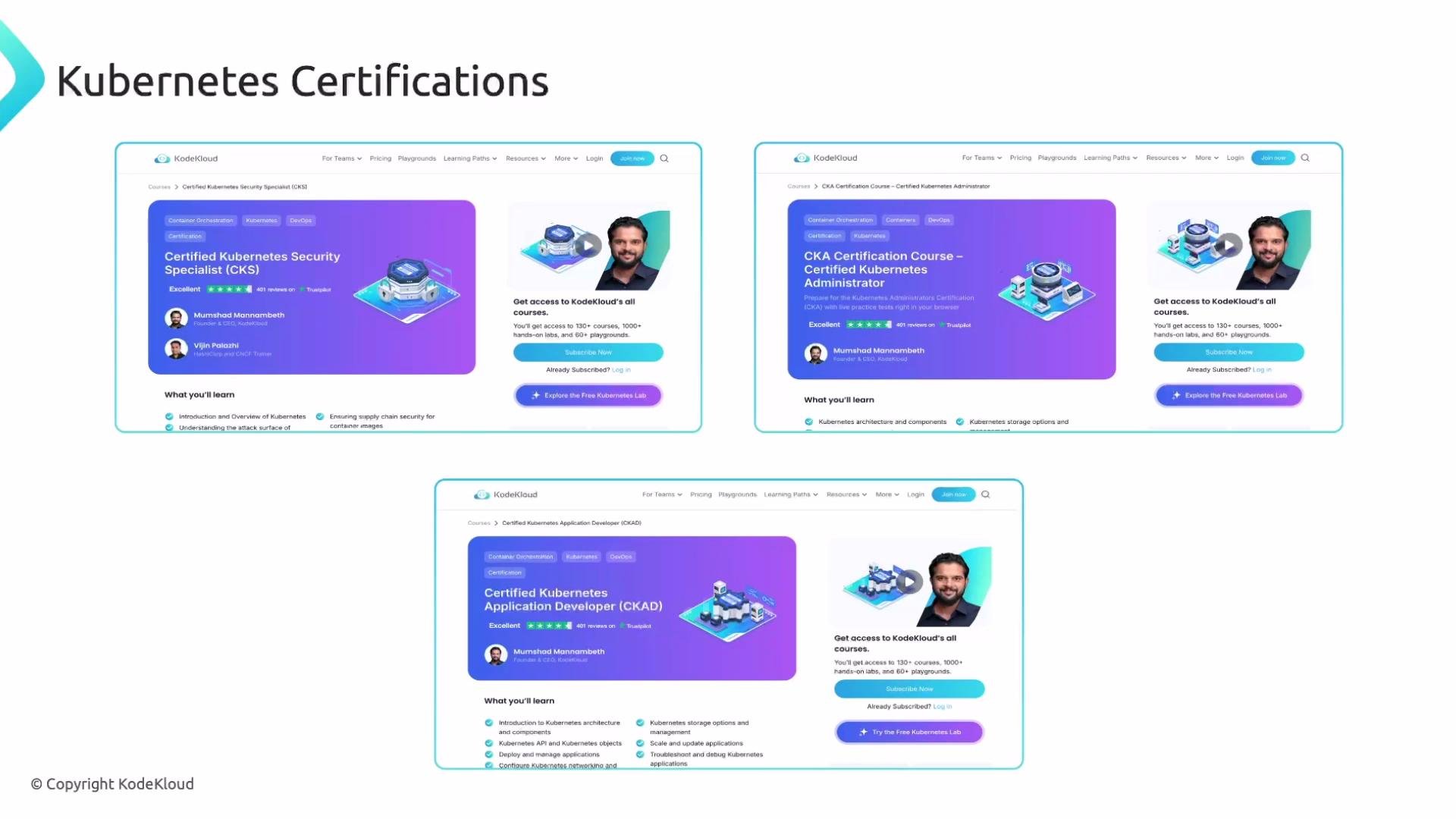
Formal certifications are not required for the ICA, but prior Kubernetes certification experience (CKA, CKAD, CKS) or equivalent hands-on practice can reduce study time and help you focus on Istio-specific topics. Suggested actions:
  • Take timed mock exams and hands-on labs to simulate the exam environment.
  • Build small clusters and deploy sample applications to practice Istio routing, telemetry, and policies.
  • Review Istio documentation and tutorials for configuration patterns and debugging workflows.
A webpage mockup titled "Kubernetes Certifications" showing three KodeKloud course cards (CKS, CKA, CKAD) with purple banners, small illustrative diagrams, course details and an instructor headshot, plus subscription and lab call-to-action buttons.

Final tips

  • Focus on speed and accuracy: the exam is timed and terminal-based.
  • Practice both imperative commands and declarative YAML workflows.
  • Verify you can use at least one terminal editor confidently.
  • Familiarize yourself with Helm and the networking concepts that Istio relies on.
If you feel ready, begin exam-style practice in a timed, terminal-only environment. Good luck on your ICA preparation.

Watch Video