

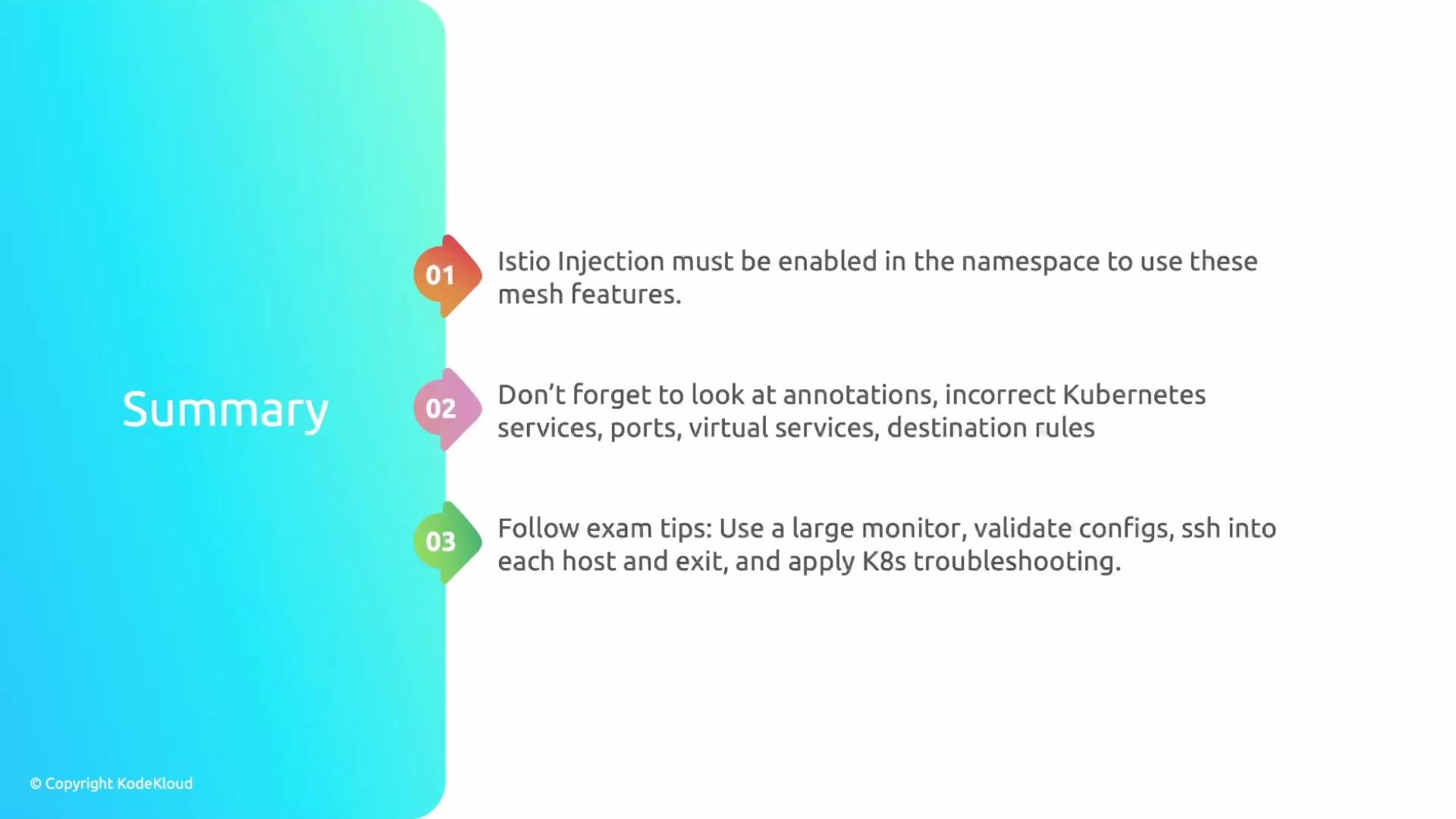
- Istio features only work when the namespace is configured for sidecar injection. Confirm the namespace label and, when required, restart deployments so the Envoy sidecar is injected.
- Inspect annotations, Service definitions and ports, VirtualServices, and DestinationRules carefully — these are frequent sources of misconfiguration.
- Never assume a namespace is empty. Check for other controllers, CRDs, or resources that may affect traffic.
- Combine standard Kubernetes troubleshooting (logs, events, pod status) with Istio-specific checks (
istioctl analyze, configuration inspection). - For exam-style scenarios, SSH into each host referenced by the question, perform the required checks, then exit before moving on to the next question.
Key troubleshooting focus areas
-
Namespace configuration
- Confirm the
istio-injectionlabel exists and is set toenabledfor automatic sidecar injection, or verify manual injection where applicable. - If you change the label or the pod template, restart the deployment to force injection.
- Confirm the
-
Workload networking
- Verify Service ports and targetPorts match the application container ports.
- Confirm VirtualService hosts and routes align with Service names and ports.
- Check DestinationRule subsets and labels to ensure traffic is routed to actual pod labels.
-
Resource inspection
- Review pod logs for both application containers and sidecars (
-c <container>). - Look at
kubectl describeoutput and events for scheduling, image pull, or readiness/liveness failures. - Validate Istio configuration objects in the same namespace as well as in the
istio-systemcontrol plane namespace.
- Review pod logs for both application containers and sidecars (
Recommended commands and checks
Use the following commands to quickly identify common Istio and Kubernetes issues. Replace placeholders such asmy-namespace, my-deployment, my-pod, and my-container with your actual values.
Always SSH into any host referenced by an exam question, run the required checks from that host, then exit before moving to the next question. Also run
istioctl analyze -n <namespace> early — it catches many common Istio issues quickly.Quick troubleshooting checklist
- Confirm the namespace has
istio-injection=enabled(or verify manual injection). - Restart deployments after changing labels or pod templates.
- Validate that Service ports match container ports (including
targetPort). - Confirm VirtualService hosts/hosts and DestinationRule subsets correspond to Service names and pod labels.
- Inspect both application and Envoy sidecar logs.
- Use
istioctl analyzeand checkkubectl get eventsfor additional hints.
Final tips for the ICA exam
- Be methodical: check labels, annotations, Services, VirtualServices, DestinationRules, and pod templates in sequence.
- Small oversights like not restarting a deployment after enabling injection can cost time and points.
- Use a large monitor if possible so you can view multiple terminals and resources at once; it reduces context-switching and speeds up verification.
- Practice navigating between hosts via SSH, running diagnostics, and exiting cleanly — exam questions may require interacting with multiple nodes.
Exam tip: If the question lists specific hosts, SSH into each listed host and complete the checks from there. Failing to SSH into the required hosts (or forgetting to exit) can cause exam errors.