Documentation Index

Fetch the complete documentation index at: https://notes.kodekloud.com/llms.txt

Use this file to discover all available pages before exploring further.

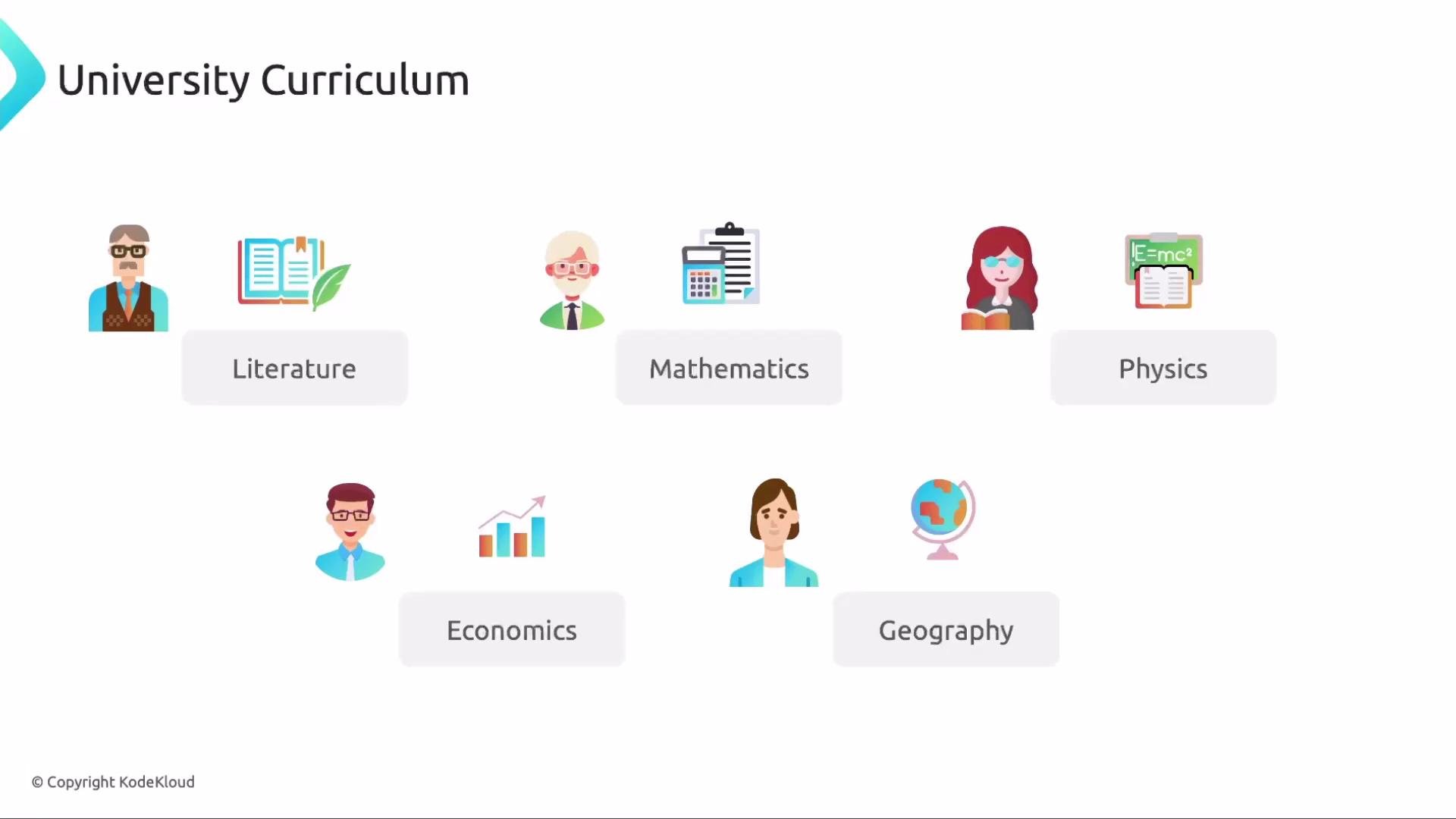
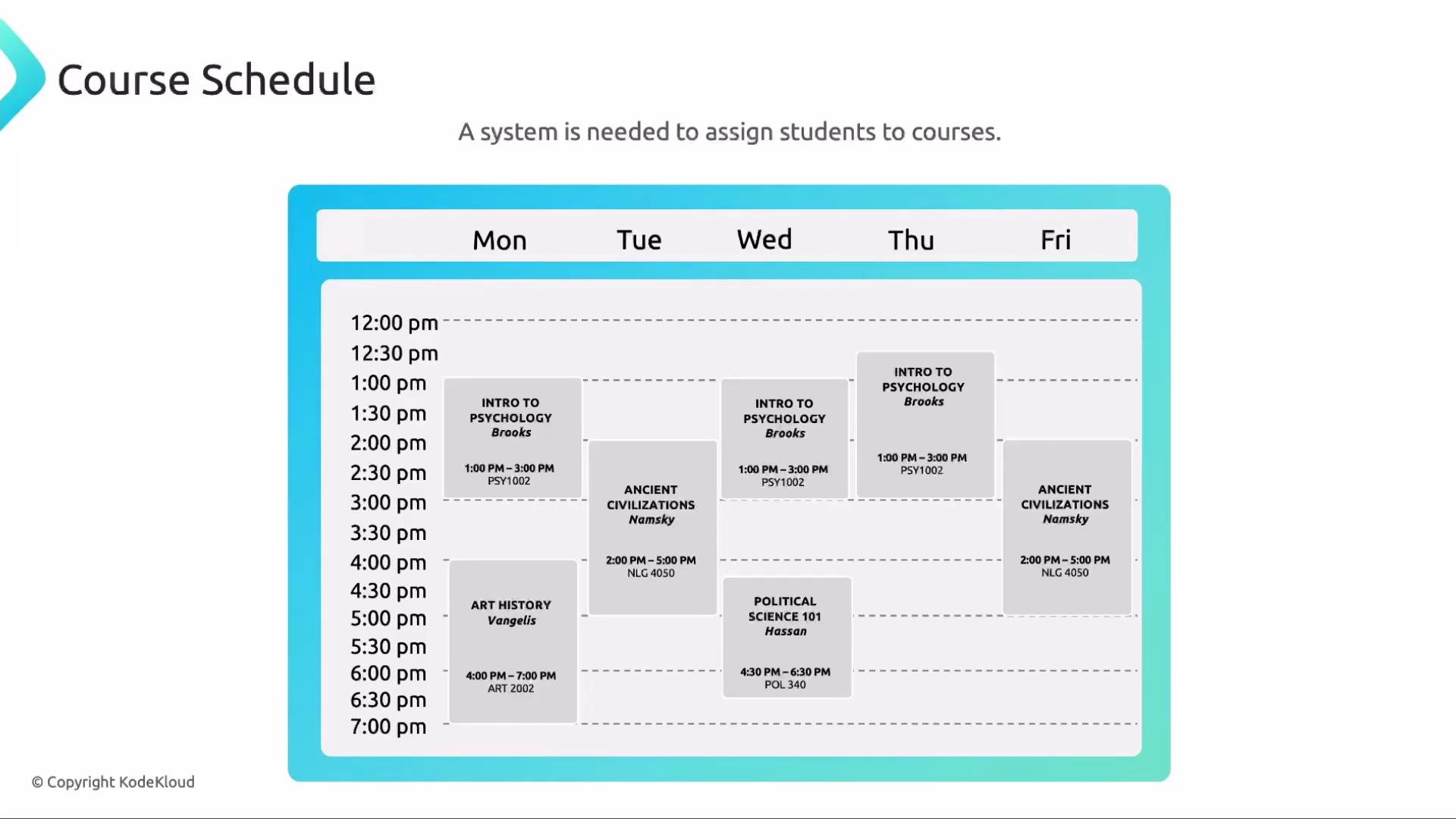
VirtualServices are a core Istio resource that provide L7 (HTTP/gRPC) routing for services running in Kubernetes. They let you define fine-grained routing rules—based on hostnames, paths, headers, or query parameters—and steer requests to specific service versions, enable canary rollouts, mirror traffic, inject faults, and more. A helpful analogy is a university assignment system. Different courses (literature, mathematics, geography, etc.) are taught by different instructors. Students follow a curriculum and need a system that assigns them to the correct classes at the correct times. In this analogy:
  • Students = incoming network traffic
  • Courses/classes = Kubernetes Services / pods
  • VirtualService = the assignment/routing system that decides where each student (request) goes
A schematic diagram titled "Virtual Services" showing an Istio control plane inside a Kubernetes cluster. It depicts multiple nodes with app pods, app services and Envoy sidecars, plus external users connecting through virtual servers.
Traffic arrives at your cluster and a VirtualService defines how that traffic should be routed to Kubernetes Services and the pods behind them. Below is a minimal example Kubernetes workload to demonstrate routing with a VirtualService: a Deployment (1 replica) in the frontend namespace running image app:1.1, and a corresponding Service to expose it.
apiVersion: apps/v1
kind: Deployment
metadata:
  name: app-deployment
  namespace: frontend
spec:
  replicas: 1
  selector:
    matchLabels:
      app: app
  template:
    metadata:
      labels:
        app: app
    spec:
      containers:
      - name: app
        image: app:1.1
        ports:
        - containerPort: 80
---
apiVersion: v1
kind: Service
metadata:
  name: app-svc
  namespace: frontend
spec:
  ports:
  - port: 80
    name: http
    targetPort: 80
  selector:
    app: app
Note: the label selector is app: app (label key app with value app) — this is valid for the example but in production you may prefer more descriptive labels. Minimal VirtualService Below is a minimal VirtualService that forwards all HTTP traffic for the app-svc host to the Kubernetes Service endpoint.
apiVersion: networking.istio.io/v1
kind: VirtualService
metadata:
  name: app-vs
  namespace: frontend
spec:
  hosts:
  - app-svc
  http:
  - match:
    - uri:
        prefix: /
    route:
    - destination:
        host: app-svc.frontend.svc.cluster.local
        port:
          number: 80
Path matching and rewrites You can extend VirtualServices with multiple HTTP match rules and rewrites. In the example below, requests to /login are rewritten to / before being routed to the service, while all other paths match the root prefix.
apiVersion: networking.istio.io/v1
kind: VirtualService
metadata:
  name: app-vs
  namespace: frontend
spec:
  hosts:
  - app-svc
  http:
  - match:
    - uri:
        prefix: /login
    rewrite:
      uri: /
    route:
    - destination:
        host: app-svc.frontend.svc.cluster.local
        port:
          number: 80
  - match:
    - uri:
        prefix: /
    route:
    - destination:
        host: app-svc.frontend.svc.cluster.local
        port:
          number: 80
This demonstrates multiple HTTP match blocks within one VirtualService, each with its own rewrite or routing behavior. Why use a VirtualService? A Kubernetes Service performs L4 load balancing and service discovery. VirtualServices add L7 capabilities that are required for advanced traffic management:
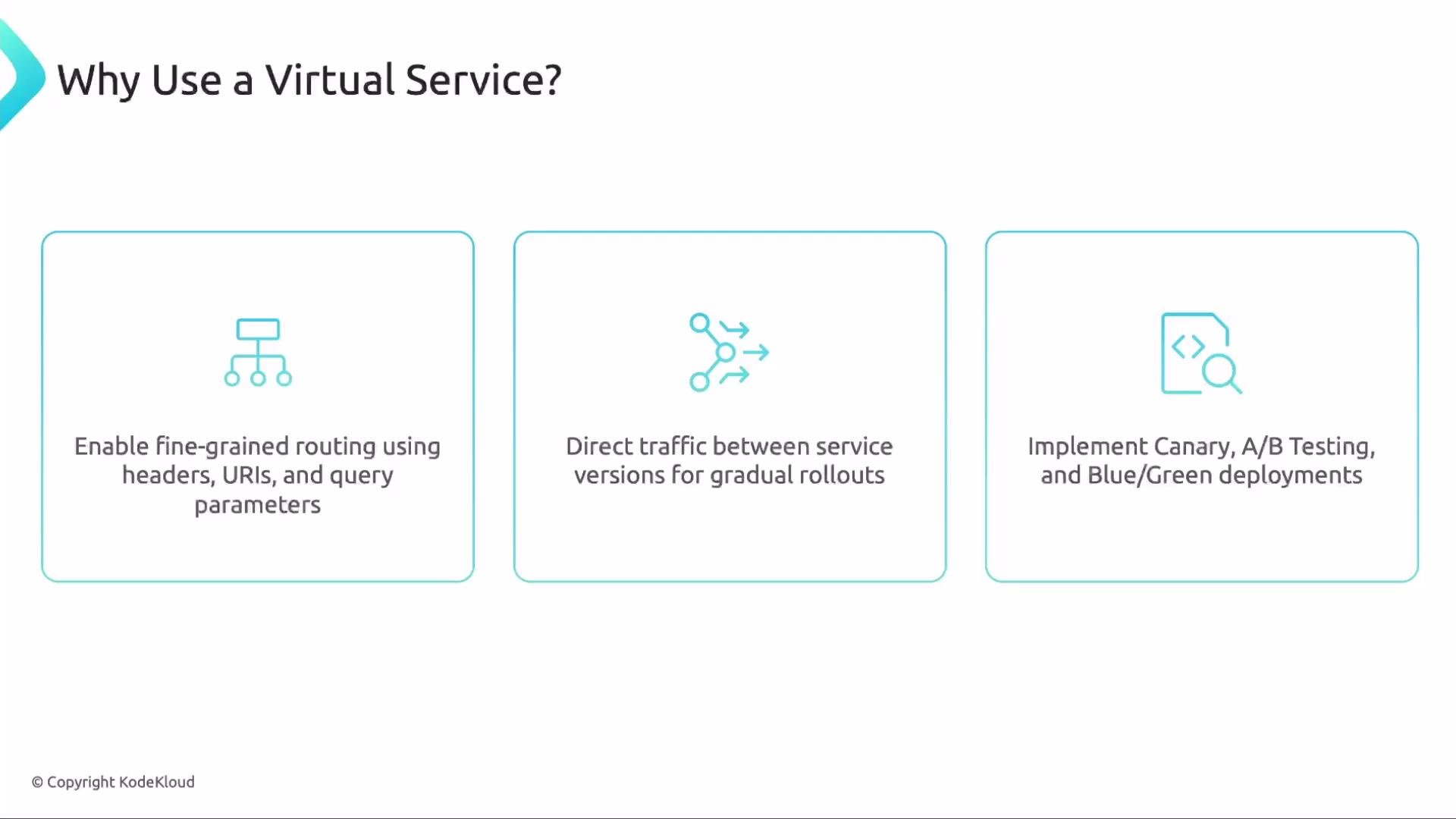
A slide titled "Why Use a Virtual Service?" showing three boxed points with icons: enable fine‑grained routing using headers/URLs/query parameters; direct traffic between service versions for gradual rollouts; and implement Canary, A/B testing, and Blue/Green deployments.
  • Fine‑grained routing based on HTTP headers, paths, or query parameters
  • Traffic splitting between versions for canary or staged rollouts
  • A/B testing and blue/green deployments
  • Traffic mirroring to duplicate live traffic to a test service
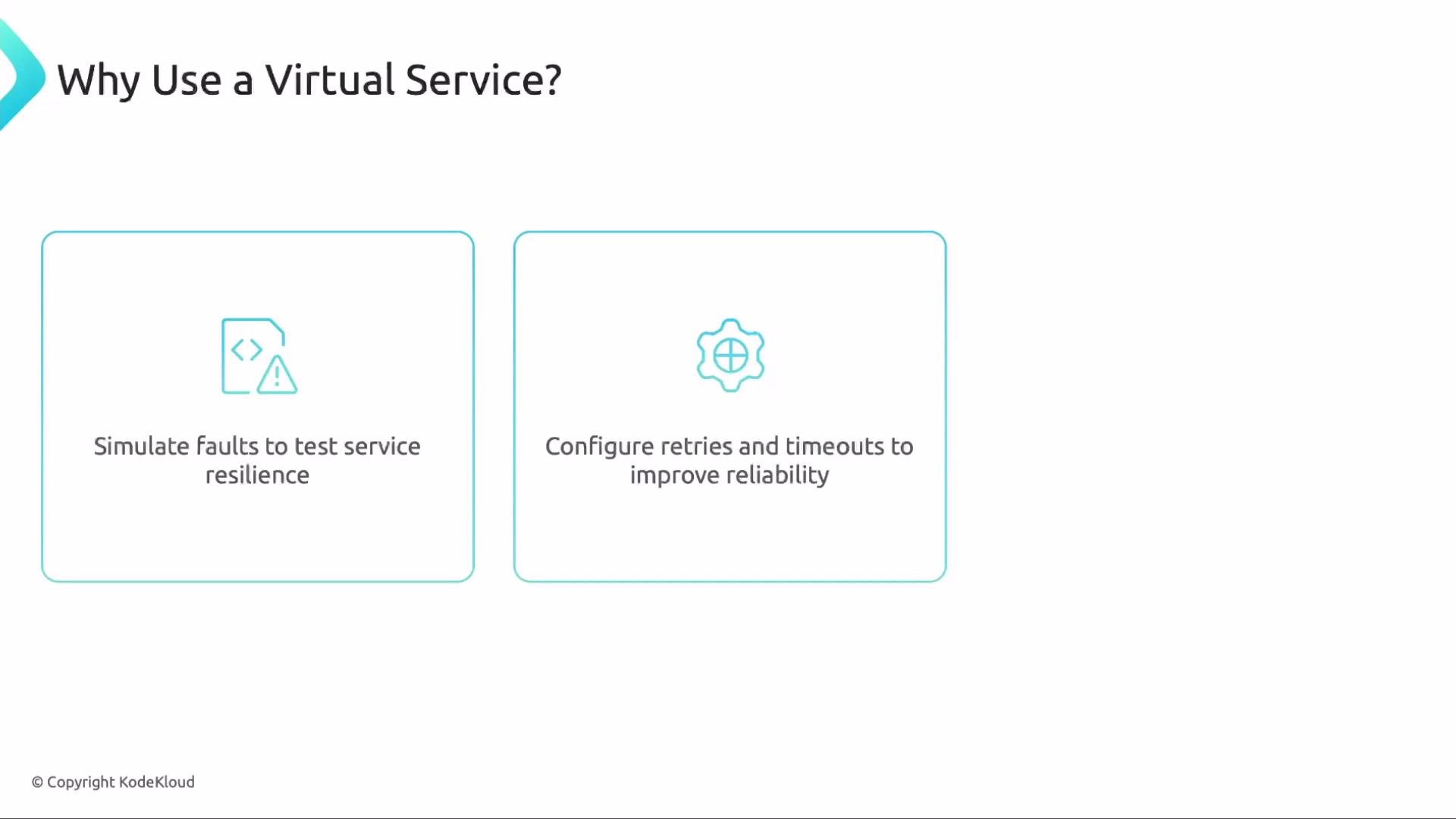
Beyond routing: resiliency, mirroring, and load-balancing VirtualServices also let you simulate faults (delay or abort), configure retries and timeouts, and mirror traffic for testing. Load‑balancing algorithms (e.g., LEAST_CONN, ROUND_ROBIN) and connection-pool settings are configured in a DestinationRule that complements a VirtualService.
A slide titled "Why Use a Virtual Service?" showing three boxed benefits. It lists: simulate faults to test service resilience; configure retries and timeouts to improve reliability; and use advanced load‑balancing strategies like round‑robin and weighted routing.
VirtualServices are enforced by the Envoy sidecar proxy. If the namespace does not have Istio sidecar injection enabled (i.e., no Envoy sidecars are present), the VirtualService configuration will not take effect.
Quick reference: L4 vs L7 responsibilities
LayerKubernetes ServiceIstio VirtualService
OSI LayerL4 (TCP/UDP)L7 (HTTP/gRPC)
Typical responsibilitiesLoad balancing, service discoveryPath/header-based routing, rewrites, mirroring, fault injection, traffic splitting
Configured viaService resourceVirtualService (plus DestinationRule for policies)
Example useexpose pods on port 80route /v1 to subset A and /v2 to subset B
Additional important notes
  • Most Istio traffic-management features (mirroring, rewrites, fault injection, retries) require a VirtualService for request-level routing.
  • Policies like load‑balancing algorithms and connection pool settings live in DestinationRules, which are applied alongside VirtualServices and Envoy configuration.
  • VirtualServices operate at the HTTP/gRPC level (L7) and rely on Envoy sidecars to implement configured behaviors.
Many exam and production scenarios require VirtualServices. Review the Istio Traffic Management documentation to practice routing, HTTP match conditions, rewrites, mirroring, fault injection, and retries before applying them in real environments.
Links and references Next steps Try these VirtualService examples hands‑on: create the Deployment and Service, apply the VirtualService manifests, and observe traffic behavior. Experiment with path matches, rewrites, traffic splitting, and DestinationRules to see how L7 routing and policies change request flows.

Watch Video