

Prerequisites
Verify Istio sidecar injection is enabled for your namespace(s):Namespaces must be labeled for Istio sidecar injection (or the pods must have the sidecar injected) for VirtualService/DestinationRule routing to take effect across namespaces.
Deploy the HelloWorld sample (v1 and v2)
Deploy two versions of a HelloWorld application (v1 and v2). Confirm the pods are running and each pod shows2/2 (application container + Envoy sidecar):
version: v1 and version: v2):
Create a test namespace and test client
Create a separate namespace for testing and enable Istio injection there. VirtualService/DestinationRule behavior depends on whether the communicating namespaces have sidecar injection enabled.test namespace (a lightweight curl image that stays running so you can exec into it):
default namespace:
Create a DestinationRule (subsets)
DestinationRules declare subsets that map to pod labels. Create a DestinationRule for thehelloworld host that defines v1 and v2 subsets:
Create a VirtualService to split traffic
Create a VirtualService that references the subsets declared in your DestinationRule. This example splits traffic 50/50 between v1 and v2:Test the routing
From the test pod, run several requests to observe traffic being split between v1 and v2:Adjust weights for traffic distribution
To change the split, update theweight fields in the VirtualService. For example, to route 95% to v1 and 5% to v2, modify the route section:
DestinationRule features (summary)
DestinationRules cover multiple traffic-management concerns. Use the table below as a quick reference.Example DestinationRule snippets
Connection pool example (TCP):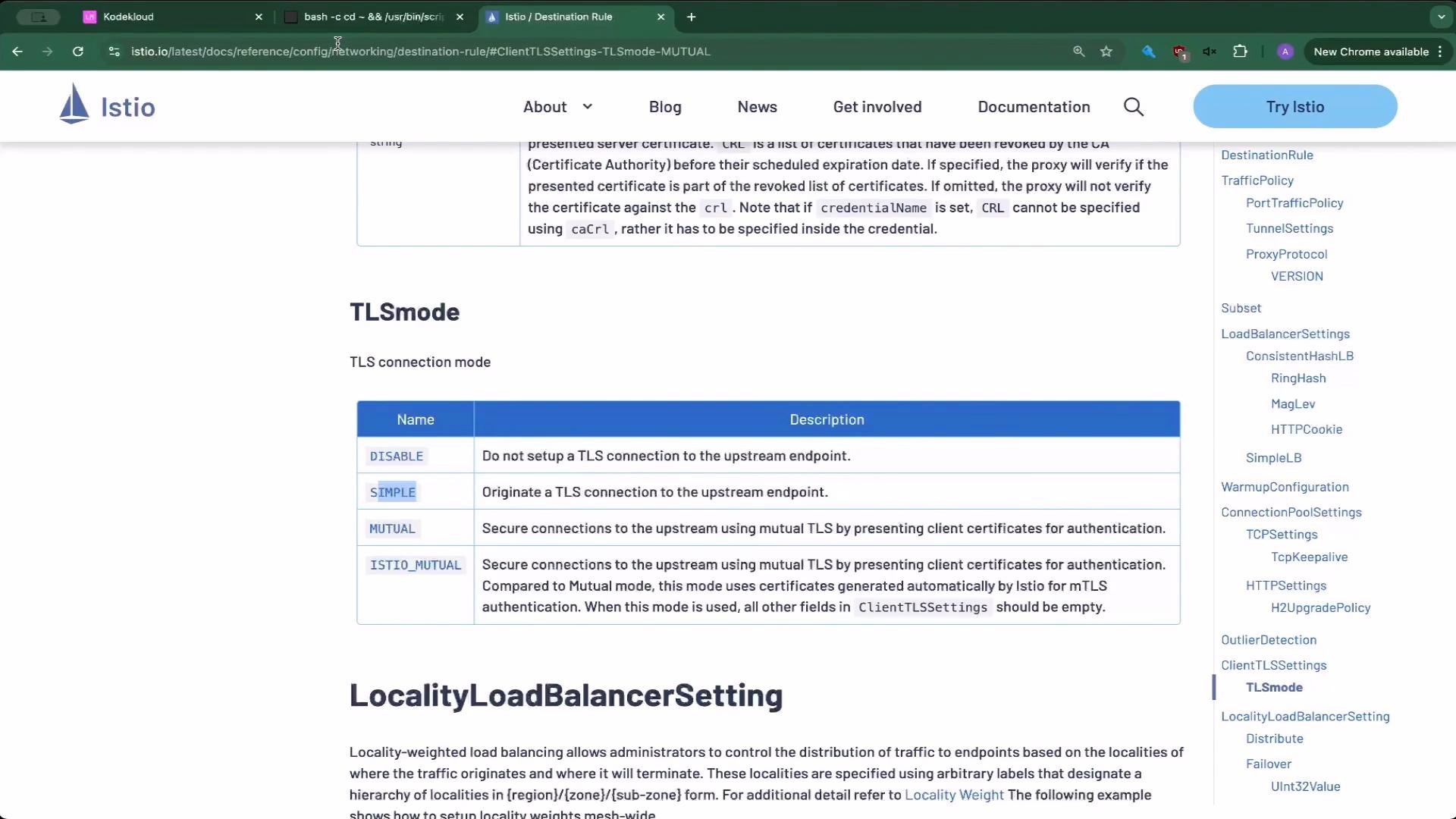
Next steps and practice tips
- Practice creating subsets and VirtualServices that reference those subsets to get comfortable with weight-based splitting.
- Experiment with trafficPolicy fields (connectionPool, loadBalancer, outlierDetection) to observe their operational effects.
- Use different TLS modes when securing connections between services and test with mutual TLS where appropriate.