

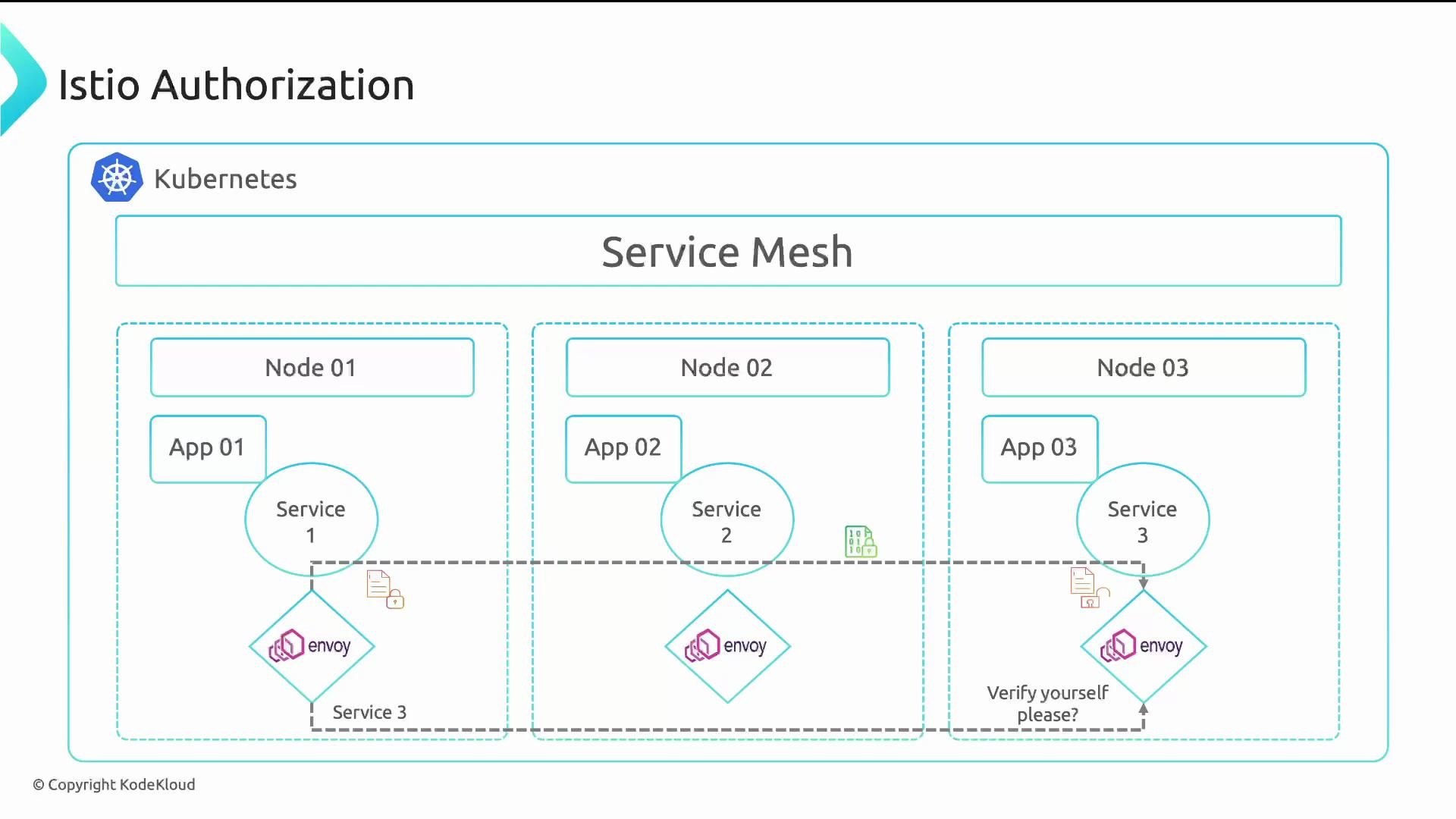
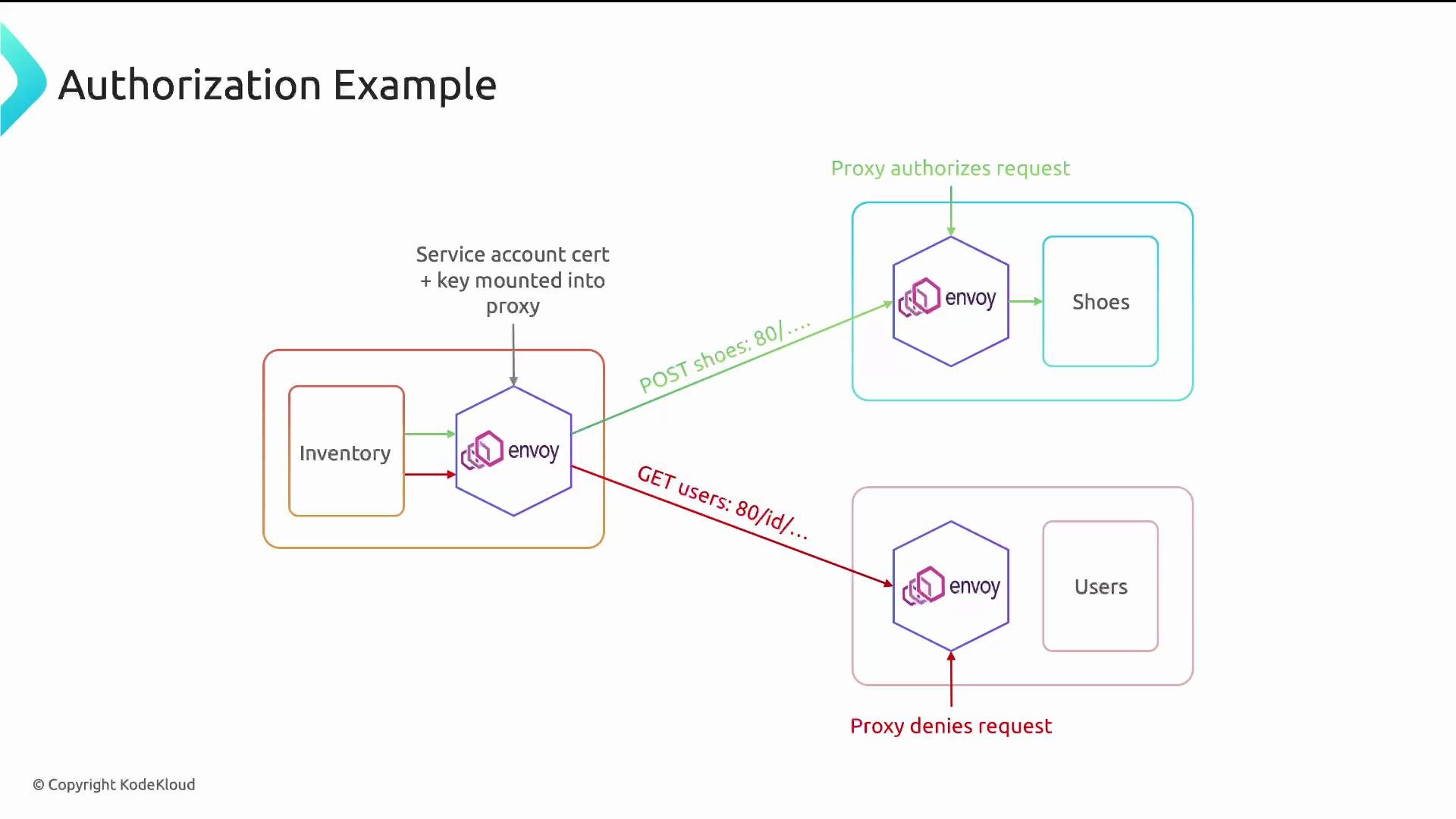
AuthorizationPolicy: basic examples
Authorization policies are custom resources (AuthorizationPolicy) in Istio. The examples below demonstrate common patterns: ALLOW, DENY, and a more expressive policy that checks identity and JWT claims.
Example: allow POST requests to any workload in the payments namespace coming from workloads in the app namespace:
app namespace to the /credit-cards-info path in the payments namespace:
payments service when the request comes from either:
- the specific service account
cluster.local/ns/identity/sa/app(a principal), OR - any workload in the
appnamespace,
/data and POST to /purchases only when the JWT issuer (request.auth.claims[iss]) equals https://accounts.google.com:
Important: Entries under
from: are evaluated as OR between list items. If you combine multiple conditions under a single source: block instead of listing them separately, you may unintentionally require all conditions to be true (AND).operation blocks under to: to allow different method/path combinations for the same rule. Use selector to scope policies to specific workloads (by labels) in the namespace.
Istio Authorization vs Kubernetes NetworkPolicy
Istio AuthorizationPolicy enforces application-layer (L7) access control with identity and request attributes (methods, paths, JWT claims). Kubernetes NetworkPolicy enforces network/transport-layer (L3/L4) rules like pod selectors, namespaces, IPBlocks, and ports.
Example NetworkPolicy that allows traffic to pods labeled
app: payments from the app namespace on TCP port 8080:
/api on port 8080 and only allows requests from the app namespace:
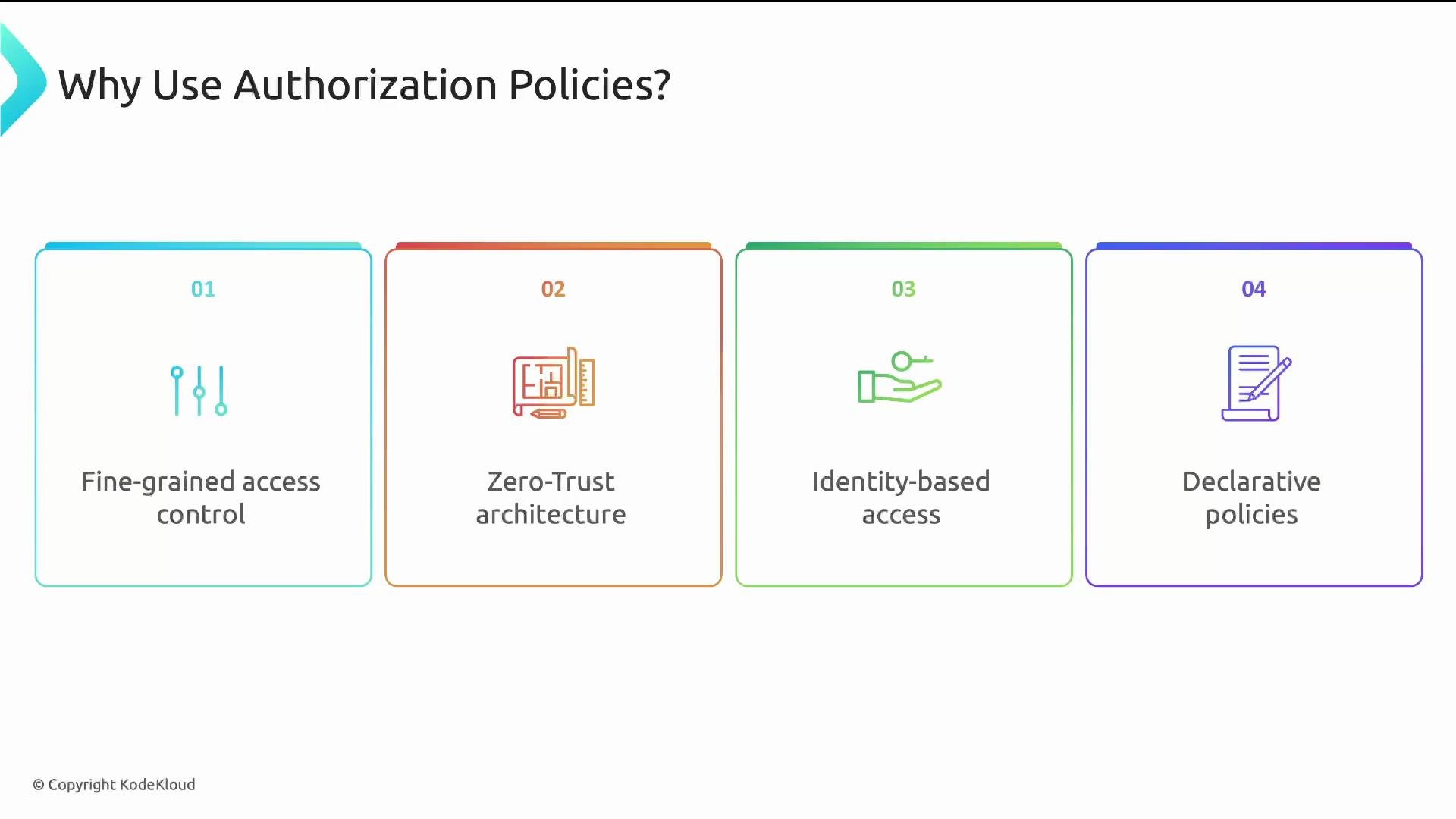
Fields and examples you’ll see on the exam
Here are common source fields and fragments you may encounter in questions or practical tasks—study the full reference in the Istio docs:Exam tip: Understand how
from, to, and when combine (OR vs AND), know the difference between L3/L4 NetworkPolicy and L7 AuthorizationPolicy, and be familiar with matching by selector, principals, and JWT claim keys such as request.auth.claims[iss].