

kubectl and istioctl configured to talk to your cluster.
Ensure your cluster has Istio installed and the
istio-system namespace is present. Use istioctl version and kubectl get ns to validate installation before proceeding.1) Verify Istio automatic sidecar injection on namespaces
Check namespace labels to determine whether automatic Envoy sidecar injection is enabled:istio-injection=enabled means pods created in that namespace get the Envoy sidecar injected automatically. If a namespace has no such label, pods will not be injected and won’t participate in mTLS unless manually proxied.
2) Deploy the helloworld sample
Apply the sample manifest to create the hello-world service and workloads:2/2 indicates the application container plus the Envoy sidecar are running.
3) Create a test namespace and run a client pod
Create a namespacetest (if it doesn’t already exist) and run an nginx pod to act as a client:
test pod in the default namespace, delete and recreate it in test:
4) Verify connectivity from the test pod to helloworld
From thetest pod, curl the hello endpoint on the helloworld service in the default namespace:
5) Enforce global mTLS with a PeerAuthentication
Create a global PeerAuthentication resource inistio-system to enforce strict mTLS cluster-wide.
peer_auth_global.yaml
test pod (if test is not injection-enabled):
test pod lacks an Envoy sidecar, the client sends plaintext traffic which the server rejects.
6) Enable injection for test namespace and retry
Use istioctl analyze to surface issues and then enable injection:
7) Override global policy at namespace scope (PERMISSIVE)
A PeerAuthentication inistio-system sets a global default but can be overridden by PeerAuthentication resources in namespaces. To allow plaintext and mTLS traffic in the default namespace, create a PERMISSIVE PeerAuthentication:
peer_auth_default.yaml
default, clients that are not mTLS-capable (non-injected) can still reach workloads in default using plaintext.
8) Target permissive mode to specific workloads (selector)
Instead of making an entire namespace permissive, scope the permissive mode to only the workloads that match labels (e.g.,app=helloworld):
peer_auth_default.yaml
default that have app=helloworld. Other workloads in default remain governed by the global STRICT policy in istio-system.
Test with an app namespace (non-injected)
Create a non-injected app namespace and run an nginx pod:
app pod, curl the helloworld endpoint:
default from the same non-injected app pod. Because the selector only matched app=helloworld, productpage is still subject to global STRICT and will reject plaintext:
test) will succeed:
STRICT enforces mTLS cluster-wide. PeerAuthentication resources scoped to a namespace or to specific workloads via selector can override that setting to PERMISSIVE or DISABLE.
PeerAuthentication modes at a glance
Useful references
- Istio: PeerAuthentication (mTLS)
istioctl analyze— use for policy validation and troubleshooting
For troubleshooting: know that a global PeerAuthentication in
istio-system can be overridden by PeerAuthentication resources in a namespace or by selectors. Use istioctl analyze and kubectl get peerauthentications.security.istio.io -A to inspect effective policies.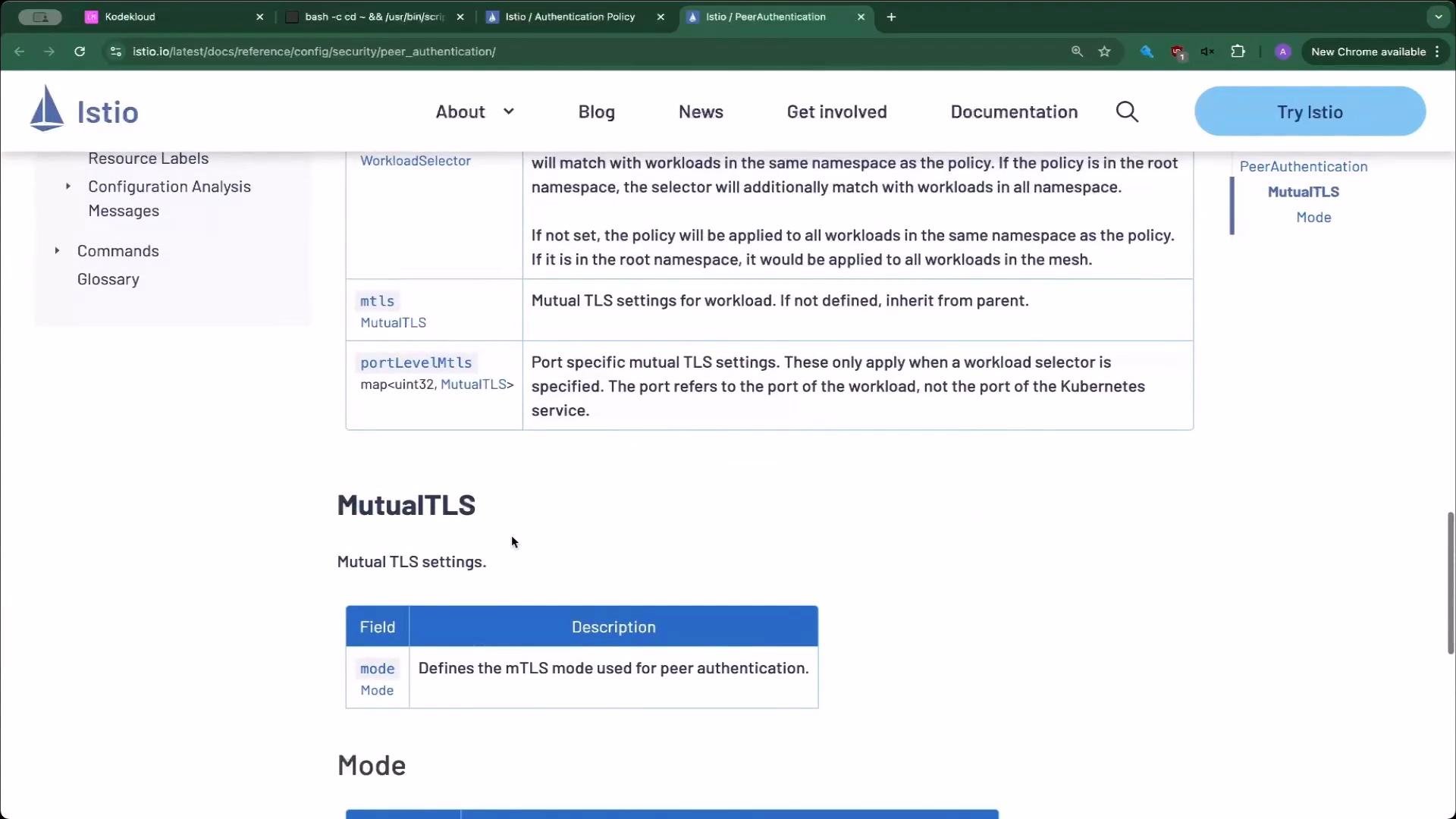
Appendix — example YAMLs
Global strict (peer_auth_global.yaml):default):