

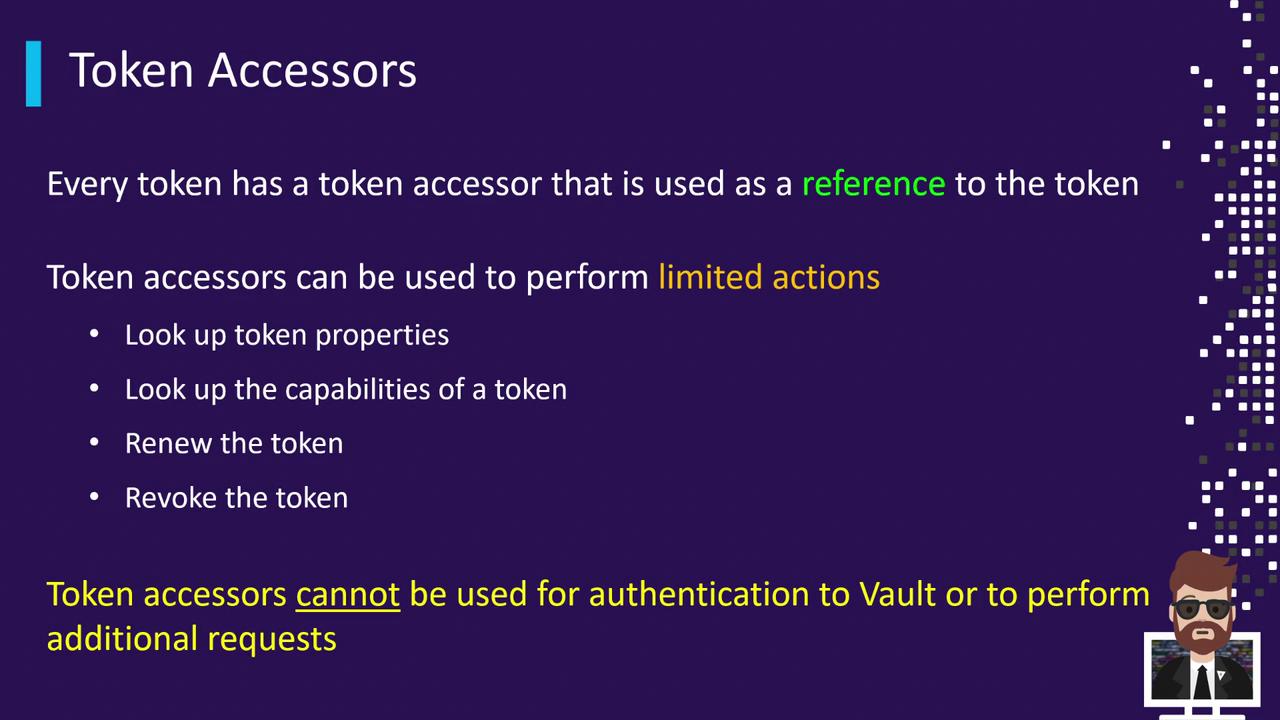
- Lookup token metadata (no token reveal)
- Check a token’s capabilities on a given path
- Renew a token’s TTL
- Revoke a token
A token accessor cannot be used to authenticate to Vault or perform standard data operations.
Token Accessor Operations
1. Authenticate and View Your Token Accessor
Log in and note your token accessor:training policy and a 30-minute TTL:
2. Lookup Token Metadata
Use the accessor to inspect metadata without revealing the secret:3. Renewing a Token
Extend a token’s TTL using its accessor:4. Revoking a Token
Revoke the token securely by referencing its accessor:Setting
VAULT_TOKEN to an accessor will not permit secret-read or write operations. Always use the actual token for data access.Why Token Accessors?
- Safely delegate token lookup, renewal, and revocation without sharing the secret.
- Minimize blast radius when handing off token management.
- Automate bookkeeping tasks in CI/CD pipelines without exposing credentials.