

- An overview of all token types
- Key differences between Service and Batch tokens
- How to use the
vault tokencommand - Root Token best practices
Token Types Overview

Key actions you should be able to perform:
- List all token types
- Describe TTL, renewal, revocation, and storage details for each
- Match real-world use cases to the appropriate token
Service vs. Batch Tokens
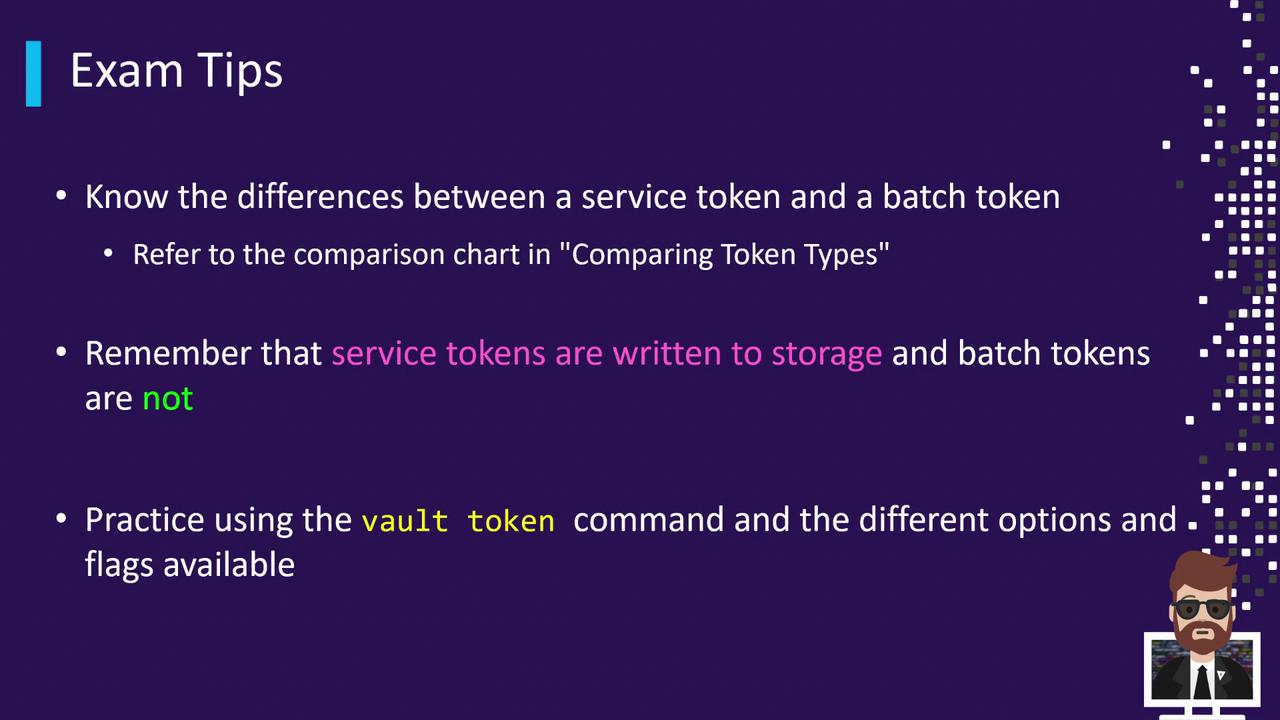
Use batch tokens when you need to minimize storage-backend impact.
Practice with vault token
Launch a local Dev Server and run:
Root Token Essentials
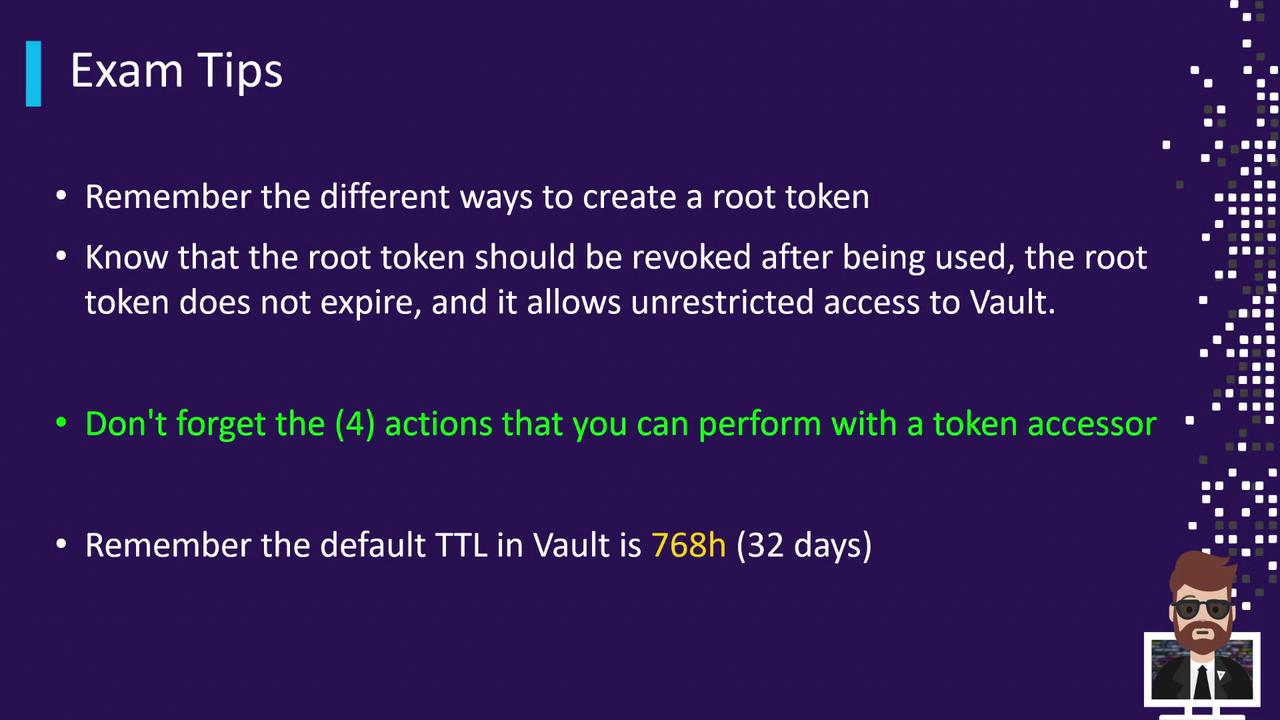
- Creation Methods
• Initial root token at initialization
• Generate new root with an existing root token
• Emergency root via unseal or recovery keys - Best Practice: Always revoke root tokens immediately after completing privileged tasks.
- Token Accessors support only these operations: lookup, renew, revoke_self, revocation. For any other action, the actual token is required.
- Default TTL: 768 hours (32 days) if none specified.
Root tokens never expire by default and grant full access—handle them with extreme care.
After reviewing these concepts, be sure to complete the practice quizzes in this section to validate your understanding. Good luck on your exam preparation!