In this tutorial, you’ll learn how to leverage HashiCorp Vault’s AWS Secrets Engine to manage IAM user credentials dynamically. We cover enabling the secrets engine, configuring and rotating Vault’s root AWS credentials, defining roles for on-demand IAM users, and revoking credentials both individually and in bulk.

1. Enable the AWS Secrets Engine

First, enable the AWS engine at the aws/ path:
Verify that it’s active:
Expected output:

2. Prepare Vault’s AWS Permissions

Vault requires AWS credentials capable of managing IAM users, policies, and optional EC2/KMS operations.
Least Privilege
In production, attach an IAM role to the Vault server using instance profiles. Only use an IAM user for demos or CI pipelines.

2.1 Core AWS Permissions

Grant Vault rights to describe EC2 instances and decrypt KMS keys if needed:

2.2 IAM Management Permissions

To let Vault create, attach policies, and delete IAM users/key pairs dynamically:

2.3 Demo: Create an IAM User

For this demonstration, create a Vault-specific IAM user with broad privileges:
  1. In AWS Console, navigate to IAM → Users → Add user.
  2. Enable Programmatic access and click Next.
  3. Under Set permissions, choose Attach existing policies directly and select AdministratorAccess.
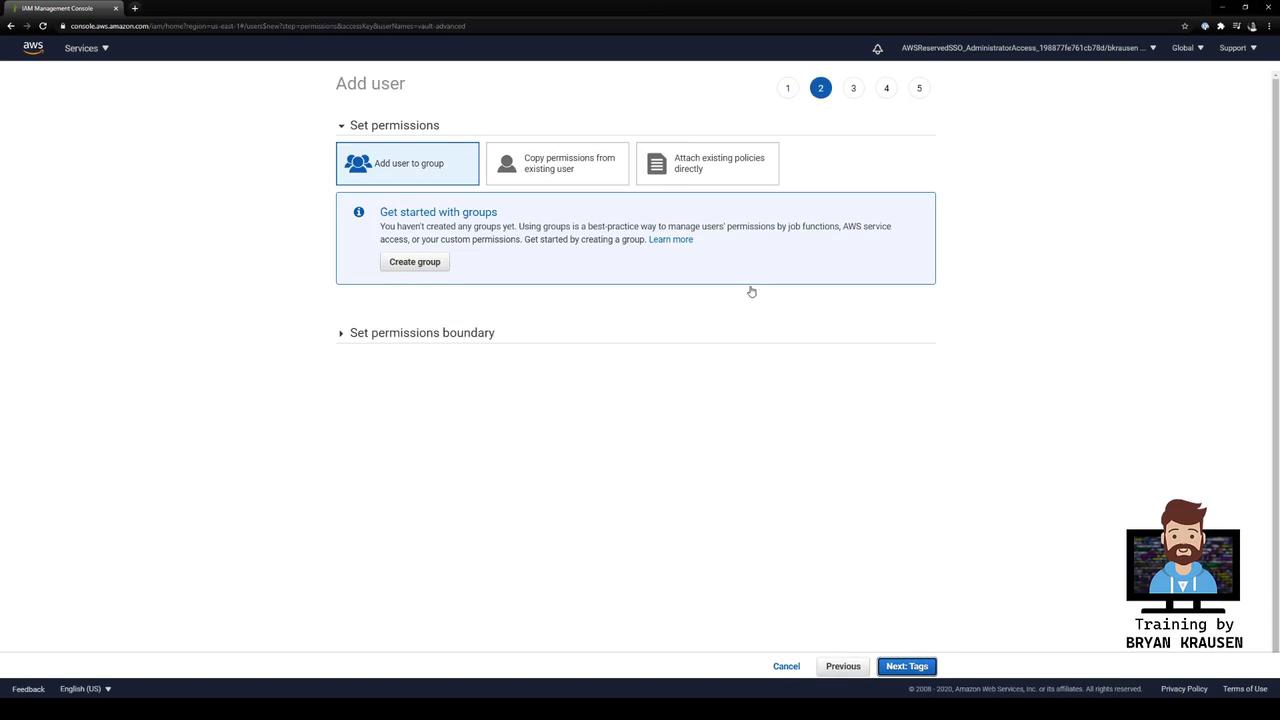
The image shows an AWS Management Console screen for adding a user, specifically the "Set permissions" step. It includes options to add the user to a group, copy permissions from an existing user, or attach existing policies directly.
  1. Complete the wizard and download the access key ID and secret access key.
The image shows an AWS IAM Management Console screen where a user has been successfully added, displaying their access key ID and an option to download credentials.

3. Configure Vault’s Root AWS Credentials

Point Vault at your new IAM user:
Verify (the secret key is masked):
Expected output:

4. Rotate Vault’s Root Credentials

Avoid long-lived credentials by rotating automatically:
You’ll observe a new access_key—Vault created a fresh key pair in AWS and removed the old one.
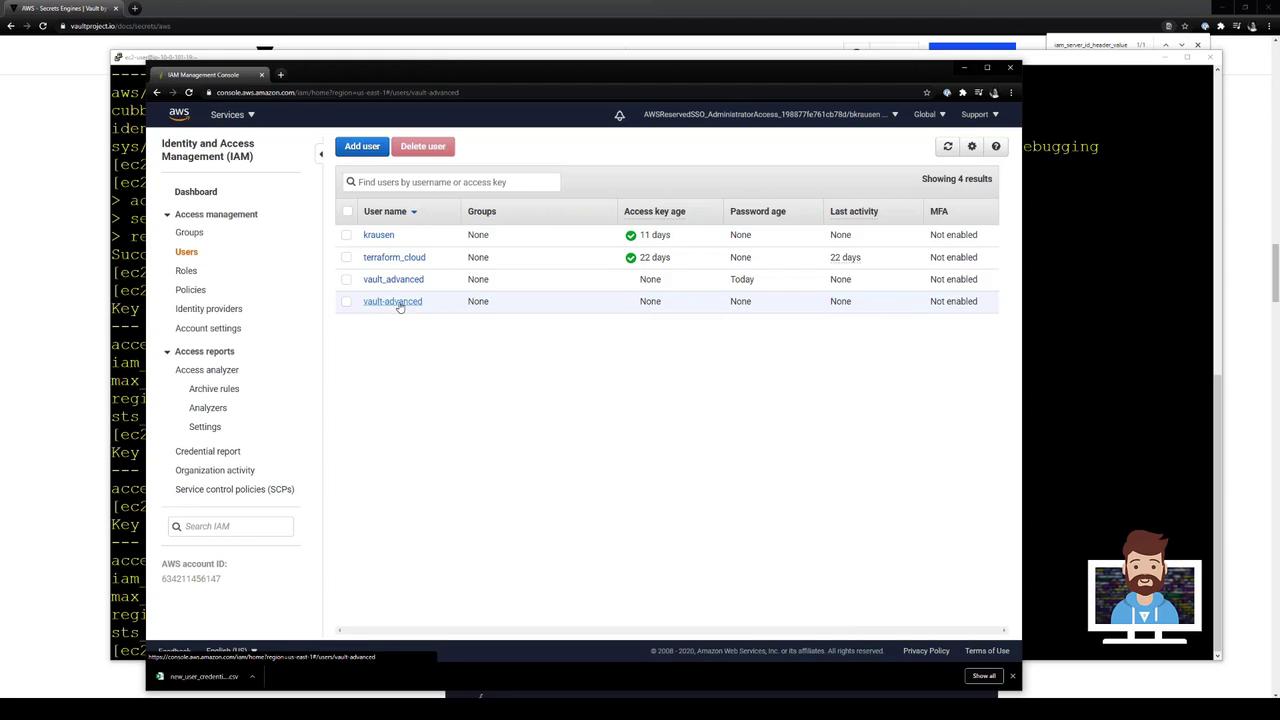
The image shows an AWS Identity and Access Management (IAM) console with a list of users and their details, such as access key age and last activity. The console is displayed on a computer screen with a terminal window in the background.

5. Define a Vault Role for Dynamic IAM Users

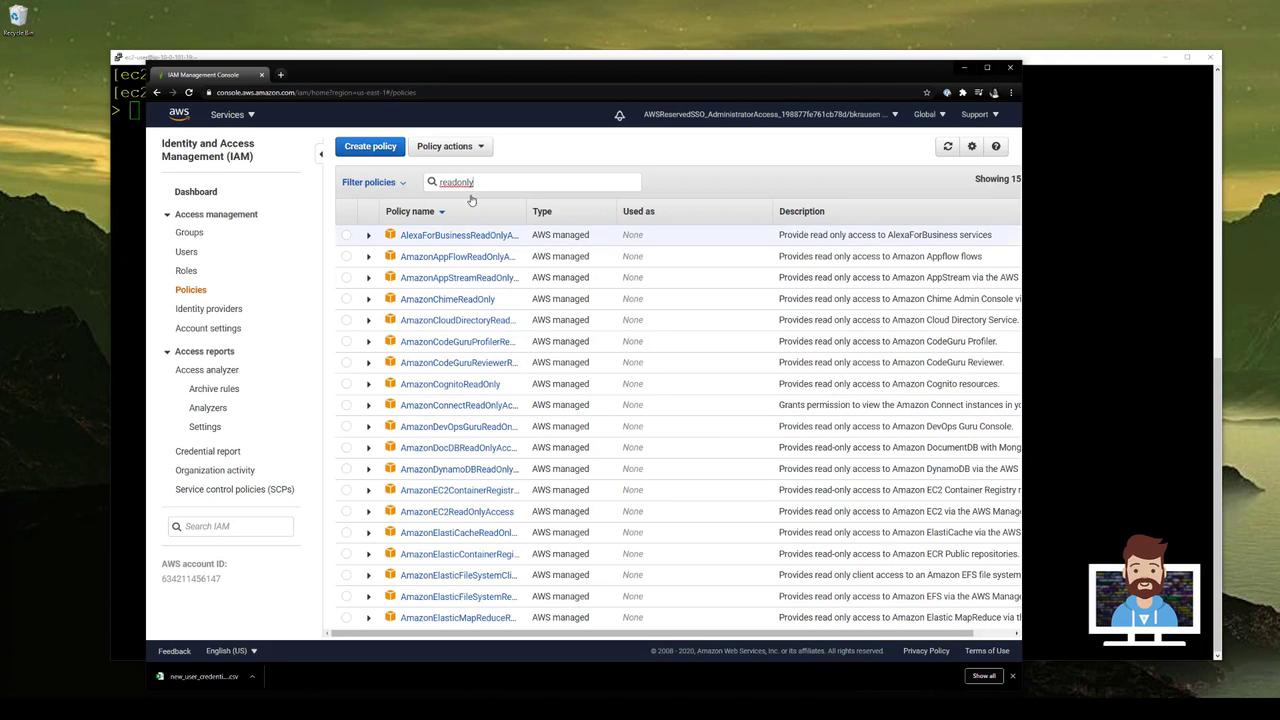
Each Vault role maps to one or more AWS IAM policies. Let’s create vaultadvanced using AWS’s ReadOnlyAccess managed policy:
Verify:
Expected output:
The image shows an AWS Identity and Access Management (IAM) console with a list of read-only policies. The left sidebar displays various IAM management options, and the main section lists policies with their names, types, and descriptions.

6. Generate Dynamic IAM Credentials

Request a short-lived IAM user and keys:
Sample response:
In the AWS Console under IAM → Users, you’ll find a user named like vaultadvanced-… with ReadOnlyAccess attached.
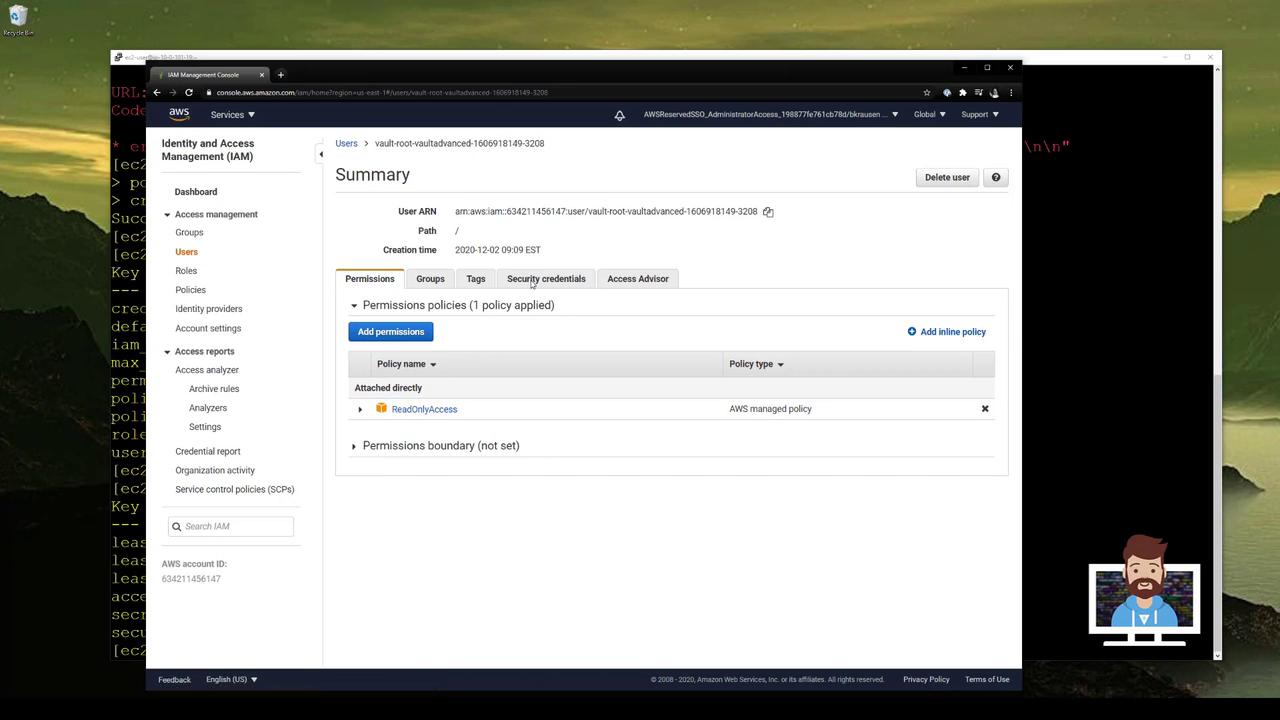
The image shows an AWS Identity and Access Management (IAM) console screen, displaying user details and permissions, with a "ReadOnlyAccess" policy applied.

7. Revoke a Single Lease

To delete one credential before it expires:
Vault removes that IAM user and its keys in AWS.

8. Revoke All Leases for a Role

After issuing multiple credentials:
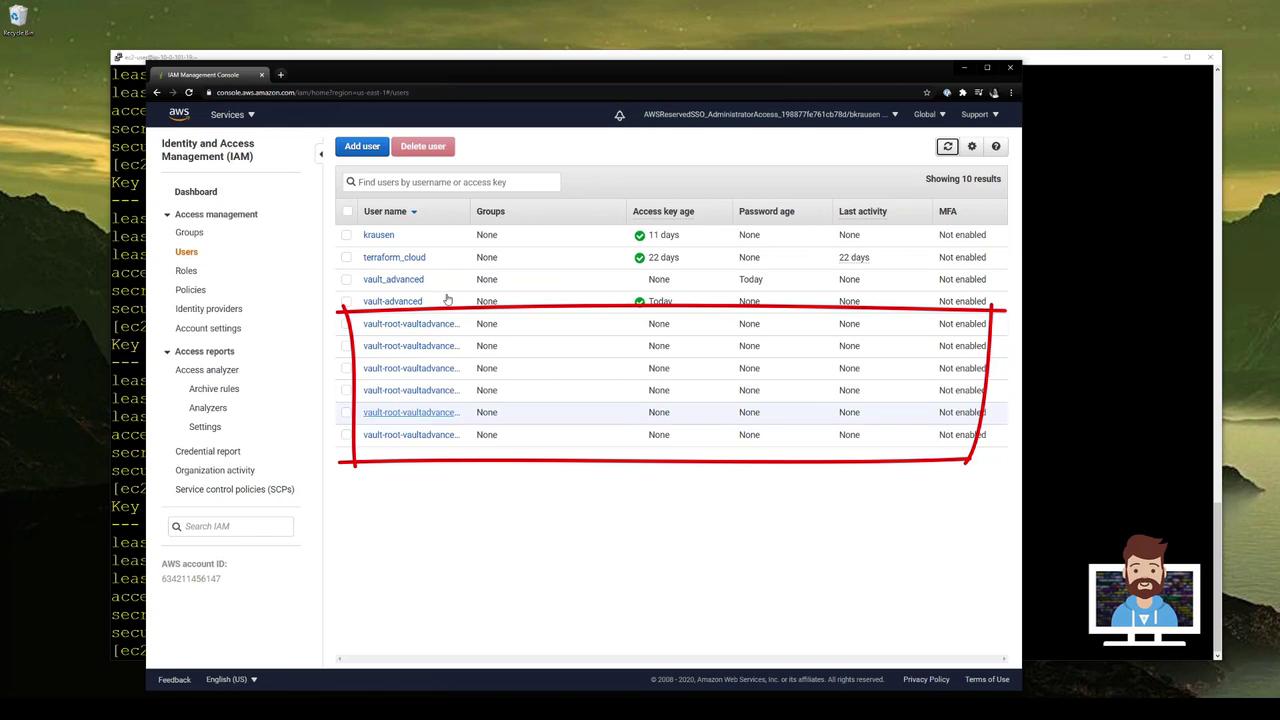
You’ll see several IAM users:
The image shows an AWS Identity and Access Management (IAM) console with a list of users, their access key age, password age, last activity, and MFA status. A red box highlights several users with similar names.
Revoke all leases created by vaultadvanced:
Or revoke all AWS credentials managed by Vault:

Vault AWS Secrets Engine Endpoints

Watch Video