

Vault Sealed State
When Vault is sealed:- Only
vault statusand the unseal operation are permitted. - All other actions—reading or writing secrets, generating tokens, etc.—remain blocked.
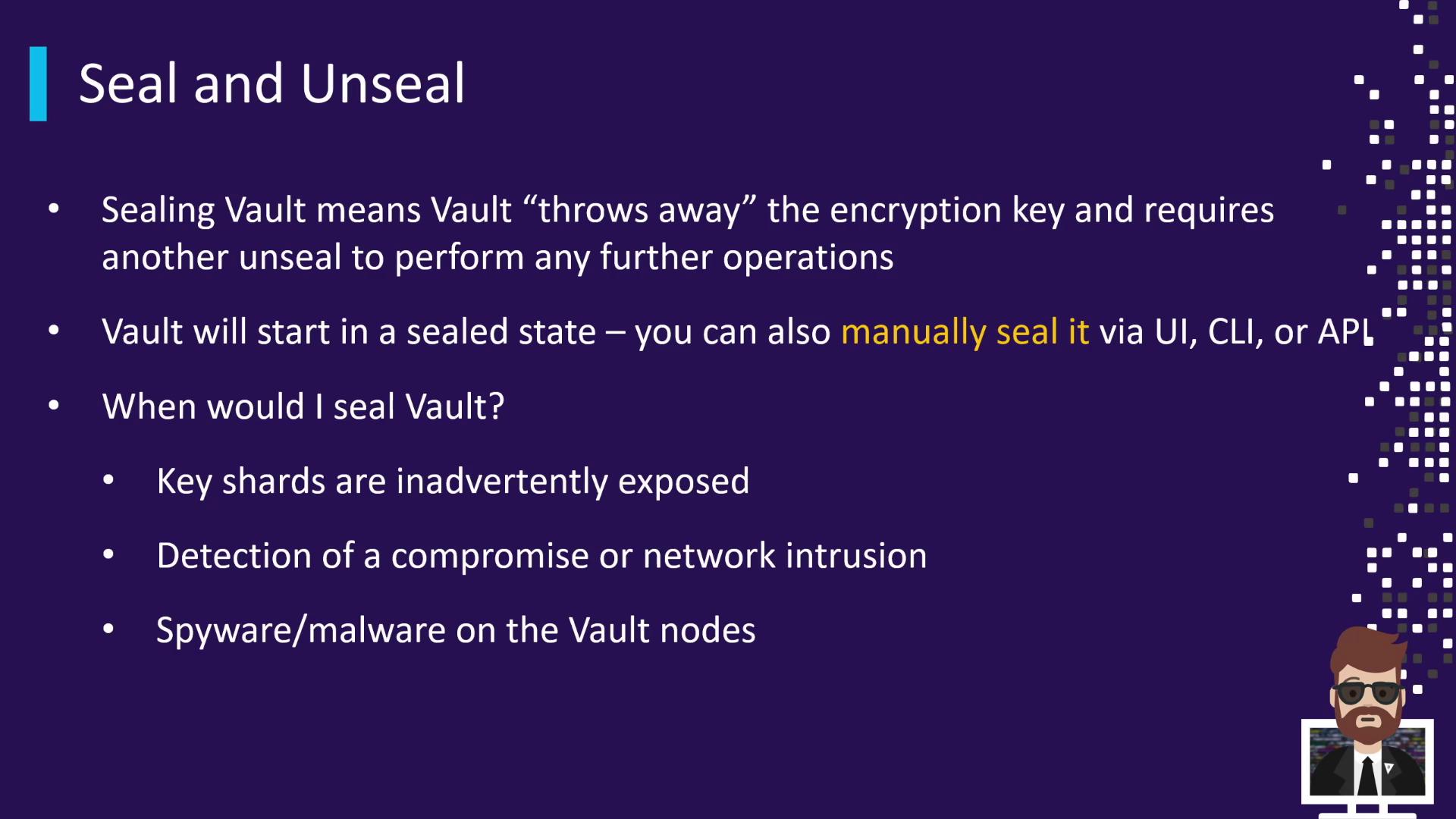
Why Seal Vault Manually?
Common reasons to seal Vault immediately include:- Suspected exposure of unseal key shards (e.g., accidentally published in a public repo)
- Departure or unavailability of key-holding personnel
- Detection of network intrusion
- Malware or spyware discovered on Vault nodes
If unseal key shards are compromised or lost, Vault cannot decrypt the data at rest until a valid threshold of shards is provided. Store and distribute shards securely.
Sealing & Unsealing Methods
Vault supports three primary unseal mechanisms: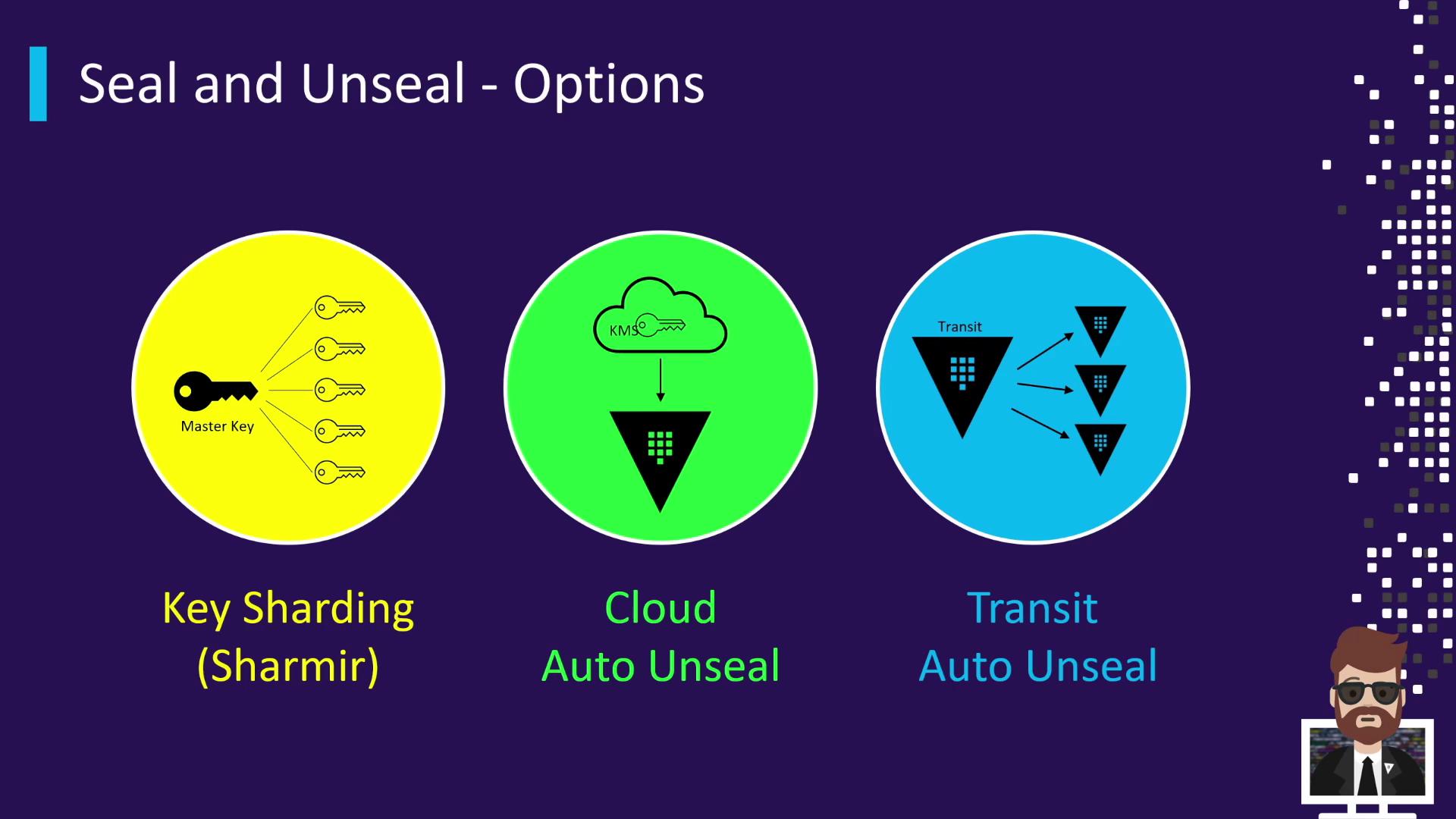
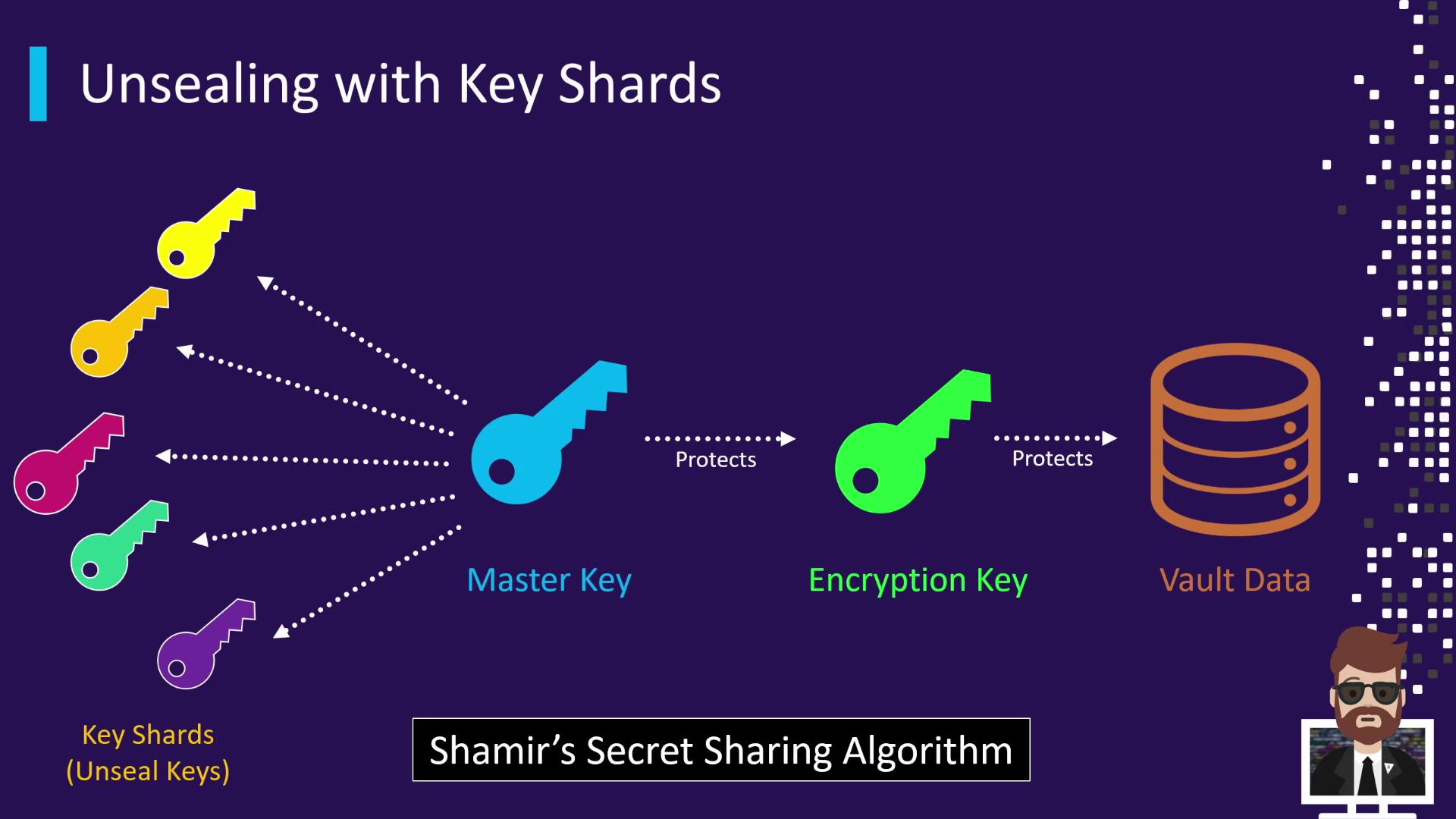
When Vault is initialized, the master key is split into multiple key shards using Shamir’s Secret Sharing. For example, Vault might create 5 shards with a threshold of 3. Each shard is handed to a different trusted individual. To unseal:
- Provide at least the threshold number of shards.
- Vault combines them to reconstruct the master key.
- The master key decrypts the encryption key in memory, and Vault transitions to an unsealed state.
Step-by-Step Demo
-
Verify sealed status:
-
Submit two shards (order doesn’t matter):
-
Provide the third shard:
Best Practices for Key Shards
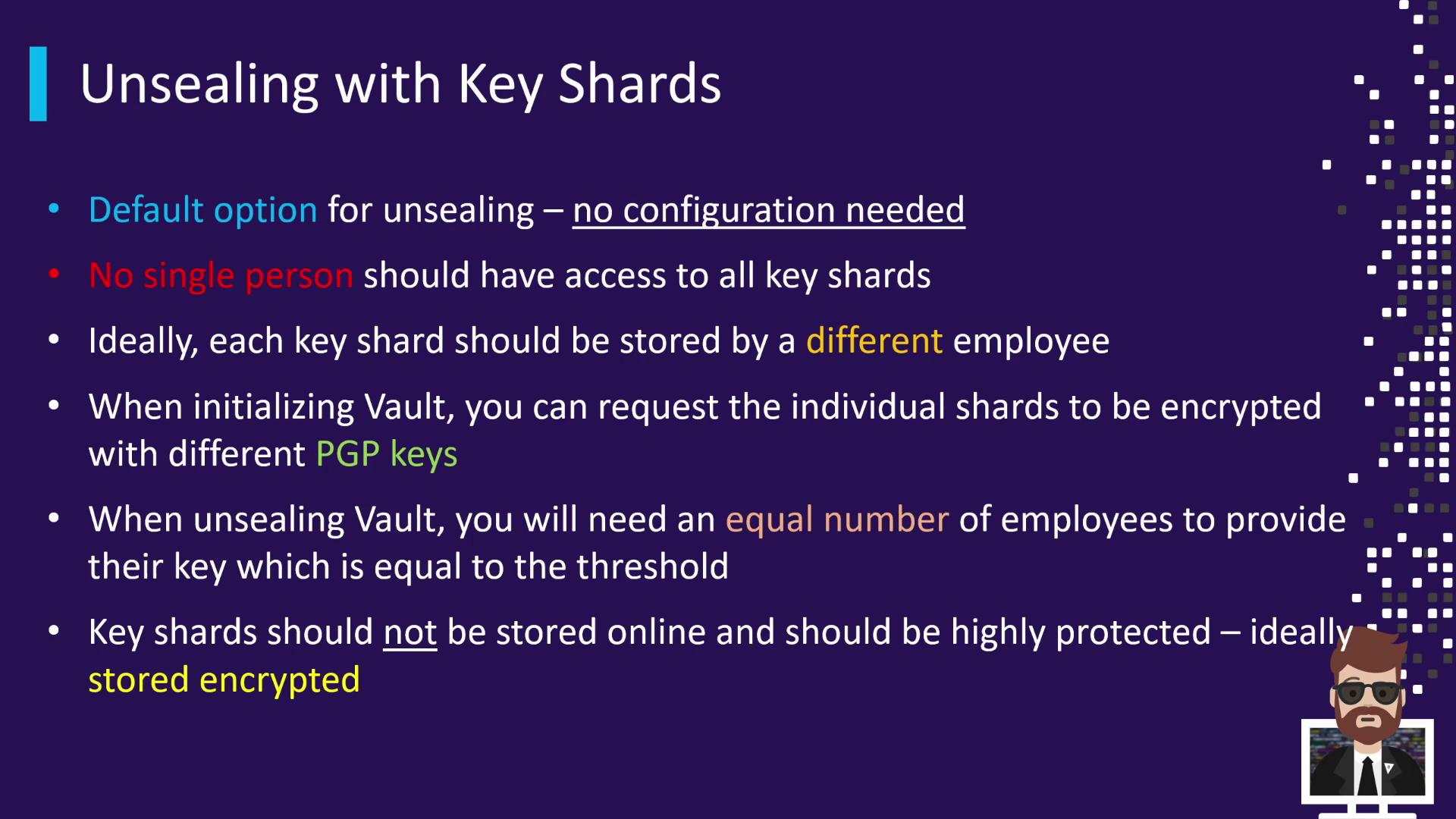
- Separate custody: Distribute shares so no single person holds the threshold.
- Encrypt at rest: Supply PGP public keys during initialization to encrypt each shard.
- Offline storage: Keep shards out of online systems and automated backups.
- Balance threshold: A higher threshold boosts security but may affect availability.
Preparing PGP keys for shard encryption helps ensure that only the intended recipient can decrypt their shard.
Links and References
- Vault Secrets Engines
- HashiCorp Vault Documentation
- Shamir’s Secret Sharing on Wikipedia
- AWS KMS
- Azure Key Vault
- Vault Transit Secrets Engine