

Enabling a File-Based Audit Device
To start logging to a local file, run:Ensure the operating-system user running Vault (commonly
vault) has write permissions for /var/log/vault_audit_log.log. Without proper permissions, Vault will fail to enable the audit device.Audit Device Types
Vault currently offers three built-in audit backends: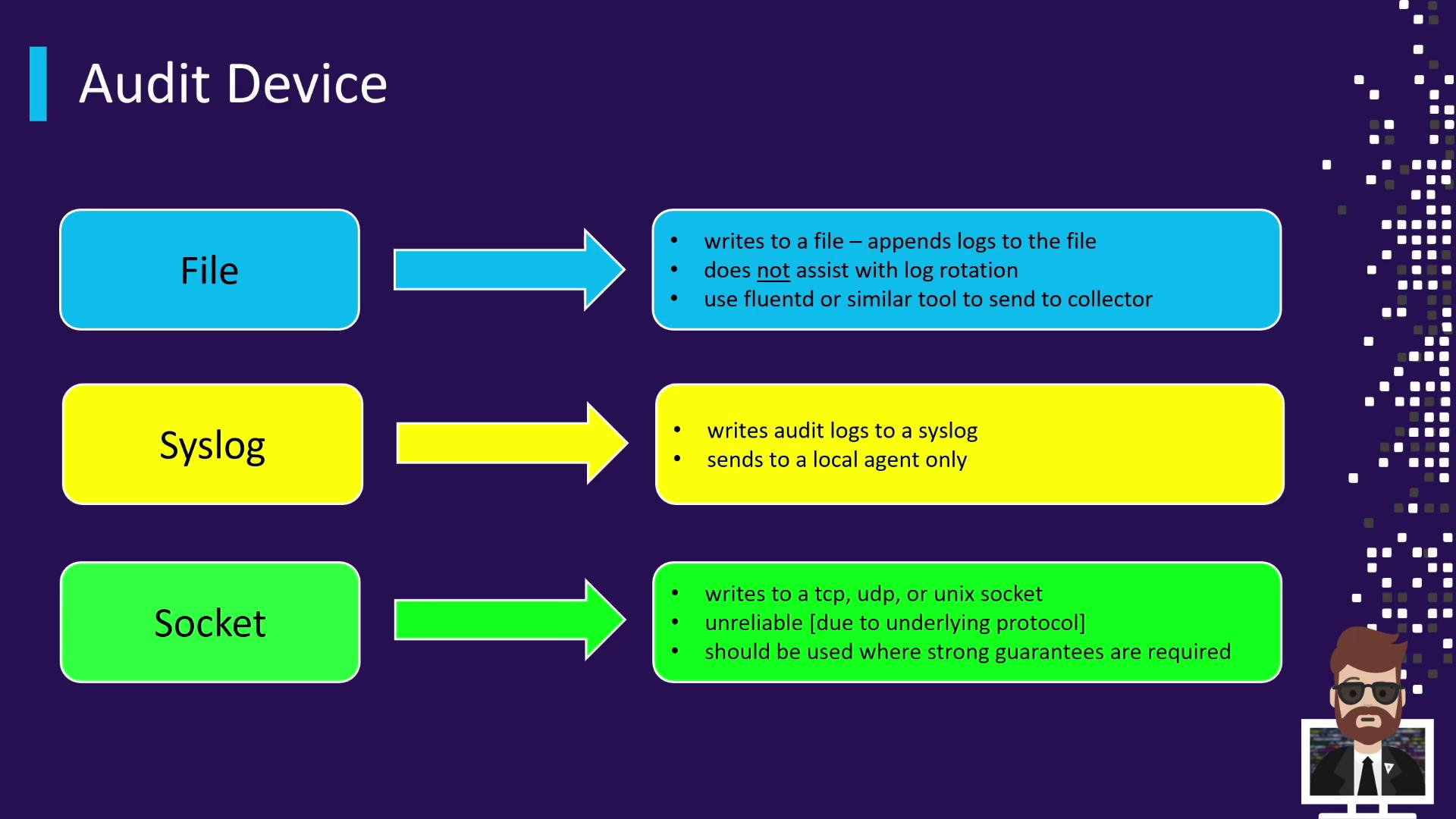
Best Practices
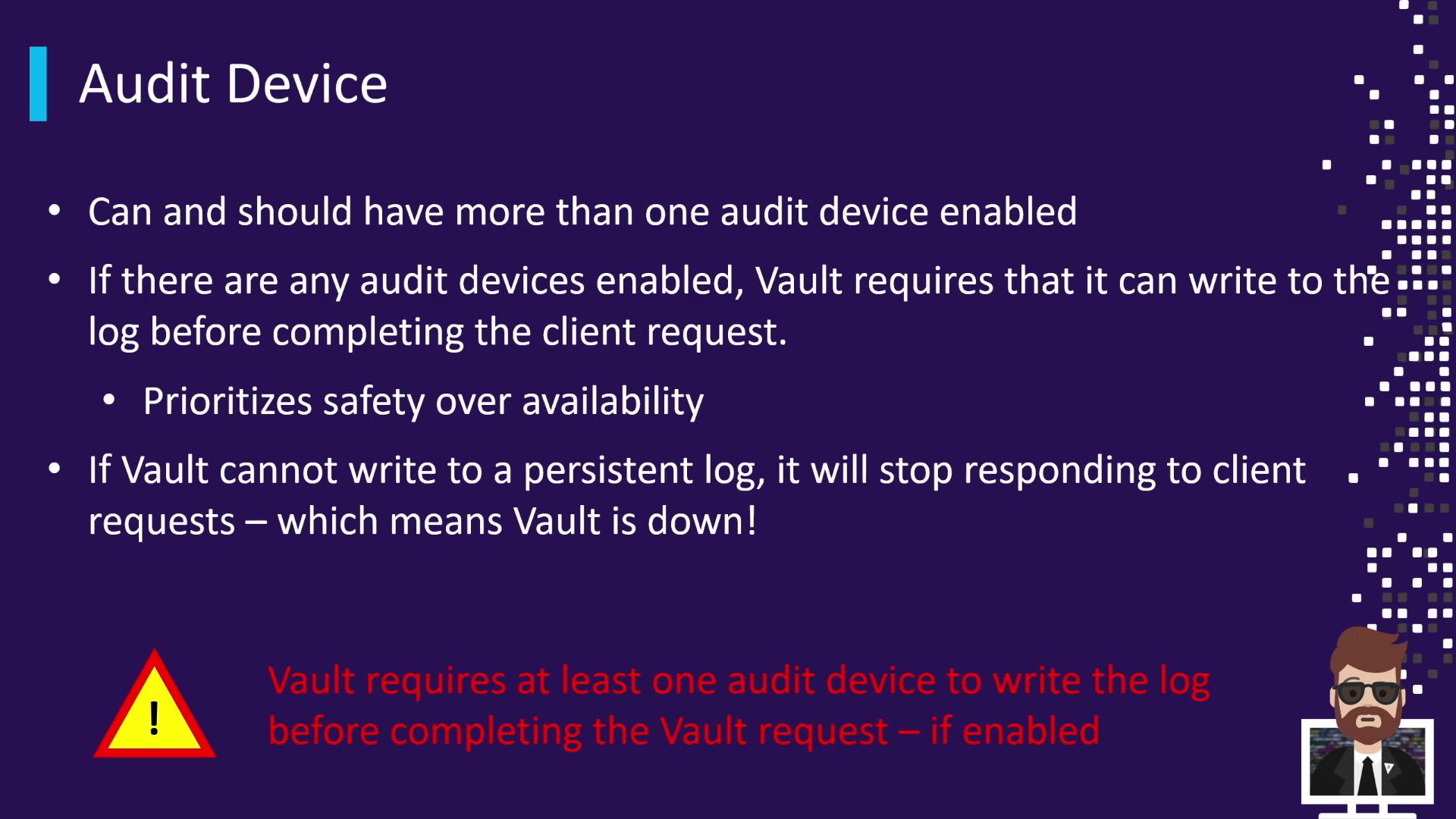
Vault prioritizes security over availability: if it cannot write to any enabled audit device, it will refuse client requests and effectively go offline rather than risk losing audit data.
- Always enable at least one audit device to maintain a complete security trail.
- Deploy multiple audit backends to prevent a single point of failure.
- Regularly test your logging pipeline and verify that logs reach your SIEM or retention system.
- Monitor audit-device health and configure alerts for write failures.
Further Reading
- Vault Audit Logging
- Kubernetes Logging Best Practices
- Security Information and Event Management (SIEM)