

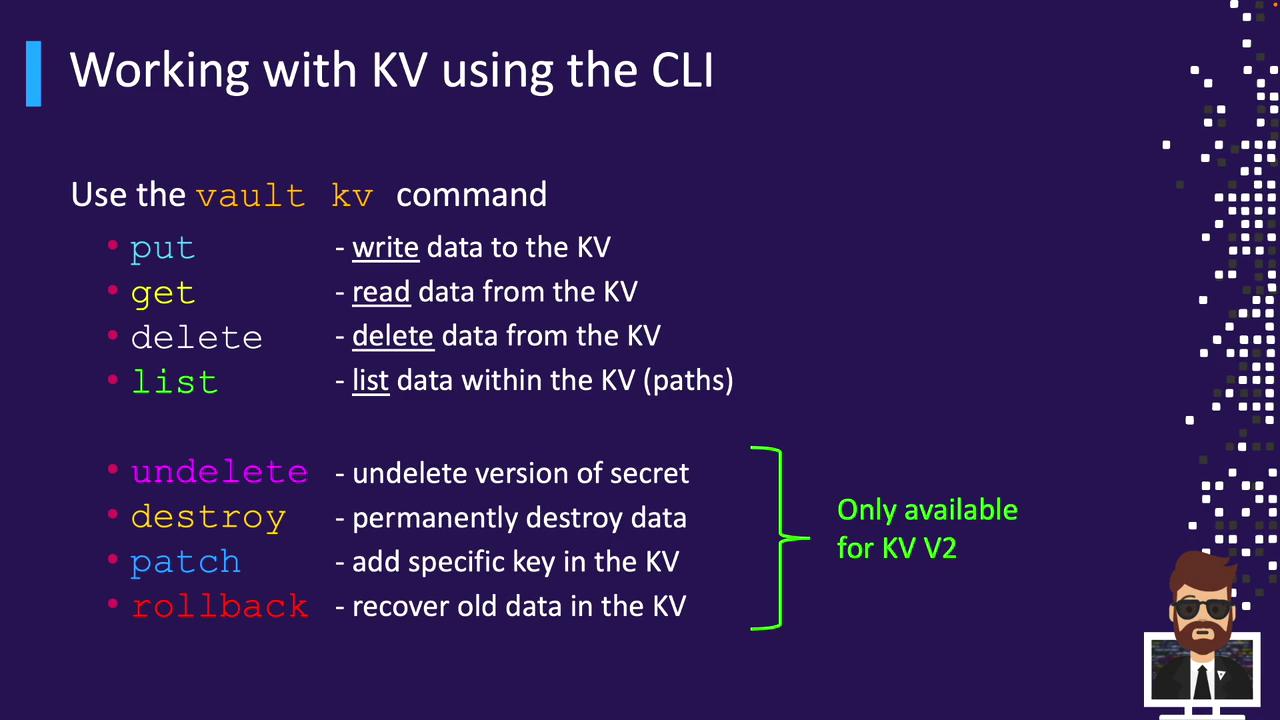
vault kv CLI. We’ll cover KV version 1 and version 2 operations:
- Core commands:
put,get,delete,list - KV V2–only versioning commands:
undelete,destroy,patch,rollback
KV CLI Command Overview
Usevault kv <subcommand> to perform KV operations. The table below summarizes each subcommand:
Writing Data with vault kv put
Use vault kv put to store or update secrets. The syntax is:
<mount-path>/<secret-path>: The mount and path for your secretkey=value: Each key/value pair becomes a field in the secret
KV Version 1 vs. Version 2
KV V1 Example
KV V2 Example
put returns extra metadata (creation time, deletion time, destroyed flag, and version).
Writing Multiple Pairs or JSON Files
Inline multiple pairs:You can also read key/value pairs from a JSON file:
secrets.json example:Reading Data with vault kv get
Retrieve secrets in table or JSON format.
Table Output
KV V1
KV V2
JSON Output for Automation
Reading Specific Versions (KV V2)
- Default (latest):
vault kv get kv/app/db - Specific:
vault kv get -version=3 kv/app/db
Updating Secrets
Overwrite with put
A full put replaces all fields:
api remains in version 2.
Revert Changes with rollback (KV V2)
Merge Fields with patch (KV V2)
patch adds or updates fields without removing existing data.
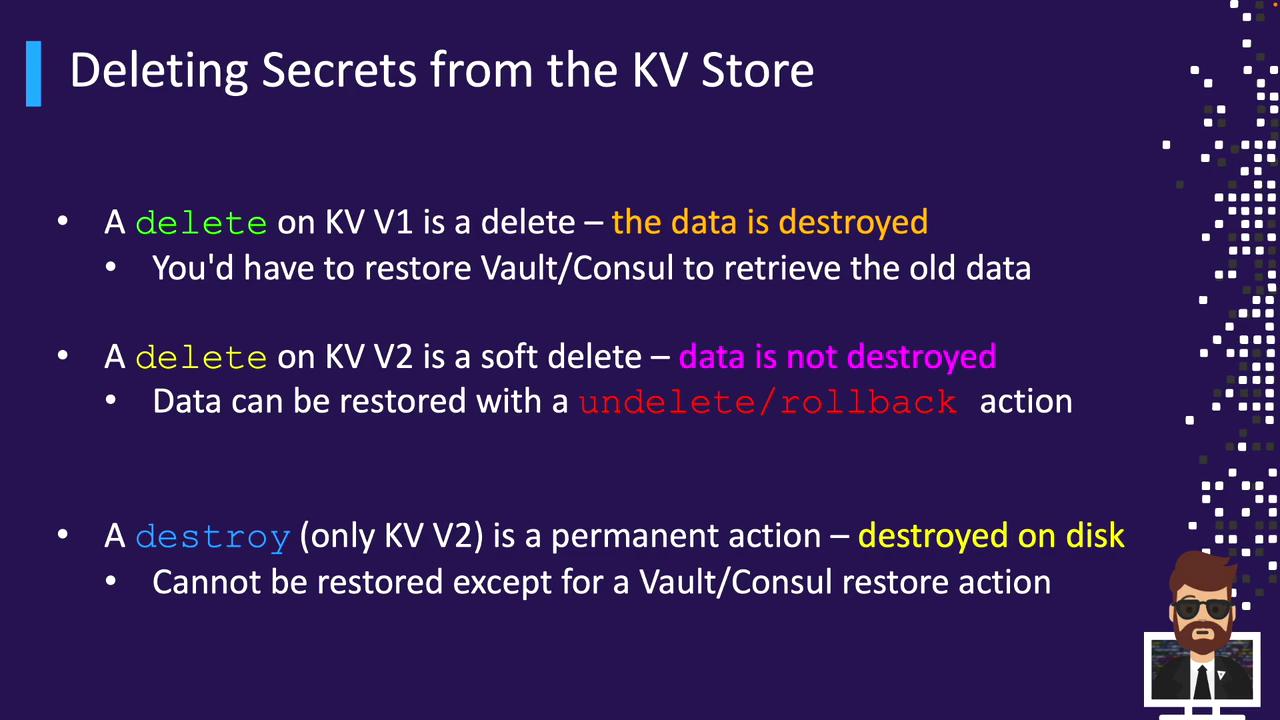
Deleting Secrets
Soft Delete with delete
- KV V1: Permanently removes data
- KV V2: Marks the latest version as deleted (soft delete)
After Delete
KV V1:Permanent Removal with destroy (KV V2)
destroy permanently deletes specified versions. This action cannot be undone.Remove All Versions and Metadata
You’ve now mastered the KV Secrets Engine CLI operations for both KV V1 and KV V2. Next up: exploring the Transit Secrets Engine for encryption-as-a-service.