

- Upload local Vault artifacts to a temporary EC2 instance that Packer launches.
- (Optionally) automate installation steps with a shell provisioner.
- Build and launch instances from the resulting AMI.
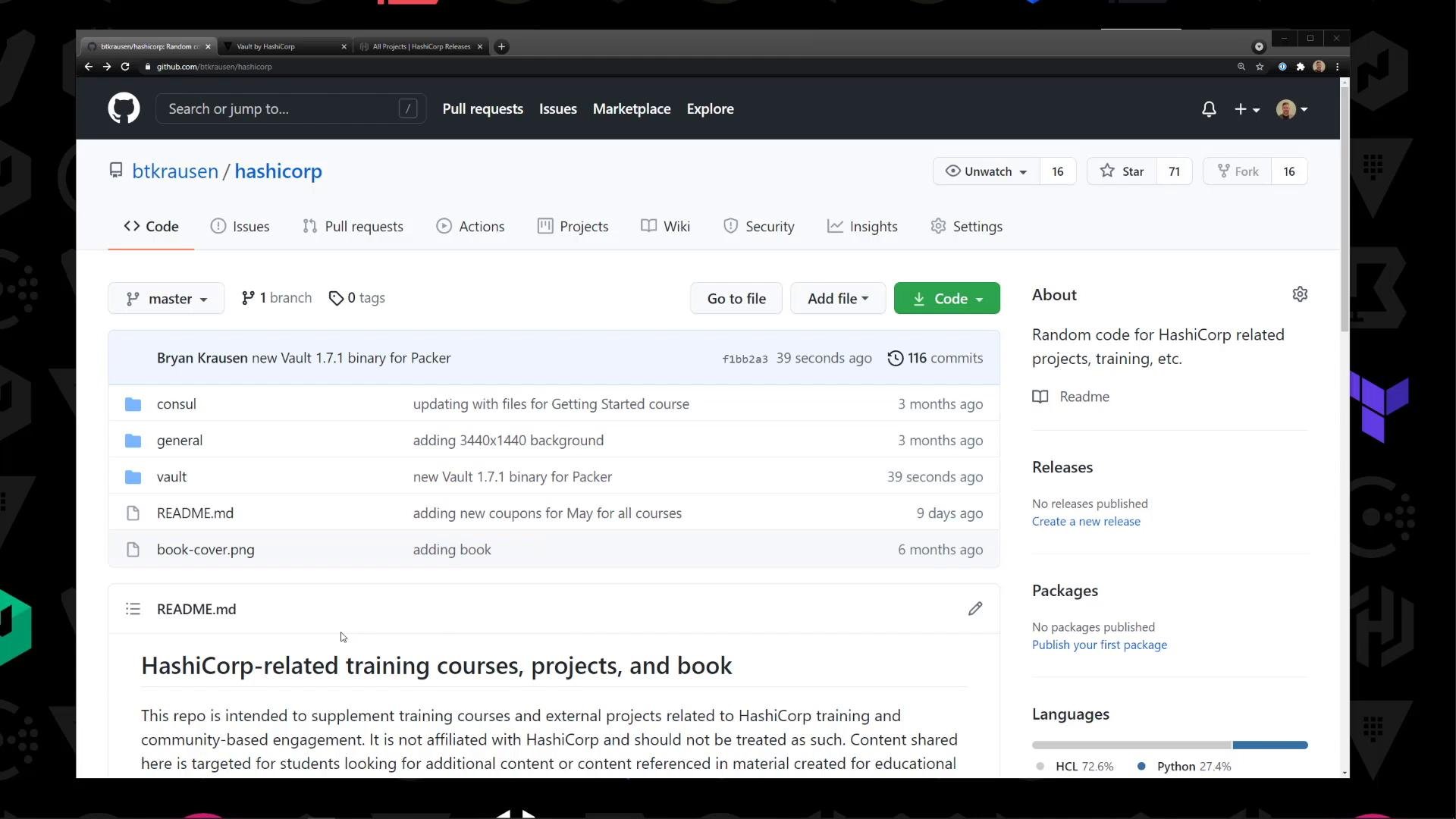
- The example repository contains materials for Consul, Vault, and a Packer directory with the template and supporting files.
- The Packer directory (used in this lesson) includes:
- A Packer HCL template (
vault.pkr.hcl) - A local Vault ZIP (e.g.,
vault_1.7.1_linux_amd64.zip) - Example Vault HCL configuration files and a systemd unit file under
files/
- A Packer HCL template (
Why use Packer for Vault AMIs?
- Create a reproducible AMI that already contains the Vault binary and example configs.
- Speed up provisioning by avoiding manual install steps on every instance.
- Optionally include installation and configuration as part of the Packer build.
vault.pkr.hcl) used in this lesson. It uploads local files to the temporary EC2 instance Packer launches. You can extend it with a provisioner "shell" to automate the unzip/install steps.
You can override variables (region, VPC, subnet,
vault_zip) by editing the defaults in the HCL file, setting environment variables, or passing variables at runtime with the Packer CLI.- Packer installed locally (https://www.packer.io/).
- AWS credentials configured (AWS CLI or environment variables).
- The Vault ZIP downloaded locally from HashiCorp releases.
- Target VPC and Subnet IDs where Packer should launch the temporary instance.
- Set
vpc_idandsubnet_idto the target network where Packer will launch the temporary instance. You can get these IDs from the AWS VPC and Subnets console. - Either set values directly in
vault.pkr.hcl, export environment variables, or pass them with-varflags when runningpacker build.
- Validate the template:
- Build the AMI:
- After the build completes, go to the EC2 -> AMIs console and find the new AMI.
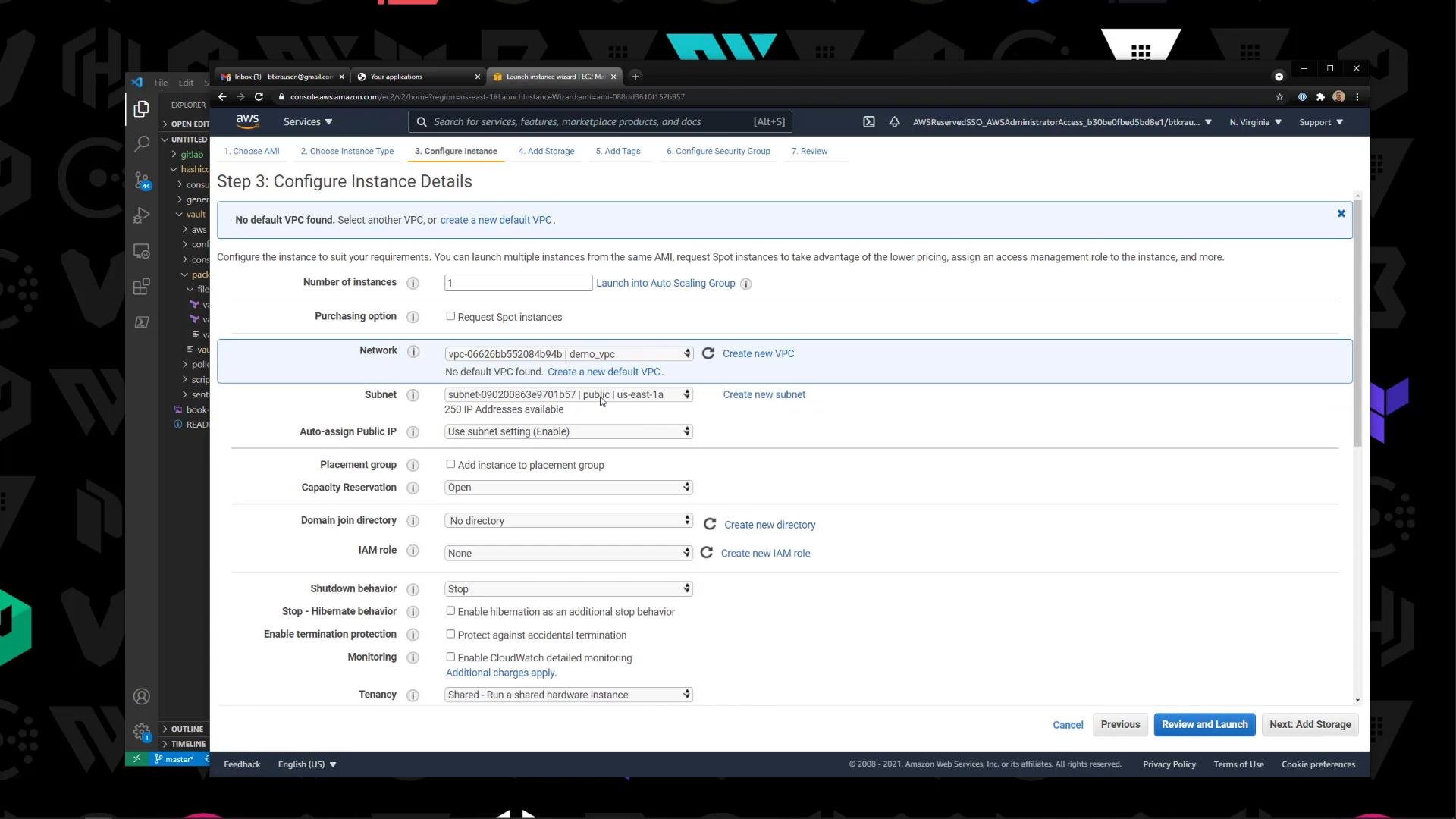
- Launch a new instance from that AMI (for testing, a
t2.microor similar is fine). - Attach an SSH key pair, choose a security group that permits your SSH source IP, and enable public IP if you want direct SSH access.
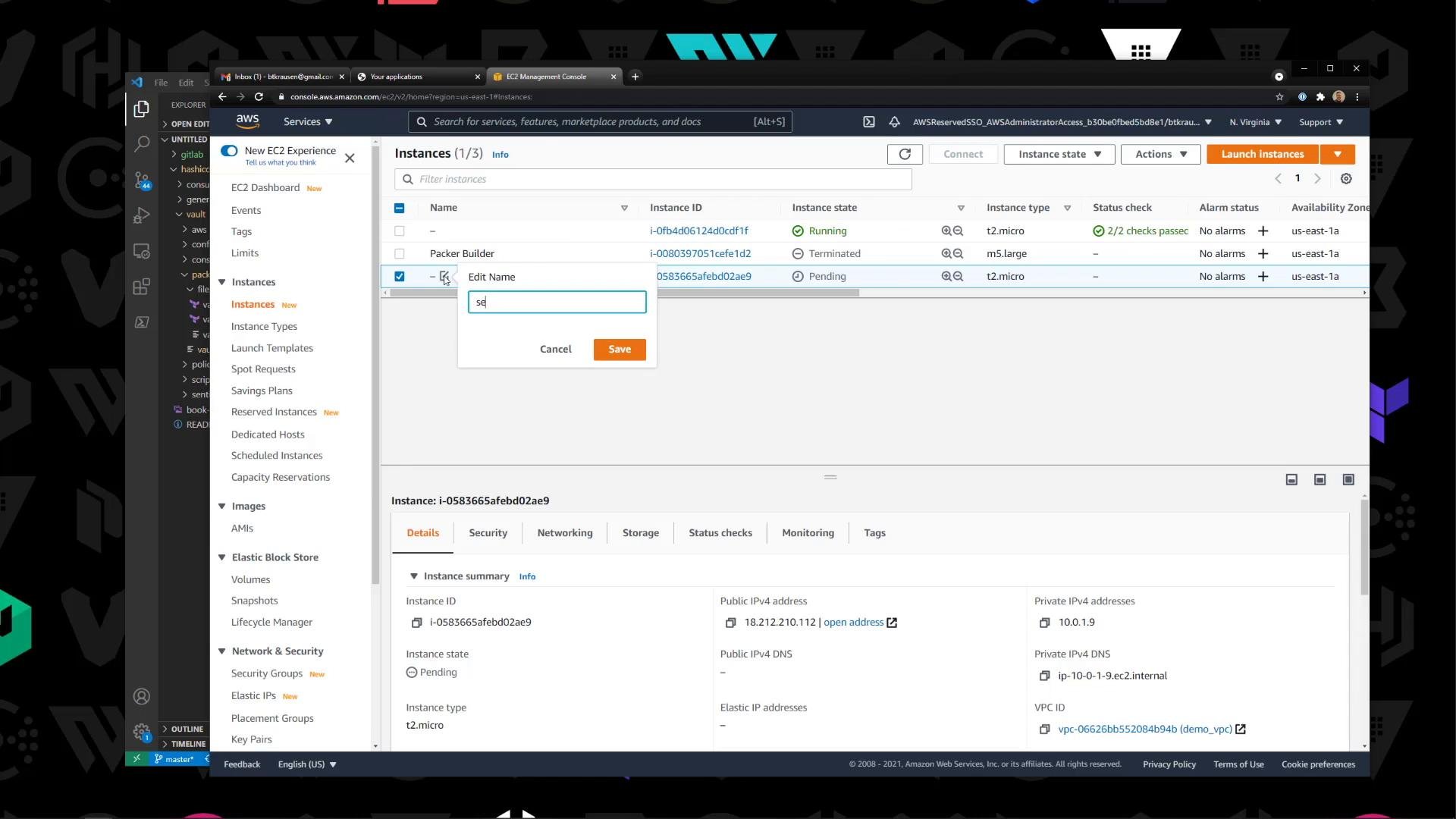
- SSH into the instance (example user:
ec2-user). - Check
/tmpto confirm Packer uploaded the Vault ZIP and files:
- Unzip the Vault binary and move it into a system path:
- Verify the binary and version:
- If you uploaded
vault.serviceand configuration files, move them to the proper directories and enable the systemd service:
- To automate unzip + install during the Packer build, add a
provisioner "shell"block to thebuildsection that runs the commands above. This produces an AMI that is ready-to-run without manual post-launch steps.
- Building a Vault AMI with Packer creates a reproducible, versioned image that speeds up deployments.
- Consider automating configuration templating and secrets injection at launch (for example, using cloud-init, user data, or a configuration management tool) rather than baking secrets into AMIs.
- Keep the Vault binary up to date in your build pipeline and version AMIs to make rollbacks easier.
- Packer: https://www.packer.io/
- HashiCorp Vault releases: https://releases.hashicorp.com
- AWS EC2 AMIs documentation: https://docs.aws.amazon.com/AWSEC2/latest/UserGuide/AMIs.html
- Kubernetes Basics (related infrastructure concepts)
- Automating Packer builds in CI/CD to publish Vault AMIs on each release.
- Using Packer post-processors to share AMIs across regions or accounts.