

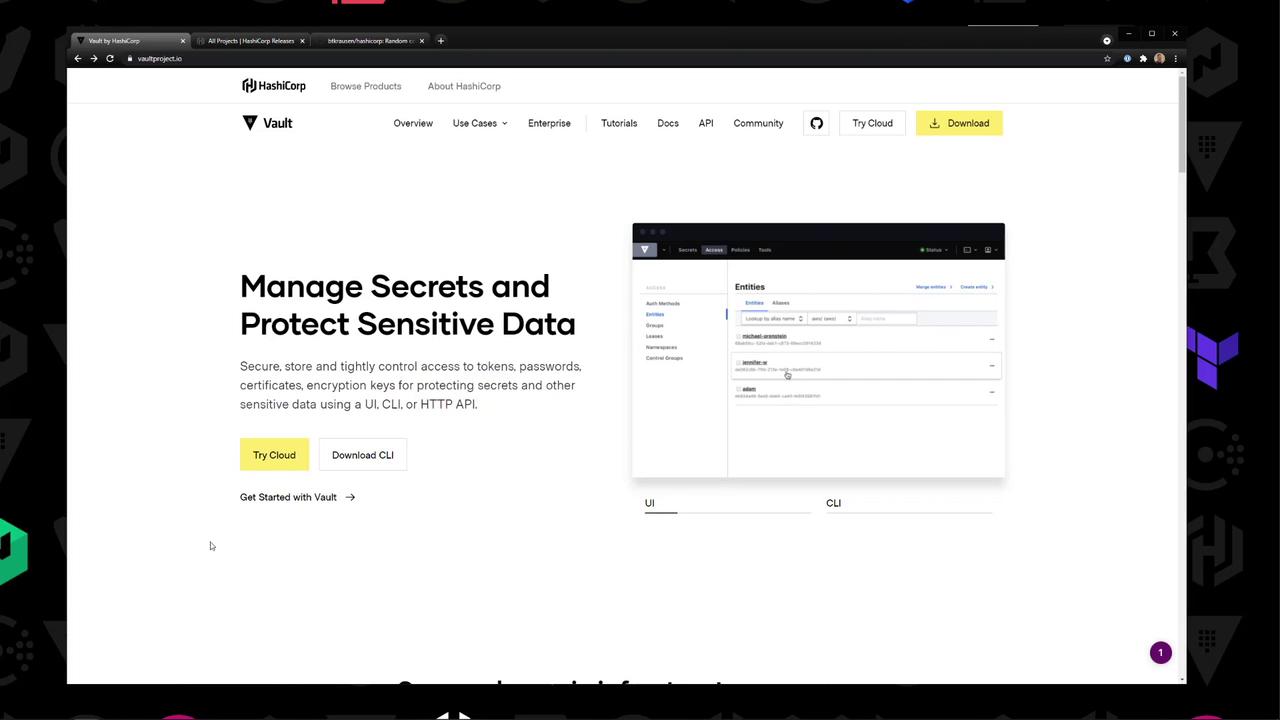
Download the Vault Binary
Head over to the Vault download page and choose:- Platform: Linux
- Distribution: Amazon Linux
- Architecture: 64 ARM64 (or your target)
Installation Methods
Adding the HashiCorp YUM Repository
To install Vault via YUM, run:Downloading the Binary Manually
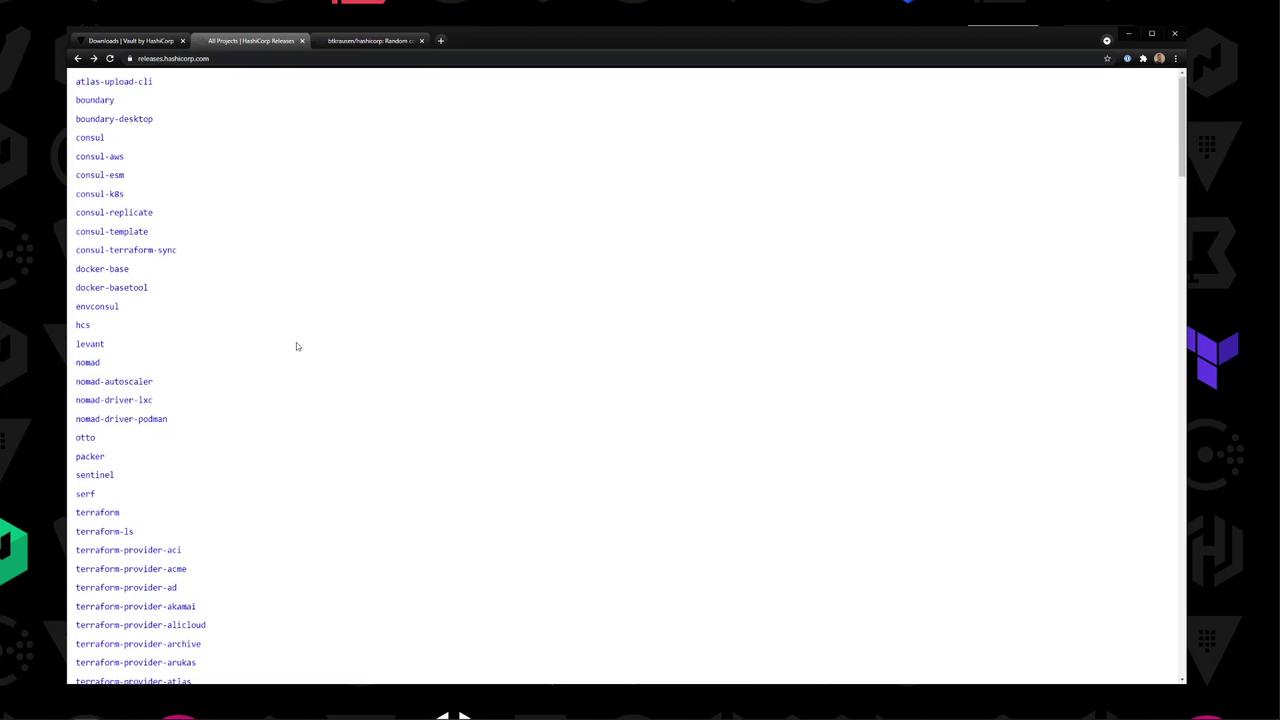
- Visit releases.hashicorp.com → Vault → 1.7.1.
- Copy the link for
vault_1.7.1_linux_amd64.zip. - On your EC2 instance, download it with
curl.
Installing the Binary on Amazon Linux 2
- SSH into your Amazon Linux 2 instance.
-
Verify Vault is not installed:
-
Download the ZIP to
/tmp/vault.zip(replace<your_download_url>): -
Unzip and move the binary into your
PATH: -
Exit root, then confirm Vault is available:
-
Check the installed version:
Starting a Development Server
Development mode runs entirely in-memory, starts unsealed with a single unseal key, and is not suitable for production environments.
You may need to set the Vault address:
That’s all it takes to manually install the Vault binary, place it in your
PATH, and spin up a development server on Amazon Linux 2. Happy secret management!