

1. Enable the Database Secrets Engine
Enable the Database Secrets Engine at the pathmysql:
If you choose a custom mount path, update all subsequent commands (
mysql/ → <your-path>/).2. Configure the MySQL Database Connection
Tell Vault how to connect to your RDS MySQL instance by specifying:- plugin_name: Database plugin (e.g.,
mysql-rds-database-plugin) - connection_url: Go template with
{{username}}and{{password}} - allowed_roles: Roles permitted to use this connection
- username/password: Vault credentials with admin privileges
mysql-rds-database-plugin.
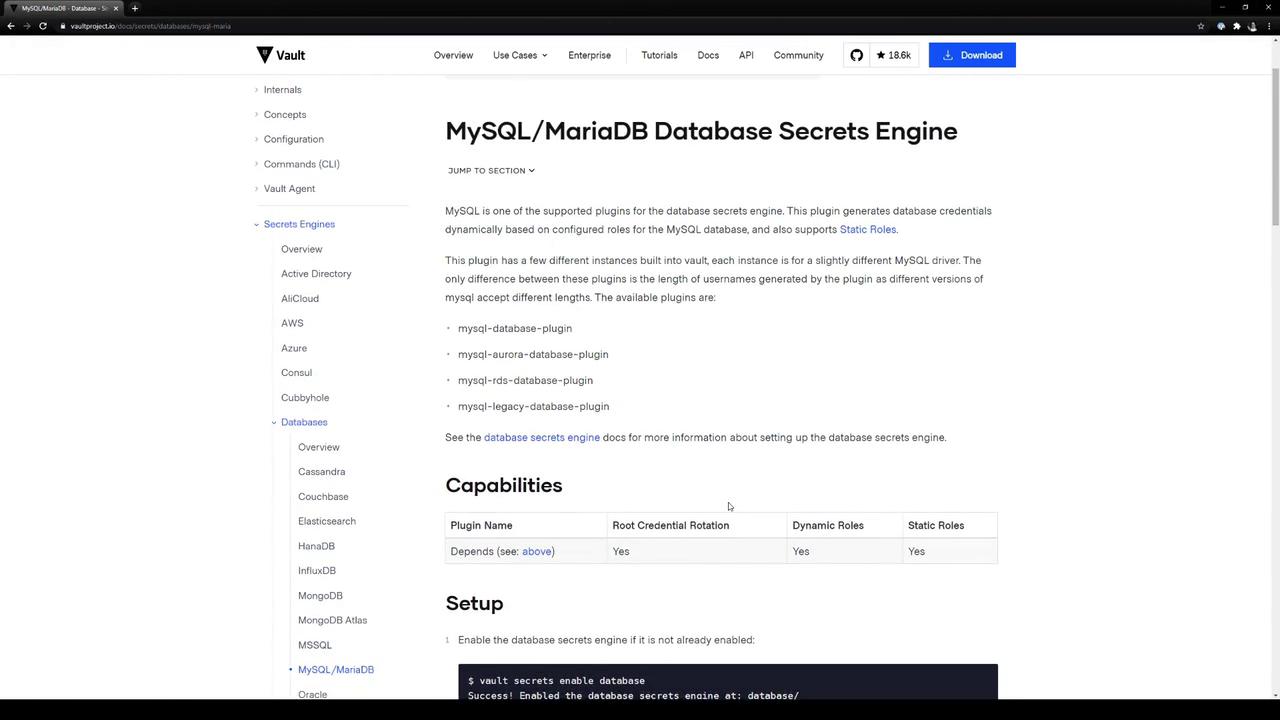
database-1.cf5jhixkss7a.us-east-1.rds.amazonaws.com:3306, configure Vault:
Verify RDS Endpoint in AWS Console
In the AWS RDS console, confirm your instance endpoint (and port 3306):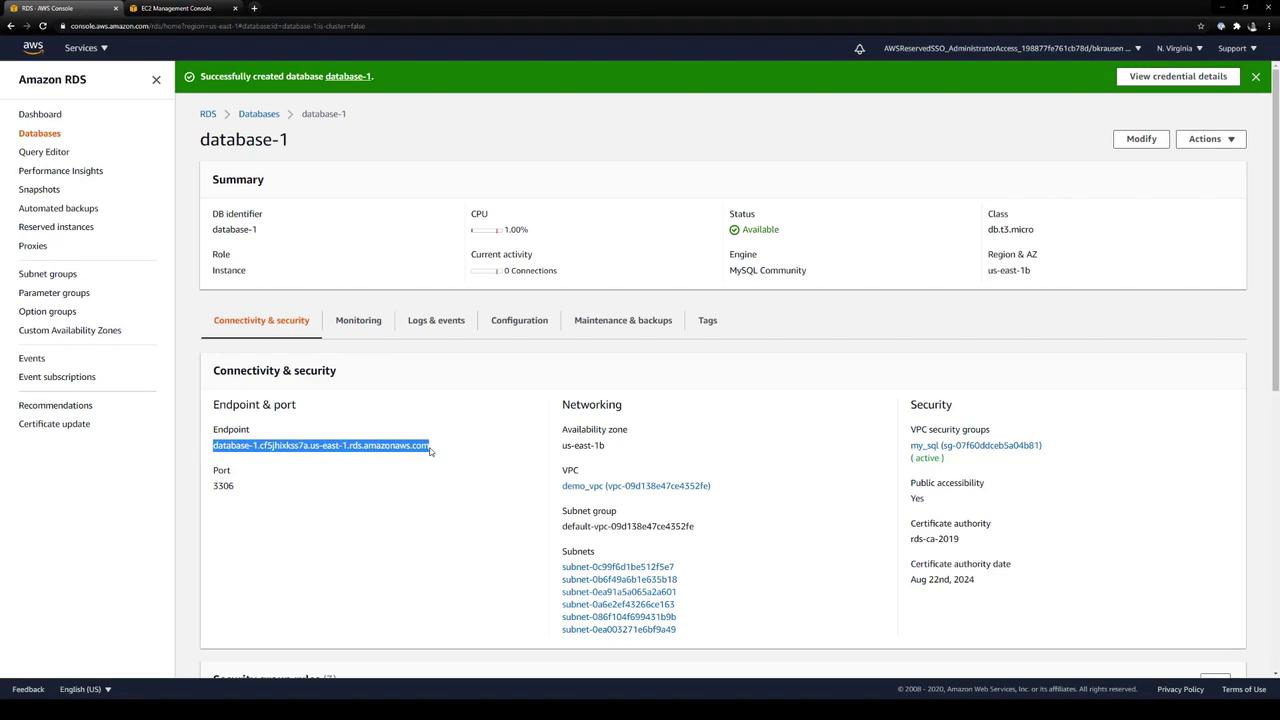
admin) and other configuration details are under Configuration:
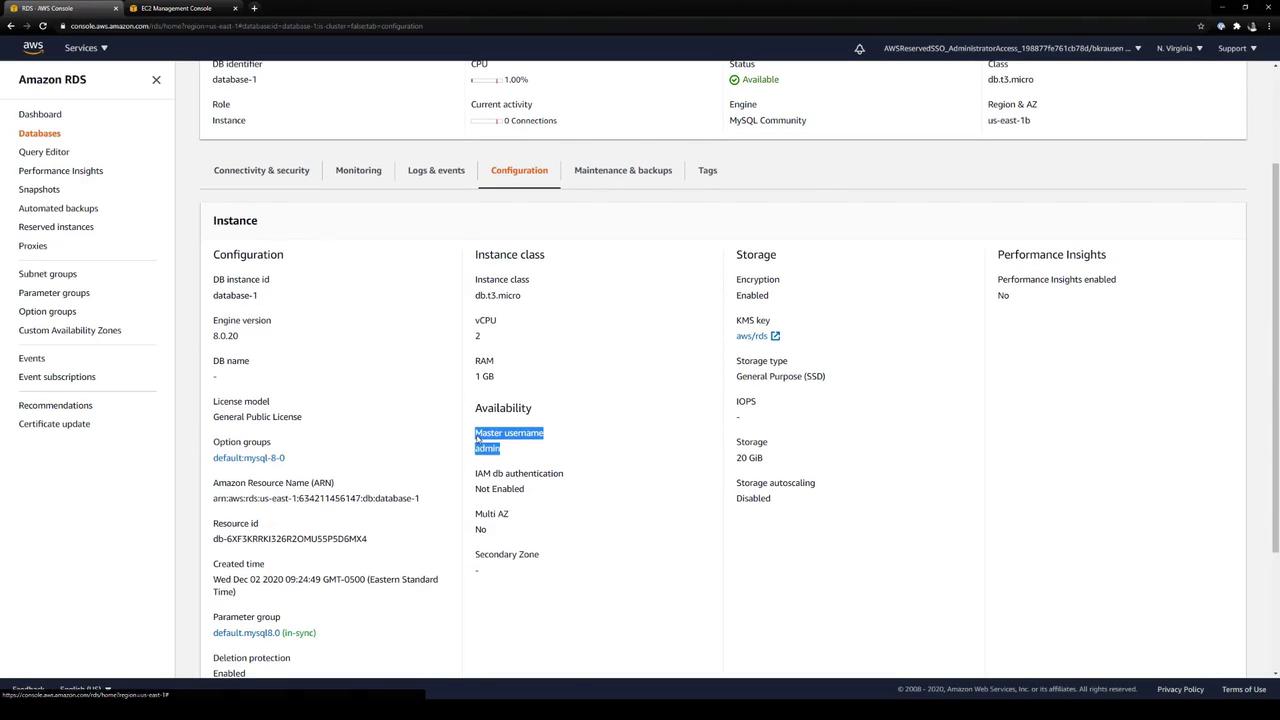
3. Create a Role for Dynamic Credentials
Define a Vault role calledadvanced. This role tells Vault how to provision database users:
Adjust the SQL in
creation_statements to grant required permissions (e.g., INSERT, UPDATE, etc.).4. Rotate the Root Credentials (Optional)
To rotate the stored admin credentials formysql-database:
admin password in Vault.
5. Generate Dynamic Credentials
Request credentials for theadvanced role:
6. Revoke Leases
Revoke a specific lease:advanced prefix:
Summary
- Enabled Vault’s Database Secrets Engine at
mysql/. - Configured a connection to an AWS RDS MySQL instance.
- Created a Vault role (
advanced) to provision dynamic users. - Optionally rotated the stored admin credentials.
- Generated and revoked short-lived MySQL credentials.