

Token TTL and Renewal
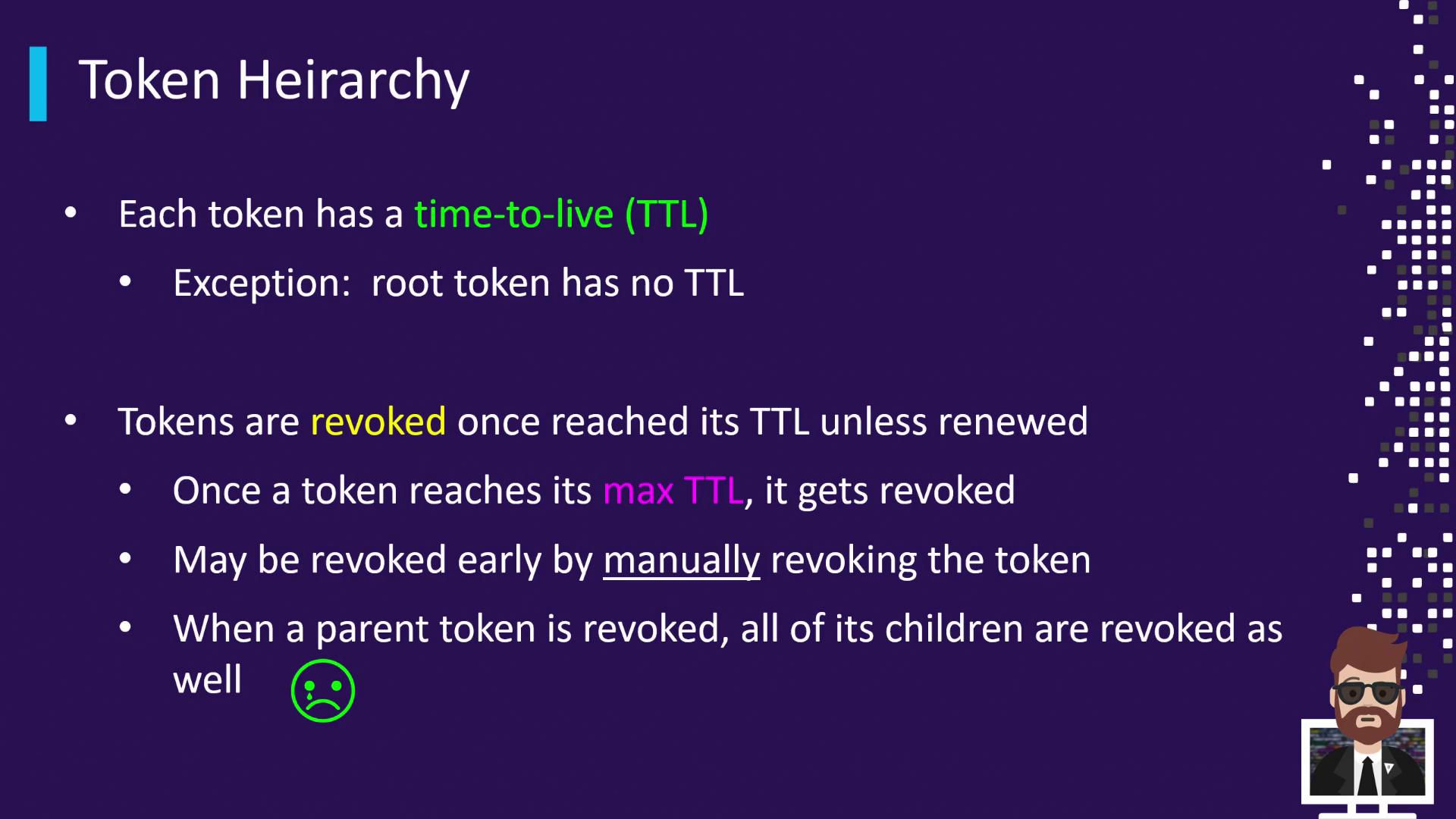
Every Vault token is issued with a TTL—the duration after which Vault automatically revokes the token. The initial root token is the exception, as it has no TTL by default (though you can configure a TTL for additional root tokens).Root tokens have no TTL by default. Use
vault token create -policy="root" -ttl="48h" to issue a root token with a custom TTL.Manual Revocation
You can revoke tokens on demand using either the Vault CLI or the HTTP API. Immediate revocation invalidates the token and its descendants.Revoking a parent token will also revoke all of its child tokens, regardless of their remaining TTL.
Parent-Child Token Relationships
When you authenticate with a Vault token and create another token, the new token becomes a “child” of the creator (“parent”). Revoking a parent cascades through all descendants.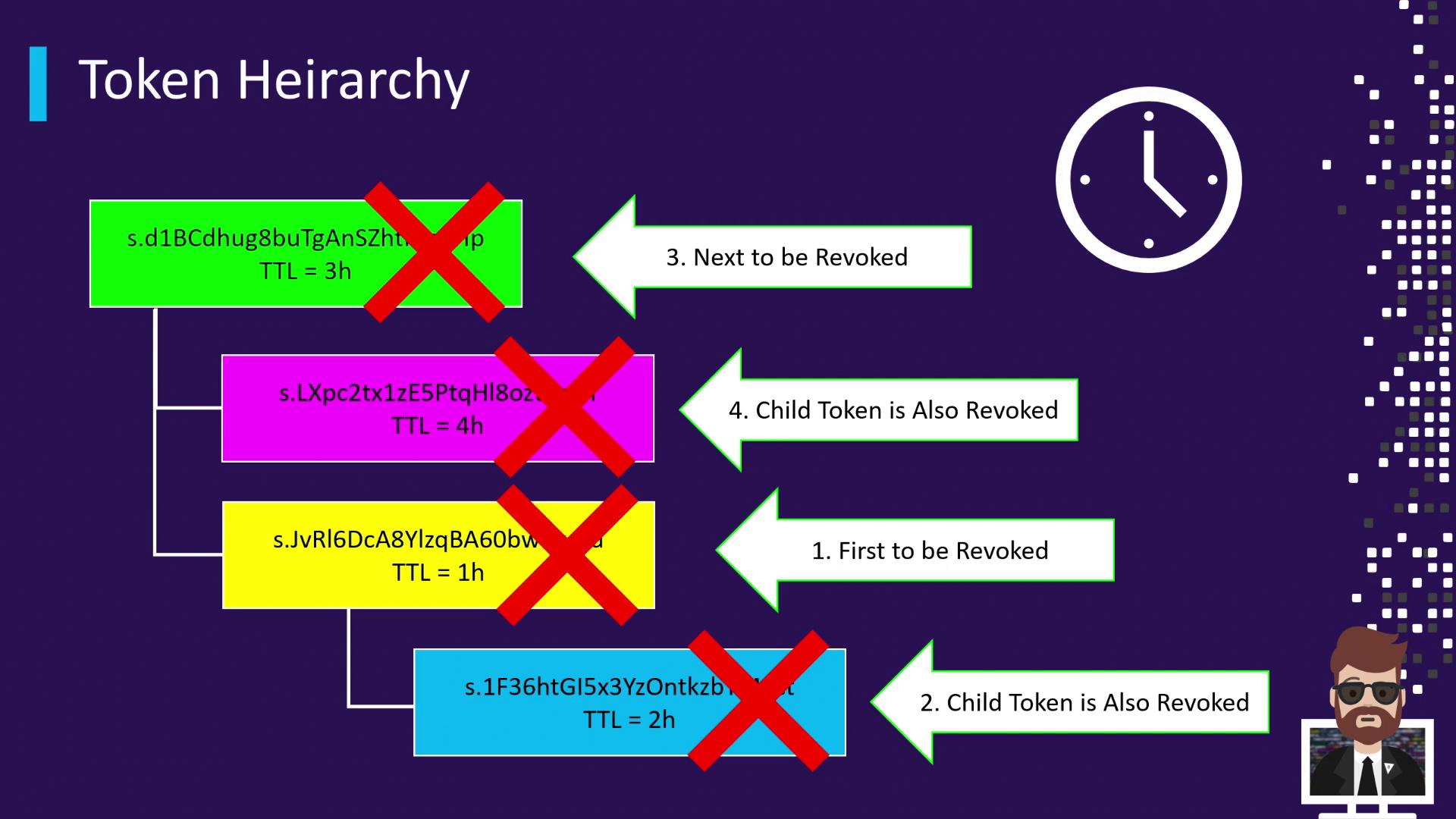
- A green token (parent) is issued with a 3-hour TTL.
- The green token spawns two children:
- A pink token (4 h TTL).
- A yellow token (1 h TTL).
- The yellow token issues a blue token (2 h TTL).
Cascading Revocation Timeline
- After 1 hour:
- The yellow token expires → revoked automatically.
- Its child (blue token) is immediately revoked, despite having remaining TTL.
- After 3 hours:
- The green token expires → revoked automatically.
- Its remaining child (pink token) is immediately revoked.