

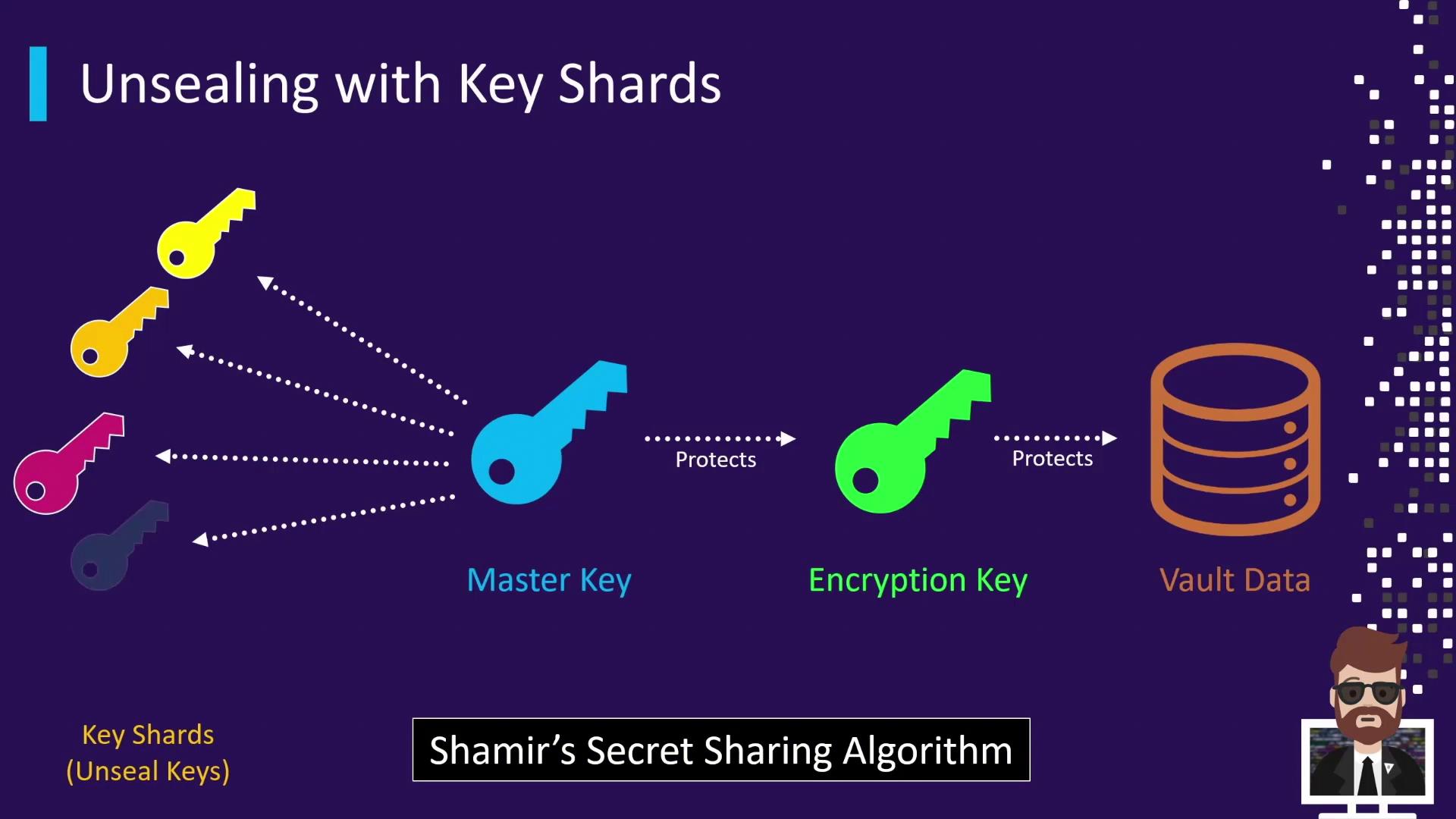
Distributing Key Shards
When Vault initializes (vault operator init), it generates a specified number of shares and a threshold number required to unseal. By default, Vault creates 5 shares and a threshold of 3.
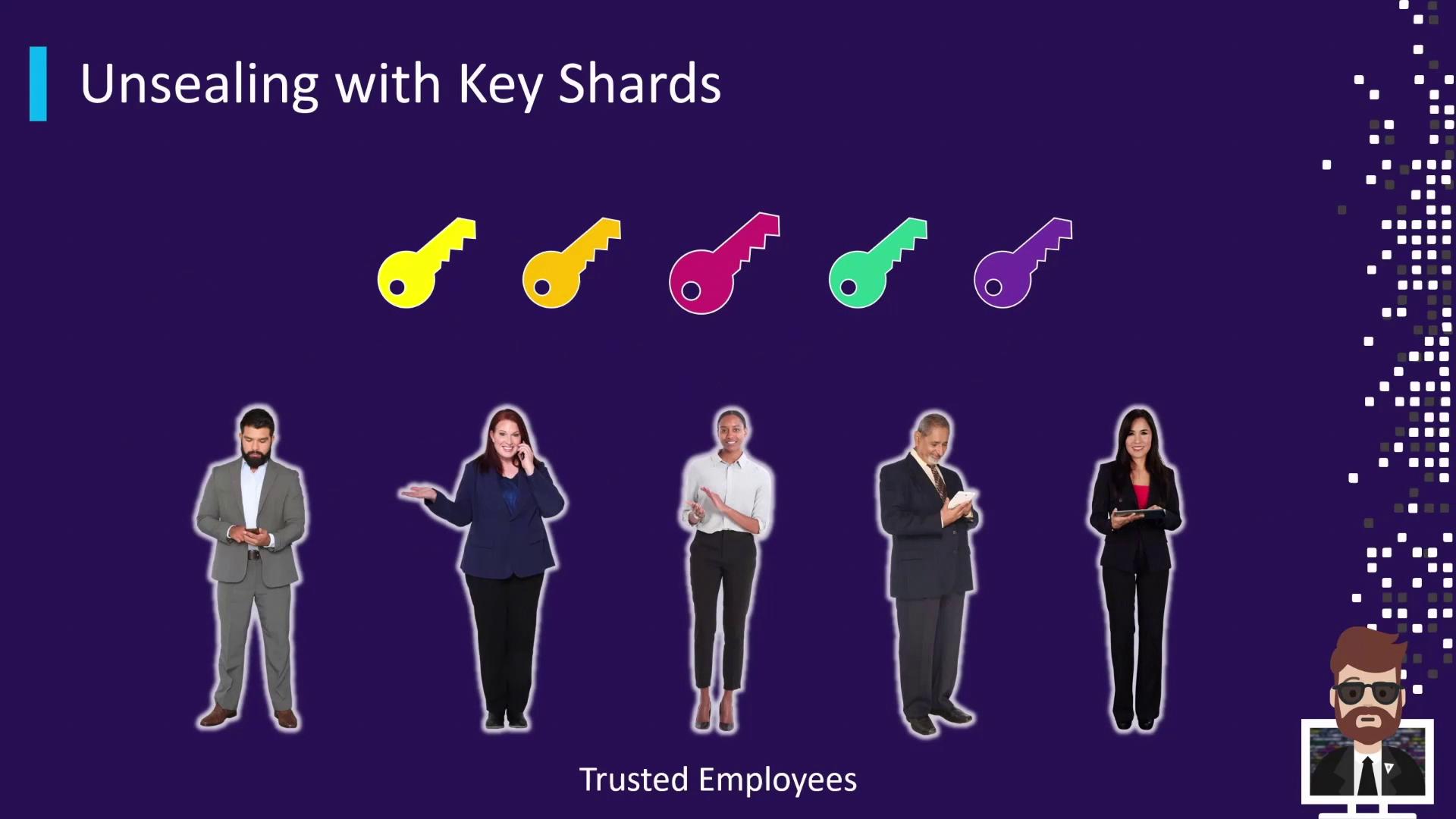
Each key shard is distributed to a separate trusted individual (e.g., security team members or management).
Unsealing Process
When Vault is sealed, no operations can occur until enough unseal keys are submitted. Each submitted key shard increments the unseal progress. Once the threshold is reached, Vault reconstructs the master key, decrypts its encryption key, and transitions to the unsealed state.1. Check Vault Status (Sealed)
2. Submit Unseal Shards
- Submit first key → Unseal Progress 1/3
- Submit second key → Unseal Progress 2/3
- Submit third key → Unseal Progress 3/3 → Vault transitions to unsealed
3. Verify Vault Status (Unsealed)
Vault logs the unseal progress but never records the actual key shards. This ensures shards remain confidential.
Key Shard Best Practices
Implement these practices to maintain strong security for your unseal keys:Ensure that at least the threshold number of custodians is reachable whenever Vault restarts or is sealed. Losing access to even one shard beyond the threshold can lock you out.