

- Enabling the engine
- Creating and managing encryption keys
- Encrypting and decrypting data
- Rotating keys and setting decryption constraints
- Rewrapping ciphertext to the latest key version
Prerequisites
Make sure you have:
- Vault CLI installed and authenticated (
VAULT_ADDR& token configured). - A running Vault server (Dev mode or Production).
1. Enable the Transit Secrets Engine
By default, the Transit engine mounts attransit/. To enable it:
-path:
2. Create an Encryption Key
Every Transit operation requires a named key. Createvault_training:
Supported Key Types
3. Encrypt Data
Vault expects Base64-encoded plaintext. Encrypt the stringGetting Started with HashiCorp Vault:
ciphertext: Encrypted data with key version prefix (vault:v1:)key_version: Version of the key used
You can use
base64 -d to decode any Base64 output from Vault.4. Decrypt Data
Pass the ciphertext back to Vault to decrypt:5. Rotate Encryption Keys
Regular key rotation enhances security. To rotatevault_training:
6. Configure Minimum Decryption Version
To prevent decryption with older keys, setmin_decryption_version:
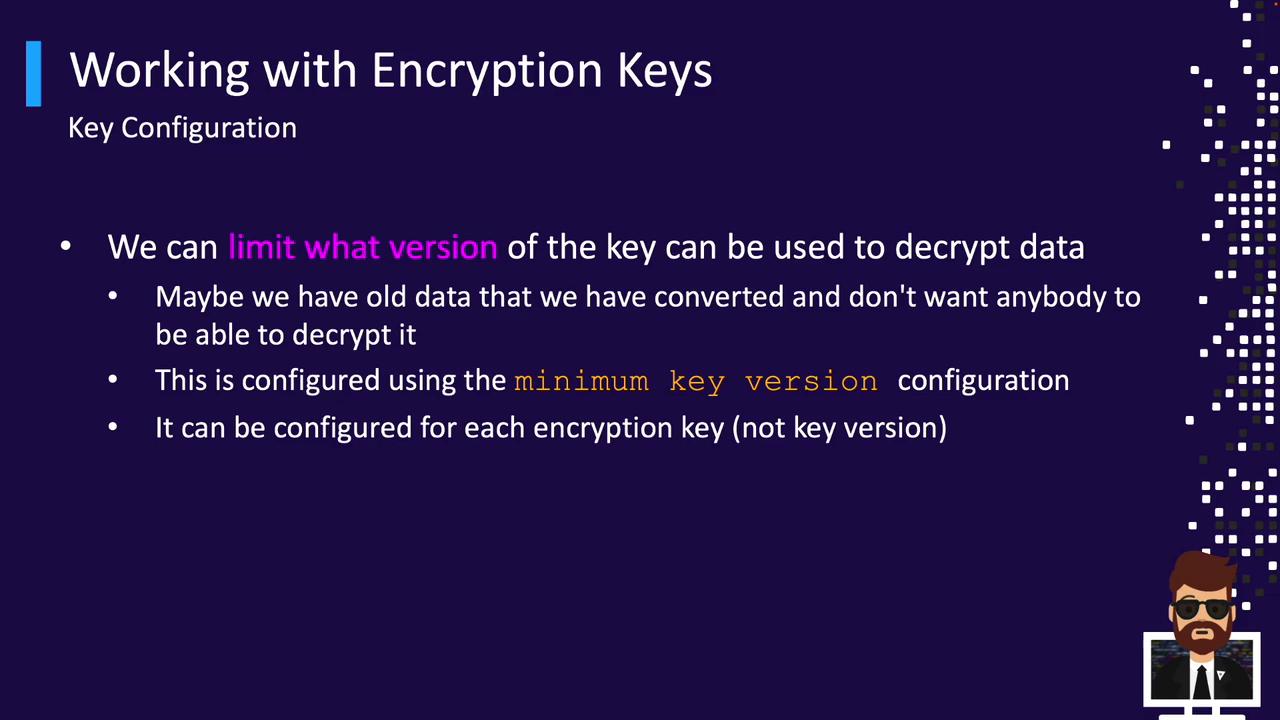
4 will be rejected.
After raising
min_decryption_version, older ciphertext cannot be decrypted. Plan rotations accordingly.7. Rewrap Ciphertext
Rewrapping updates existing ciphertext to the newest key version without exposing plaintext:1 internally and re-encrypts with version 4.
Rewrap is ideal when you need to enforce new key policies on legacy data.