

Human-based auth methods
Human-based auth methods:- Integrate with external identity providers (IdPs) such as OIDC, Okta, Azure AD, or PingFederate.
- Require interactive, hands-on use via a browser or Vault CLI.
- Usually prompt for login and frequently leverage the IdP’s MFA (push notifications, TOTP, etc.).
- The user visits the Vault UI (for example,
vault.example.com) or invokes the Vault CLI to begin authentication. - If using OIDC/SSO (Okta, Azure AD, PingFed), Vault redirects the user to the IdP or opens a login window.
- The user completes credentials and any MFA challenge at the IdP.
- The IdP returns tokens or assertions to Vault that validate the user’s identity.
- Vault maps the identity (groups, claims) to policies and issues a Vault token or session for access.
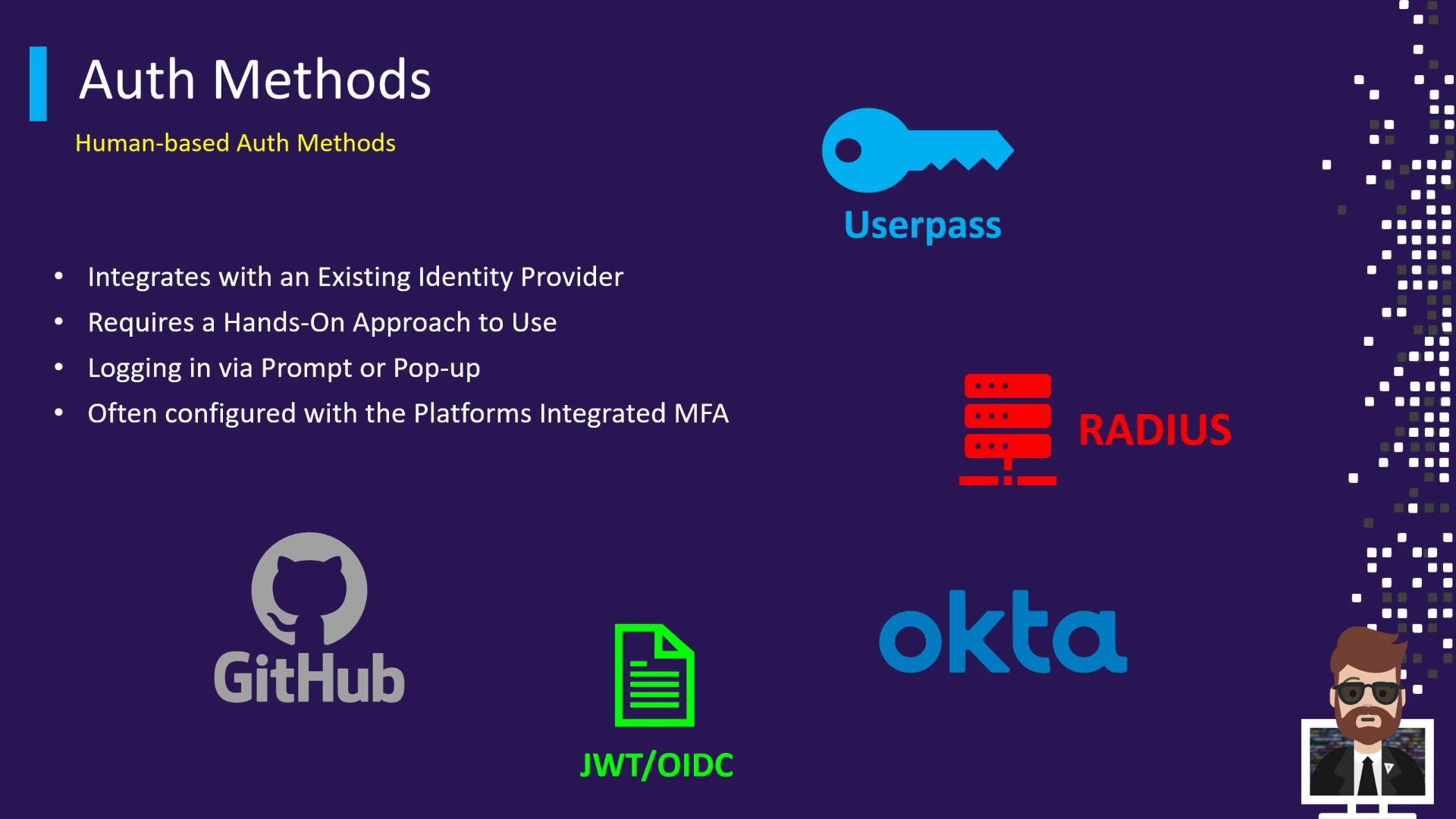
- Okta: users authenticate and confirm via push notifications (MFA).
- OIDC with Azure AD or PingFederate: users are redirected to the IdP, authenticate, and Vault receives an assertion.
- These methods are ideal for interactive user access (UI or CLI) and for enforcing enterprise SSO, group-based authorization, and MFA policies.
Enable at least one human-facing auth method for administrators and operators so they can access Vault interactively and benefit from centralized IdP features like SSO, MFA, and group-based role assignments.
System-based (machine-to-machine) auth methods
System-based methods are designed for automated, non-interactive authentication between machines, services, and Vault:- Use platform-attested credentials or attestations (TLS certificates, service account metadata, instance identity documents).
- Integrate with cloud providers or orchestration platforms (AWS, Azure, GCP, Kubernetes, etc.).
- Are not designed for humans to type or remember credentials.
- A workload or instance presents platform-specific information to Vault (instance metadata, signed identity documents, service account tokens, or TLS client certs).
- Vault validates that information with the corresponding backend/platform (for example, verifying a signed document with a cloud provider).
- If validation succeeds, Vault issues a short-lived token or appropriate credentials to the workload for subsequent secret access.
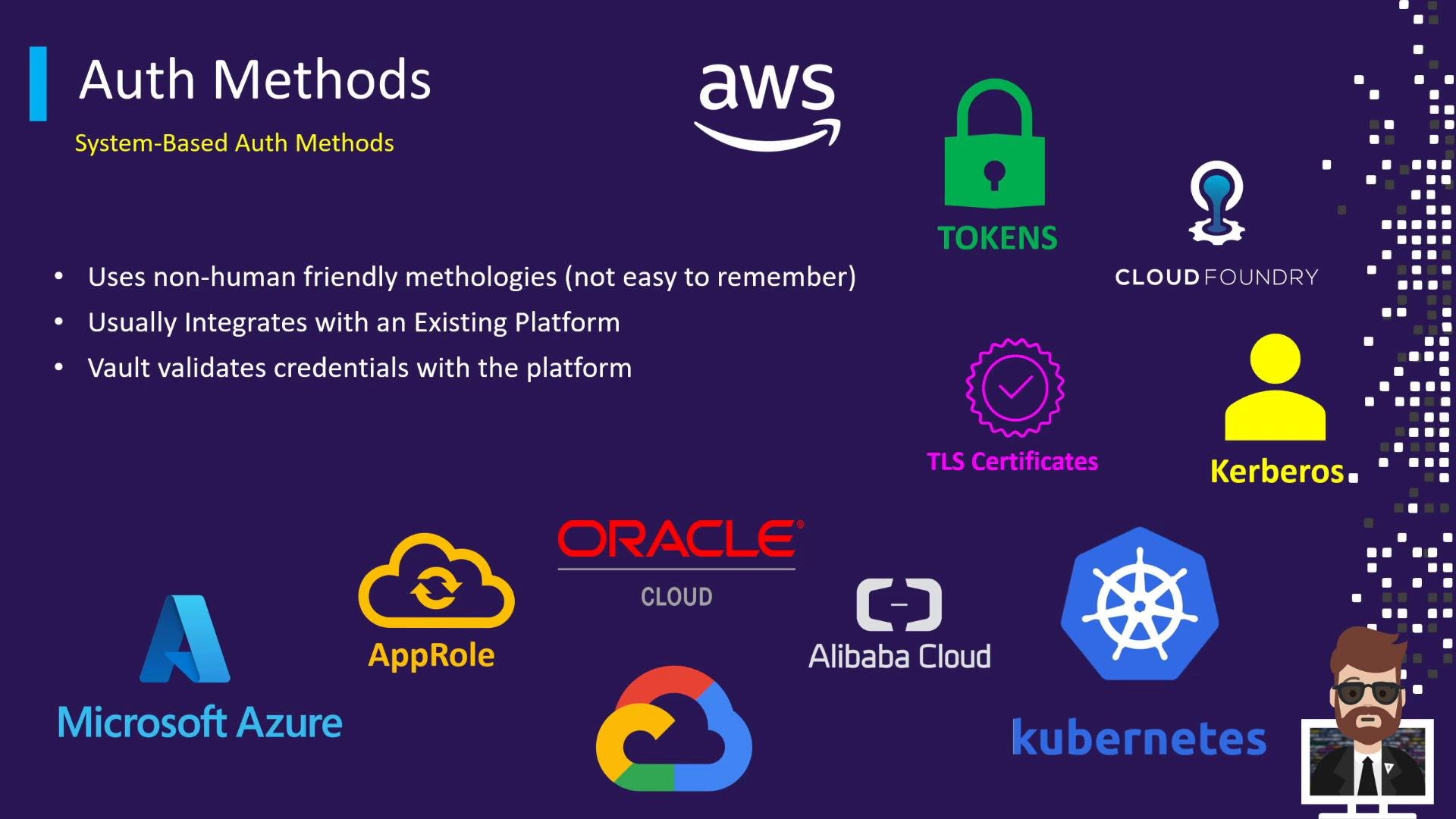
- AWS, Azure, GCP, Oracle Cloud, Alibaba Cloud: instances or serverless functions present instance identity documents or metadata; Vault validates those with the cloud provider.
- Kubernetes: pods authenticate using service account tokens or the Kubernetes auth method to validate a pod’s identity.
- AppRole: assigns role IDs and secret IDs for machines/services to authenticate non-interactively.
- TLS certificates and Kerberos: machines present certificates or tickets automatically as part of the connection.
Do not rely on human-facing auth methods for automated workloads. Avoid long-lived static credentials for machines—use platform attestation or short-lived credentials to reduce risk and enforce least privilege.
When to choose which
High-level guidance:- Use human-based auth methods when you need interactive login, SSO integration, MFA enforcement, or group-based policy mapping for people.
- Use system-based auth methods when automating authentication for workloads, infrastructure, or services that cannot perform interactive login.
Mapping of common auth methods to use cases
Wrapping up
- Human auth methods = interactive, IdP-driven, MFA-friendly—use for people.
- System auth methods = automated, platform-attested, non-human-friendly—use for machines and services.
- For design decisions and exam scenarios, identify whether the access pattern is human or machine first, then select an auth method that integrates with your identity platform or infrastructure and meets your security requirements (MFA, short-lived credentials, policy mapping).
Links and references
- Vault Authentication Methods (official docs)
- OIDC Auth Method
- Kubernetes Auth Method
- AppRole Auth Method