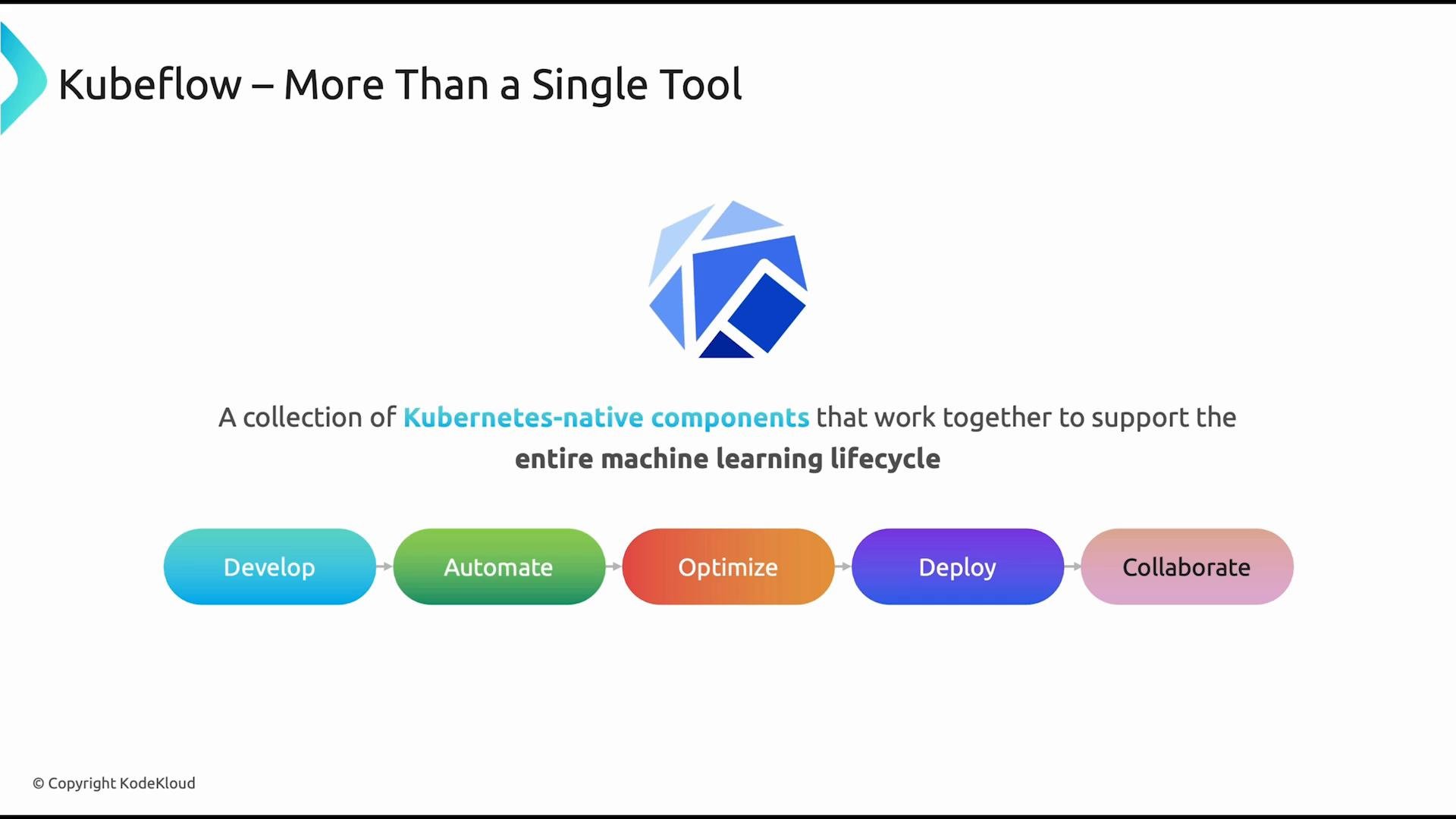
When people first hear “Kubeflow,” they often think of a single application. In reality, Kubeflow is an ecosystem of Kubernetes-native components. Each component targets a specific stage of the machine learning (ML) lifecycle — and together they form an end-to-end MLOps platform for building, automating, optimizing, deploying, and operating models at scale.
A presentation slide titled "Kubeflow – More Than a Single Tool" with the Kubeflow logo and a tagline saying it’s a collection of Kubernetes-native components supporting the entire machine learning lifecycle. Below is a colored workflow showing the stages: Develop, Automate, Optimize, Deploy, Collaborate.
This article focuses on the Kubeflow components most commonly used in production: Notebooks, Pipelines, Katib, KServe, and Profiles. Use this as a practical overview to understand how the parts fit together across the ML lifecycle.
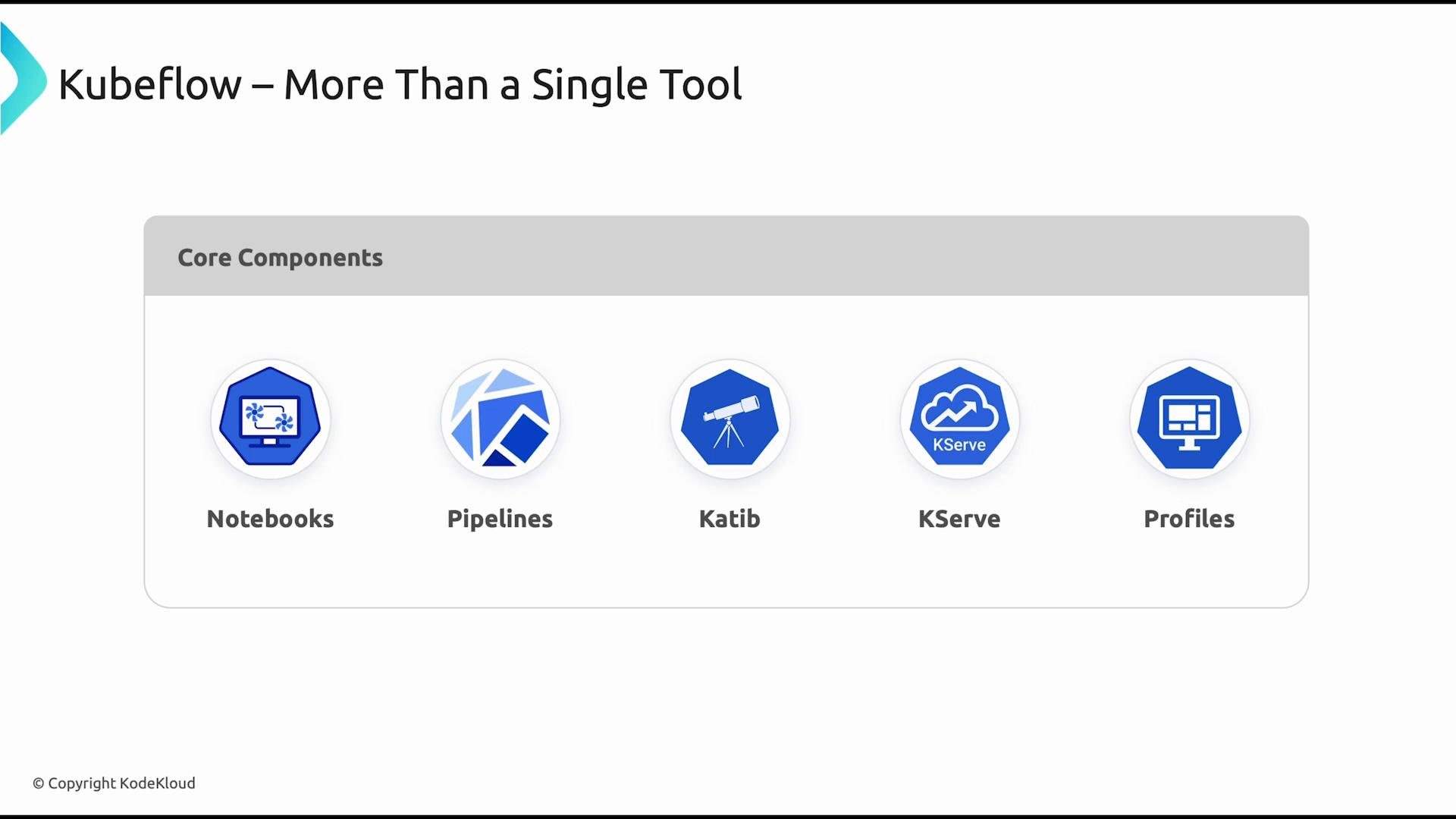
Each Kubeflow component solves a particular problem. Below is a concise description of the core components and how they fit together.
A slide titled "Kubeflow – More Than a Single Tool" showing icons and labels for core components: Notebooks, Pipelines, Katib, KServe, and Profiles. It’s a visual overview of Kubeflow’s main tools.
  • Notebooks — Interactive development environments (commonly Jupyter) running as Kubernetes workloads. Notebooks let data scientists explore data, prototype models, and leverage cluster resources (including GPUs) instead of relying on local machines.
  • Pipelines — Automation and orchestration for ML workflows. Kubeflow Pipelines builds on the Argo Workflows engine to compose reproducible, versioned workflows from reusable components.
  • Katib — Automated experiment management and hyperparameter tuning. Katib runs many trials using strategies such as grid search, random search, or Bayesian optimization to identify the best model configurations.
  • KServe — Model serving and scalable inference. Built on serverless primitives (e.g., Knative), KServe exposes trained models as endpoints for real-time or batch predictions.
  • Profiles — Multi-user and multi-team support. Profiles provision isolated workspaces (typically namespaces), create role bindings, and enforce resource quotas so teams can share a cluster securely.
Summary table — core Kubeflow components: The ML lifecycle often follows this sequence:
  1. Develop and experiment in Notebooks.
  2. Automate training and ETL with Pipelines for reproducibility and scheduling.
  3. Optimize model parameters and architecture with Katib.
  4. Deploy optimized models using KServe for production inference.
  5. Use Profiles and cluster RBAC to manage multi-user access and resource isolation.
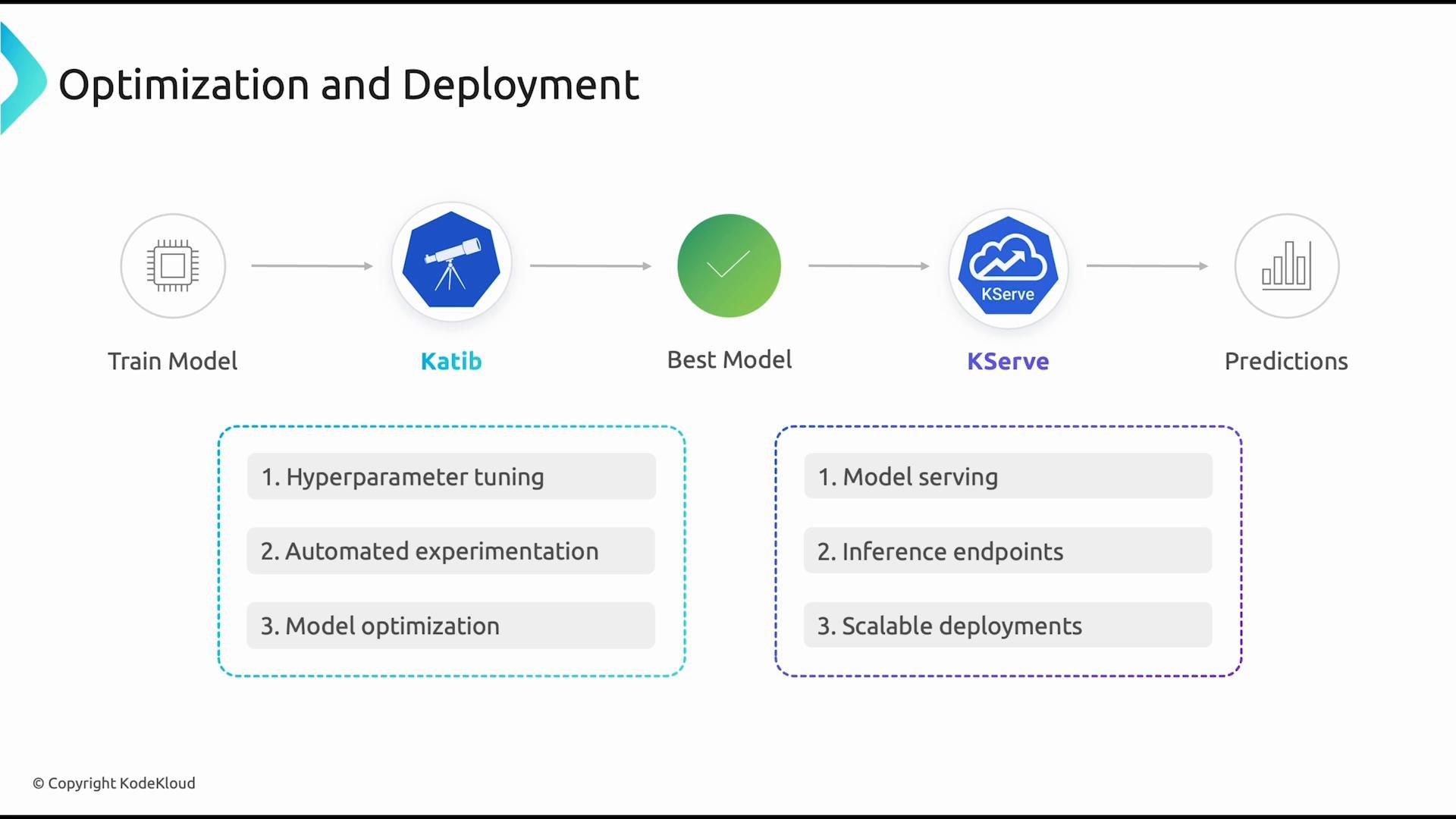
A slide titled "Optimization and Deployment" showing an ML pipeline: Train Model → Katib → Best Model → KServe → Predictions. Two feature boxes list optimization tasks (hyperparameter tuning, automated experimentation, model optimization) and serving tasks (model serving, inference endpoints, scalable deployments).
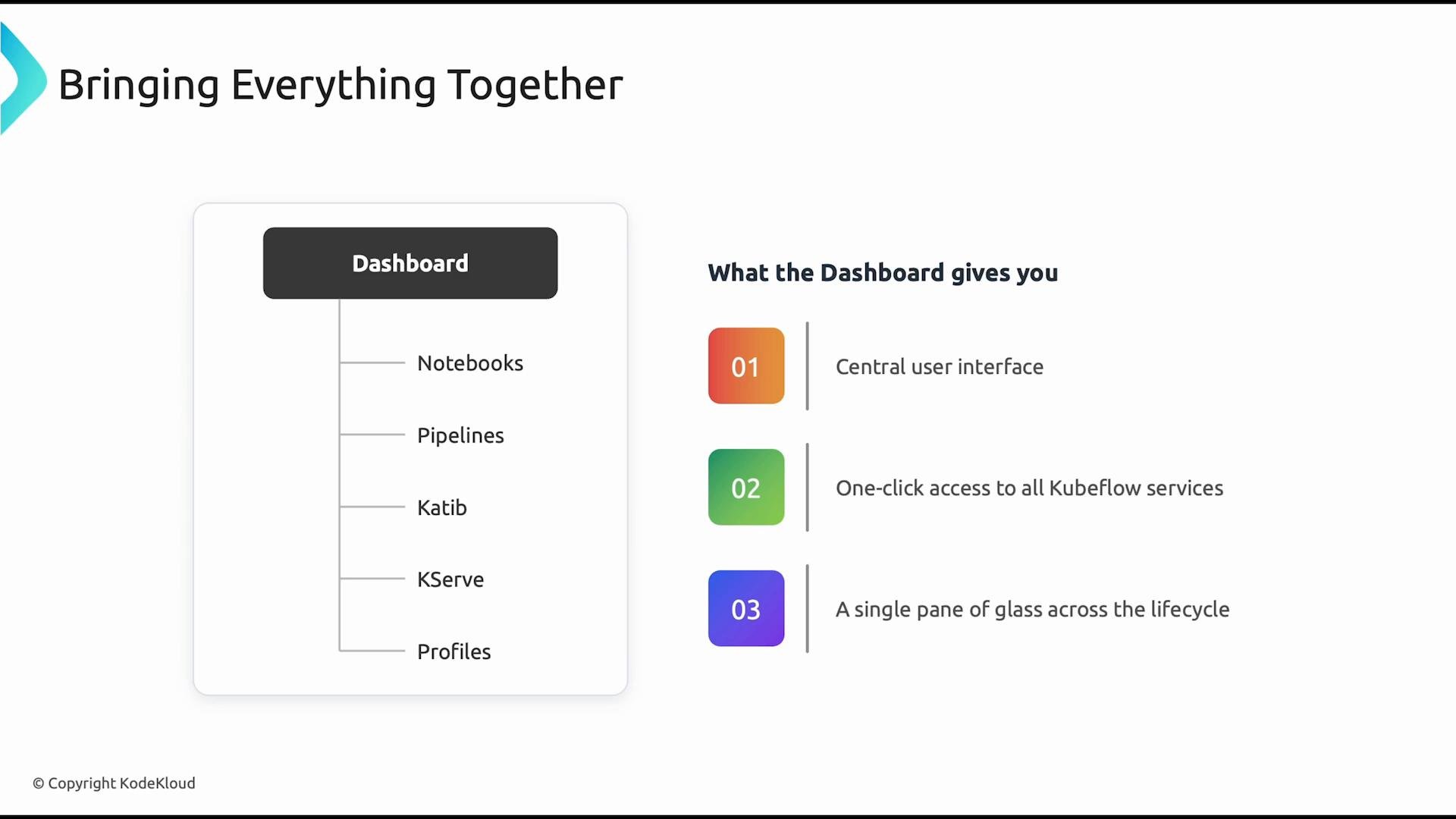
The Kubeflow dashboard is the central user interface that brings these services together. From the dashboard you can launch notebooks, create and monitor pipelines, inspect Katib experiments, and manage KServe deployments — all in one place.
A slide titled "Bringing Everything Together" showing a mock dashboard on the left listing components (Notebooks, Pipelines, Katib, KServe, Profiles) and three colored numbered callouts on the right describing dashboard benefits like a central user interface and one-click access to Kubeflow services. The layout visually ties the dashboard to those three key advantages.
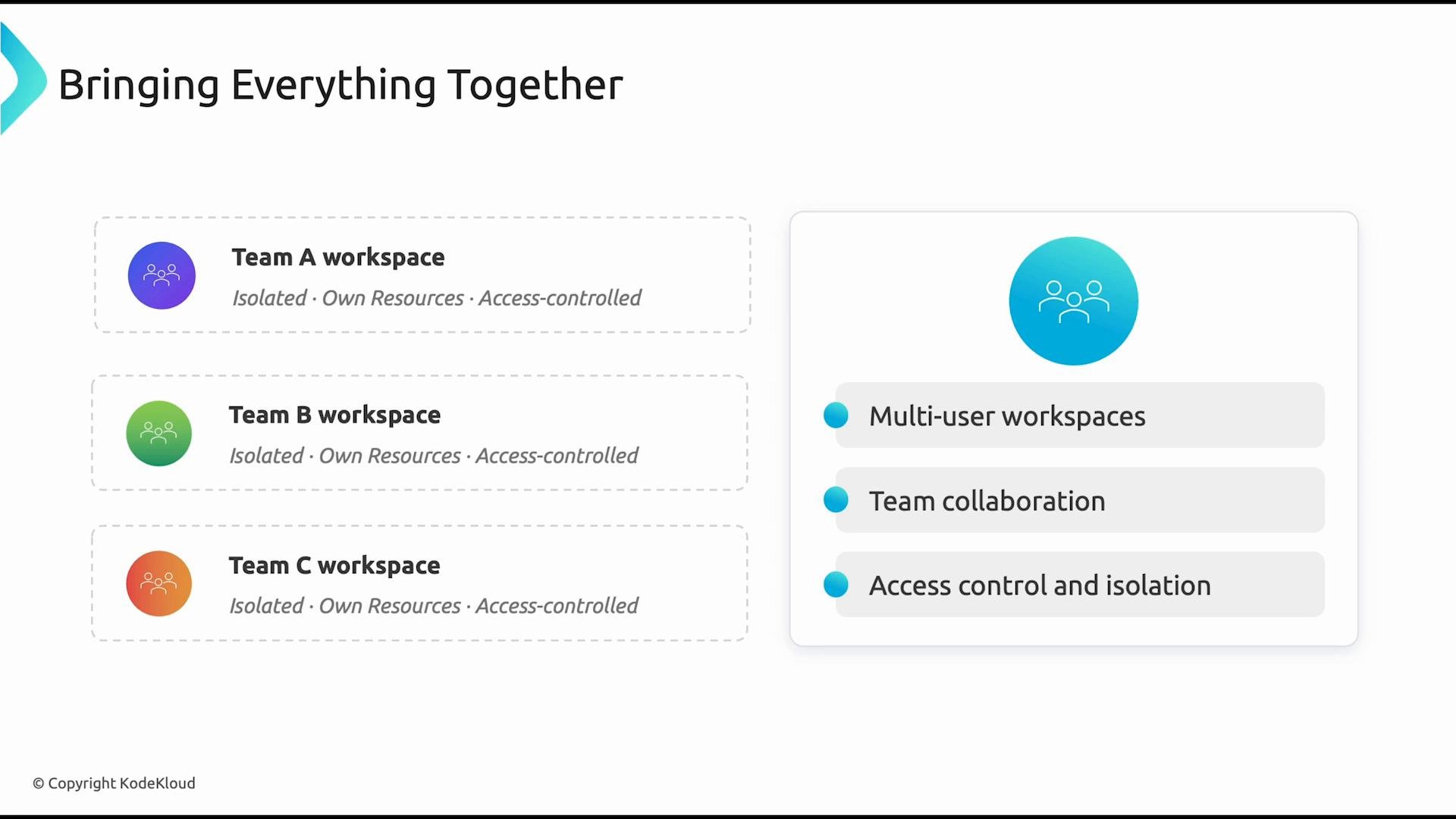
For multi-team or enterprise environments, Profiles are essential. They provision isolated team workspaces and apply role-based access controls and resource quotas so teams can collaborate without interfering with each other’s workloads.
When running Kubeflow in a shared cluster, carefully design Profiles, namespace limits, and RBAC policies. Without proper isolation and quotas you risk noisy-neighbor problems or accidental privilege escalation.
Throughout this article you can see how Kubeflow’s Kubernetes-native components integrate to support the full machine learning lifecycle — from interactive experimentation to automated training, hyperparameter optimization, and production inference. The platform’s strength is in how these tools work together to provide a consistent, scalable MLOps foundation for teams.
A presentation slide titled "Bringing Everything Together" showing three isolated team workspaces (Team A, B, C) on the left and a right-hand panel highlighting features like multi-user workspaces, team collaboration, and access control. The design uses colored round icons and dashed boxes to indicate isolated, access-controlled resources.
Links and references

Watch Video