In this lesson we’ll cover how to customize the container image that runs a Kubeflow Pipelines (KFP) component. Understanding the runtime environment — the container image, Python version, and installed packages — is essential to make pipelines reproducible, performant, and reliable. KFP lets you express workflows as Python code, but each step executes remotely inside a container. That runtime is governed by Kubernetes, so we need to think in terms of containers (images) — not just local Python scripts. Why this matters
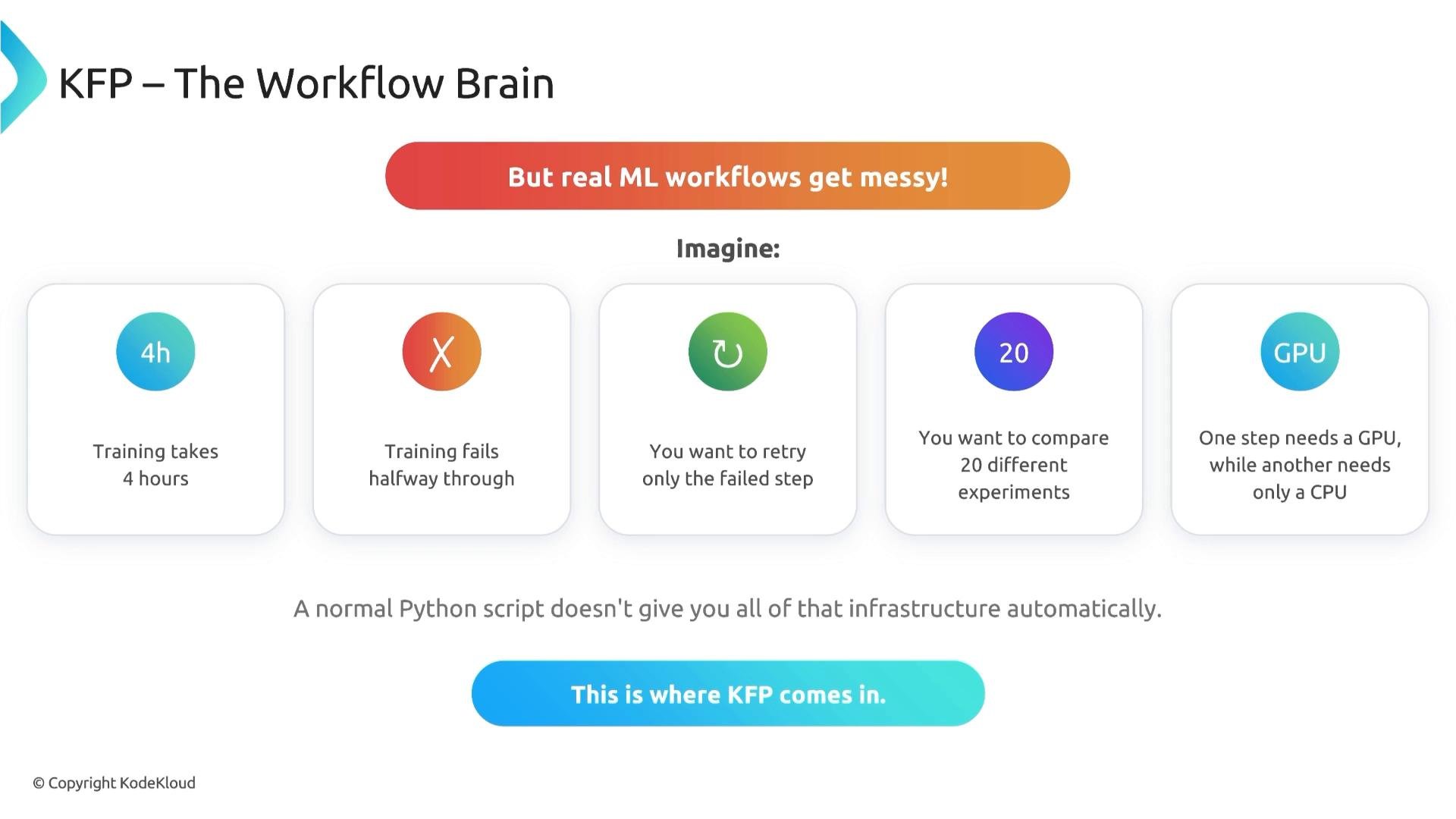
  • Local scripts are convenient for prototyping but don’t provide retries, resource scheduling, isolated environments, or experiment orchestration.
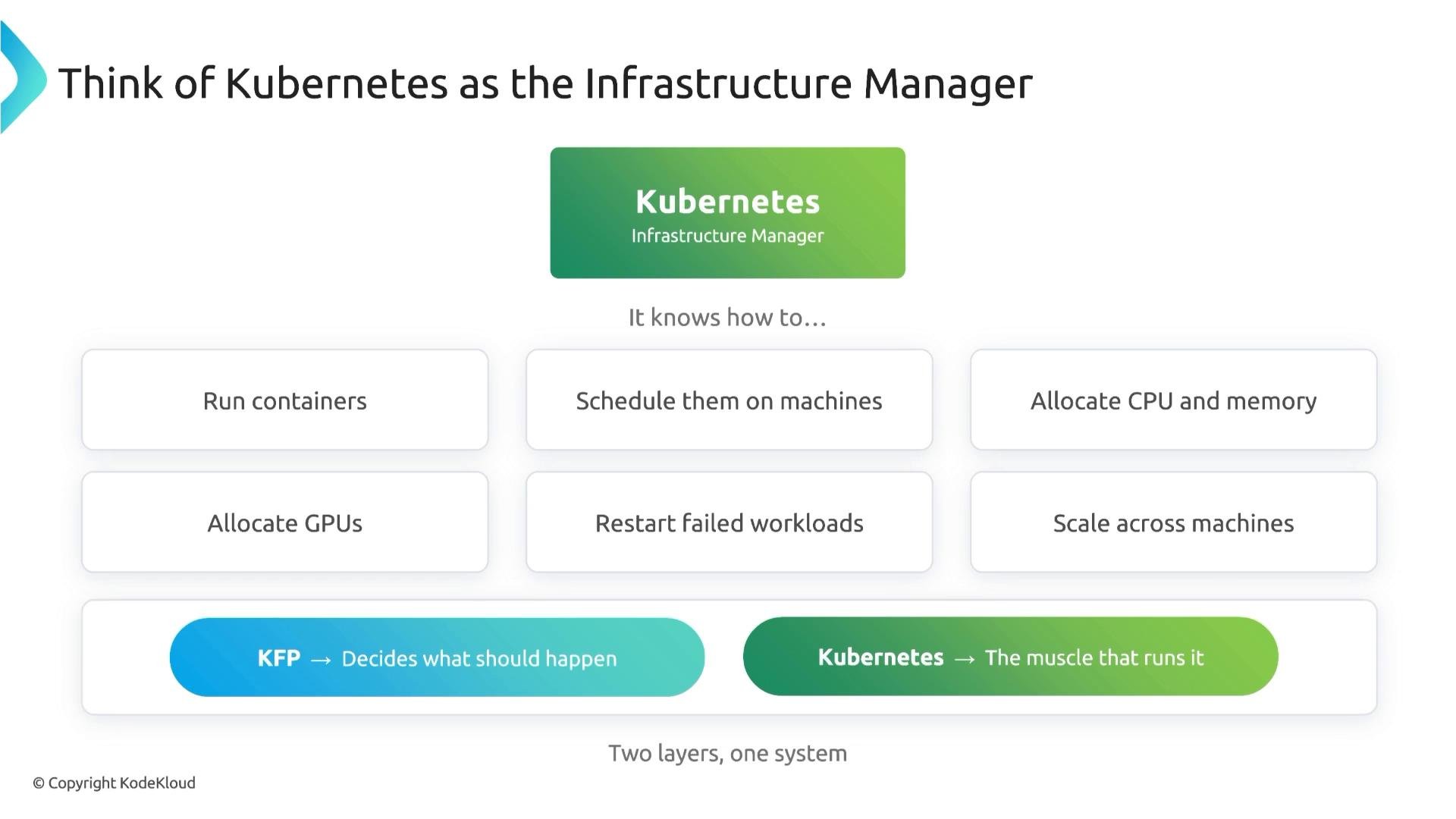
  • KFP turns Python functions into managed steps and delegates execution to Kubernetes, which runs containers on cluster nodes, allocates CPU/GPU, restarts failed workloads, and handles scaling.
Think of KFP as the conductor and Kubernetes as the infrastructure manager.
An infographic titled "KFP — The Workflow Brain" illustrating how real ML workflows get messy. Five tiles list issues: training takes 4 hours, training can fail halfway, you may want to retry only the failed step, compare 20 experiments, and handle steps requiring GPU vs CPU.
The conductor (KFP) defines what runs and when. Kubernetes runs the containers that execute each component’s code. The container image determines the execution environment — OS, Python interpreter, and preinstalled packages — so controlling that image is how you control component behavior and reproducibility.
An infographic titled "Think of Kubernetes as the Infrastructure Manager" that explains Kubernetes' role. It lists capabilities like running containers, scheduling them on machines, allocating CPU/memory/GPUs, restarting failed workloads, and scaling across machines.
From function to component
  • In KFP, components are the building blocks of a pipeline. You write Python functions and convert them into remote components with @dsl.component.
  • Each component executes in its own container created by the KFP backend as Kubernetes resources (pods, jobs, etc.).
Example — simple functions converted to components:
Making components self-contained
  • To improve portability, put imports inside the component function so the component clearly declares its runtime dependencies.
Where does that code run?
  • Each component runs inside a container image. Your local dev environment may differ from that image.
  • The image determines the Python version and OS-level libraries available to the component.
Base images and on-start installs
  • KFP’s @dsl.component supports a base_image parameter to specify the image (for example, python:3.10-slim).
  • You can also use packages_to_install to pip-install dependencies at component startup.
Example — specifying a base image:
Example — installing Python packages at startup:
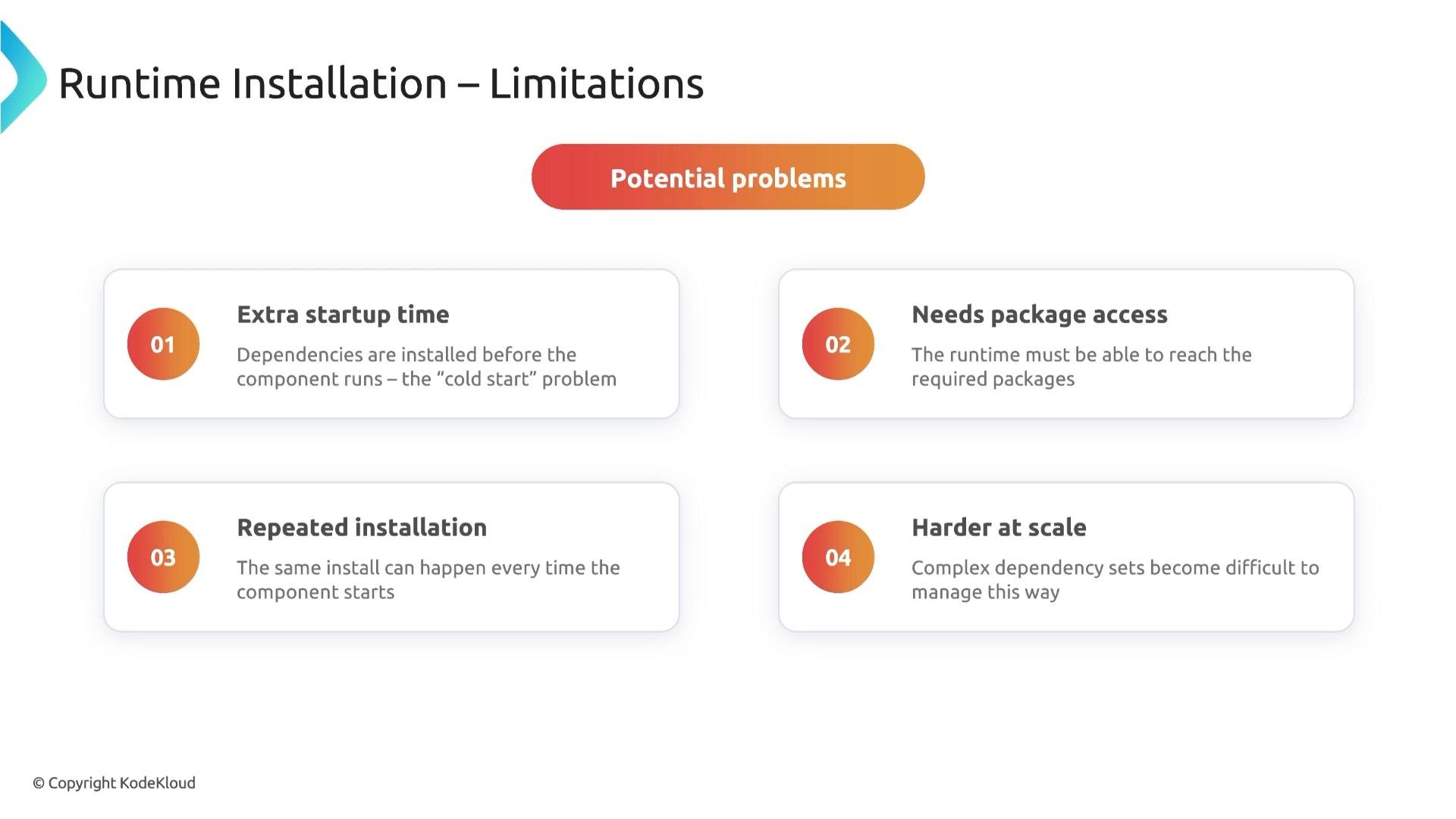
Runtime installation is convenient for quick prototyping. However, it has operational trade-offs.
A slide titled "Runtime Installation – Limitations" that lists four potential problems: extra startup time, needs package access, repeated installation, and harder at scale. It shows numbered circular icons with short explanations under a "Potential problems" banner.
Use base_image and packages_to_install for rapid prototyping. For production or large-scale pipelines, build a custom image with your dependencies preinstalled to reduce cold-start times and improve reproducibility.
Comparing approaches Tips for building custom images
  • Start from an official base (e.g., python:3.10-slim) and install system libs first (apt packages) before Python packages.
  • Pin package versions in requirements.txt and build image in CI to ensure reproducibility.
  • Push images to a registry accessible by your Kubernetes cluster (e.g., Docker Hub, GCR, ECR, or a private registry).
  • Use multi-stage builds to reduce final image size and include only necessary runtime artifacts.
Example Dockerfile (conceptual)
Key takeaway
  • Customizing the component image gives you control over the runtime environment. For prototypes, use base_image plus packages_to_install. For production or large-scale scenarios, build and maintain custom images to reduce startup time, ensure dependency reproducibility, and simplify operations.
Links and references

Watch Video